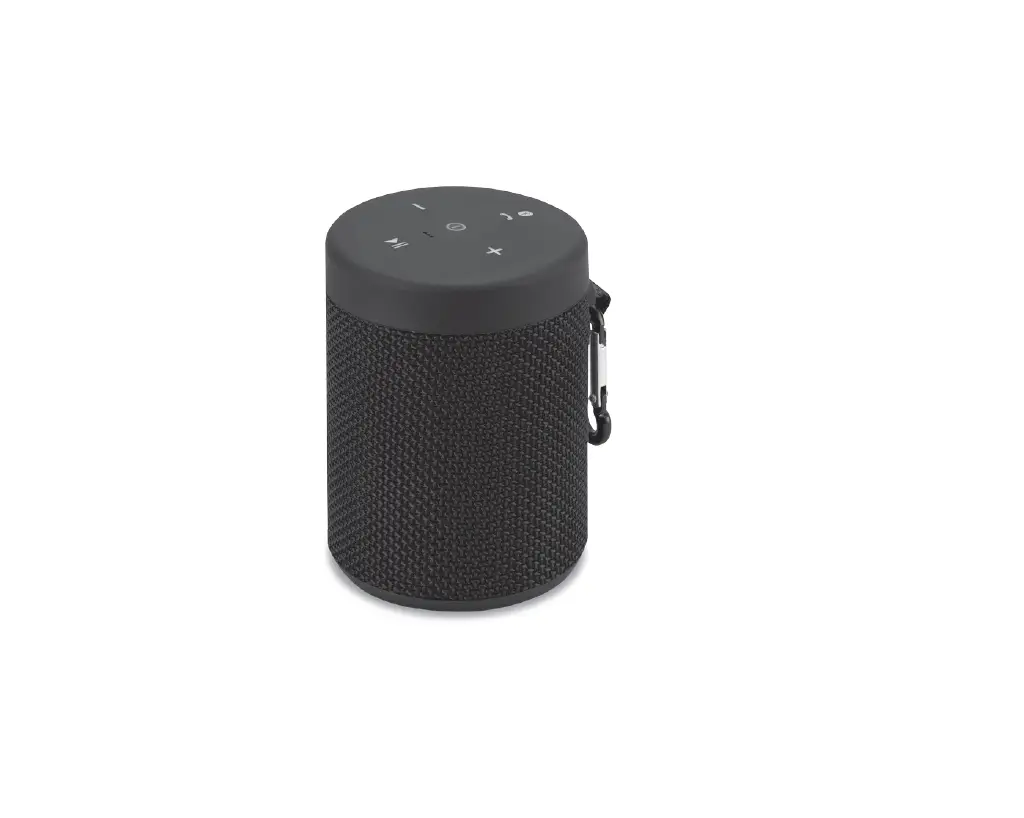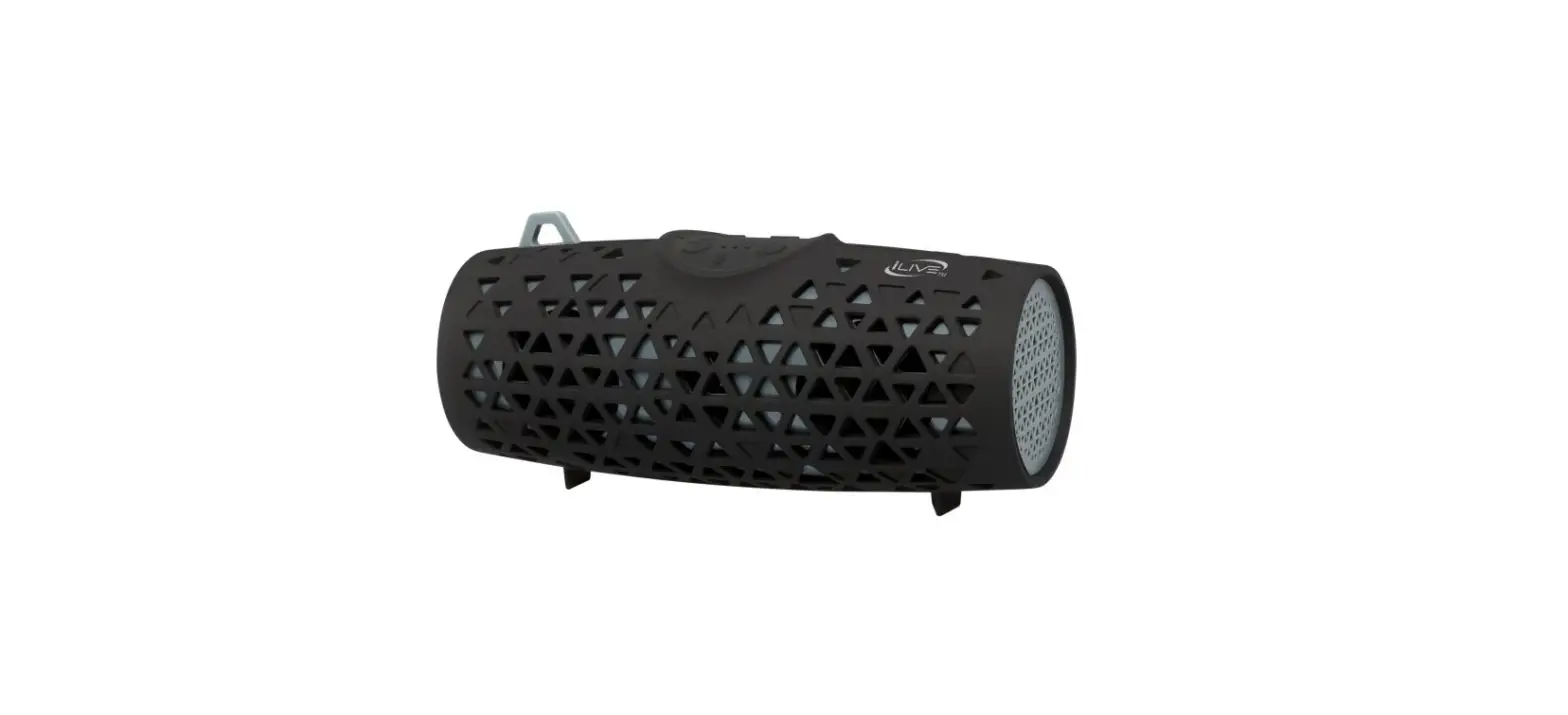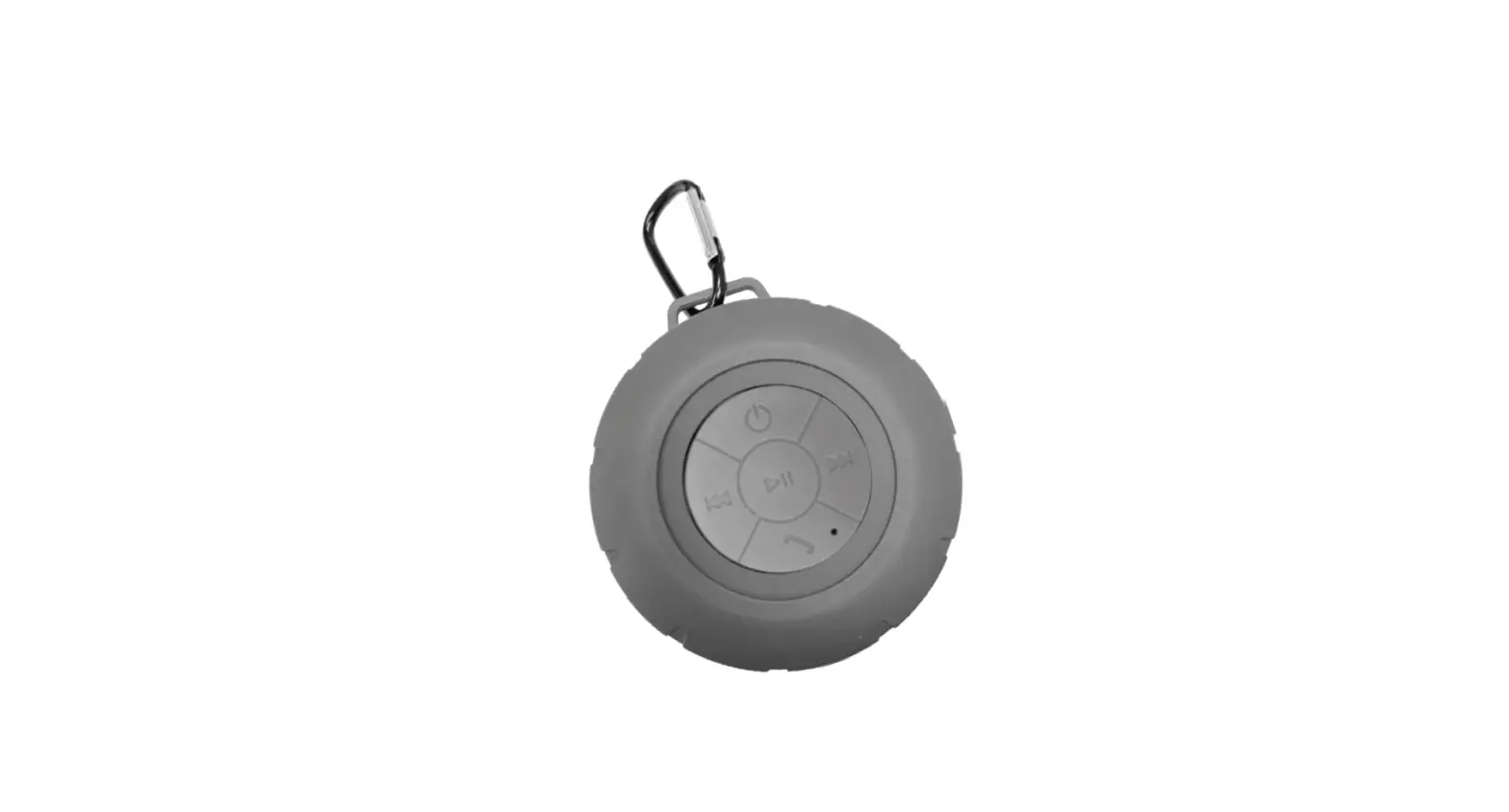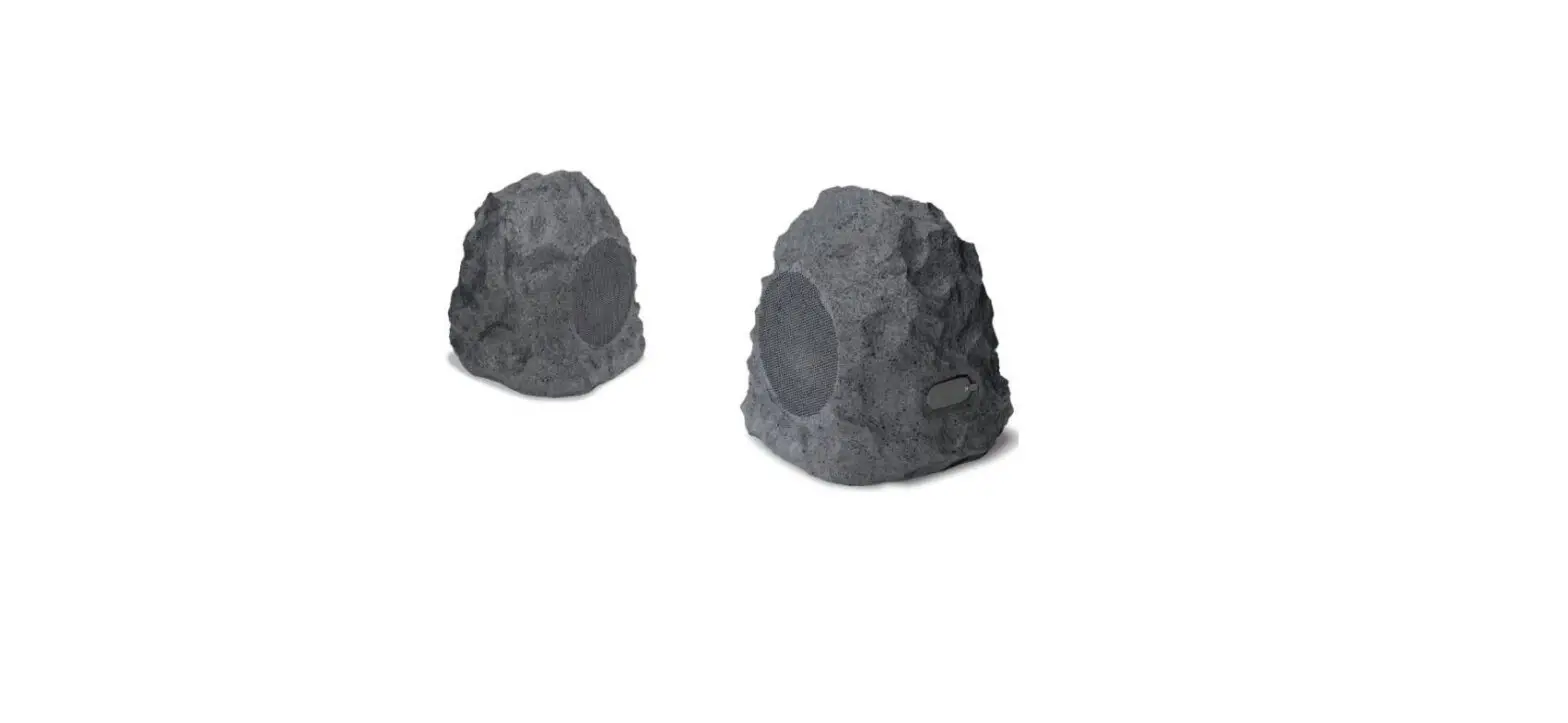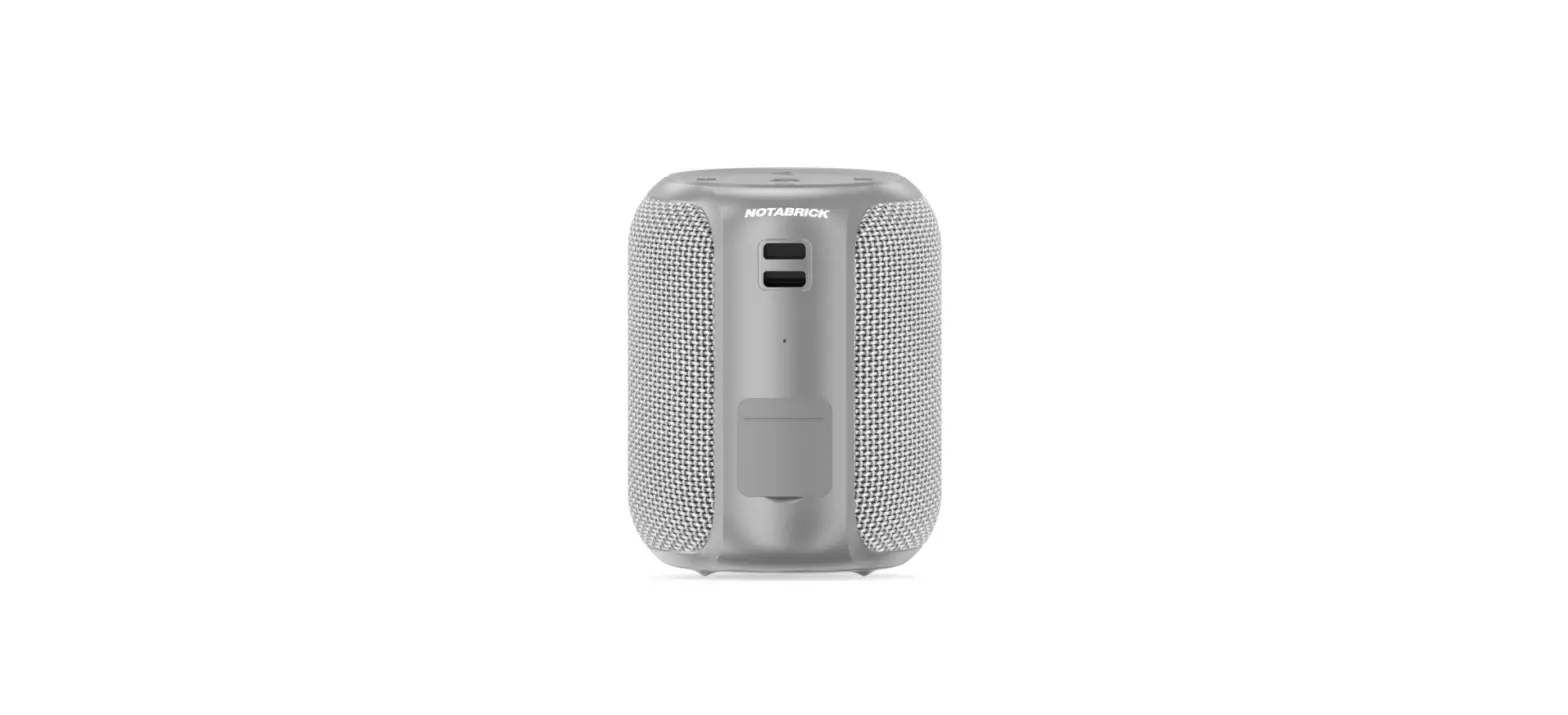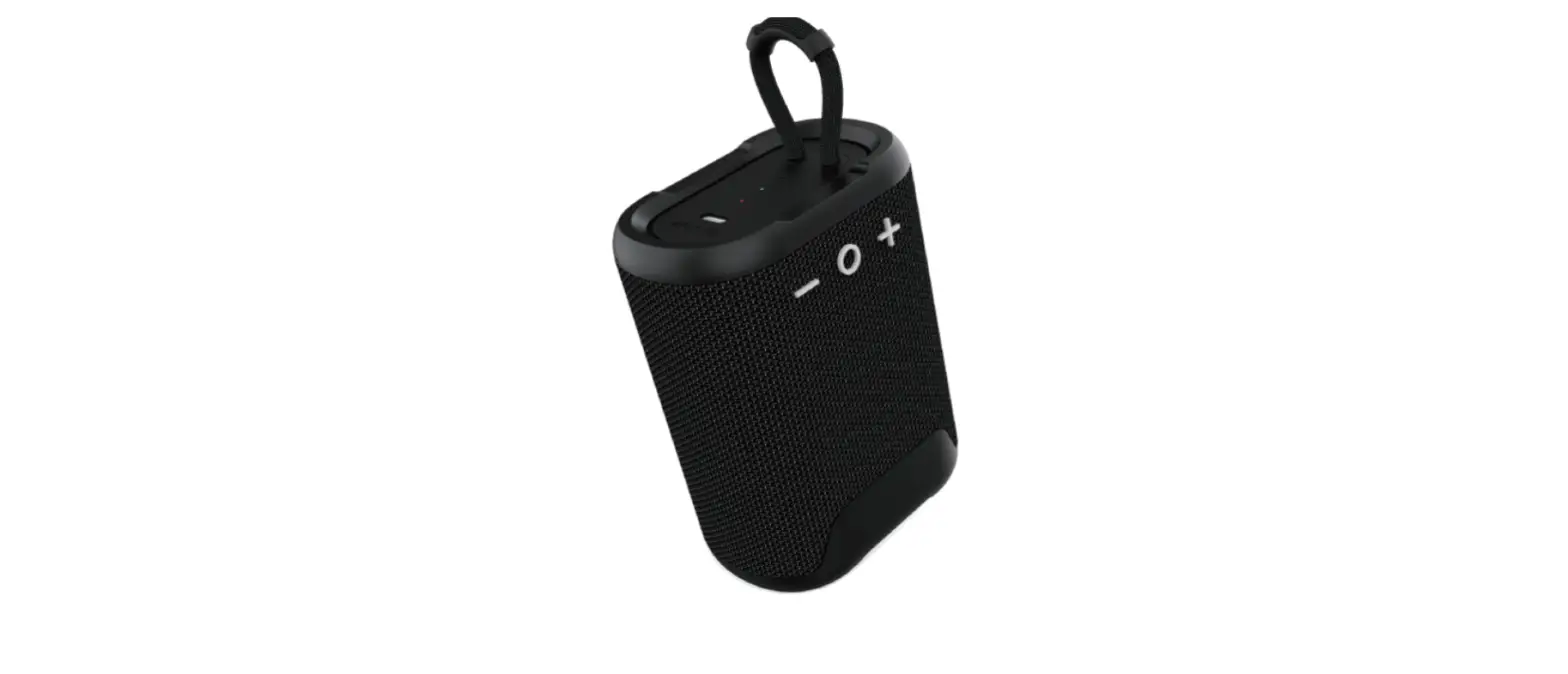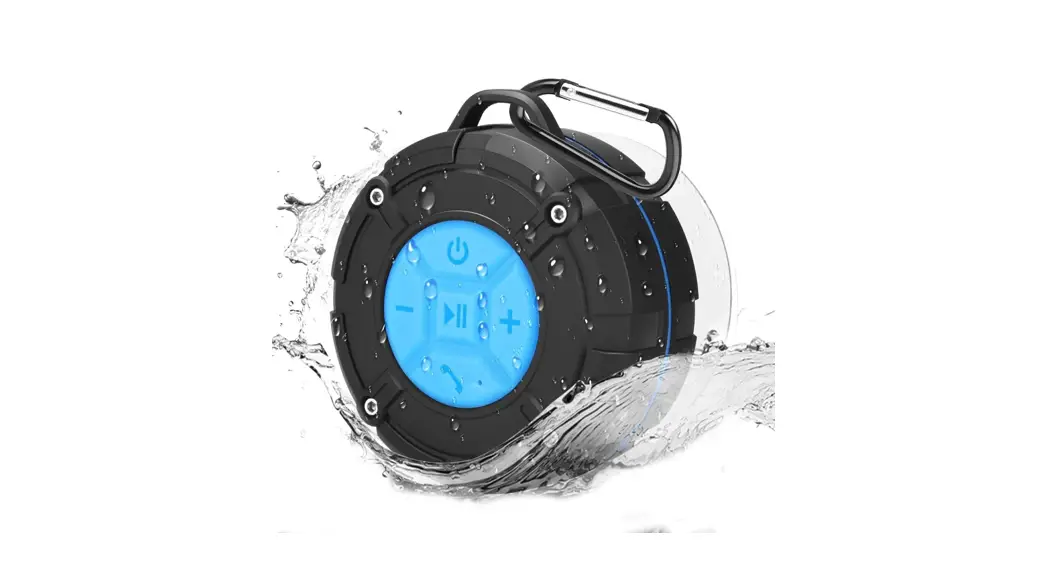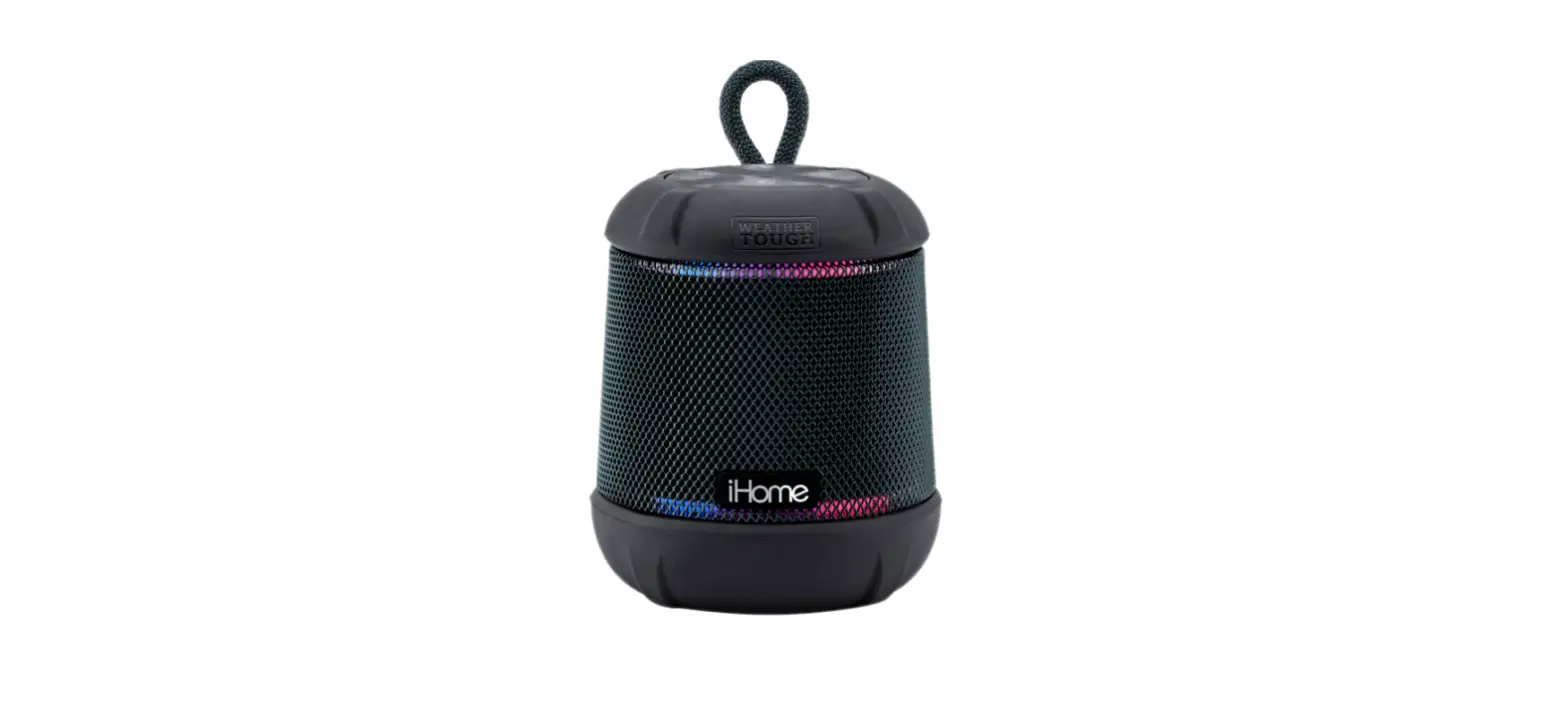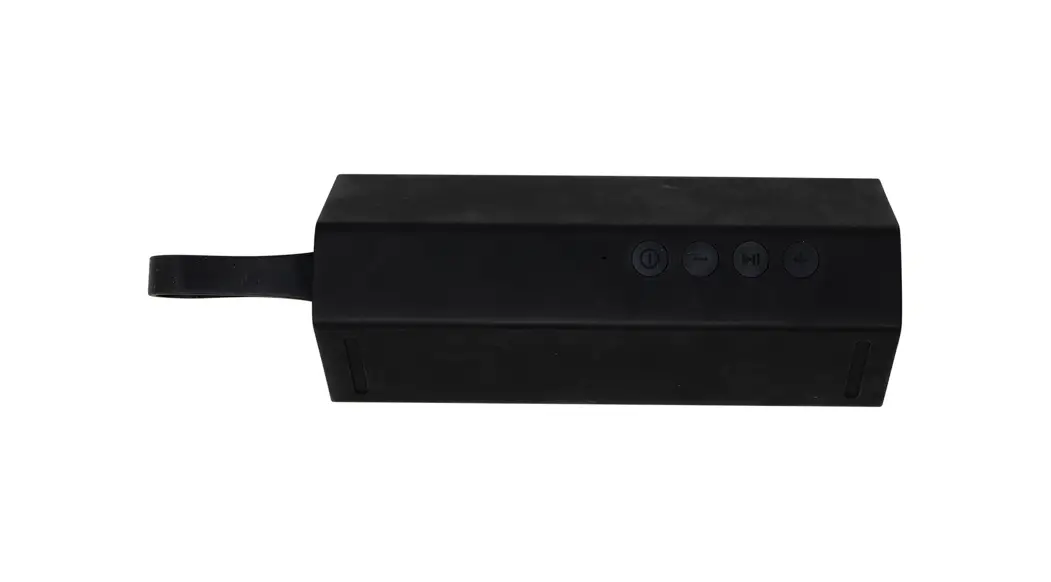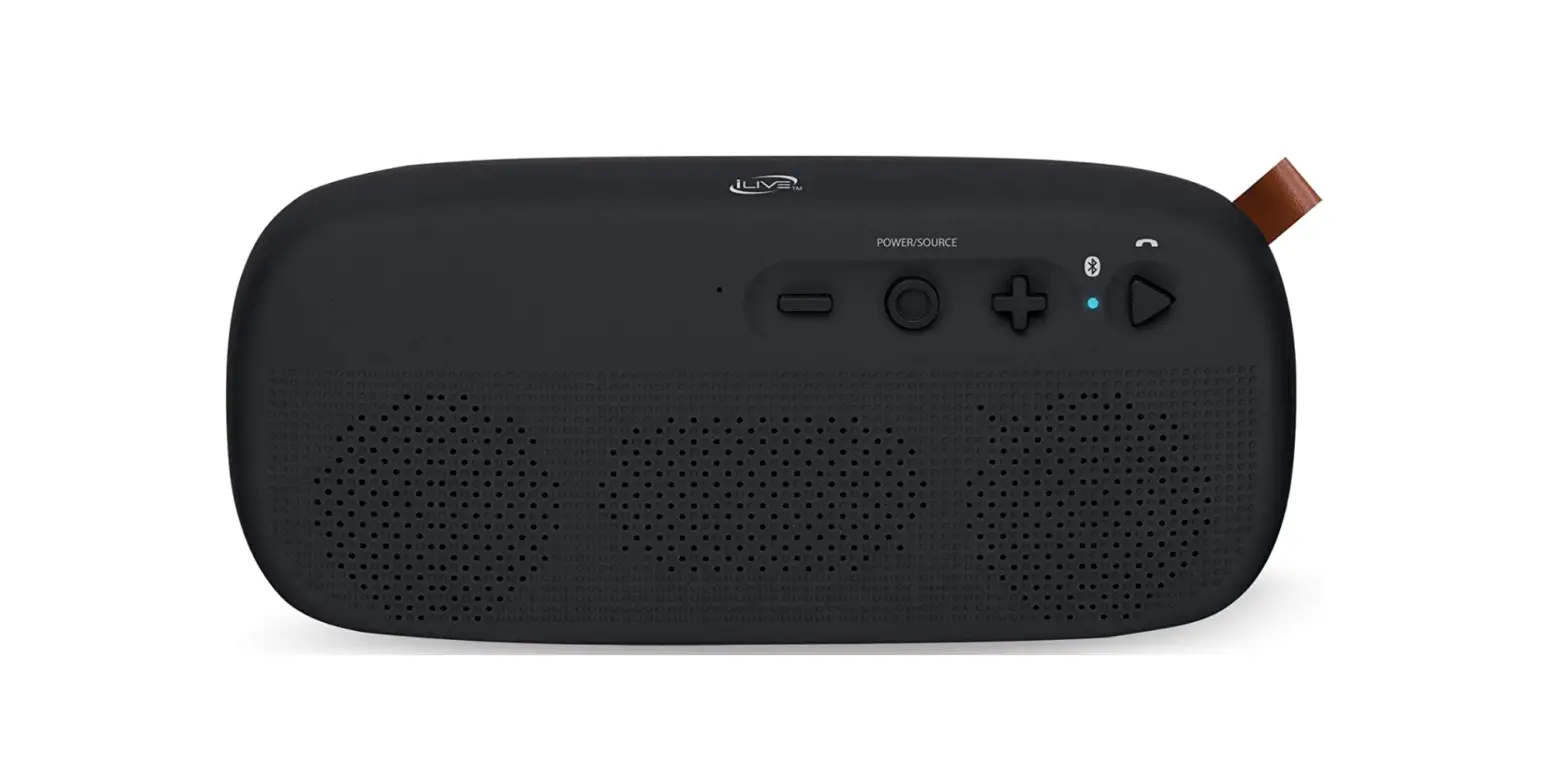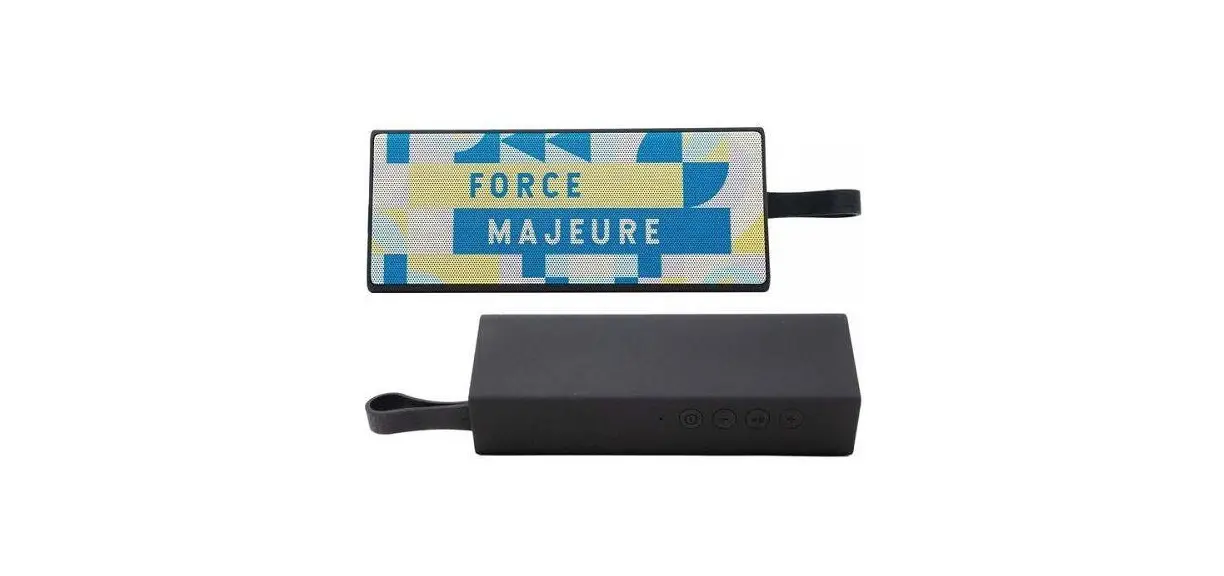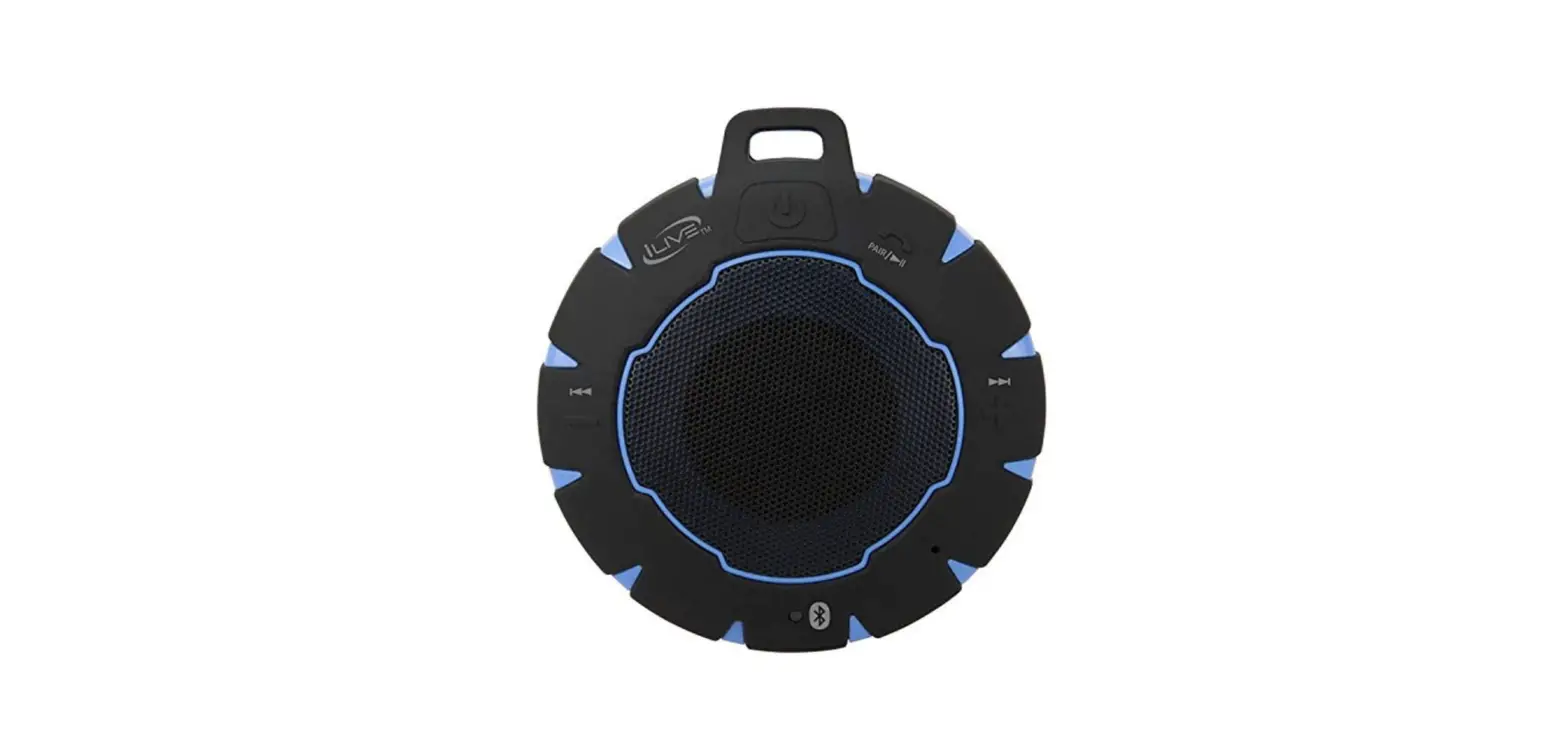

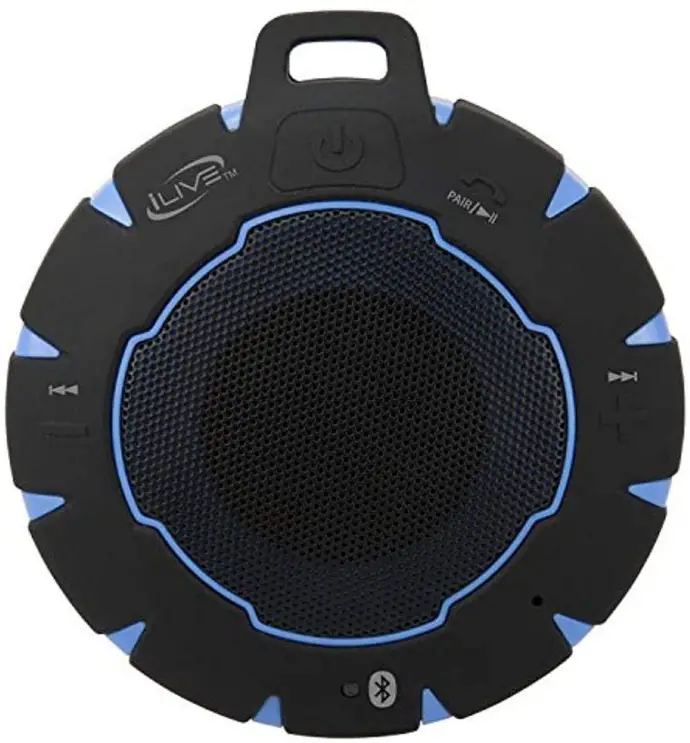
ILive iSBW157BU Waterproof Wireless Speaker
Features
- Bluetooth wireless: range 60 ft.
- Shock proof
- Rubberized coating
- DC battery power – built-in rechargeable
- Battery: 8 hrs. playtime at 50% volume\
Includes
- USB charging cable
- Carabiner
- User’s Guide
Waterproof Rating – IP66
- Complete protection from dust, oil, and other noncorrosive material.
- Complete protection from contact with enclosed equipment.
- Protection from water, even from powerful jets of water.
- Equivalent to NEMA rated 4 and 4X enclosures
Overview
IMPORTANT
To ensure your speaker is prepared for use in a wet environment, disconnect and remove any power cables, and tightly close the charging port water cap. If the water cap is not properly closed, water resistance will be compromised and could result in damage to the speaker or personal injury.
Charging the Battery
Initial charge time is approximately 2 hours. Charge fully before use.
- Using a Micro-USB to USB cable (included), connect to the USB port of a powered on computer or USB power adaptor (not included) to charge the unit.
| Power Status | Indicator Light |
| Low Battery Charging
Finished Charging | Flashing red light Solid Red light
No light |
Warning: Do not, under any circumstances, charge the speaker while it is in or near water. Allow ample time to dry before charging after use in water.
Pairing a Bluetooth Device
- Press and hold the Play/Pause/Speakerphone/ Pair button until the indicator light begins flashing blue. When pairing, remain within 3 feet of the unit.
- Using the controls on your Bluetooth device, select ISBW157 in your Bluetooth settings to pair. If your device requests a password, enter the default password 0 0 0 0 . Refer to the user’s manual for your specific device for detailed instructions on pairing to Bluetooth devices
- When successfully paired, an audible chime will sound and the LED indicator will change to solid blue. Audio from the connected Bluetooth device should now be heard through the speaker, see next section for playing music wirelessly.
After initial pairing, the unit will stay paired unless unpaired manually by the user or erased due to a reset of the device. Repeat these steps if your device should become unpaired or will not connect normally.
Playing Audio Wirelessly
- If the unit has already been paired to a Bluetooth device, use the controls on the connected device to select and begin playing audio.
- Use the controls on the speaker or the connected Bluetooth device to play/pause, adjust volume or skip audio tracks.
Using the Speakerphone
- To accept a call, press the Speakerphone button or use the controls on the connected phone.
- To end a call, press the Speakerphone button or use the controls on the connected phone.
- To re-dial the last dialed number, press the Speakerphone button twice.
FCC WARNINGS
Warning Changes or modifications to this unit not expressly approved by the party responsible for compliance could void the user’s authority to operate the equipment.
NOTE
This equipment has been tested and found to comply with the limits for a Class B digital device, pursuant to Part 15 of the FCC Rules. These limits are designed to provide reasonable protection against harmful interference in a residential installation. This equipment generates, uses, and can radiate radio frequency energy and, if not installed and used in accordance with the instructions, may cause harmful interference to radio communications. However, there is no guarantee that interference will not occur in a particular installation. If this equipment does cause harmful interference to radio or television reception, which can be determined by turning the equipment off and on, the user is encouraged to try to correct the interference by one or more of the following measures:
- Reorient or relocate the receiving antenna.
- Increase the separation between the equipment and receiver.
- Connect the equipment into an outlet on a circuit different from that to which the receiver is connected.
- Consult the dealer or an experienced radio/TV technician for help.
ADDITIONAL WARNINGS
- WARNING: Where the mains plug or appliance coupler is used as the disconnect device, such disconnect device shall remain readily operable.
- NOTE: This device uses an internal rechargeable lithium-ion battery that should last the lifetime of the device. If you suspect your battery may be dead after several attempts to charge, please contact 1-888-999-4215 for support.
- Never disassemble the unit or attempt to remove the battery as that could cause leakage of an electrolytic substance.
- Lithium batteries, like all rechargeable batteries, are recyclable and should be recycled or disposed of according to state and local guidelines. They should never be disposed of in normal household waste, and they should never be incinerated, as they might explode. Contact your local government for disposal or recycling practices in your area.
- WARNING: This product may contain chemicals known to the State of California to cause birth defects, or other reproductive harm (California Prop 65). Wash hands after handling.
- This product meets and complies with all Federal regulations.
Contact Information
- Website: iLiveElectronics.com
- Email Support: [email protected]
- Email Parts: [email protected]
- Phone Support: 1-888-999-4215
Warranty For Warranty Information and the most up-to-date version of this User’s Guide, go to: www.iLiveElectronics.com
Frequently Asked Questions
If you press and hold the button in the top right corner (to the right of the power button), it starts looking for other devices to pair with.
To get the speaker to recognise your phone, you may occasionally need to switch off Bluetooth on your phone. Additionally, be careful to press the speaker’s pair bottom.
3 to 2.5 hours Since it is not listed under my Bluetooth devices on any of the devices it is connected
We were unable to come up with a solution. When you receive the notice that your battery is low, we just make sure to charge it rather quickly.
Connect the USB charging cord to the DC Power Input on the speaker, a running computer or USB power adapter (not included), and a regular power outlet to charge the internal battery. The average charging time is four hours.
Speakers not functioning properly
Verify that the speaker’s power wire and audio out cord are firmly plugged in and are not torn or frayed. If they are, you should, if you are able to, carefully solder the wires back together. If not, you’ll probably need to have the device’s speakers replaced.
Press to start or stop a track (BLUETOOTH, USB). To turn the LED lights ON or OFF, press twice.
“White noise” » Turning the speaker ON and OFF again Speaker is still not working correctly. To return to factory settings, depress the Alexa Mute button for 10 seconds. Visit www.iLiveElectronics.com for warranty information and the most recent version of this user manual.
Hold the Power button down for nine seconds to turn the device on and start pairing. At that point, a voice will say “Bluetooth is connecting,” and the indicator will start rapidly flashing blue. When pairing, stay 3 feet or less away from the device. Select ISB19 in the Bluetooth Settings to pair using the controls on your Bluetooth device.
When your battery is low (for instance, two out of four lights), medium (three out of four lights), or full, the battery status indicator on top of your product will let you know (all 4 lights). By depressing the volume control knob close to the top of the speaker, you may also verify this while the recording is being played back.
Modern batteries have sophisticated sensors that prevent overcharging, but this does not guarantee that leaving the battery hooked into the charger won’t harm it. One charging cycle is finished when a battery is fully charged; a battery can only be fully charged a certain number of times before it is irreparably harmed.
Yes. Without endangering the battery, you can use your Bluetooth speaker while it is charging. When using the speaker for the first time, you should fully charge it while it is off so that you may check the battery life.
The problem arises if you do it frequently. A lithium-ion battery may suffer long-term consequences of this. Therefore, you should refrain from doing that to protect battery life. This means that it is not a good idea to leave a wireless speaker charging over the course of every day of the week.