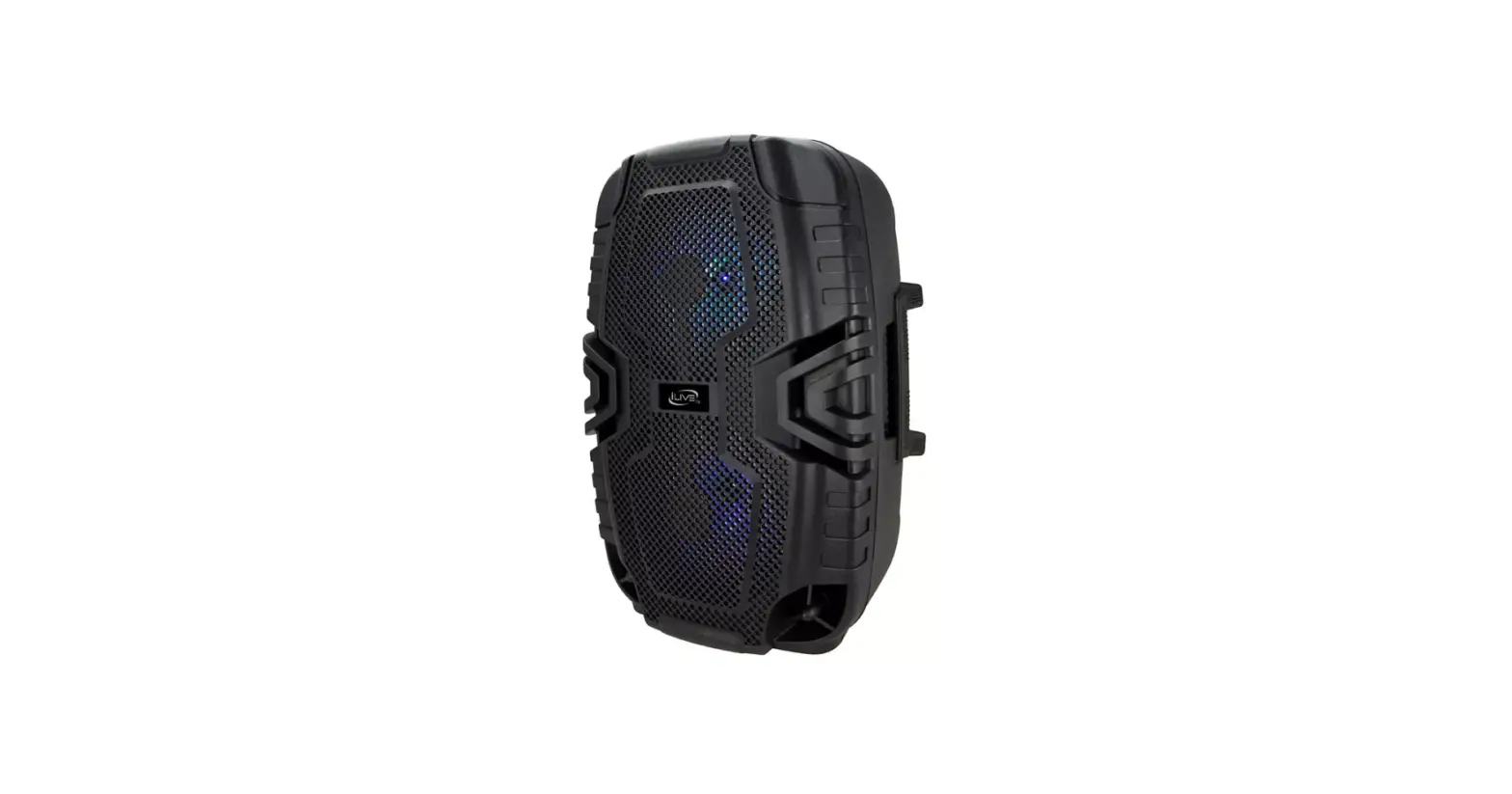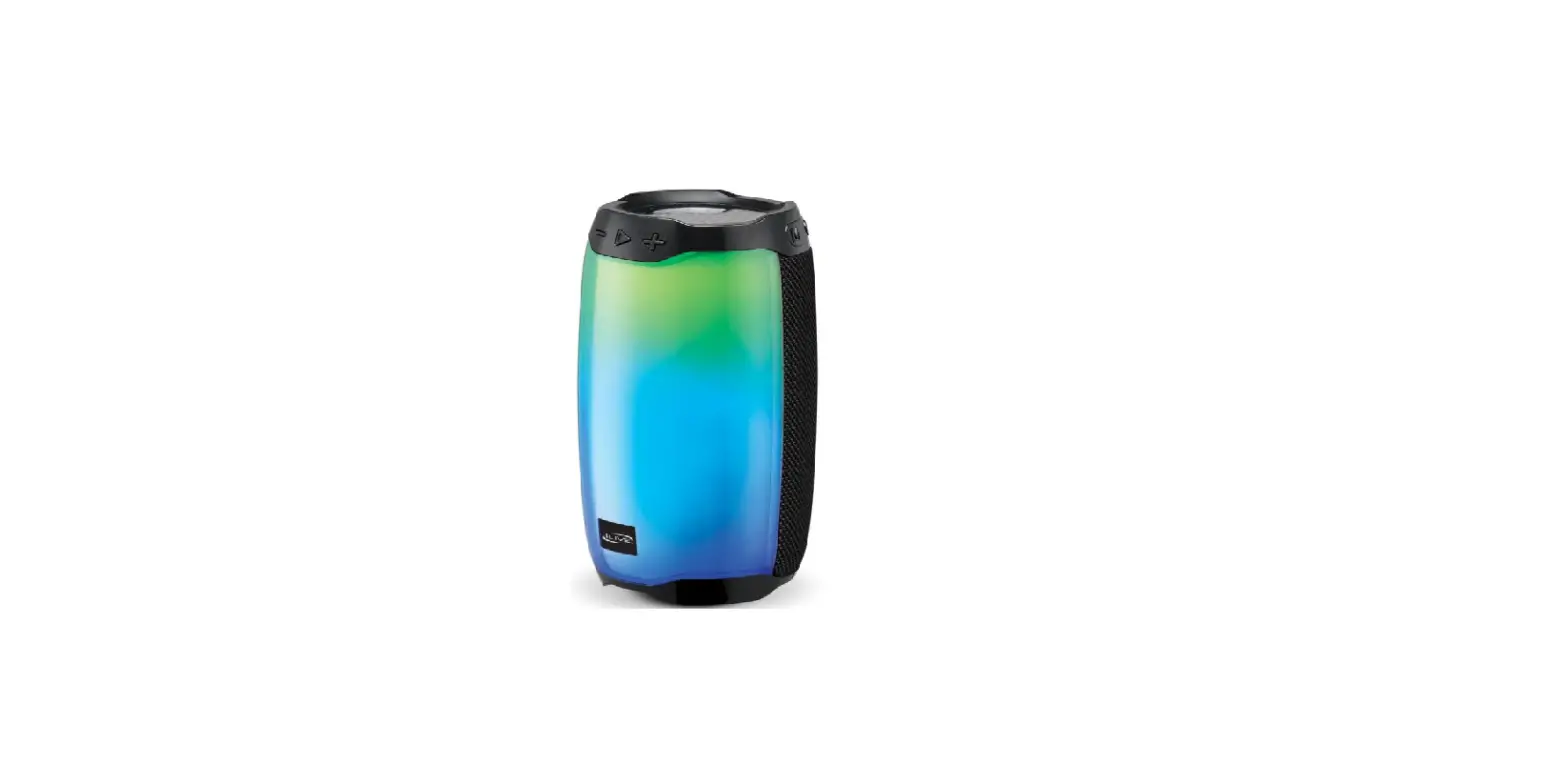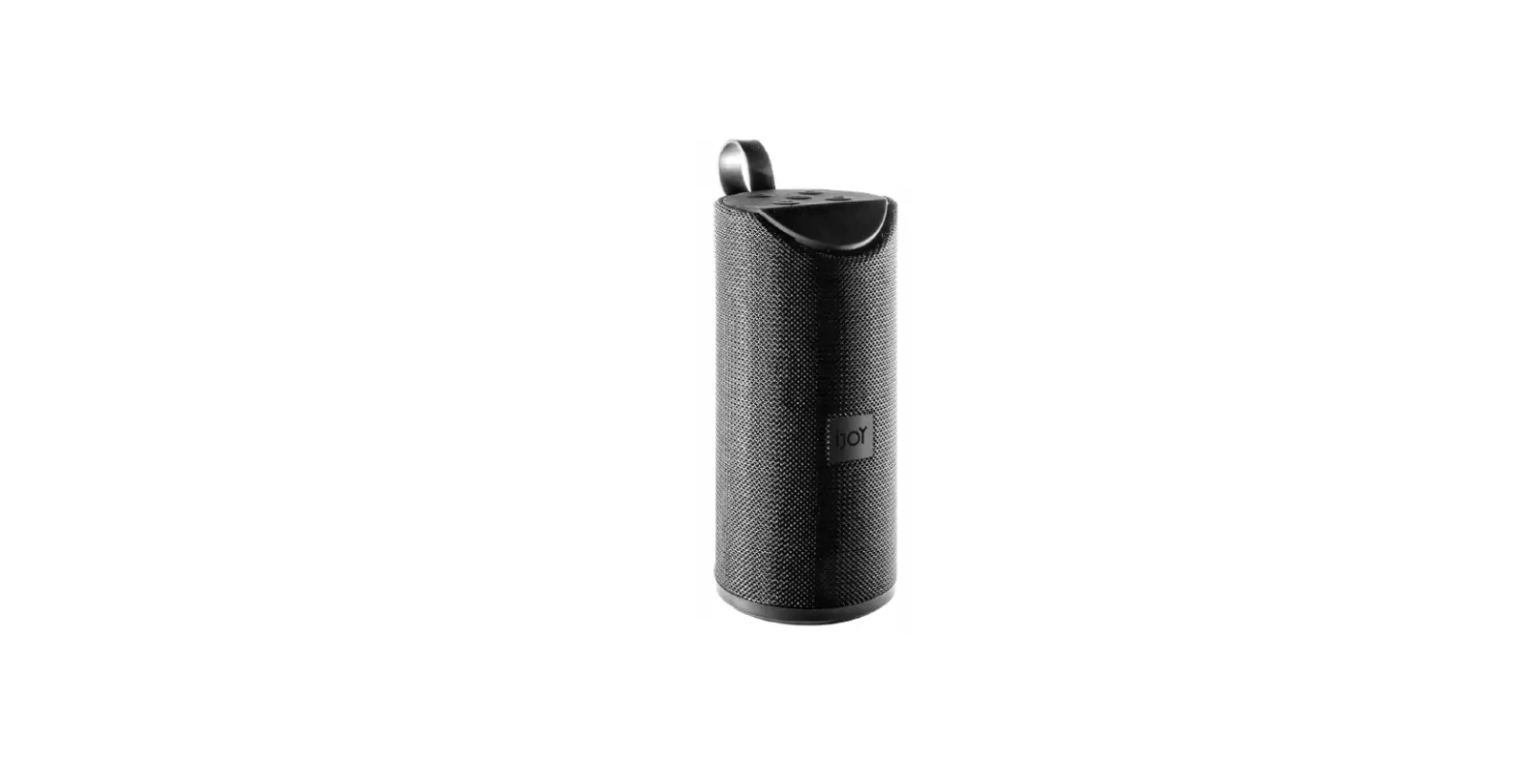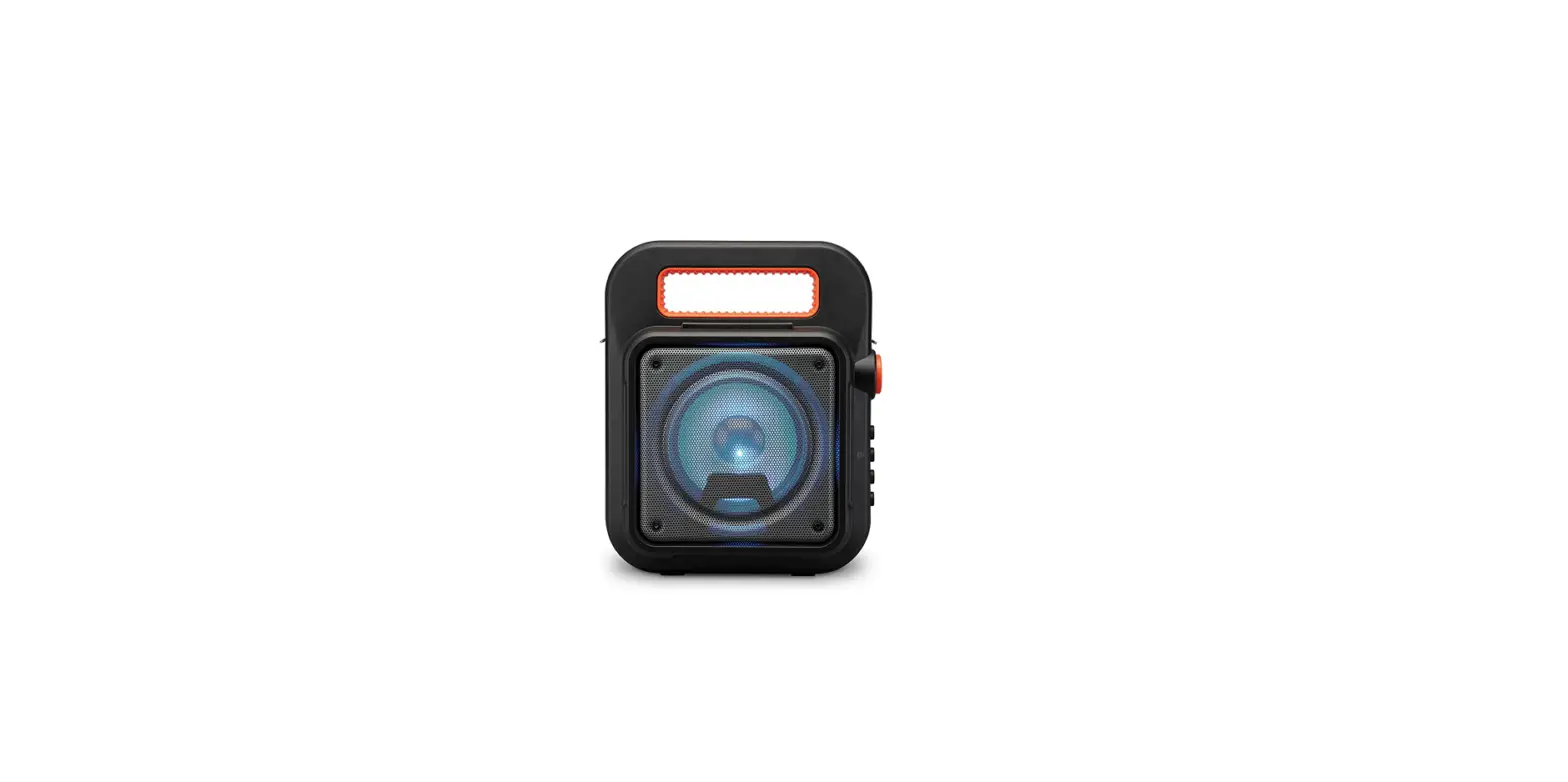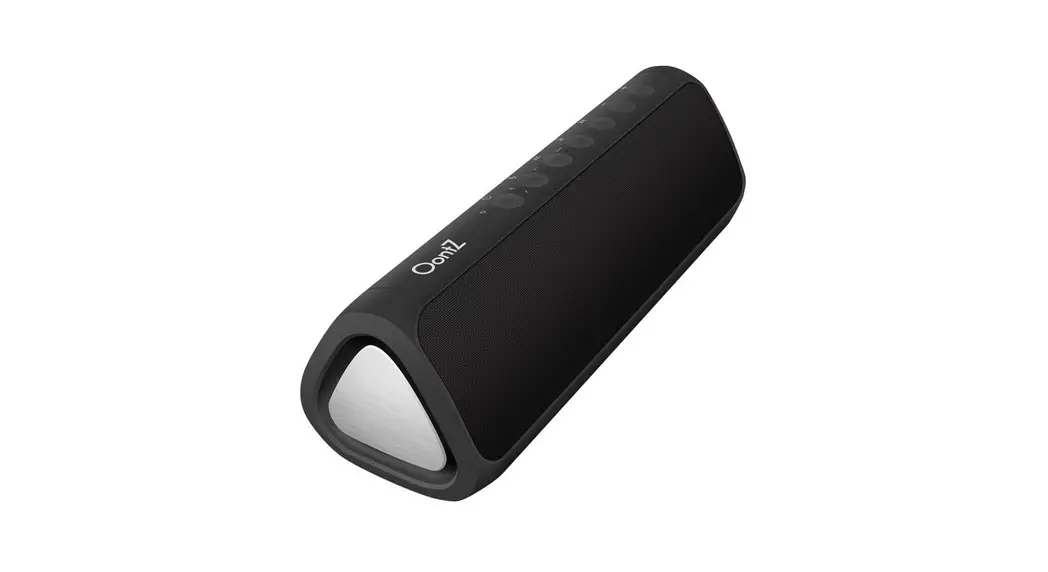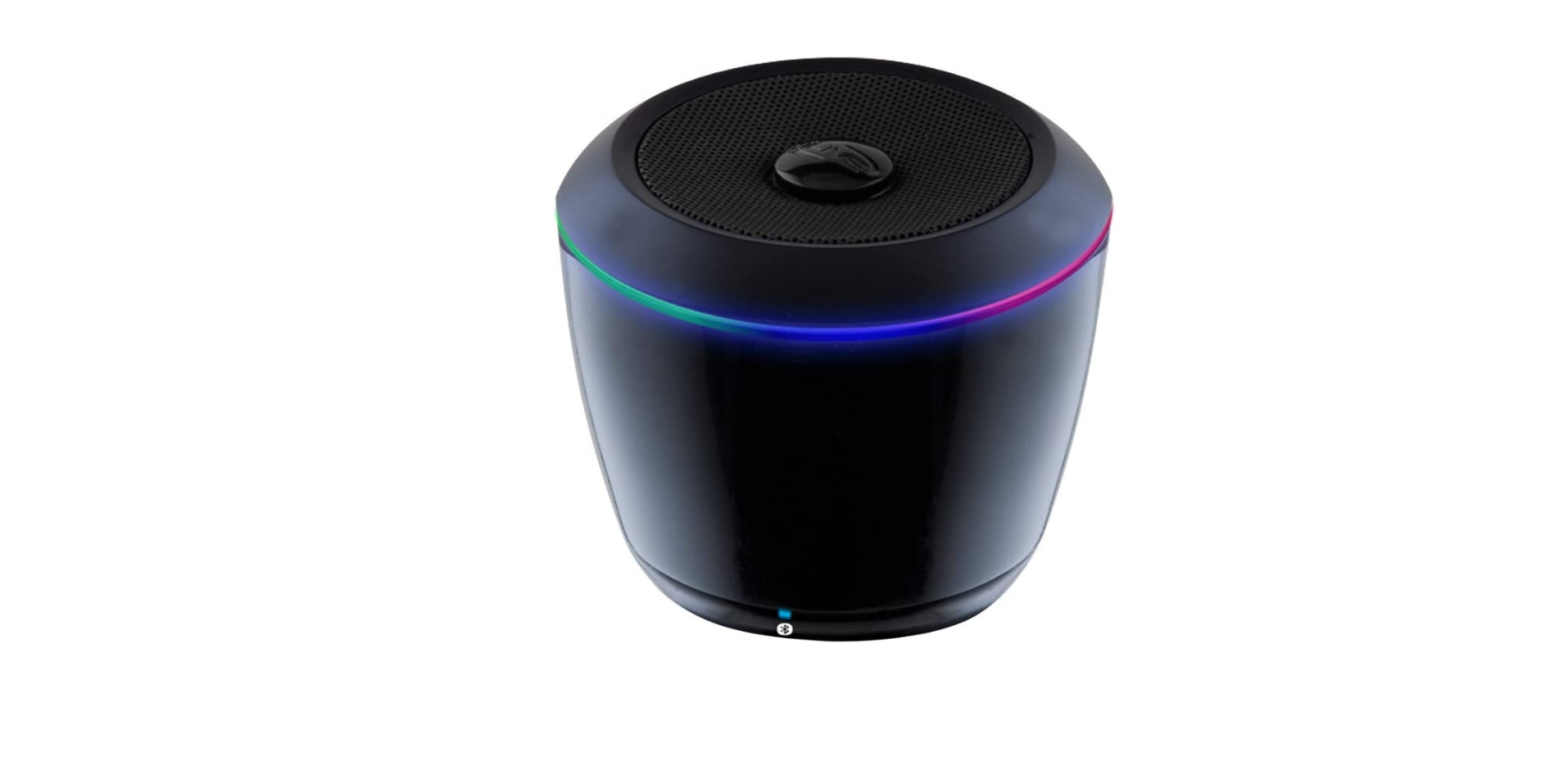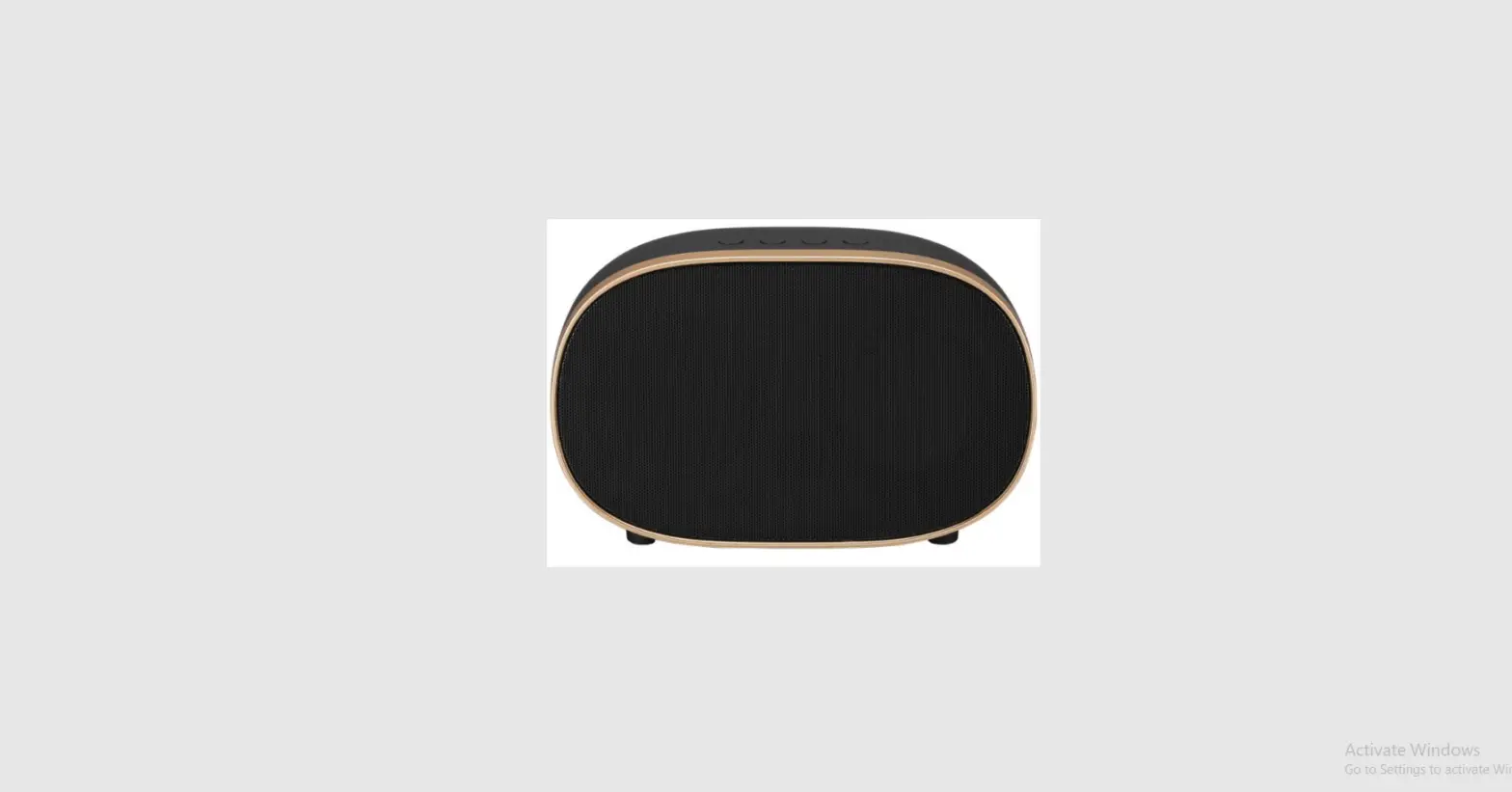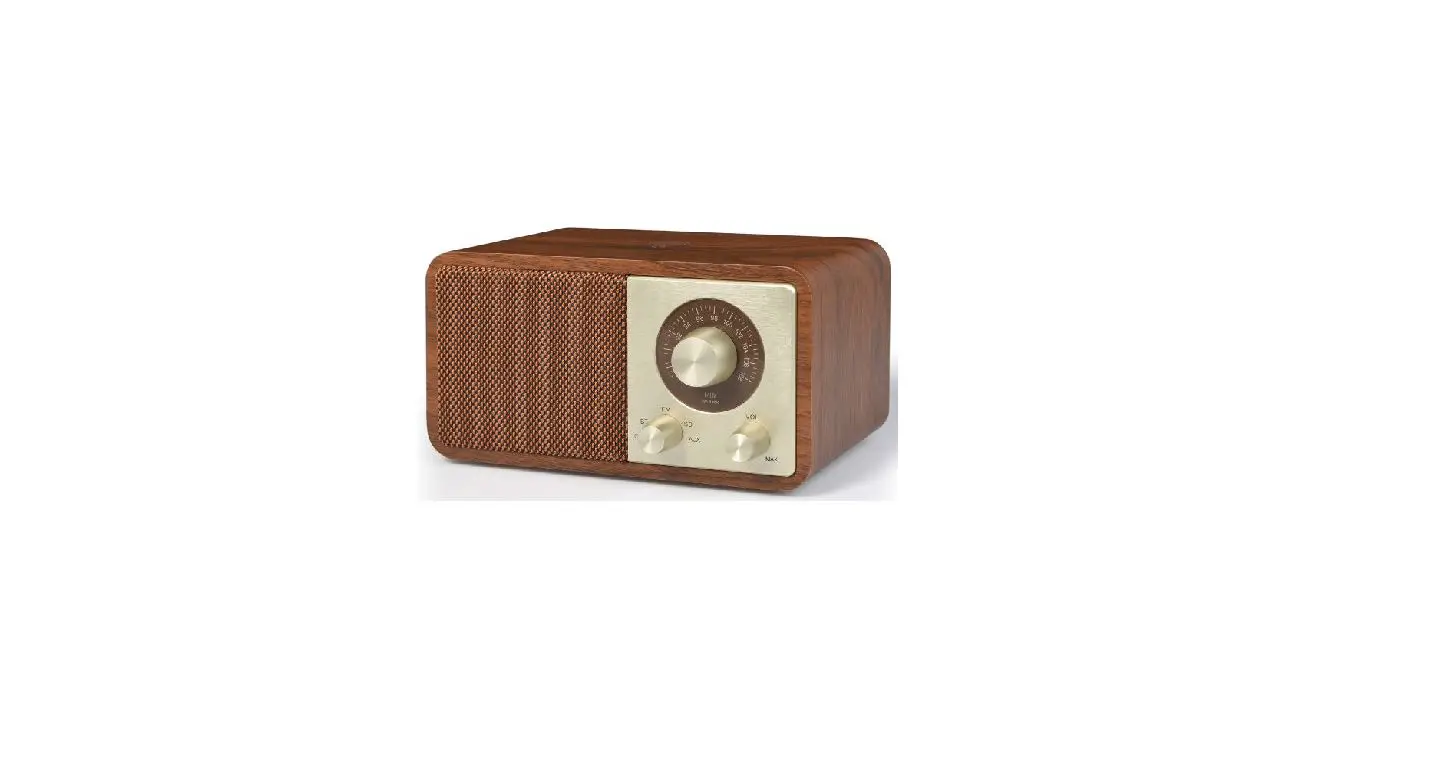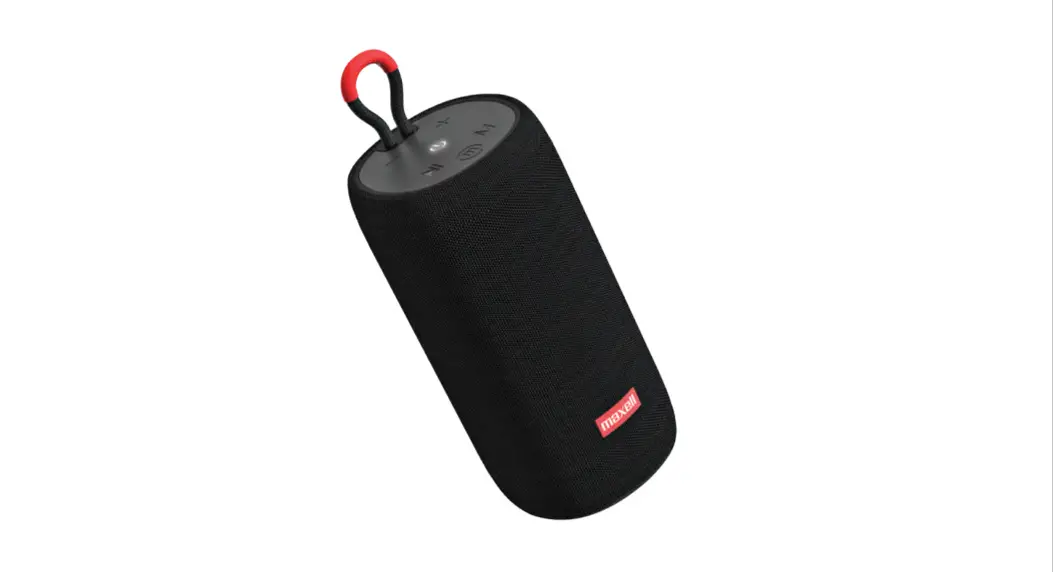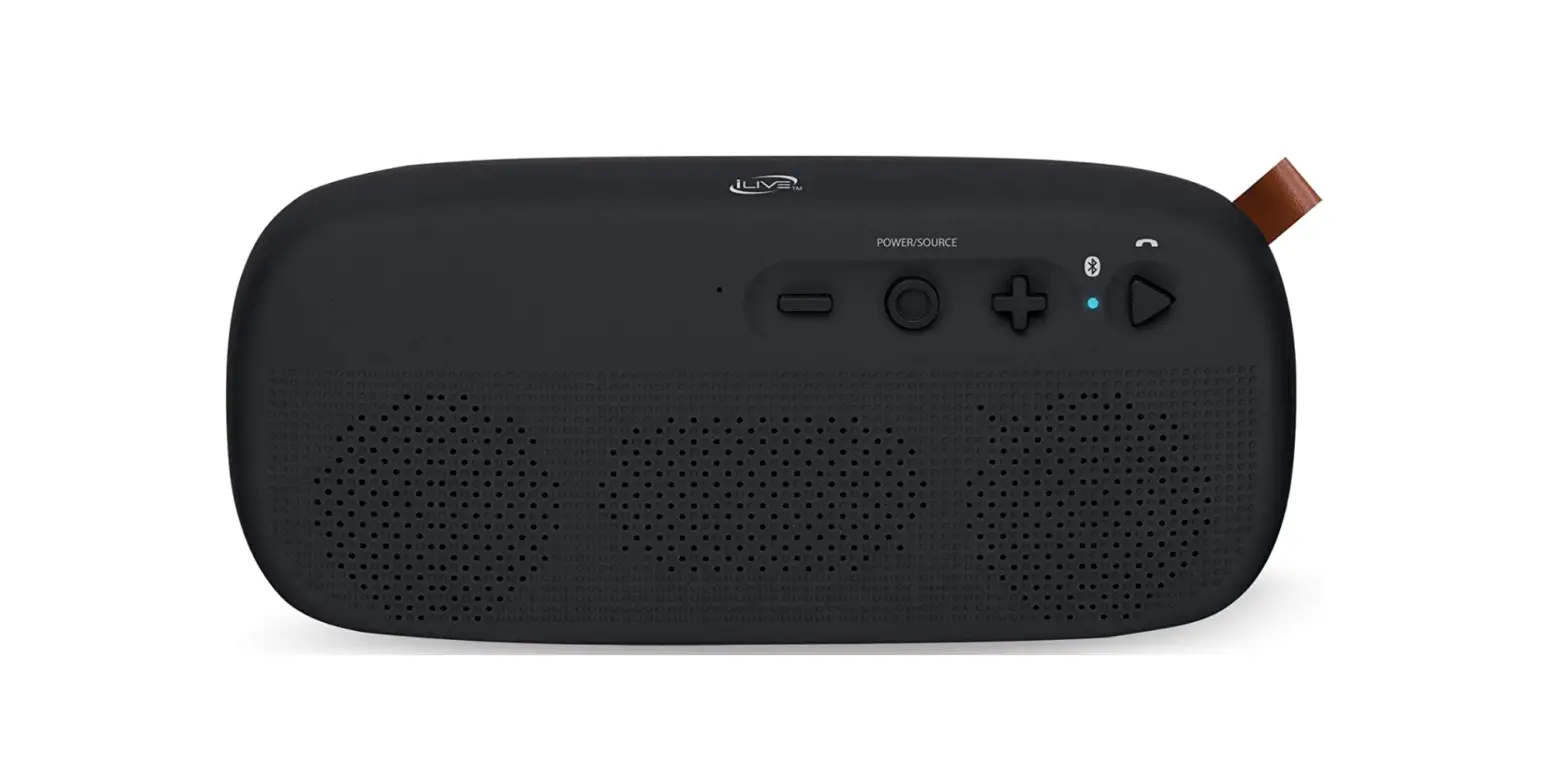

ILive ISBW249B Resistant Wireless Speaker
Specifications
- Model Name: Water Resistant
- Speaker Type: Portable, Water Resistant
- Connectivity Technology: Bluetooth, Auxiliary, USB
- Mounting Type: Plug Mount, Freestanding
- Product Dimensions: 27 x 1.8 x 3.82 inches
- Item Weight: 3 pounds
What’s in the box?
- 5mm Audio Cable
- Micro-USB to USB Cable
- Warranty
- User’s Guide
Product Descriptions
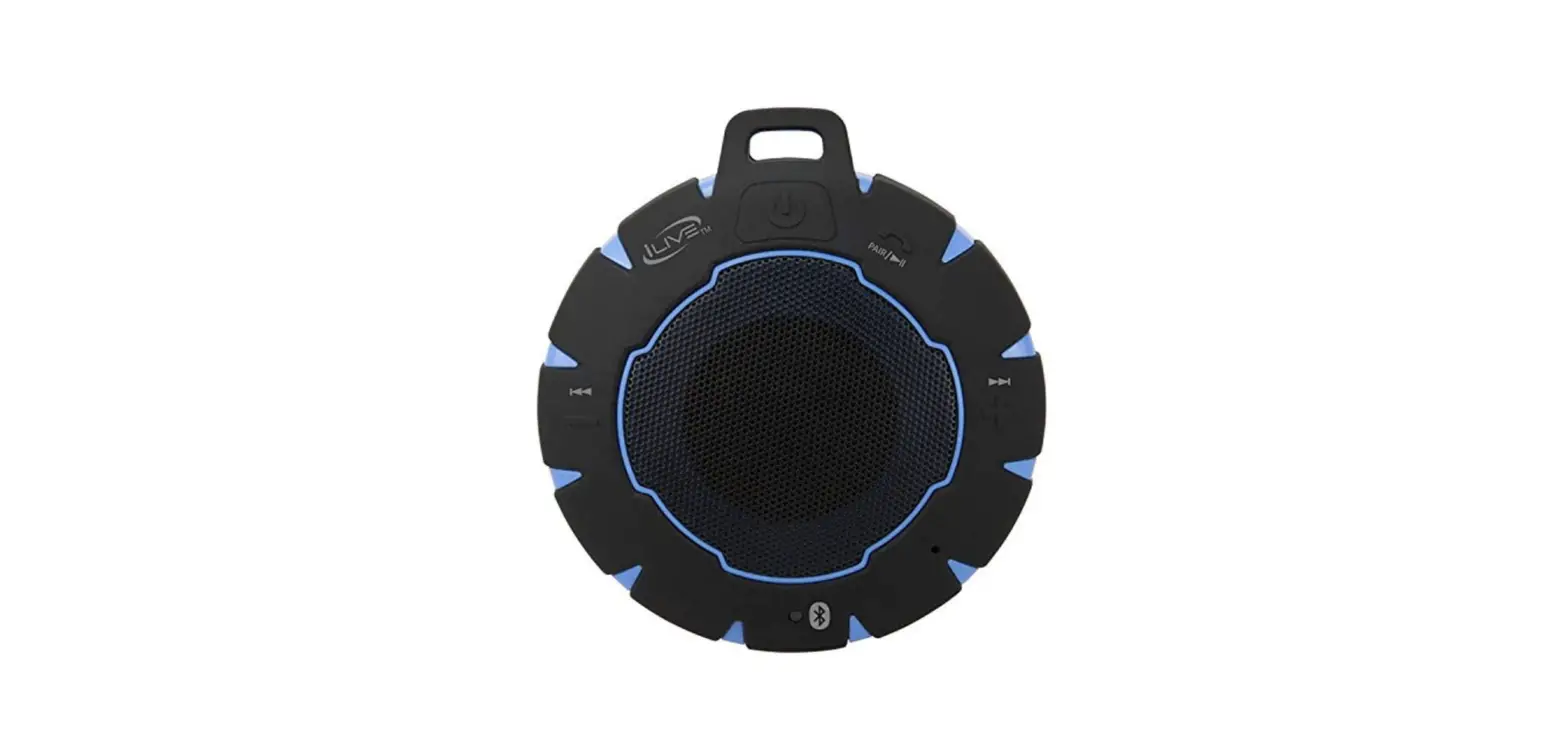
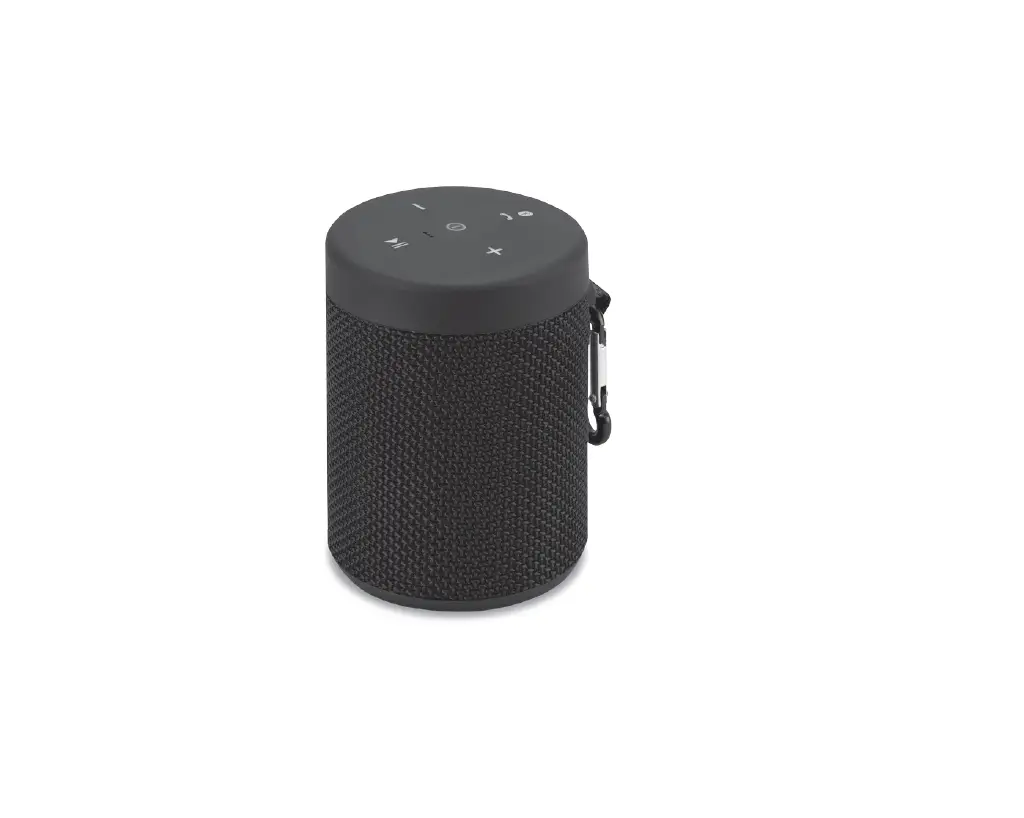
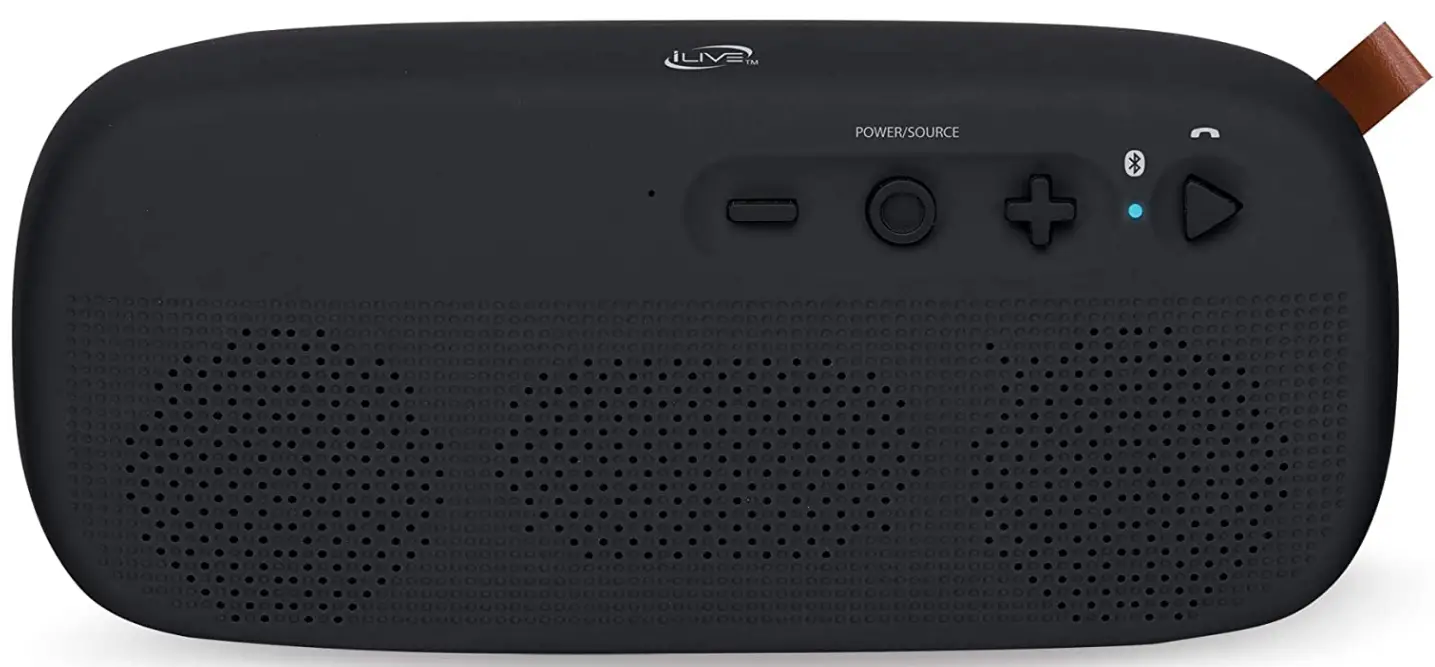
This rubberized water resistant (IPX4) speaker is functional and offers a variety of playing options, allowing you to bring your favorite music along on any expedition. You’ll always be able to play your favorite tunes through the in-built stereo speakers thanks to Bluetooth, aux in, USB, SD, and FM radio. Additionally, the speaker features built-in controls for play/pause, forward/backward, and volume. The faux leather tab, rubberized finish, and simple buttons provide a modern twist on the classic portable speaker design. Products from iLive provide fascinating, cutting-edge features with dependably high quality and affordable prices.
Features
- Water-resistant portable Bluetooth speaker with IPX4 rating
- Supports automated device reconnect while speech prompts proclaim speaker functions such as speakerphone, FM scan, and aux in (3. 5mm audio input).
- Built-in rechargeable battery with a six-hour runtime at 50% of the volume
- 5mm audio cable, a Micro-USB to USB cable, and an instruction manual are included.
Note
Products with electrical plugs are made with American consumers in mind. Because outlets and voltage vary from country to country, this device might need an adapter or converter to be used where you are travelling. Before buying, kindly verify compatibility.
Warranty and Support
90 days warranty, you can get in touch with the manufacturer directly or find out more information on their website if you’d want a copy of the warranty for a product you saw on Amazon.com. Manufacturers’ warranties might not always be applicable, depending on things like how the product is used, where it was bought, and who sold it to you. If you have any issues, please read the guarantee, and then get in touch with the seller.
Frequently Asked Questions
It begins seeking for other devices to pair with when you press and hold the button in the top right corner (which is to the right of the power button).
You might occasionally need to turn off Bluetooth on your phone in order for the speaker to recognise your device. Additionally, take care when pressing the bottom of the speaker pair.
2.5 to 3 hours
We couldn’t think of a workaround. We just make sure to charge it promptly when you get a warning that your battery is low.
To charge the internal battery, plug the USB charging cable into the DC Power Input on the speaker, an active computer or USB power adapter (not supplied), and a standard power outlet. Four hours on average are required for charging.
The speakers are not working properly
Make sure the audio out cord and power wire are securely connected to the speaker and are not frayed or ripped. If they are, carefully solder the wires back together if you are able to. If not, the device’s speakers will probably need to be replaced.
To start or stop a track, press (BLUETOOTH, USB). Press twice to toggle the LED lights ON or OFF.
The “white noise” switching the speaker on and off once more The speaker is still not functioning properly. Press the Alexa Mute button for 10 seconds to reset the device to its default settings. For details on warranties and the most recent version of this user guide, go to www.iLiveElectronics.com.
For the device to power on and begin pairing, press and hold the Power button for nine seconds. When Bluetooth connects, a voice will announce it and the indicator will begin rapidly flashing blue. Keep your distance from the device to 3 feet or less when pairing. To pair using the controls on your Bluetooth device, select ISB19 in the Bluetooth Settings.
The battery status indicator on top of your product will let you know whether your battery is low, medium, or full (all 4 lights). You can also confirm this when the recording is being played back by depressing the volume control knob just above the speaker.
Although modern batteries contain sophisticated sensors to prevent overcharging, this does not ensure that the battery won’t be harmed if it is left connected to the charger for an extended period of time. A battery is fully charged when it has completed one charging cycle; a battery can only be fully charged a limited number of times before it are permanently damaged.
Yes. You can operate your Bluetooth speaker while it is charging without harming the battery. To check the battery life before using the speaker for the first time, completely charge it while it is off.
You go into trouble if you do it regularly. A lithium-ion battery may experience long-term effects as a result. In order to preserve battery life, you should refrain from doing it. This means that leaving a wireless speaker charging throughout the course of the week is not a good idea.