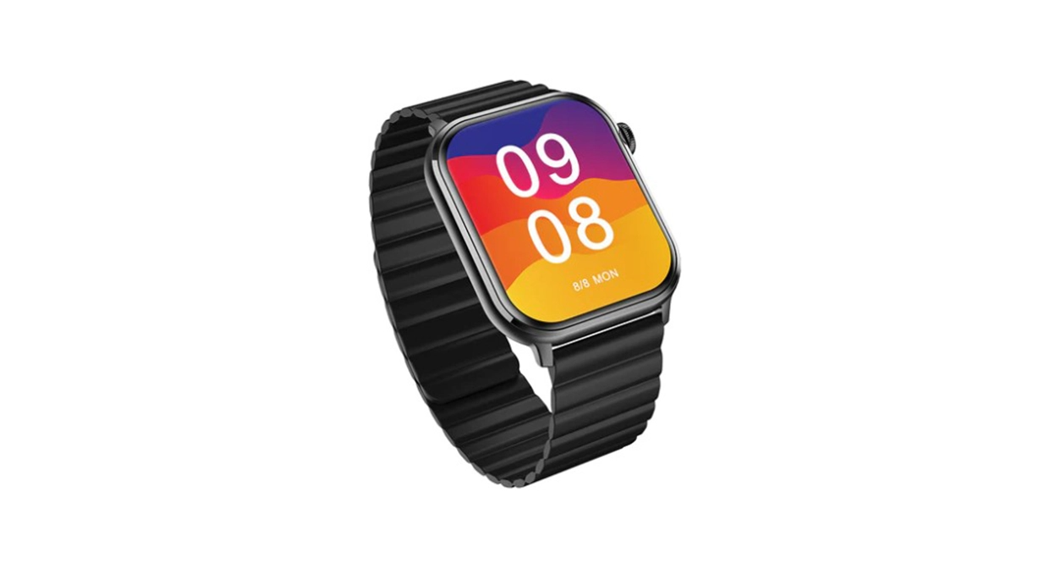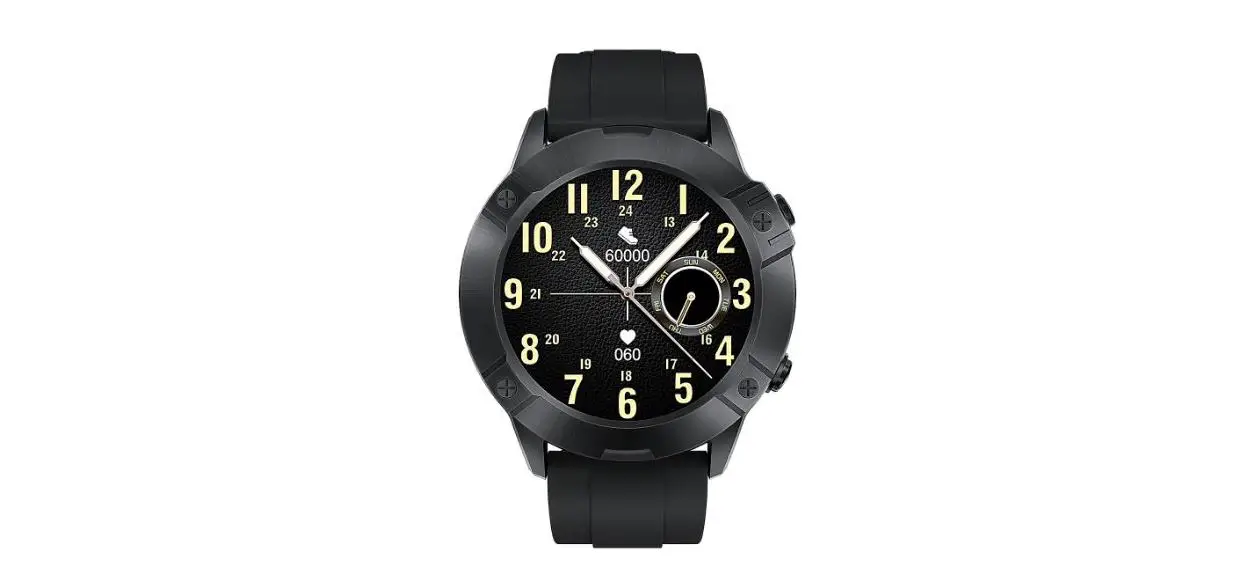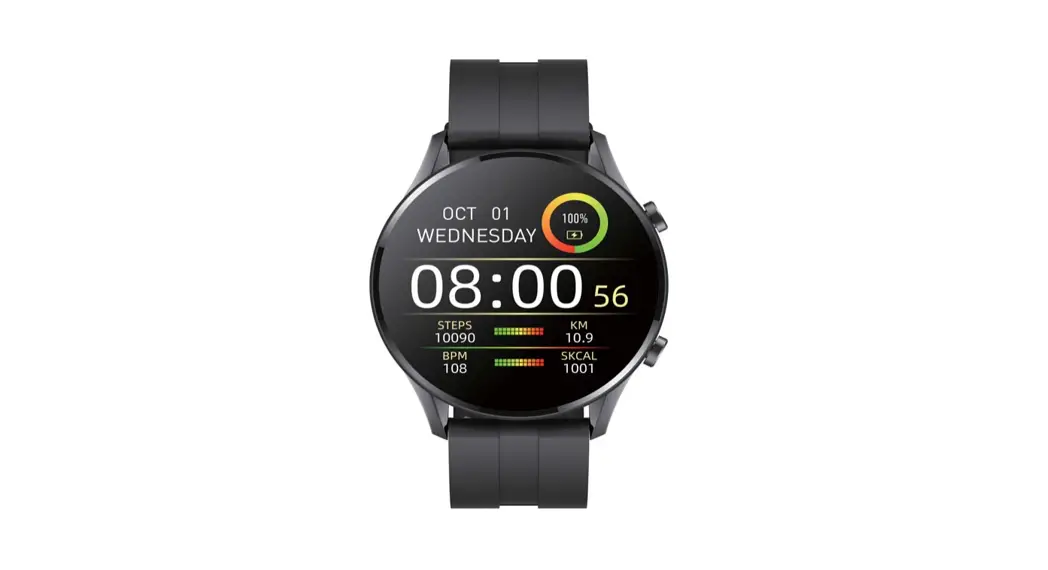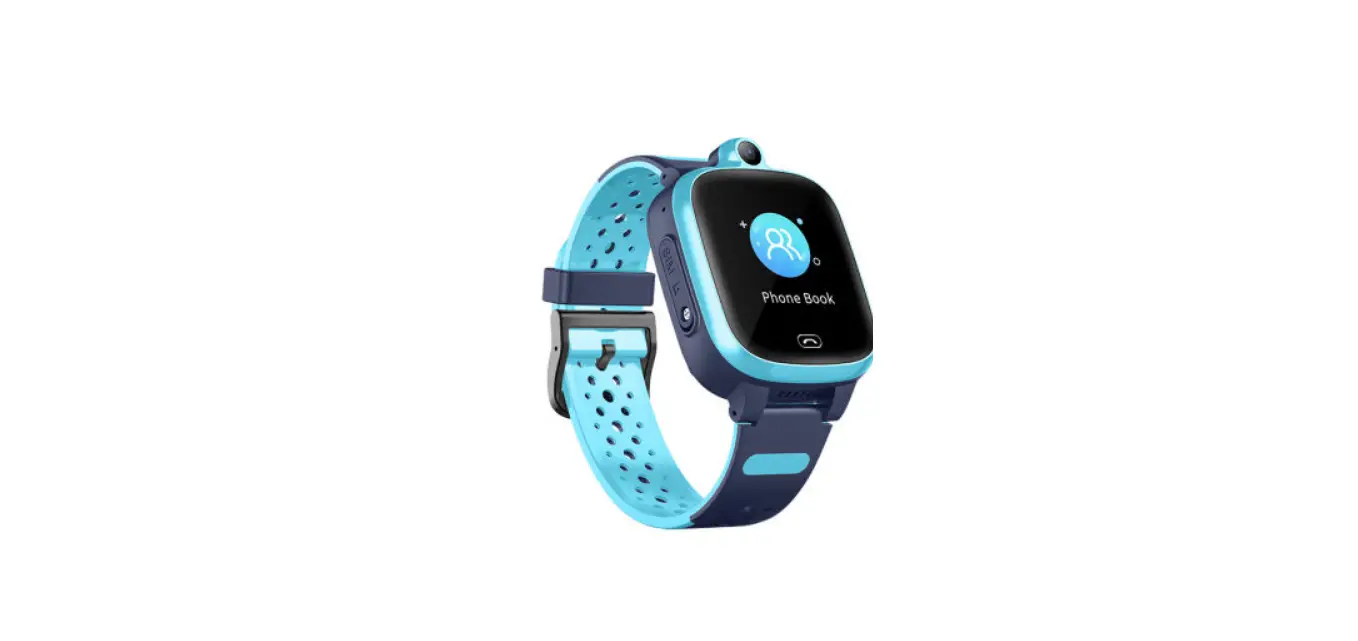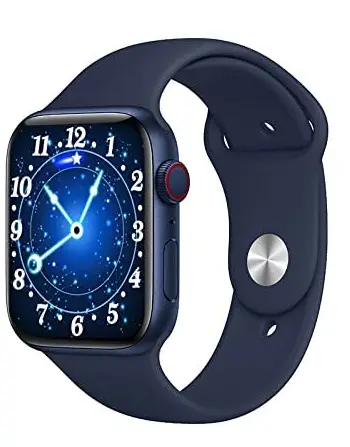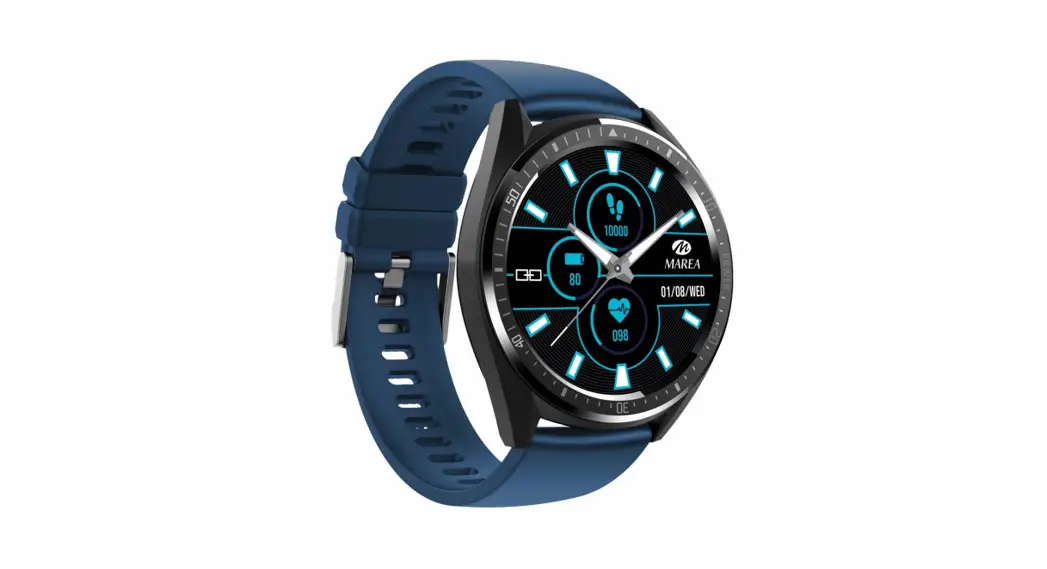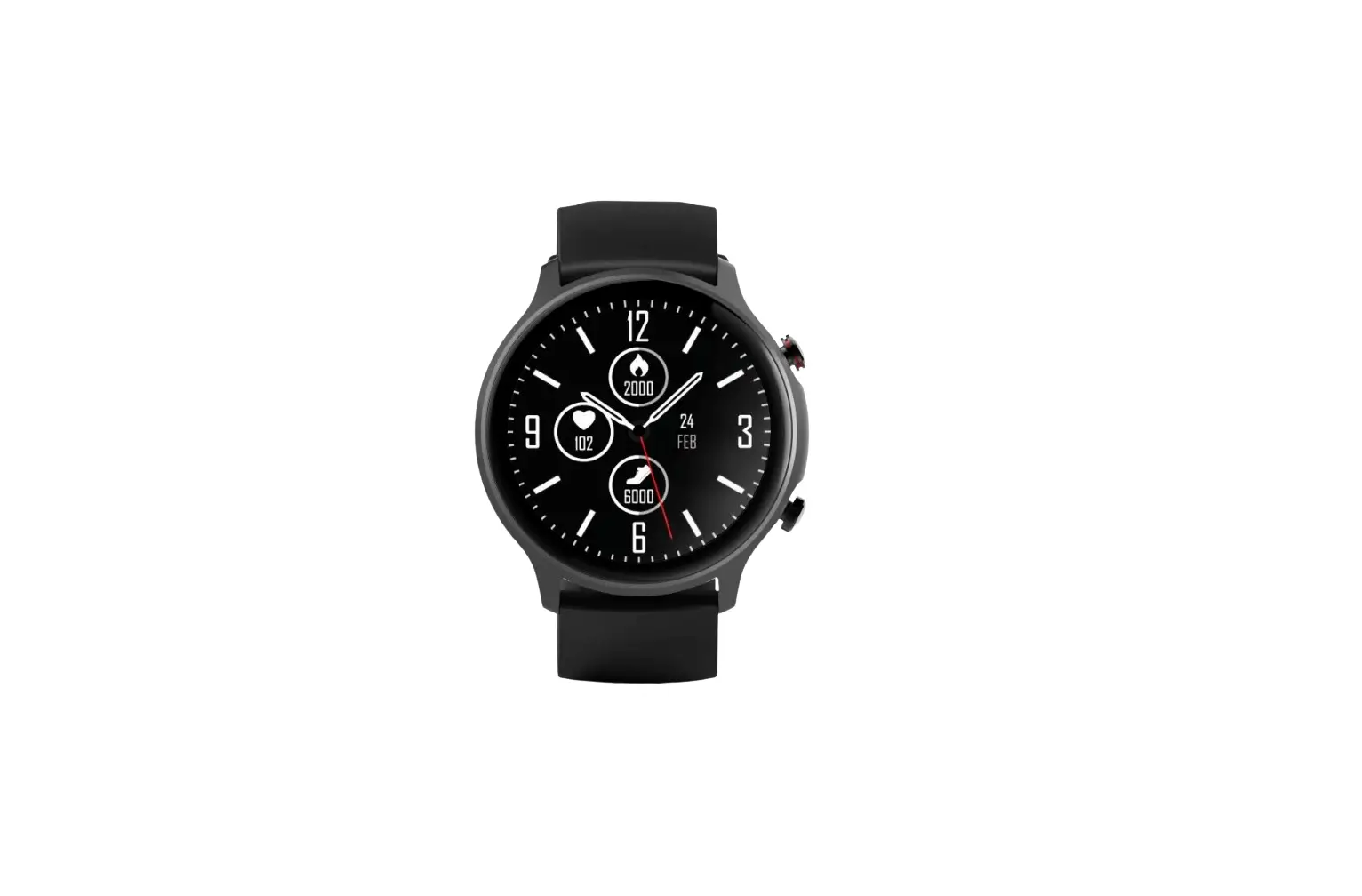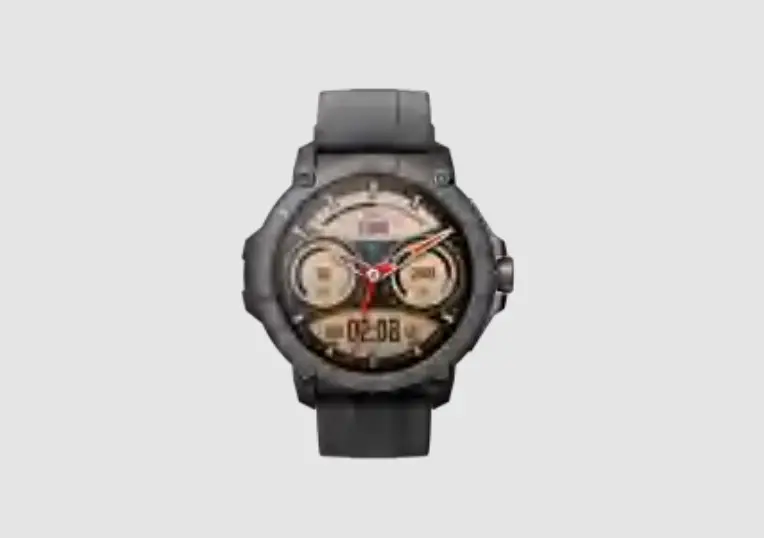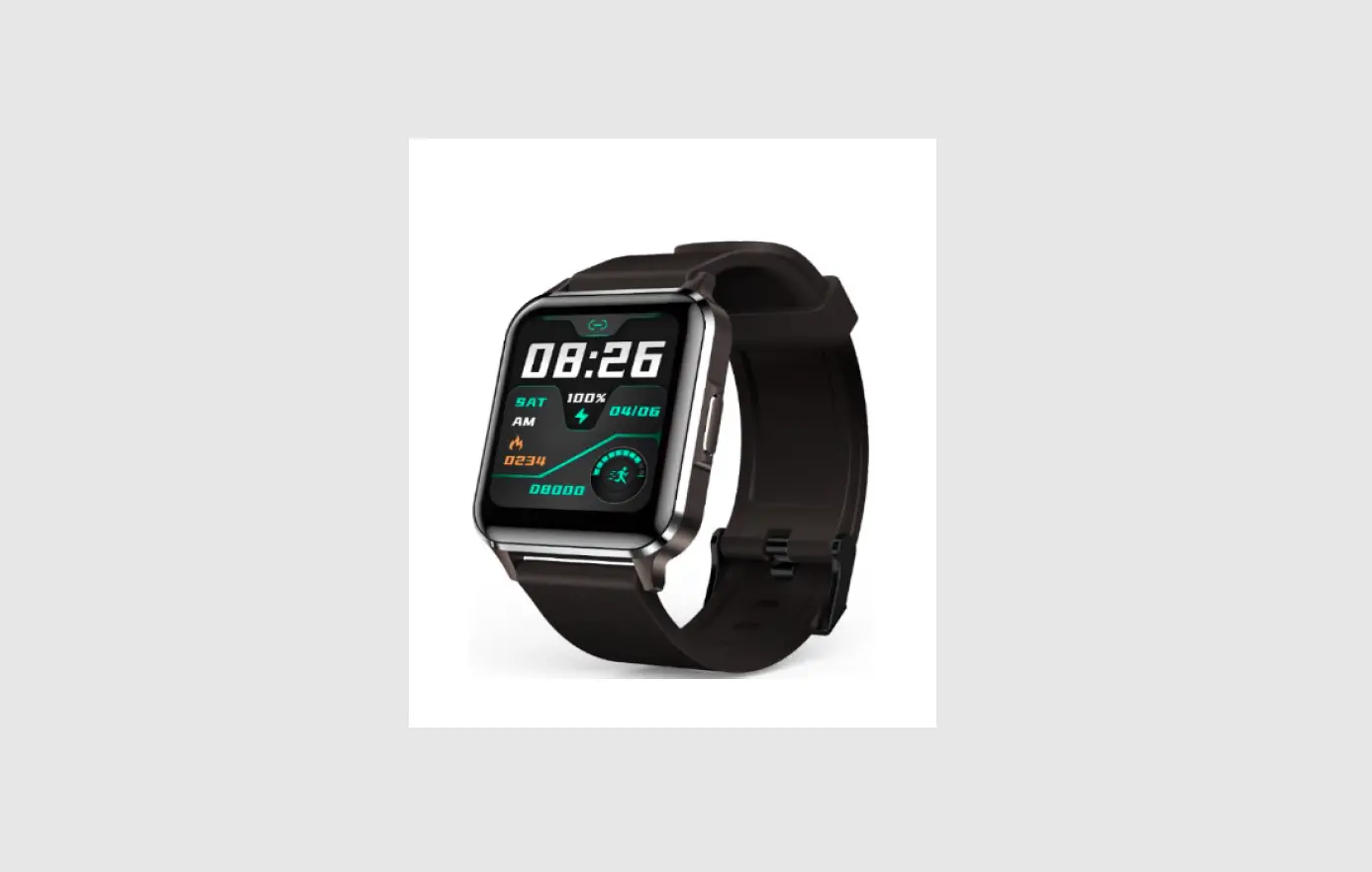
 Hena Digital Technology YH01 Smart Watch
 Hena Digital Technology YH01 Smart Watch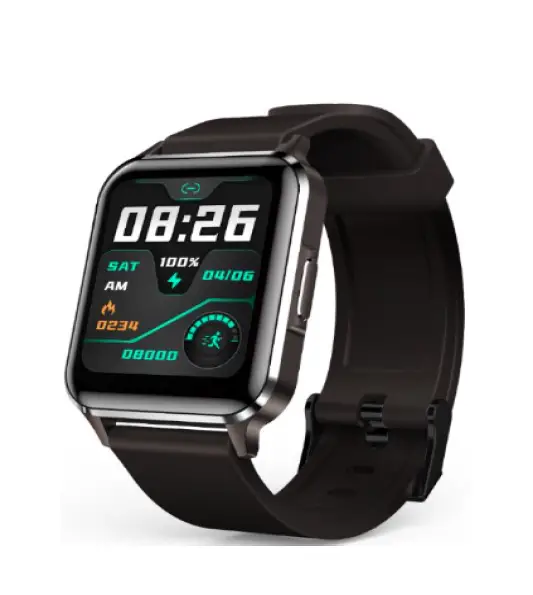
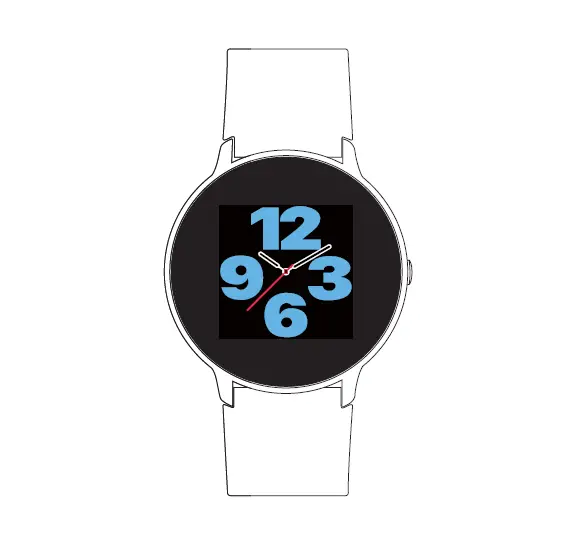
Function description
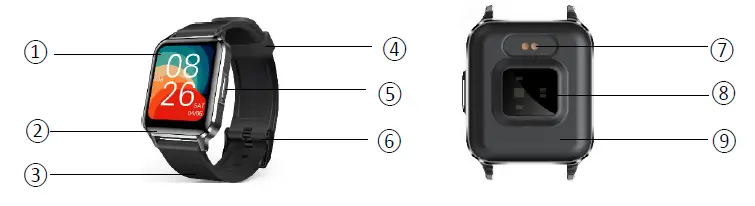
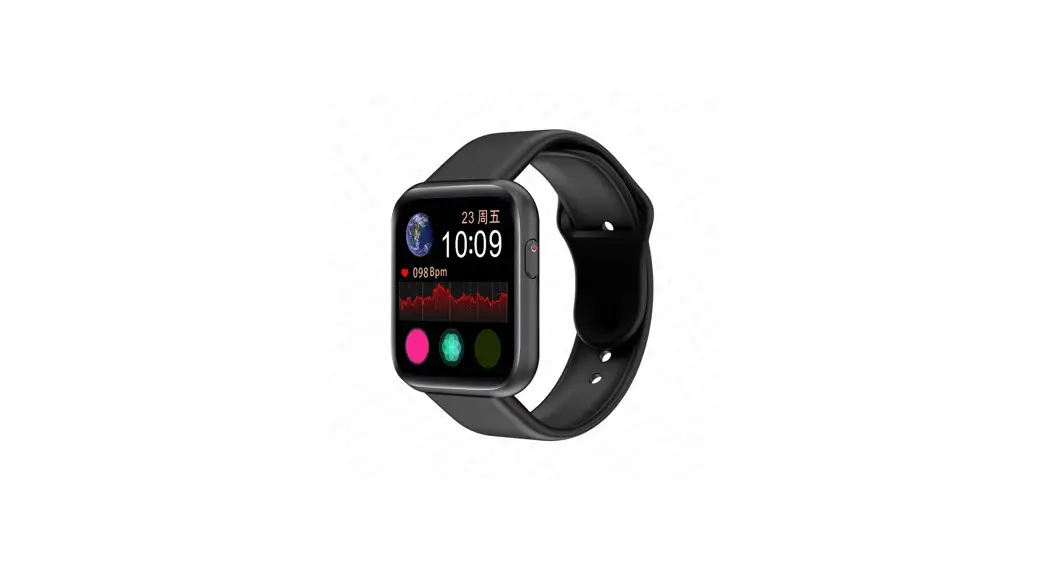
| ① | Display screen | ② | Zinc alloy housing | ③ | Button TPU strap | ④ | TPU buckle | ⑤ | Zinc alloy keys |
| ⑥ | Hardware buckle | ⑦ | Charging thimble | ⑧ | Heart rate light | ⑨ | Bottom shell | ||
APP download and install
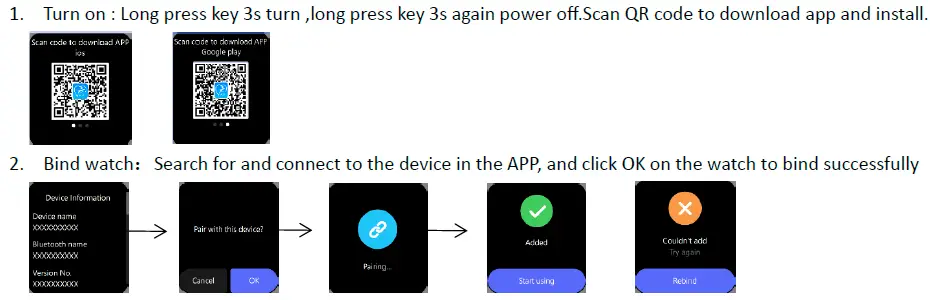
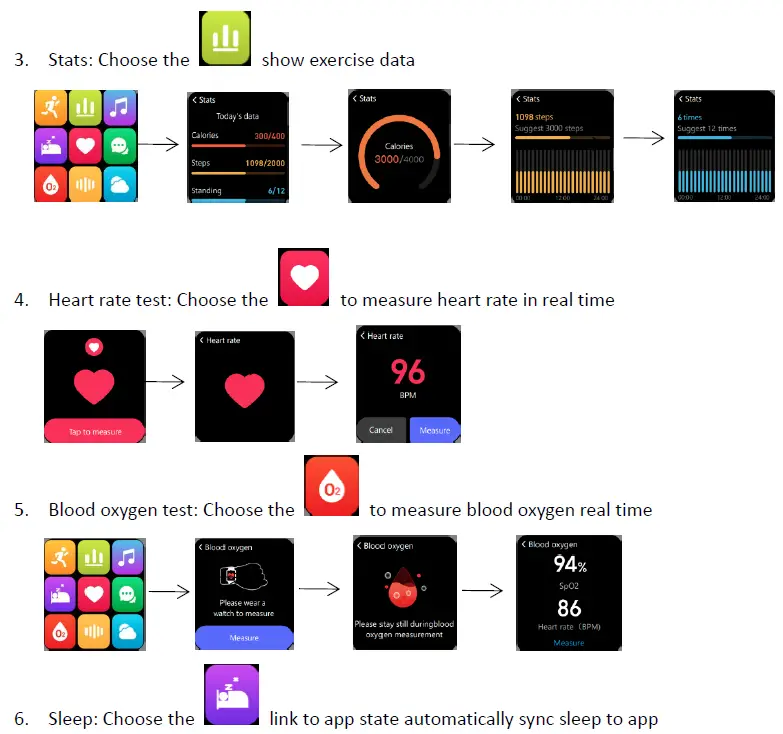
Function operation (Some functions need to be operated in the APP connection state)
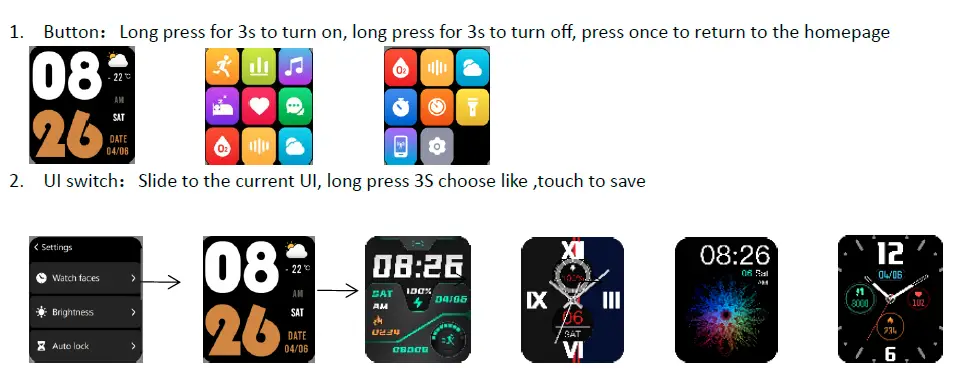
APP push the watch face, keep the app connected ,choose the dial you like ,download and sync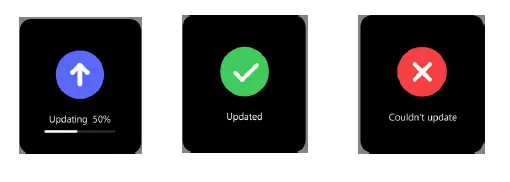
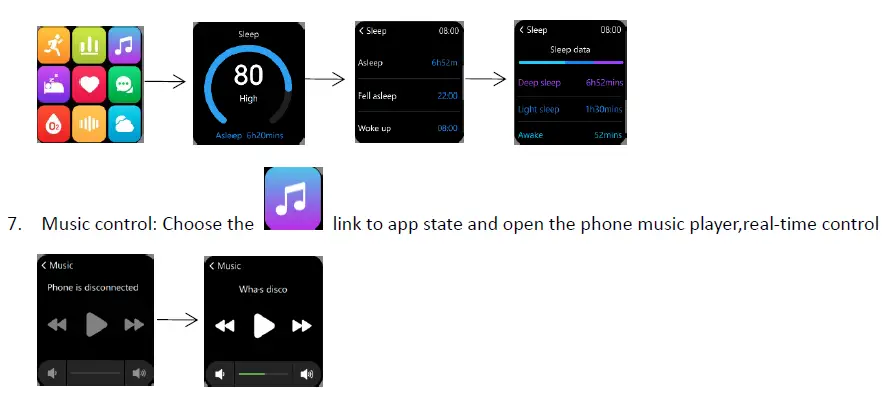
Remote camera: When the app is connected, click the remote camera function in the app, and the watch will enter the camera mode when the watch is turned on. Tap the screen or shake the watch to control the phone to take pictures
Weather display: Keep the app connected , click ‘More settings’ ‘Weather settings’ then open the switch, automatically sync the weather 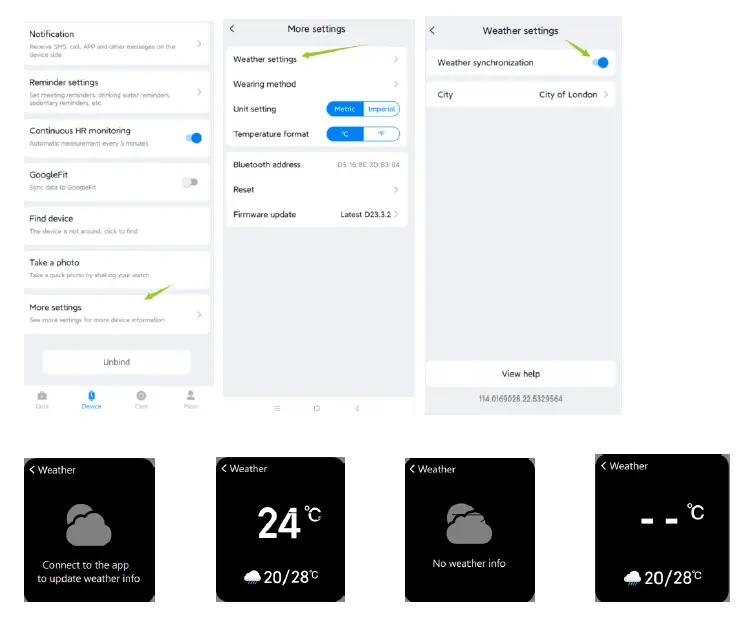
Sport model: Click the to link app state, choose a model to start exercising
As following modes: Outdoor running ,Outdoor walking ,Trekking ,Basketball ,Football ,Pingpang, Outdoor cycling, Badminton ,Rowing machine, Yoga ,Freestyle ,Baseball ,Treadmill ,Indoor cycling. 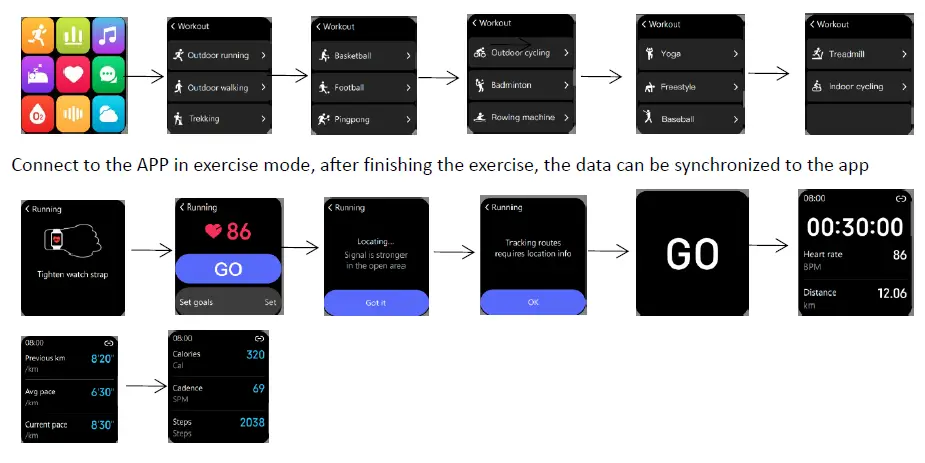
End workout: Press the button once in the exercise mode to choose to pause or end the exercise mode 
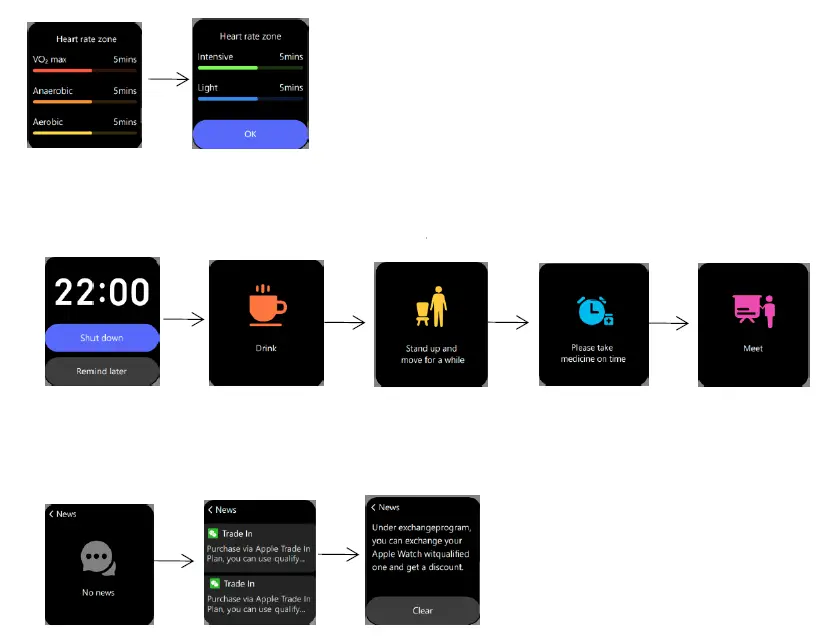
Reminder settings:Including alarm clock reminder, drinking water reminder, sedentary reminder, medication reminder, meeting reminder, just set in the app.
Message notification: In the state of connecting to the APP, the Android phone needs to turn on the notification switch, and the Apple phone needs to be paired, and the message of the phone can be pushed to the watch side to display
Settings: Tap the function icon on the watch to set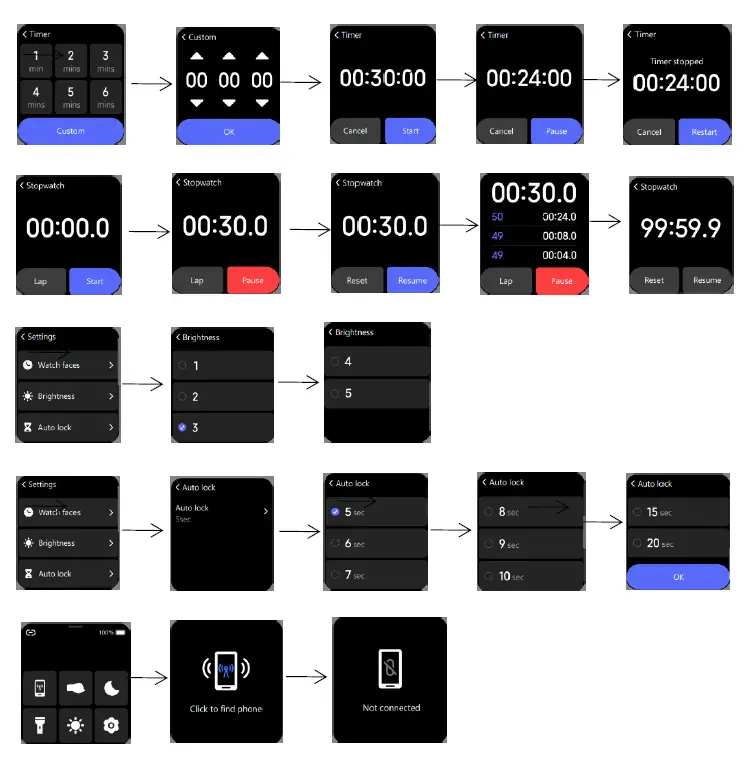
- Timer
- Stopwatch
- Brightness
- Auto lock
- Find phone
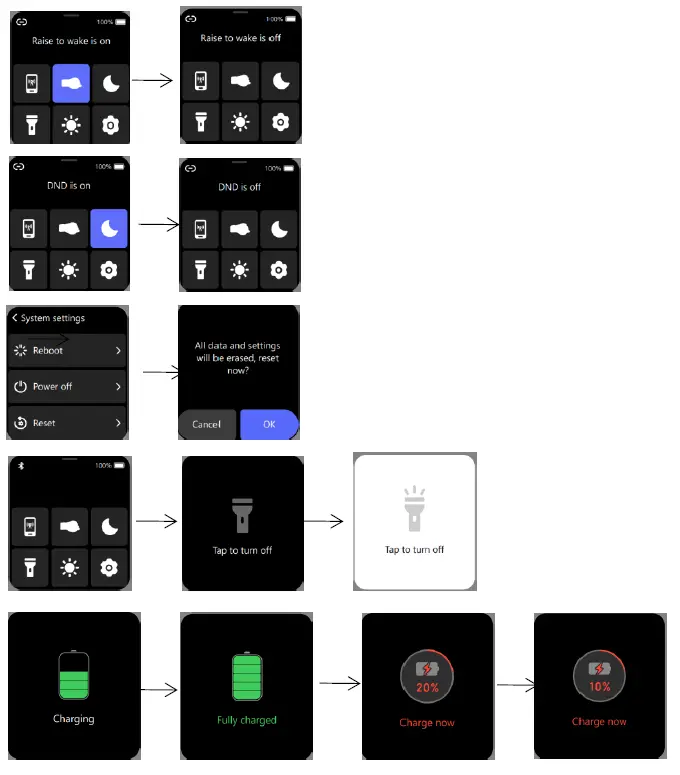
- Raise your wrist
- DND
- Reset
- Flashlight
- Charge
Specification
| Name | Description | Name | Description |
| MCU | Dialog 10102 | Electric current | 60-80μA |
| Battery | 180mAH | Stand-by current | 7-9μA |
| Screen | 1.52 TFT 360*400 | Waterproof | IP67 |
| Charging time | 2H | Touch | Full touch |
Matters needing attention
- When used for the first time, charge after using up the power;
- When the Android phone cannot search for the device, please check if the Bluetooth and GPS switches of the phone are turned on;
- Make sure that the Bluetooth of the mobile phone is turned on when the signal does not interfere
- This is IP67 waterproof, not suitable for swimming and other sports.
- Prevent use in environments with high temperature above 60°.
FCC Rules
This device complies with part 15 of the FCC Rules. Operation is subject to the following two conditions: (1) This device may not cause harmful interference, and (2) this device must accept any interference received, including interference that may cause undesired operation.
Any changes or modifications not expressly approved by the party responsible for
compliance could void the user’s authority to operate the equipment.
This equipment has been tested and found to comply with the limits for a Class B digital device, pursuant to part 15 of the FCC Rules. These limits are designed to provide reasonable protection against harmful interference in a residential installation. This equipment generates, uses and can radiate radio frequency energy and, if not installed and used in accordance with the instructions, may cause harmful interference to radio communications. However, there is no guarantee that interference will not occur in a particular installation. If this equipment does cause harmful interference to radio or television reception, which can be determined by turning the equipment off and on, the user is encouraged to try to correct the interference by one or more of the following measures:
- Reorient or relocate the receiving antenna.
- Increase the separation between the equipment and receiver.
- Connect the equipment into an outlet on a circuit different from that to which the receiver is connected.
- Consult the dealer or an experienced radio/TV technician for help.
FCC Radiation Exposure Statement:
This equipment complies with FCC radiation exposure limits set forth for an uncontrolled environment .