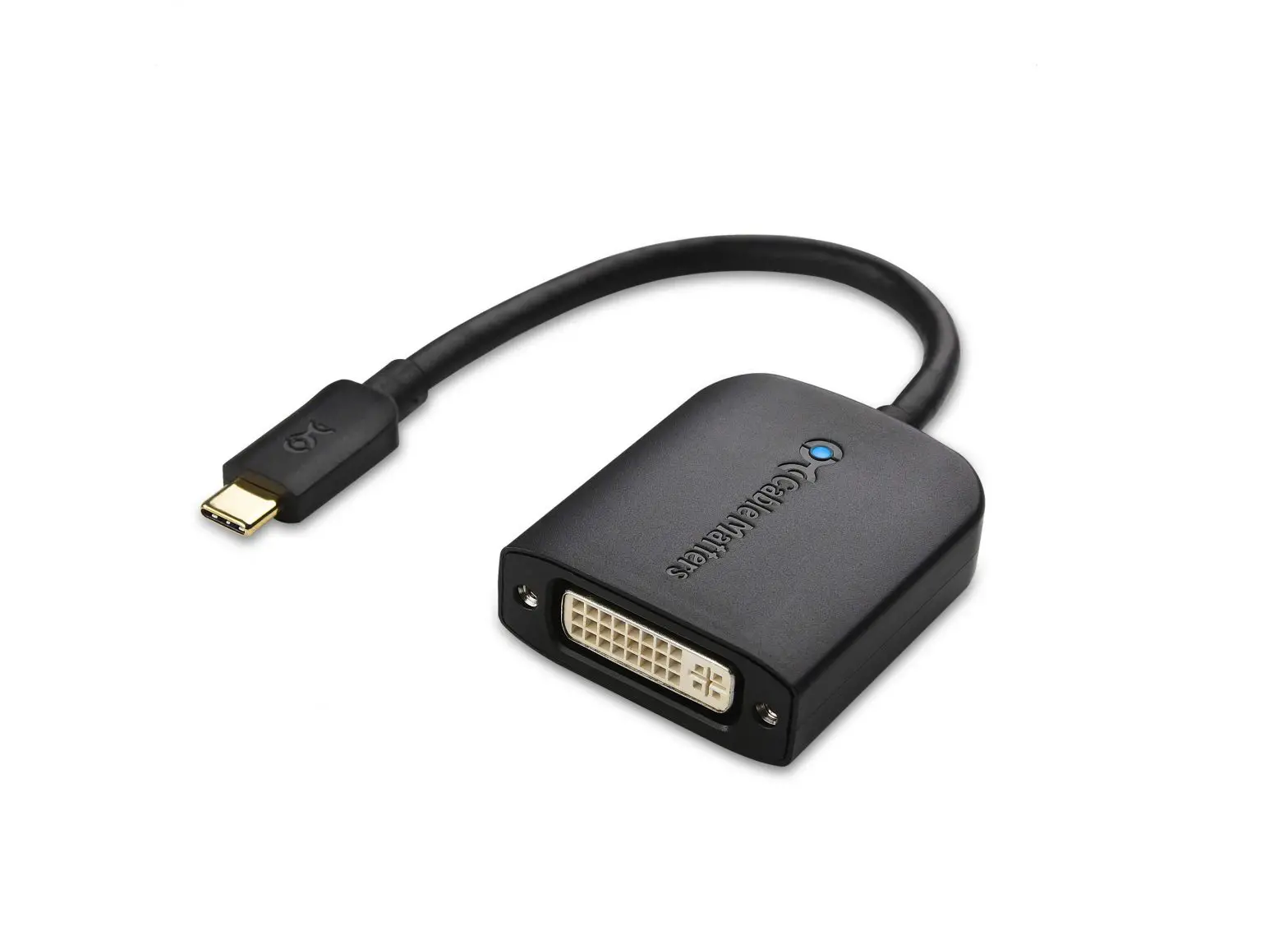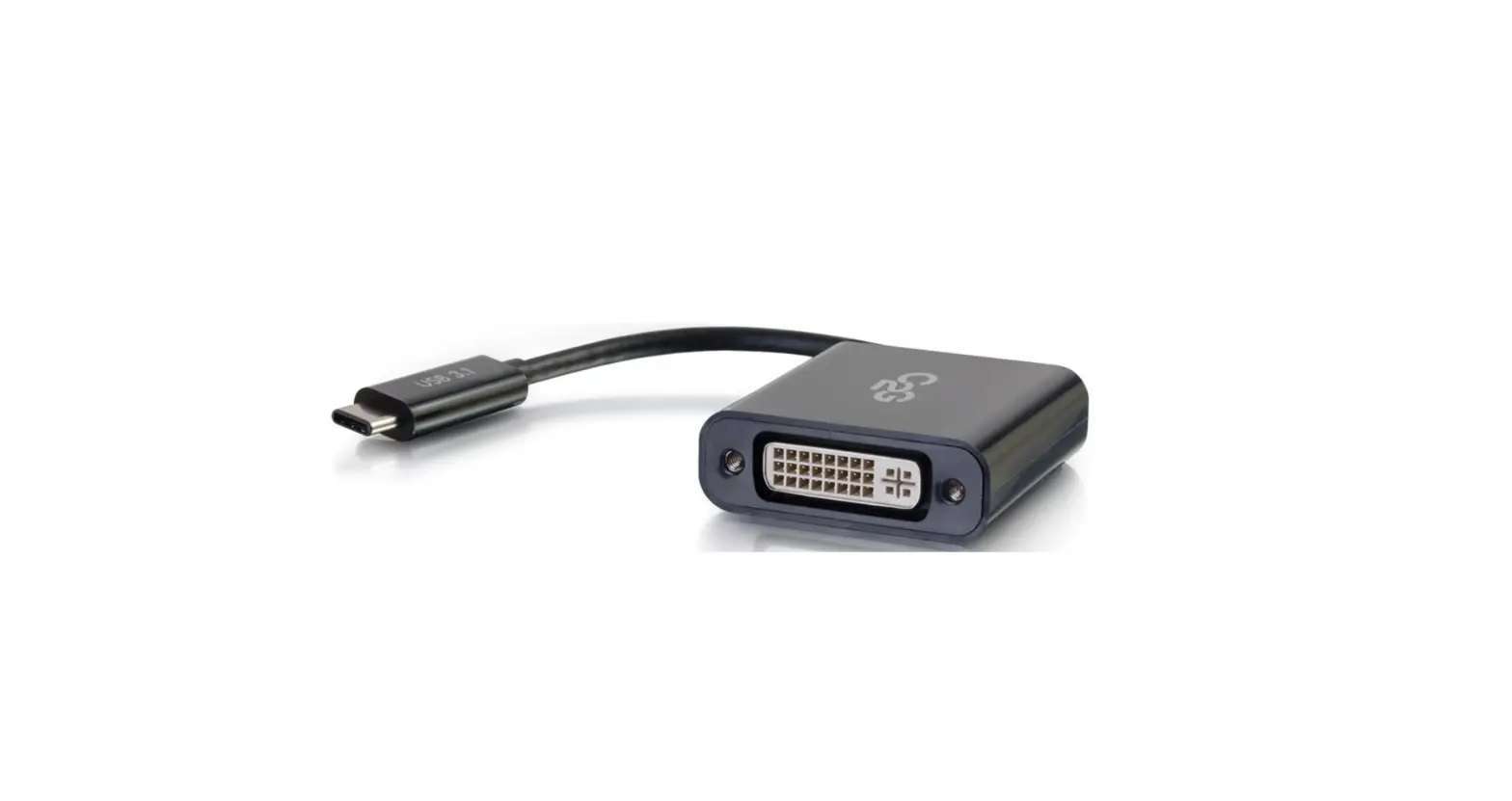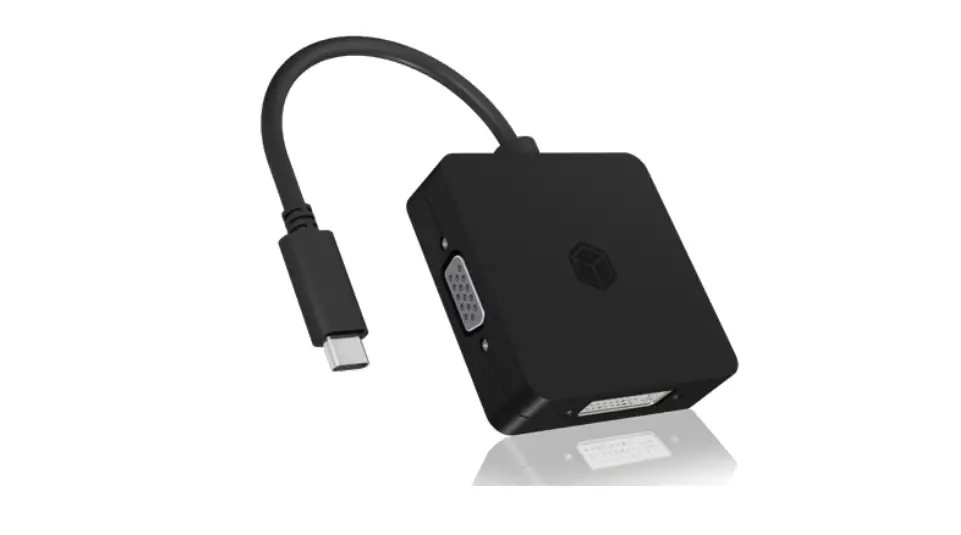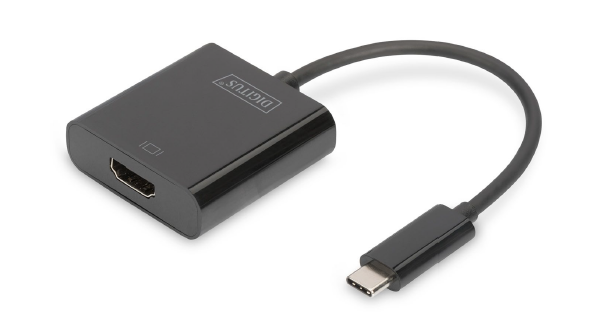
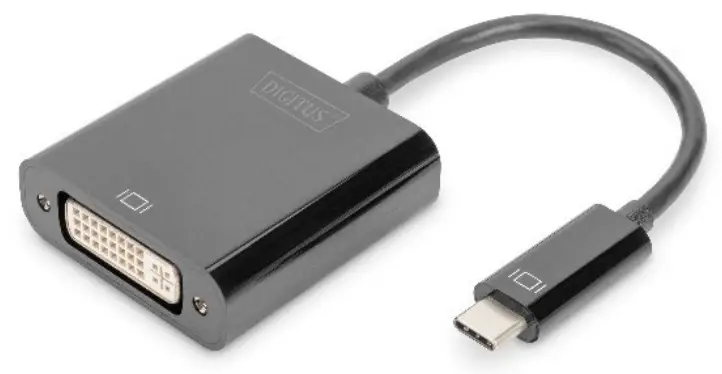
 USB Type-C to DVI
Graphics Adapter
Quick Installation Guide
DA-70829
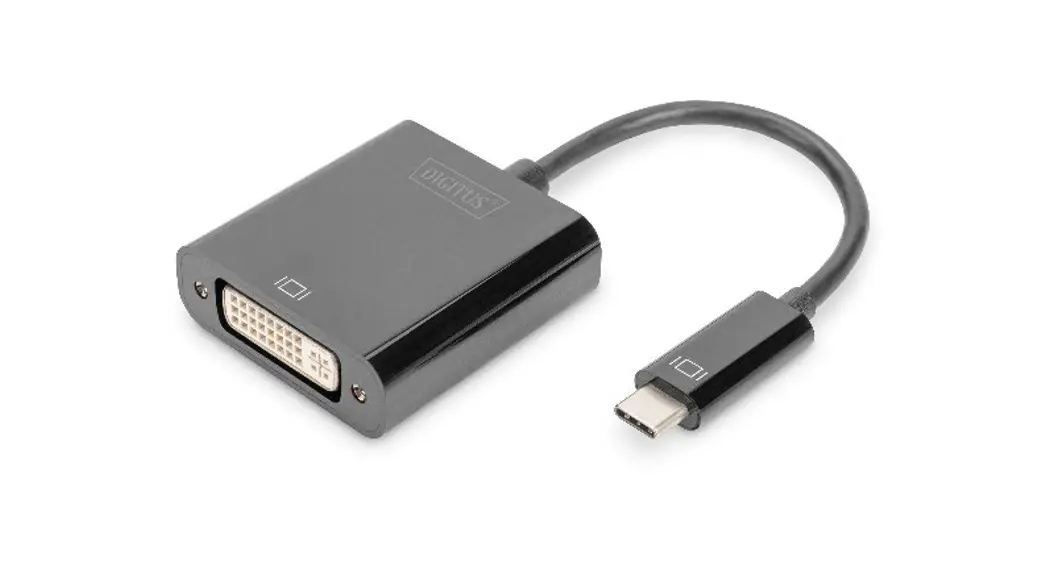
DA-70829 USB Type C to DVI Graphics Adapter
Dear customer
Thank you for purchasing this product. For optimum performance and safety, please read these instructions carefully before connecting, operating, or using this product. Please keep this manual for future reference.
Introduction
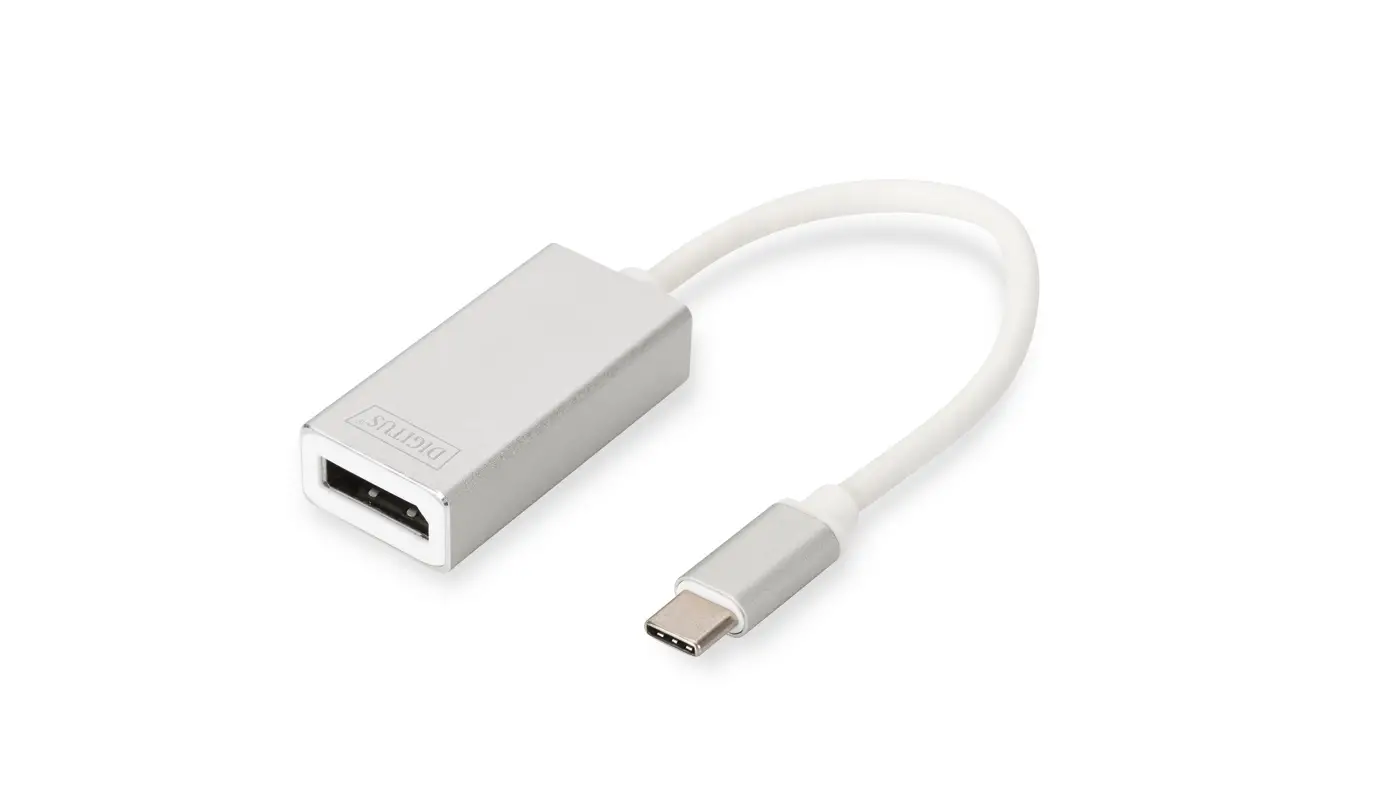
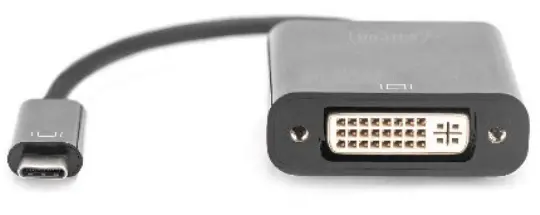
The DIGITUS® USB-C™ to DVI Adapter extends your workstation with an additional monitor, TV, or projector via the USB-C interface. You can use up to 2 graphics adapters simultaneously on the PC and add or remove a monitor without having to restart the system. In addition, this adapter supports a resolution of up to 1920×1080, video streaming up to 1080p, and multiple playback modes such as main/extended display and mirroring. The USB-C™ to DVI Adapter impresses with its elegant black housing and without the additional installation of graphics cards. As soon as the driver is installed, the monitor connected via USB-C is activated immediately. The power supply is provided via USB-C, which means that no additional external power adapter is required
1.1 Main Features
- The adapter is compatible with: MacBook®, 2018 iPad Pro®, Chromebook™, or Dell XPS™ notebooks
- Full HD video resolution of up to 1080p
- Supports multiple playback modes: Main/extended display, mirroring
- Add or remove the monitor without restarting the system
- Up to 2 graphics adapters can be used simultaneously
- Automatic continuation from sleep mode or standby mode
1.2 Package Contents
- USB Type-C to DVI Graphics Adapter
- 1x QIG
1.3 Specifications
| Input port | USB-C Male x1 |
| Output port | DVI Female x1 |
| Vertical Frequency Range | 50/60Hz |
| Video Amplifier Bandwidth | Max to 2.25Gbps/225MHz |
| Weight | 28.8g |
| Size(L-W-H) | 45 x 42 x 15 |
| Resolutions(HDTV) | 480i, 480P, 720P up to 1080P |
| Limited Warranty | 1 Year |
| Power Source | USB Bus Power |
| Certifications | FCC, CE |
| Environmental | Operating Temperature: 0°C to +45°C |
| Operating Humidity: 10% to 85 % RH (no condensation) | |
| Storage Temperature: -10°C to +70°C | |
| Storage Humidity: 5% to 90 % RH (no condensation) |
1.4 Operation
- Connect the USB-C port of this product to the Macbook®
- Connect the DVI output of this product to HDTV with one DVI cable
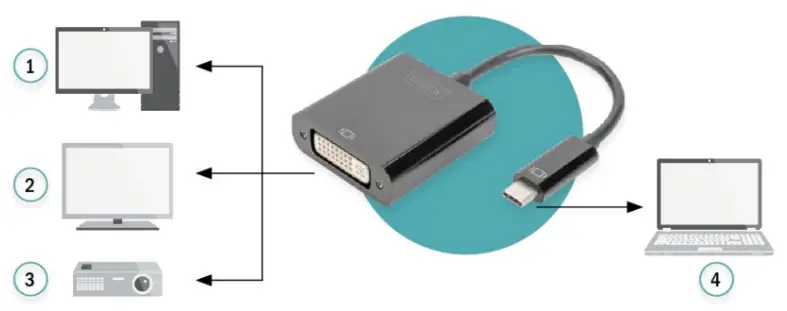
| 1 PC | 3 Beamer |
| 2 Monitor/TV | 4 Notebook |
Hereby ASSMANN Electronic GmbH declares that the Declaration of Conformity is part of the shipping content. If the Declaration of Conformity is missing, you can request it by post under the below-mentioned manufacturer address.
www.assmann.com
Assmann Electronic GmbH
Auf dem Schüffel 3
58513 Lüdenscheid
Germany