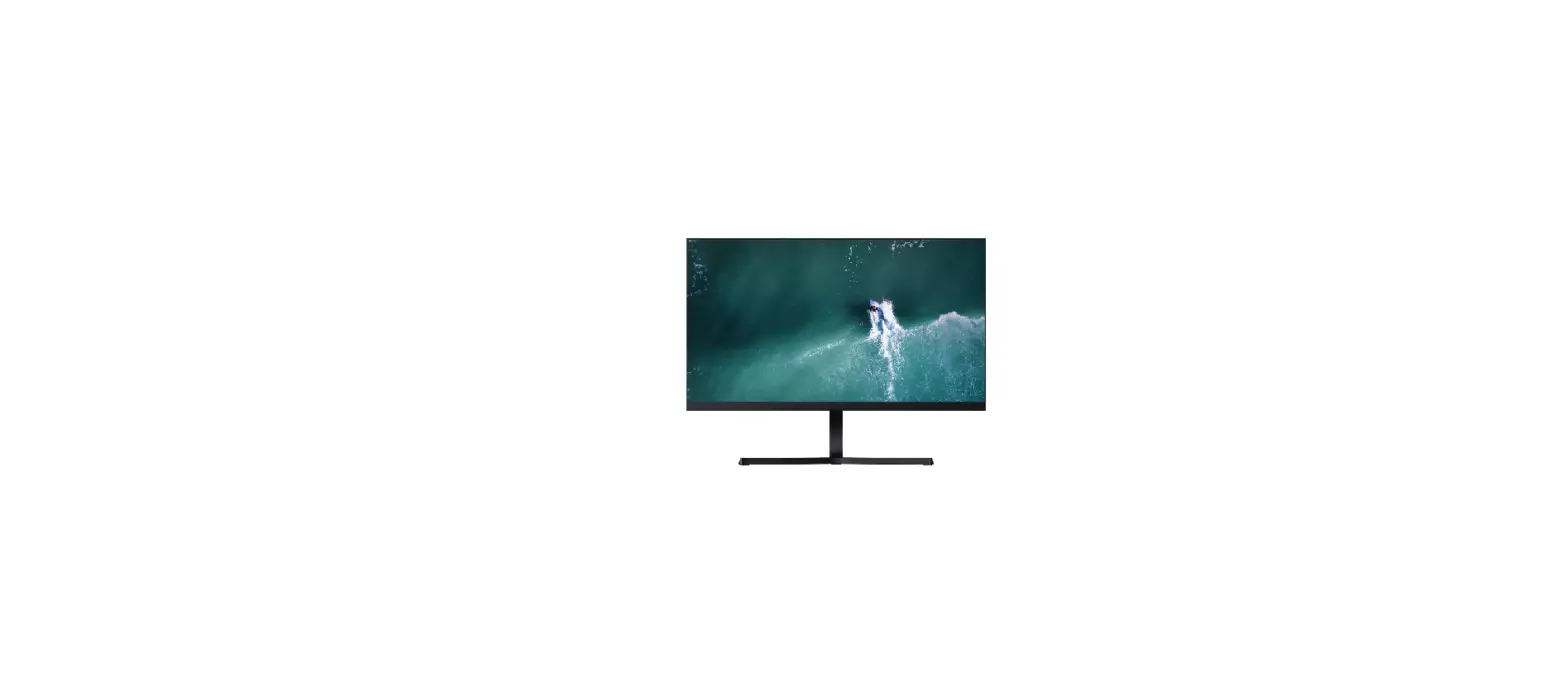
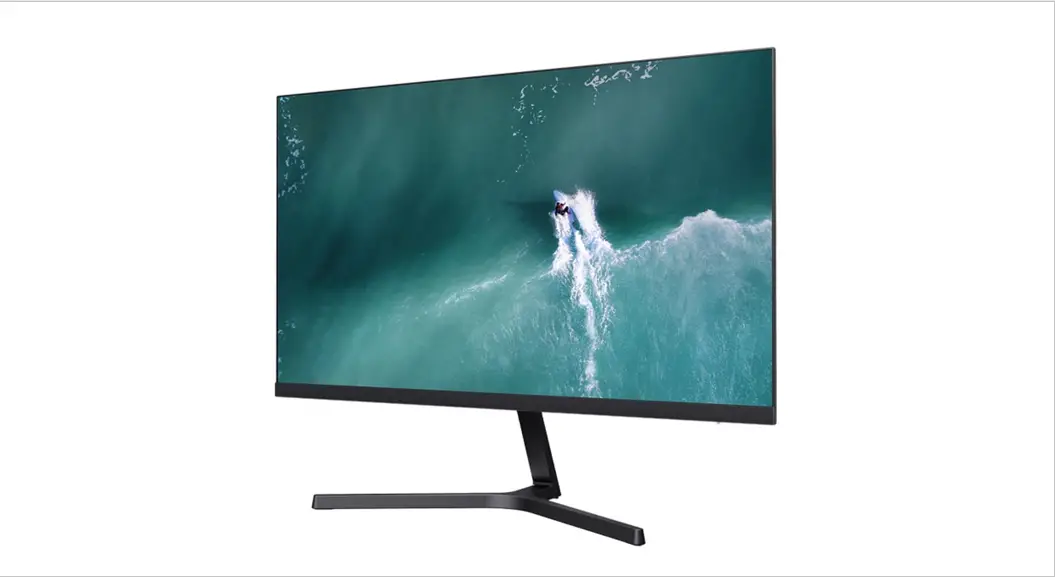
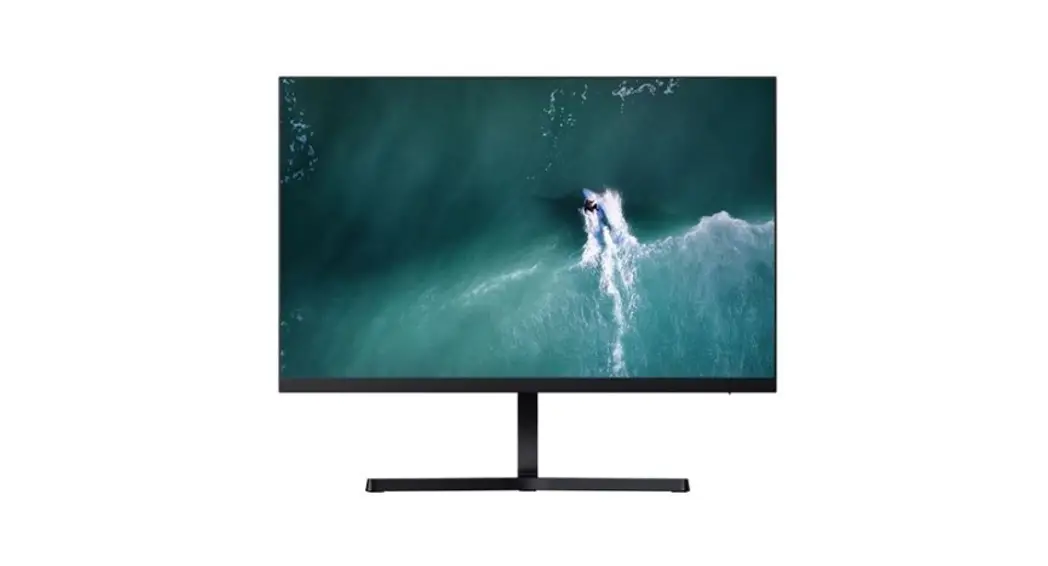
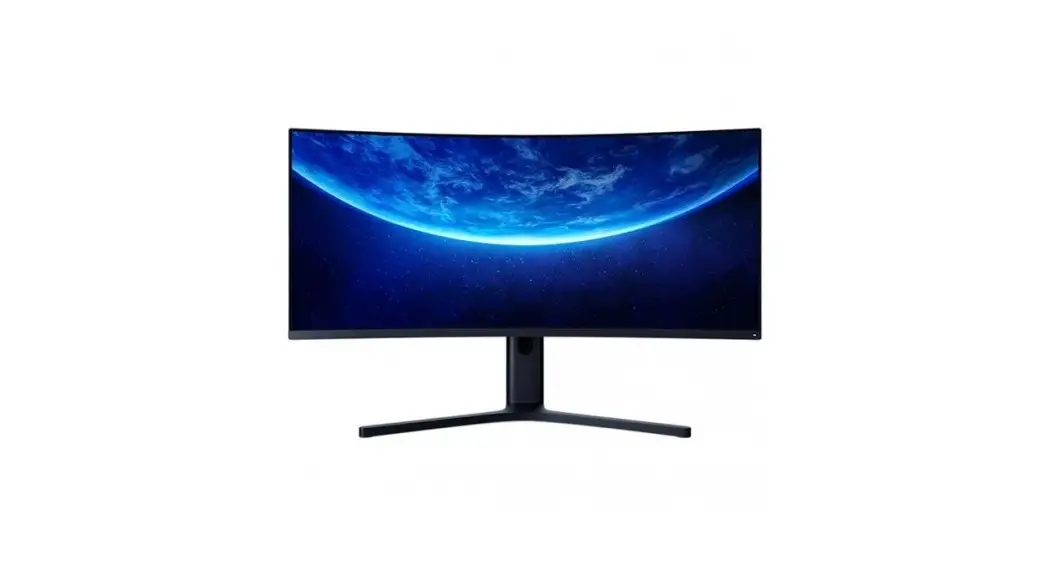
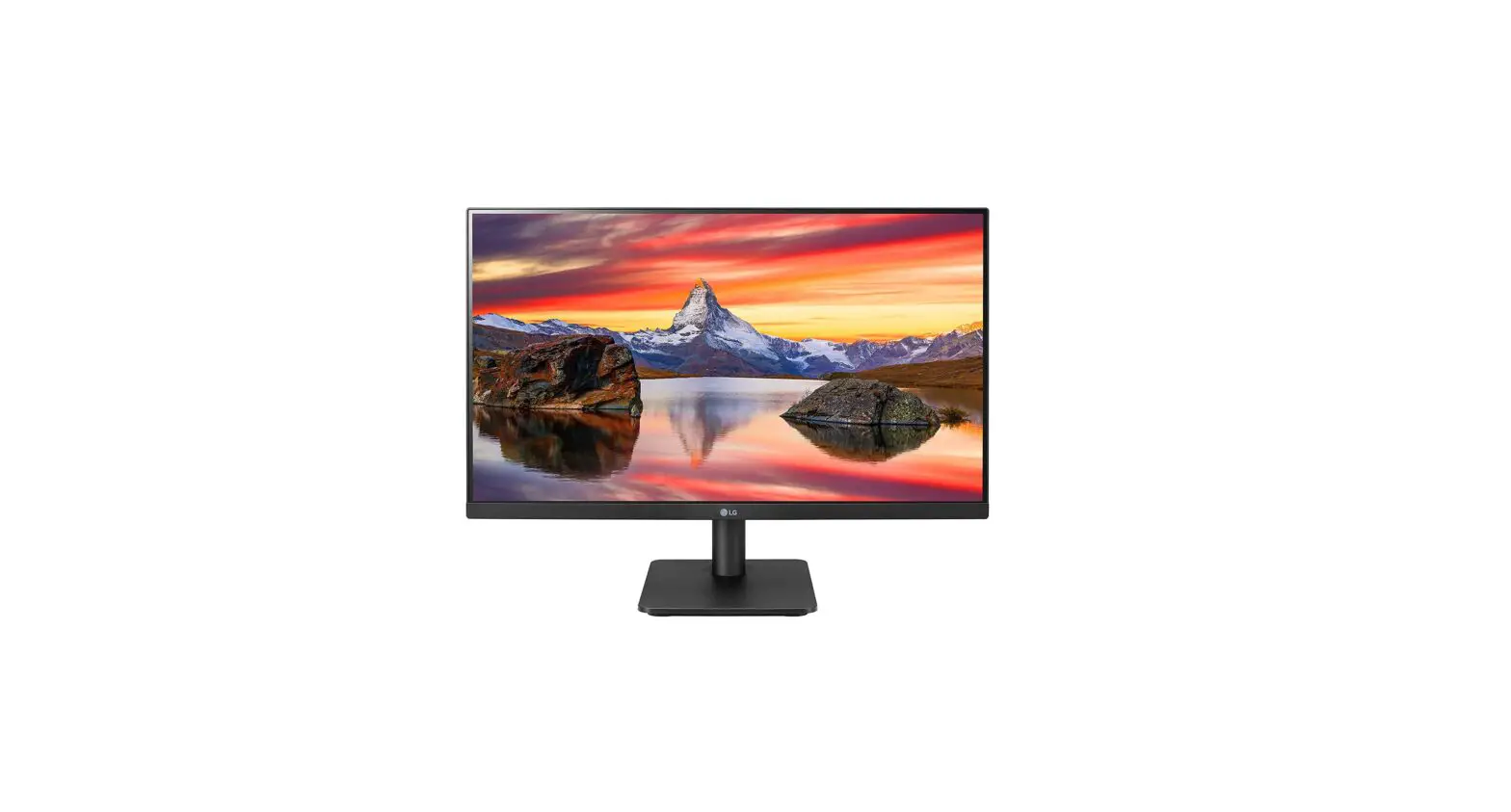
23.8″ Desktop Monitor 1C
Product Information: The product is a monitor that supports
multiple input options including HDMI and VGA. It has a screen size
of 23.8 inches and a resolution of up to 1080p. The monitor also
features Low Blue Light technology to reduce eye strain. Product
Usage Instructions: 1. Connecting the monitor: – Connect the power
cable (DC) to the monitor. – Connect the HDMI or VGA cable to the
corresponding port on the monitor. – Connect the other end of the
HDMI or VGA cable to your device (e.g., computer or DVD player). 2.
HDMI Input: – The monitor supports HDMI 1.4, which is compatible
with various devices such as DVD players. – Set the resolution on
your device to match the supported resolutions of the monitor
(480i, 480p, 720p, 1080i, or 1080p). 3. VGA Input: – The monitor
supports VGA input for devices like DVD players. – Set the
resolution on your device to match the supported resolutions of the
monitor (up to 1080p). 4. Power and Settings: – Press the power
button (located on the front or side of the monitor) to turn it on
or off. – Adjust the settings using the menu buttons on the monitor
(refer to the user manual for detailed instructions). 5. Additional
Features: – The monitor has Low Blue Light technology to reduce eye
strain. – Adjust the Low Blue Light setting using the menu buttons
on the monitor. – The monitor also supports multiple languages for
menu navigation (English, Deutsch, Polski, etc.). Note: For further
details on specific features and settings, refer to the user manual
provided with the product.
Mi 23.8” Desktop Monitor 1C User Manual 1 Benutzerhandbuch für Mi 23,8”-Desktop-Monitor 1C 10 Manuale utente Mi 23.8” Desktop Monitor 1C 19 Manuel d’utilisation Mi 23.8” Desktop Monitor 1C 28 Manual de usuario de Mi 23.8” Desktop Monitor 1C 37 Mi 1C 23,8″ 46 Mi 23,8 inch Desktopmonitor 1C Gebruikershandleiding 55 Manual do utilizador do Monitor PC Mi 1C 23,8″ 63 Monitor komputerowy 23,8” Mi 1C — Instrukcja obslugi 71 Mi 1C 23.8 80 89 Mi 23.8 1C
. .
5-
HDMI
DC
HDMI
VGA
VGA
HDMI,
. , 1 .
.
.
L- , 1 .
.
.
.
46
1. .
2. .
3. .
: 5°
: 15°
. . .
47
DC
HDMI
VGA
12 3
4
1. :
2. HDMI: : 1.4 : , DVD-, . : 480i, 480p, 720p, 1080i, 1080p 1080p
3. VGA: : , DVD- . 1080p
4. :
, ).
(
. HDMI , HDMI, .
48
5-
5- .
5- 2 .
.
.
5-
/ /
49
MI Monitor
/ /
0-100
0-100
80
DCR
Low Blue
Light VGA HDMI
RGB
Low Blue Light
VGA
HDMI
0-100 ./.
75 .
English/Español// Français/Italiano/
Deutsch/Polski/
/ English
Overdrive
VGA
VGA
/
/ / /
. /
/ /
50
, , , , . . . , . . . , , . . , , . , , – . , . , , . . , . , . ( ). . , , .
,
: ;
.
· , . · 5- .
· .
· , .
· . · ,
. · , HDMI VGA .
· .
VGA
· ” “.
51
( )
RMMNT238NF 12 B 2 A
(.) 23,8
250 /2 (.) 1000:1 (.) 16,7 M 16:9
(GTG)
1920 × 1080 ( )
52
(10 %)
BLJ24W120200P-V 100240 (. ) 50/60 , 0,6 12,0 (. ) 2,0 24,0 86,20 % 76,80 % 0,1 Zhongshan Baolin Electronic Co.,Ltd.
53
, (WEEE, 2012/19/EU), . , . . , , , , .
, , . :
, , , – , .
, .
.
. , , , .
Low Blue Light
. (Low Blue Light) .
54