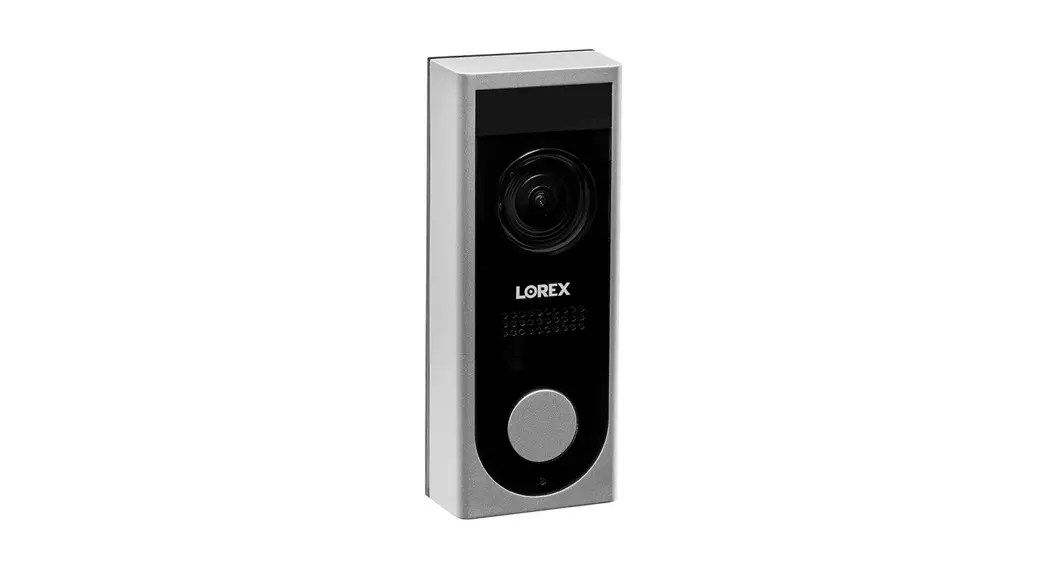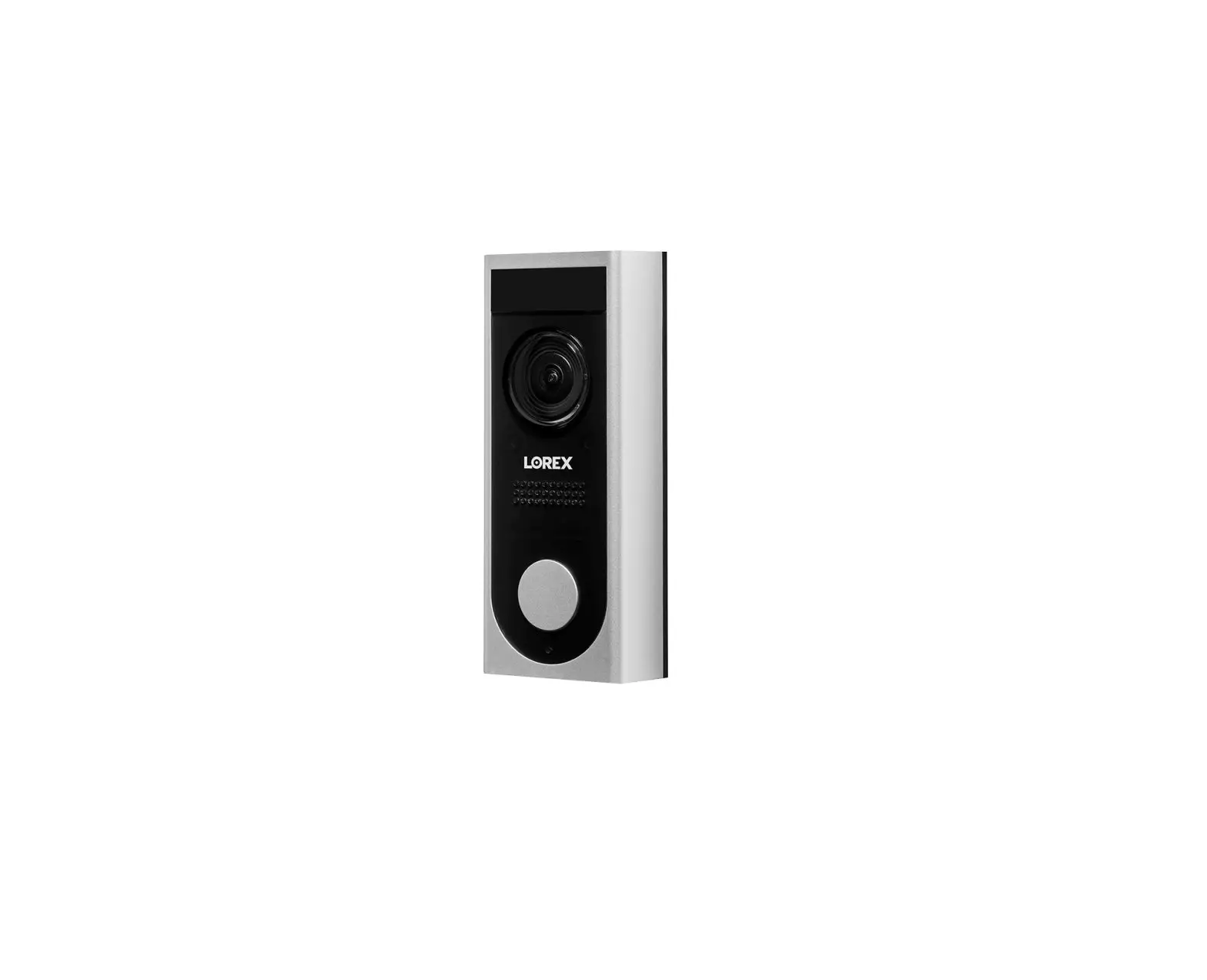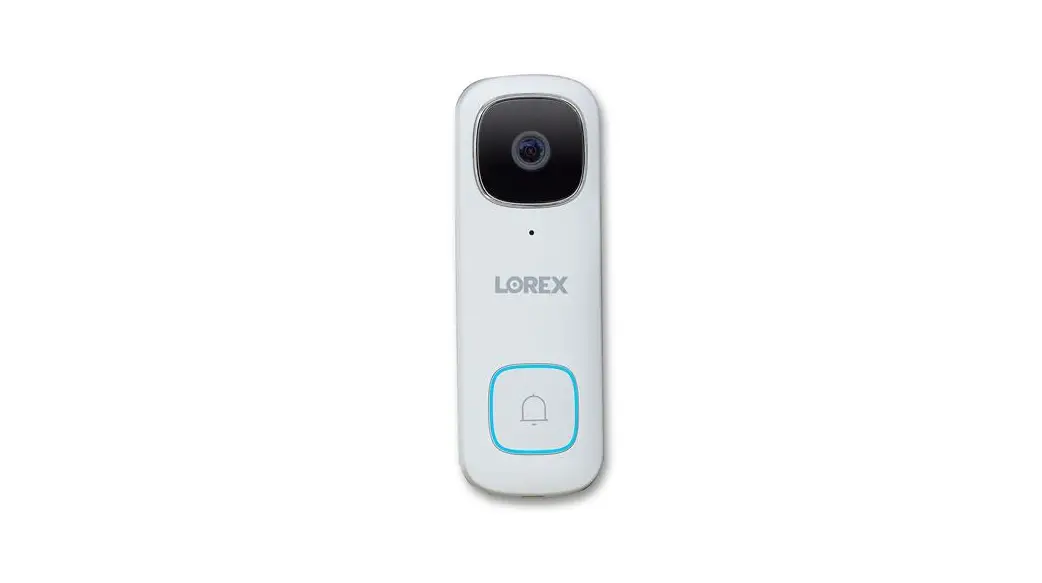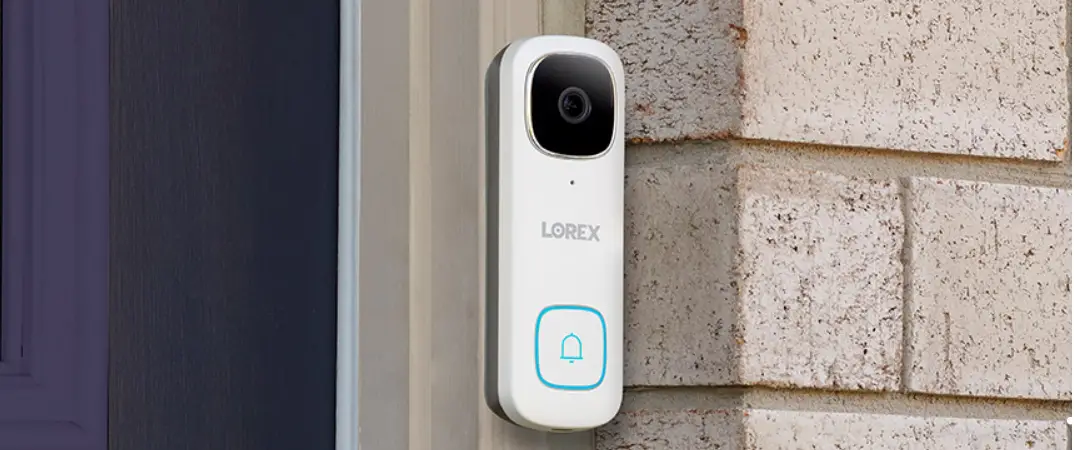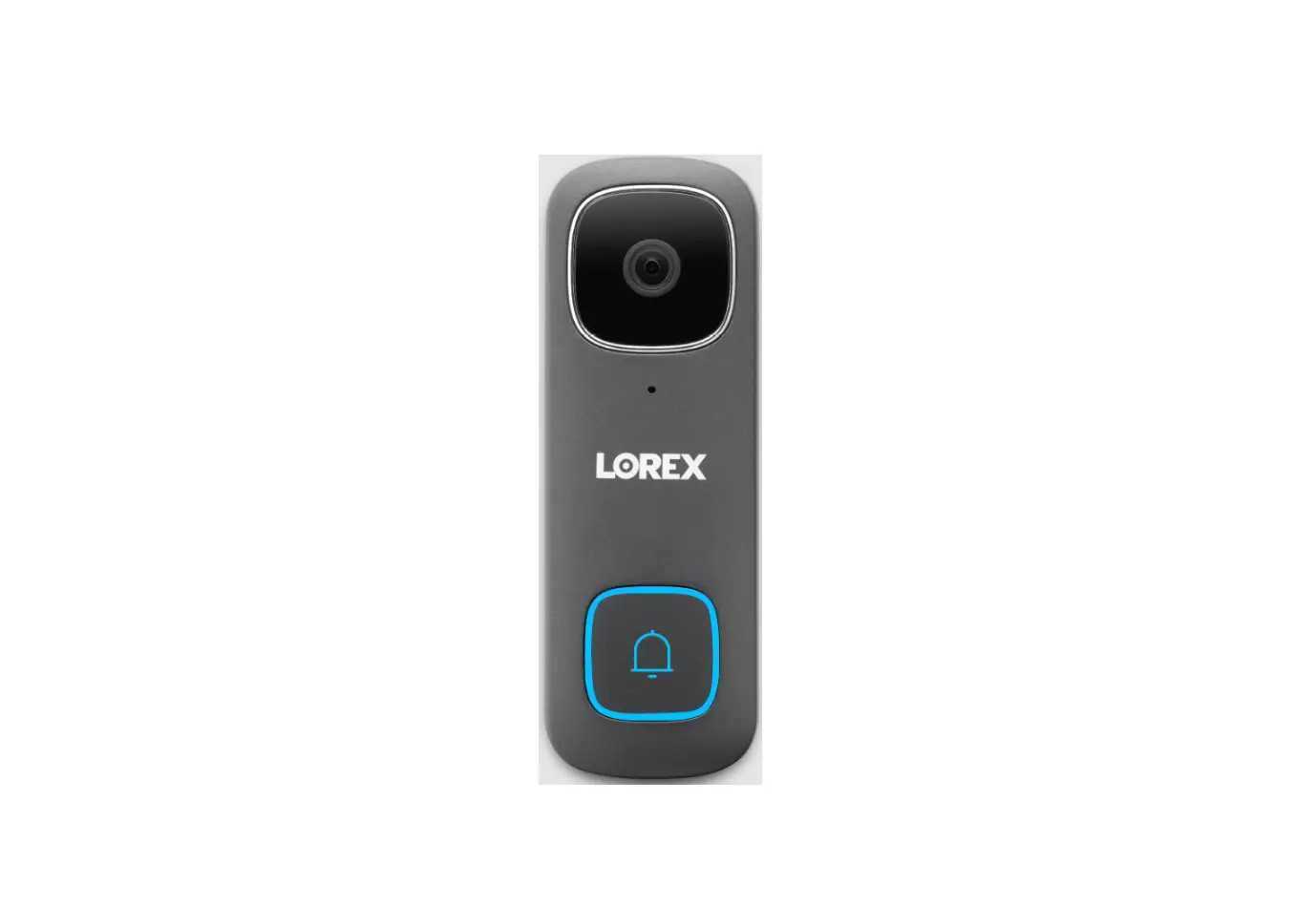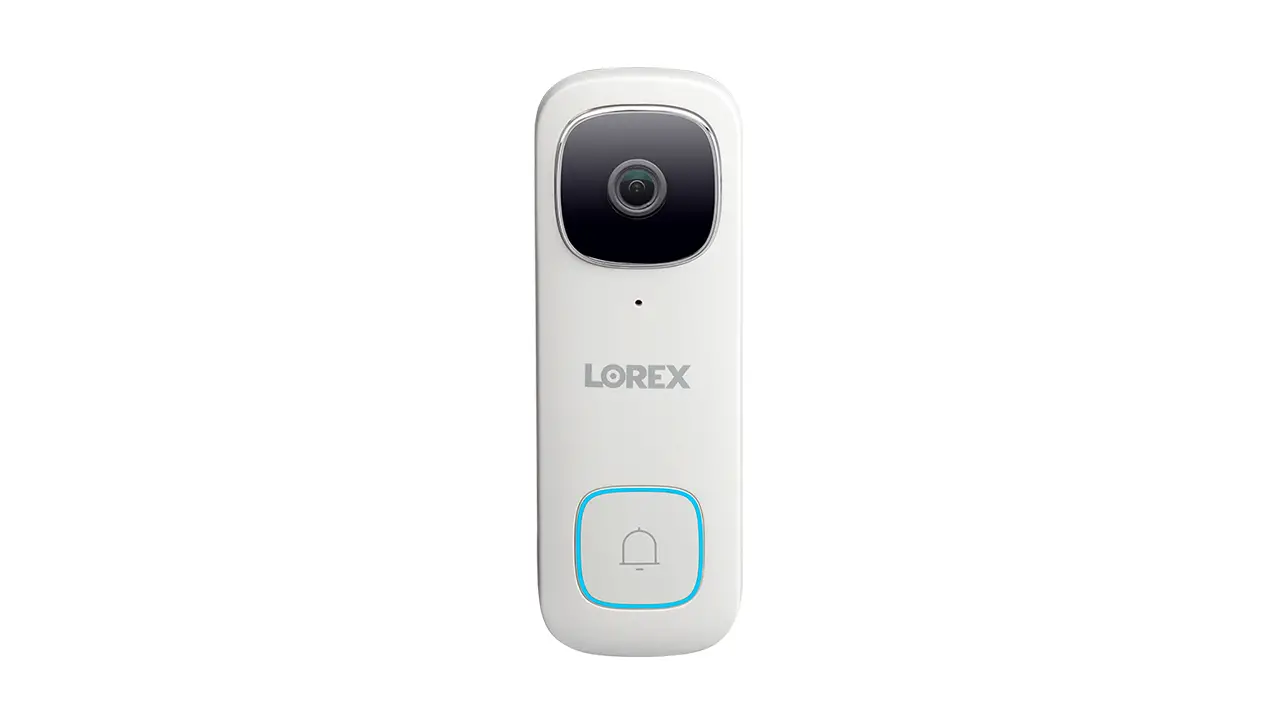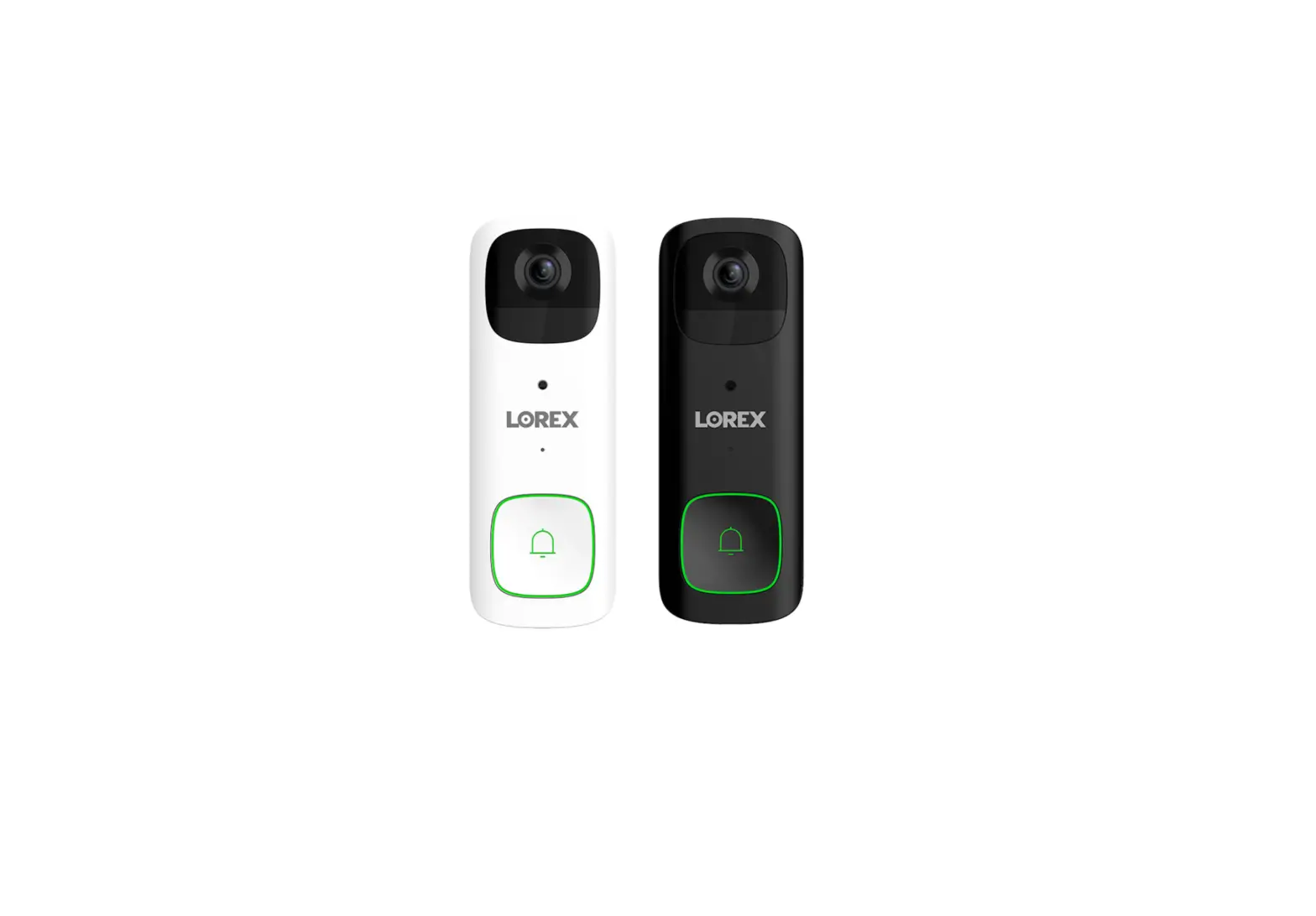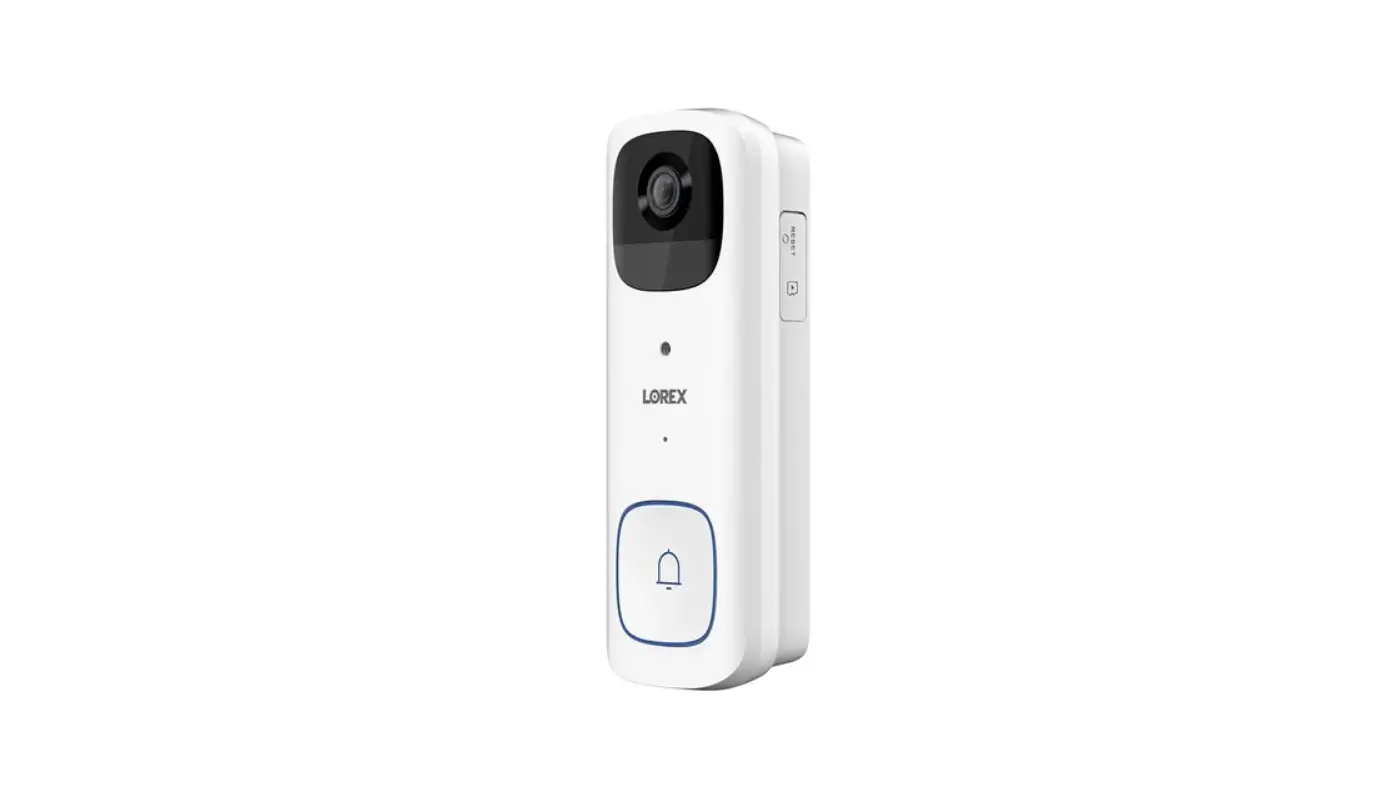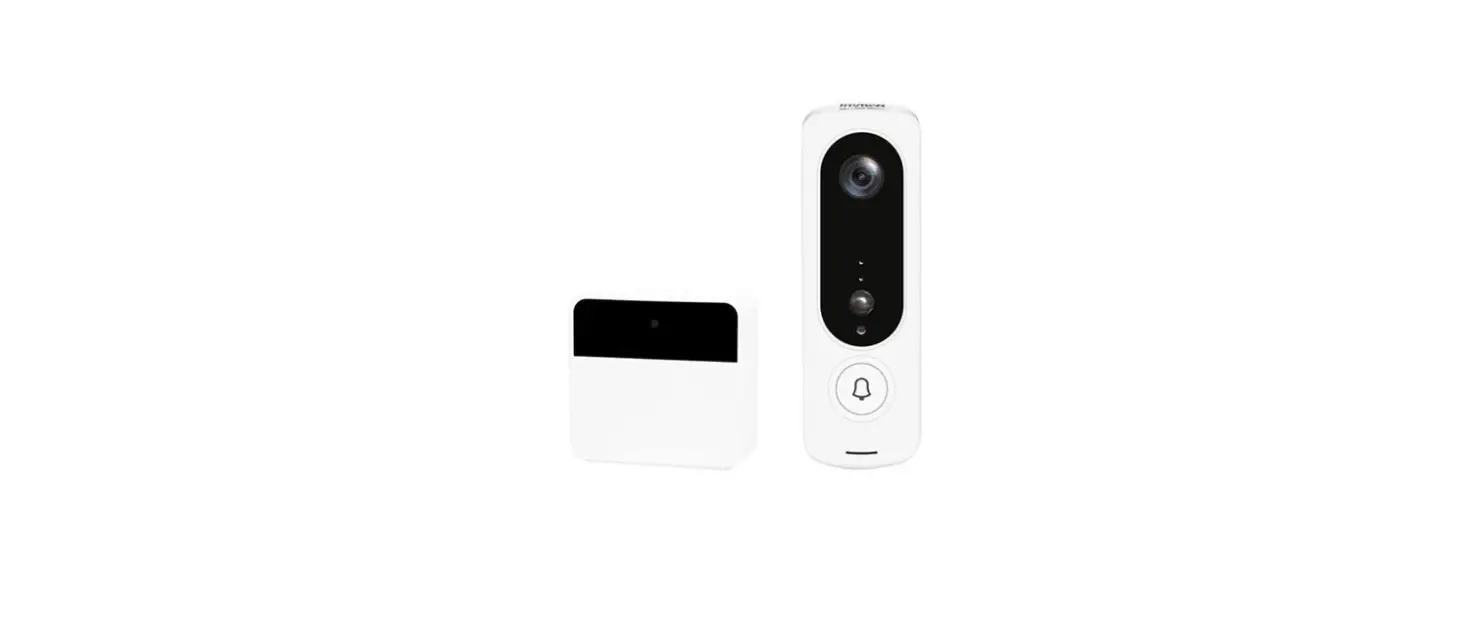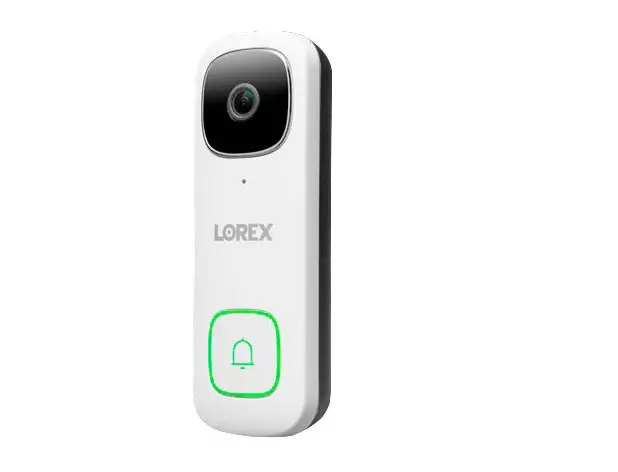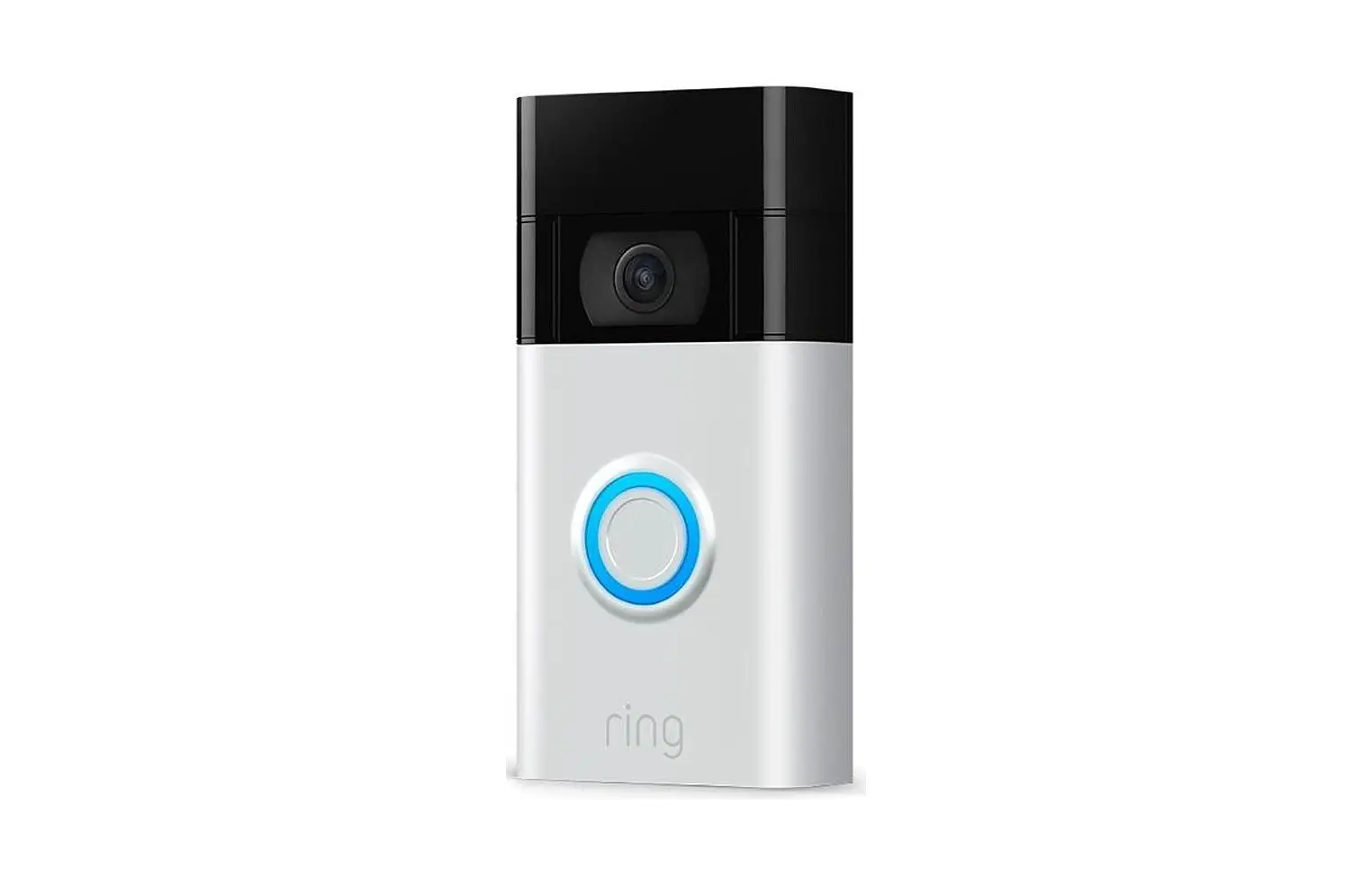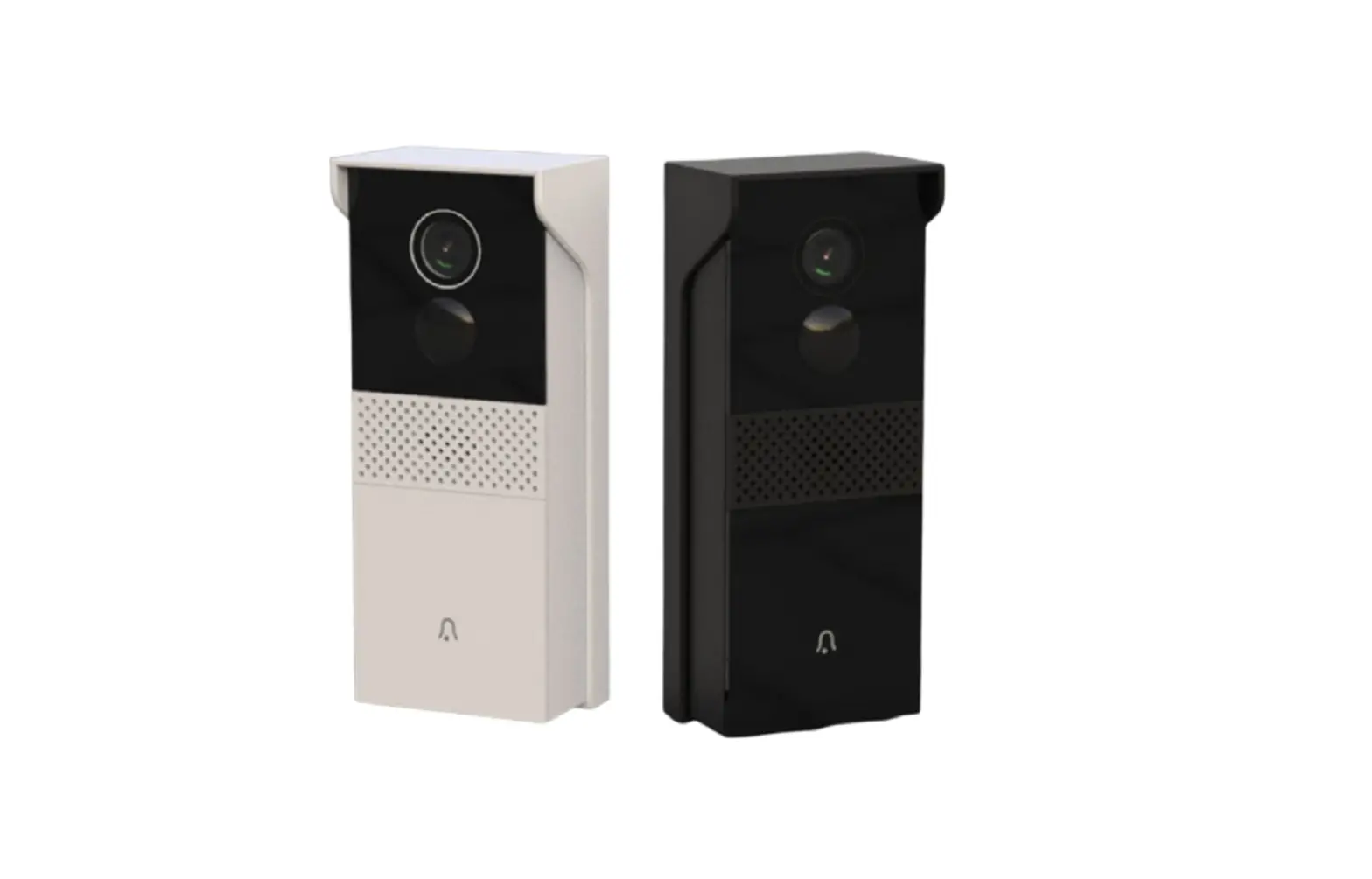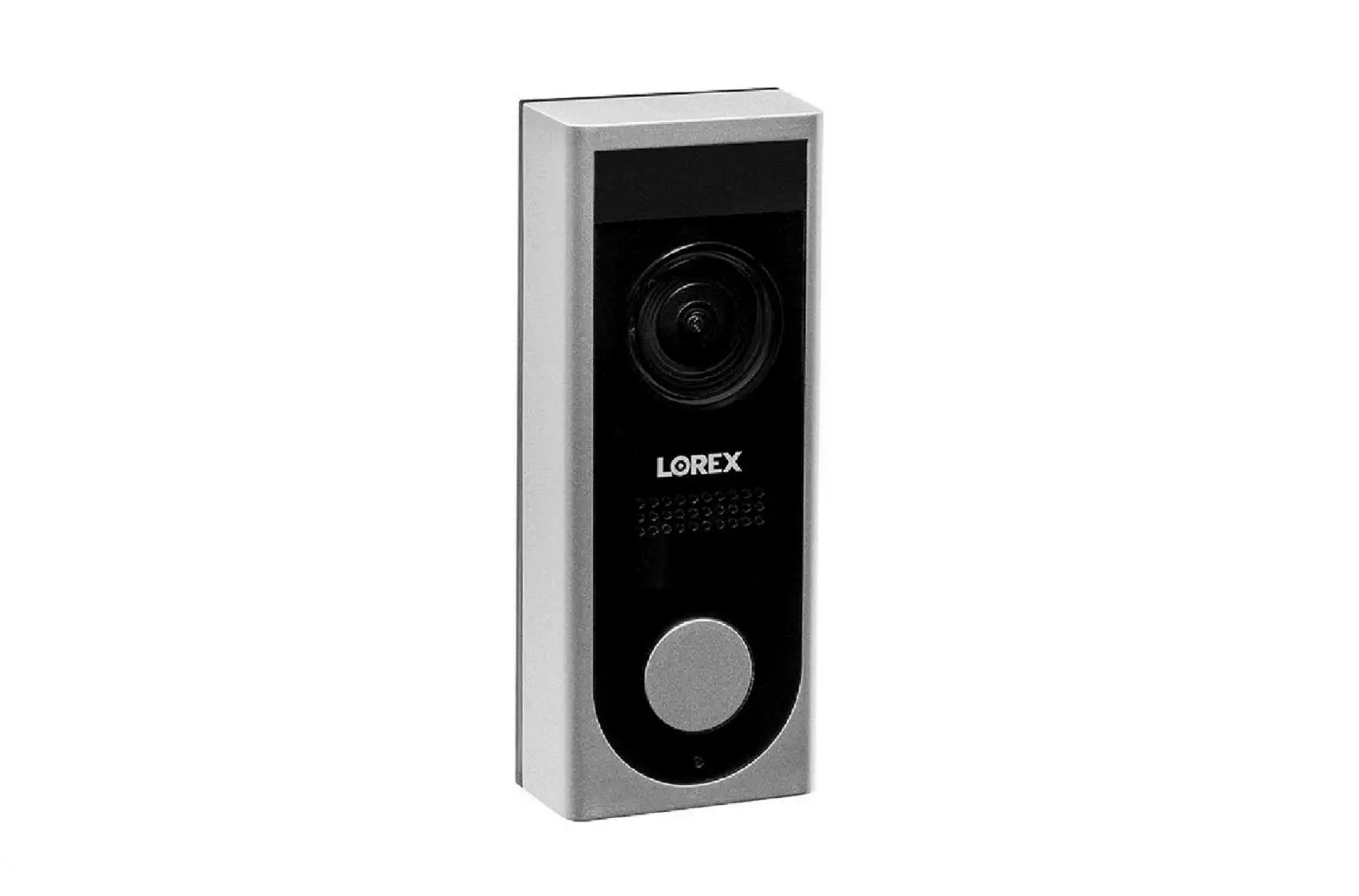
LOREX HD Video Doorbell LNWDBI Series User Guide
Package Contents
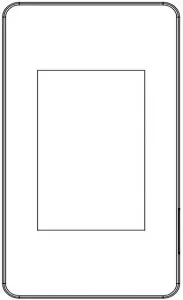
- HD Video Doorbell (x1)

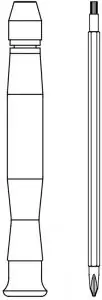
- Screwdriver (x1)

- Mounting Screws & Anchors (x4)

- Security Screw (x1)

- Door Frame Screws (x3)

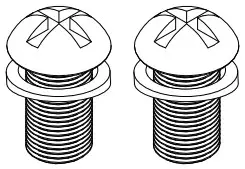
- Power Port Screws (x2)

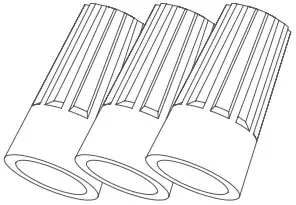
- Wire Caps (x3)

- Chime Kit (x1)

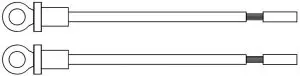
- Extension Power Cables (x2)

- Chime Cable (x1)

- Extra Chime Cable (x1)



Safety Precautions
- Read this guide carefully and keep it for future reference.
- Follow all instructions for safe use and handling of the product.
- Use the product within given temperature, humidity and voltage levels noted the product’s specifications.
- Do not disassemble the doorbell.
- Periodic cleaning may be required. Use a damp cloth only. Do not use any harsh,chemical-based cleaners.
Disclaimers
- Not intended for submersion in water. Installation in a sheltered location recommended.
- This doorbell includes an Auto Mechanical IR Cut Filter. When the camera changes between Day/Night viewing modes, an audible clicking noise may be heard from the doorbell. This clicking is normal, and indicates that the camera filter is working.
- Audio recording without consent is illegal in certain jurisdictions. Lorex Corporation assumes no liability for use of its products that does not conform with local laws.
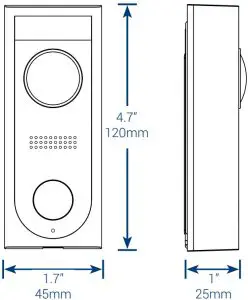
Dimensions
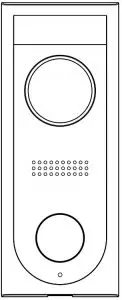
Product Overview
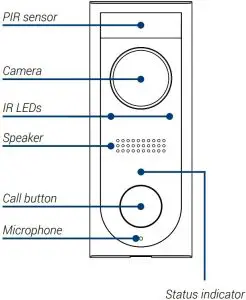
- Front Panel

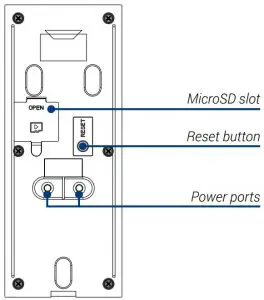
- Back Panel

Before You Start
Make sure your transformer has a voltage between 16-24 VAC.
If your house does not have this voltage, you will need a 16-24 VAC doorbell transformer or you can consult with a licensed electrician.
STEP 1: Preparation
- TURN OFF THE POWER RUNNING TO YOUR EXISTING DOORBELL AND CHIME BOX AT THE BREAKER. Test that power has been disconnected for both the doorbell and chime box power by pressing the doorbell. There should be no chime sound.
- Remove your existing doorbell and disconnect wiring.
- Remove the metal mounting plate from the back of the doorbell.

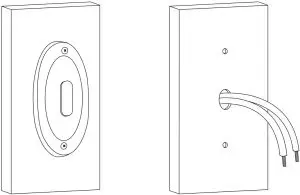
Tip: Bend the power cables so they do not fall through the hole in the wall.
STEP 2: Secure the Mounting Bracket
Use the mounting bracket to mark holes for mounting. Use the mounting accessories specified below depending on mounting location.
For installing on brick, stucco, or siding:
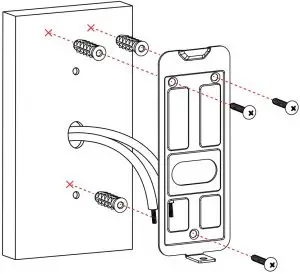
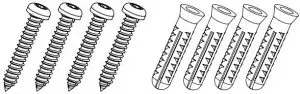
Use a 15/64” (6mm) drill bit to drill holes where marked.
Use the included mounting screws and plastic anchors to secure the mounting bracket to the wall.
For installing on a metal door frame:
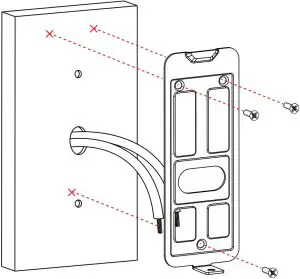
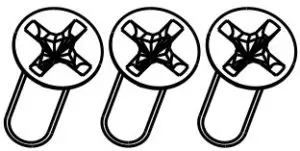
Use a 3/32” drillbit to drill holes where marked. Use the included door frame screws to secure the mounting bracket to the door frame.
Note: For both installations, ensure the power cables from the wall fit comfortably through the hole in the mounting bracket.
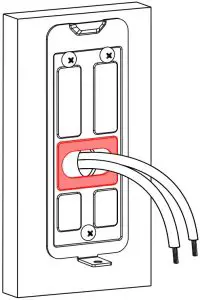
STEP 3: Wiring the Doorbell
- Loop the power cables around the power ports of the doorbell.

- Use the included screws (×2) to secure the power cables.

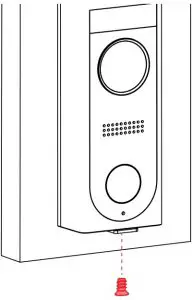
- Push the wiring through the hole in the wall or door frame. Slide the doorbell down so the plastic tab on the doorbell locks into the notch on the mounting bracket.

- Insert the included security screw through the mounting bracket and into the screw hole on the bottom of the doorbell. Fasten tightly using the starshaped end of the included screwdriver to complete the installation.

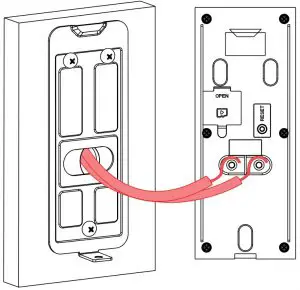
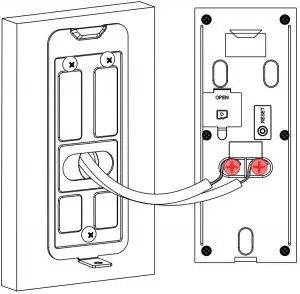
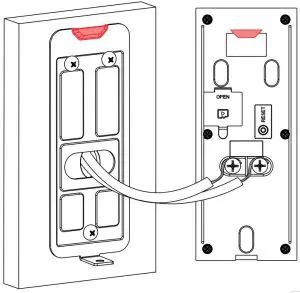
Note: If the power cables in the wall are not long enough, use the extension power cables and wire caps. Ensure there is enough space to fit the cable connectors and wire caps into the hole in your wall or door frame.
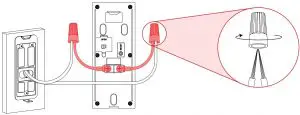
STEP 4: Wiring the Chime
You must determine the type of doorbell chime you have in your home: electronic or mechanical.
Not sure? If your doorbell chime is a classic *ding-dong* sound, chances are your chime is mechanical. If you are still not sure, remove the cover panel of your chime box – if you find springloaded levers and a physical metal chime, you have a mechanical chime.
For users with a mechanical chime, follow the extra steps below to complete the installation.
For mechanical chime owners:
- Remove the cover panel of your doorbell chime box.
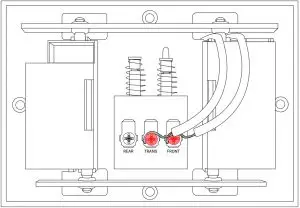
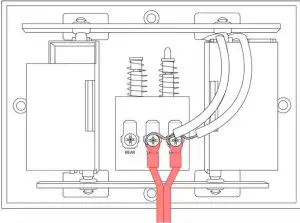
- Loosen the screws labeled FRONT and TRANS using the Phillips end of the included screwdriver.
Do not remove the screws, and be sure not to detach any connected wiring.
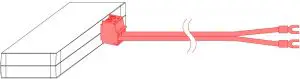
- Connect the included chime kit to the green terminal on the end of the included wiring as shown below.

- Connect the wiring from the chime kit to the FRONT and TRANS connectors in the chime box. Ensure that the existing wiring stays connected as well.
Note: You may connect either wire to either connector.
- Mount the chime kit to the inside of your chime box, or along the cover plate, using the included double-sided tape.
 Warning: Ensure the chime kit and wires are not touching the chimes or any moving components inside the chime box, or the doorbell chime will not sound correctly.
 - Reconnect power to the doorbell and chime at the breaker.
STEP 5: App Setup
- Download the Lorex Home app by scanning the QR code.
- Open the Lorex Home app, and sign in or create an account.
- Once the status indicator on the doorbell is solid blue, tap
+ . Follow the in-app instructions to complete the device setup.


STEP 6: Linking the Doorbell and Chime
 Warning: Wait for the doorbell to start up.
This may take up to 5 minutes after reconnecting power at the breaker.
To link the doorbell and chime:
- After completing the doorbell setup, tap Link Third Party Chime.
- Select Electronic Chime or Mechanical Chime based on the type of chime in your home.
Note: Make sure to select the correct chime box in the app.
App Live View
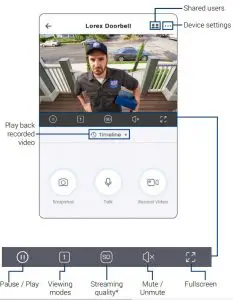
- Change the streaming quality to SD (Standard Definition) to conserve bandwidth while watching live video. This will not impact the quality of recorded video.
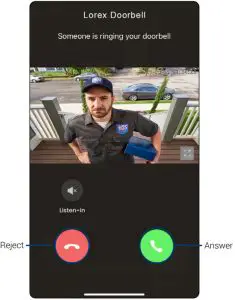
Calling screen:
FCC Notice
THIS DEVICE COMPLIES WITH PART 15 OF THE FCC RULES. OPERATION IS SUBJECT TO THE
FOLLOWING TWO CONDITIONS:
- THIS DEVICE MAY NOT CAUSE HARMFUL INTERFERENCE, AND
- THIS DEVICE MUST ACCEPT ANY INTERFERENCE RECEIVED, INCLUDING INTERFERENCE THAT MAY CAUSE UNDESIRED OPERATION.
Need Help?
For up-to-date information and resources:
- Visit help.lorex.com
- Search for the model number of your product
- Click on your product 3 in the search results
- Click on the Downloads tab
Register your product
Please see our full Terms of Service and Limited Hardware Warranty Policy at
lorex.com/warranty
 Lorex Technical Support | LOREX Support
 Security Cameras - Home Security Camera Systems | Lorex