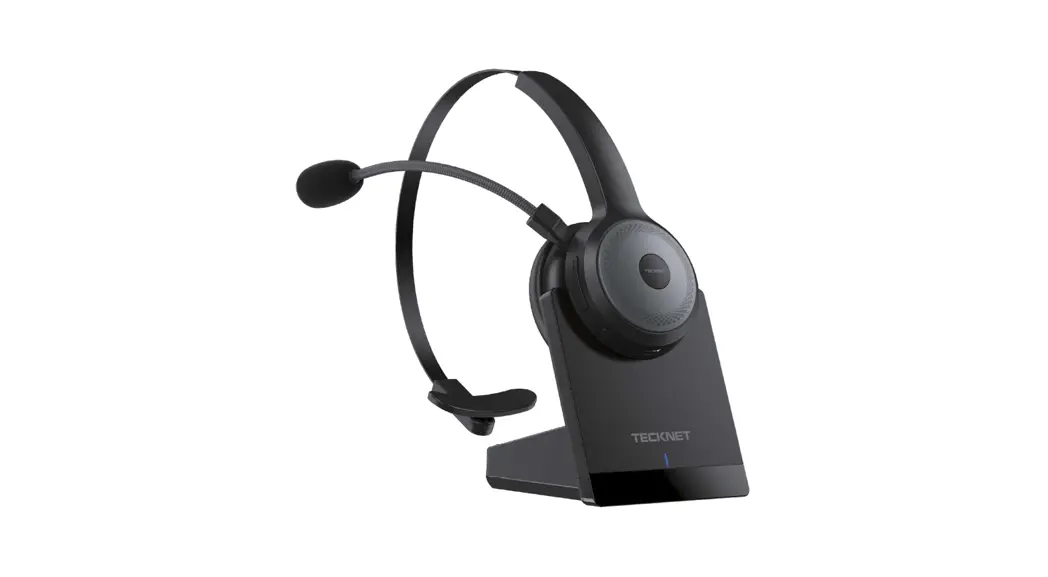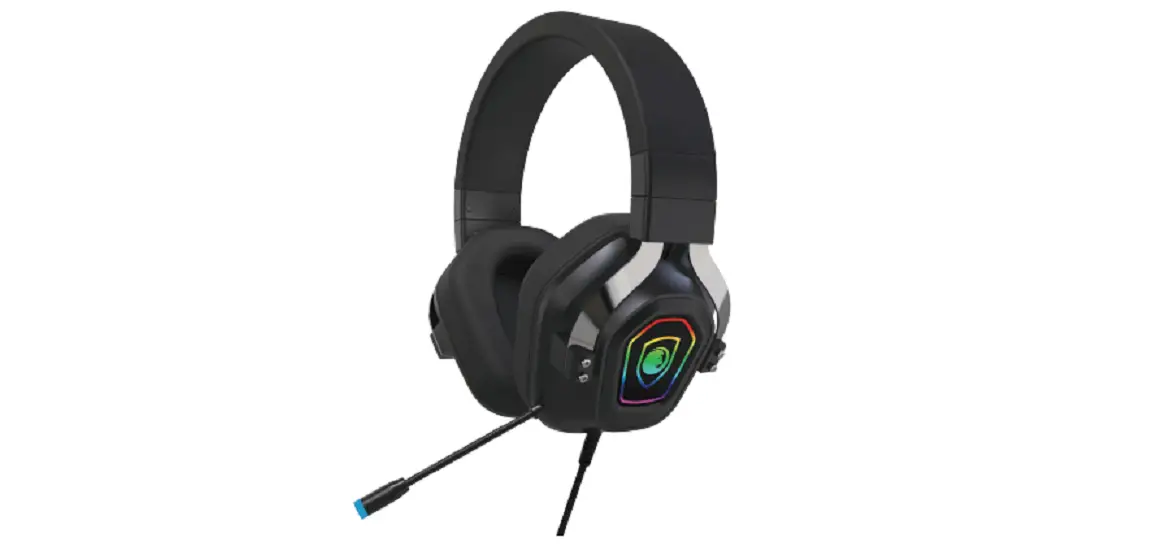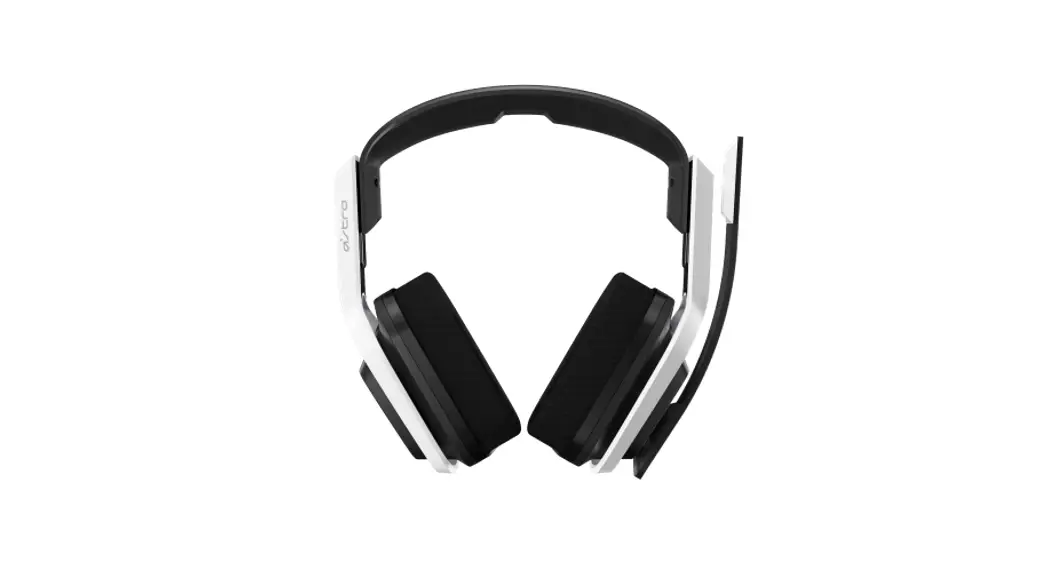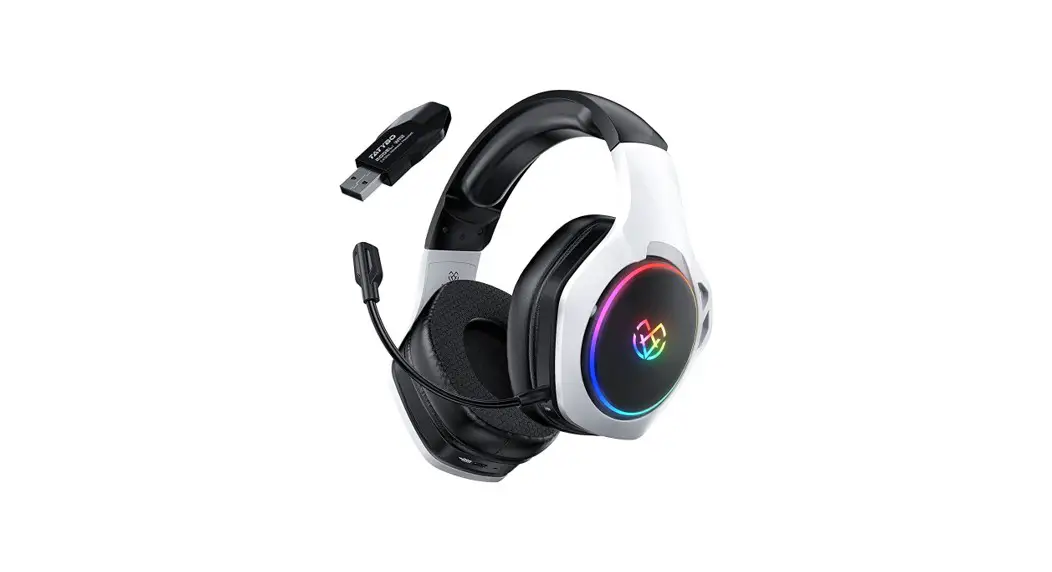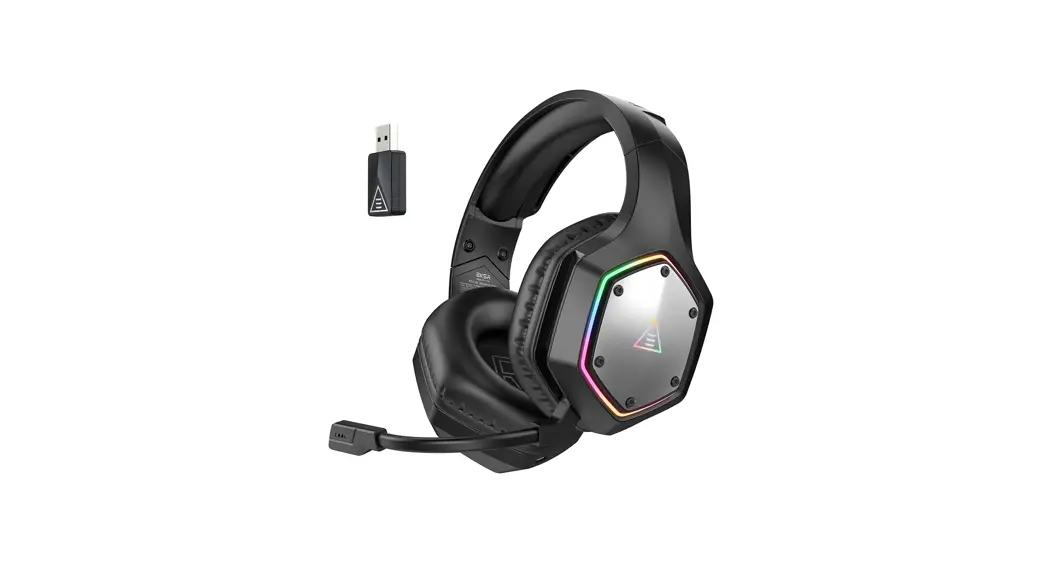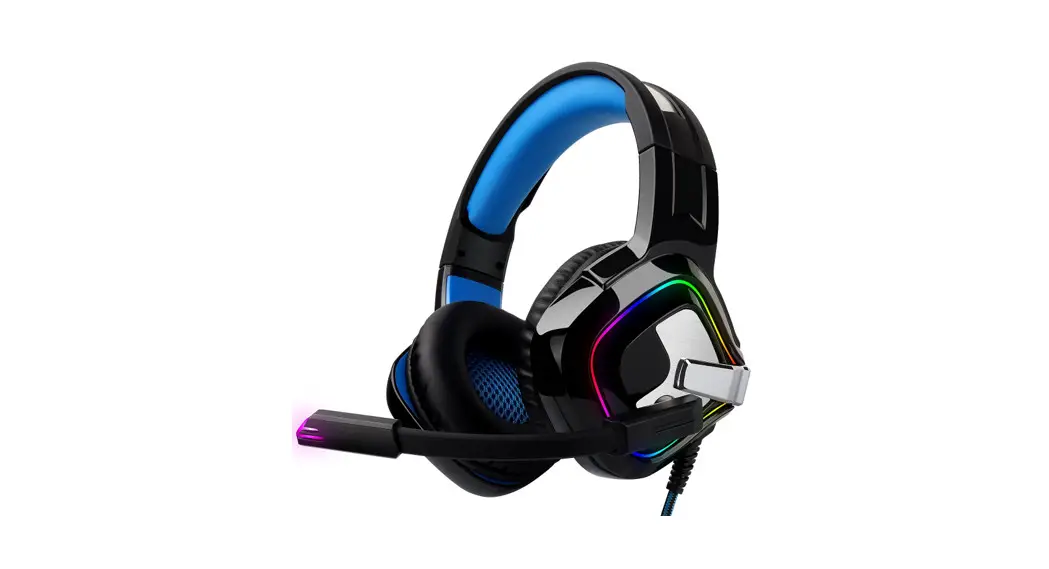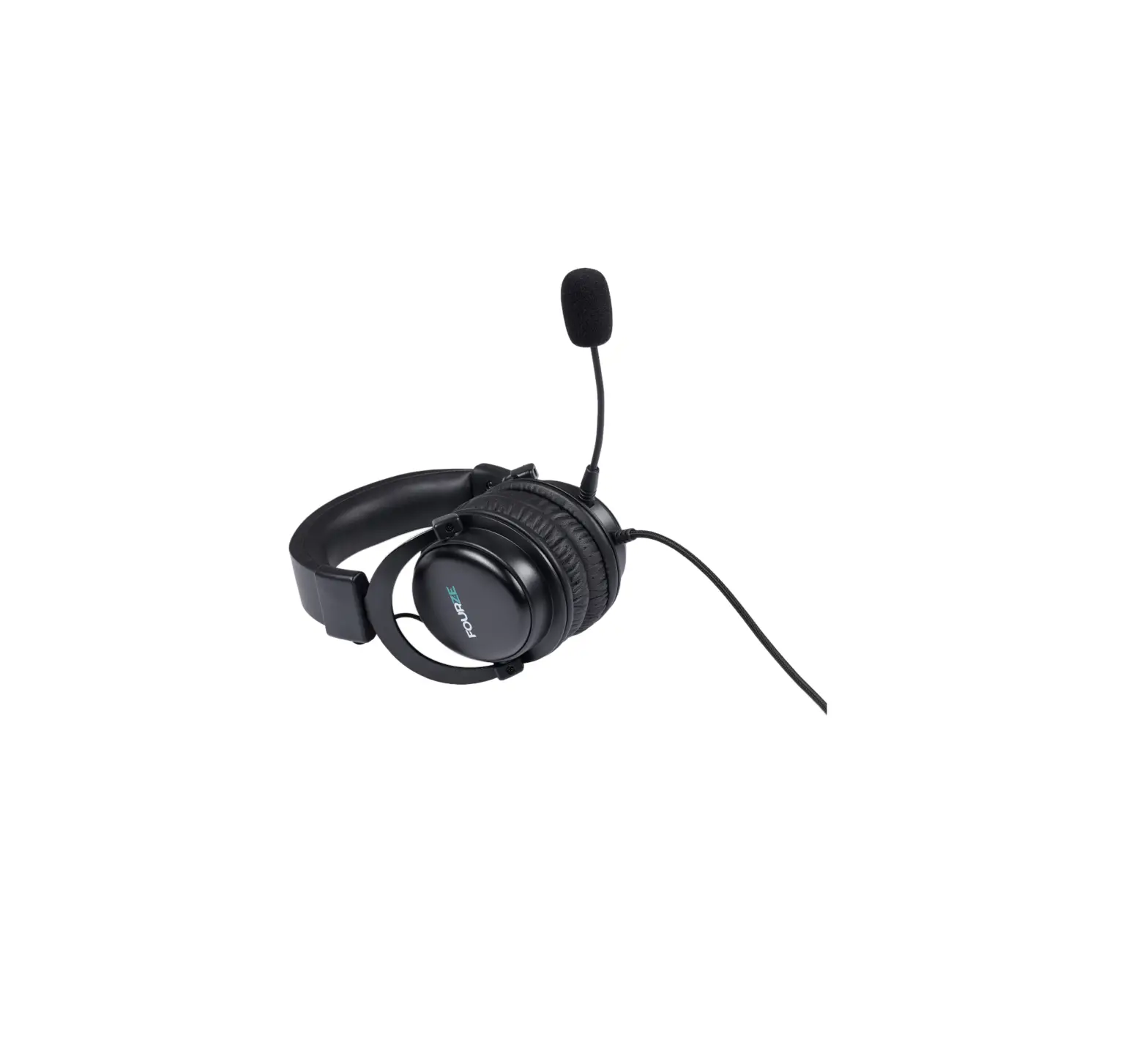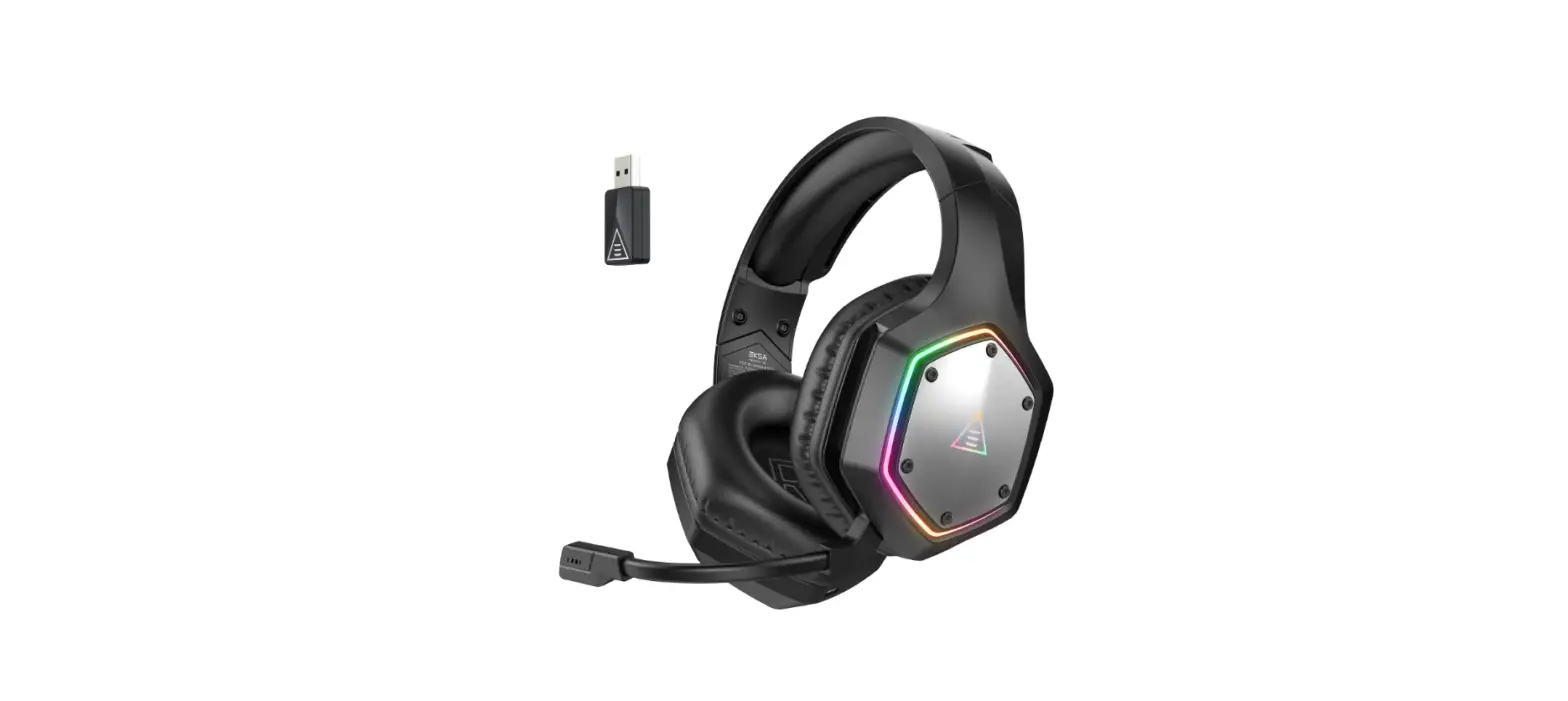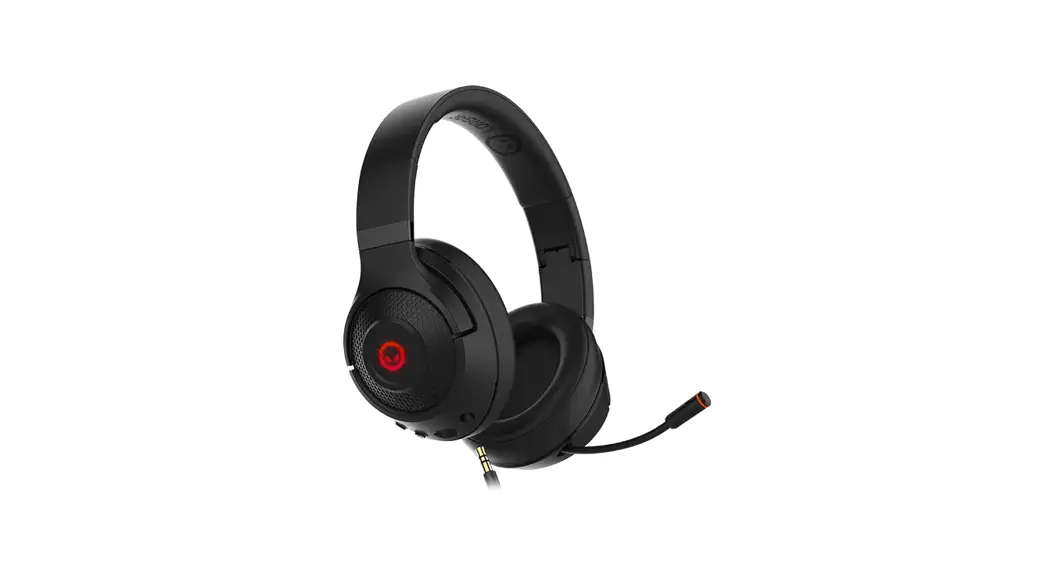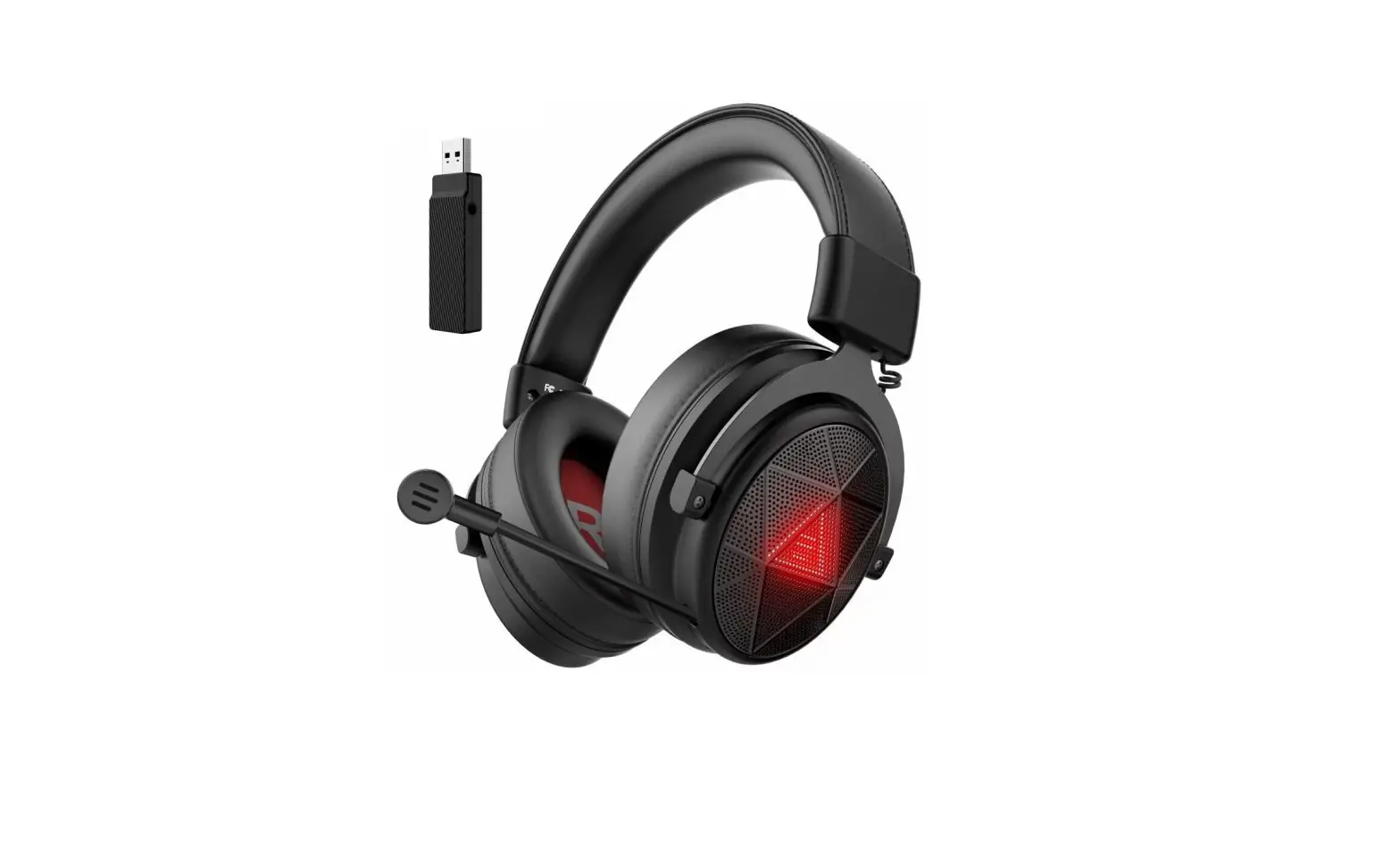

TECKNET EGH01928 Gaming Headset
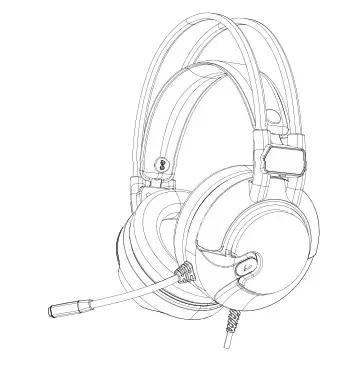
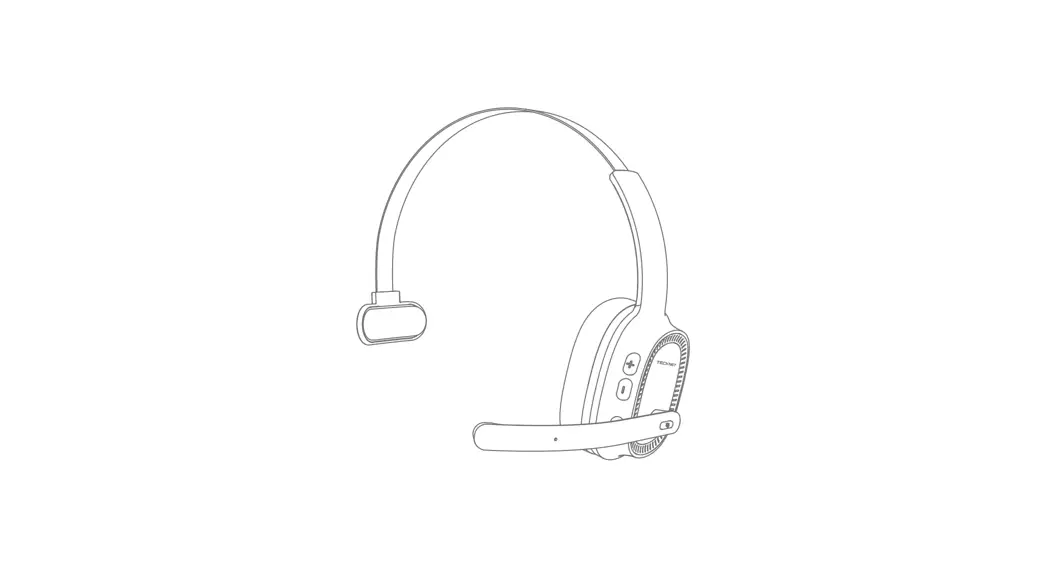
Products Overview
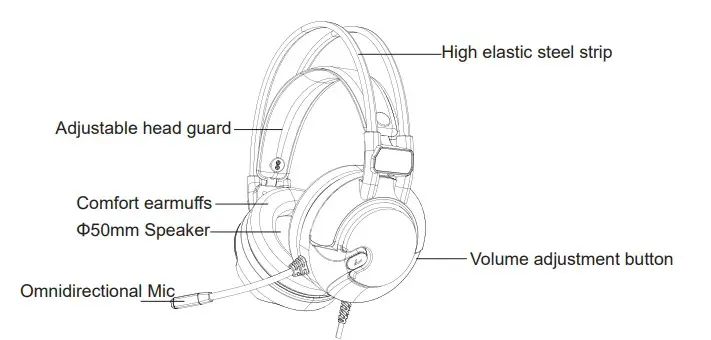
Product Description
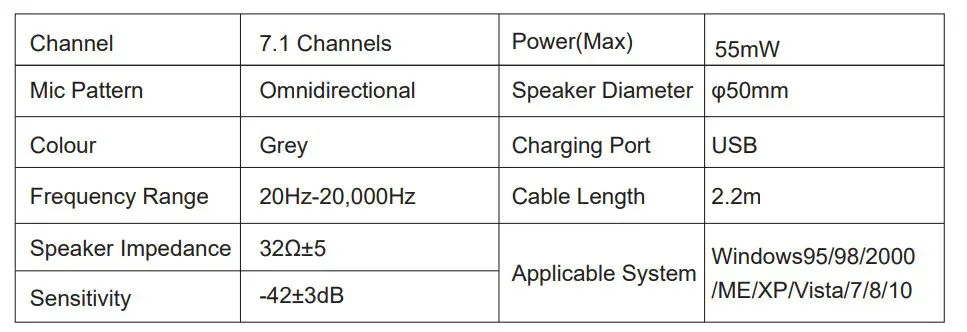
Connecting
- Plug the USB cable of the gaming headset into the PC or tablet.
- The gaming headset will turn on when the light is on green
- Enjoy the games or music normally
- Headphones do not need to be driven, support hot plug
Calling
- When the gaming headset is connected to a PC or tablet (LED turns green), you can start talking to other people in the game.
- You can adjust the position of the microphone to achieve the best performance
Volume Adjustment
Adjust the sound of the headset by scrolling the volume adjustment dial.
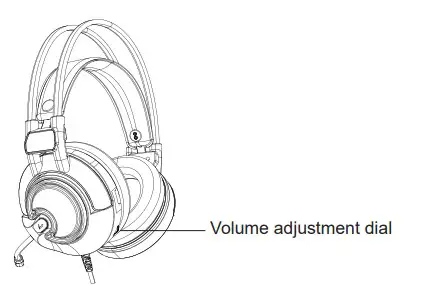
NOTE Do not adjust the volume to the maximum to protect the your hearing.
Software Download
- Login to: www.tecknetonline.com/support/Gaming/EGH01928.zip
- Download the software to your PC or tablet
- Double click “TECKNET Audio ControlSetup”, install the software.
- Restart you PC or tablet after the installation is finished, then the software can be used.
EQ Mode-Sound balance adjuster
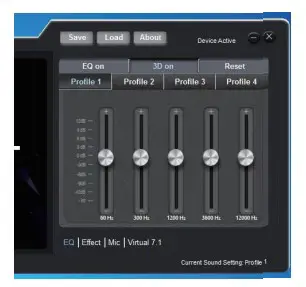
- EQ On: Open or close the EQ mode
- 3D On: Open or close the 3D Sound effect
- Reset: Reset settings
Effects Mode- Preset scene mode
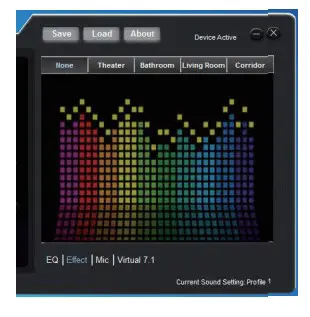
- 4 scene modes: Theater, Bathroom, Living Room, Corridor
 TECKNET | Wireless Doorbell, Keyboard and Mouse,Headphones