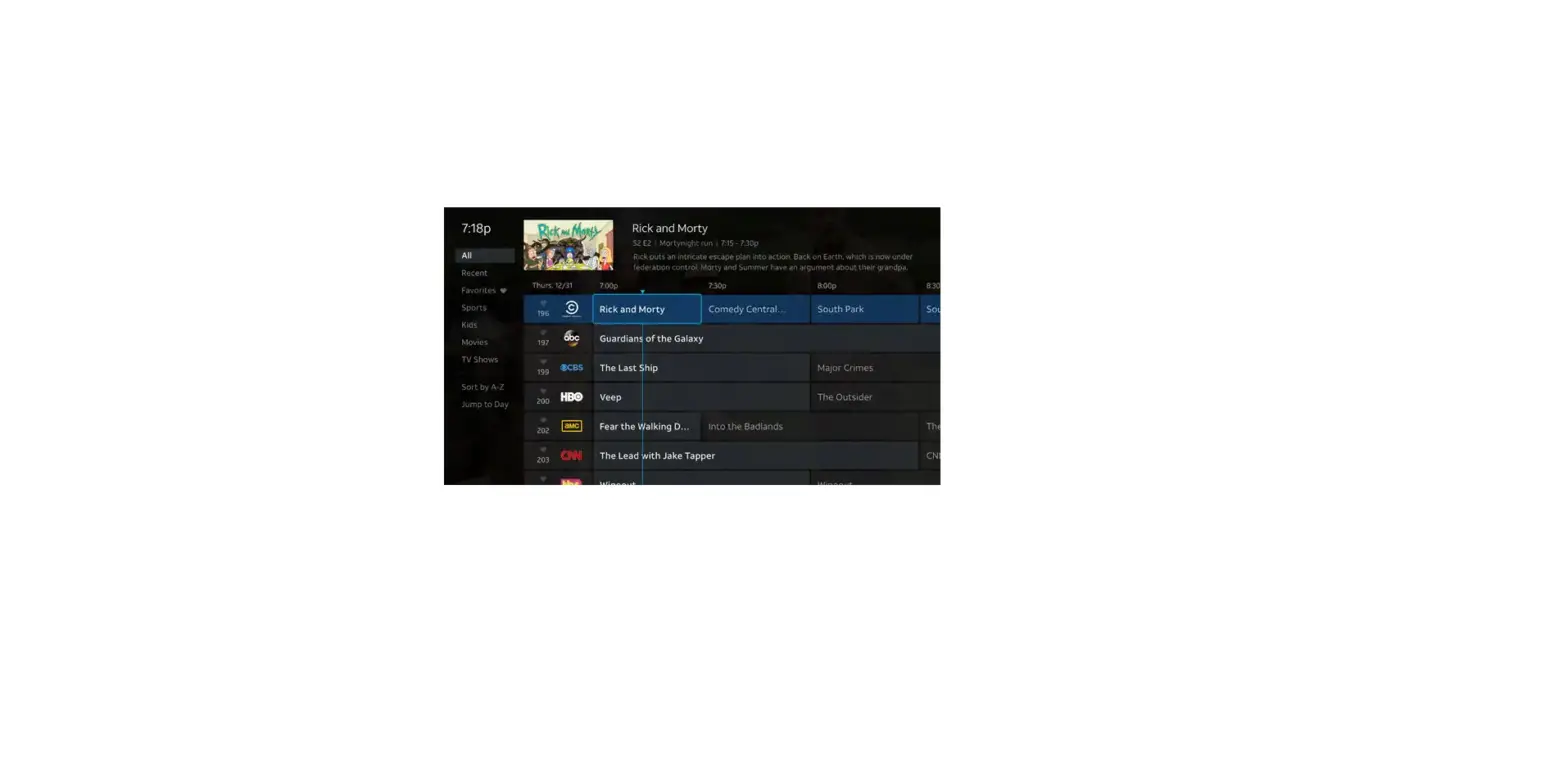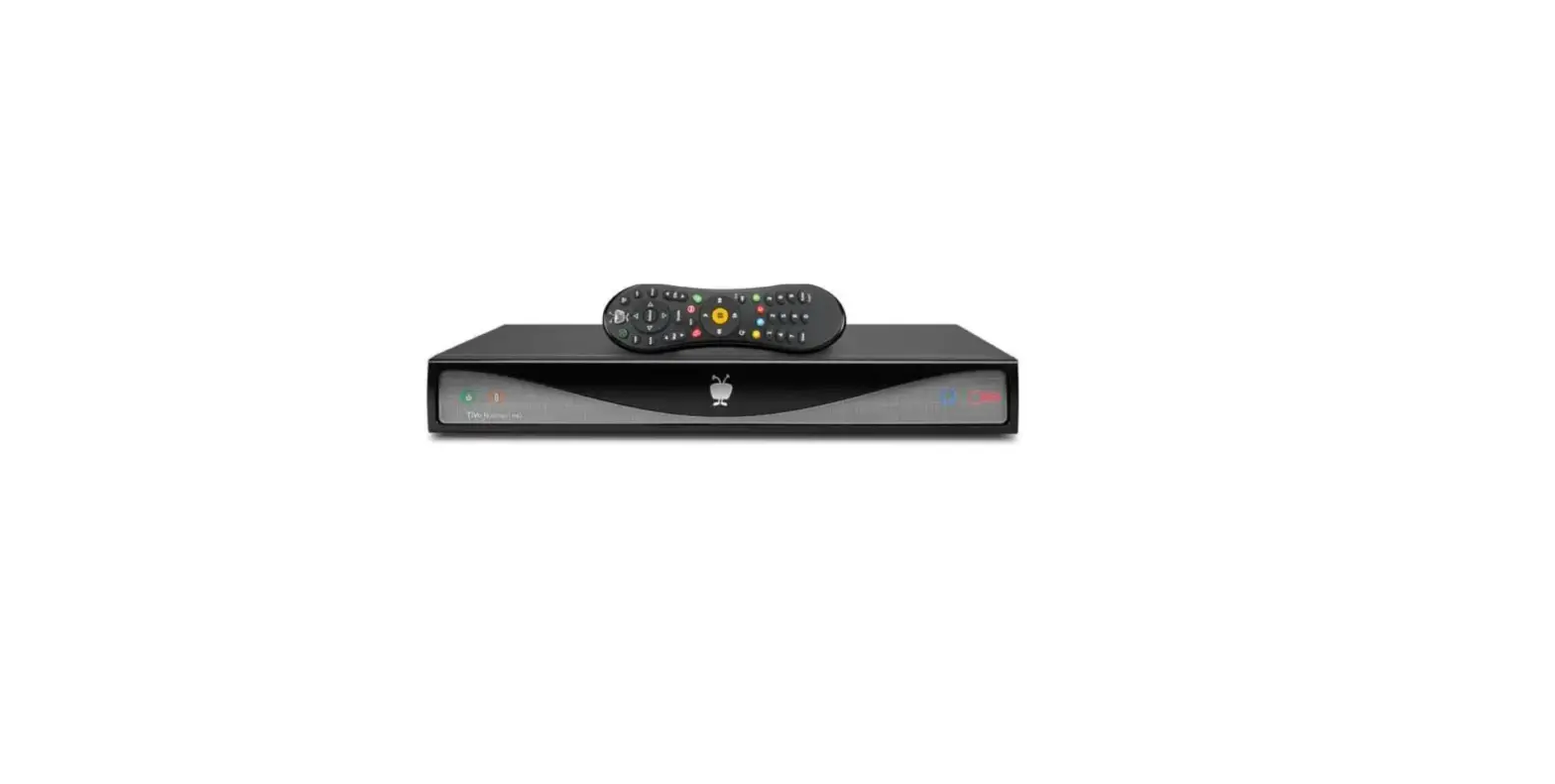
Programs that are broadcast live, such as sporting events, may run over the scheduled time. To ensure you don’t miss an exciting finish, you can extend the recording time.
Here’s how it works:
- Schedule a live broadcast recording – press the R on your remote
- View on-screen message asking if you’d like to extend the recording time
- The default setting extends recording by 30 minutes
- Modify the extension from 1 minute up to 3 hours
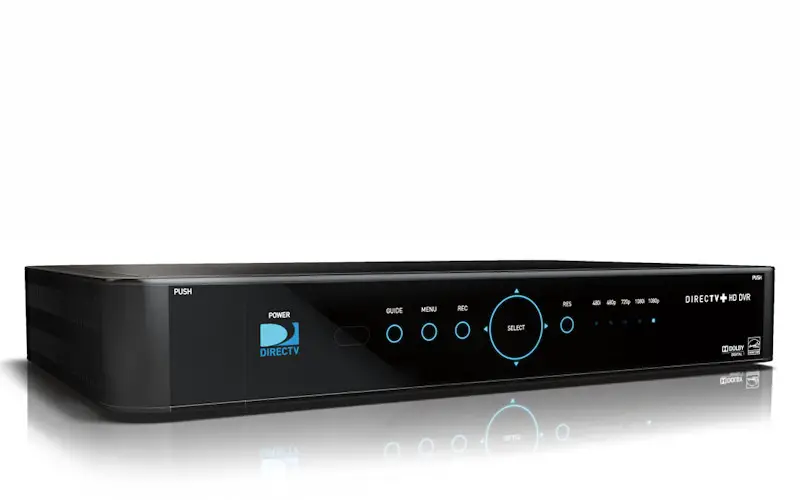
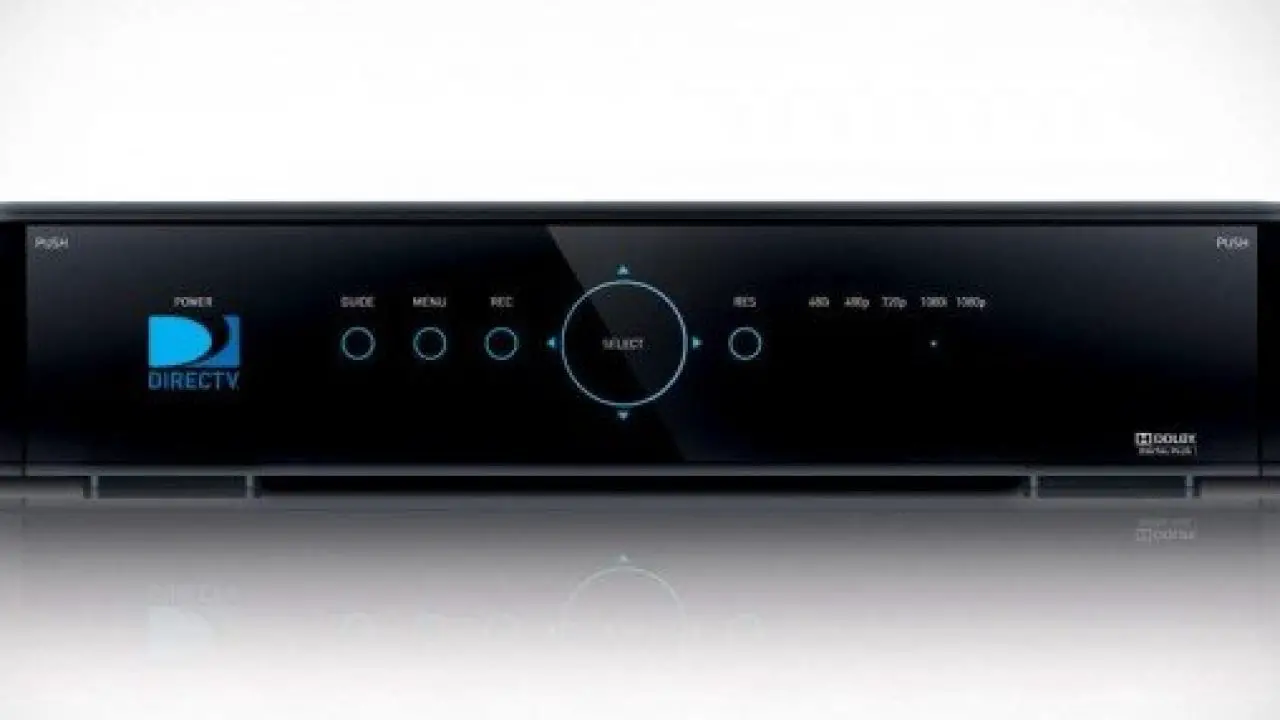
Note: This feature is currently available on the DIRECTV Plus® HD DVR (models HR20 and up) and the DIRECTV Plus® DVR (model R22) receivers.