I Get A “dvr Busy” Message When I Try To Stream A Recorded Show On My Device. What Does This Mean?

I Get A “dvr Busy” Message When I Try To Stream A Recorded Show On My Device. What Does This Mean?

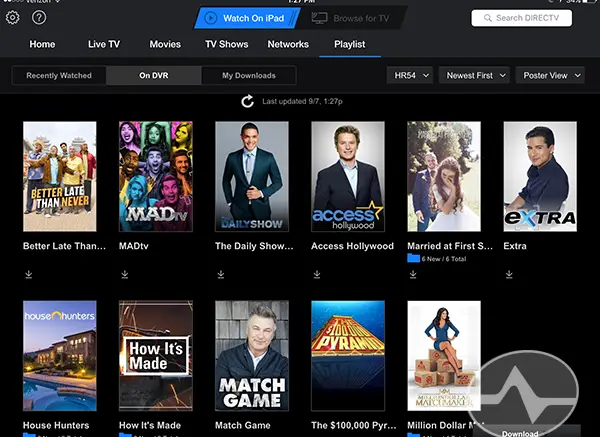
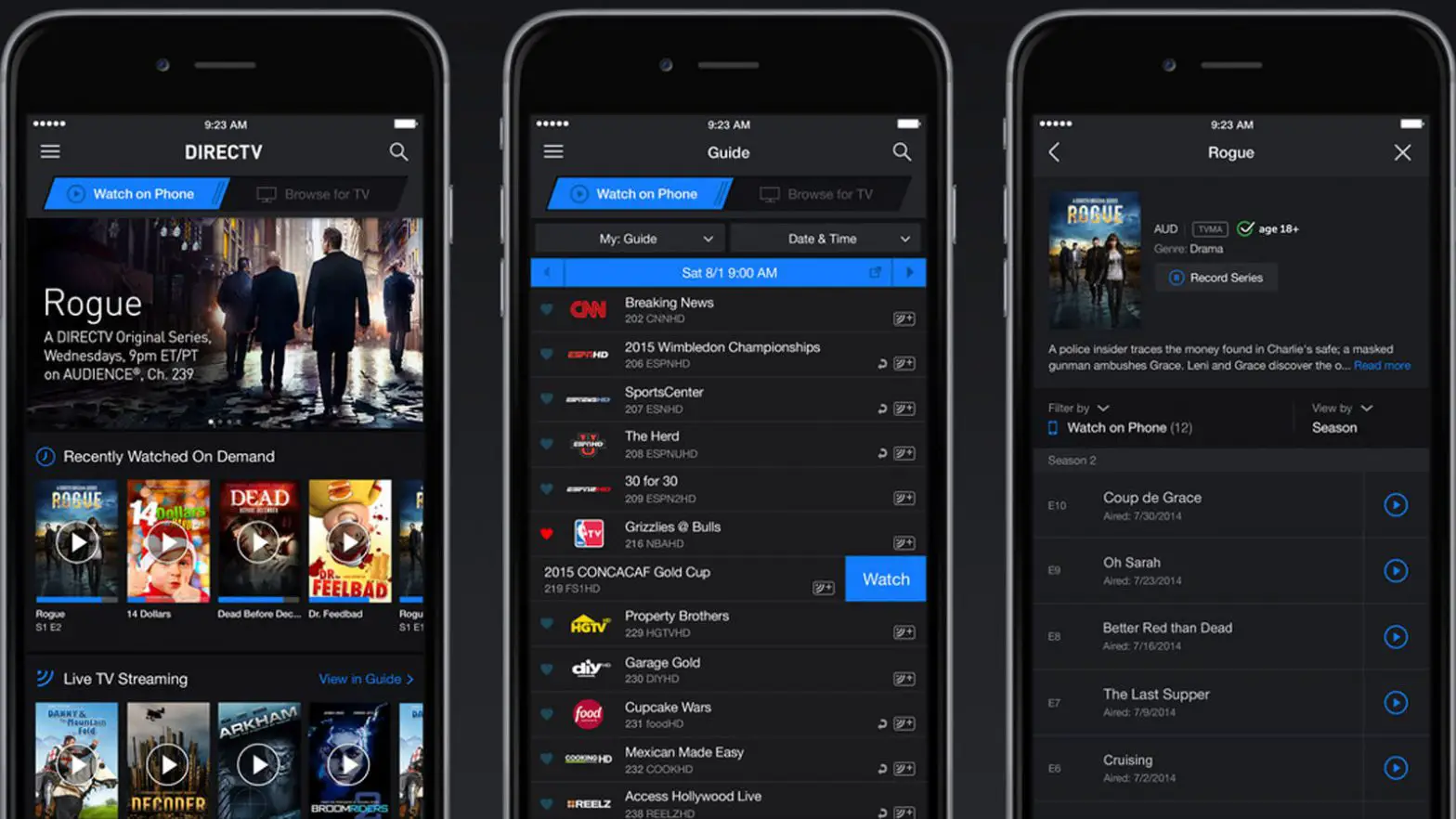
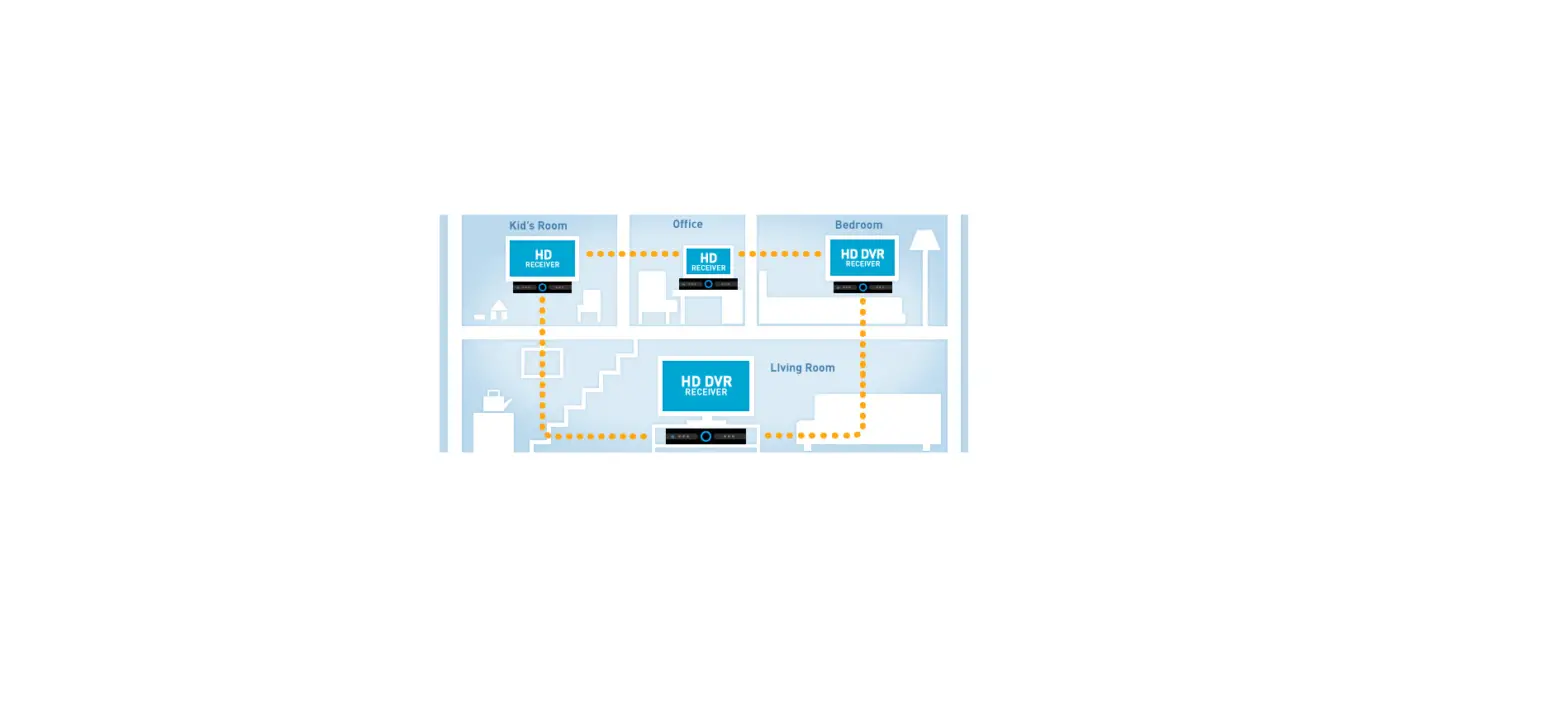
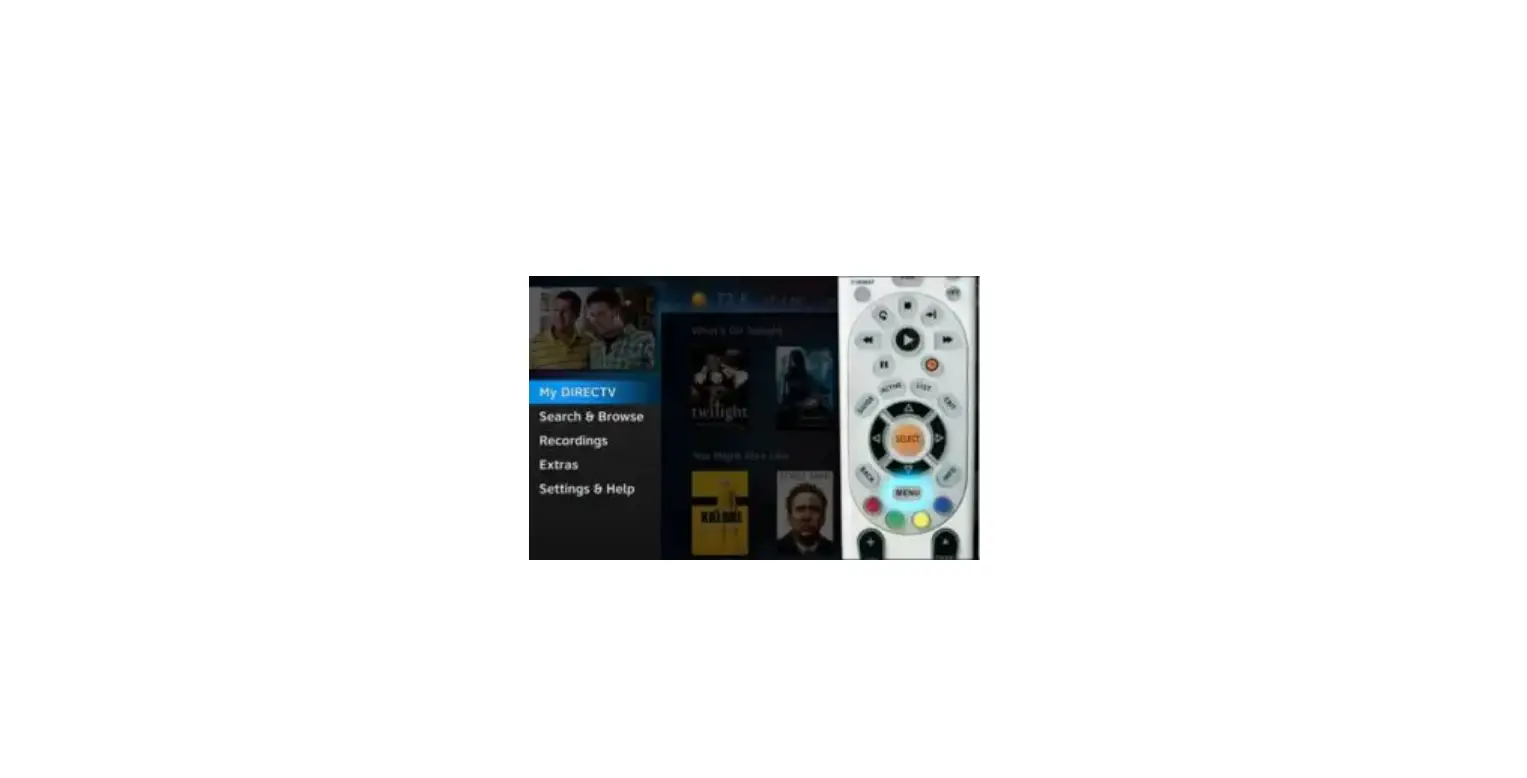
This means someone is watching the same recorded show on a TV that’s connected to one of your Genie Minis. To fix the issue, just go to your TV that’s currently playing the recorded show you want to stream and press the STOP or EXIT button on your remote control to stop the playback.

Note: DIRECTV no longer sells GenieGO devices.
Documents / Resouces

Download manual
Here you can download full pdf version of manual, it may contain additional safety instructions, warranty information, FCC rules, etc.


Related Manuals