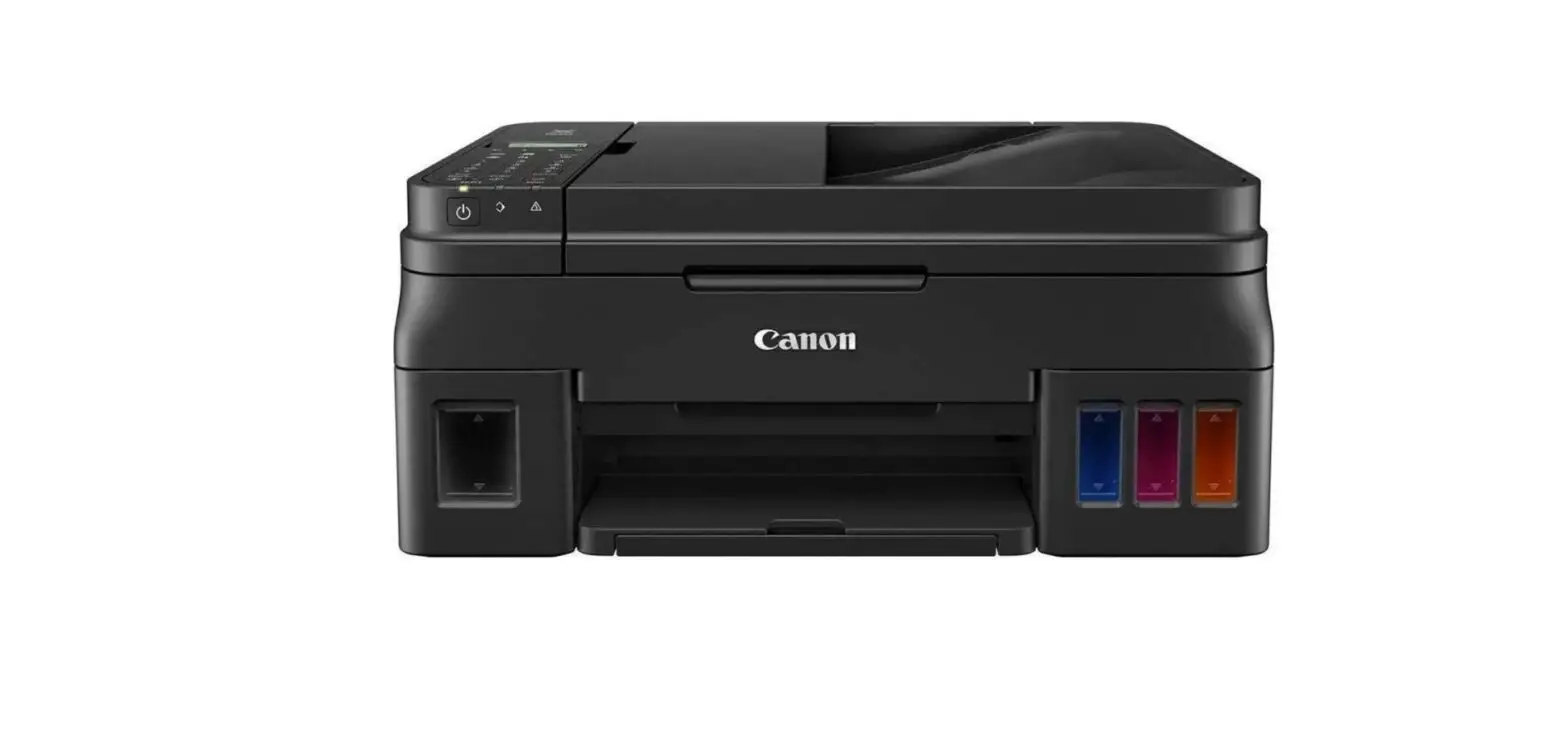
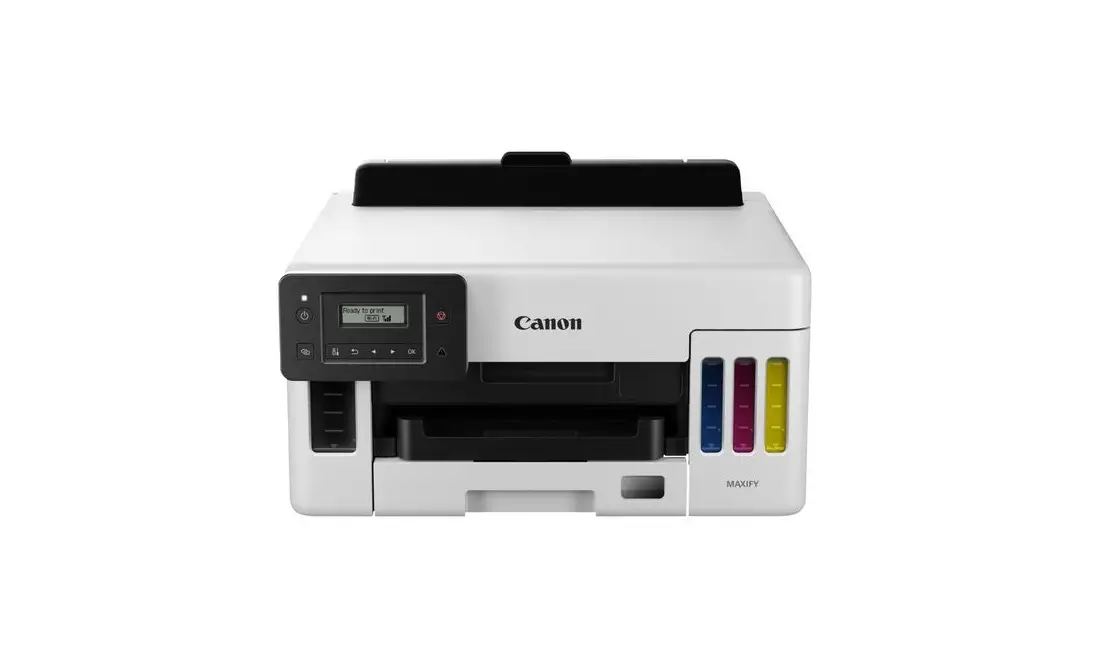
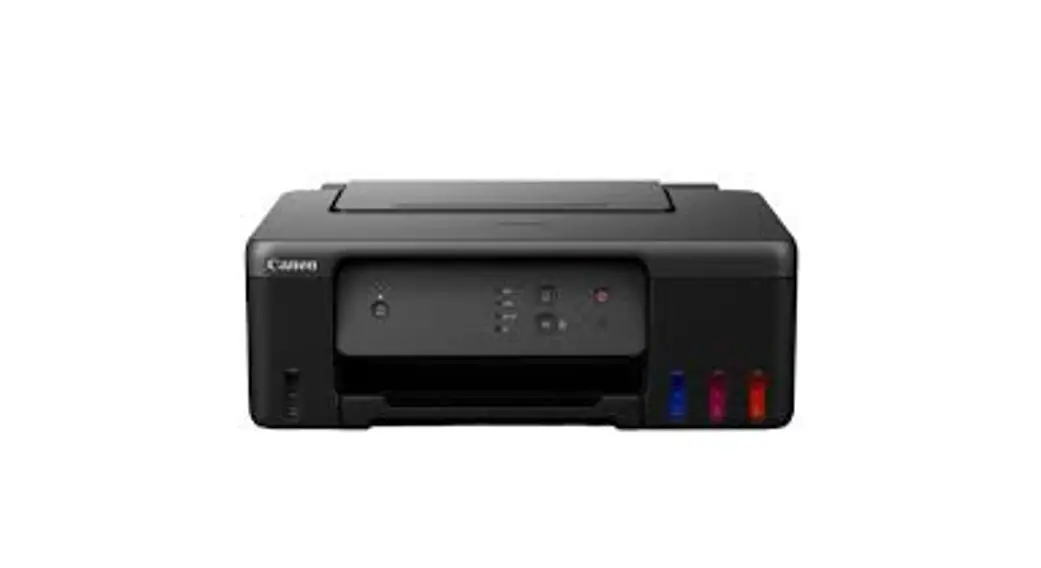
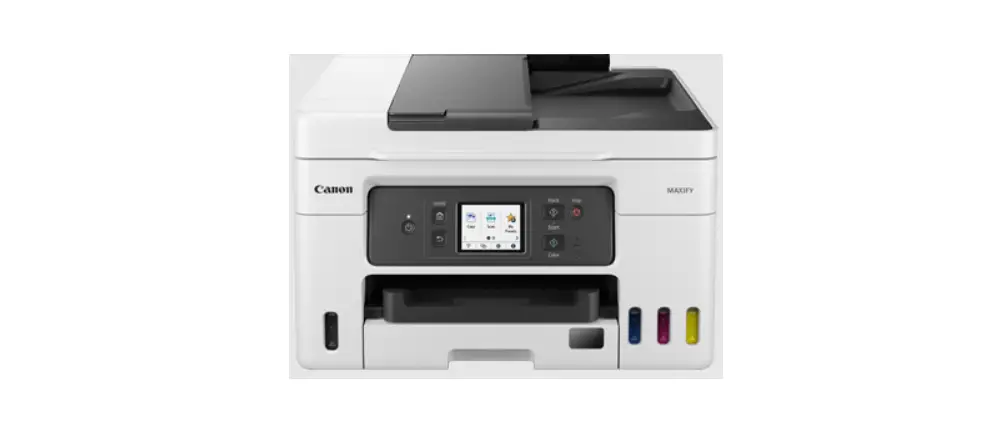
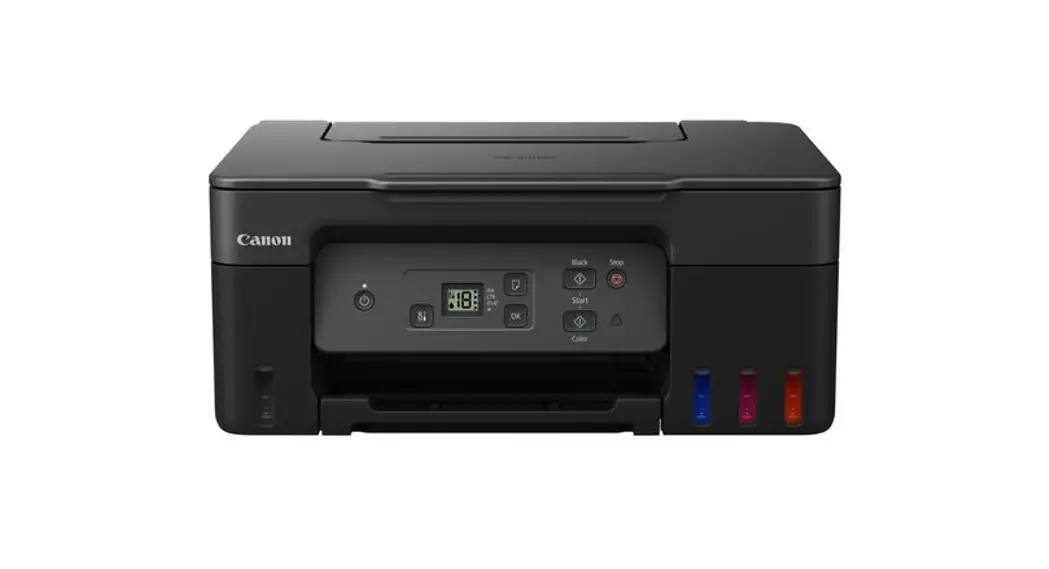
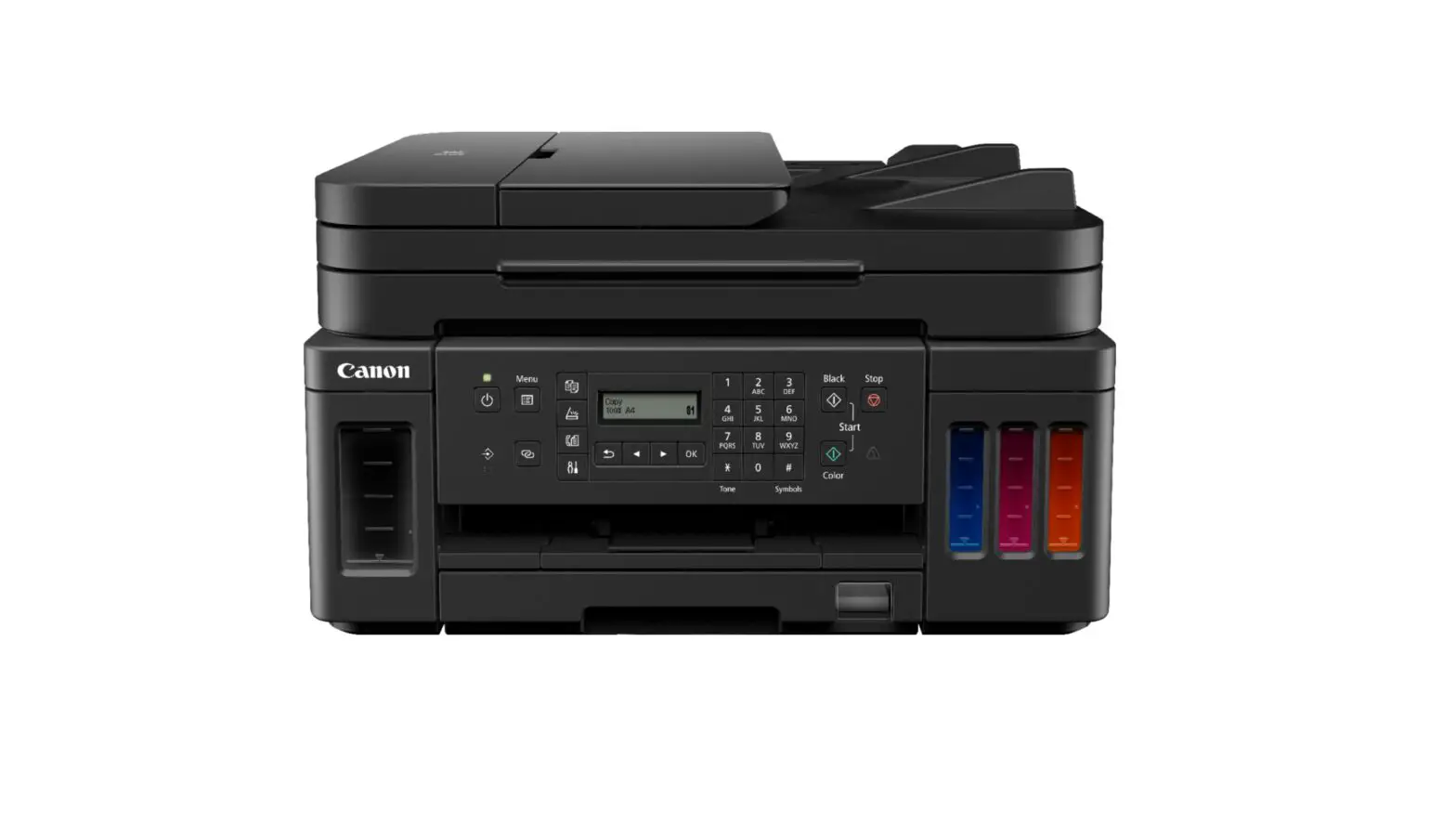
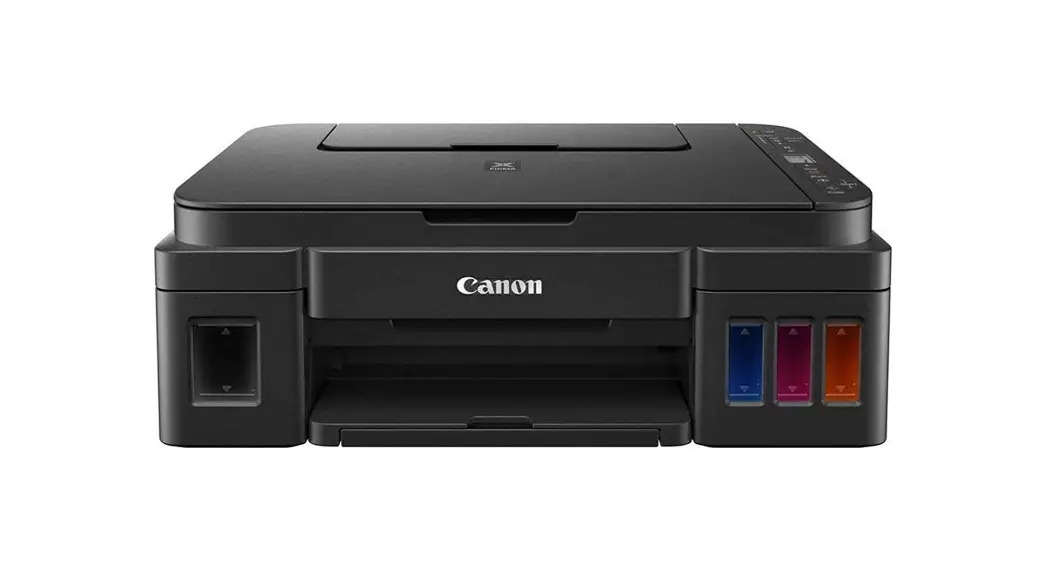
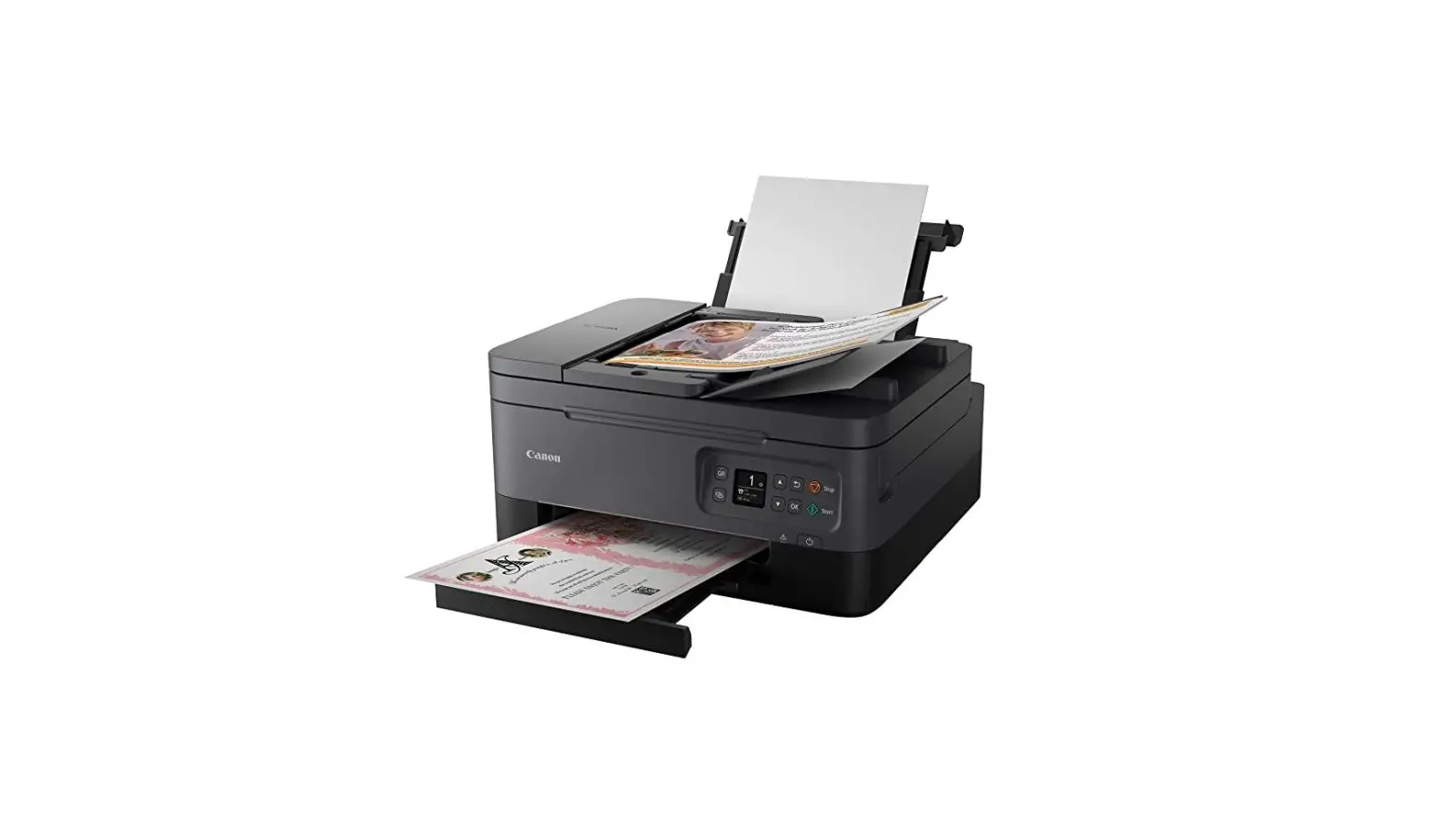
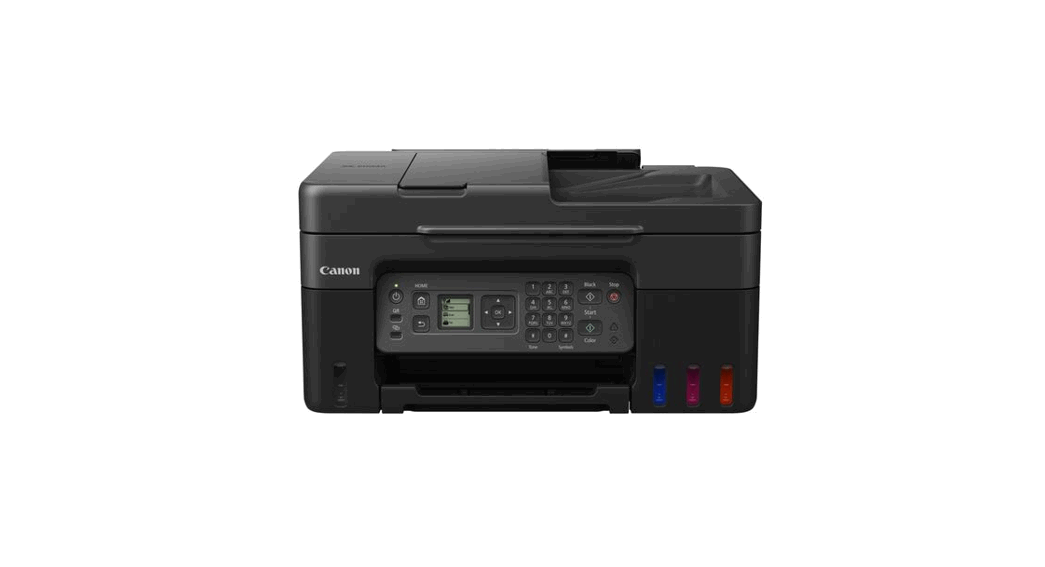
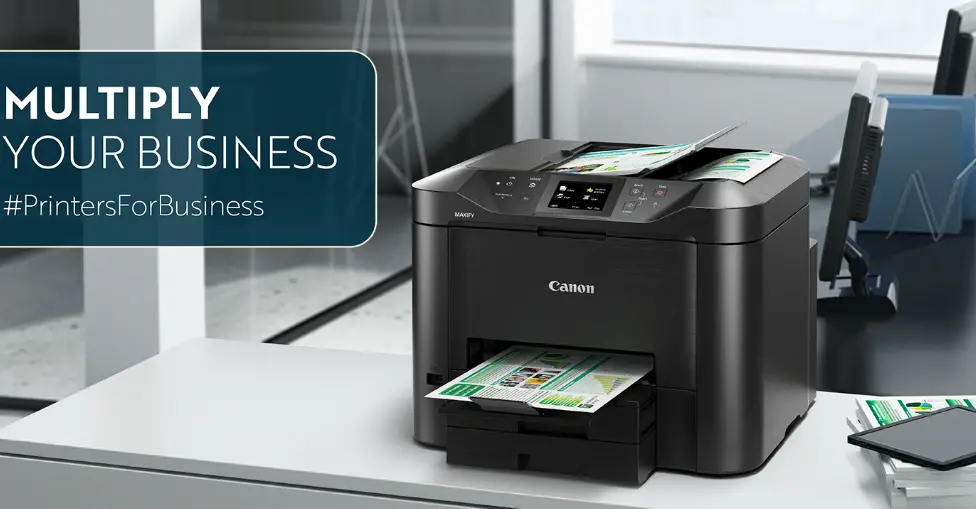
GX4020 Refillable Ink Tank Printer
Product Information:
The product is a printer that allows you to print documents and
images from your computer or mobile device. It supports both wired
and wireless connectivity options.
Product Usage Instructions:
- Connect the Power Cord to the printer.
- Press the ON button to turn on the printer.
- Follow the instructions displayed on the printer’s screen to
complete the initial setup process. - To connect the printer to a computer or mobile device, visit
the website https://ij.start.canon/connect. - On the website, follow the provided instructions to establish a
connection between the printer and your computer or mobile
device.
Please note that the above instructions are provided in English.
For instructions in other languages, please refer to the respective
section or page.
PRINTED IN XXXXXXXX
Para obtener instrucciones en español, por favor, voltee la
página.
Setup Instructions
Para español, voltear >>
1 Connect the Power Cord, and then press the ON button
2 Follow the instructions on the printer’s screen
3 Connect to a computer or mobile device on the website
https://ij.start.canon/connect
XXXXXXXX
©CANON INC. 2022
PRINTED IN XXXXXXXX
Instrucciones de instalación
For English, turn over >>
1 Conecte el cable de alimentación y, a continuación, pulse el botón ACTIVADO (ON)
2 Siga las instrucciones que aparezcan en pantalla de la impresora
3 Conéctese a una computadora o dispositivo móvil en el sitio web https://ij.start.canon/connect
 Canon : Manuals : Select Product Name