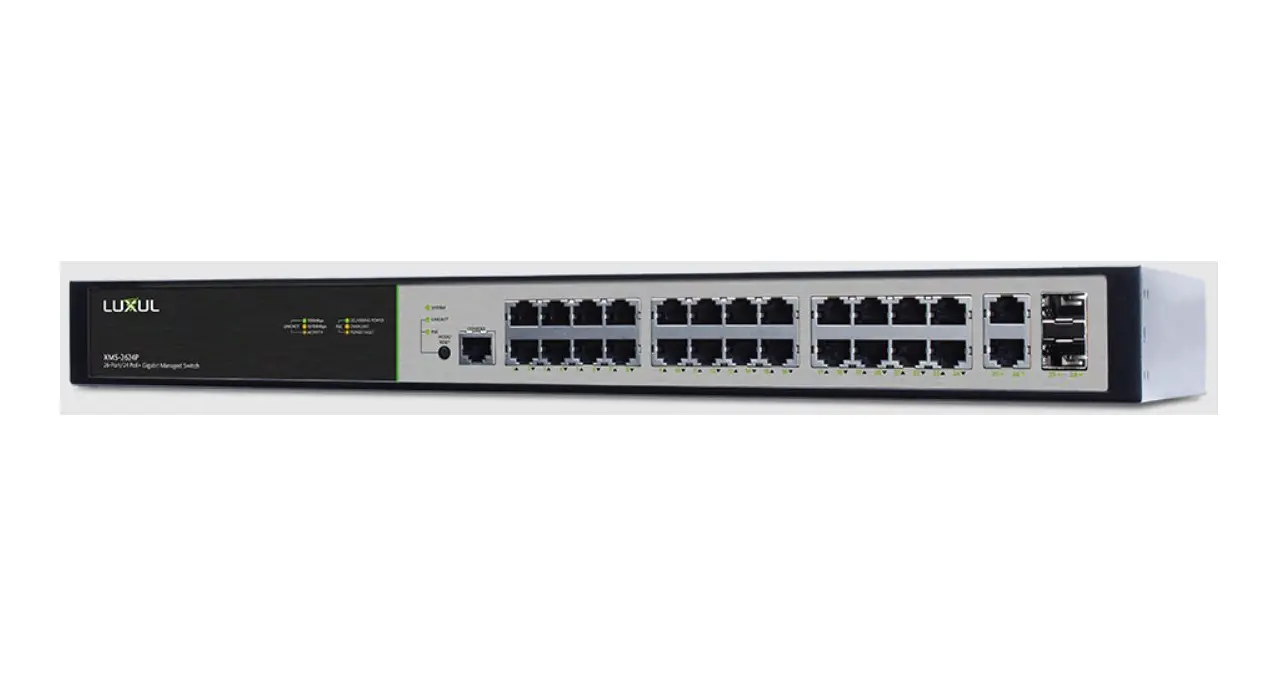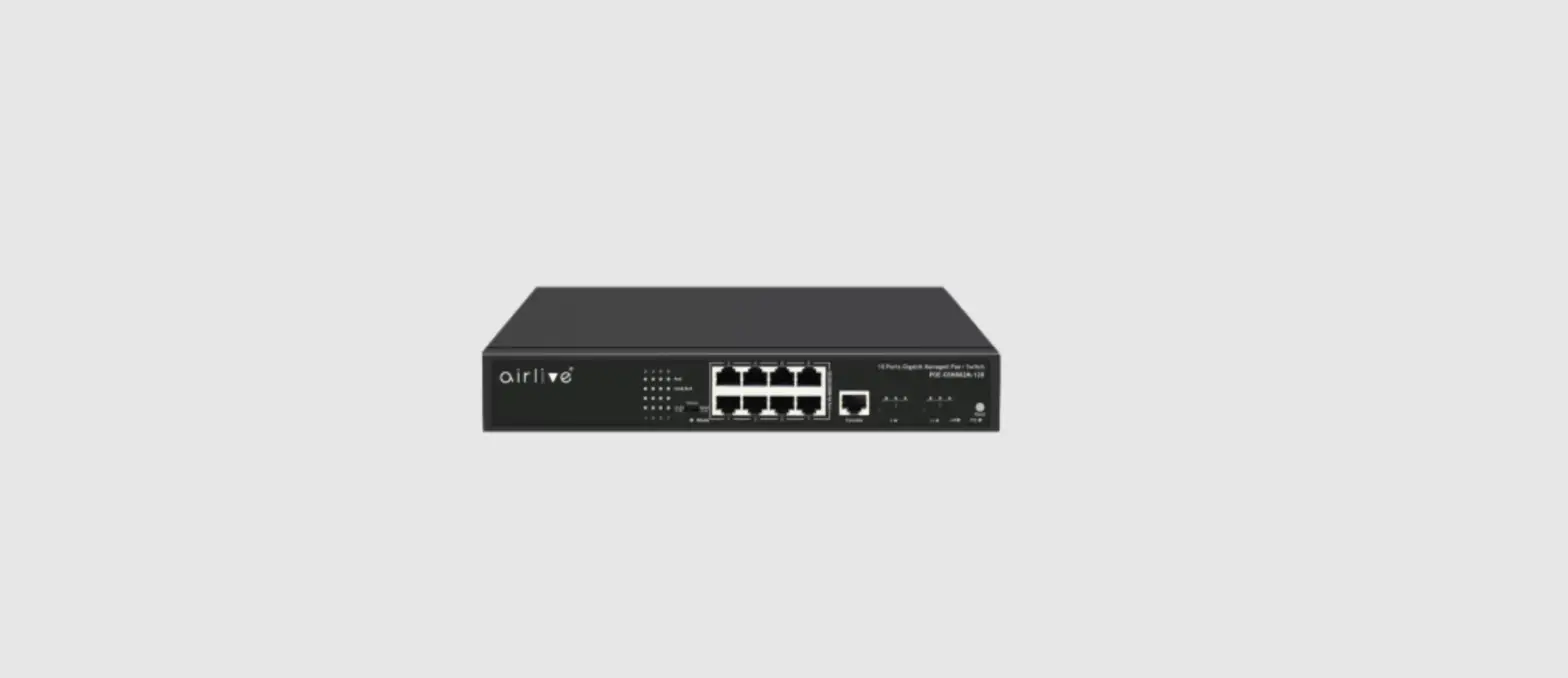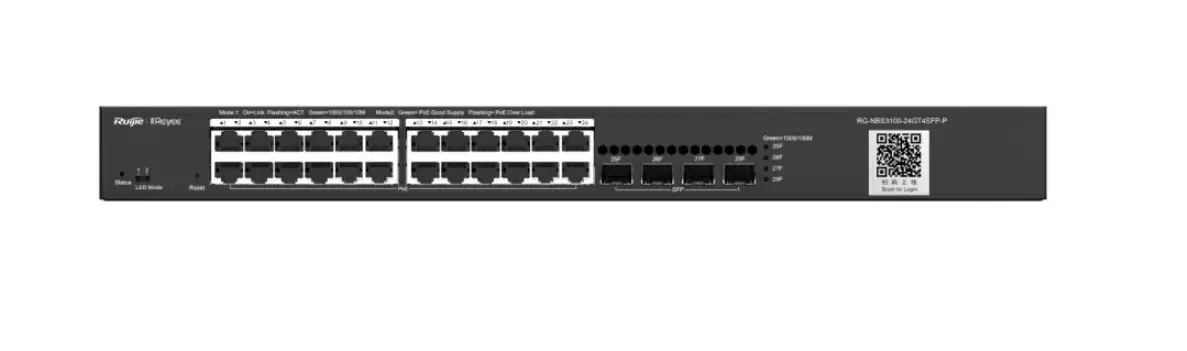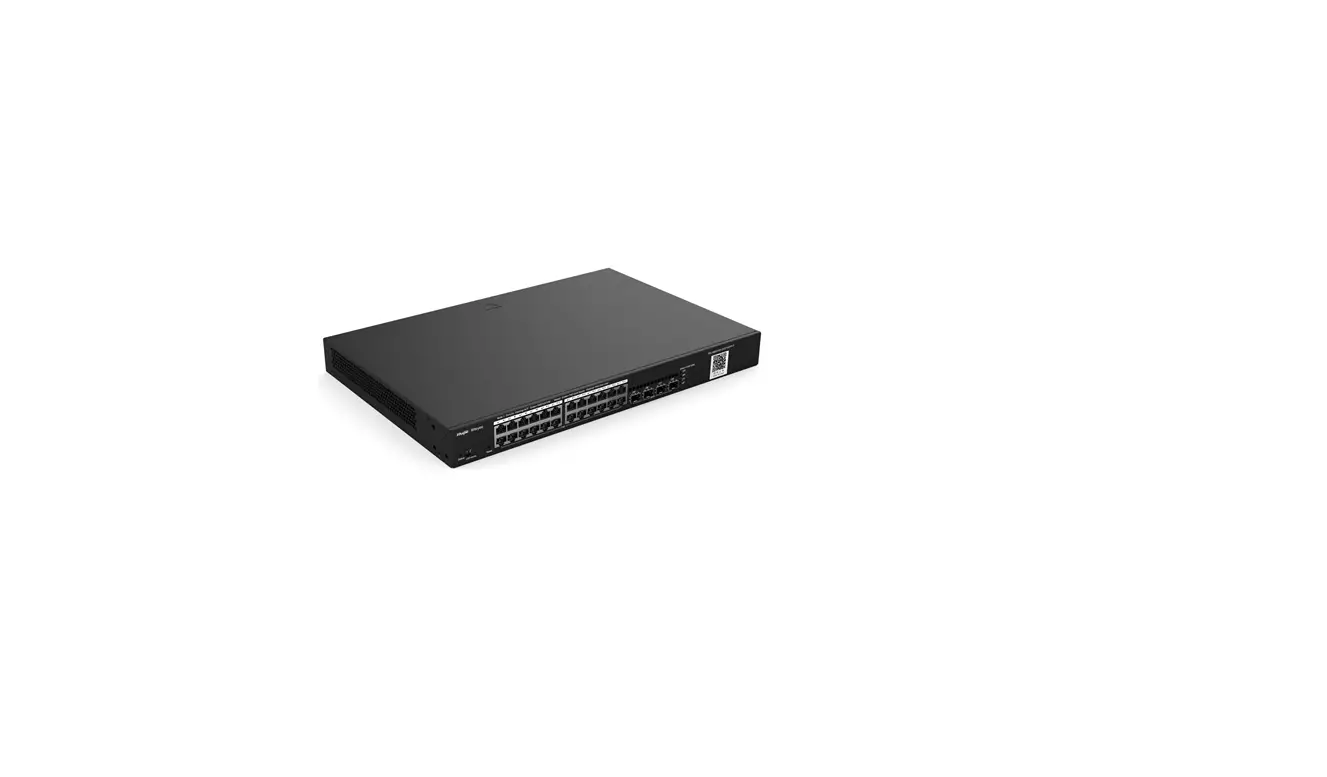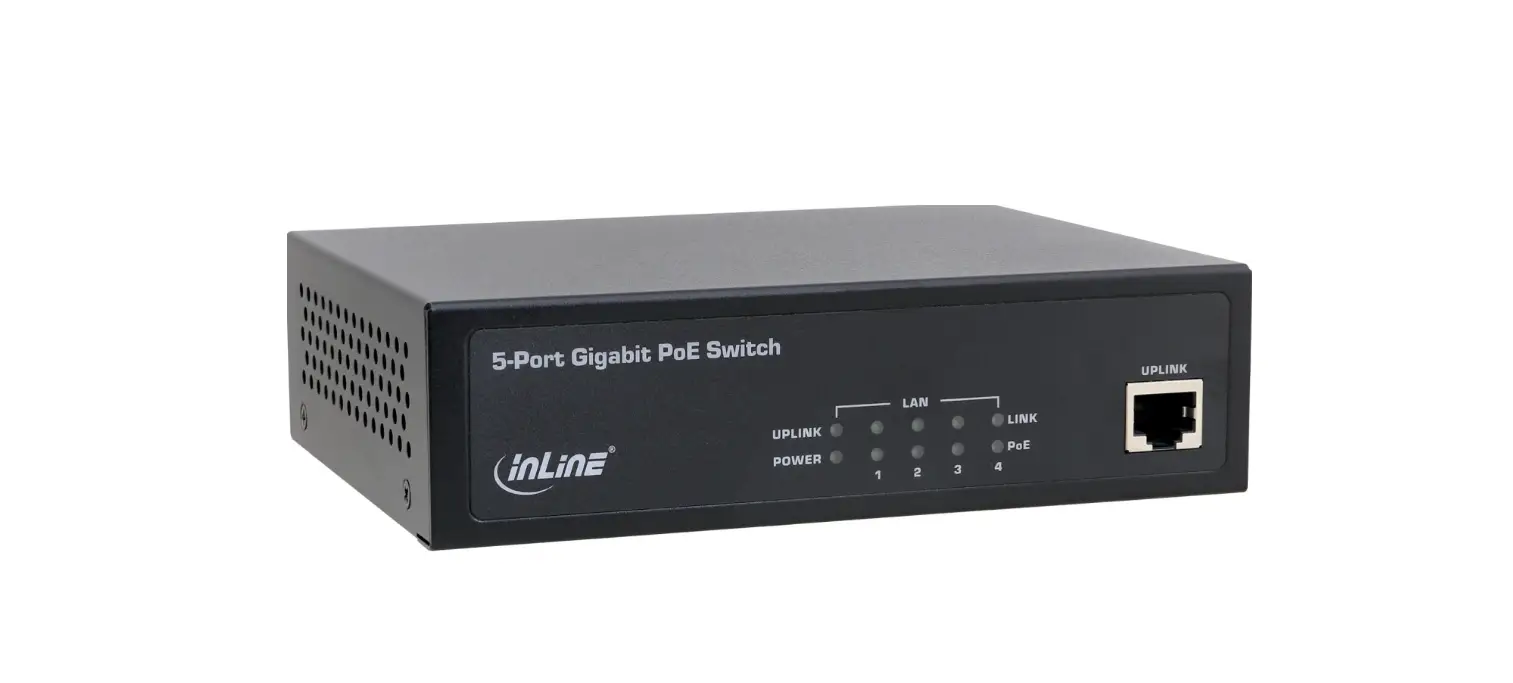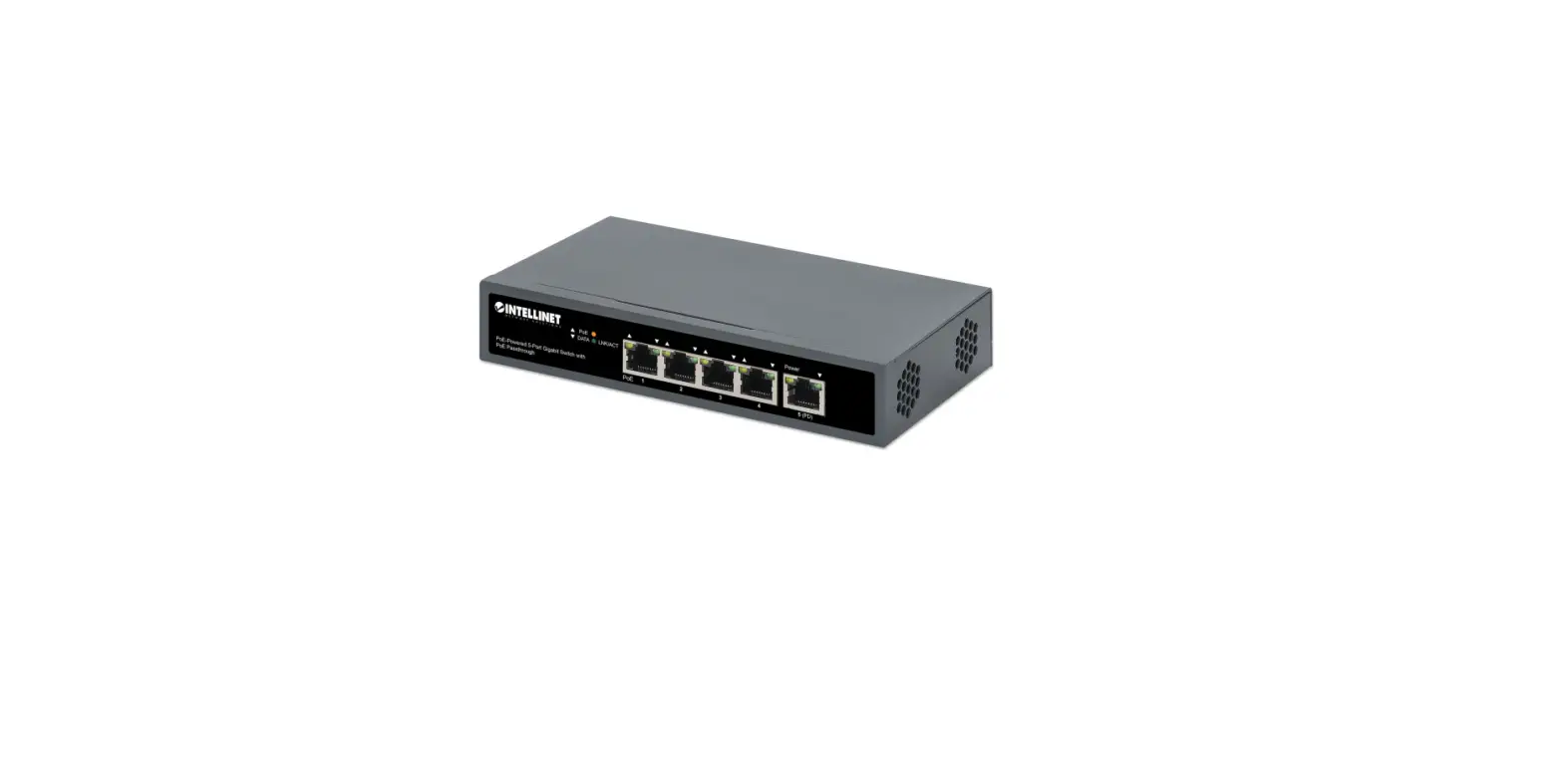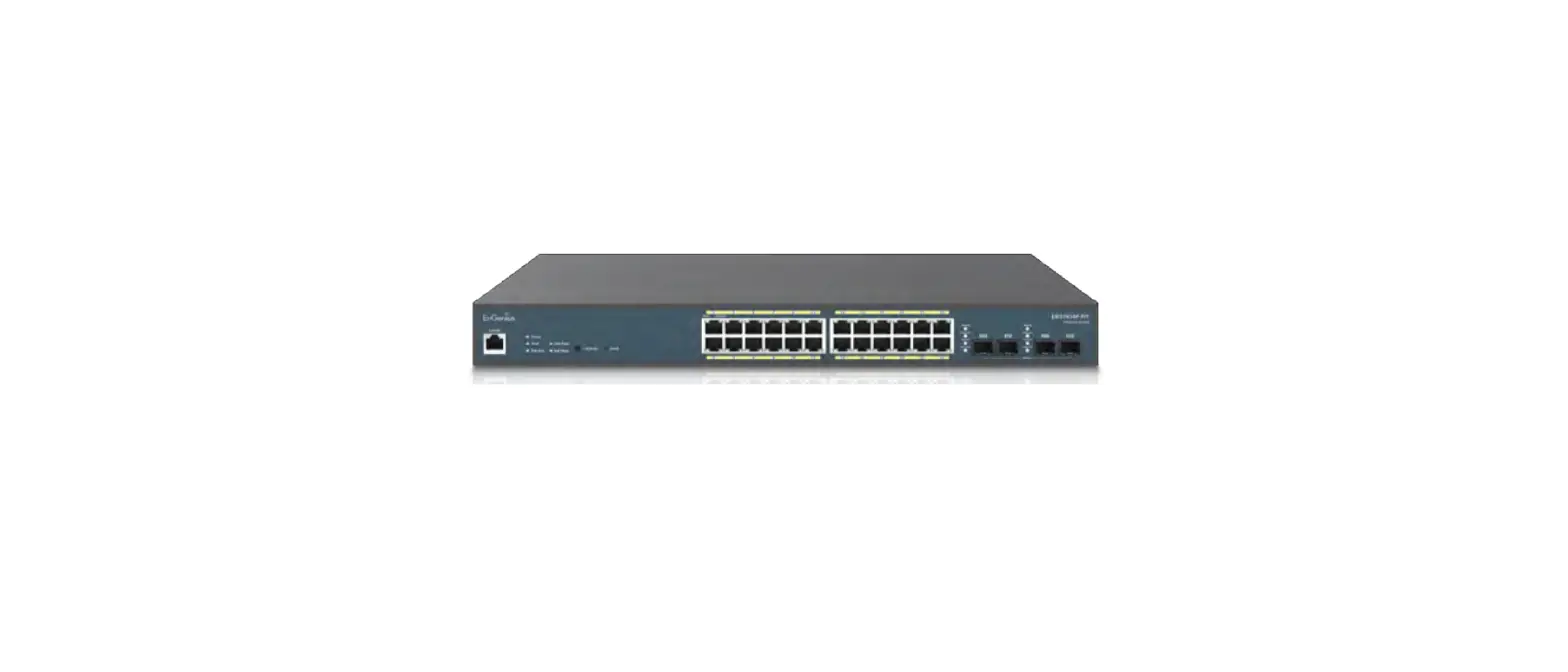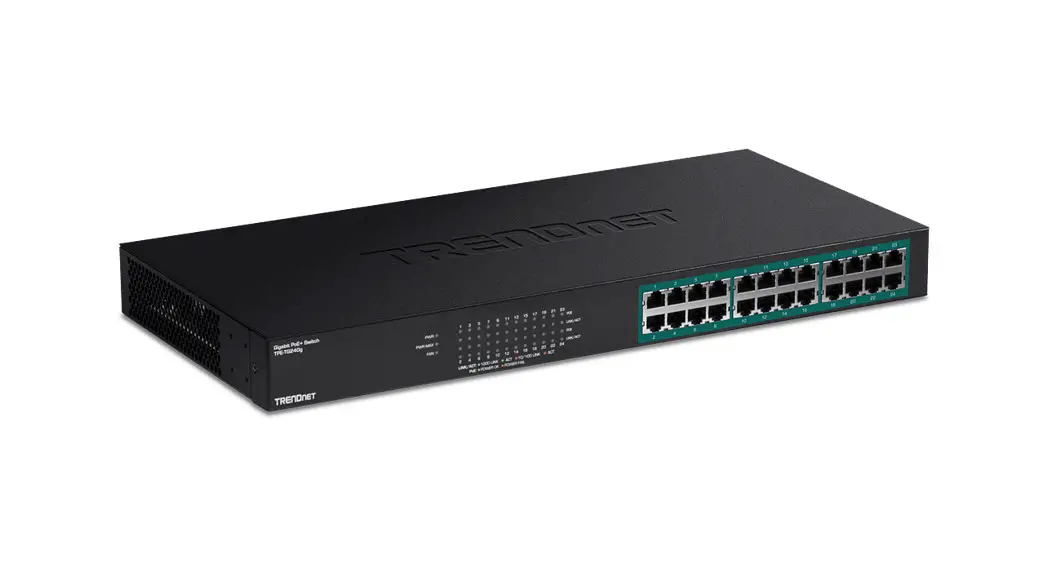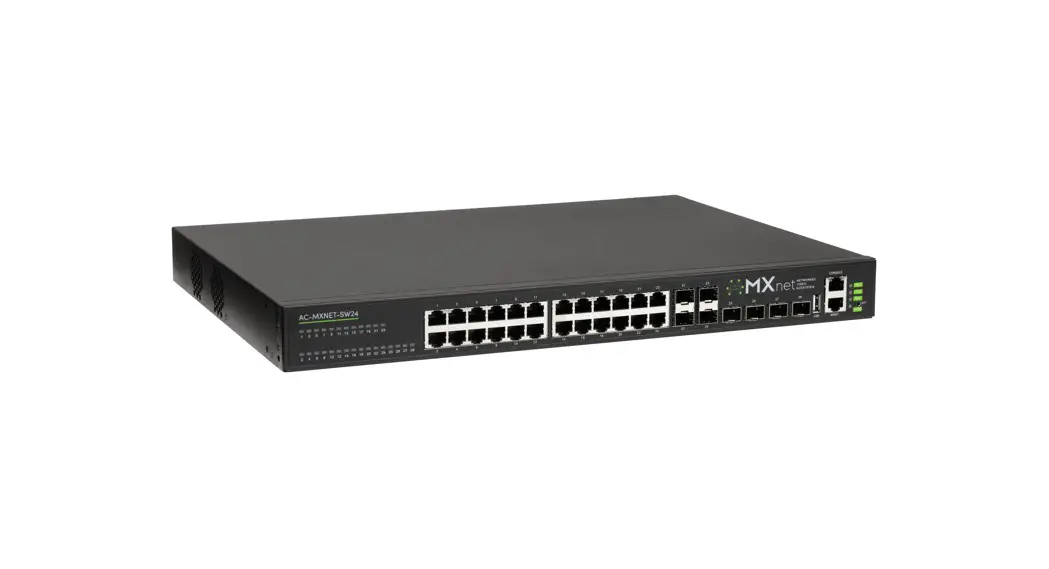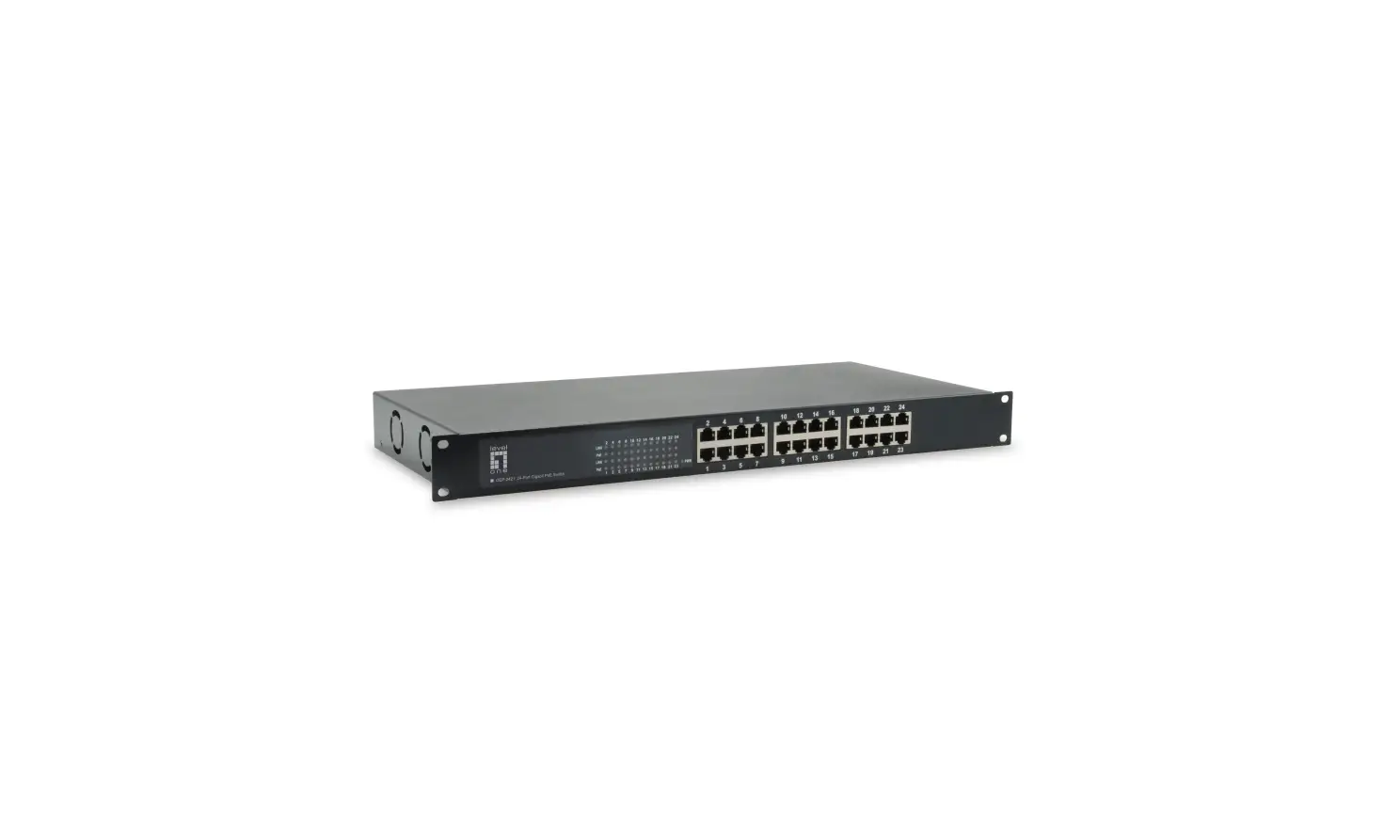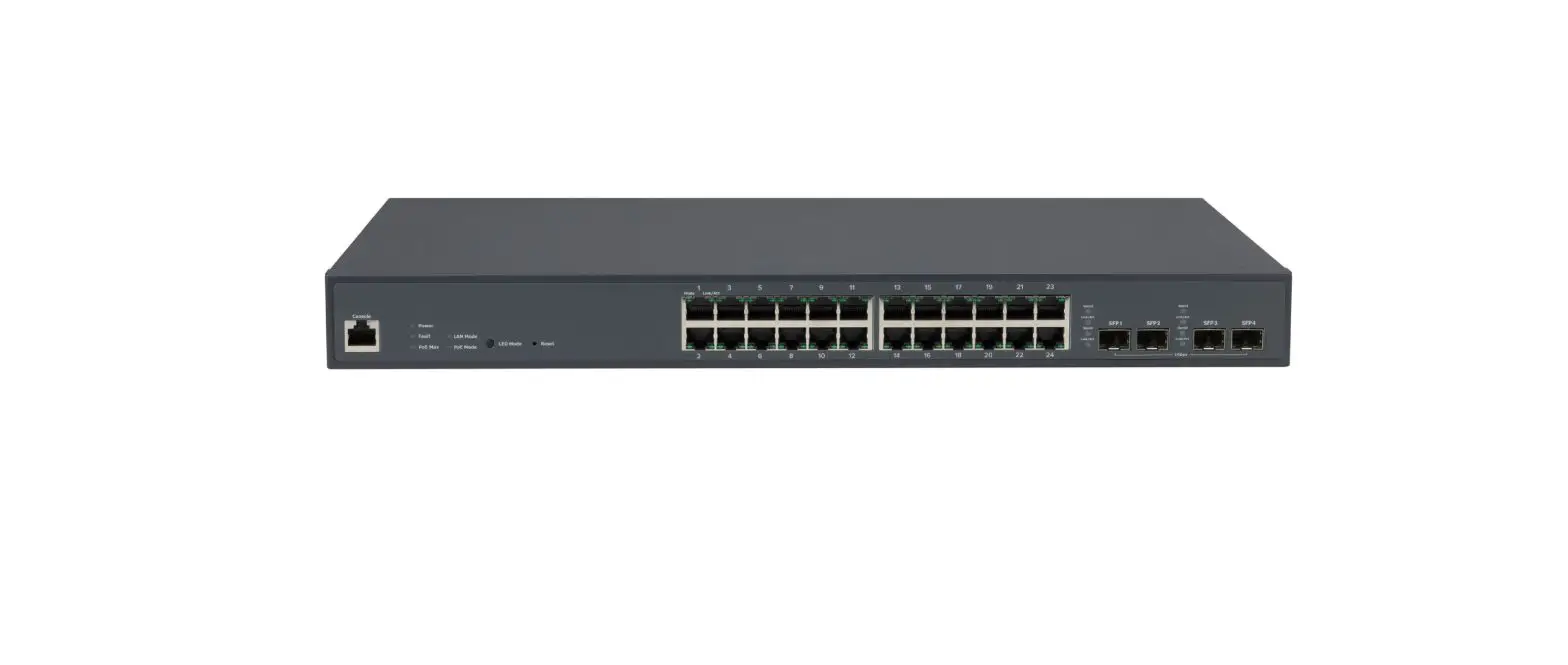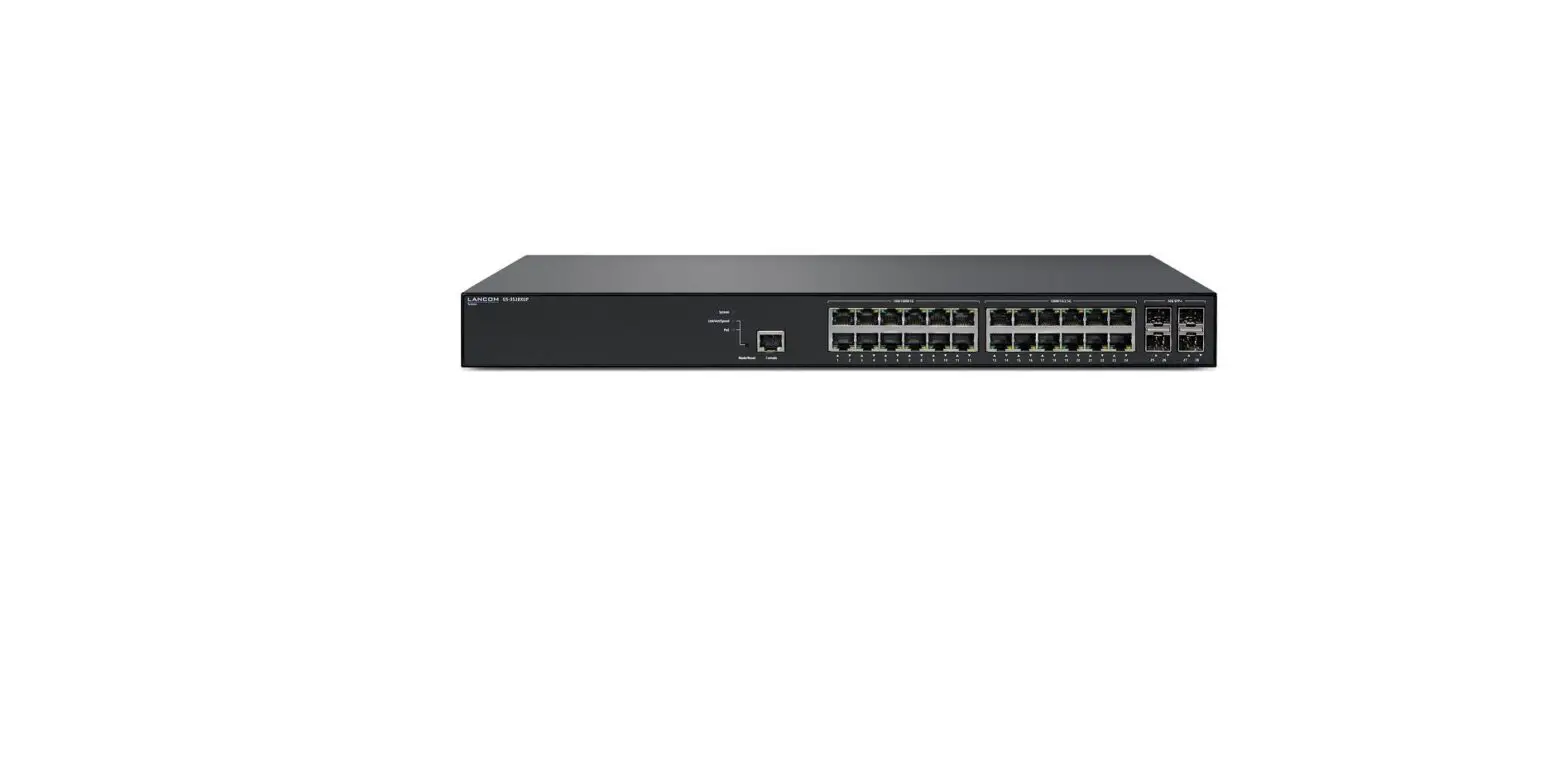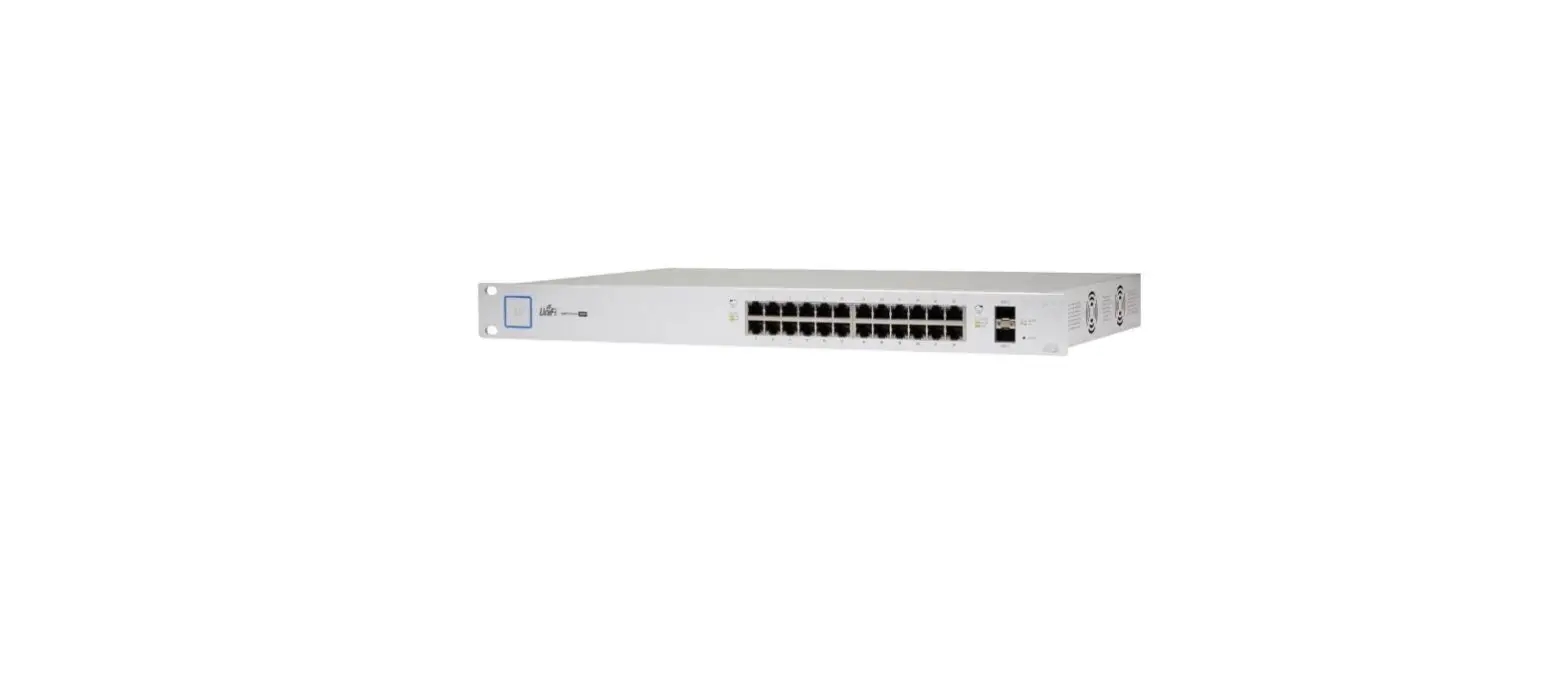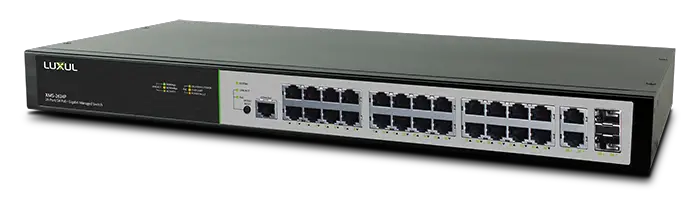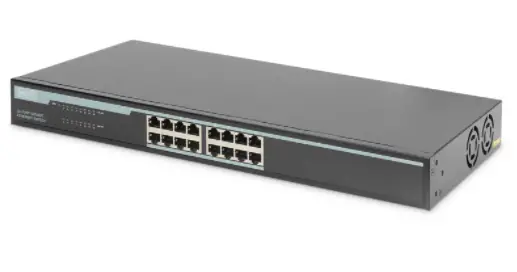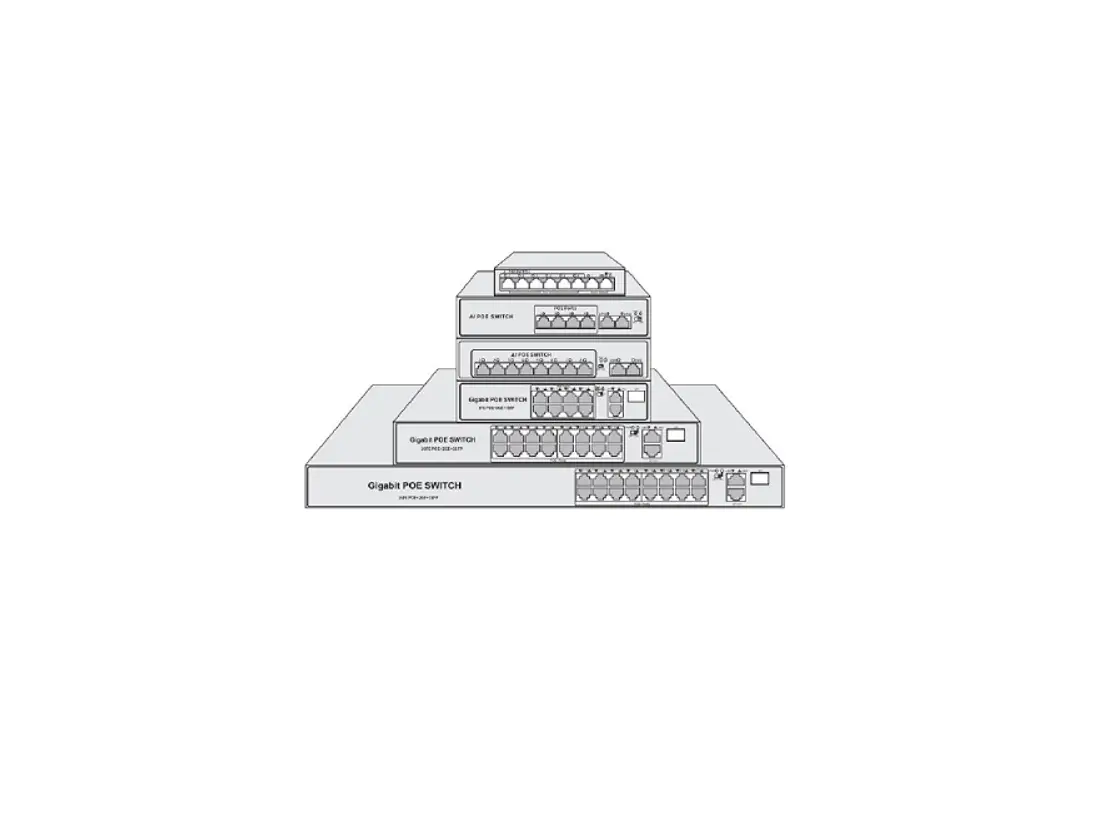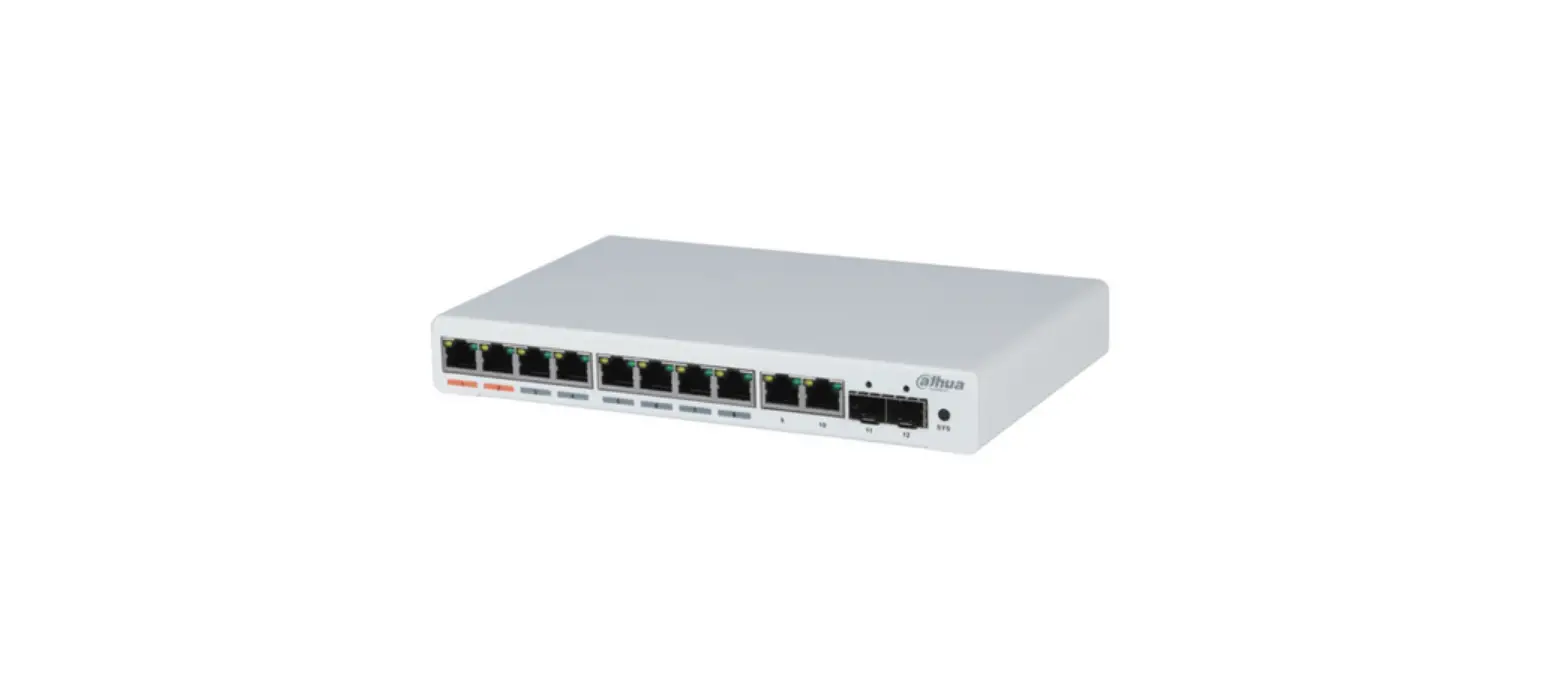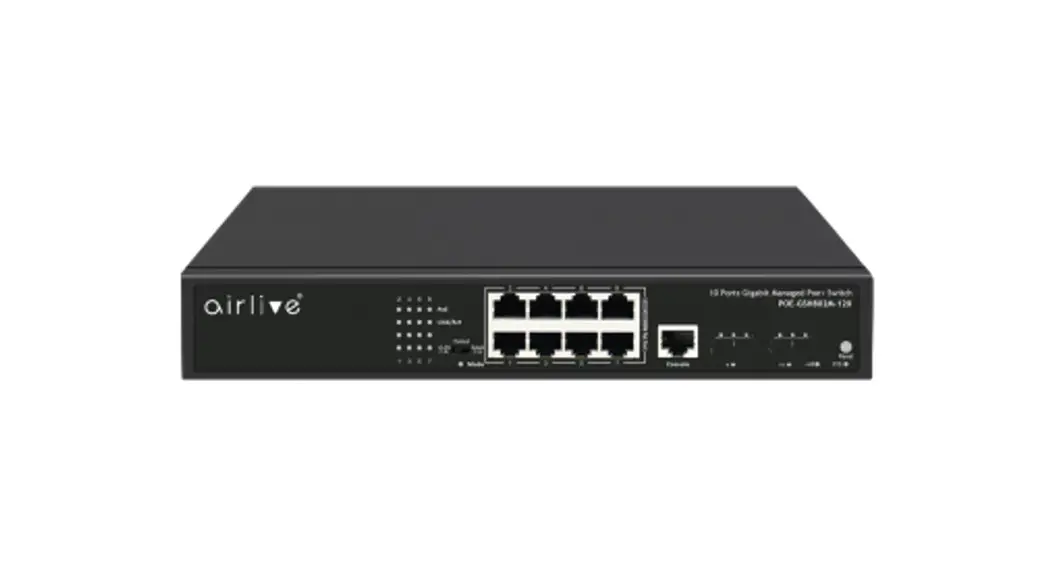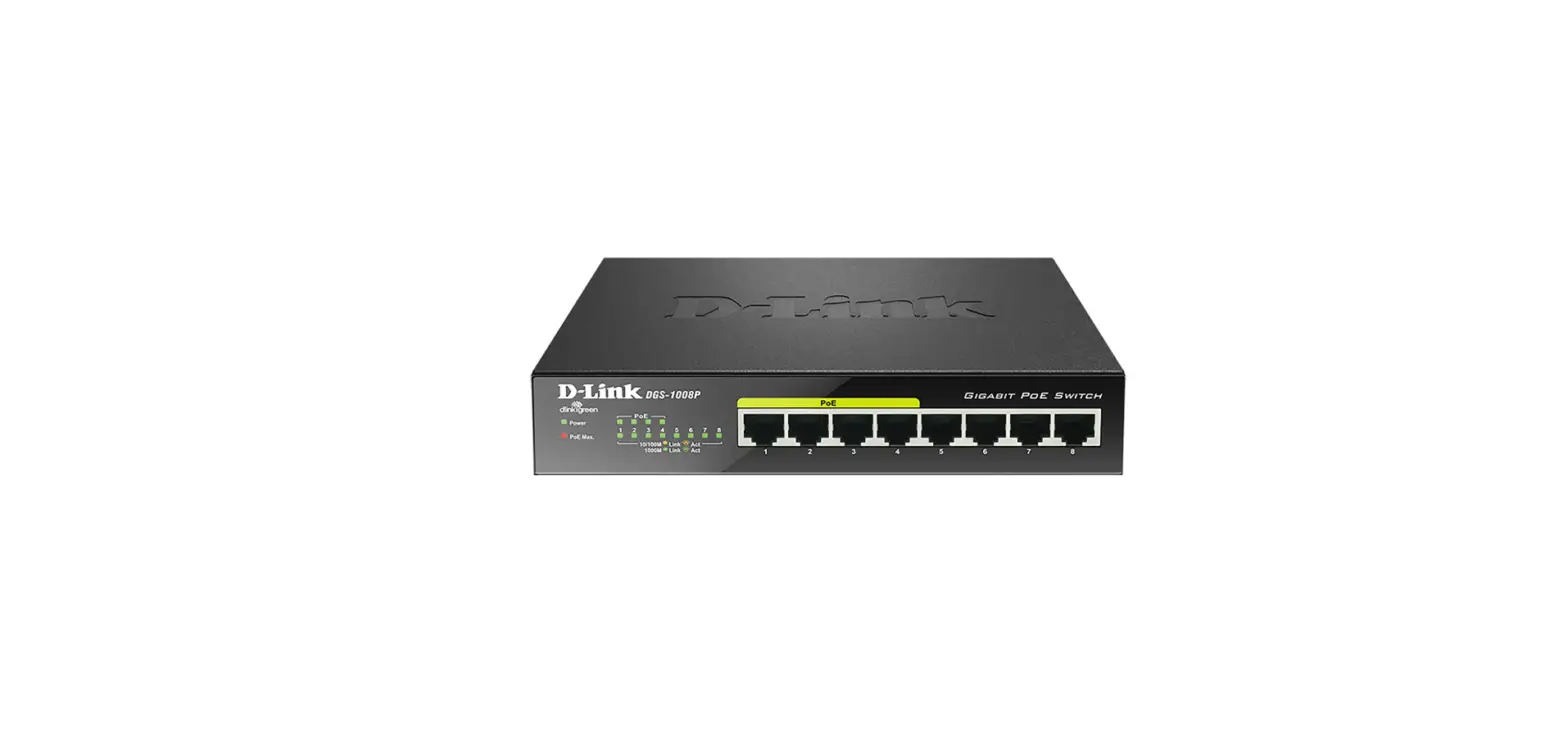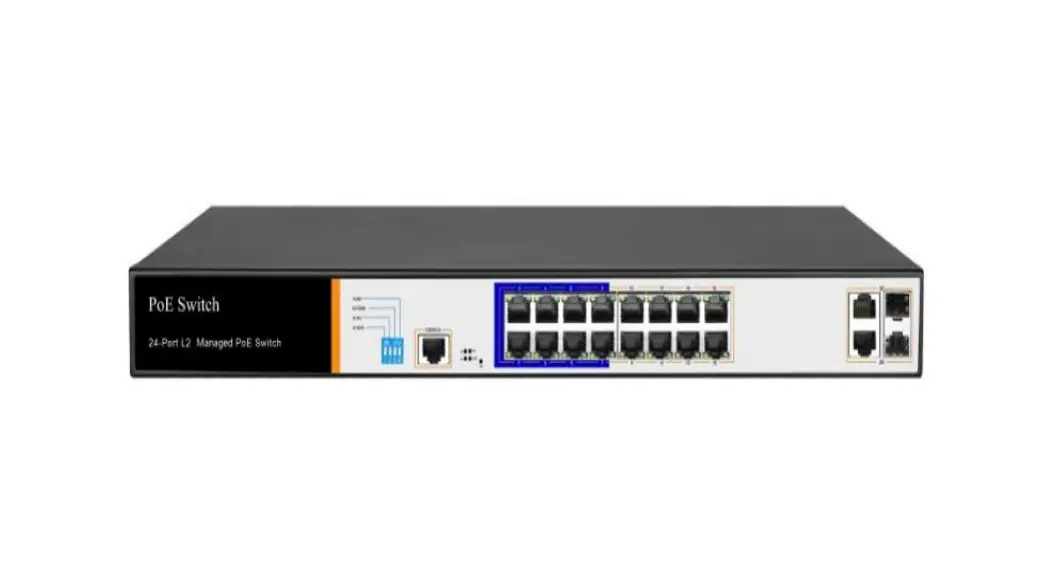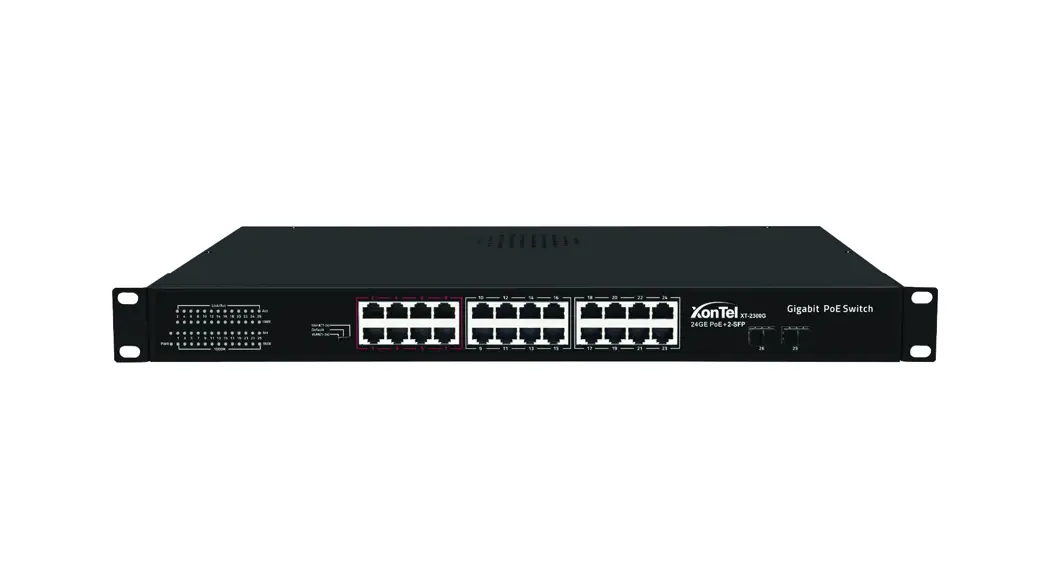

24-Port Gigabit PoE+ Switch + 2-SFP
XT-2300G

User quick guide
Description
- The products described in this manual, including but not limited to the illustrated products, please refer to the actual product purchased. If any changes on product appearance, please refer to the official product information
- PoE switch and ethernet switch installation methods are the same the actual use environment and method that depends on the specific product requirement
Packing List
- Switch(Specific model See the product label for more details)
- Power Cable(The default is pluggable or a power cable with built-in power module)
- Power Adapter(Use for some external power products)
- Brackets, Screw(Rack type standard, desktop type optional)
- User manual, Certification
Installation Precautions
- Do not install the equipment in the environment of seepage, drip or condensation easily, otherwise the equipment might burn out
- Please ensure the environment where the equipment is installed is well ventilated, and forbidden to block the cooling holes
- Do not install the equipment in a high density dust environment
- If rack switches are in a natural heat dissipation environment, please ensure the separation distance exceeds 1U
- Do not aerial cabling outdoor, otherwise the equipment is prone to lightning strike
- Using temperature and humidity depend on the descriptions of the specific product
Safety Precautions
- Do not look directly at the optical port to prevent the laser beam from burning your eyes
- Do not install the power cord with power on to avoid personal injury
- Do not supply power before equipment installation and wiring
- ESD protection is necessary during the installation and maintenance of equipment
- Do not place objects on the device
Switch Installation
Switches support a variety of installation methods, desktop, wall mounted, rack mount, please install according to the actual environmental requirements Mounting Ear Installation
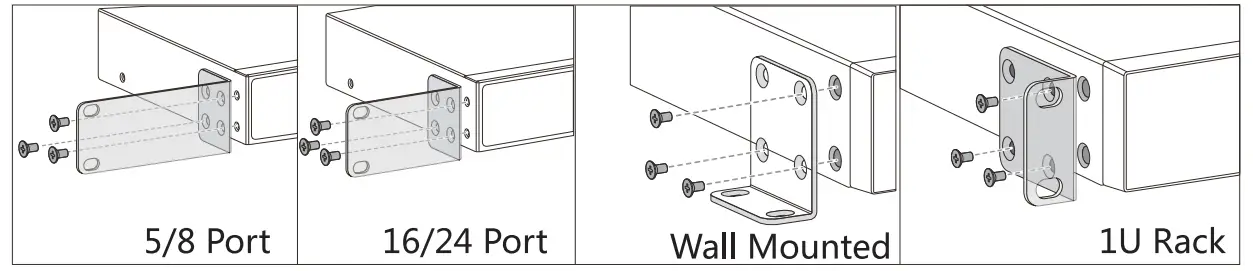 Rack Mount Installation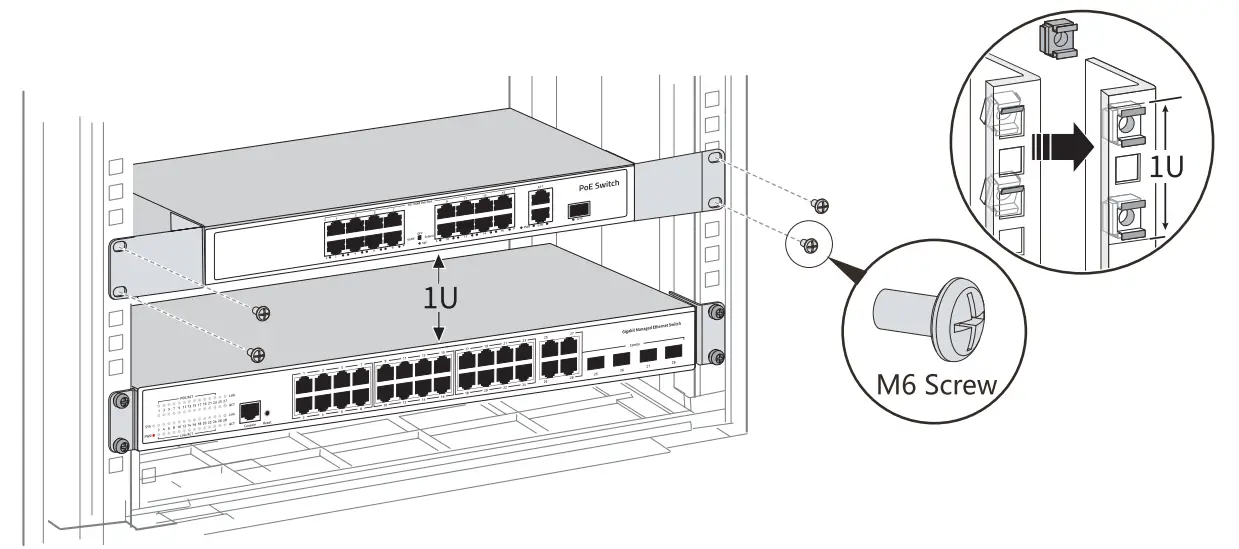
- Install 4 floating screws on the front hole bar of the cabinet, 2 on each side
- Load the equipment into the cabinet
- Use M6 screws to secure the equipment with the cabinet/rack
- Install earth wire to earth connection point
Connecting Equipment
Network Cable
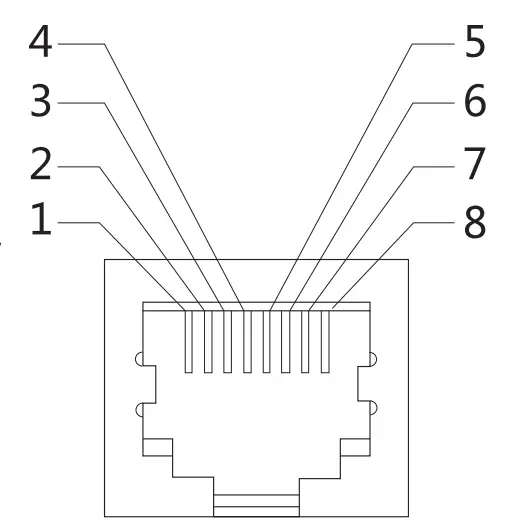
- When the RJ45 port is on 2.5GE rate, use Cat5E and above network cable
- When the RJ45 port is on 5GE rate, a shielded network cable of Cat5E and above specifications is required, the unshielded network cable is not recommended
- When the R145 port is on lOGE rate, shielded network cable of Cat6A and above specifications is required
Grounding
Ensure that the grounding screw of the equipment is effectively grounded to protect the safety of the equipment Optical Fiber
- Optical fibers must be used with the optical modules
- Fiber bending radius must not be less than 40 mm
Power Cable
- Distance between power cable and nework cable shoule be more than 10cm
- The AC power please use the local AC power cable
- The DC power please pay attention to the positive and negative electrodes
Indicator Definition
| Indicator | Definition | State | Description |
| PWR | Power Indicator | Light on Light off | Powered Abnormal |
| SYS | System Indicator | Light on Flash | System Normal System Starting |
| PoE | PoE Indicator | Light on Light off | PoE Powered No PoE Powered |
| 1000M | Link Rate | Light on Light off | Gigabit 10/100M |
| 100M | Link Rate | Light on Light off | 100M Link Disconnect |
| Link/ACT | Link &Data | Light on Flash | Link is Normal Data Transmission |
| Mode/SW | Dial Switch Indicator | Light on Flash Light off | VLAN Extend Default |
| Loop | Loop Alarm | Light on | Port Loop |
PoE Powered Function
 This function is applicable to PoE switches, not applicable to non-PoE switches
- Standard PoE power supply includes: protocol detection, power pin sequence detection, power output, abnormal protection, Link abnormal monitoring
- The PoE power supply protocol includes: IEEE802.3af (15.4W), IEEE802.3at (30W), IEEE802.3bt (90W)
- The standard PoE power pin sequence is 12+/36-, and the passive PoE power pin sequence is 45+/78-

- The standard POE switches can automatically detect and supply power to the PDs that meet the standard, non-POE devices are not powered and only transmit data
- Passive PoE switches use mandatory power supply mode, non-PoE powered devices may be burned out, please use with caution
- 24V POE switches have both low-voltage power supply and PD detection technology, which can provide 24V voltage on 45/78 pin, even if it is connected to non-standard equipment, it will not burn out
States of Switch
| Function | Definition | State | Description |
| VLAN | Port Isolation | Light on | Designated port can not communicate with each other |
| Extend | Link Extension | Flash | Designated port link extended to 250 meters |
| Default | Normal Mode | Light off | All ports can communicate with each other |
| Reset | Reset Button | Flash | Short press restart, long press more than 5 seconds reset configuration |
| AI PoE | PoE Watchdog | / | PDs crashed and restart automatically |
| Max | Power Display Indicator | Green Yellow Orange Red | PoE Power output25% PoE Power output50% PoE Power output75% PoE Power output75% |
www.xontel.com
Kuwait
Tel.: 1880005
KSA Tel.: +966-555771177