Contents hide

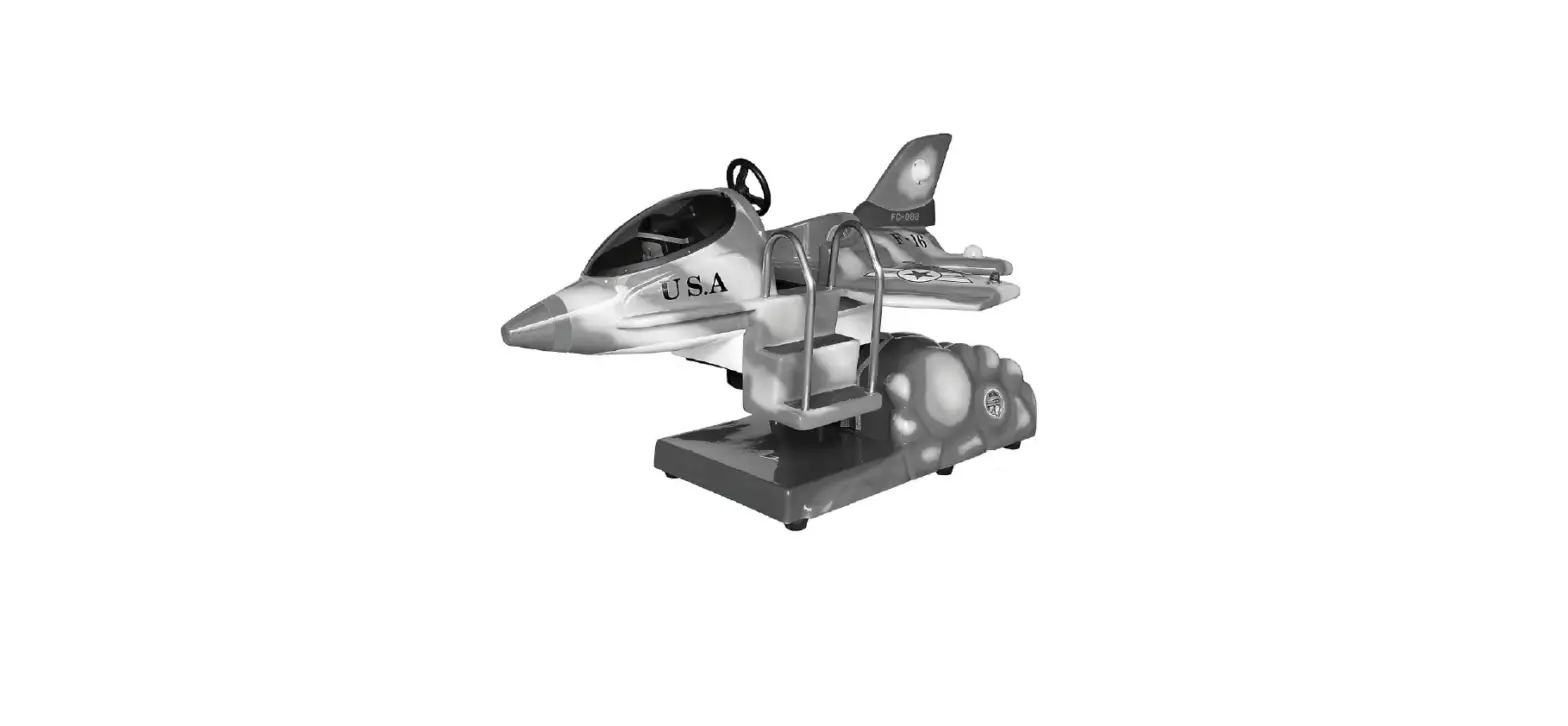
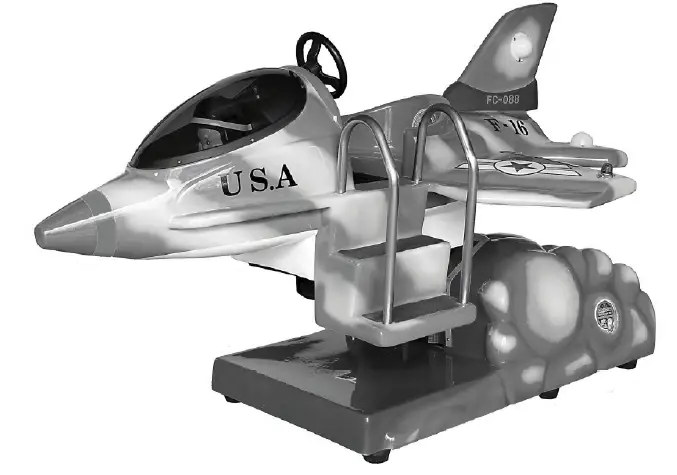
BARRON GAMES FC-088 F-16 Fighter Plane
SPECIFICATION
- Dimension L 195 x W130 x H130 cm
- Weight 130 kgs
- Voltage 110VAC, 60Hz, 3A, Max6A 220V AC, 50Hz, 3A, Max 6A
DESCRIPTION
F-16 FIGHTER PLANE Detail Manual
SIDE VIEW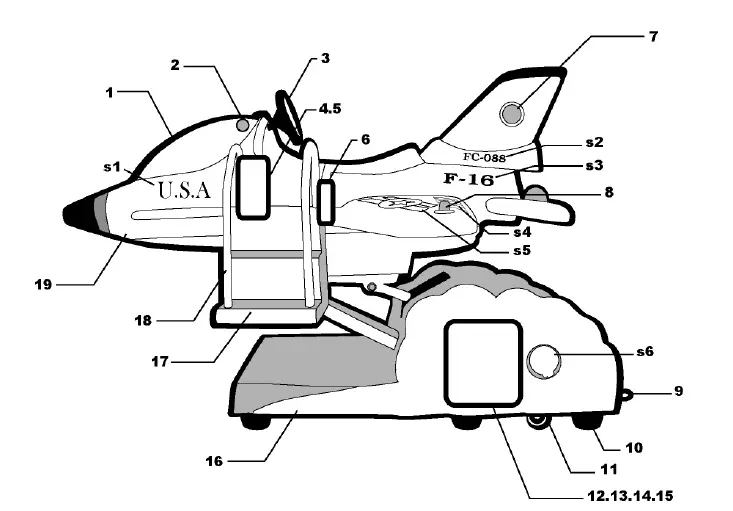
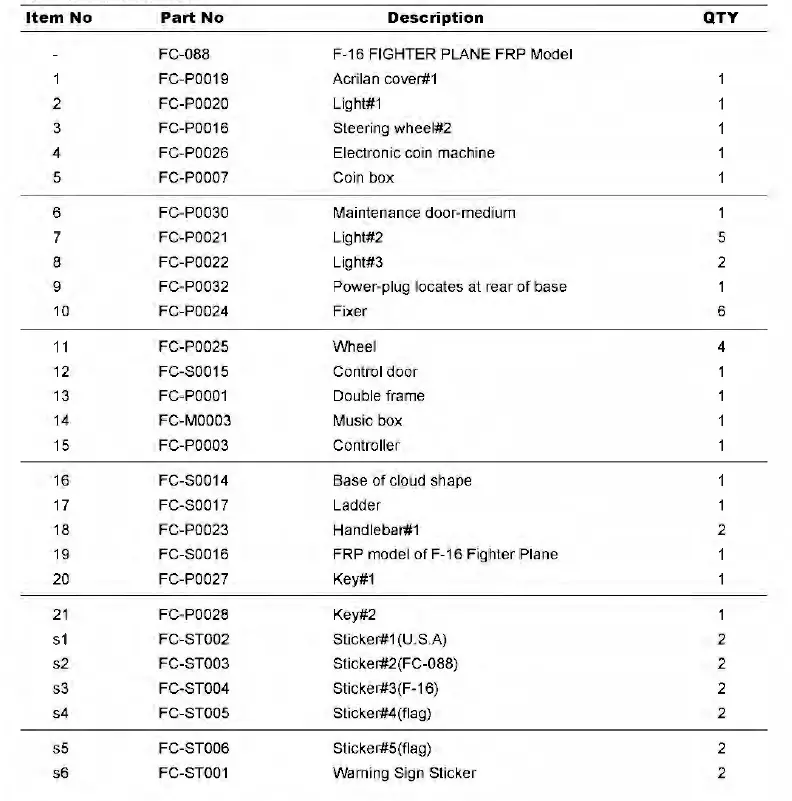
- Acrilan cover#1
- Light#1
- Steering wheel#2
- Electronic coin machine(key#1)
- Coin box(key#2)
- Maintenance door-medium(key#1)
- Light#2
- Light#3
- Power-plug locates at rear of base
- Fixer
- Wheel
- Control door(key#1)
- Double frame
- Music box
- Controller
- Base of cloud shape
- Ladder
- Handlebar#1
- FRP model of F-16 Fighter Plane
Double Frame Wire 
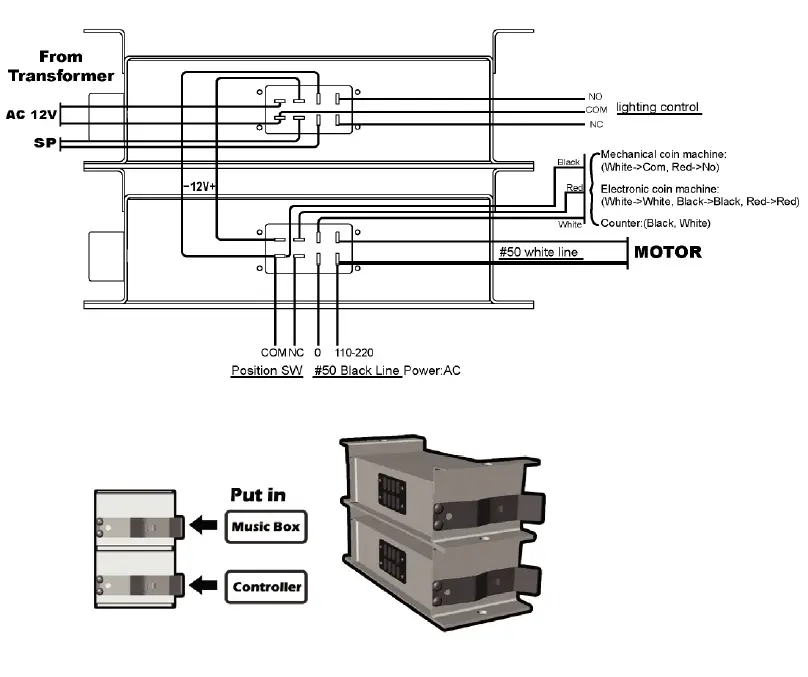
Controller Operating 
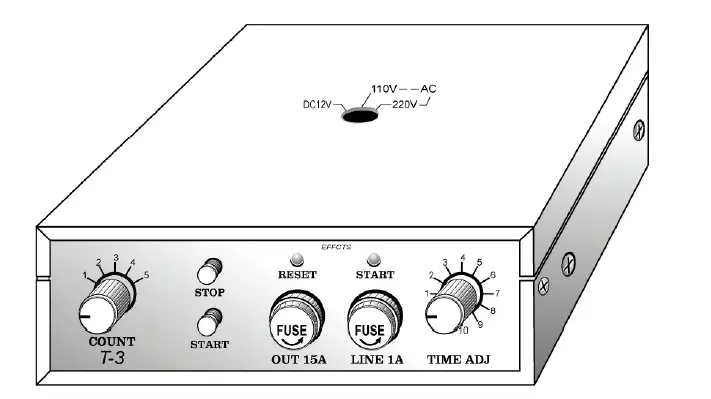
- Count: Adjust the coin from 1 coin to 5 coins
- Stop Button: For Checking machine without insert coin to “STOP” the machine
- Start Button: For Checking machine without insert coin to “START” the machine
- Reset: Red lighting when power connect
- Start: Green lighting when machine start to working
1 ~12 play Time adjust:
- 1 Minute and 30 Seconds
- 1 Minute and 40 Seconds
- 1 Minute and 50 Seconds
- 2 Minutes
- 2 Minutes and 30 Seconds
- 3 Minutes
- 3 Minutes and 30 Seconds
- 4 Minutes
- 4 Minutes and 30 Seconds
- 5 Minutes
- 10 Seconds for testing
- 0
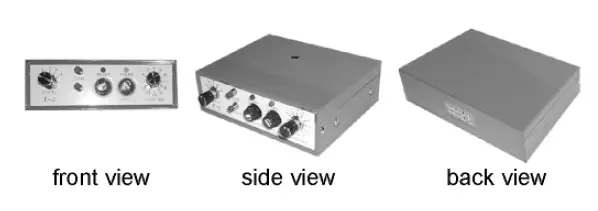
Music Box Operating 

- 1-12: Sound volumes adjust
- Sound buttom connection
- Power light: When power connect
- Counter: Coin Counter
- Music: 12 English kiddy songs to repeat
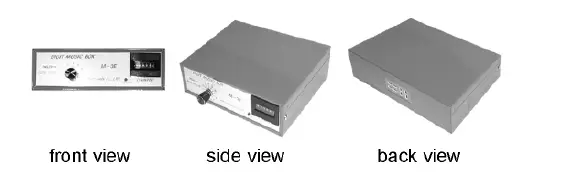
Electronic Coin Machine Operating 
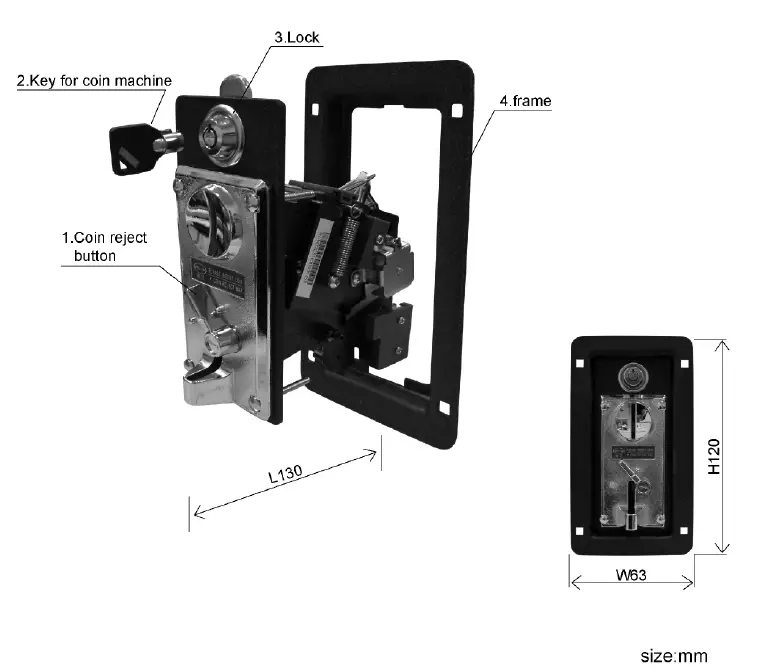
DIDGIT AL COMPARABLE ELECTRONIC
INSTALLATION Hl-07CS+LED
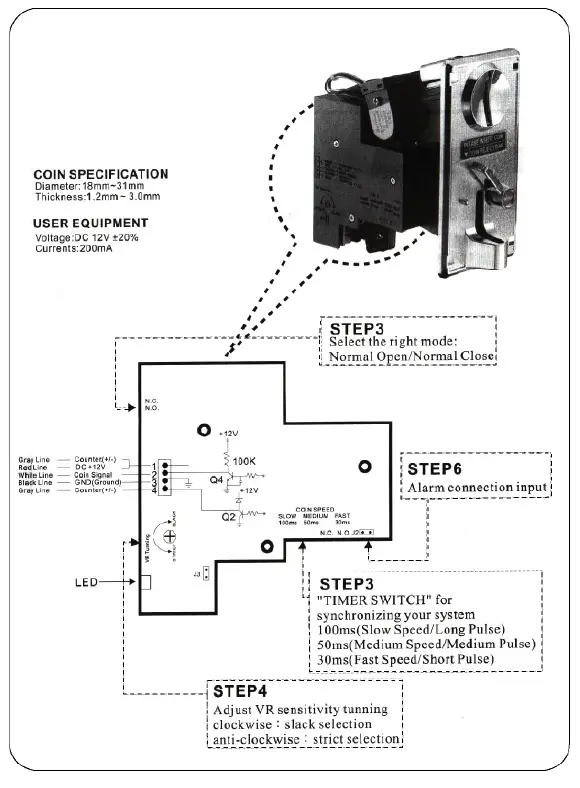
- STEP 1
Cheng the right coin for use from the clamp. - STEP 2
Adjust the right insert size for use from the front panel back side. - STEP 3
Select the right mode: Normal Open/ Normal Close” TIMER SWITCH” for synchronizing your system.
1 00ms (Slow Speed/ Long Pulse)
50ms (Medium Speed/ Medium Pulse)
30ms (Fast Speed/ Short Pulse) - STEP 4
Adjust VR sensitivity tunning
Clockwise: slack selection (LED dark->light)
Anti-clockwise: strict selection (LED light->dark) - STEP 5

- STEP 6

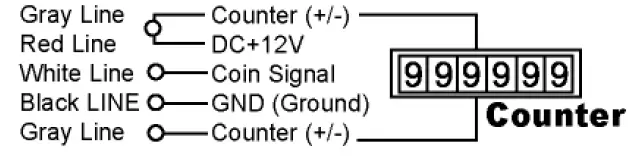
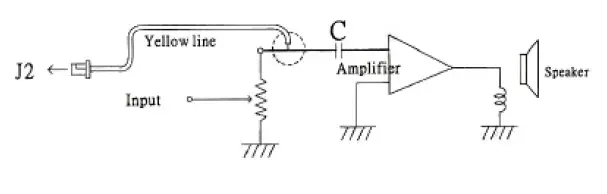
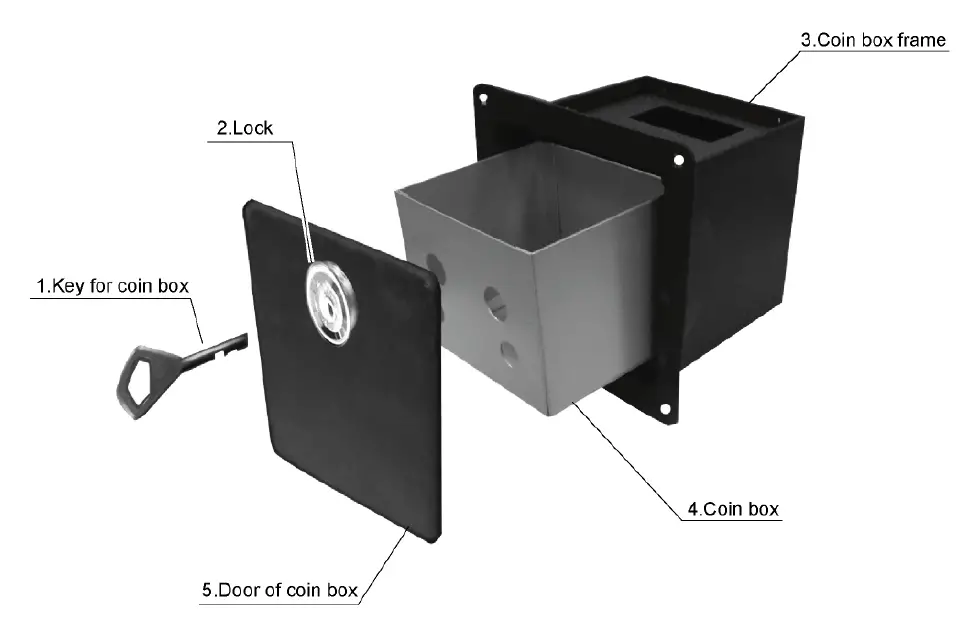
Coin Box 
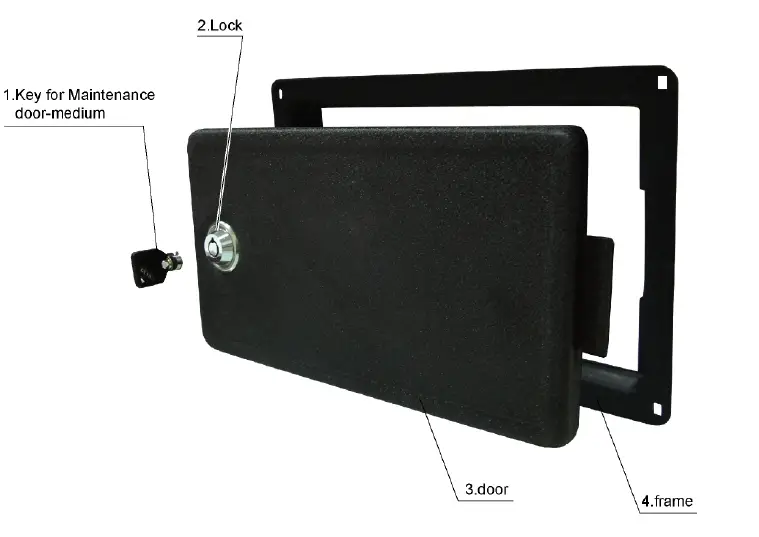
Maintenance Door-Medium
Item not illustrated
 Air Hockey, Foosball, Kiddie Ride - Barron Games International