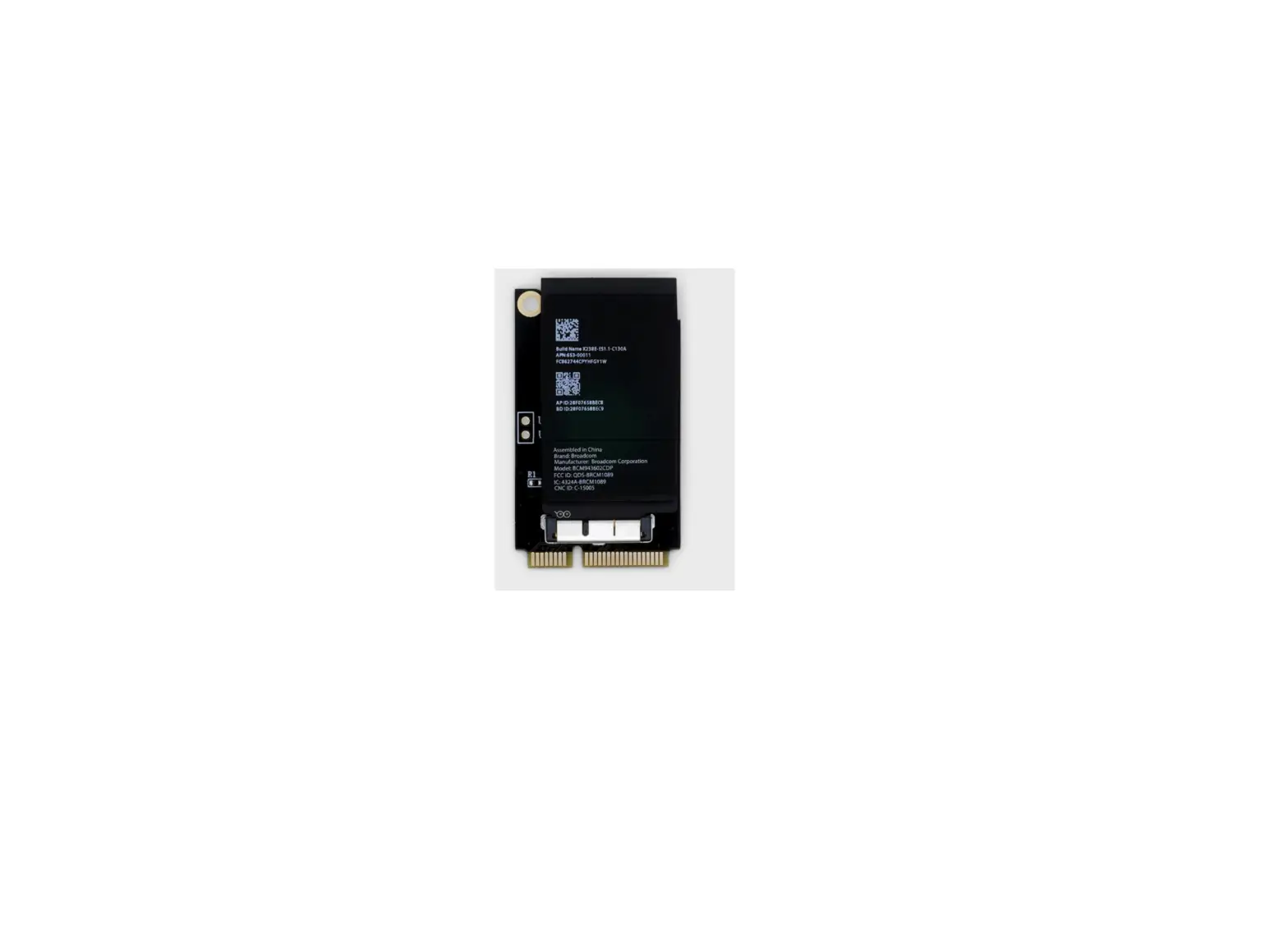

Motepro Airport Upgrade Kit
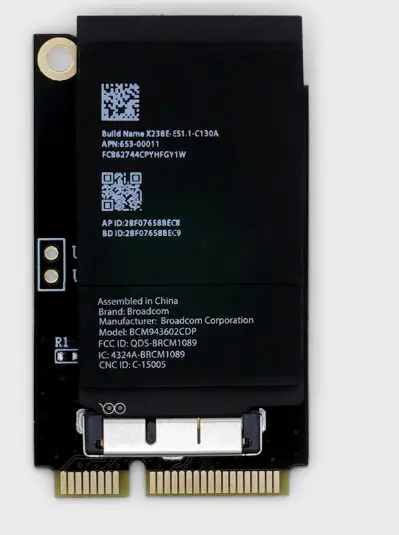
Airport Upgrade Kit Instructions
- Switch off the power point and remove the plug from the wall.
- Unscrew the screws in each corner of the wall box and remove the lid.
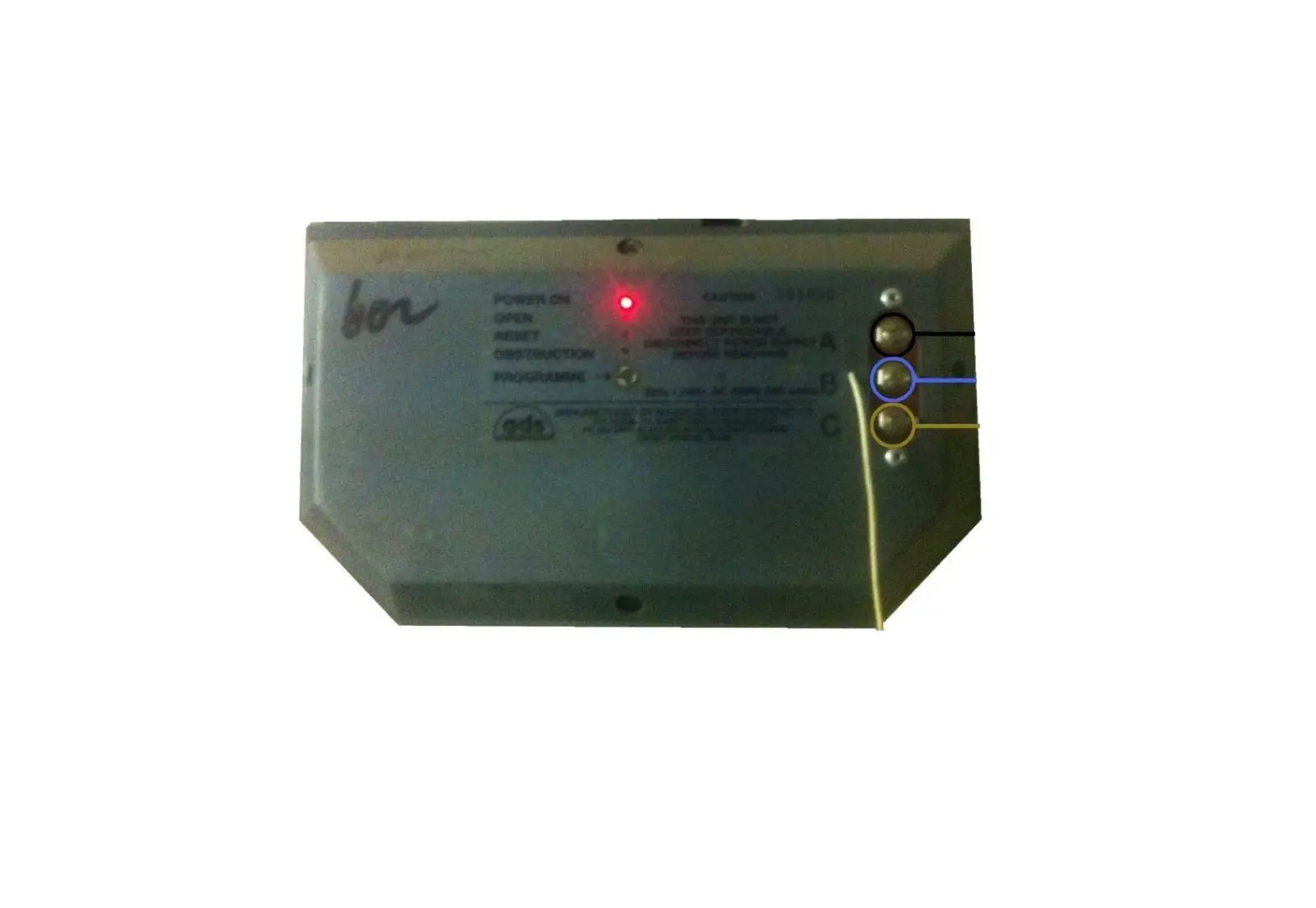
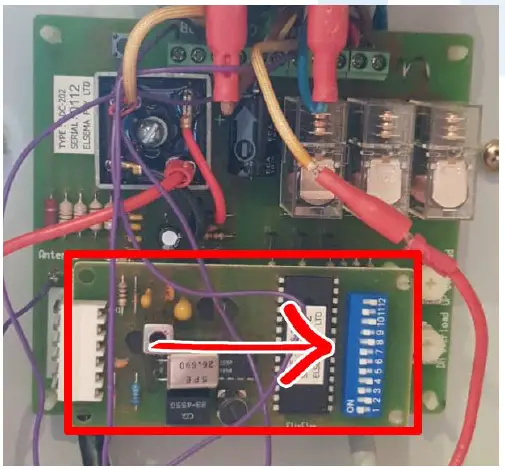
- Gently slide out to the right the receiver card outlined in the image below.
- Insert the new receiver card by sliding it onto the pins.
- Plug in and switch power on.
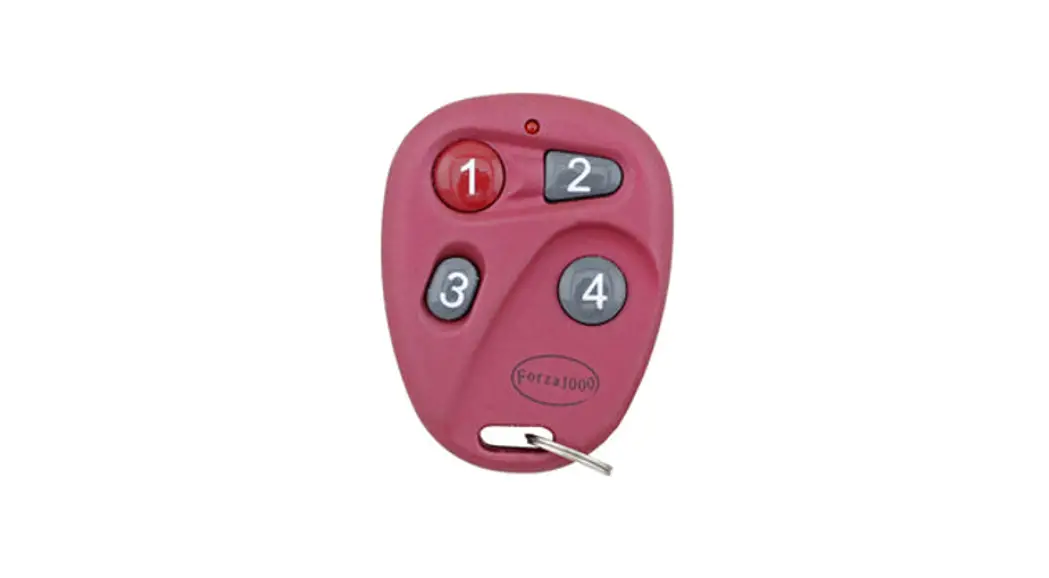
- Program the new remotes by holding down the SW1 button located on the receiver card and do not let go
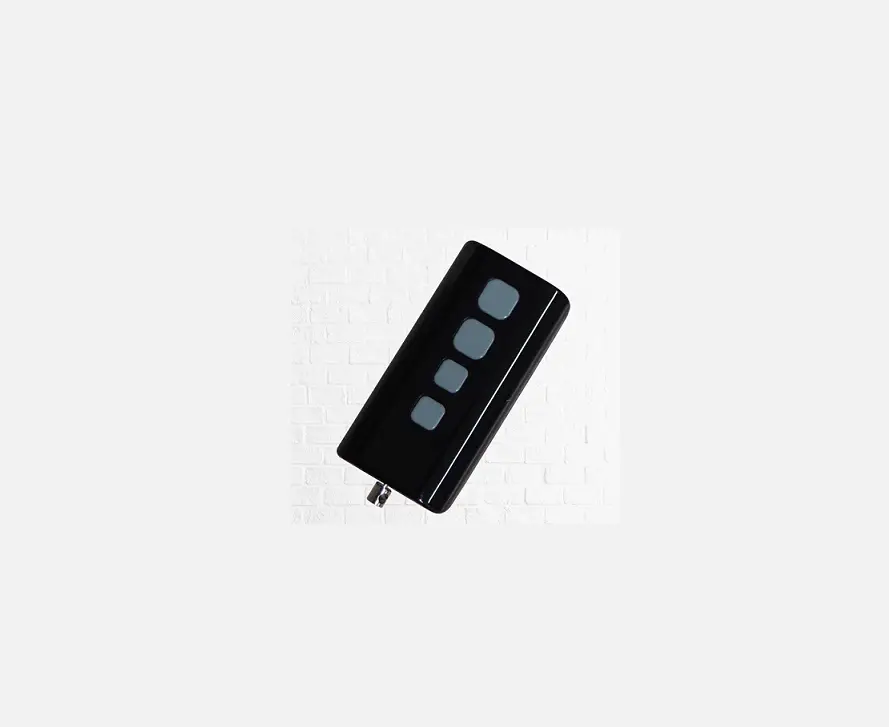
- Press any button on the new remote two times (holding the remote button for 2 seconds each press)
- Let go of the SW1 button and test.
- Repeat steps 5-7 for additional remotes.
- Place back the cover and screw in place.
WARNING!
This product may contain a coin/button cell battery. Keep product and batteries away from children. Battery can cause severe or fatal injuries in 2 hours or less if swallowed or placed inside any part of the body. Seek immediate medical attention if it is suspected that a coin/button battery has been Swallowed or placed inside of any part of the body.

 Garage Door Remotes | Car Remotes | Free Shipping AU Wide – Remote Pro