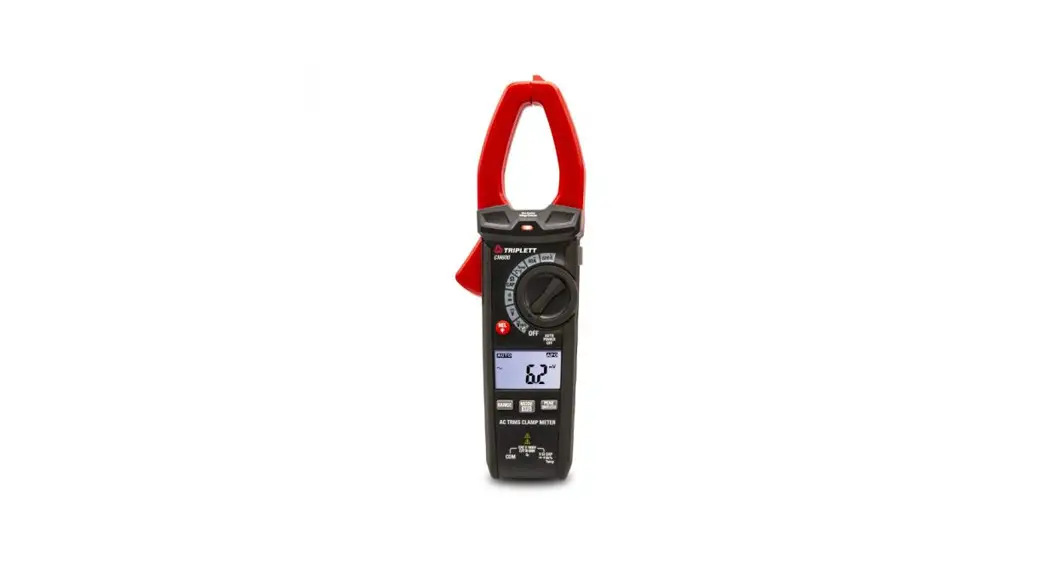
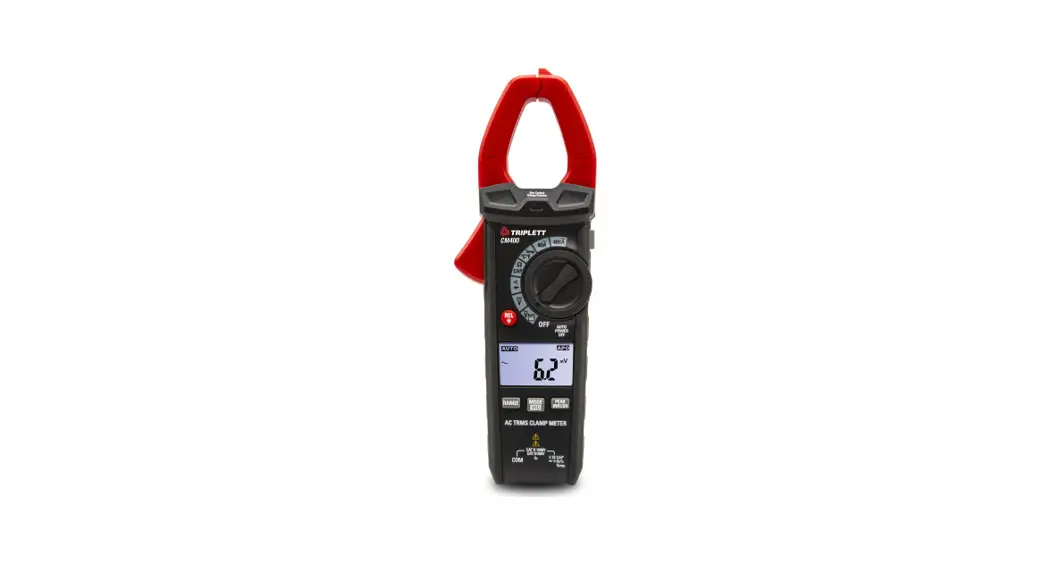
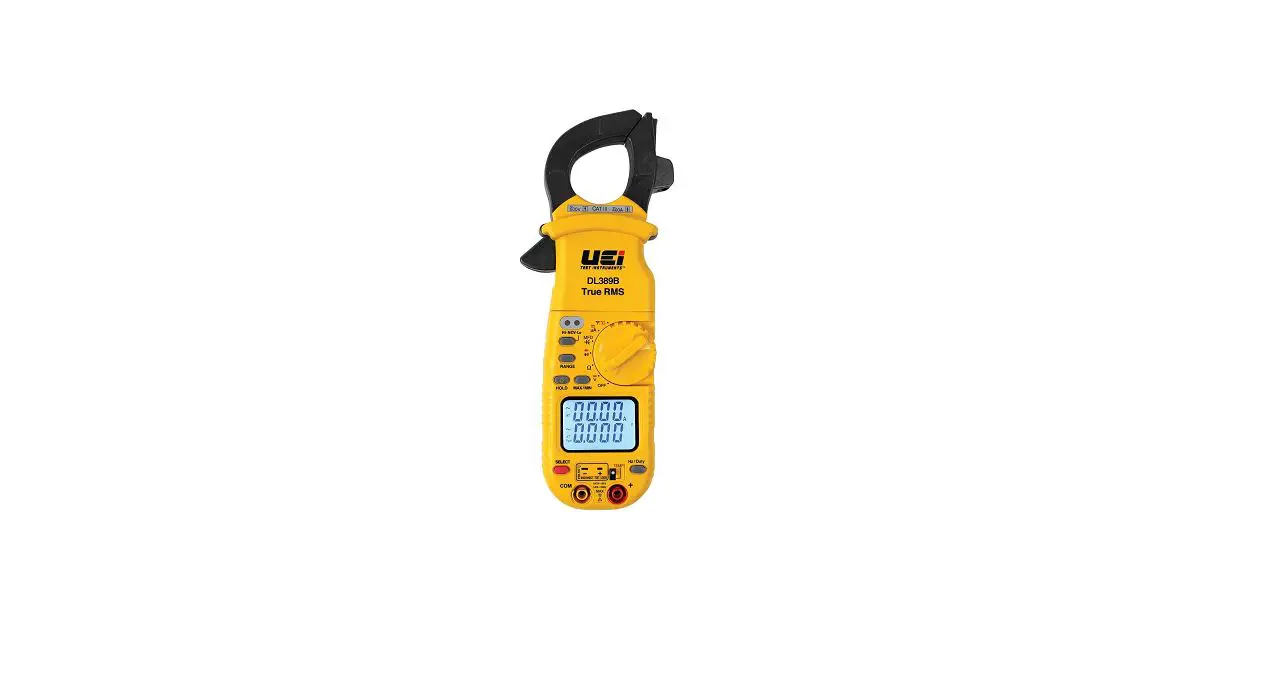
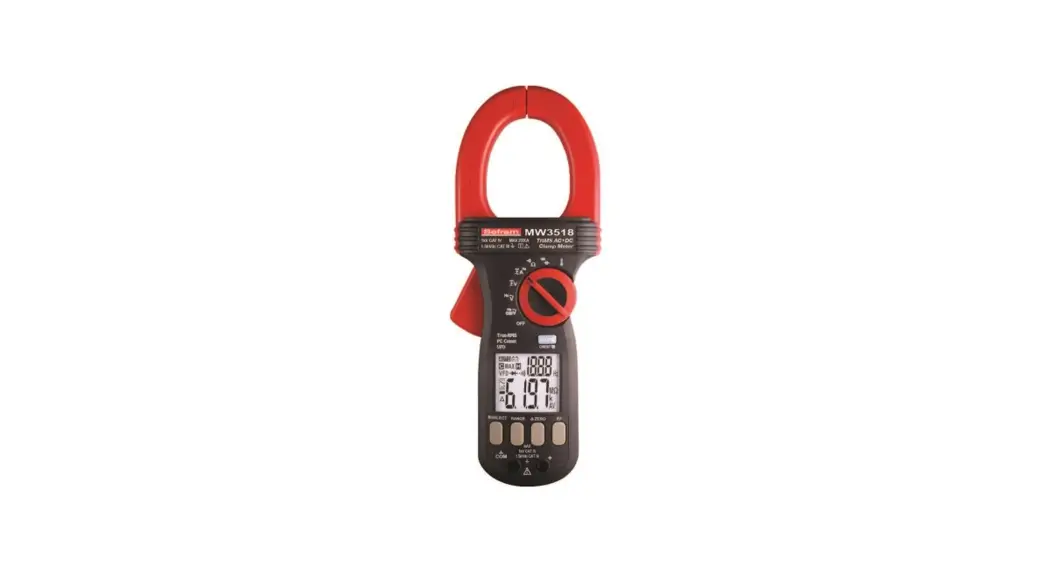
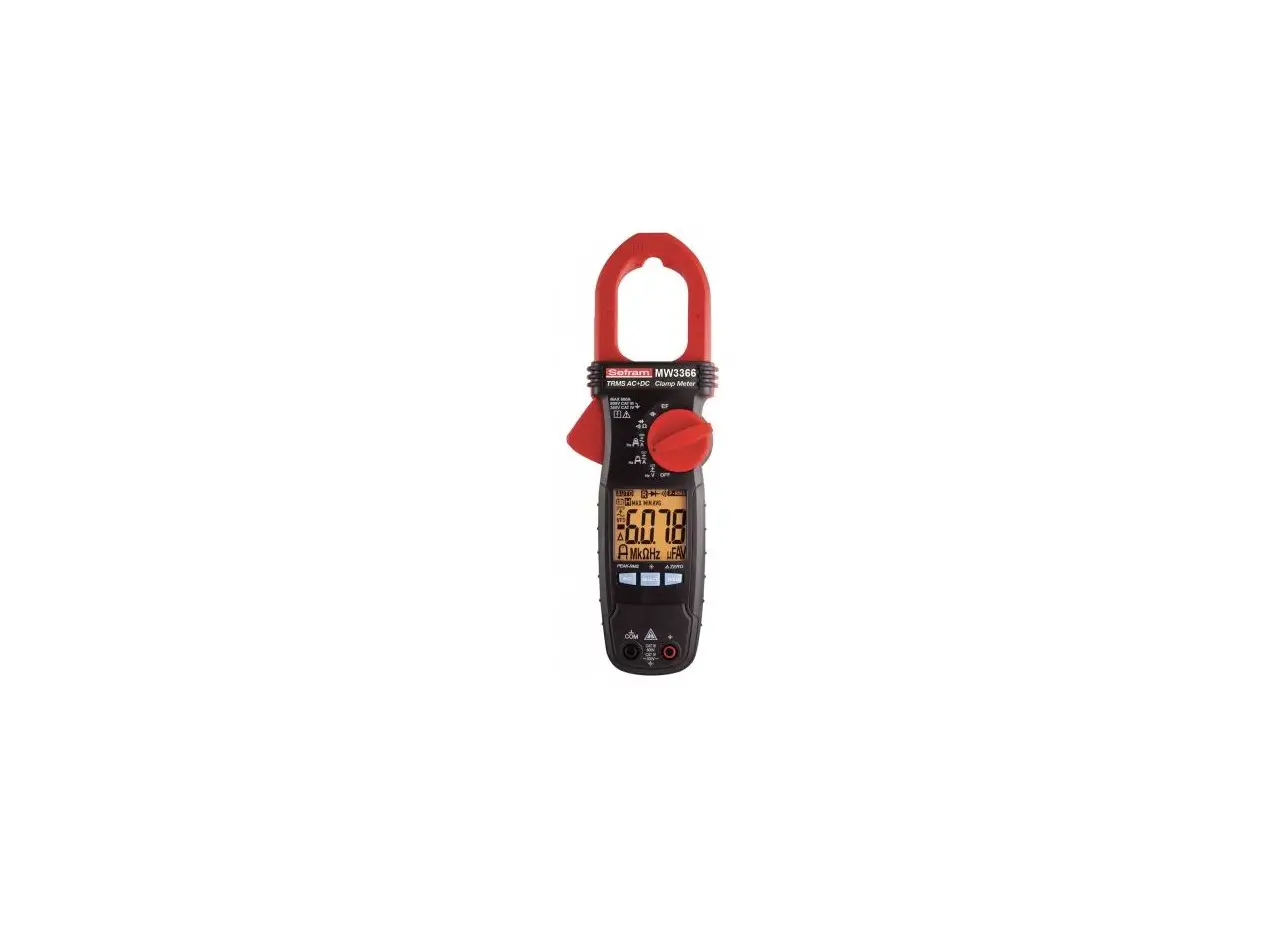
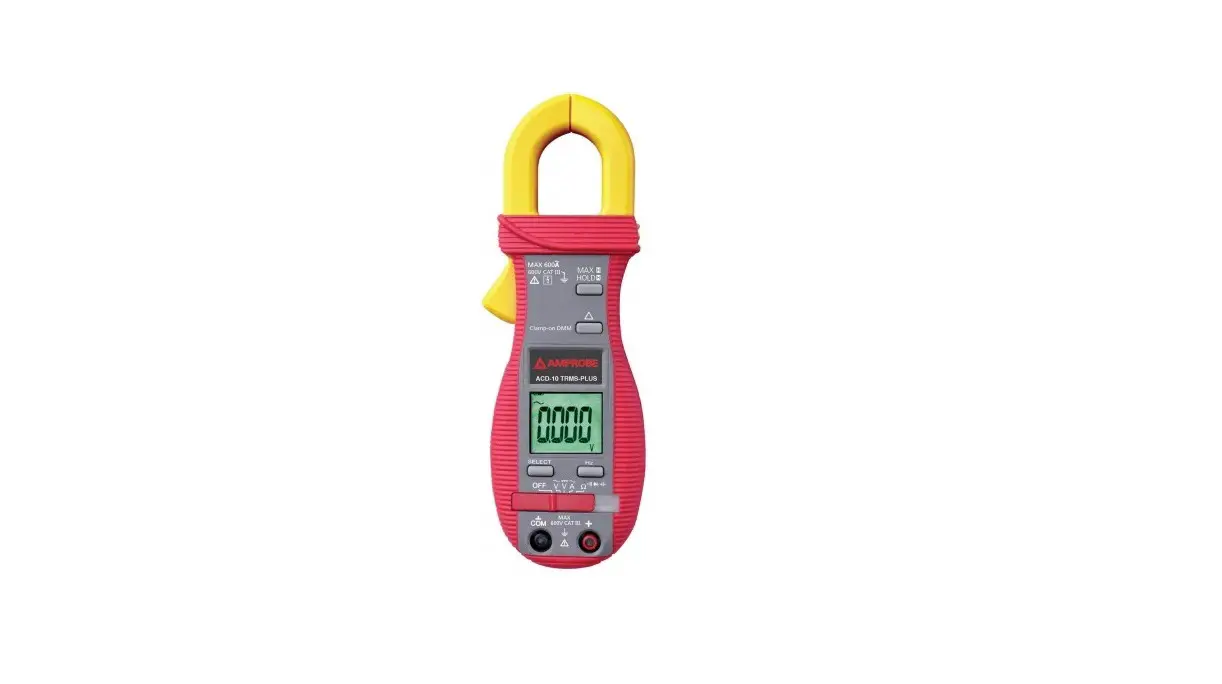
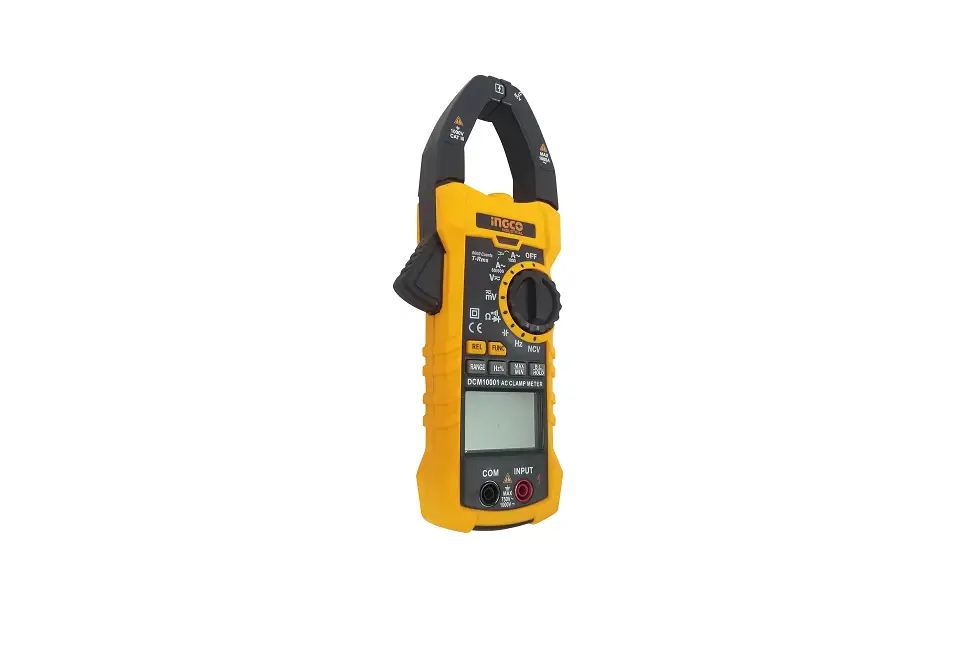
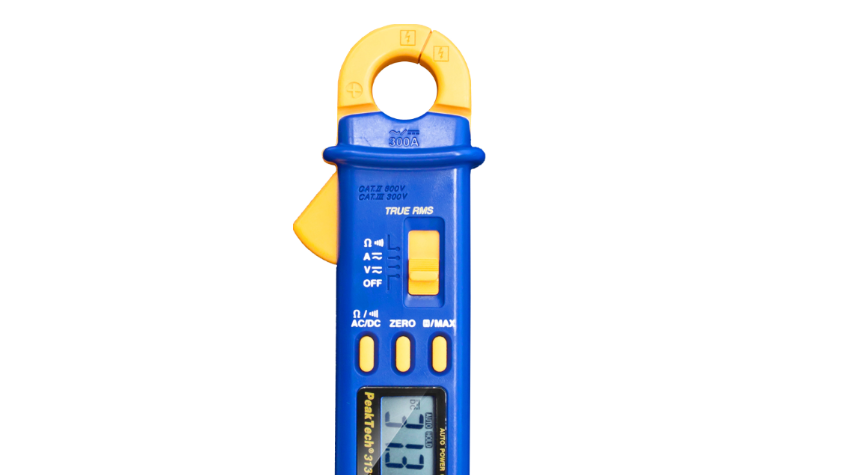
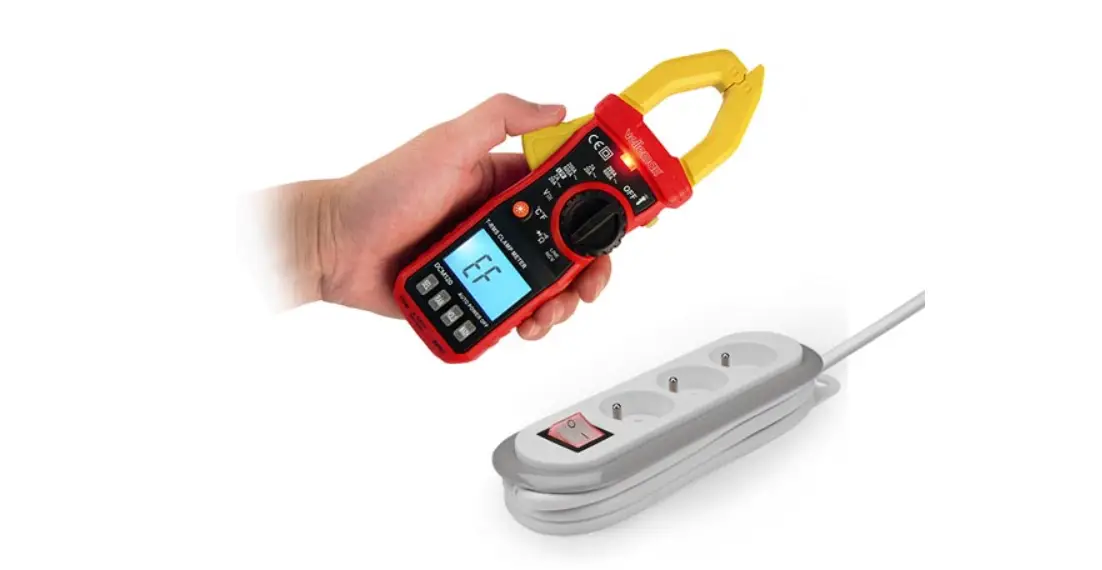
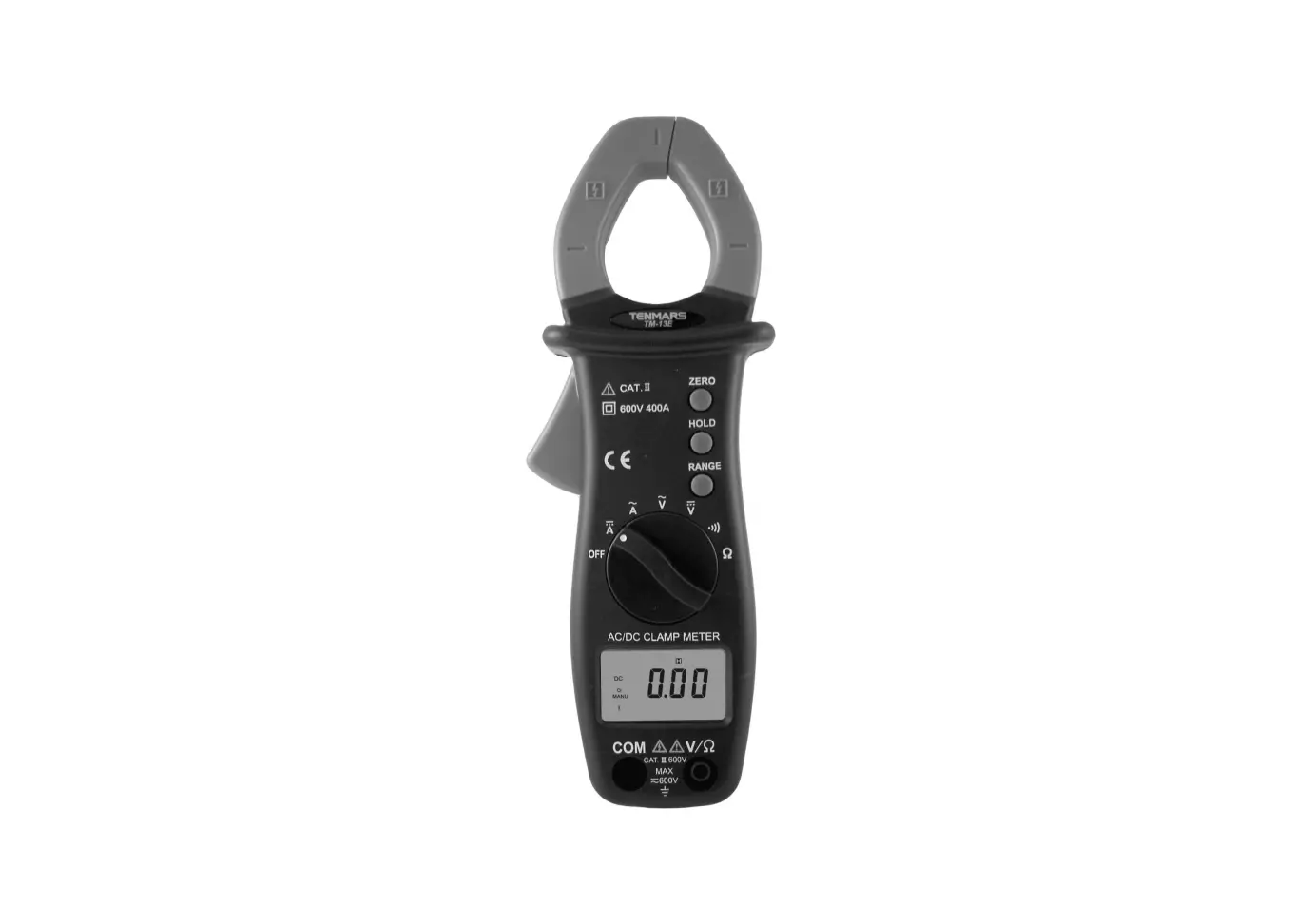
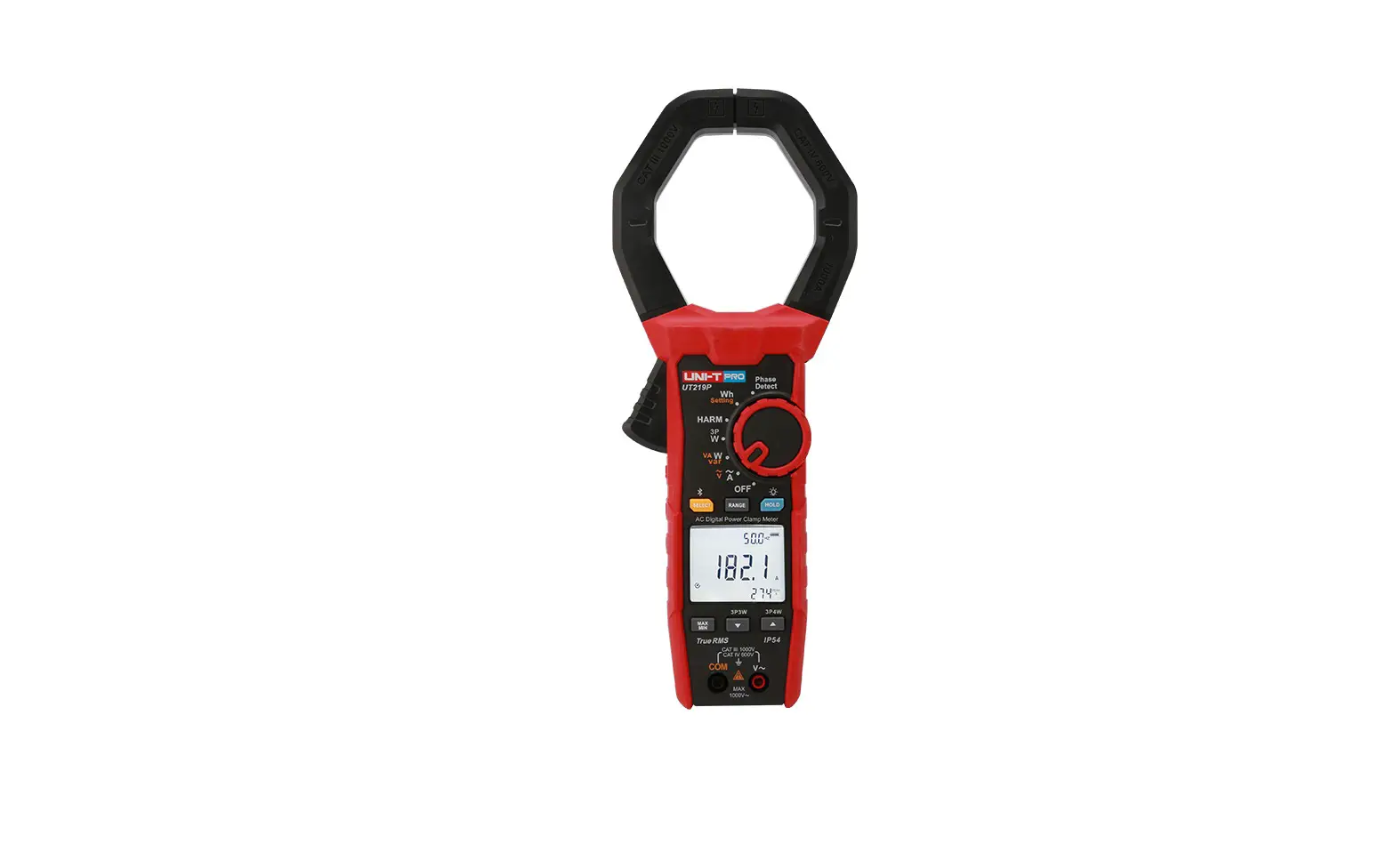
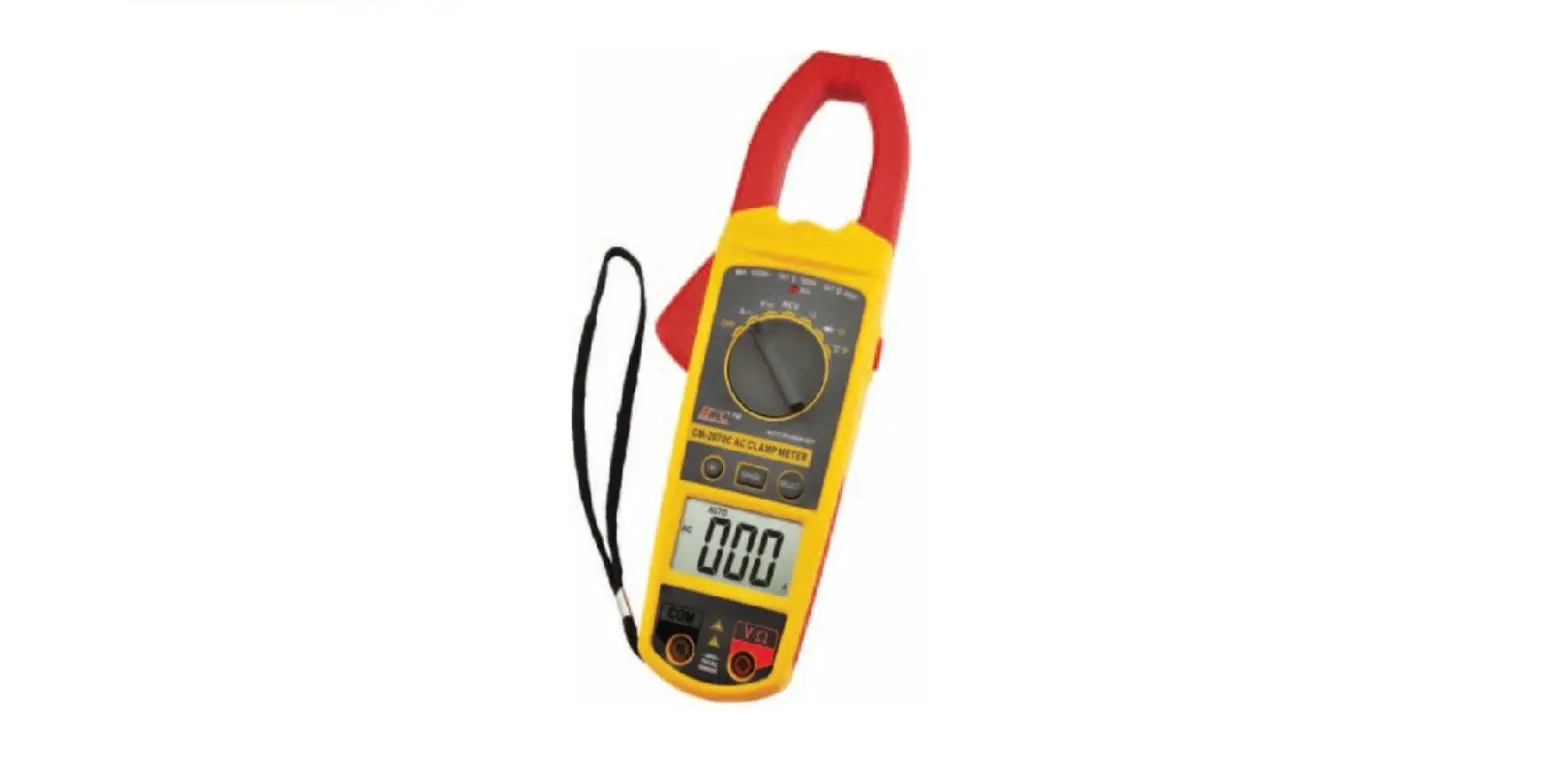
XOM CAT II 600V Digital AC TRMS Clamp Multimeter
Product Information:
The Digital Clamp Multimeter is a stable and reliable instrument
that can be used to test AC, AC voltage, resistor, diode, and
circuit continuity. It has a micro smart IC and dual integral AD
transformer as the core, with full range overload protection
circuit. The instrument has been designed and manufactured with
safety standards of IEC61010, IEC61010-2-032, dual insulation CAT
III 600V and pollution class 2. The unit powers off automatically
when idle for more than 25 minutes to save power. It comes with a
1-year warranty.
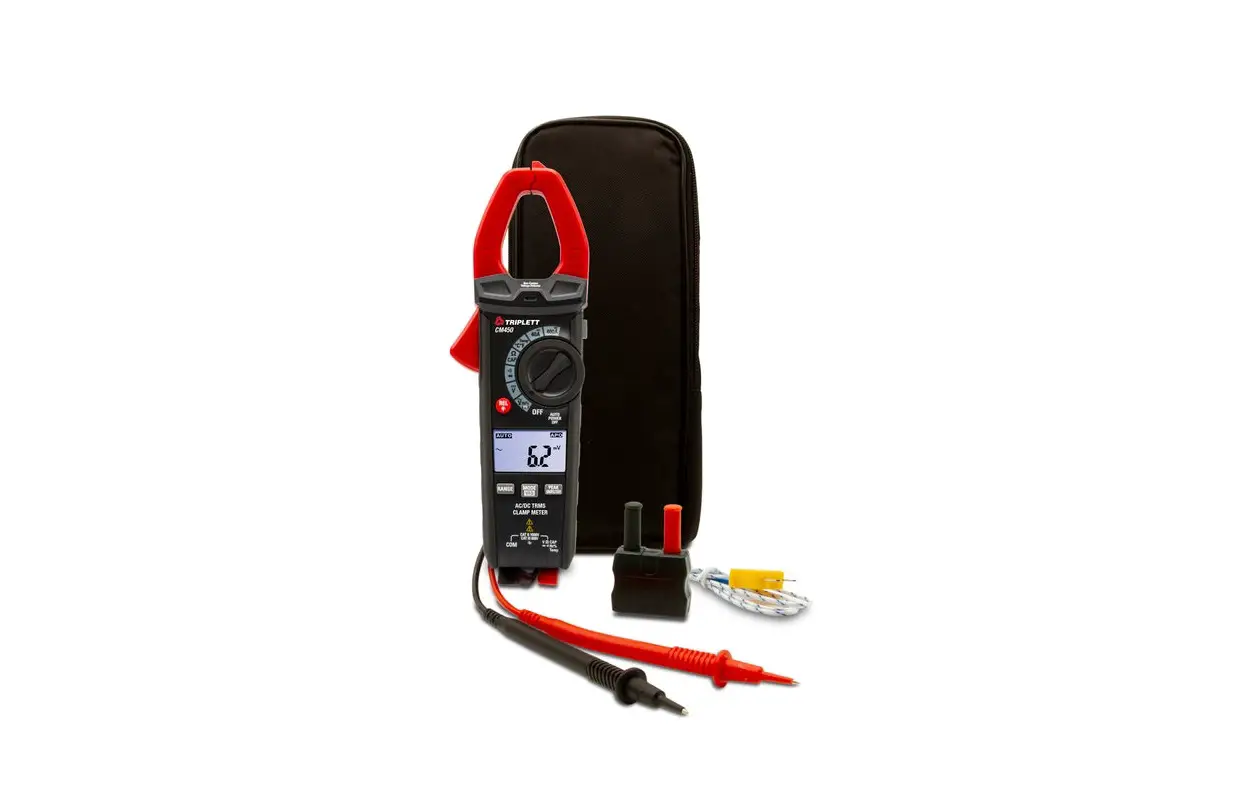
Accessories:
- Instruction manual – 1
- Test lead – 1
- Package – 1
- 1.5V SIZE AAA battery – 2
Panel Description:
The Digital Clamp Multimeter has a rotatory range selector and
jacks for test leads. The panel has symbols and displays readings
on the screen.
Product Usage Instructions:
AC and DV Voltage Measurement:
- Insert the red test lead into the V jack and black test lead
into the COM jack. - For AC Voltage Measurement, turn the rotatory range selector to
ACV and connect the test lead to voltage to be measured. Read
measurement value from display. - For DV Voltage Measurement, turn the rotatory range selector to
DCV and connect the test lead to voltage to be measured. Read
measurement value and polarity of red test lead from display. - If the measured voltage range is not known in advance, turn the
rotatory range selector to maximum. Then decrease gradually to get
satisfactory resolution. - Beware of electric safety in measuring high voltage.
AC Current Measurement:
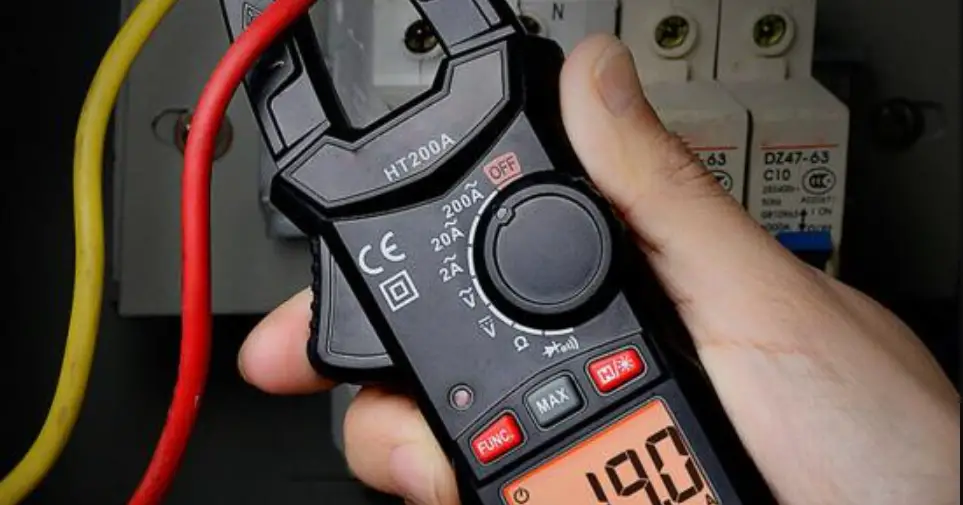
- Turn the rotatory range selector to AC current.
- Clamp the jaw around the conductor to be measured. Do not
measure more than one conductor at the same time. - Read measurement value from display.
- If the measured current range is not known in advance, turn the
rotatory range selector to maximum. Then decrease gradually to get
satisfactory resolution. - Place the measured conductor at the center of the jaw for
accurate measurement. Otherwise, there might be an offset of
1.5%.
Diode and Continuity Test:
- Insert the red test lead into the V jack and black test lead
into the COM jack. Polarity of red test lead is +. - For Diode Test, turn the rotatory range selector to diode and
press SEL button to switch to forward voltage drop measurement.
Bring the red test lead in contact with positive electrode and
black test lead in contact with negative electrode. Read forward
voltage drop value from the display. - For Continuity Test, turn the rotatory range selector to
continuity and press SEL button. Place the test leads in contact
with two points of measured circuit. If the resistance is less than
50 OHM, the beeper emits continuous sound.
Auto Off:
The unit powers off automatically when stay idle over 25 minutes
to save power.
Accuracy Specification:
Accuracy: (a%+cts)
Ambient Conditions:
- Ambient Temperature:
- Ambient humidity: Less than 75%
- Temperature co-efficient: 0.1xaccuracy/1
Instruction Manual
DIGITAL CLAMP MULTIMETER
Overall, Safety Standards, Safety Symbols, Notices Overall
This digital AC clamp meter is a stable and reliable instrument with micro smart IC and dual integral AD transformer as the core, coming with full range overload protection circuit. It can be used to test AC, AC voltage, resistor, diode, circuit continuity.
Safety Standards This instrument has been designed and manufactured
with safety standards of IEC61010 , IEC61010-2-032, dual insulation CAT III 600V and pollution class 2.
Safety Symbols Warning symbols, cautiously operate. High voltage danger symbol. Allow to be used nearby by conductors which are not dangerous with life. Dual insulation (Class II safety equipment) Ground.
Notice Read the manual carefully , especially notice the
contents with symbols. Please follow the instructions. If the test pen needs to be replaced, replace a new
one with the same model number or same specifications
Accessories Check the instrument and test pen before use. If exposure of test leads, broken cover, abnormal display are found, do not use it. In test, do not touch the terminal not in use. When test DC voltage higher than 60V or AC voltage higher than 30V, do not reach your fingers beyond safety barrier. When the measured range is unknown, put the test range at the maximum. Do not test voltage higher than maximum range. The test lead should be away from tested circuit before switch range selector. Before test diode in live circuit, cut off the power and discharge all capacitors. Do not expose the instrument in strong light, high temperature or damp environments. Do not touch naked circuit lines, connectors or measured circuits.
Accessories
1.Instruction manual
1
2.Test lead
1
3.Package
1
4.1.5V SIZE AAA battery
2
Description
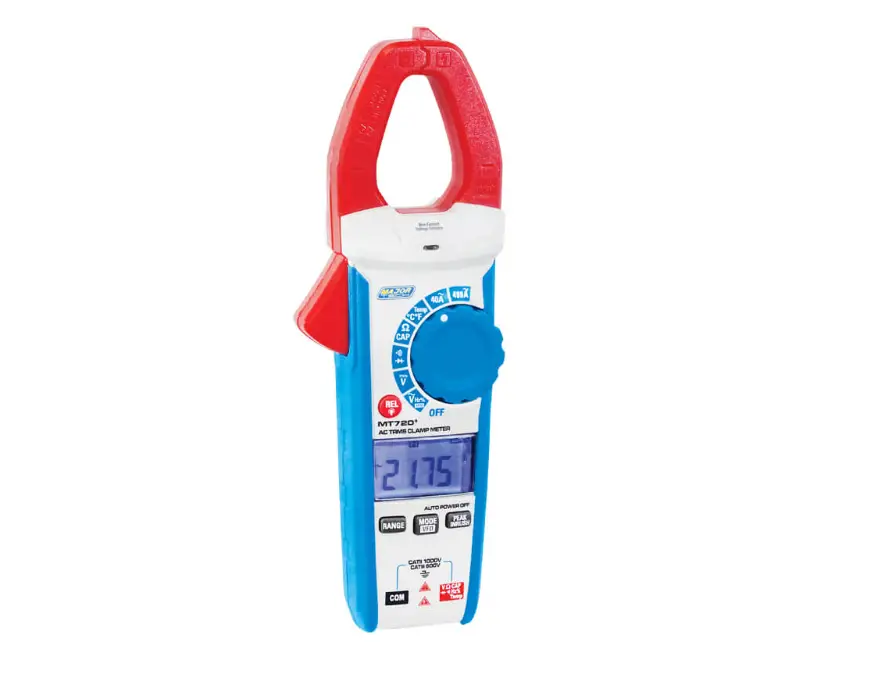
Description 1.Jaw Assembly: sampling AC. 2.Safety Barrier: prevent touching live conductors in test. 3.Rotatory Range Selector: select measuring functions and ranges. 4.Data Hold: press “H” button, the last reading keeps on display “H” symbol shows. Press “H” button again to resume normal test mode. 5.Backlight: press and hold 2 seconds to turn on backlight, press and hold 2 seconds again to turn off. 6.LCD: Maximum display 4000, reading height 12mm. 7.Input Terminal: red test lead positive input terminal in testing voltage, diode, transistor and continuity. 8.COM terminal: black test lead negative input terminal except AC measurement. 9.Flashlight: Press this button to turn on flashlight. Press again to turn off. 10.SEL: in test mode, select between diode, resistor and continuity. 11.Warning Light: in continuity test, red light turns on with NCV warning. 12.Lever for Jaw OpeningClosing: press to open and release to close the jaw. 13.Clamp Body Light 14.NCV Sensor Probe: when strong AC signal is detected, red light turns on and buzzer sounds.
Panel description
Panel description
Instructions Instructions AC and DV Voltage Measurement Insert the read test lead into the ” ” jack and black test lead into the “COM” jack. A.DV Voltage Measurement Turn the rotatory range selector to , connect the test lead to voltage to be measured. Read measurement value and polarity of red test lead from display. B. AV Voltage Measurement Turn the rotatory range selector to , connect the test lead to voltage to be measured. Read measurement value from display.
Caution: *If the measured voltage range is not known in advance, turn the rotatory range selector to maximum. Then decrease gradually to get satisfactory resolution. *Beware of electric safety in measuring high voltage.
AC current measurement 1.Turn the rotatory range selector to AC current ; 2.Clamp the jaw around the conductor to be measured. Do not more than one conductors at the same time. 3.Read measurement value from display. Notice *If the measured current range is not known in advance,
Instructions turn the rotatory range selector to maximum. Then decrease gradually to get satisfactory resolution.
Resistor Measurement 1.Insert the read test lead into the ” ” jack and black test lead into the “COM” jack. 2.Turn the rotatory range selector to” “, press “SEL” button to switch to , place the test probe tips into contact with the sample to be measured. 3.Read measurement value from display. Notice: *If the measured sample has higher resistance beyond maximum range, “OL” will be display. Please change to use a meter with higher measurement range. *When measuring a resistance, make sure power is off and all capacitors are fully discharged. *When measuring resistance over 1M OHM, it might take a few seconds to stabilize the reading.
Diode and Continuity Test Insert the read test lead into the ” ” jack and black test lead into the “COM” jack. Polarity of red test lead is “+”.
Instructions, Auto Off
1. Turn the rotatory range selector to” “, press “SEL” button to switch to . Bring the red test lead in contact with positive electrode and black test lead in contact with negative electrode. Read forward voltage drop value from the display. 2. Turn the rotatory range selector to” “, press “SEL” button to switch to . Place the test leads in contact with two points of measured circuit. If the resistance is less than 50 OHM, the beeper emits continuous sound.
Auto Off The unit powers off automatically when stay idle over 25 minutes to save power.
Accuracy
Accuracy Specification
Accuracy: (a%+cts)
Warranty: 1 year
Ambient Temperature:
, Ambient humidity:
Less than 75% Temperature co-efficient: 0.1xaccracy/1
Conductor
Symbol
Conductor
Conductor
Notice:
In measuring AC current, place the measured conductor at the center o the jaw, otherwise there might be an offset of 1.5%
DC Current Range Resolution
Accuracy Specification
Accuracy (0.5%+3cts)
(0.8%+2cts)
(1.0%+2cts)
Input Resistance: 10M Max. Input Voltage: 600V DC or 600V rms AC
AC Voltage
Range Resolution
Accuracy
(1.0%+10cts)
(1.2%+10cts)
Input Resistance: 10M Frequency Range: 40Hz~400Hz Max. Input Voltage: 600V DC or 600V rms AC AC Current
Range Resolution
Accuracy
(2.5%+10cts)
Frequency Range: 50Hz~60Hz Max. Input current: 120% of full scale, less than 60
seconds.
Resistance Range Resolution
Accuracy Specification Accuracy
(1.2%+2cts)
Overload: 600V DC or 600V rms AC
Diode
Range Resolution
Accuracy
Forward voltage drop value (open circuit voltage about 2.3V)
Overload: 600V DC or 600V rms AC
Continuity Range Resolution
Accuracy
Beeper sounds when resistance is less than 50 OHM (open circuit voltage about 2.1V)
Overload: 600V DC or 600V rms AC
Technical Specifications Technical Specifications General: Max. Voltage between input and ground is CATII 600V DC and 600V AC Display: LCD, max reading 4000 Principle: Dual Integral A/D transformer, auto range Measuring frequency: 3 times/second Unit Display: Display function and unit symbols Electrode: negative input shows “–” Overload Display: “OL” Data Hold Display: Low Power Display: Power supply: DC1.5V x2 Size AAA Dimension: 185mm x 71mm x35mm Max. Jaw Opening Size: 26mm Temperature Environment for Use: 5C-35C Temperature for Storing: -10C-50C
Maintenance and Battery Replacement
Maintenance 1.Before open back cover, take away the test leads from measured circuit. 2.Use wet cloth and a little detergent to clean the instruments. Do not use chemical or grinding solvent. 3.Stop using if any abnormal conditions occur. 4.Calibration or maintenance can only be performed by professionals.
Battery Replacement
Warning To avoid electric strikes, take away test leads from measured circuit before open battery cover. Only replace batteries with same type and electric specifications.
When low power icon
appears, batteries need to
be replaced immediately.
1.Take away test leads from measured circuit. Turn
rotatory range selector to OFF. Take away let leads
from input jacks.
2.Use a screwdriver to unscrew the batter cover.
3.Take out used batteries and replace with new 1.5V
Size AAA batterie.
4.Put on the cover and fasten screw tightly.