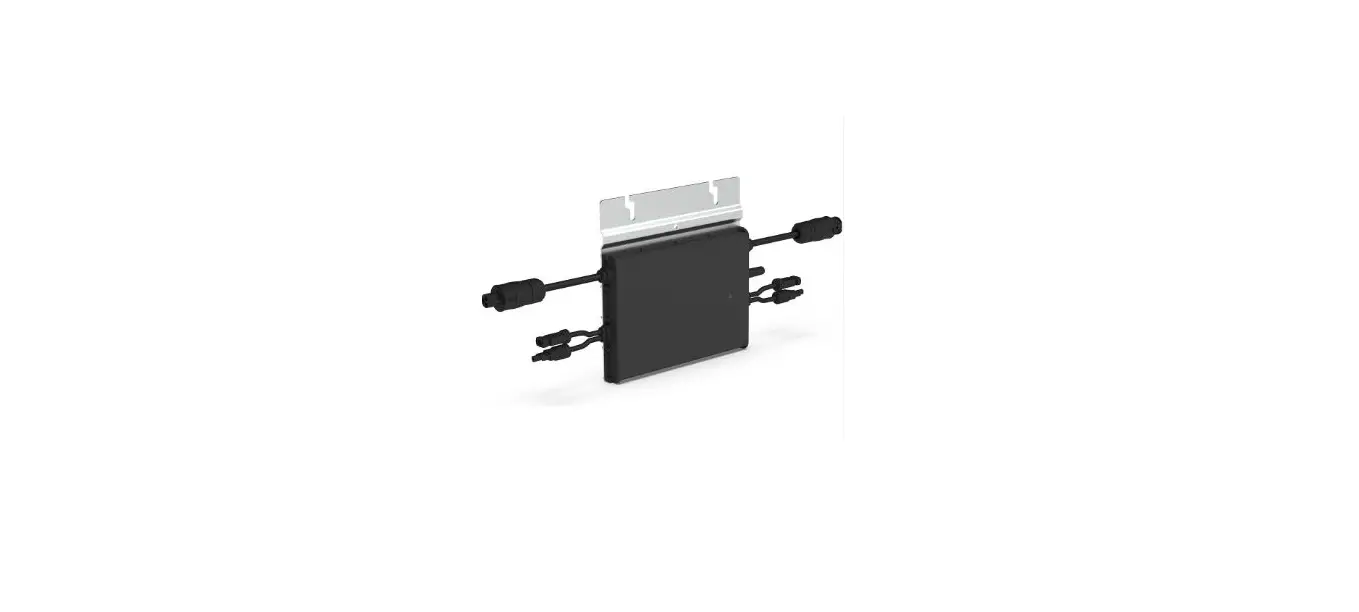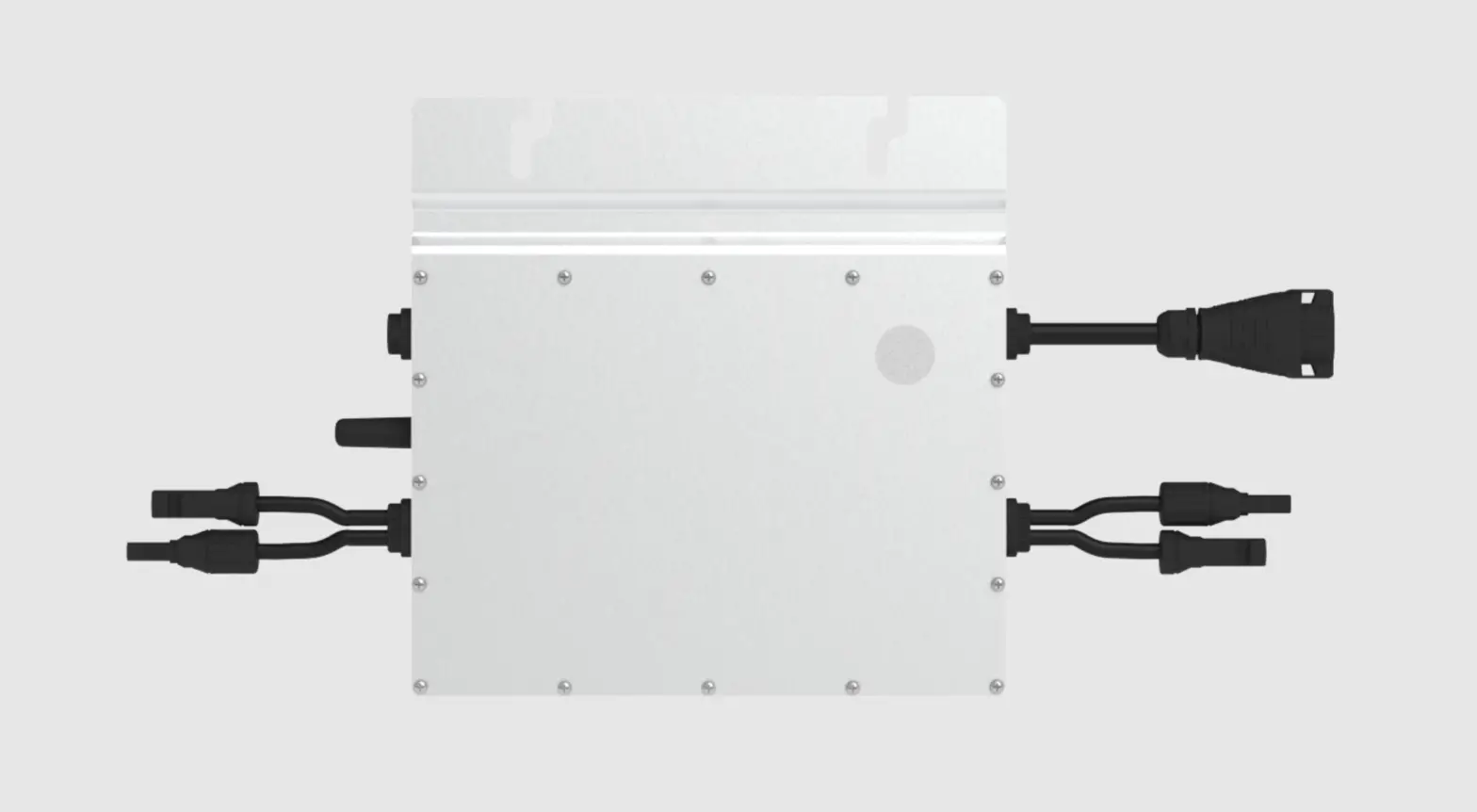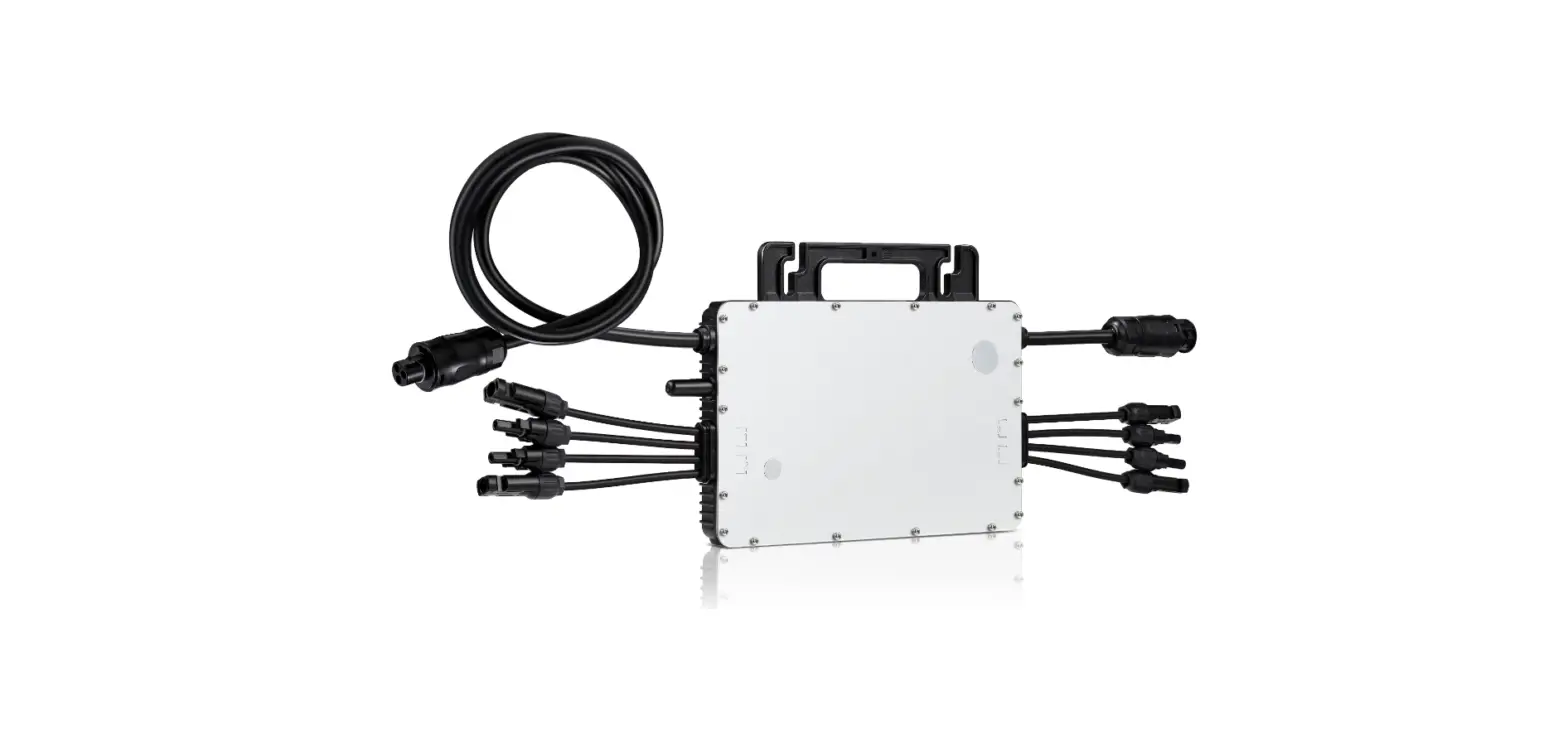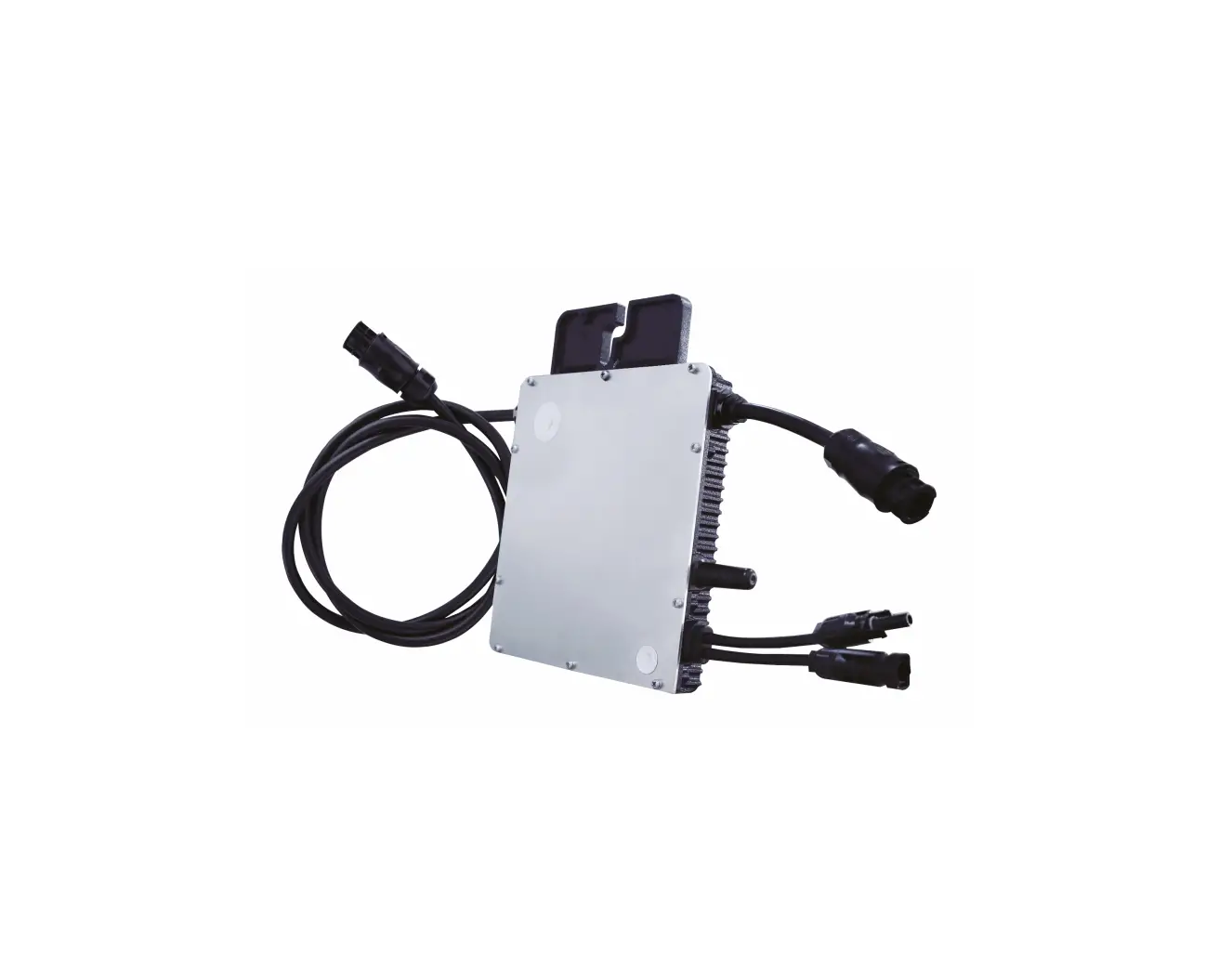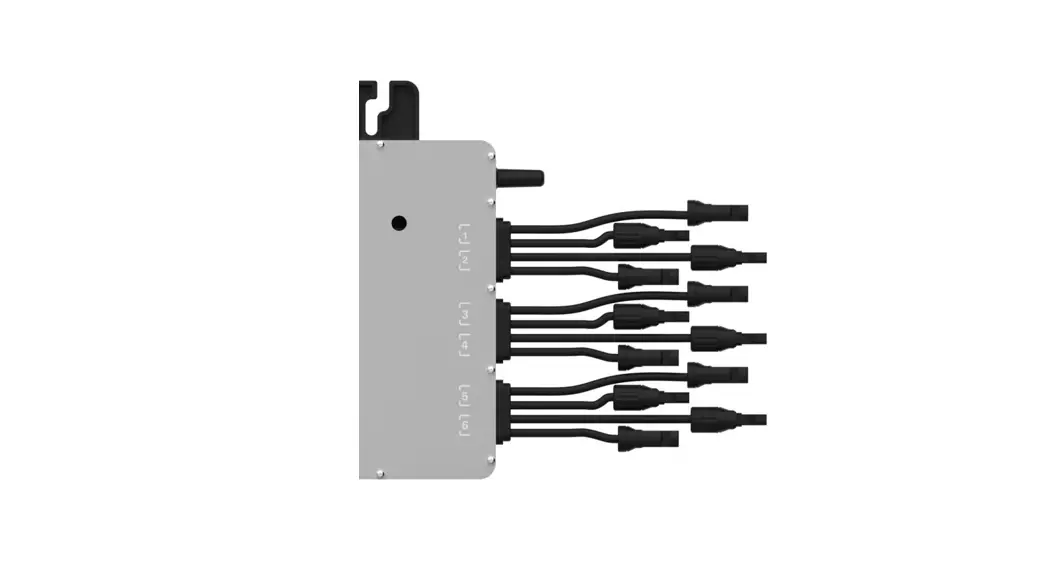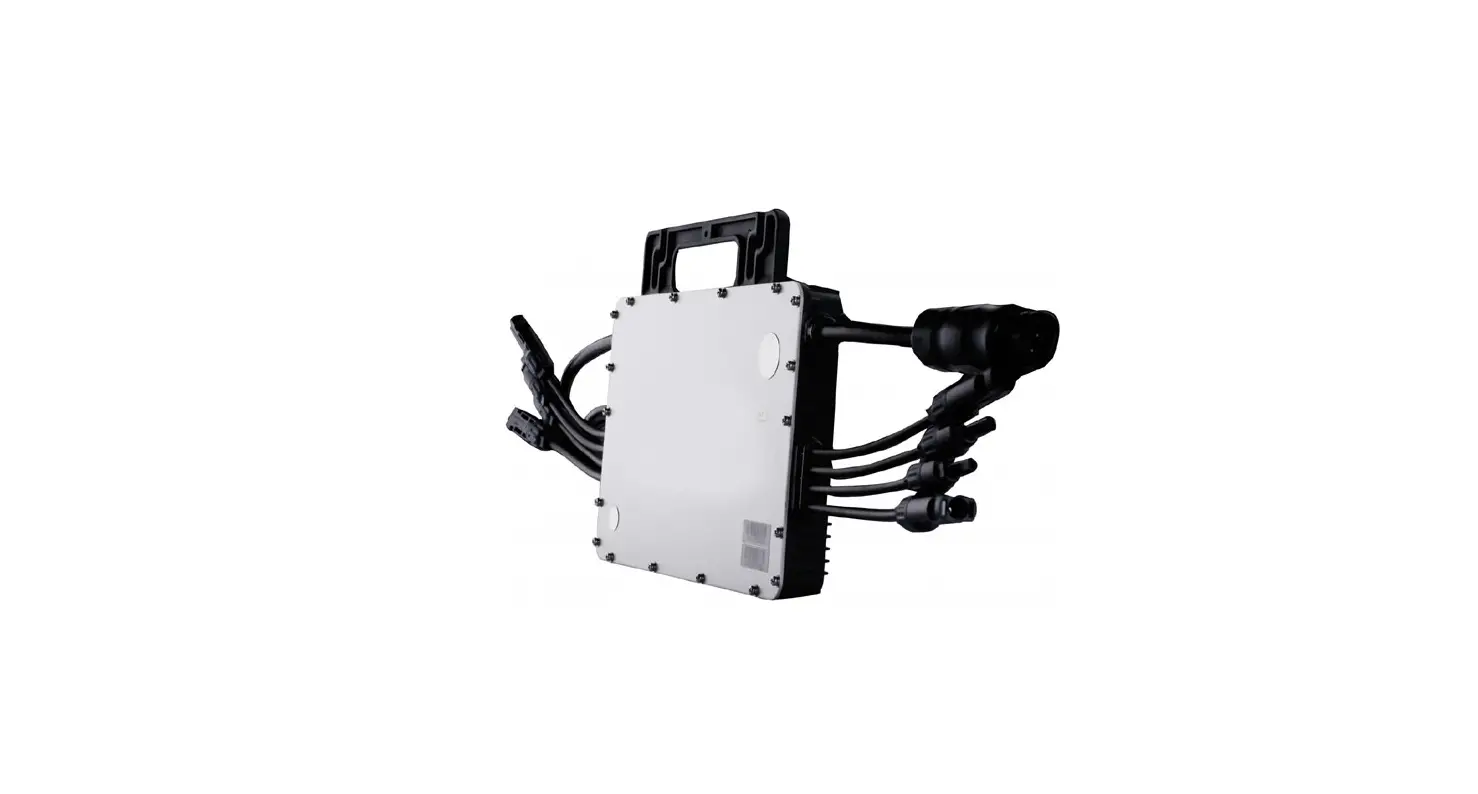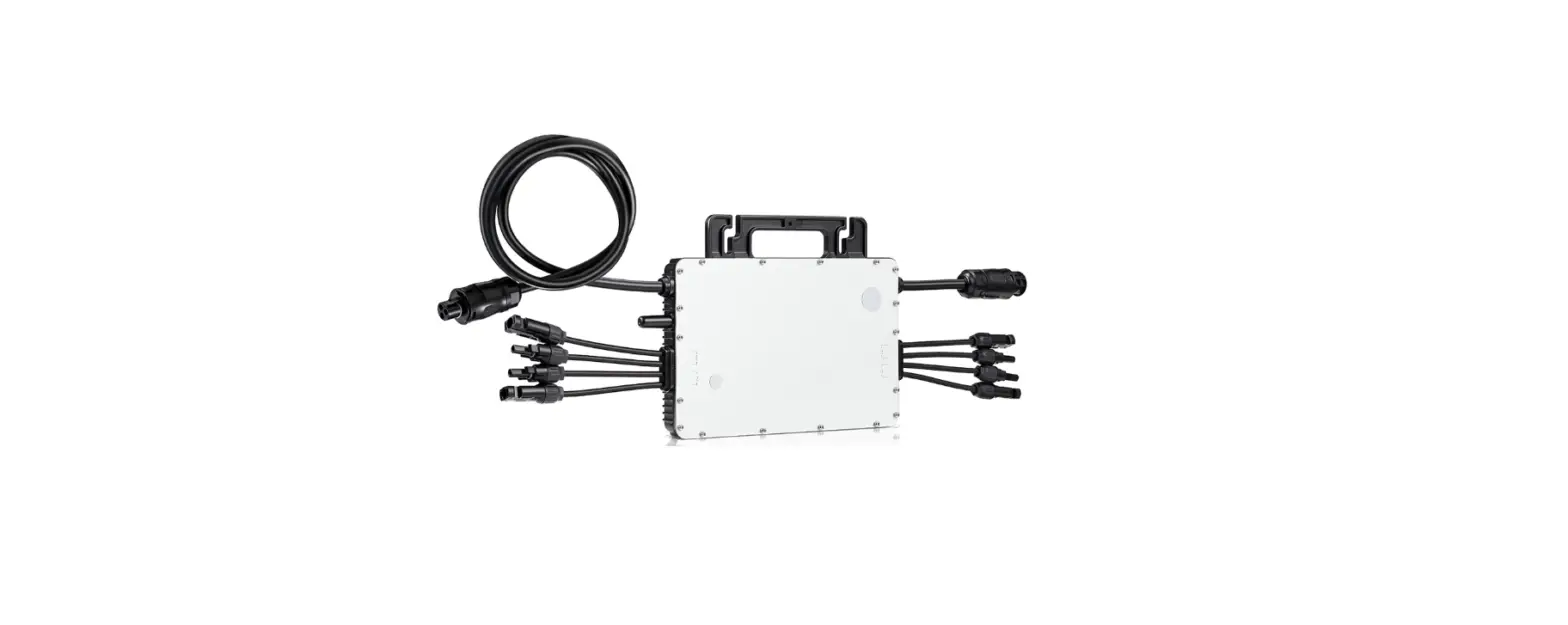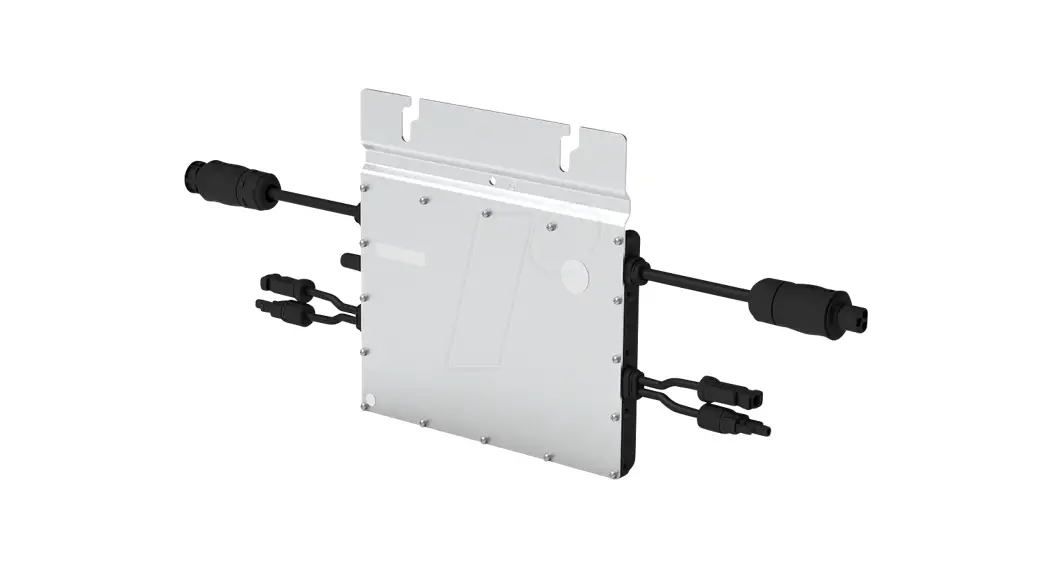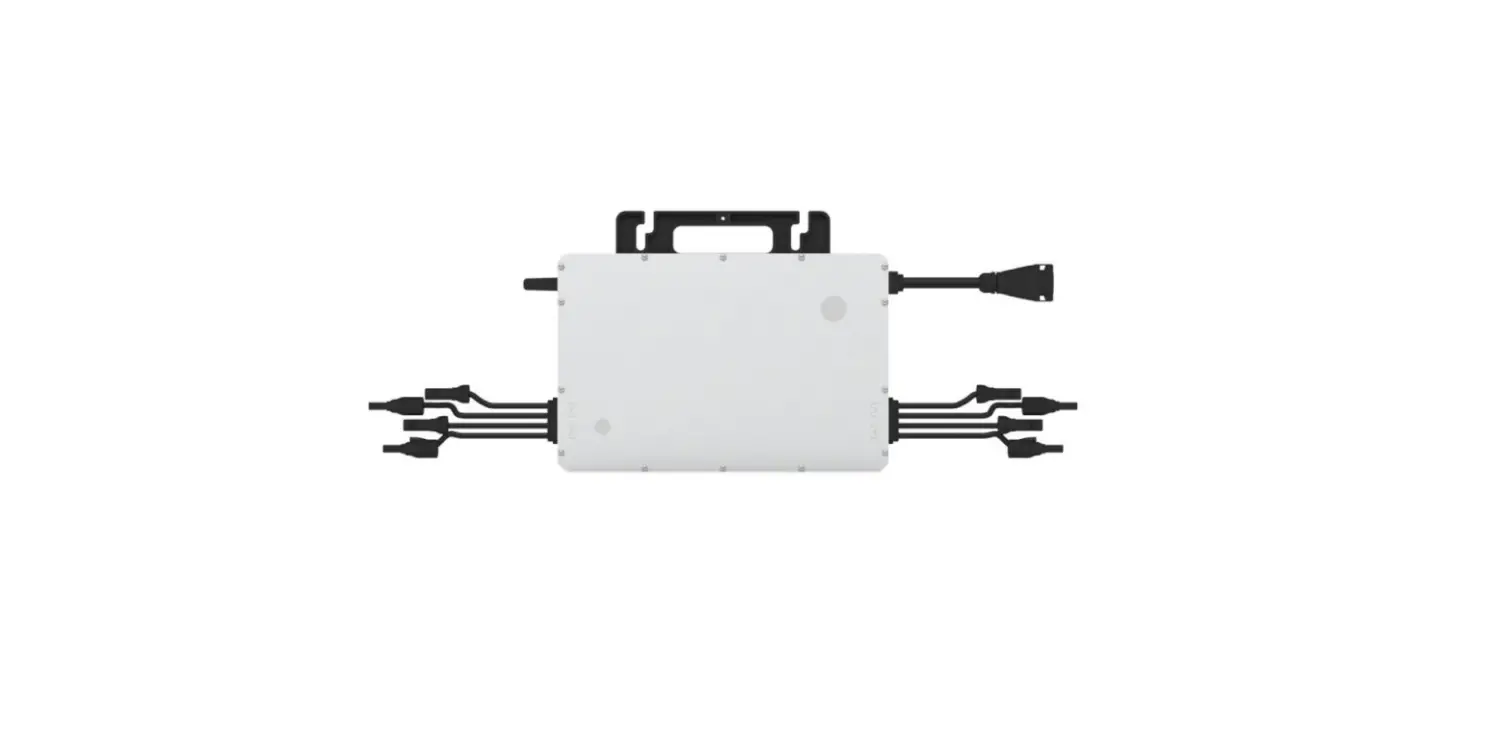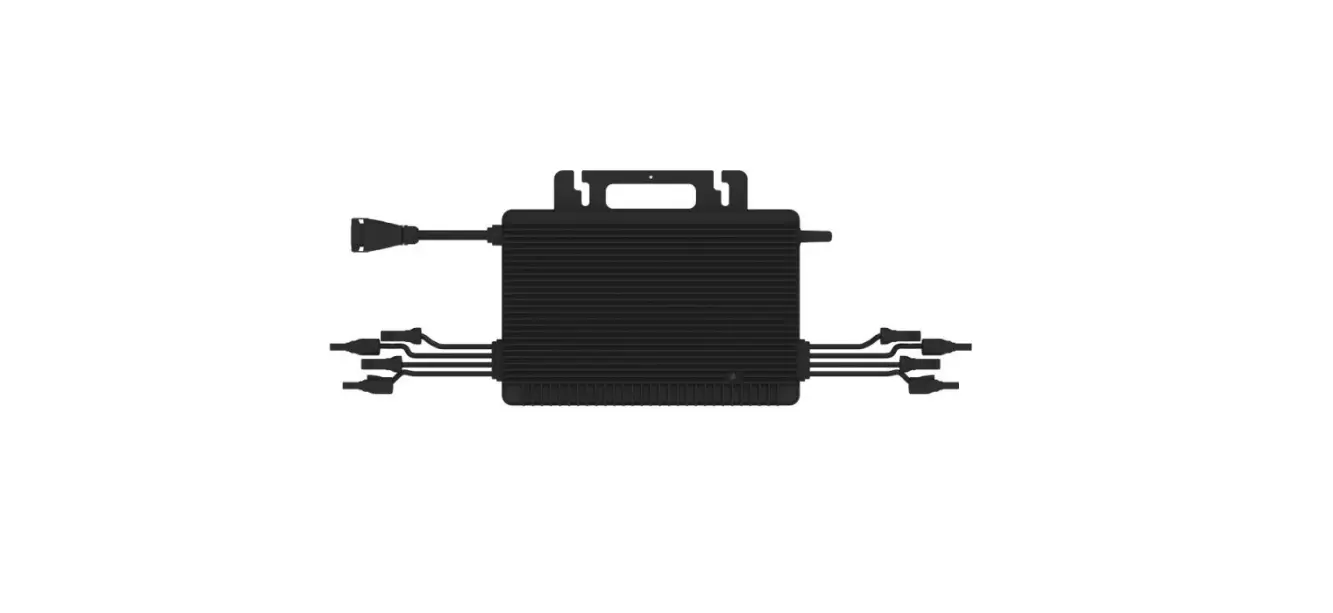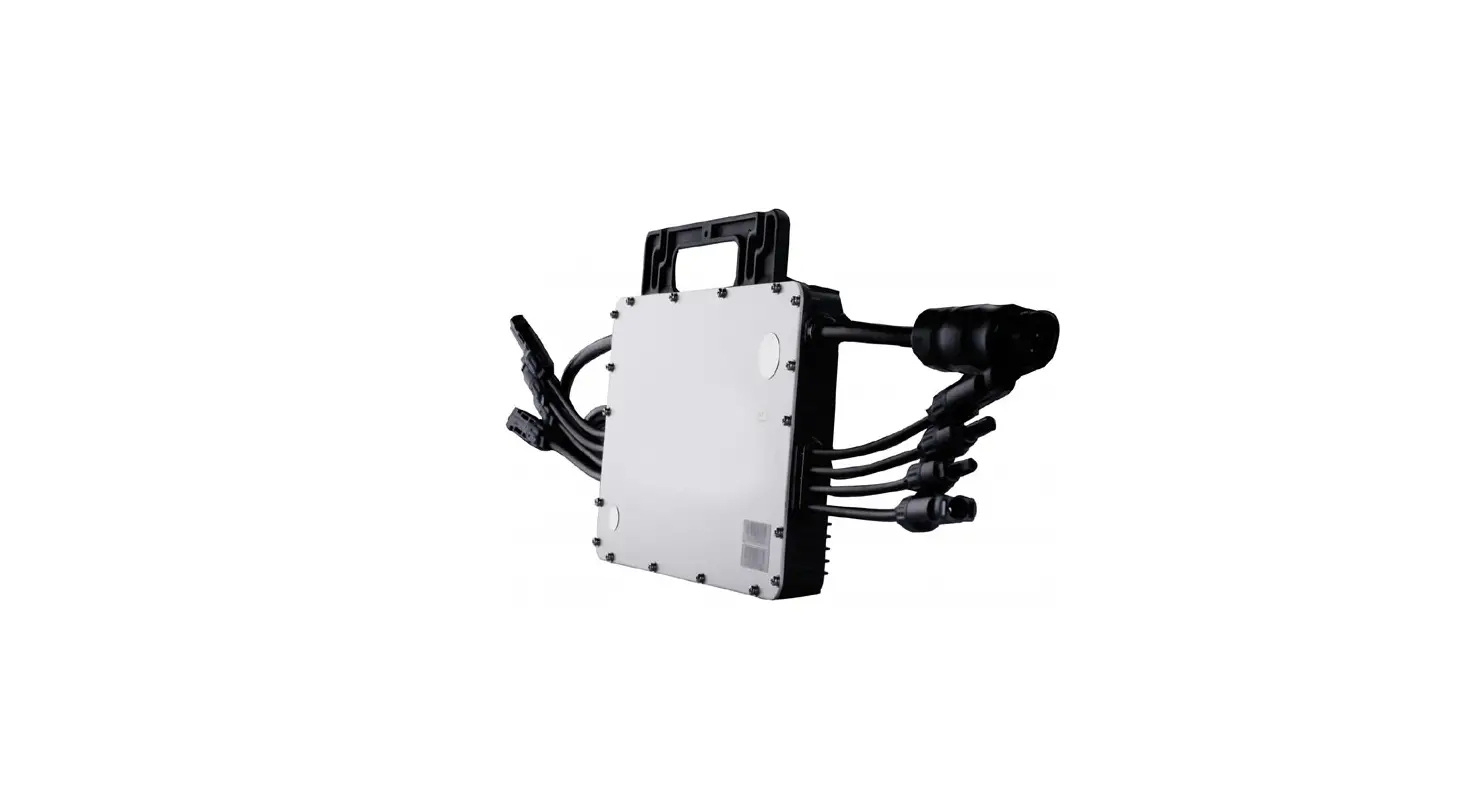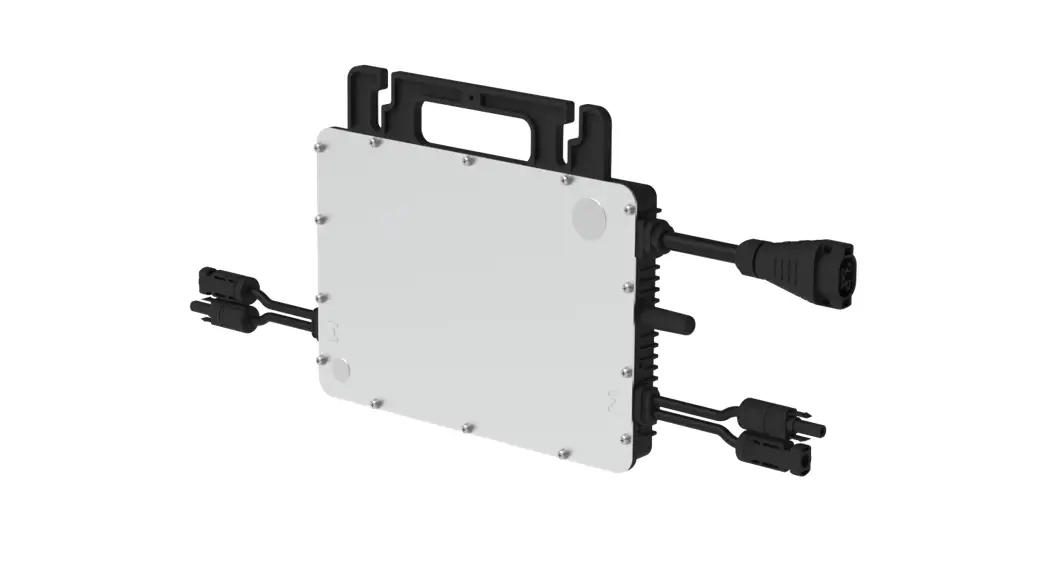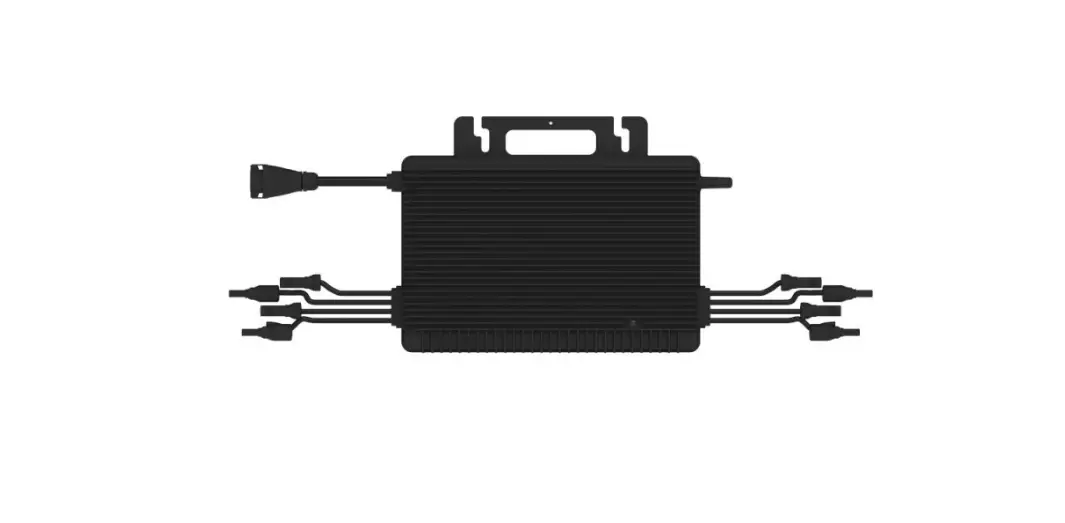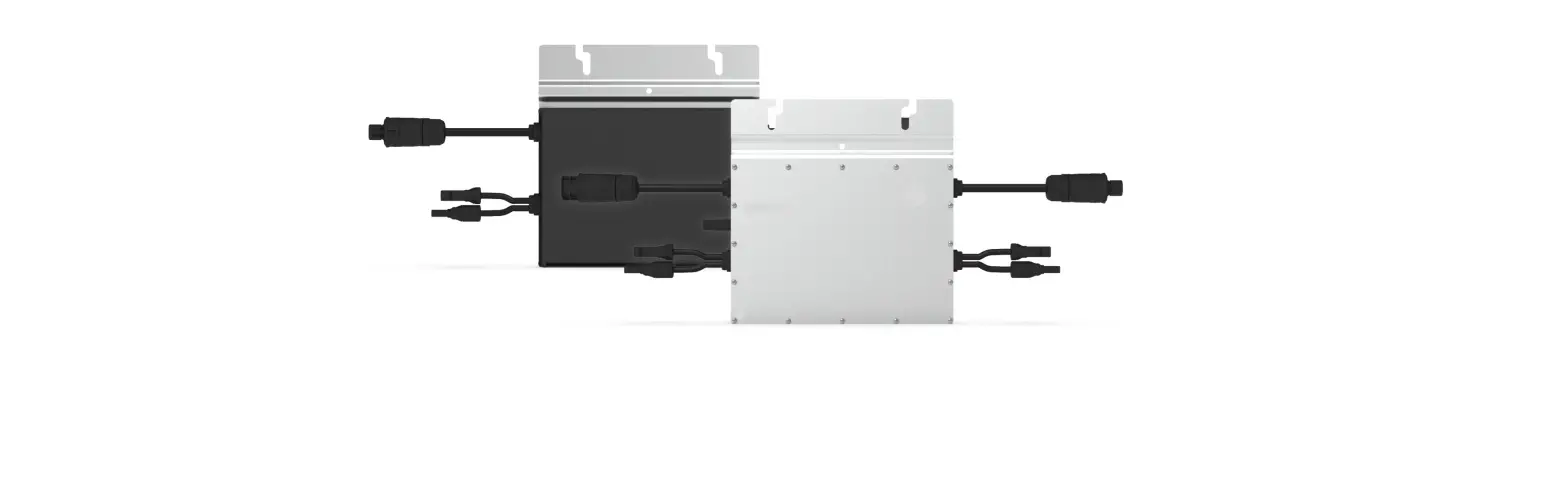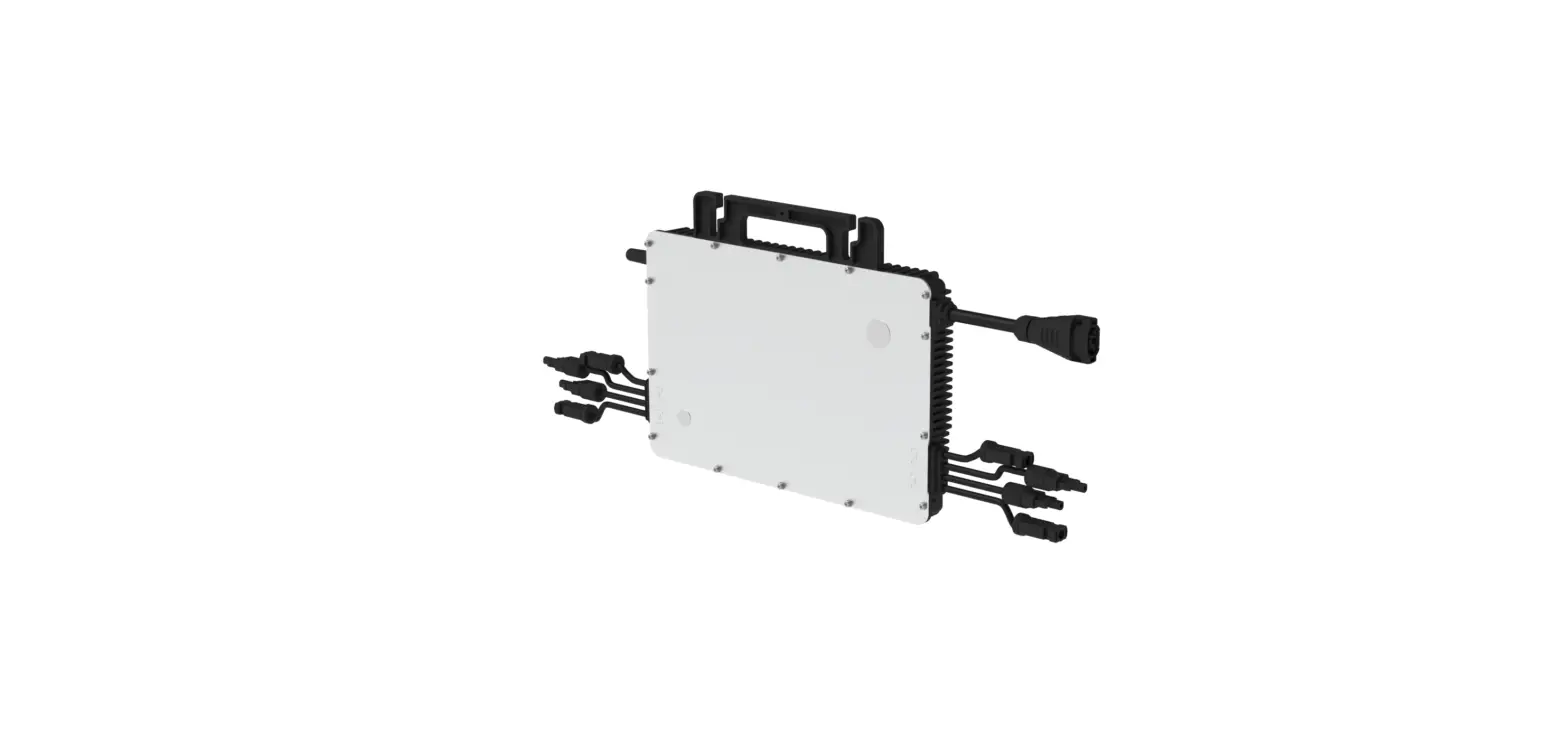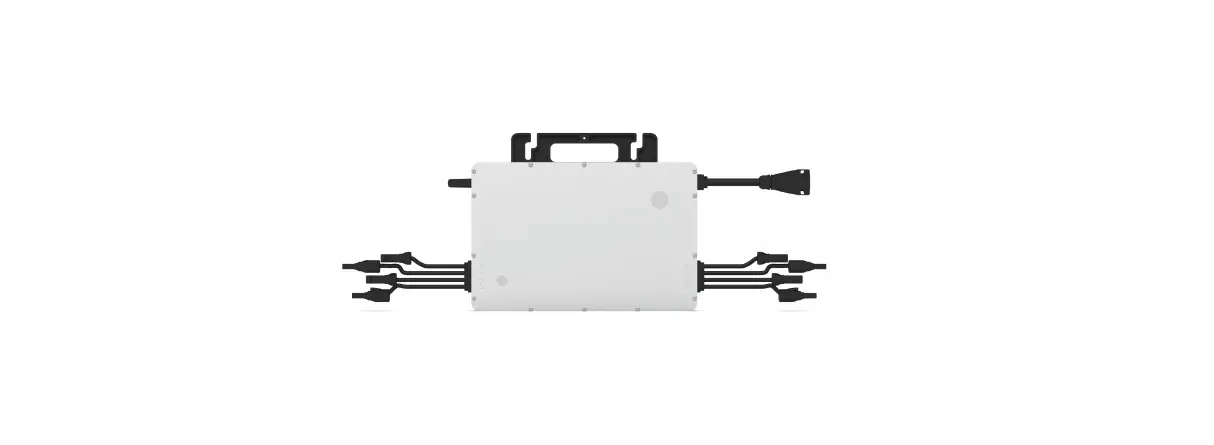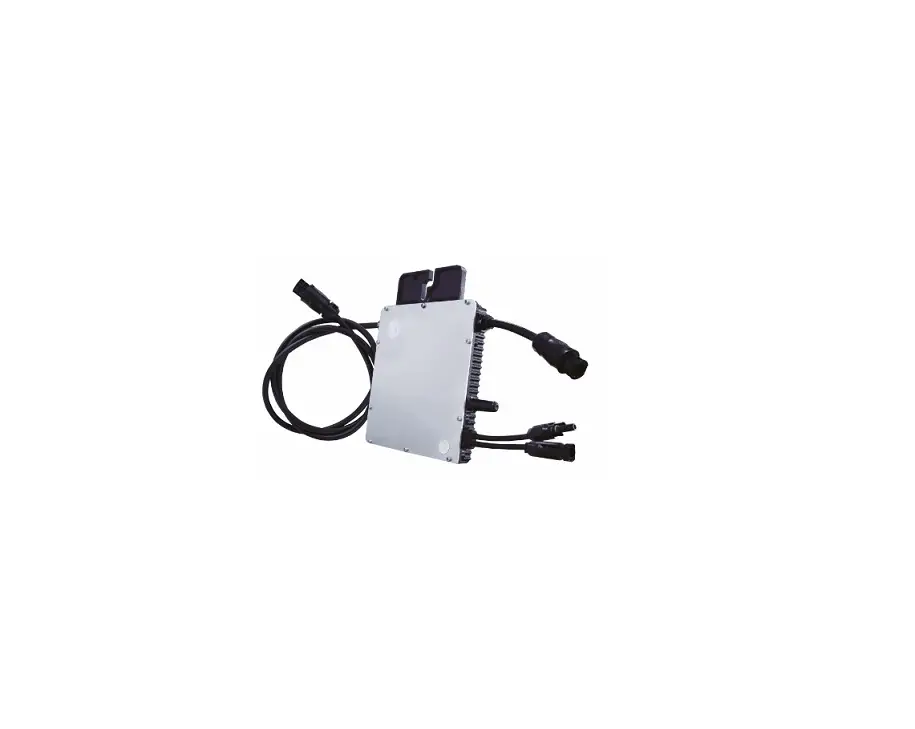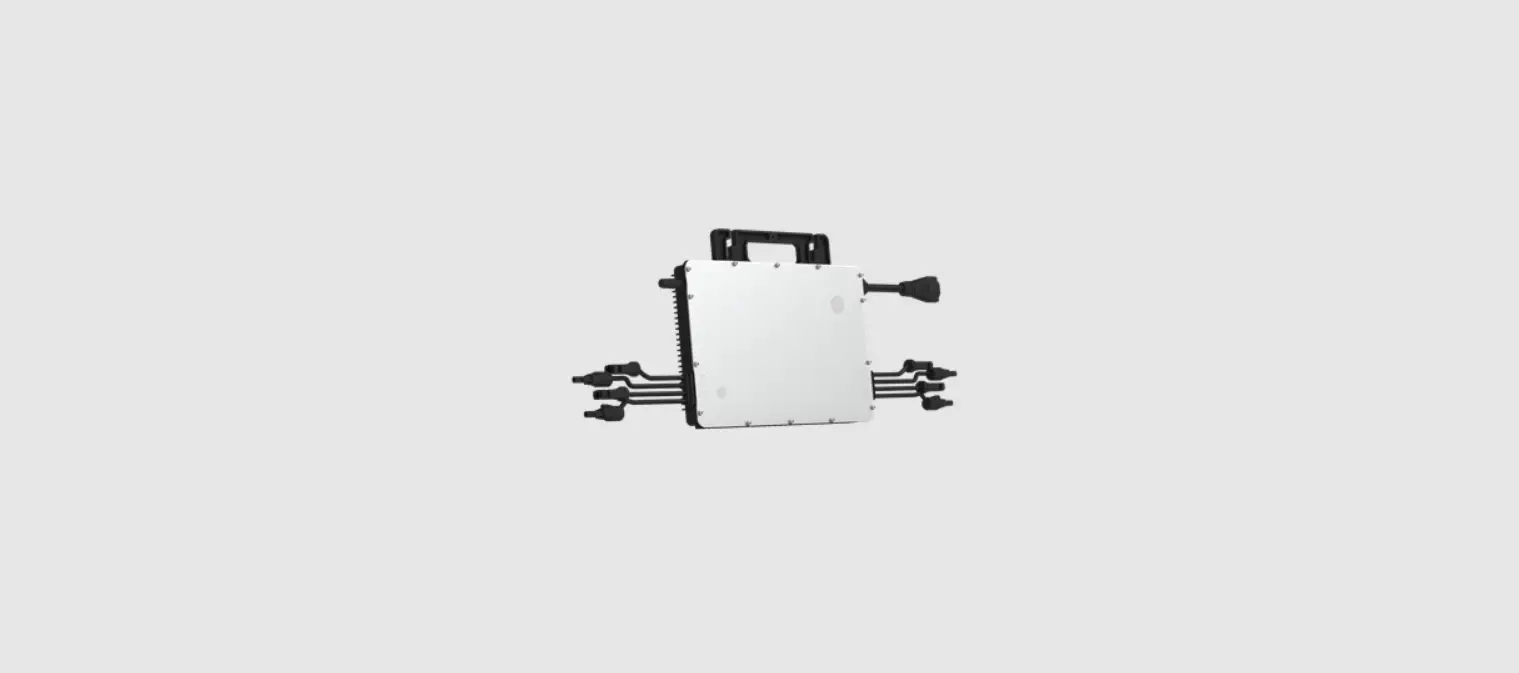

hoymiles HM-400NT Solar Micro Inverter
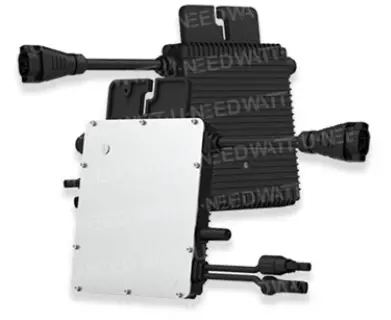
Accessories
| Item | Description |
| A | AC Trunk Cable, 12/10 AWG Cable |
| B | M8 × 25 Screws |
| C | DC Extension Cable, 1 m |
| D | AC Trunk Port Disconnect Tool |
| E | AC Trunk Connector Unlock Tool |
| F | AC Sub Cap |
| G | AC Trunk End Cap, IP67 |
Applicable to HM-300NT/350NT/400NT microinverters
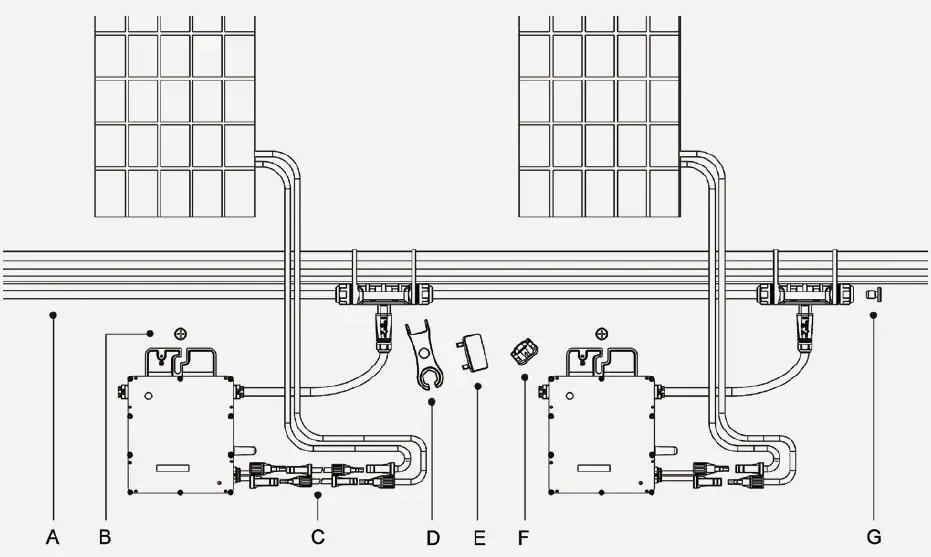
Note: All accessories listed above are not included in the package, and need to be purchased separately. Please contact our sales representative for pricing information. (M8 screws need to be prepared by the installer.)
Installation Steps
Ensure the microinverter is installed in the required environment. (Refer to product user manual for more details.)
Pre-installation
A) Plan the cable length to make the bus cable aligned with each PV module.
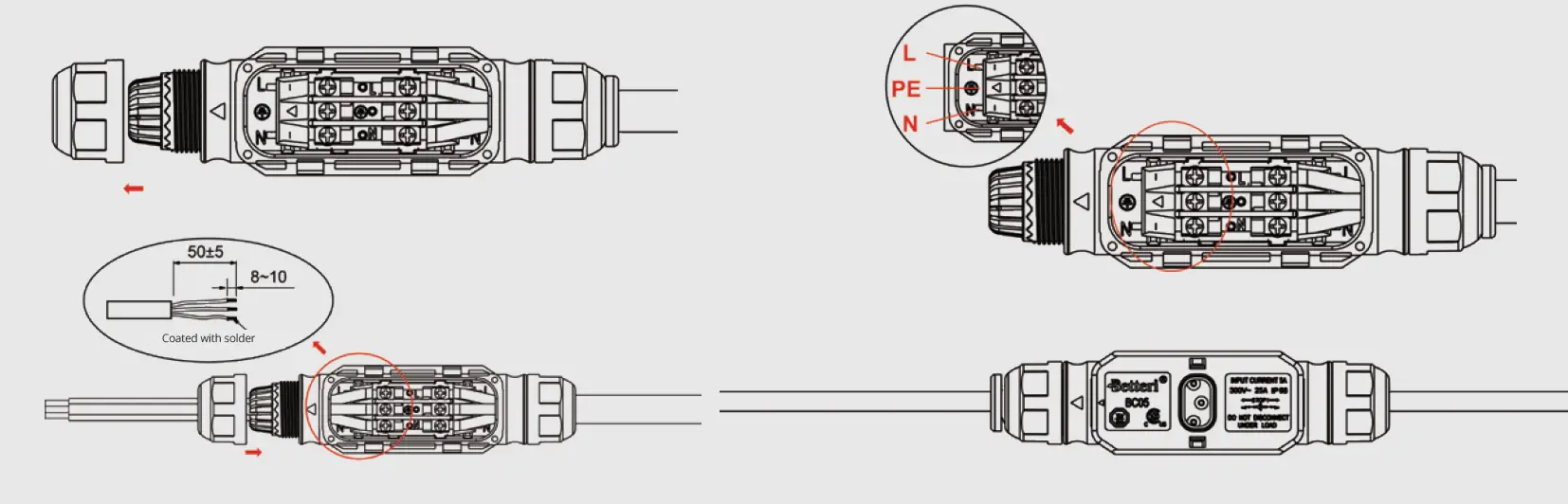
B) Install the AC Trunk End Cap:
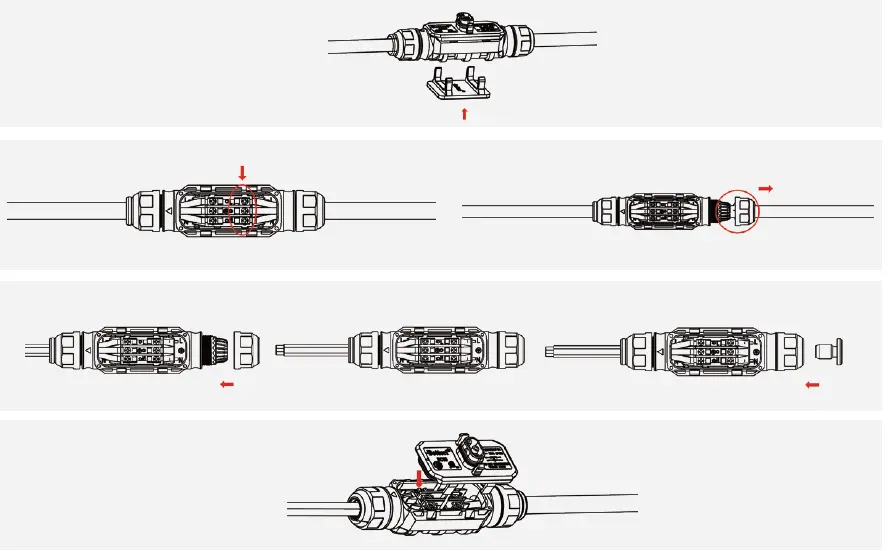
- Use the AC Trunk Connector Unlock Tool to unlock the port upper cover.
- Loosen the three screws with a screwdriver.
Untighten the cap as circled below, and remove the extra cable. - Screw the cap back into the port, and insert the AC Trunk End Cap.
- Plug the upper cover back to the bus connector.
Installation Steps
Step 1. Attach Microinverter on Rail
A) Mark the center of each panel on the frame.
B) Fix the screw on the rail.
C) Hang the microinverter on the screw (as shown in the picture), and tighten the screw. The silver cover side of the microinverter should be facing the panel.
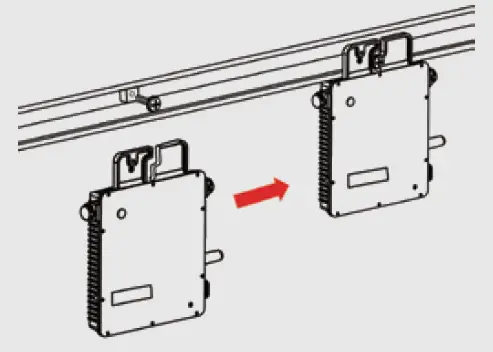
Note: Please install the microinverter at least 50 cm above the ground/roof for better communication with the Hoymiles DTU.
Step 2. Complete AC Connection
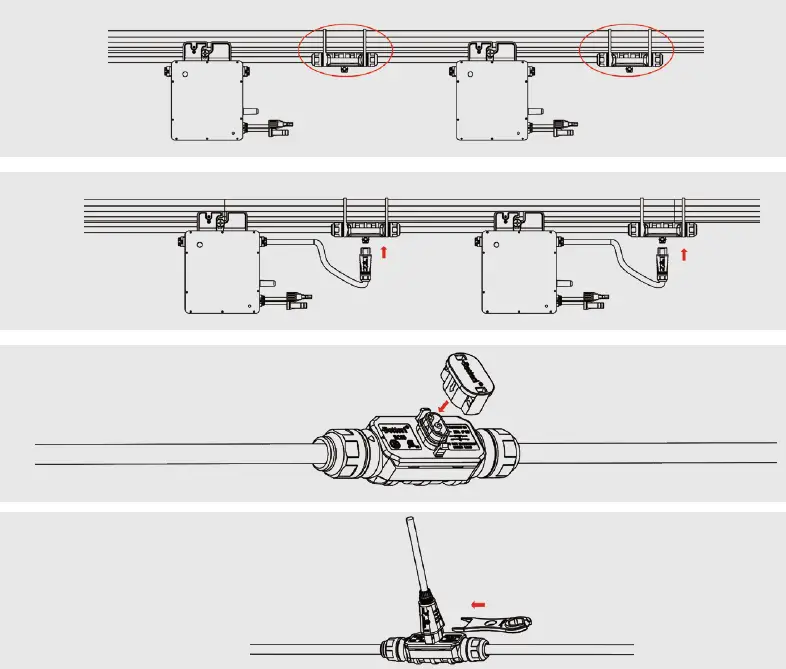
A) Attach the AC Trunk Cable to the mounting rail, and secure the cable with ties.
B) Push the AC connector of the microinverter into the trunk cable connector until you hear a clicking sound.
C) If there is any vacant bus port, please insert the AC Trunk Port Cap in the vacant plug to ensure waterproofing and dustproofing.
*Note: Under circumstances that require removing the inverter AC cable from bus port, please use the AC Trunk Port Disconnect Tool and insert the tool into the side of the AC port.
Step 3. Install AC End Cable
A) Prepare an AC end cable with proper length and insert one side of the cable into the cap. Insert the L, N and Ground lines into the appropriate slots. Tighten the screws, and then reinsert the cap tightly in the port. Plug the upper cover back to the bus connector.
B) Connect the other side of the AC end cable to the distribution box, and wire it to the local grid network.
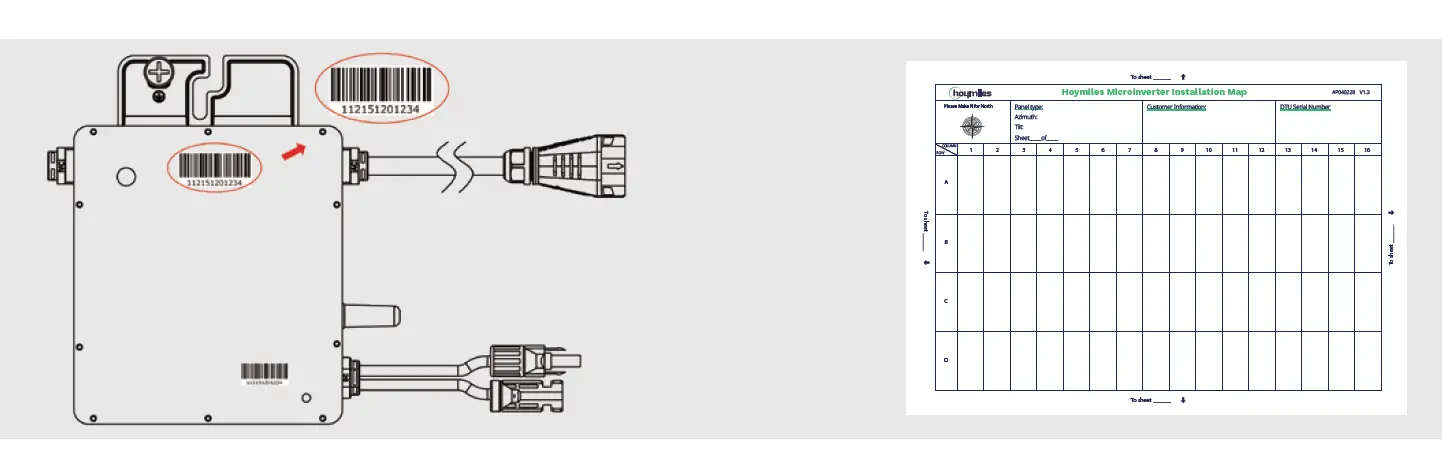
Step 4. Create an Installation Map
Peel the removable serial number label from each microinverter (the position of the label is shown on the right).
Affix the serial number label to the respective location on the installation map.
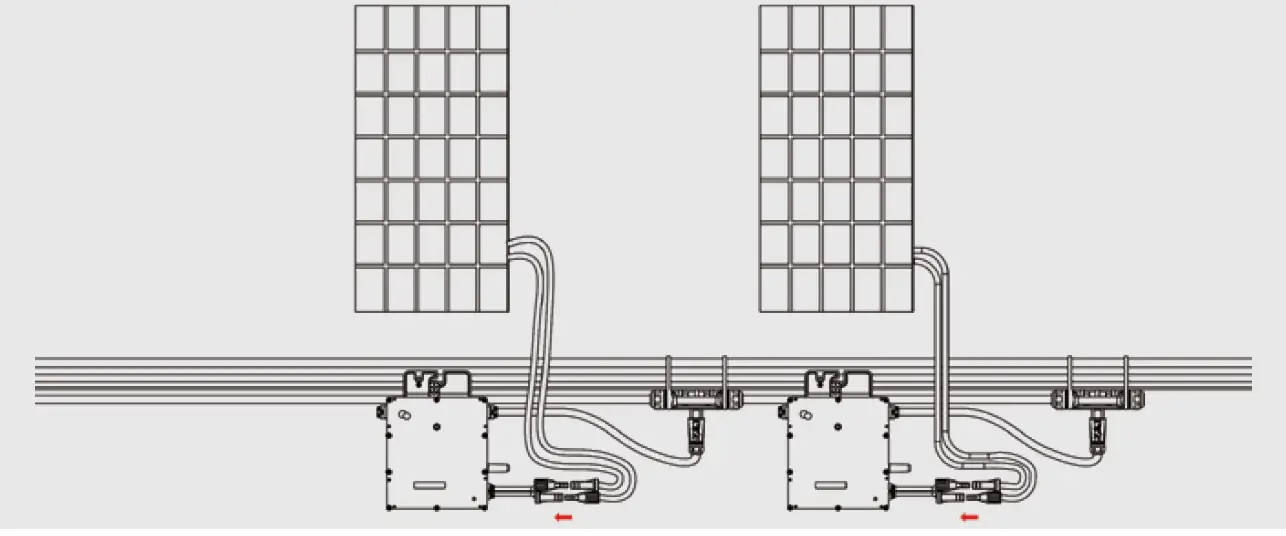
Step 5. Connect PV Modules
A) Mount the PV modules above the microinverter.
B) Connect the PV modules’ DC cables to the DC input side of the microinverter.
Step 6. Energize the System
A) Turn on the AC breaker of the branch circuit.
B) Turn on the main AC breaker of the house. Your system will start to generate power in about two minutes.
Step 7. Set Up the Monitoring System
Refer to the DTU User Manual, DTU Quick Installation Guide, and Quick Installation Guide for S-Miles Cloud to install the DTU and set up your monitoring system.
Product information is subject to change without notice. (Please download reference manuals at www.hoymiles.com.)
 Hoymiles - 杭州禾迈电力电子股份有限公司