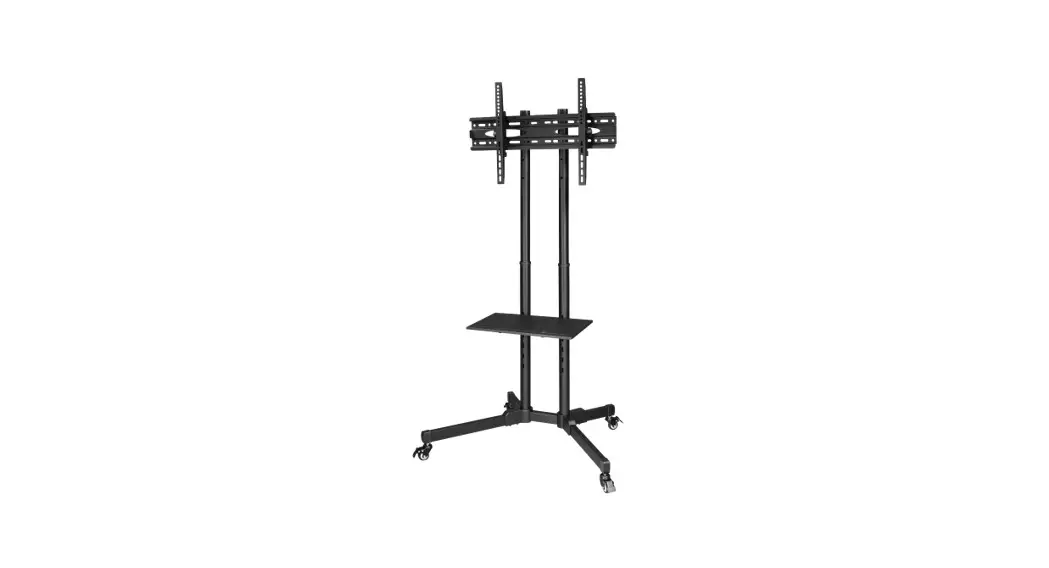
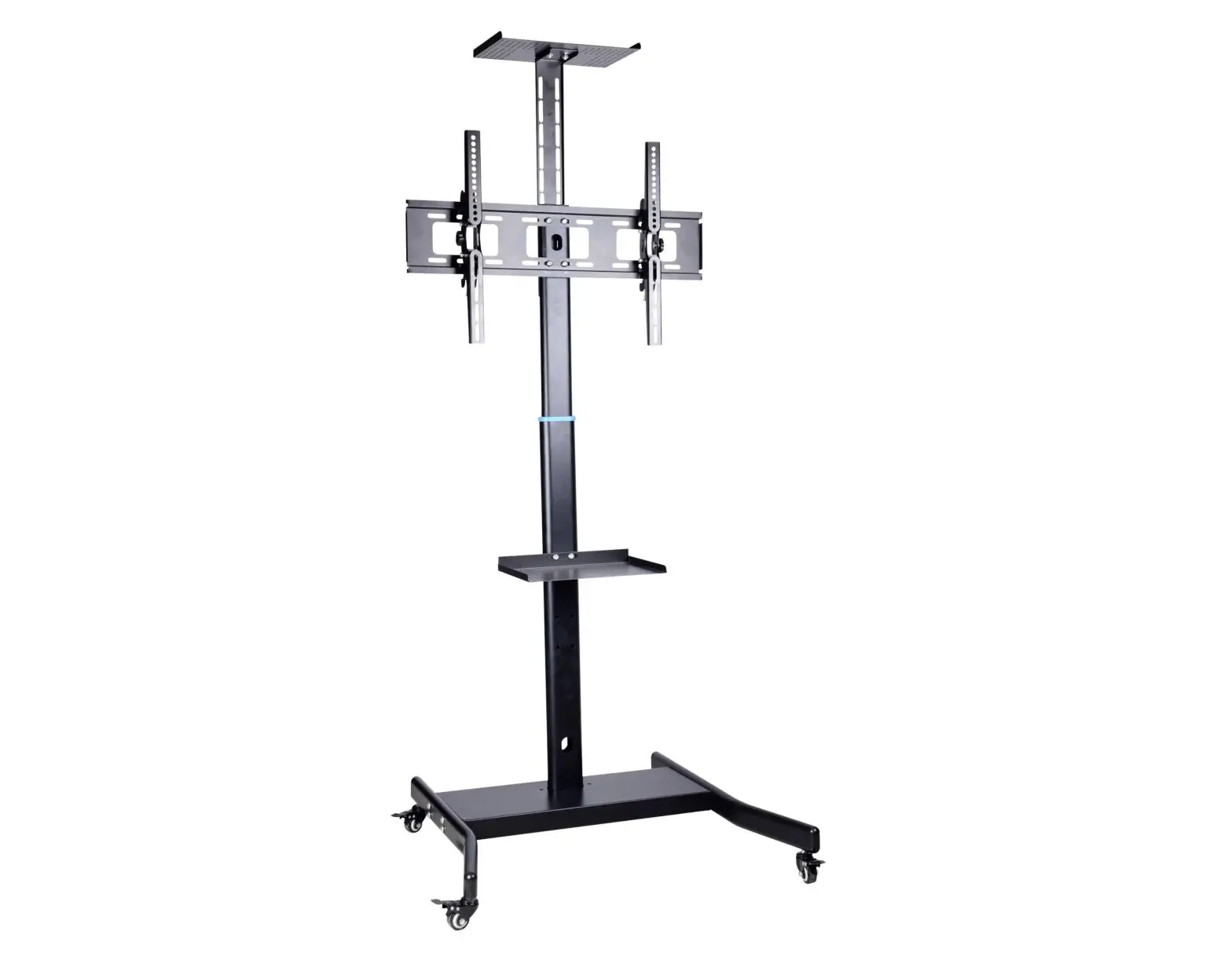
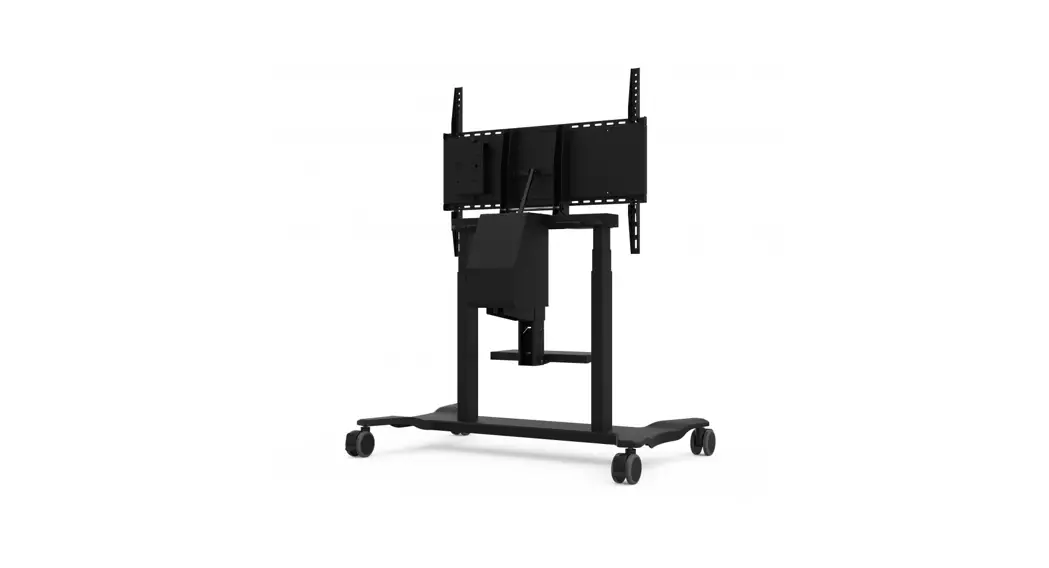
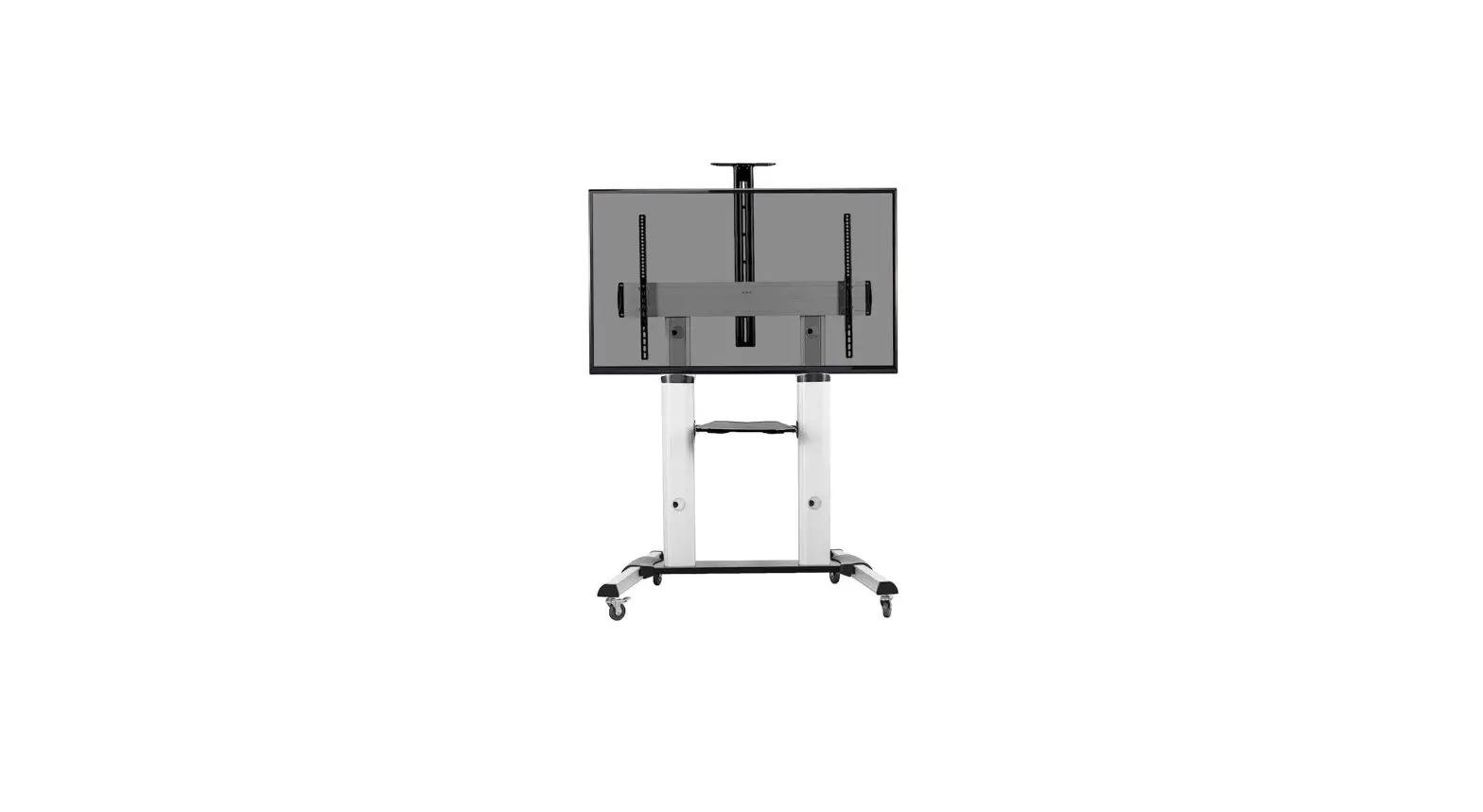
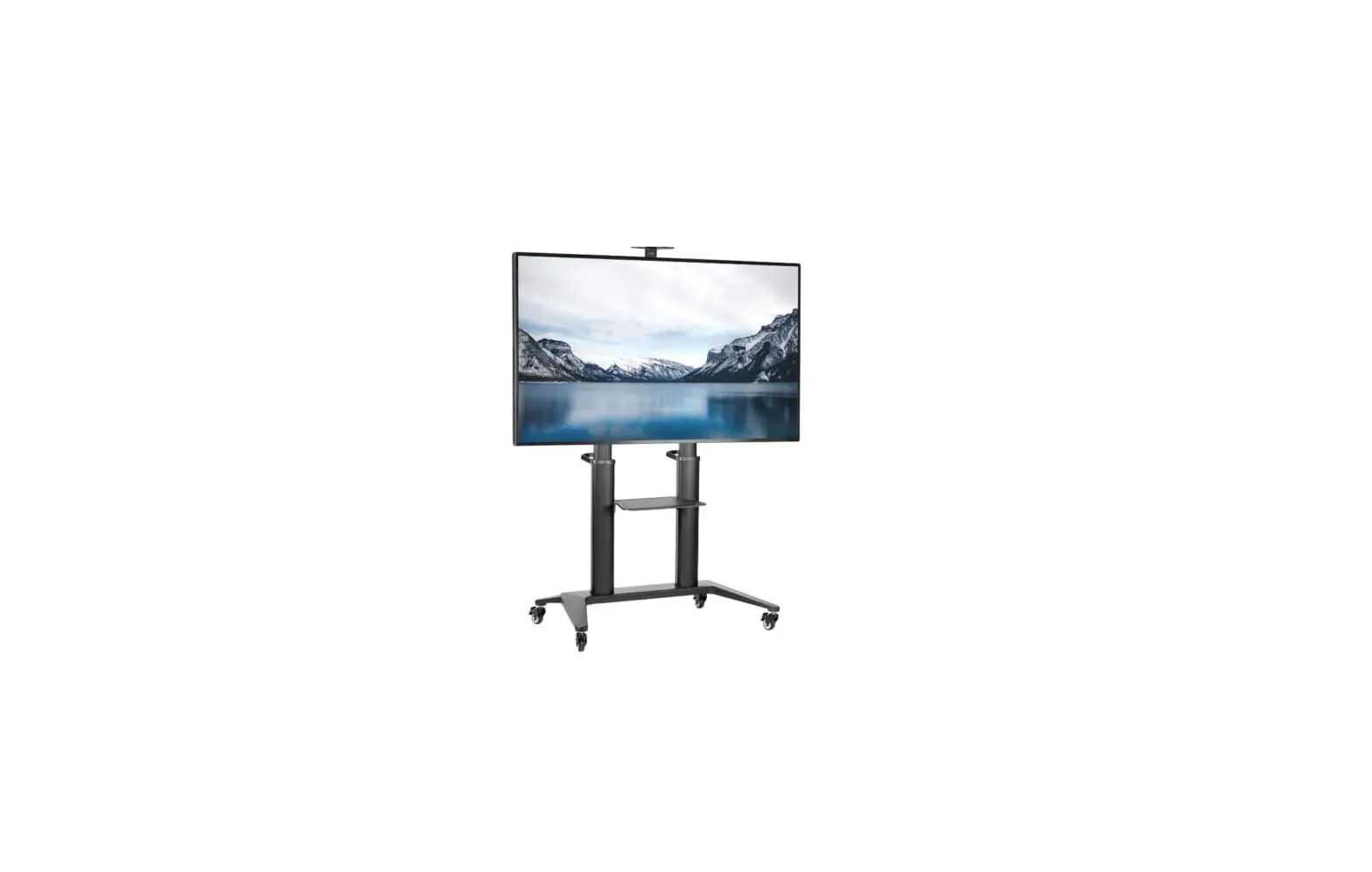
ETCHNDL-SB Handle for Explorer TV Cart
Product Information:
The ExplorerTM TV Accessory – Cart Handle (Model: ETCHNDL-SB) is
an essential accessory designed to provide convenience and ease of
use when moving and adjusting your TV on a cart. It is compatible
with various TV models and sizes.
Product Usage Instructions:
- Determine the appropriate mounting height for your TV based on
its size and your preferred viewing position. - Locate the pre-drilled holes on the cart where the handle will
be attached. - Align the handle with the pre-drilled holes on the cart.
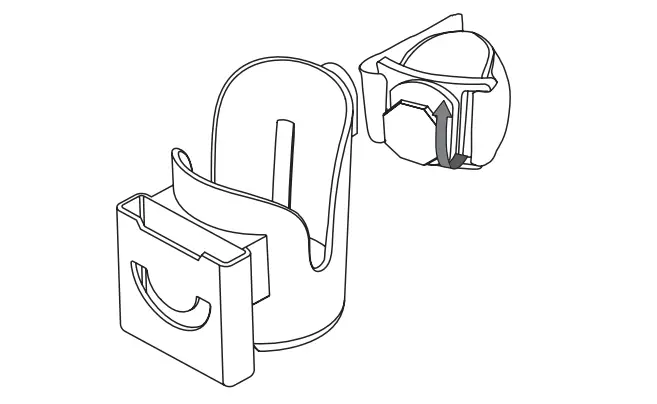
- Insert the provided carriage bolts through the holes on the
handle and the corresponding holes on the cart. - Secure the bolts in place by fastening the nuts onto the
threaded ends of the bolts. - Tighten the nuts using a wrench to ensure a secure and stable
connection between the handle and the cart. - Verify that the handle is firmly attached to the cart by gently
applying pressure to it.
Please refer to your TV’s user manual for instructions on how to
mount and connect it to the cart. Ensure that the weight of your TV
is within the recommended limit for the cart handle.
Note: If you encounter any difficulties during assembly or have
any questions regarding product usage, please consult the complete
user manual or contact our customer support for assistance.
ExplorerTM TV Accessory – Cart Handle
Assembly Instructions
Model: ETCHNDL-SB
Included:
1. Determine mounting height based on the size of your TV.
031-11265 Rev .B 12.08.22
2. Fasten the handle with the carriage bolts and nuts, then tighten with wrench.