 Box IAQ Kit
Indoor Air Quality Monitoring
QUICK START GUIDE 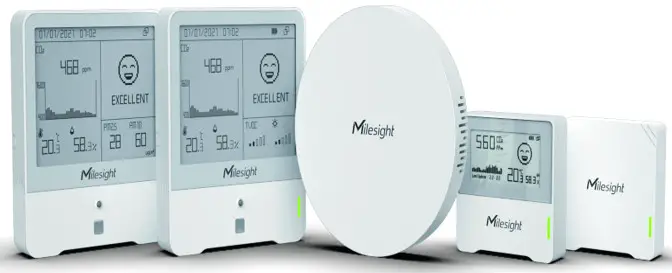 Better Inside, More in Sight
Milesight loT Co., Ltd. www.milesight-iot.com
Device List
Option A:
| Quantity | Item | Description | Applications |
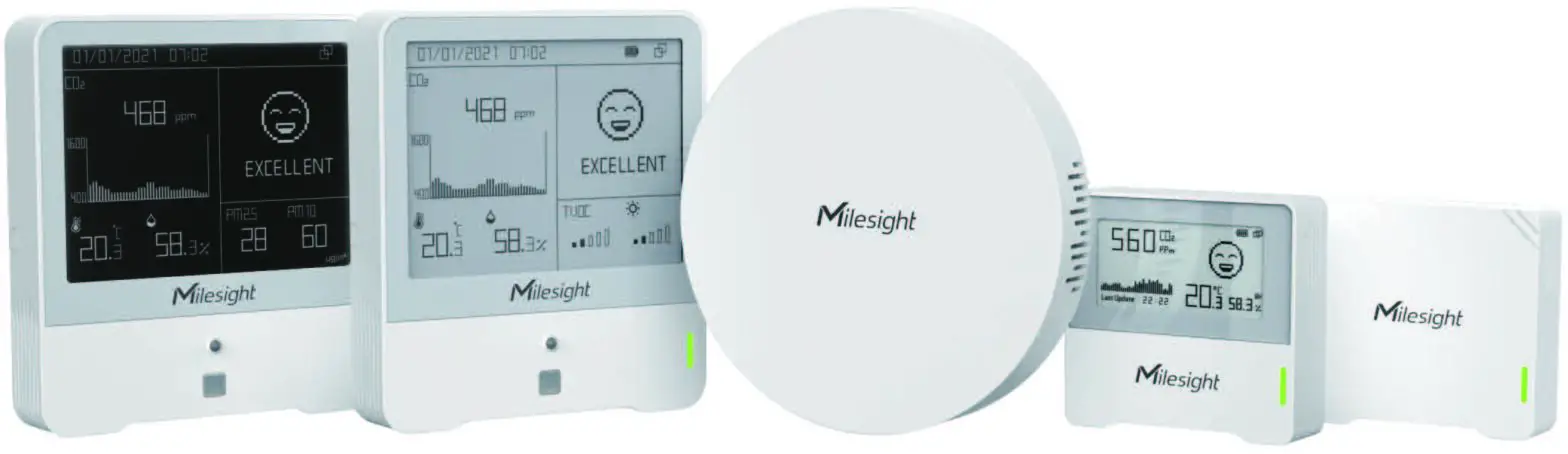
| 1 | AM103L IAQ Sensor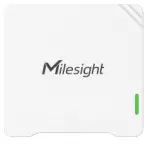 | AM103L is a 3-in-1 ambiance monitoring sensor including the measurement of temperature, humidity, and CO2 concentration and can transmit to a network server using LoRaWAN • technology. | •Monitor temperature, humidity, and CO2 levels •Imitate CO2 levels via traffic Fight •Suitable for office school indoor air quality monitoring |
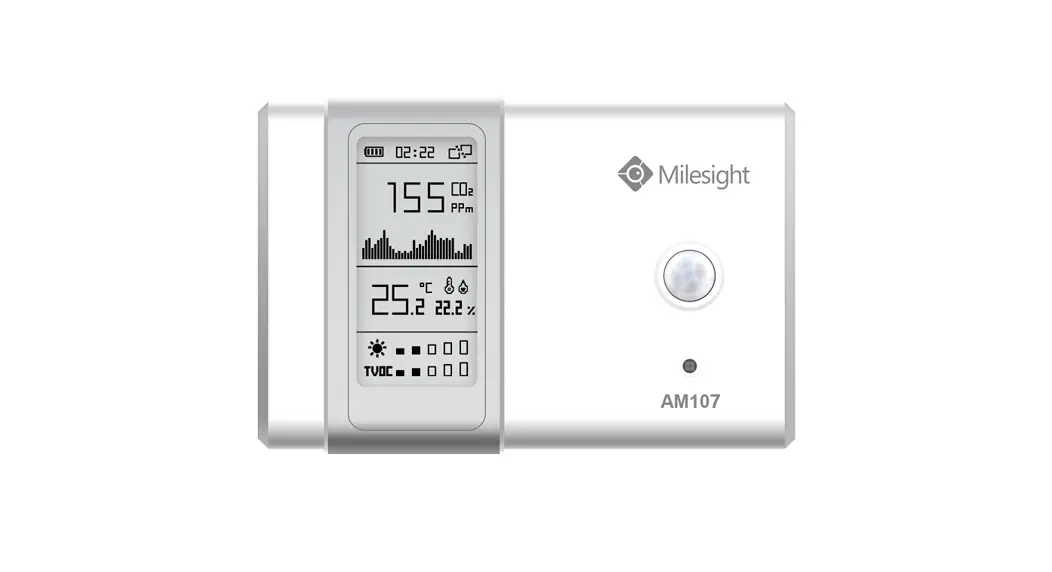
| 1 | AM103 IAQ Sensor 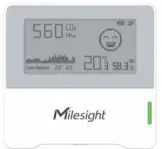 | AM103 is a 3-in-1 ambiance monitoring sensor including the measurement of temperature, humidity, and CO: concentration and can display indoor status visually on the E-ink screen in real-time and transmit to the network server using LoRaWAN • technology. | , Monitor temperature, humidity, and CO2 levels, intricate, levels his traffic fight and emotional a the E-ink screen •Suitable for office or school indoor air quality monitoring |
| 1 | AM307 IAQ Sensor 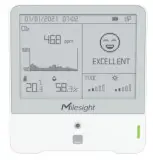 | AM307 is a 7-in-1 ambiance monitoring sensor including the measurement of temperature, humidity, CO2 concentration, TVOC, pressure, light motion, etc. It can show visually with different modes on the E-ink screen in real-time and transmit to the network server using LoFtaWAN • technology. | •Moritor main pollutants in an indoor environment •Indicate polluted levels via traffic Fight and emoticon on the screen •Sitable for office a school indoor ambiance monitoring •Real-time alarm with buzzer for polluted indoor air quality |
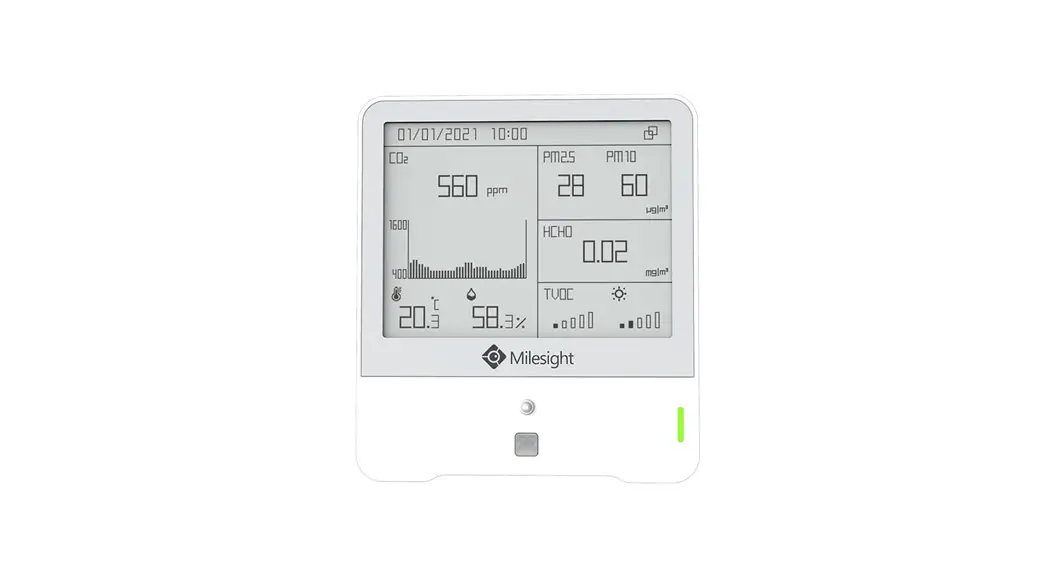
| 1 | AM319 IAQ Sensor 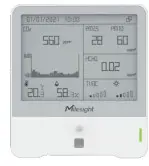 | AM319 is a 9-in-1 ambiance monitoring sensor including the measurement of temperature, humidity, CO2 concentration, TVOC, pressure, fight, motion, PM2.5 & PM10, HCHO/Os, etc. It can show visually with different modes on the E-rik screen hi real-time and transmit to the network server using LoRaWAN technology. | •Monitor main pollutants in an indoor environment •Indicate polluted levels via traffic fight and emoticon on the screen •Suitable fa office a school indoor ambiance monitoring •Real-time alarm with buzzer for polluted indoor air quality |
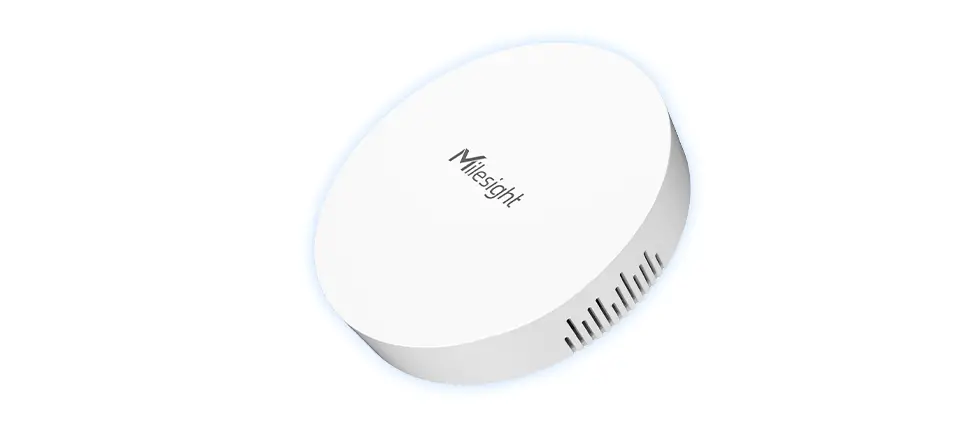
| 1 | UG63 Mini IsRaWAN.Gateway 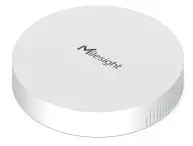 | UG63 Mini LoRaWAN• Gateway provides stable connectivity between sensors and mainstream network servers or Milesight loT Cloud. | •Collect data from LoRaWAN’ •Forward data to Milesight loT Cloud or mainstream network servers via Ethemet |
| Quantity | Item | Description | Applications |
| 1 Year (Pool ) Milesight loT Cloud 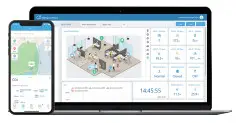 | Milesight loT Cloud provides unparalleled levels of vertical integration with Milesight LoRaWAN- gateways and sensors. It visualizes field data and enables user to monitor and control remote assets on an intuitive dashboard | •Drag & drop the dashboard to display data •Real-time alarm notifications •Eqaortab historical data and generate reports •Custom trigger conditions 8 actions to enable collaborative interaction among end-devices •Android & CS versions available |
Option B :
| Quantity | Item | Description | Applications |
| 2 | AM103 IAQ Sensor | AM103 is a 3-in-1 ambiance monitoring sensor including the measurement of temperature, humidity, and CO2 concentration and can display indoor status visually on the E-ink screen in real-time and transmit to the network server using LoRaWANs technology. | •Monitor temperature, humidity and CO: levels •Incicate CO: levels via traffic bght and emoticon on the E-ink screen •Suitabie f°r°ffi3eCfaCrtelinCiaCc air qualtymccitaing |
| 2 | AM307 IAQ Sensor | AM307 is a 7-in-1 ambiance monitoring sensor including the measurement of temperature, humidity, CO2 concentration, TVOC, pressure, light, motion, etc. It can show visually with different modes on the E-ink screen in real-time and transmit to the network server using LoRaWAN° technology. | •Monitor main pollutants II indoor environment •Incicate polluted levels via traffic Tight or emoticon on the screen •Suitable for office or school indoor ambiance monitoring |
| 1 | UG63 Mini LaRaWAN•GatewaY | UG63 Mini LoRaWAN• Gateway provides stable connectivity between sensors and mainstream network servers or Milesight loT Cloud. | •Collect data from LoRaWAW sensors ••Fonvard data to Milesight loT Cloud or mainstream network savers via Ethernet |
| 1 Year (Prol) Milesight loT Cloud 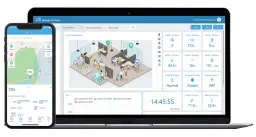 | Milesight loT Cloud provides unparalleled levels of vertical integration with Milesight LoRaWANt gateways and sensors. tt visualizes field data and enables users to monitor and control remote assets on an intuitive dashboard. display data | •Drag & drop the dashboard to •Real-time alarm notifications *Exportable worts data and gmeratereports •Custom trigger conditions 8. actions to enable collaborative Meraction among end-devices •Android 8 i0Sversionsavailede |
Packing List
| Item | AM103/AM103L | AM307 | AM319 | UG63 |
| Device |  | | | |
| Ethernet Cable | | |||
| ER14505 Li-SoClt Batteries | | | ||
| Mounting Bracket | | | ||
| 3M Double•Sided Tape | | | | |
| Wall Mounting Kits | | | | |
| Theft•Deterring Screw | | | | |
| TypeC Cable 8 Power Adapter | | 0 | ||
| Warranty Card | | |||
Note: =standard, =optional.
Registration and Activation
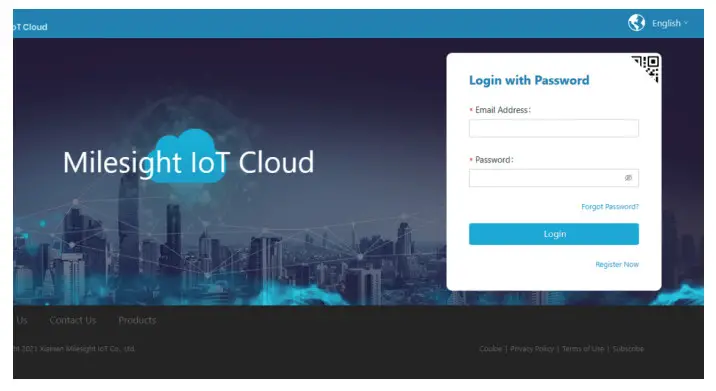
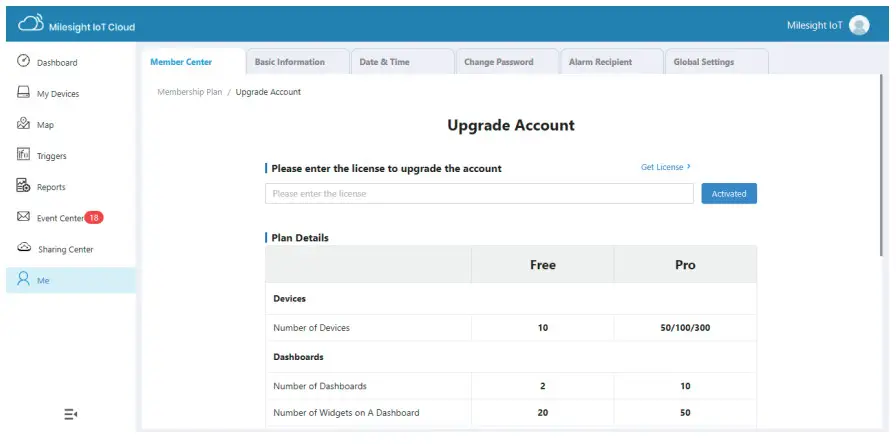
- Open web browser, and navigate to cloud.milesight-iot.com to register a Milesight IoT Cloud account.
You can also install Milesight IoT Cloud App from Google Play or App store.
- Activate the account to pro 1 plan by entering the activation code on the web GUI. You can contact your sales representative to get the activation code.
 Setting-up the Gateway
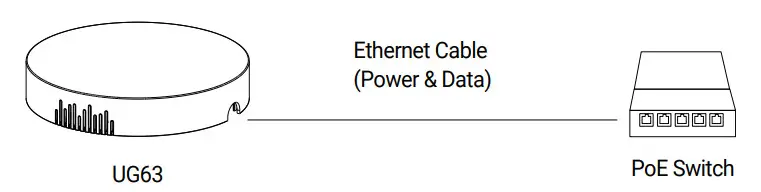
 Setting-up the Gateway
- Power on the UG63 via PoE or type-C port.

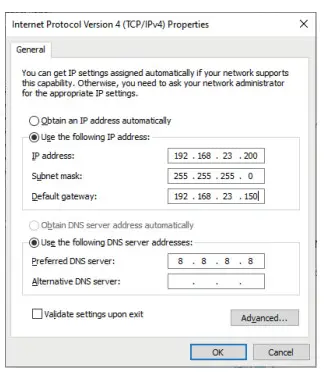
- Connect the UG63 gateway to PC via an Ethernet port or PoE switch and configure the IP address of the computer to the same subnet with the UG63 gateway manually (e.g. 192.168.23.200).

- Type 192.168.23.150 into the browser on PC to log in the web GUI of UG63 gateway.
Username: admin
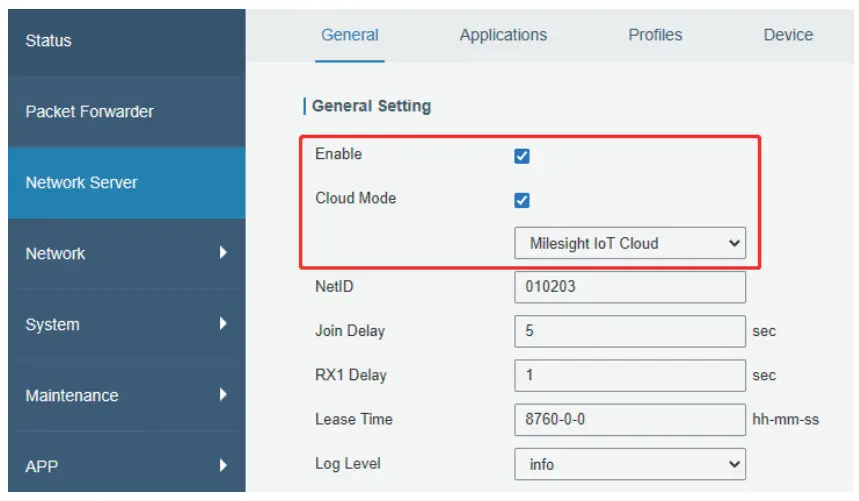
Password: password - Enable the network server and Milesight IoT Cloud mode.

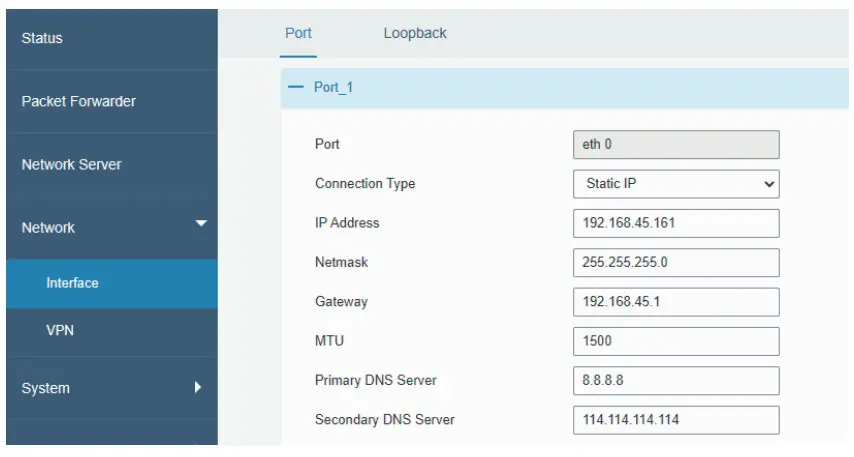
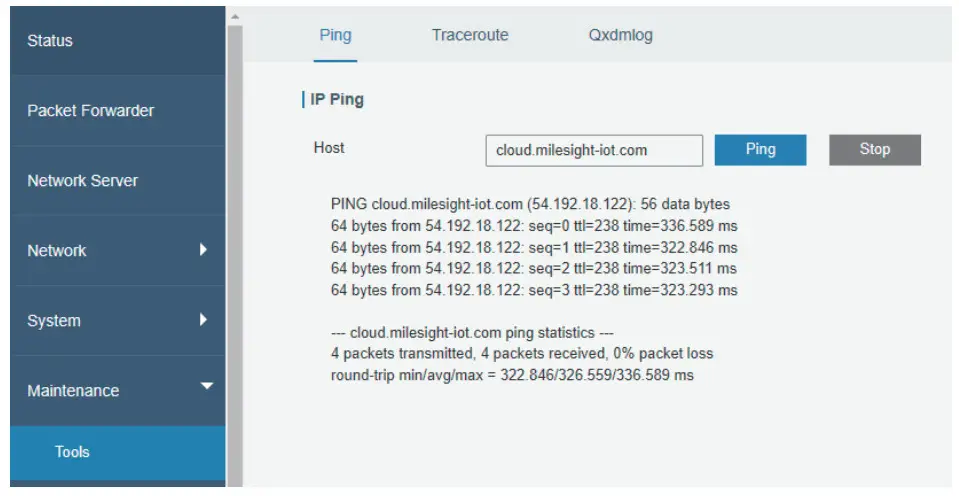
- Select the Connection Type of the Ethernet port and fill in the IP information, then connect the UG63 gateway Ethernet port to network devices like a router or a modem to get Internet access.


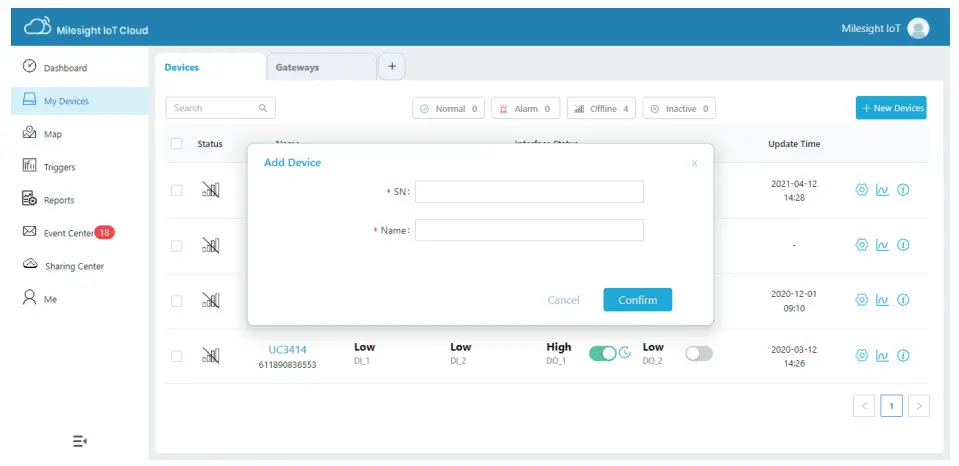
- Fill in the device SN to add a gateway and ensure the gateway is online. You can also enter the SN manually on the Cloud App to add the gateway.

Setting-up the Sensors
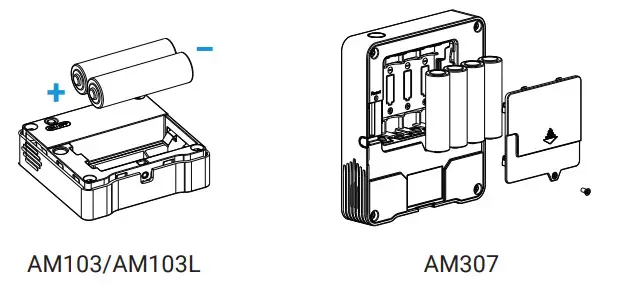
- Install the batteries onto AM103/AM103L devices and AM307 devices.
 For AM319, connect the type-C cable to the USB port, and left or right side should make an opening to pass through the type-C cable.
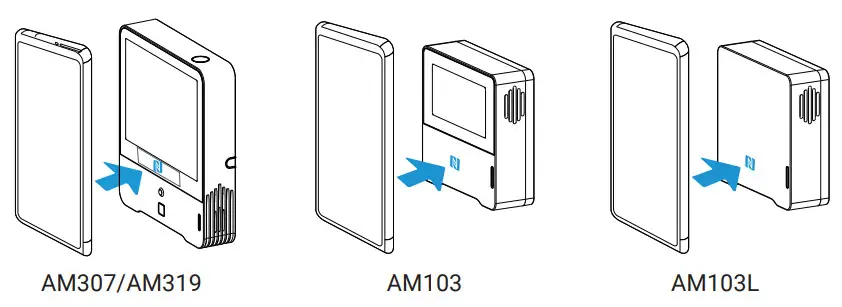
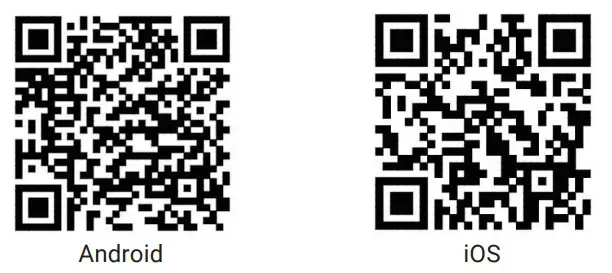
- Use an NFC-enabled smartphone to install Milesight ToolBox App from Google Play or App store, place the NFC area of the phone close to devices, and use Milesight ToolBox App to power on, read, and configure the device.

For AM307/AM319, you can also connect the type-C port to PC and use ToolBox software downloaded from the Milesight website to configure the device.
Milesight ToolBox PC:
https://www.milesight-iot.com/software-download/
Milesight ToolBox App:
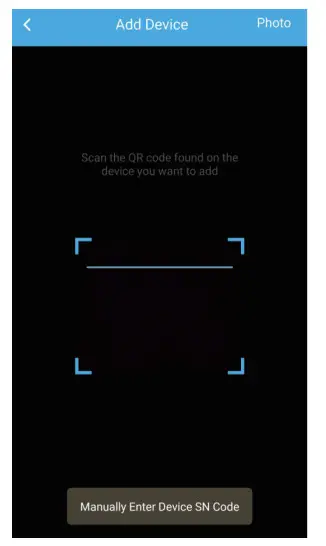
https://play.google.com/store/apps/detailsid=com.ursalinknfc https://apps.apple.com/app/id1518748039 - Fill in the device SN to add sensors on Milesight IoT Cloud page. You can also use Cloud App to scan the QR code on the label of device to add, or fill in the device SN manually to add sensors.

After devices are getting online, you can view the data on the cloud. - Fix devices to the wall via wall mounting kits or 3M tapes, then fix the bottom of the device to the bracket or rear cover with the theft-deterring screw.
 For AM319, connect the type-C cable to the USB port, and left or right side should make an opening to pass through the type-C cable.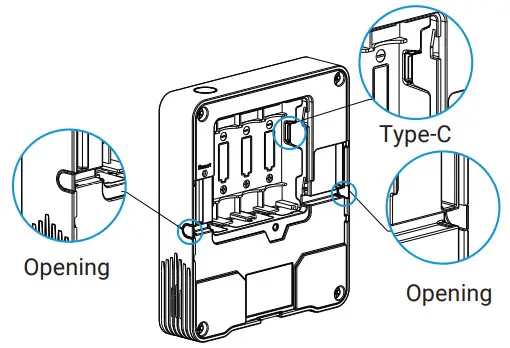
AM307/AM319:
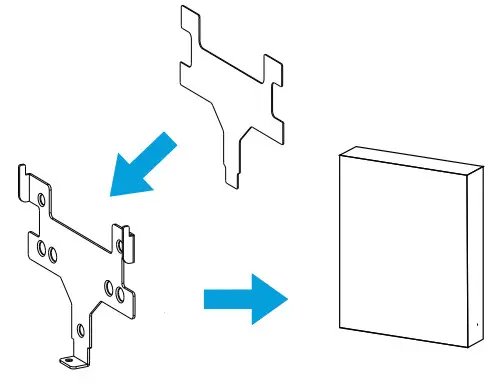 | Fixed by 3M Tapes |
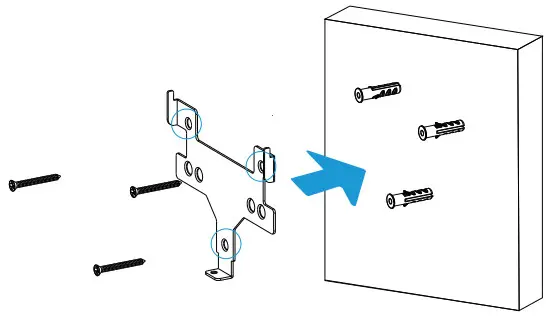 | Fixed by Screws |
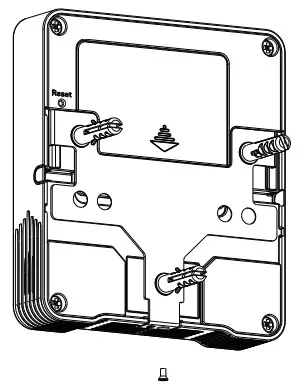 | Theft-Deterring Screw Installation |
AM103/AM103L:
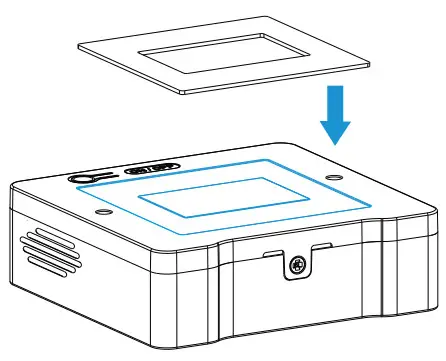 | Fixed by 3M Tapes |
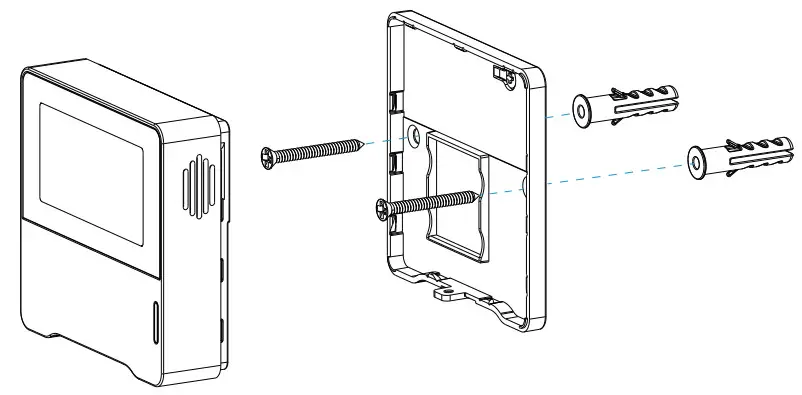 | Fixed by Screws |
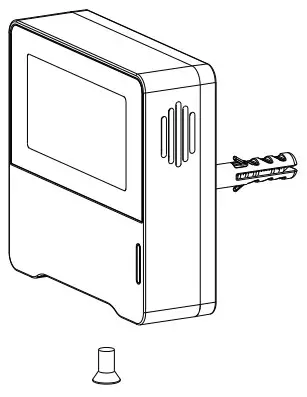 | Theft-Deterring Screw Installation |
IAQ Solution
Thank you for choosing Milesight Product
Milesight IoT Co., Ltd.
www.milesight-iot.com
 |  |
| https://www.milesight-iot.com/milesight-cloud-app-download/ | https://www.milesight-iot.com/quick-start-collection/ |
 All software & files can be downloaded from
https://www.milesight-iot.com/documents-download/
 cloud.milesight-iot.com
 Milesight IoT - LoRaWAN, 5G & AIoT