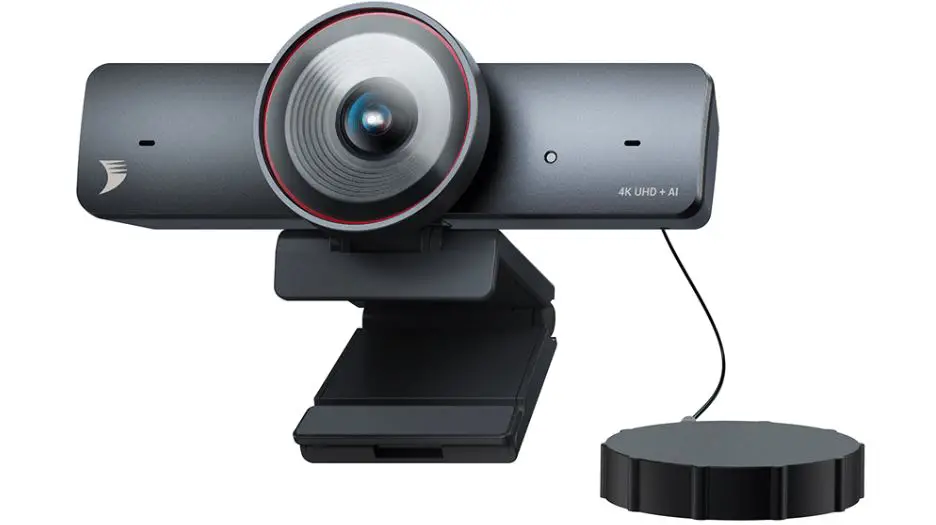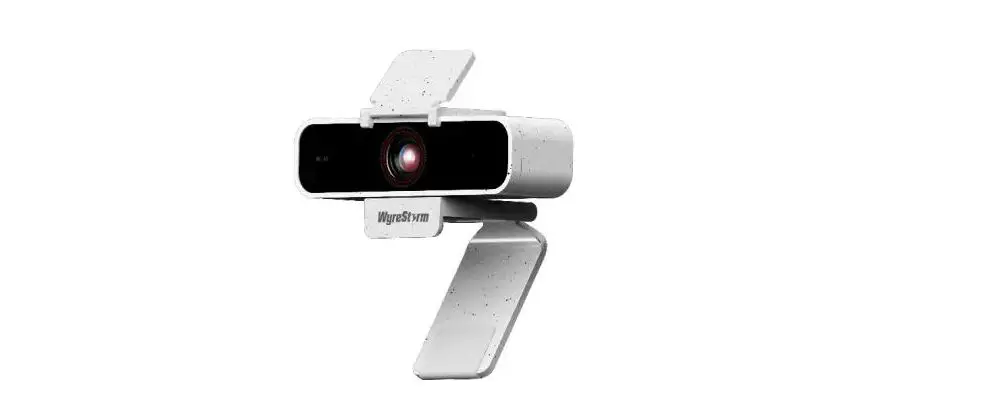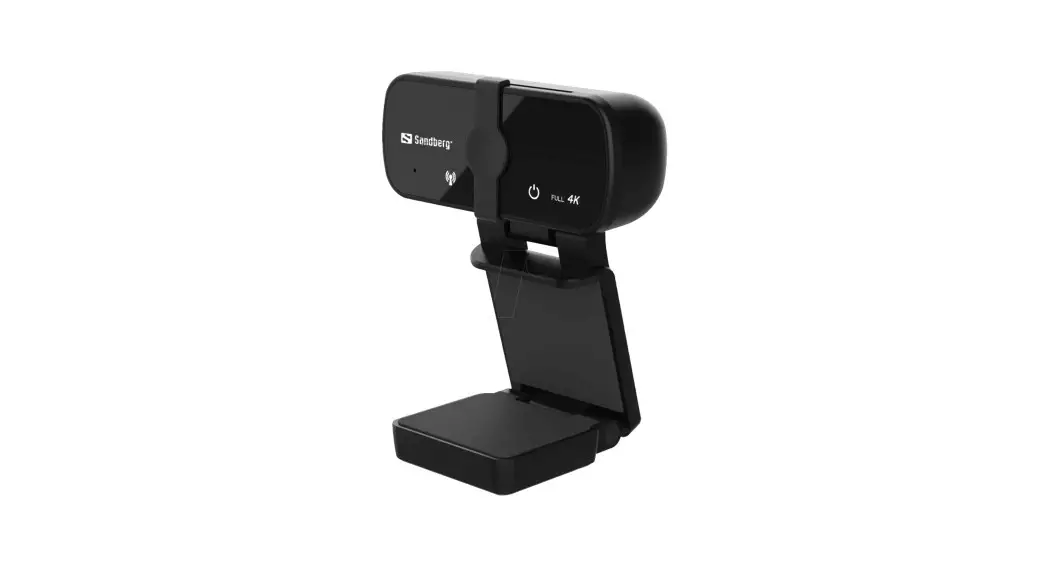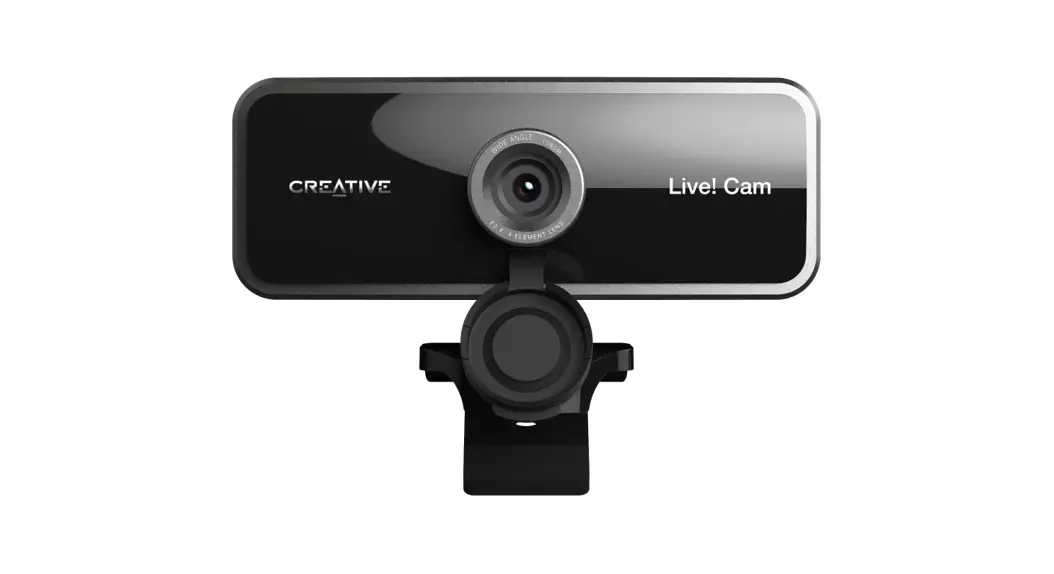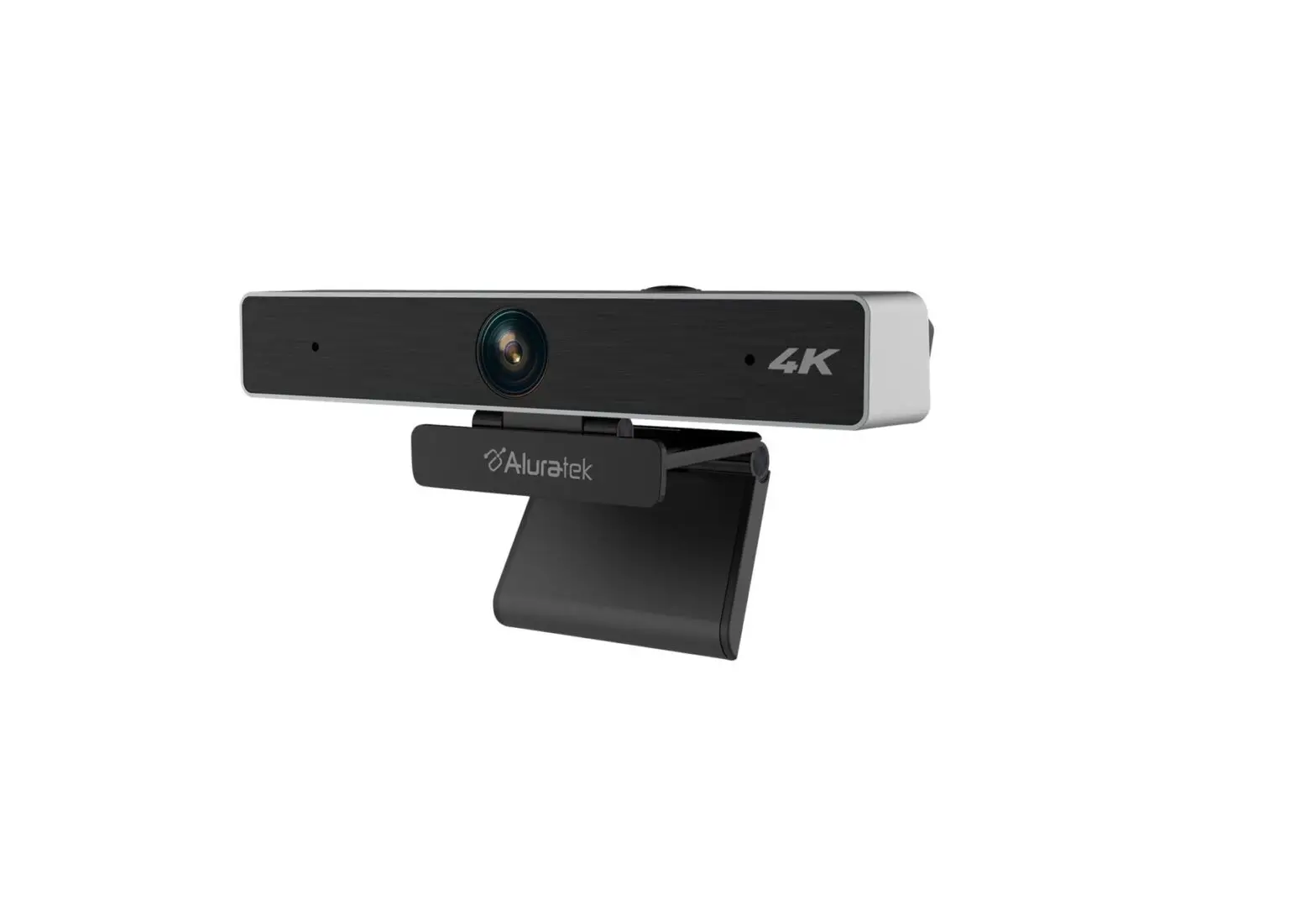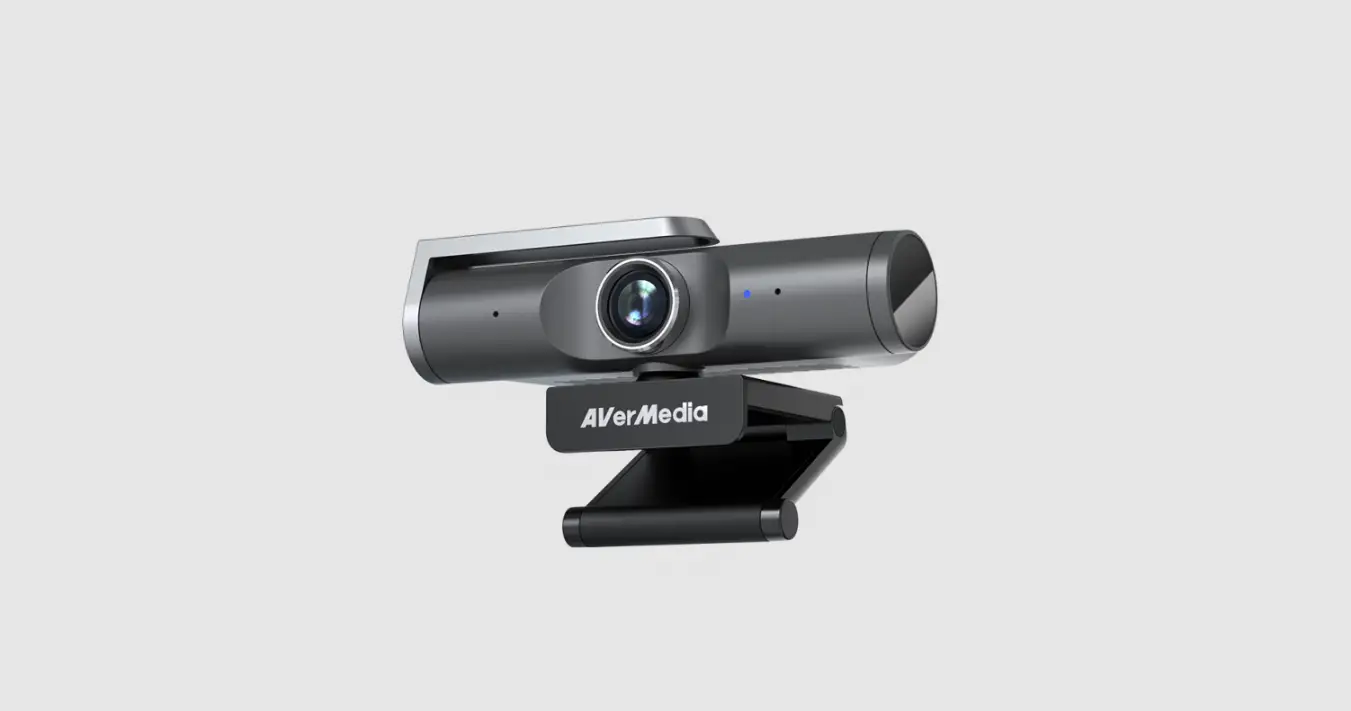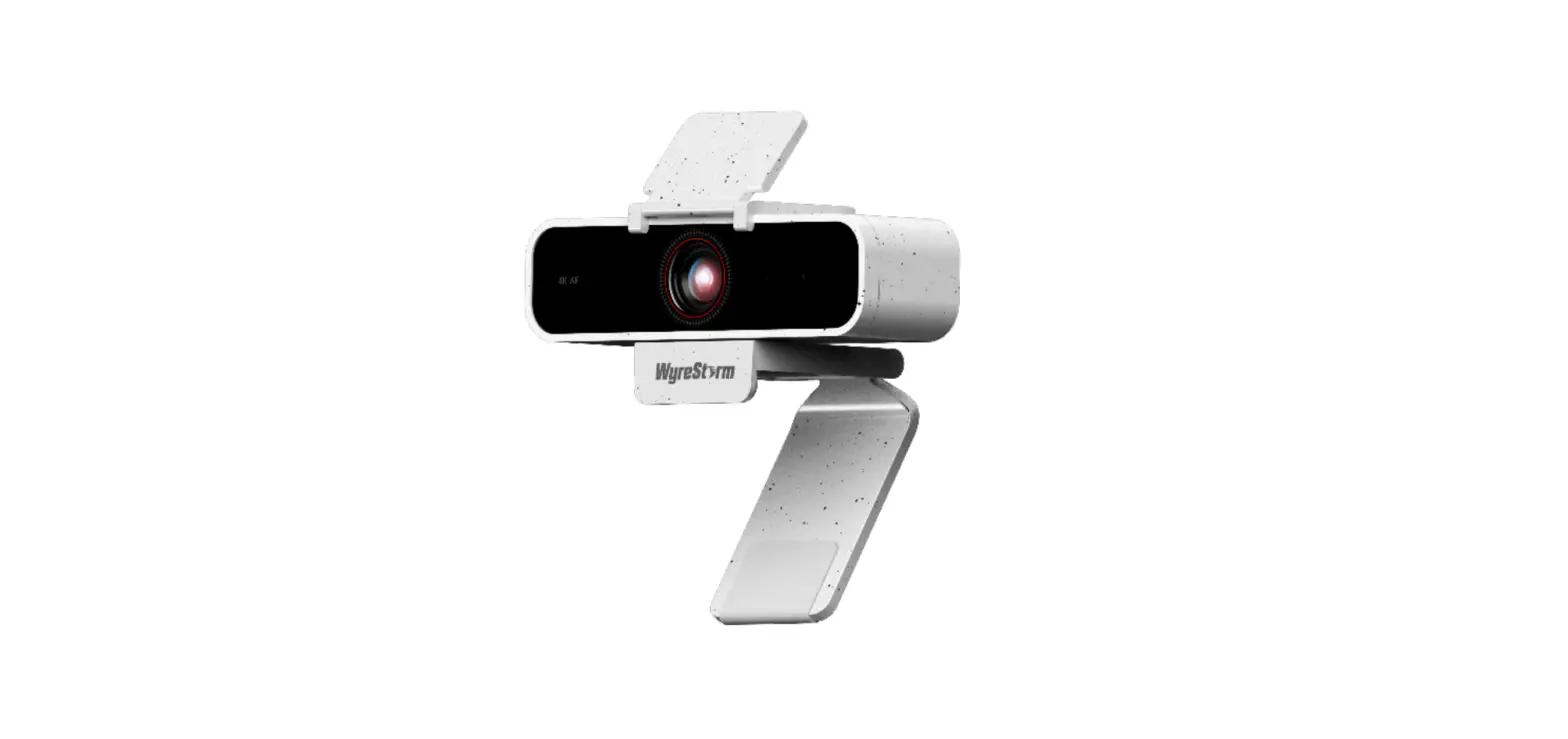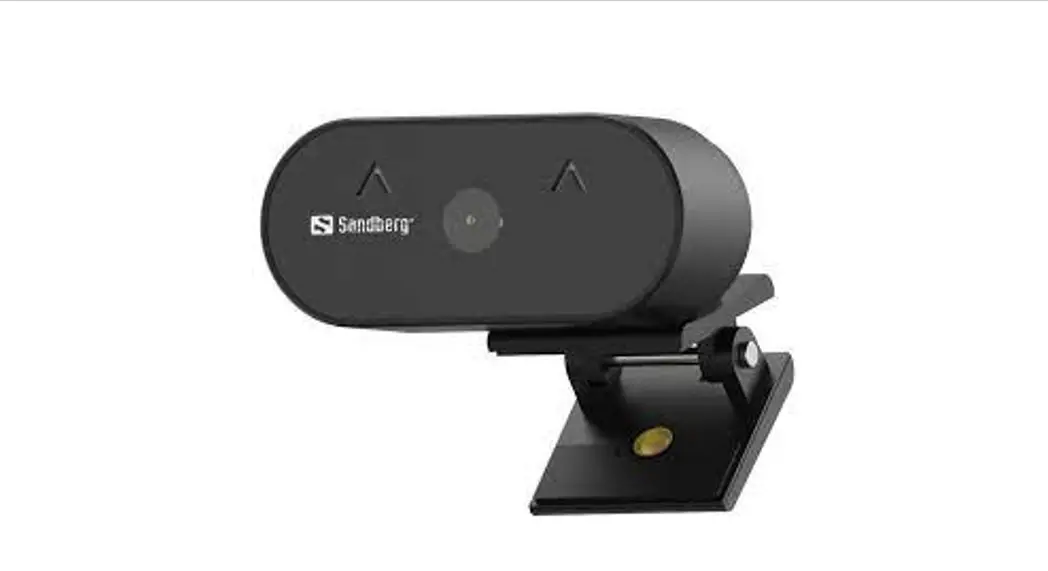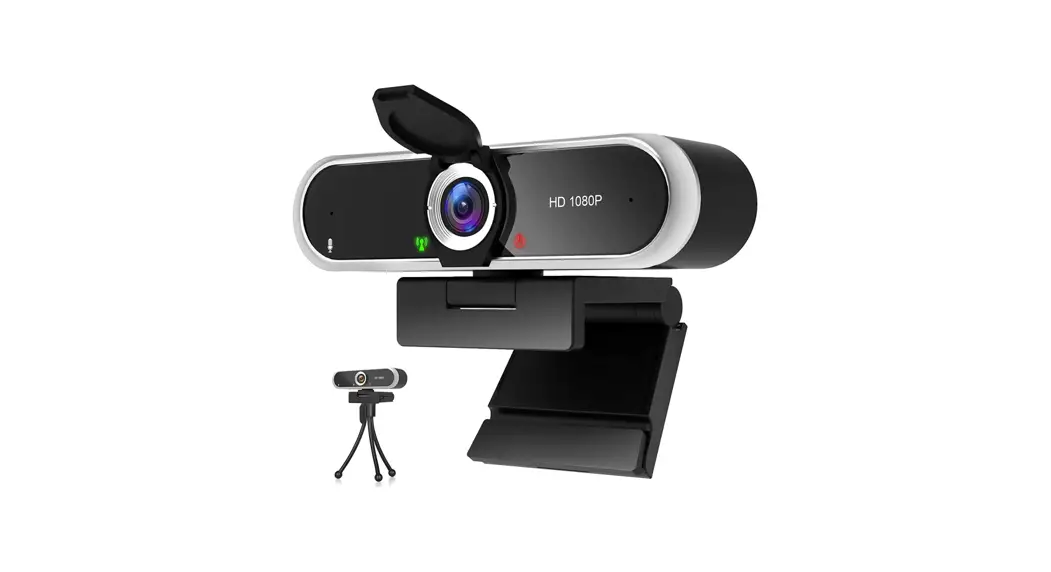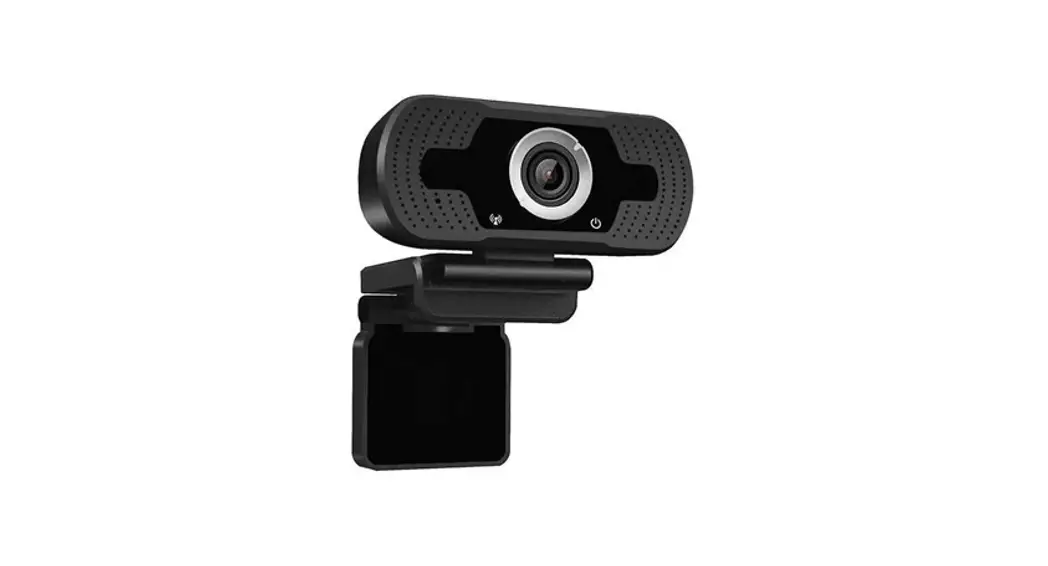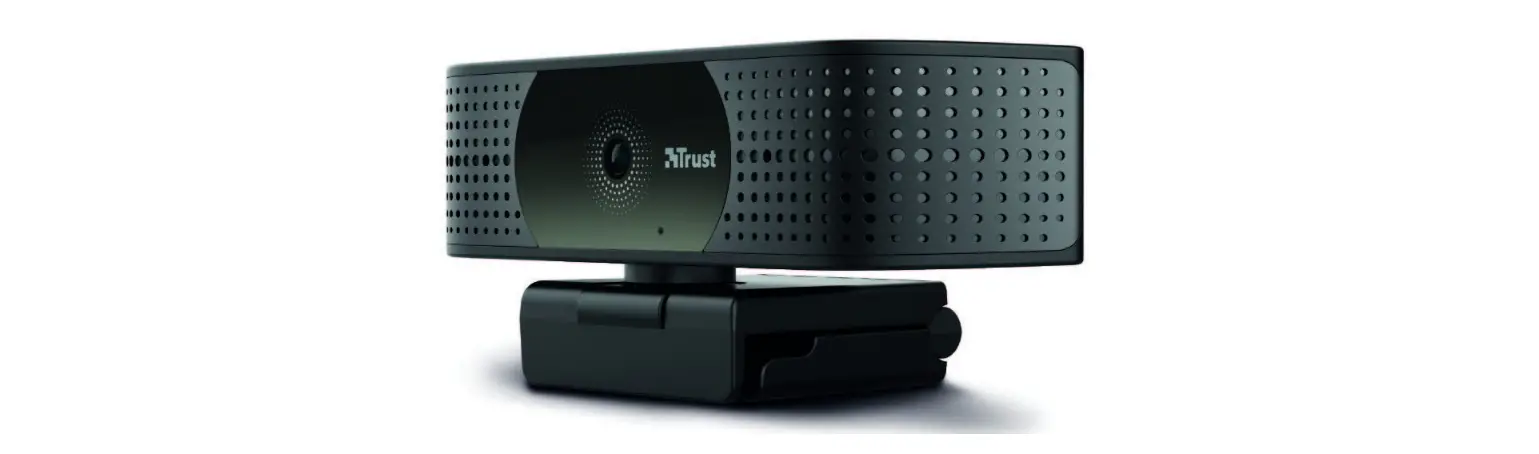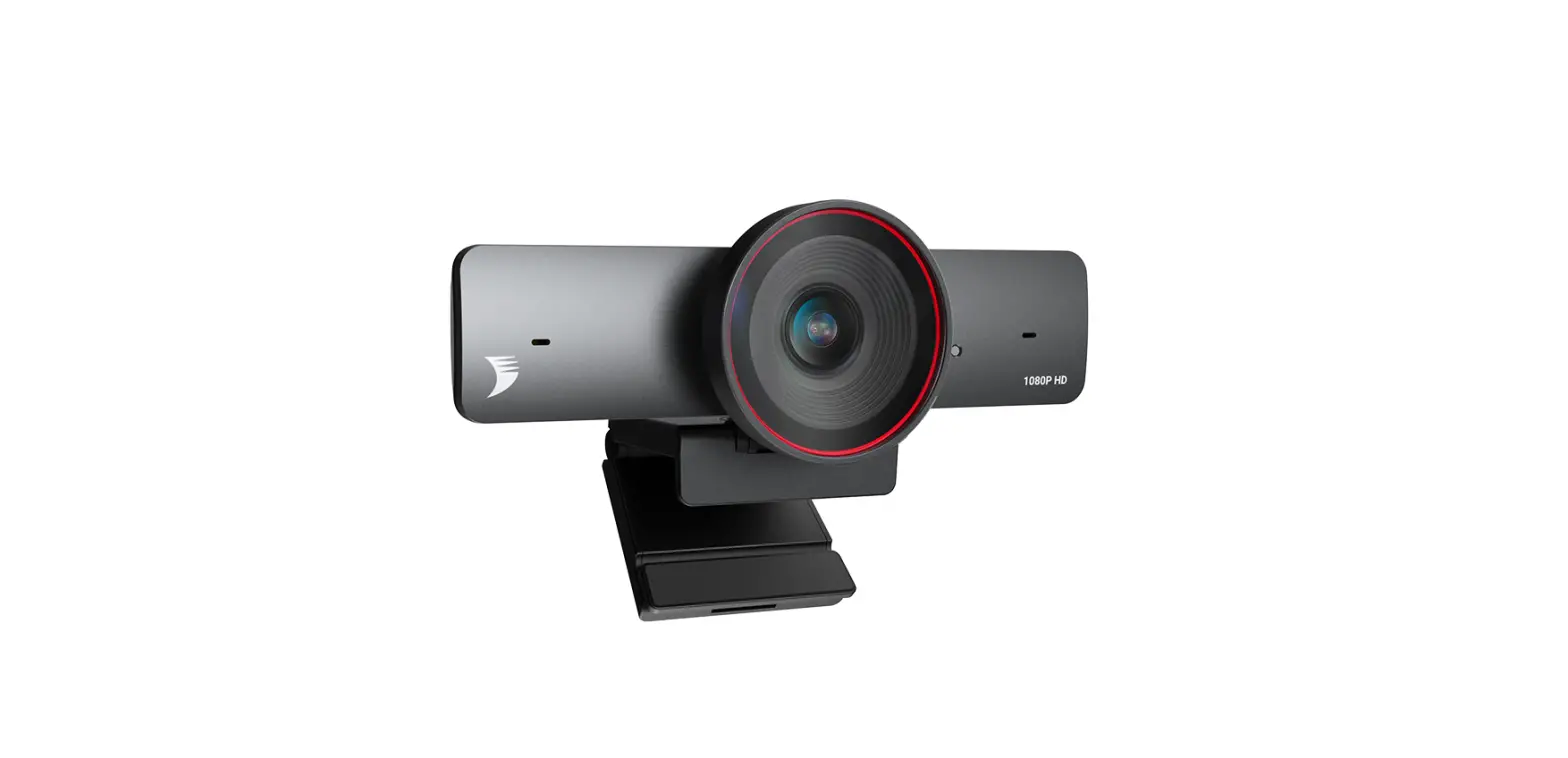
FOCUS 100 4K UHD and 1080p HD Ultra-Wide Angle USB Webcam
 Quickstart Guide
4K UHD and 1080p HD Ultra-Wide Angle USB
Webcam with Integrated Microphone
FOCUS 100 | FOCUS 200 | FOCUS 210
Setting up the Webcam
FOR PLACEMENT ON A MONITOR
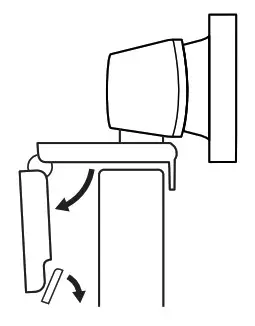
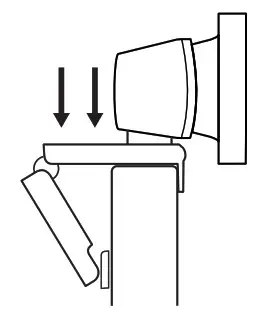
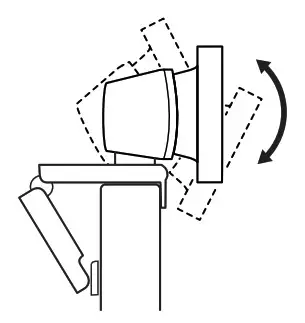
- Place your webcam on a computer, laptop or monitor at a position or angle you desire.

- Adjust the webcam to make sure the foot on the universal mounting clip is flush with the back of your device.

- Manually adjust the webcam up/down to the best position to frame yourself.

FOR PLACEMENT ON A TRIPOD*
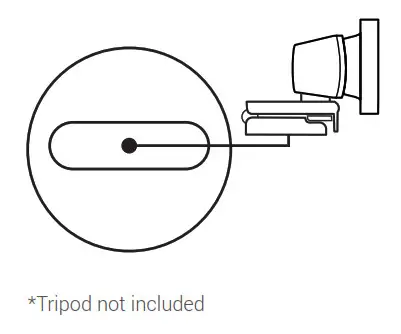
- Locate the M12 tripod thread on the bottom of the webcam.

- Secure the webcam on your tripod by twisting it into the M12 thread.

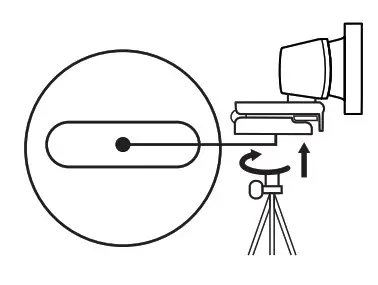
Place your webcam with the tripod anywhere you desire to the best position to frame yourself.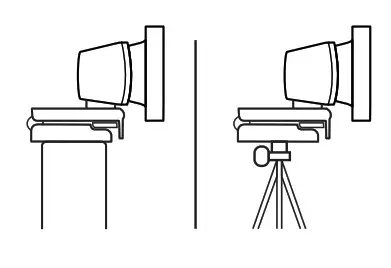
CONNECTING THE WEBCAM
Plug the webcam into an available USB port on your computer.
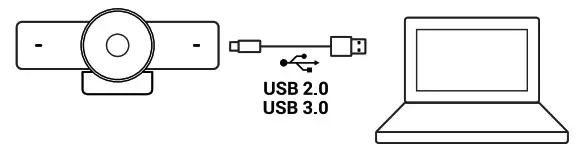
SUCCESSFUL CONNECTION
The LED activity light will light when the webcam is in use by an application.
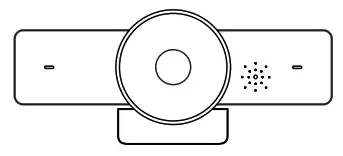
*For the best video quality on FOCUS 200/210, it is recommended to use a USB 3.0 connection Please Note: The FOCUS Webcam must be installed at a height no greater than 2m/6.5ft
CAMERA SOFTWARE (ONLY APPLICABLE FOR FOCUS 200/210 MODELS)
The Focus 200/210 has its own control software that can be used to control ePTZ and other functions. To download the most up to date version of this software, visit wyrestorm.com
Software Device Setup
Connecting To Zoom
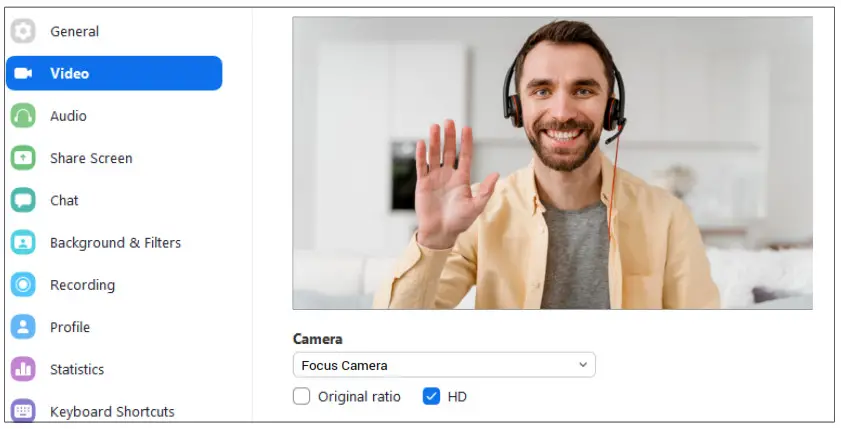
To connect the WyreStorm Focus Webcam to your Zoom software, first navigate to your settings pane which can be found by clicking the gear icon in the top right-hand corner, then clicking on the Video tab. Here you can change the camera device by using the dropdown menus. Select WyreStorm Focus Webcam under the applicable options.
Connecting To Microsoft Teams
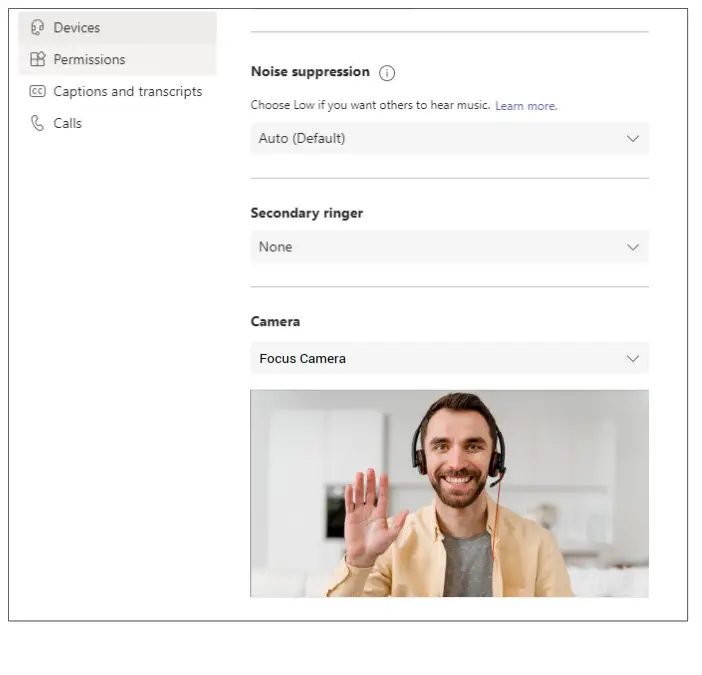
To connect the WyreStorm Focus Webcam to your Microsoft Teams software, first navigate to your settings pane which can be found by clicking on your display image in the top right-hand corner, then click on the devices tab. Here you can change the camera device by using the dropdown menus. Select WyreStorm Focus Webcam under the applicable options.
Specifications
| FOCUS 100 | FOCUS 200 | FOCUS 210 | |
| Video | |||
| Outputs | lx USB 2.0 Type-A (Fixed Cable) | lx USB 3.0 Type C Female | lx USB 3.0 Type C Female |
| Video Resolutions (Max) | 1920x1080p @30Hz | 1280x720p @90Hz 1920x1080p @60Hz 3840x2160p @30Hz | 1280x720p @90Hz 1920x1080p @60Hz 3840x2160p @30Hz |
| Output Video Encoding | MJPEG/YUV2/H.264 I UVC 1.0 | MJPEG/YUV2/H.265 I UVC 1.3 | MJPEG/YUV2/H.265 I UVC 1.3 |
| Camera and Sensor | |||
| Lens | F2.4 —’ F2.8 | F0,3. | F0,3. |
| Sensor | 1/3.08°, CMOS, Effective Pixel: 2.0M | 1/2.7°, CMOS, Effective Pixel: 8.0M | 1/2.7°, CMOS, Effective Pixel: 8.0M |
| Shutter | 1/30s — 1/10000s | 1/30s — 1/10000s | 1/30s — 1/10000s |
| White Balance | Auto | Auto | Auto |
| Backlight Compensation | Supported | Supported | Supported |
| DNR (Digital Noise Reduction) | Supported | Supported | Supported |
| Auto-Framing | NA | NA | Supported* |
| Viewing Angle | Diagonal: 100° | Diagonal: 106° | Diagonal: 120° |
| Power | |||
| Power Supply | USB 5V | USB 5V | USB 5V |
| Power Consumption | 1.2w | 2w | _ 2w |
| Environmental | |
| Operating Temperature | 32°F — 104°F (0°C —, 40°C), 10% — 90%, non-condensing |
| Storage Temperature | -4°F — 140°F (-20°C — +60°C), 10% — 90%, non-condensing |
| Dimensions and Weight | |
| Length x Width x Height | 140mm/5.51in x 33mm/1.29in x 45mm/1.77in |
| Weight | 0.03kg/0.06Ibs |
| Regulatory | |
| Safety and Emission | CE I FCC I RoHS I EAC I RCM |
*Presenter Tracking feature will also be supported with future firmware update (Focus 210 model only)
Note: WyreStorm reserves the right to change product specification, appearance, or dimensions of this product at any time without prior notice.
Troubleshooting
No or Poor Quality Picture (snow or noisy image)
- Verify the WyreStorm Focus webcam has been selected in your meeting software’s device settings
- Verify that all connections are not loose and are functioning properly
- Try using a different USB port on your computer (Focus 200 requires a USB 3.0 port to capture at 4K)
- Remove any intermediate devices such as USB hubs, extension cables or switchers
In the Box
1x WyreStorm Focus Webcam
1x Privacy Cover
1x Quickstart Guide
1x USB-C to USB-A 3.0 Cable (Focus 200/210 only)
Warranty Information
WyreStorm Technologies LLC warrants that its products to be free from defects in material and workmanship under normal use for a period of five (2) years from the date of purchase. Refer to the Product Warranty page on wyrestorm.com for more details on our limited product warranty.

Copyright © 2021 WyreStorm Technologies | wyrestorm.com Focus
100 | 200 | 210 Quickstart Guide | 210609
INT: +44 (0) 1793 230 343 | US: 844.280.WYRE (9973) [email protected]