
USER MANUAL
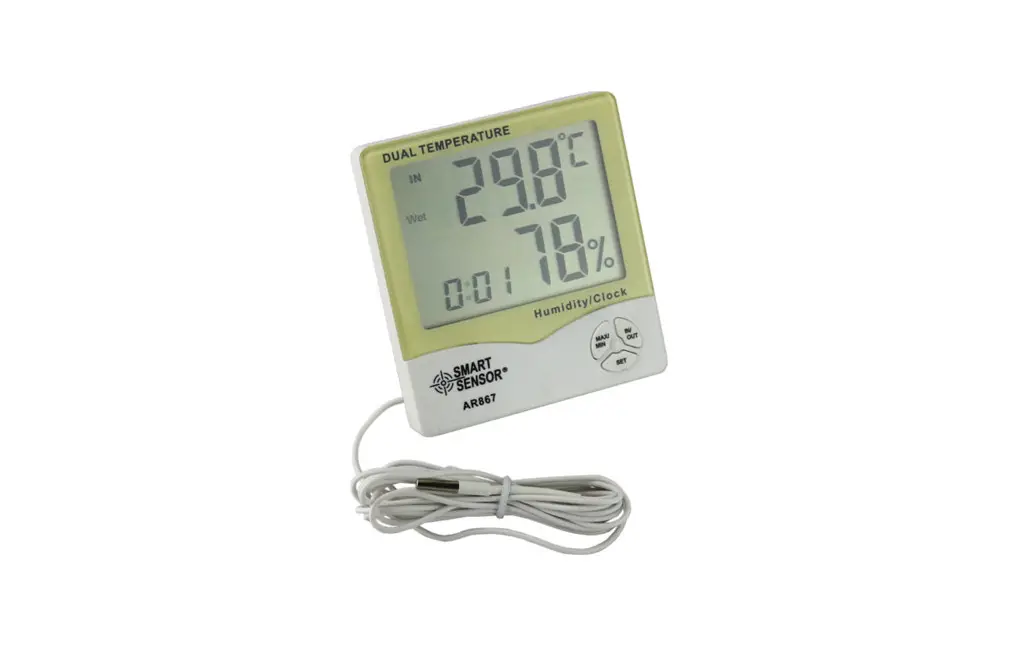
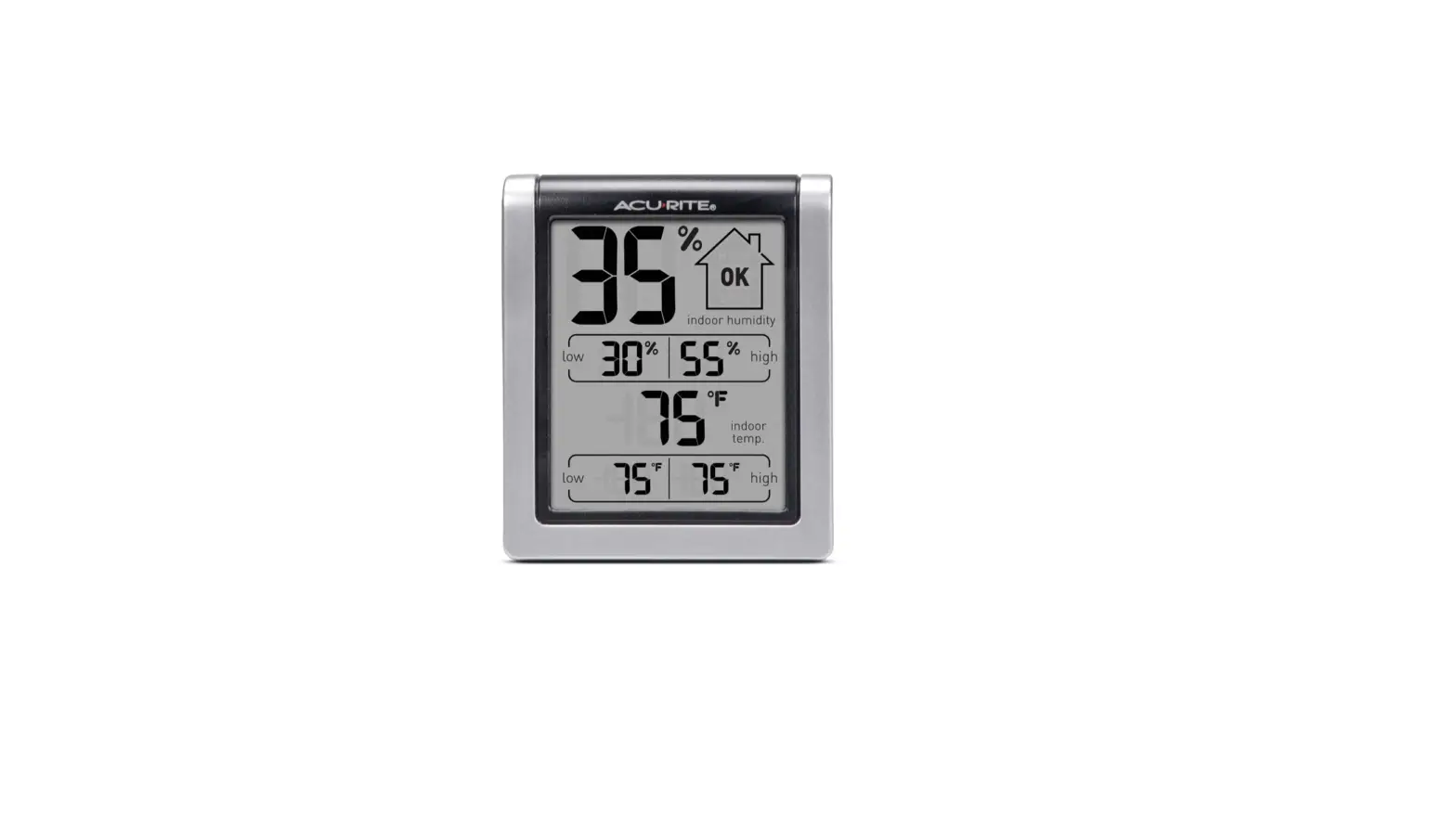
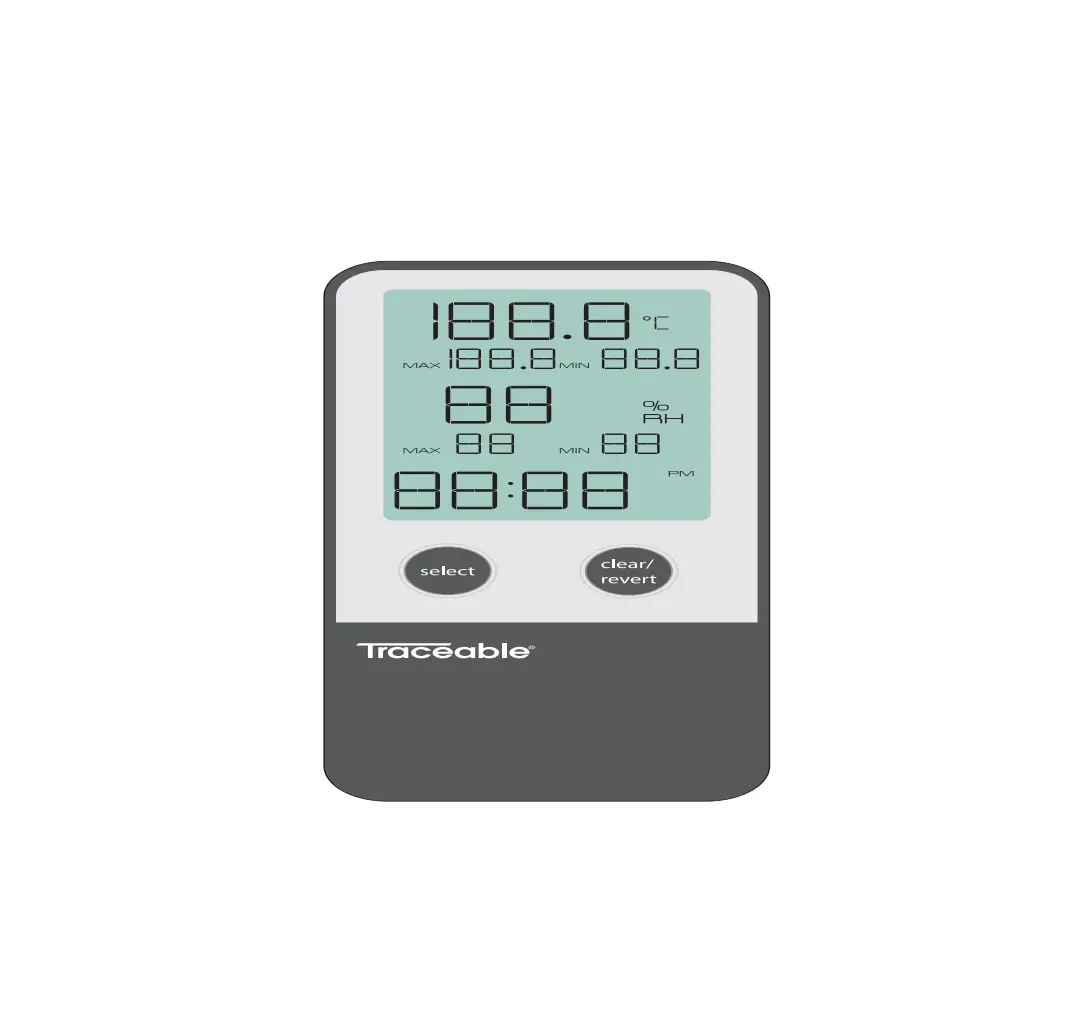
Digital indoor thermometer and hygrometer with clock, in warm pink color
OPERATION
OPERATION
- Open the battery compartment on the back of the device, and insert a CR2032 battery (included). Follow the correct polarity during installation. Close the battery compartment.
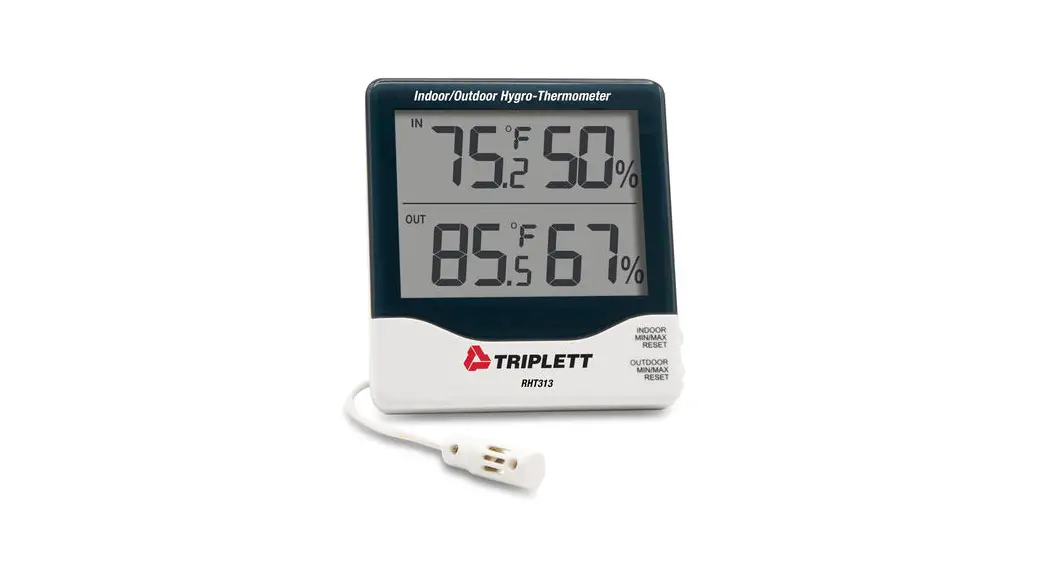
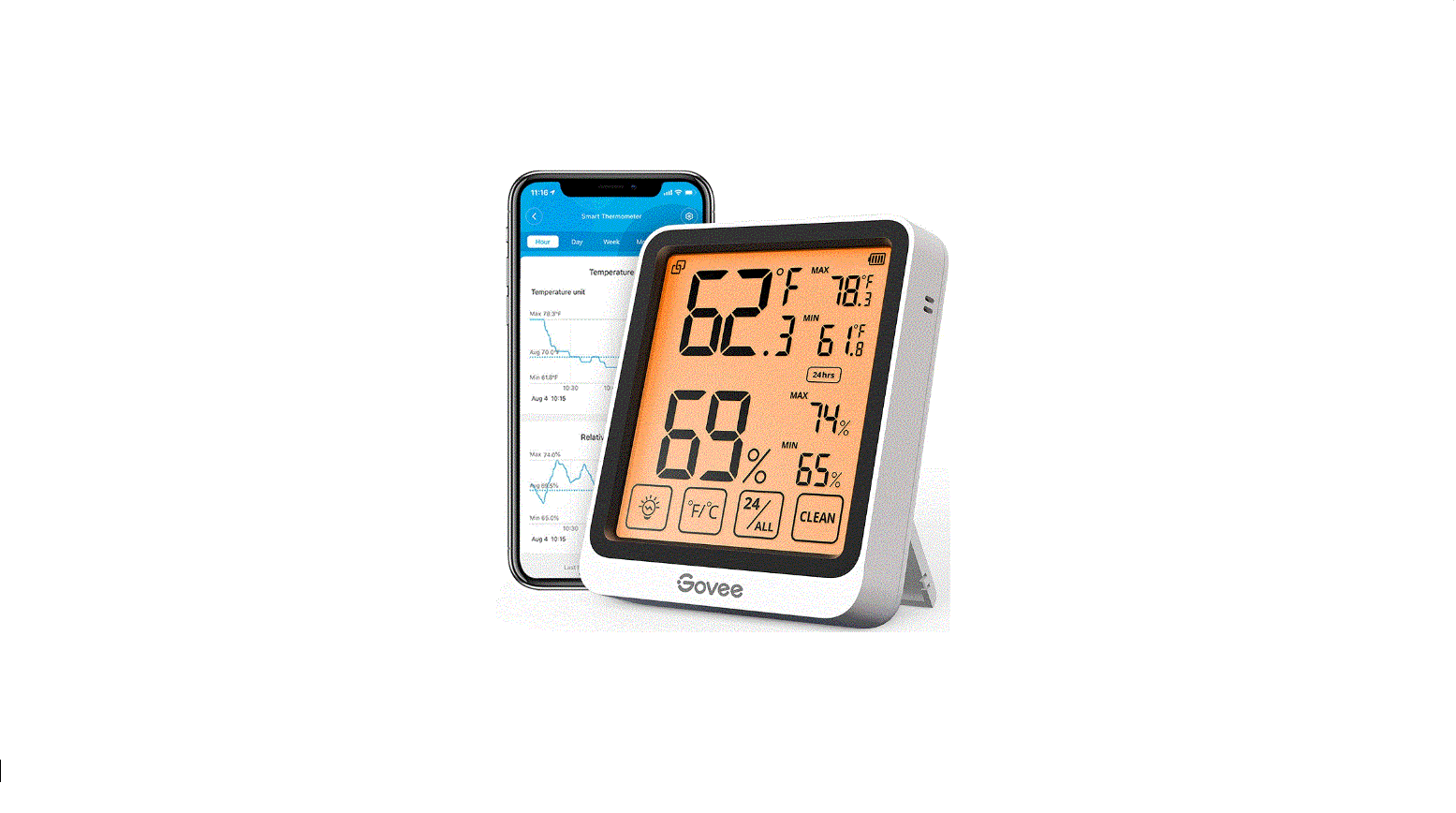
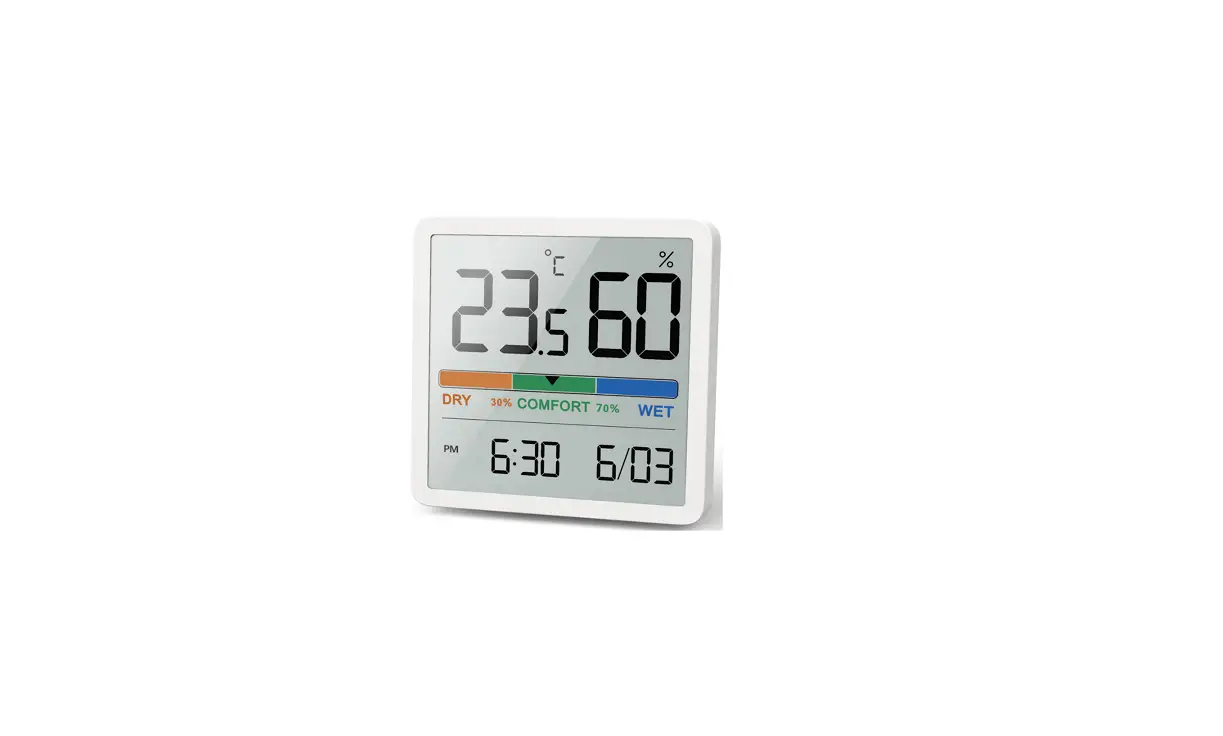
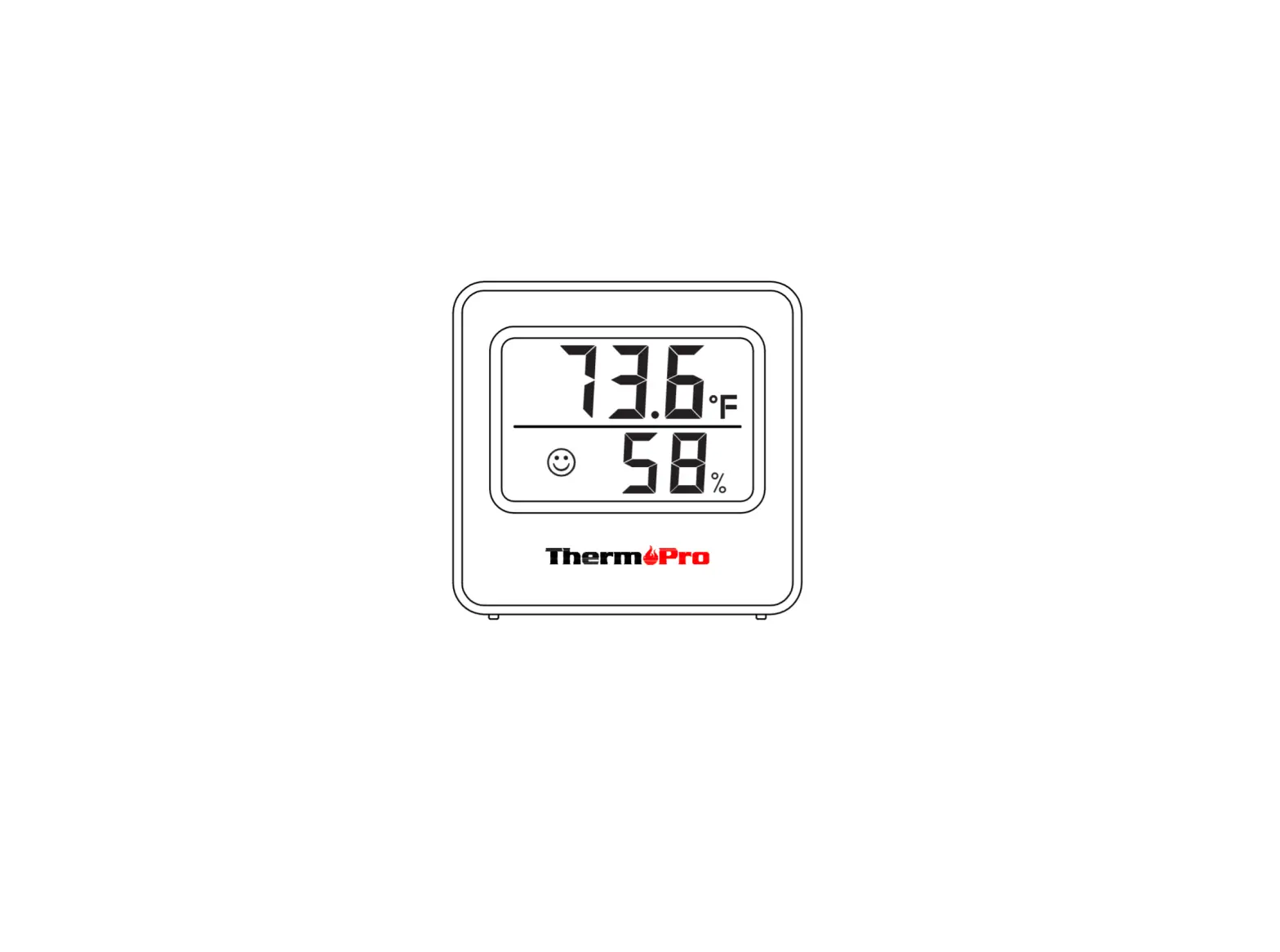
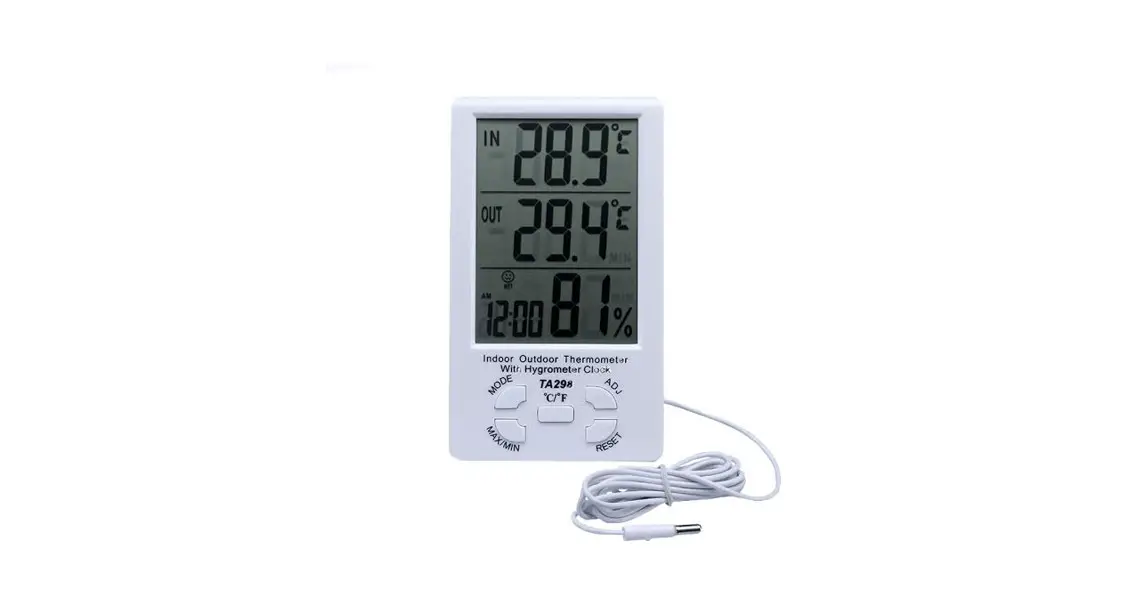
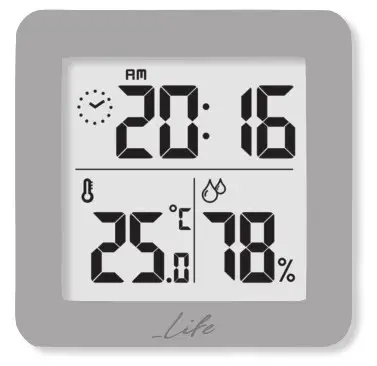
- Once the thermometer is activated, the current temperature and the current humidity the percentage will be displayed on the screen.
- You can select the measurement unit by pressing the “DOWN” button on the back of the thermometer.
 NOTE:
NOTE:
Ambient temperature and humidity are detected every 60 seconds.
Measurable internal temperature range: -10°C- +50°C
Measurable indoor humidity range: 20% – 95% RH - Press the “SET” key continuously for 2 seconds to enter the time setting menu.
- Set the time using the “UP” and “DOWN” buttons and press the “SET” key to confirm your setting.
- Press the “UP” key to select the desired time display format (12/24h). Press the “SET” key to confirm your setting.
 NOTE:
NOTE:

Made in China C E A

Ionias Kalochori, 570 09 Thessaloniki, Greece, TEL. +30 2310 700.777
e-mail: [email protected]
www.sun.gr