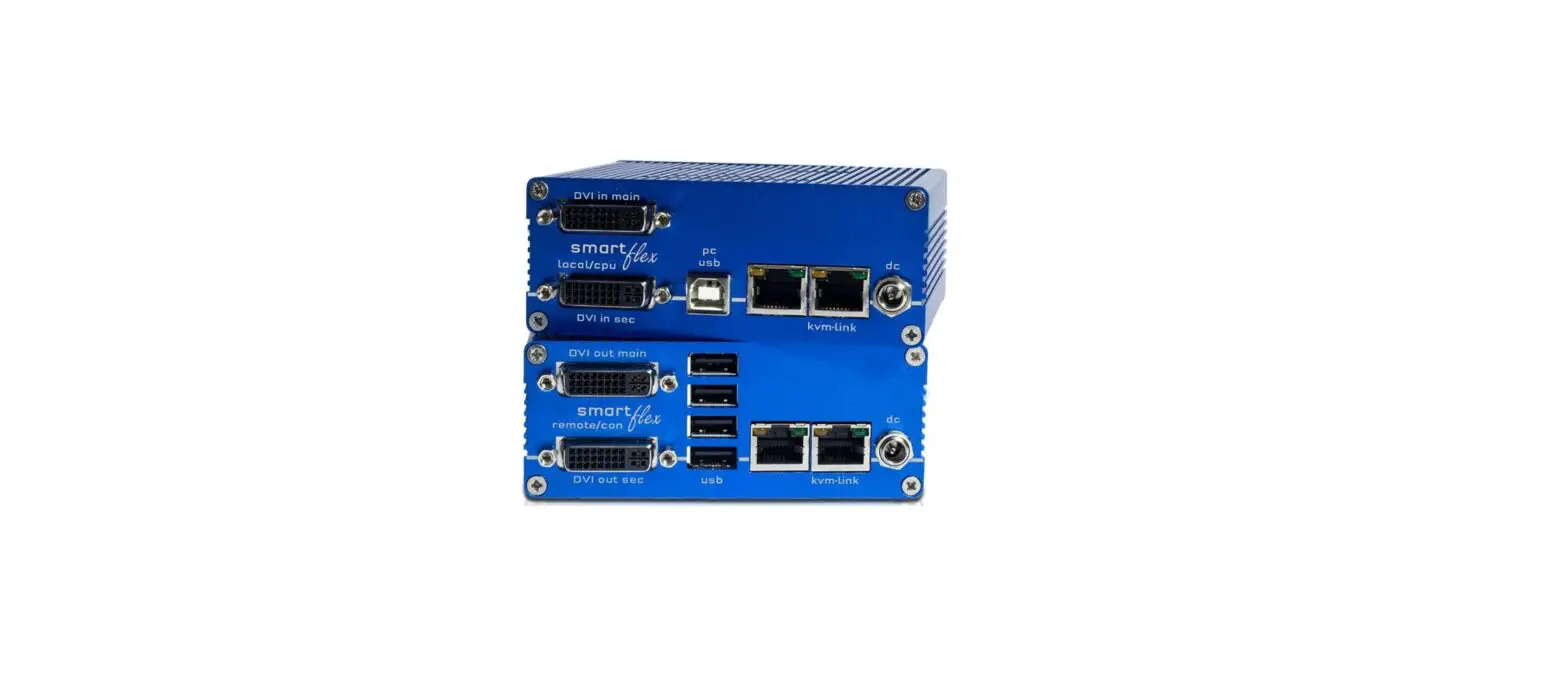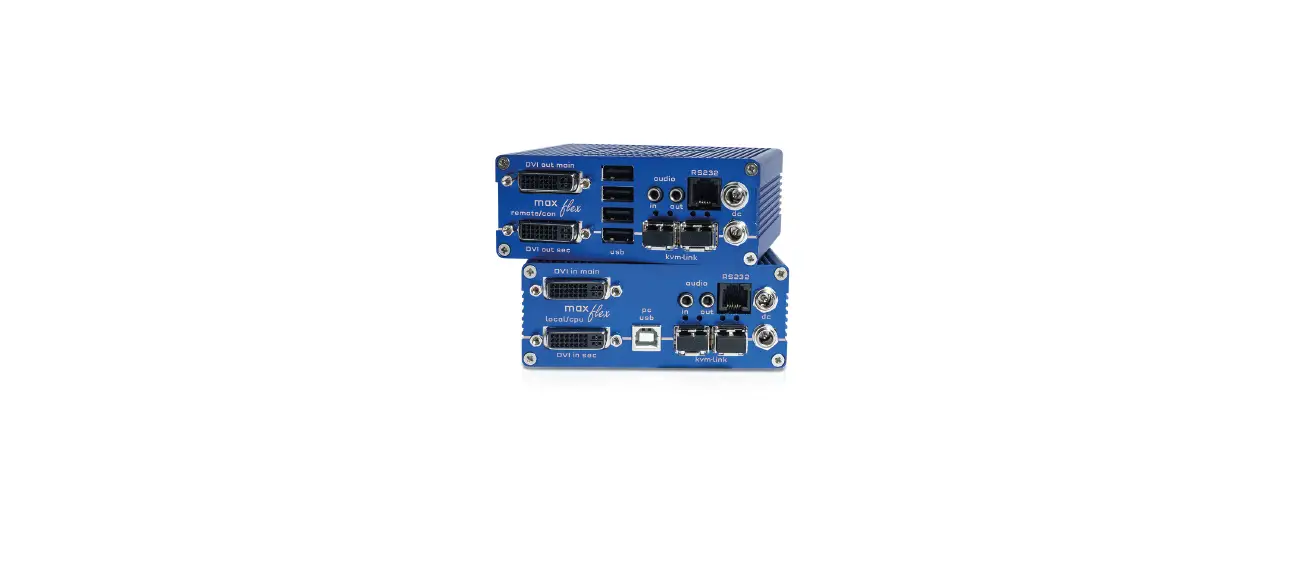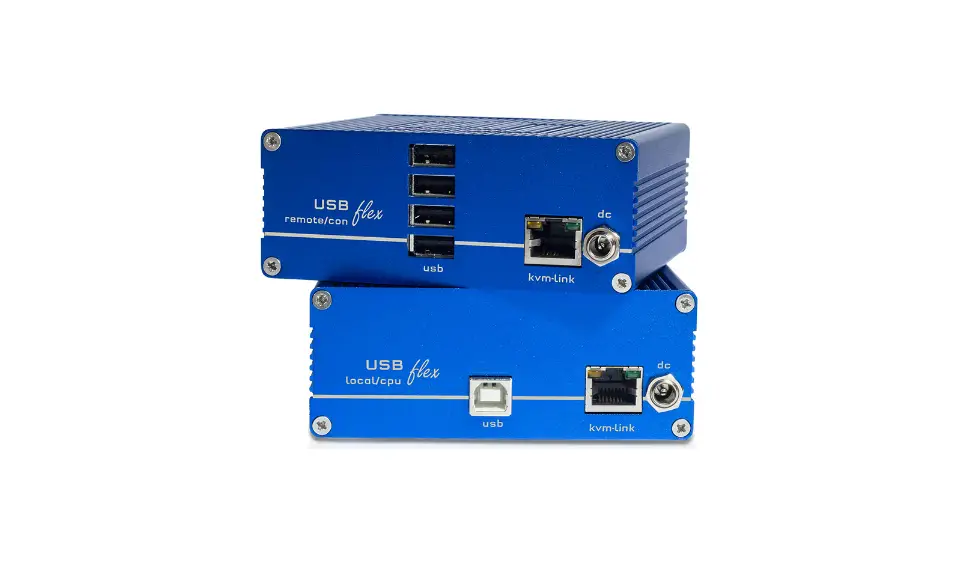
kvm-tec KT-6031L USBflex Single DVI/USB CAT Extender Installation Guide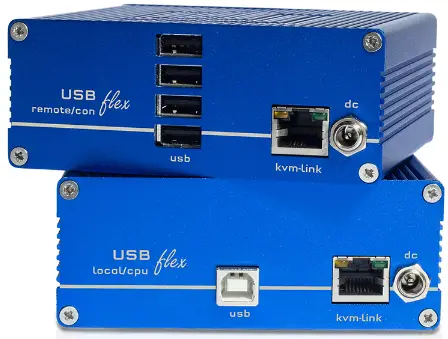
Update with USB-Stick
- Plug the USB stick with update file into USB Flex.
- press the button on the back left (if PtP, the USB channel will be disconnected) ~ 4 sec
- wait until LED flashes orange (USB stick is scanned for updates) ~ 10-20 sec
- LED lights up specifically for 3 seconds LED red -> no update on stick found (remove stick and start at step 1) LED green -> Update found, ready to start
- press button again
- wait until the update is completed or an error occurs (for PtP local is updated first) ~ 2-3 min (PtP ~ 5-6 min) While update is running, LED flashes green, if data is transferred or copied, LED flashes very fast.
At the end of the update, the LED flashes orange 4 more times and then starts the reboot process (the Extender must not be disconnected from the power supply during this process!)
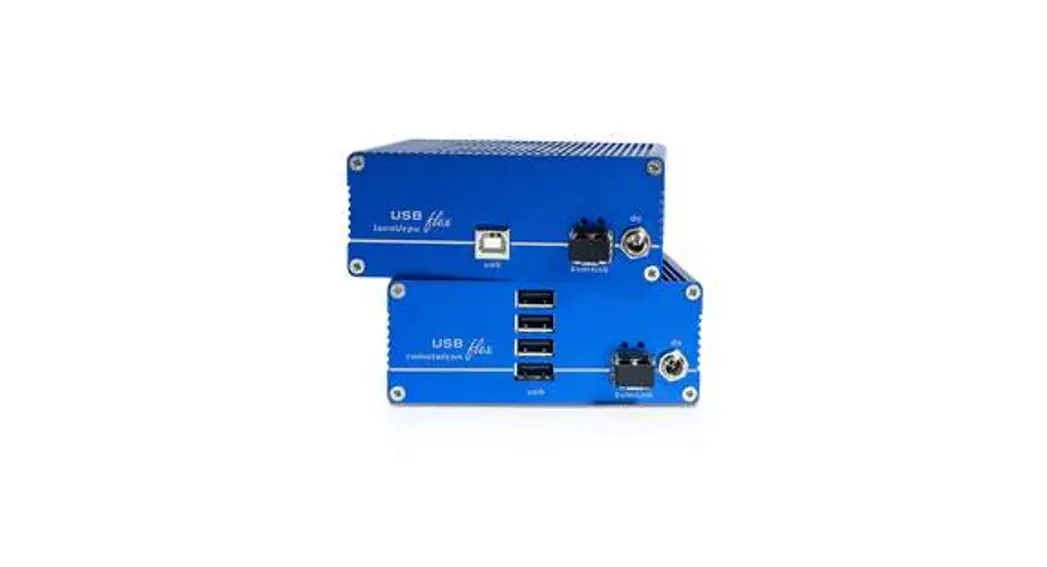
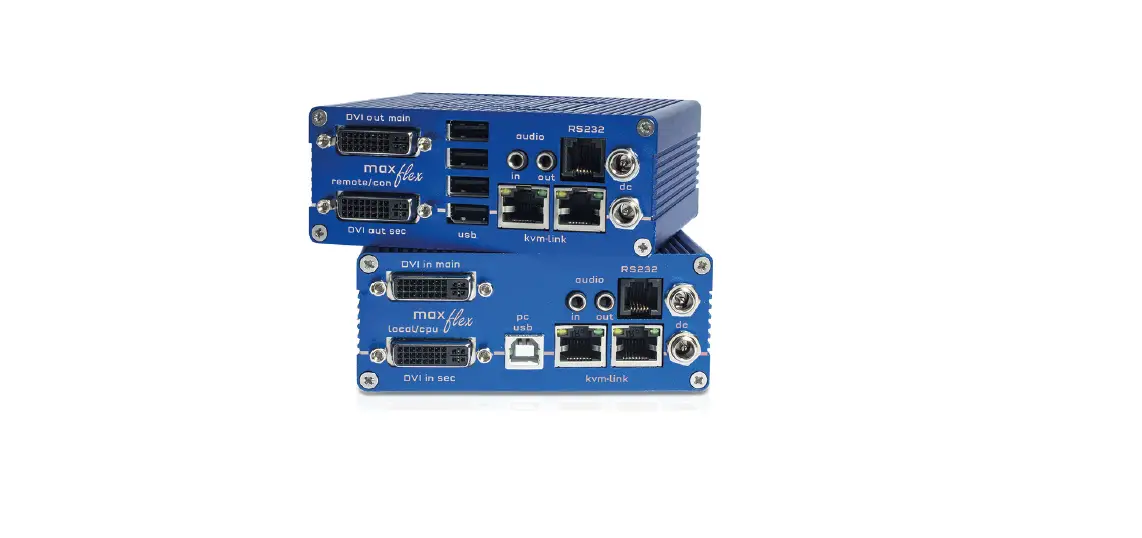
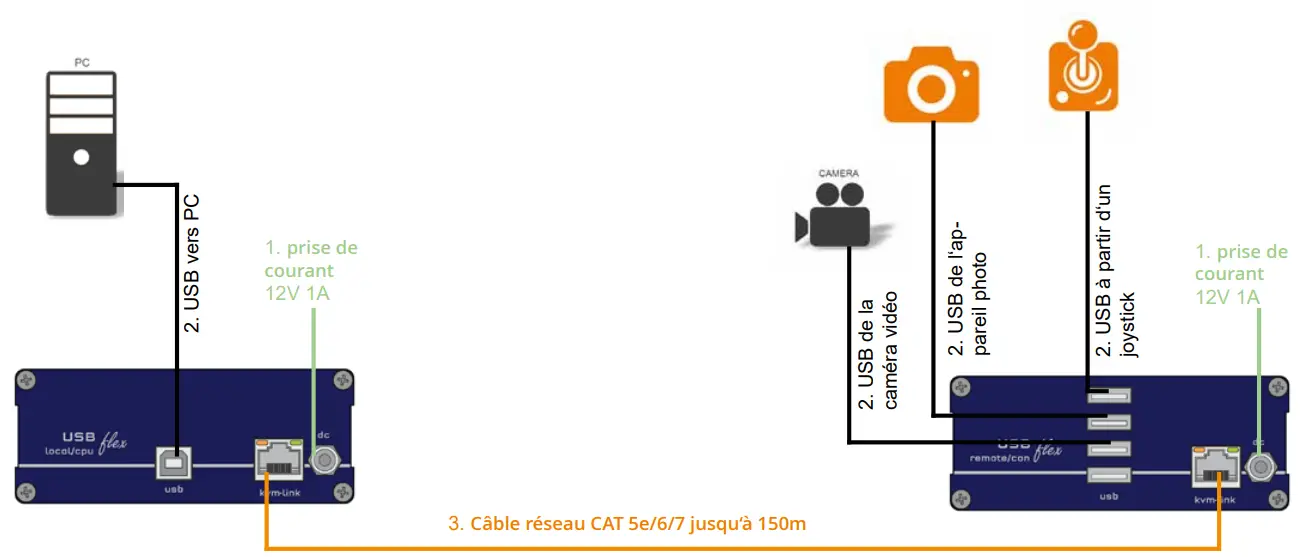
Quick Installation USBflex
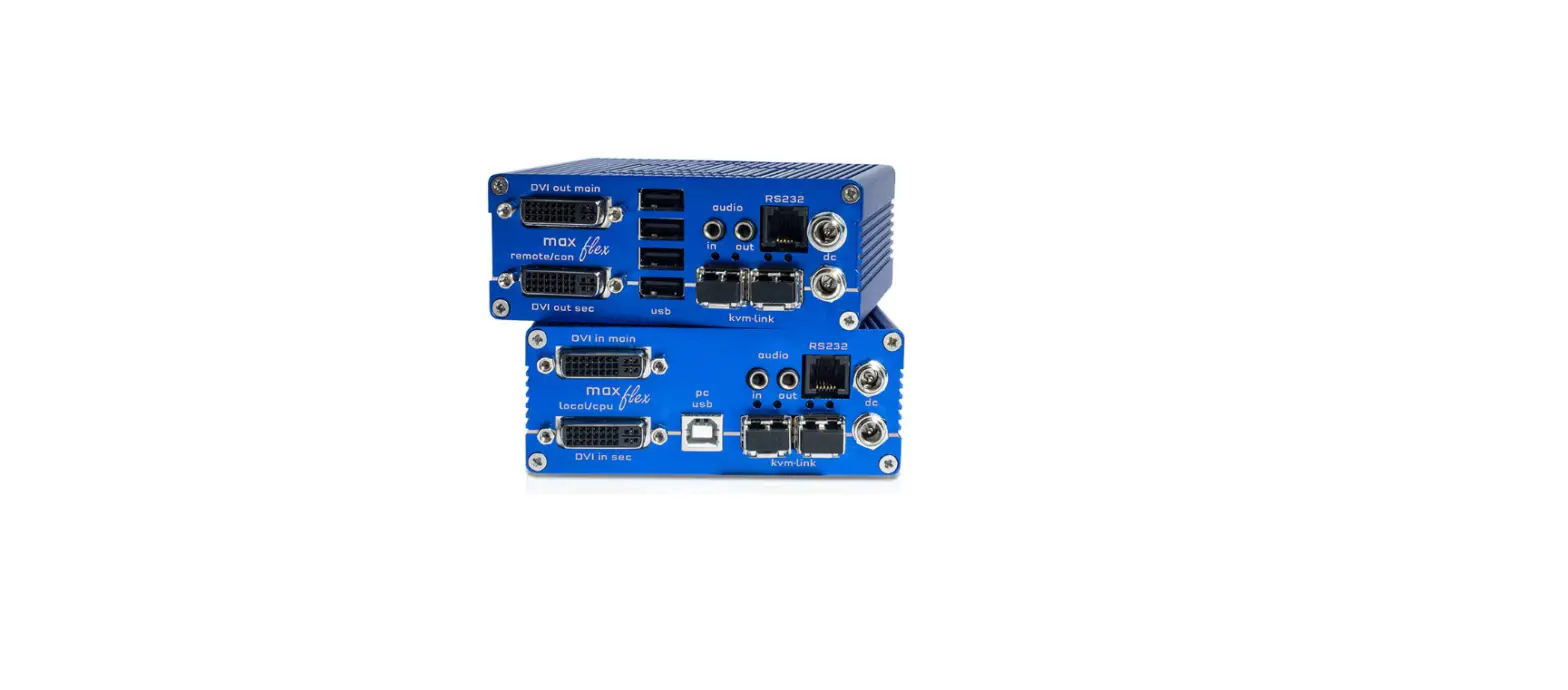
local / CPU – remote/ CON
Misprints, errors and technical changes reserved



 Kvm-tec.com: KVM Extender over IP - Matrix Switching Systeme