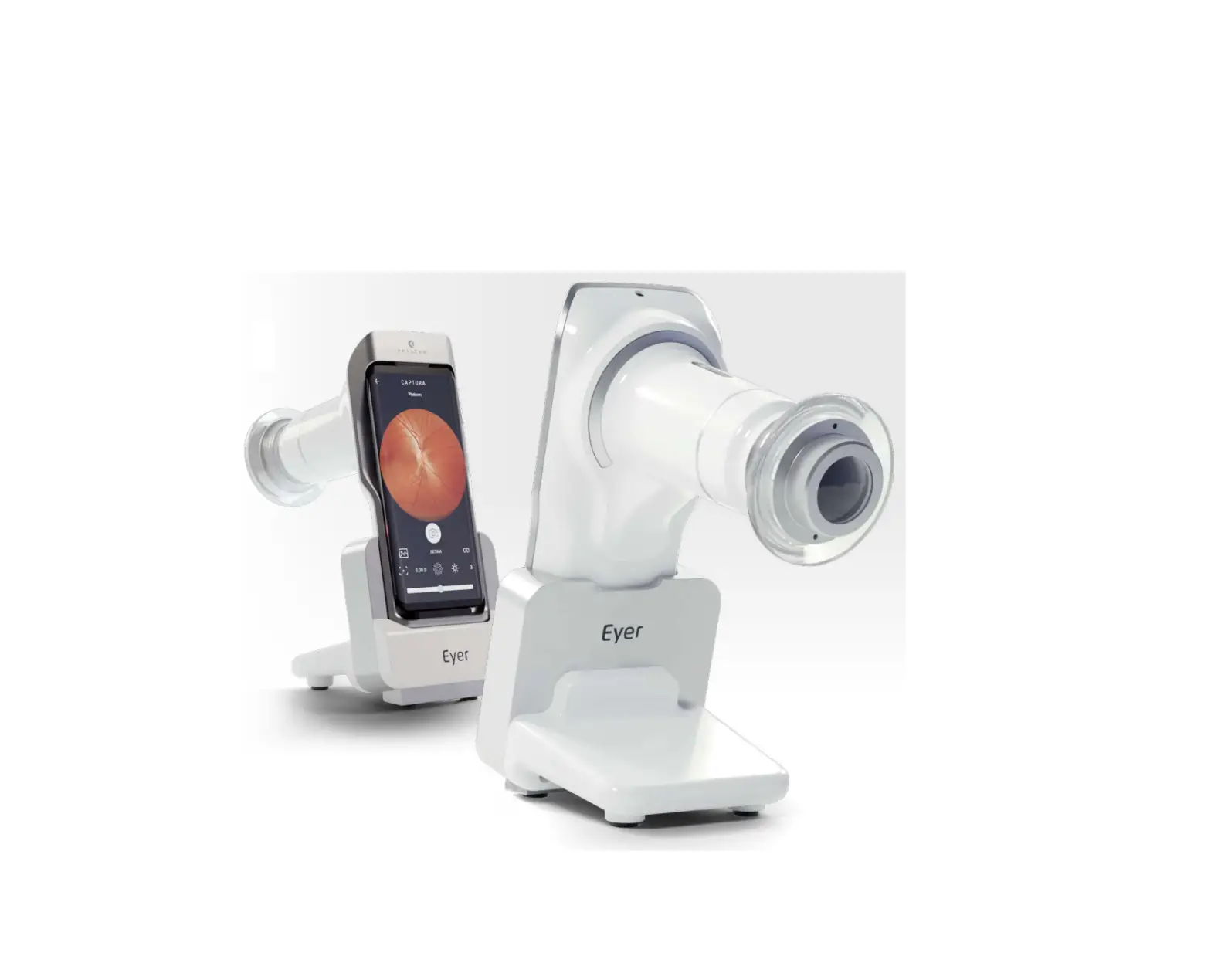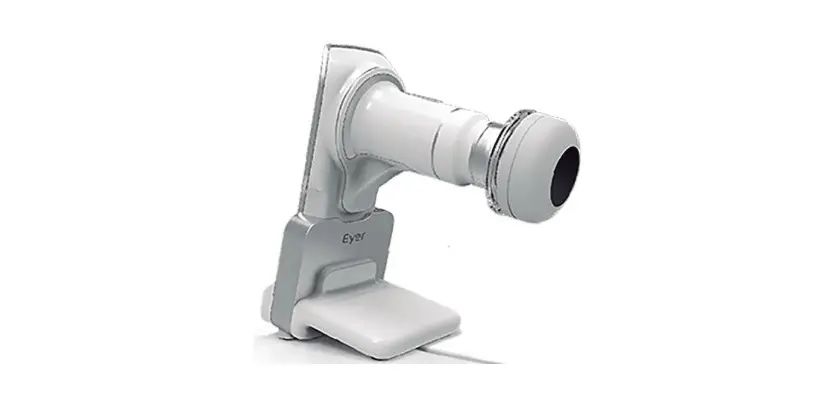
PHELCOM Eyer Portable Retinal Camera User Guide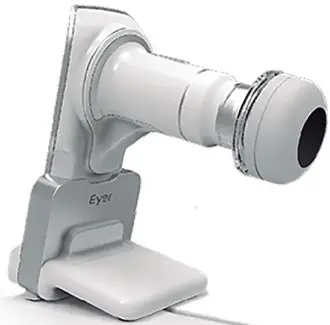
Portable Retinral Camera
Remove the lenscap
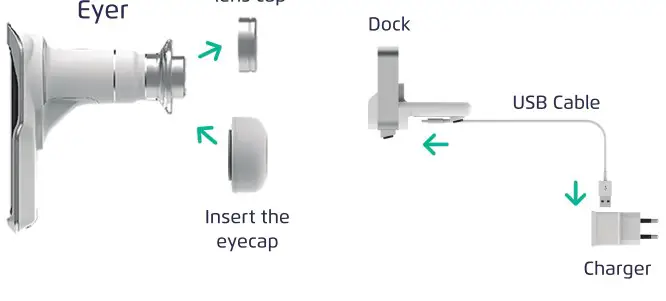
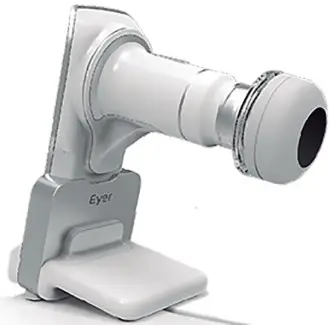
Place Eyerinthe docker
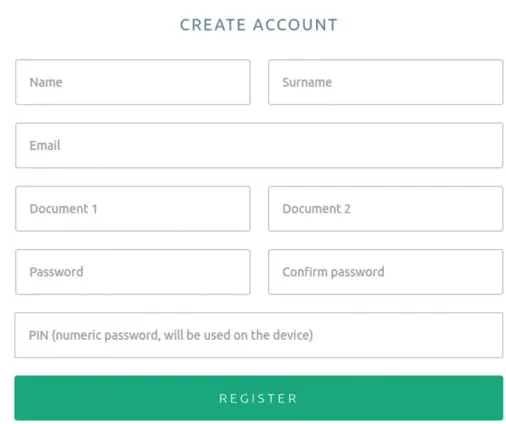
CreateyouraccountonEyerCloud: https://www.eyercloud.com/us_register
USER SUCCESSFULLY REGISTER

EMAIL INBOX

REGISTER CONFIRMATION
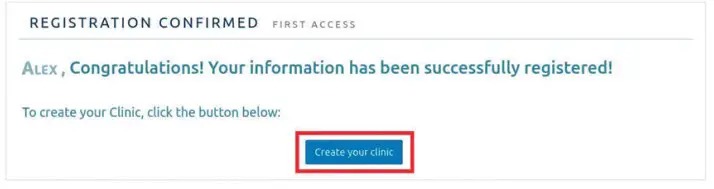
CLINIC REGISTRATION
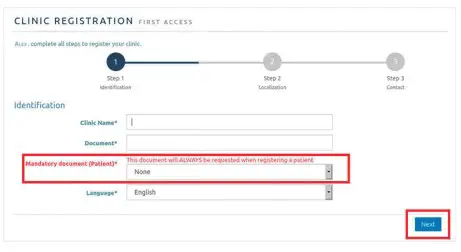
CLINIC REGISTRATION
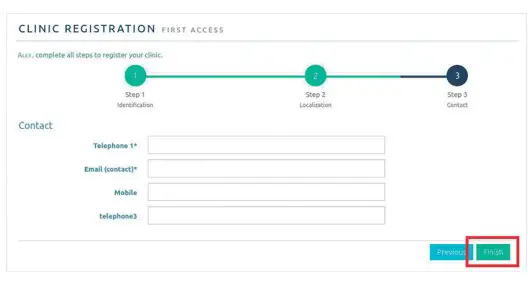
CLINIC REGISTRATION
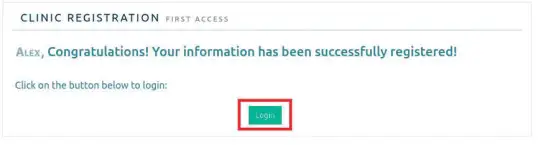
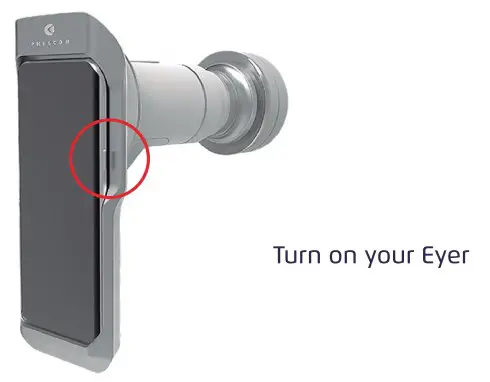
Turn on your Eyer
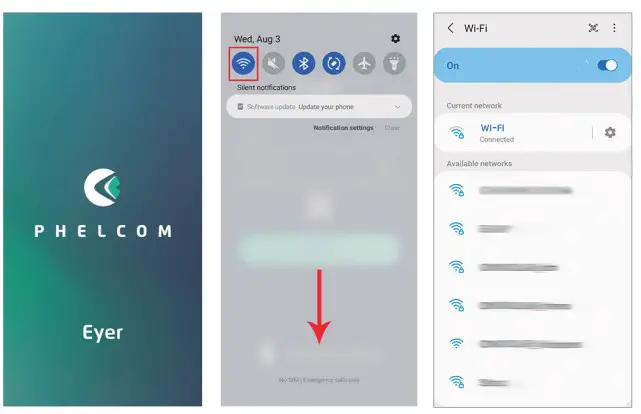
Swipe down the screen ,click and hold the Wifi icon and connect to your network.
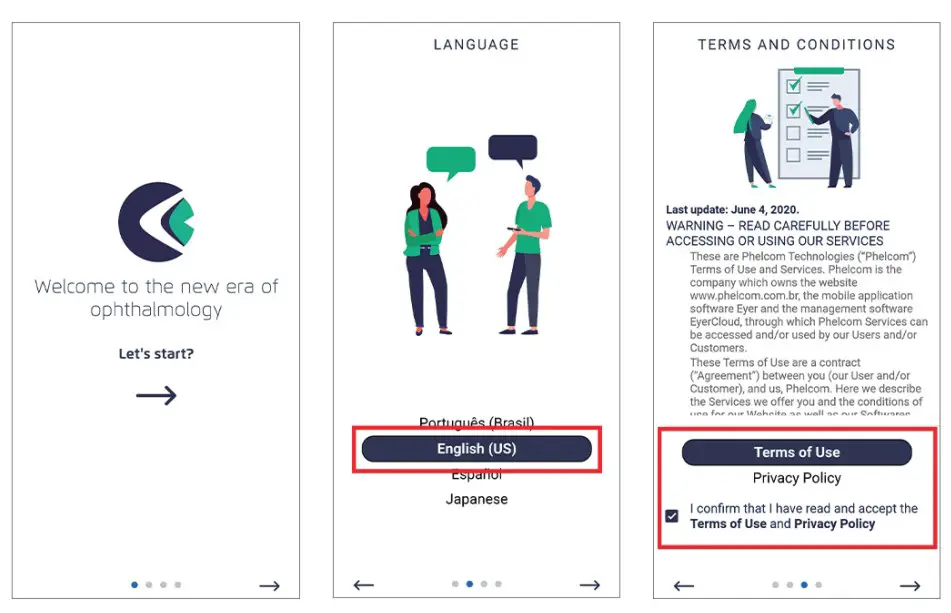
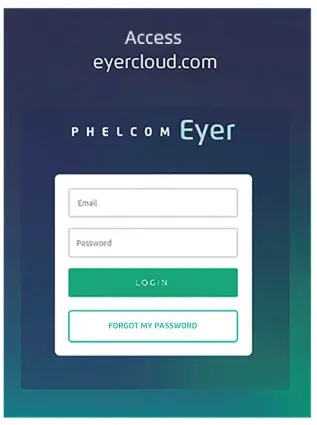
Access the Eyer application and login
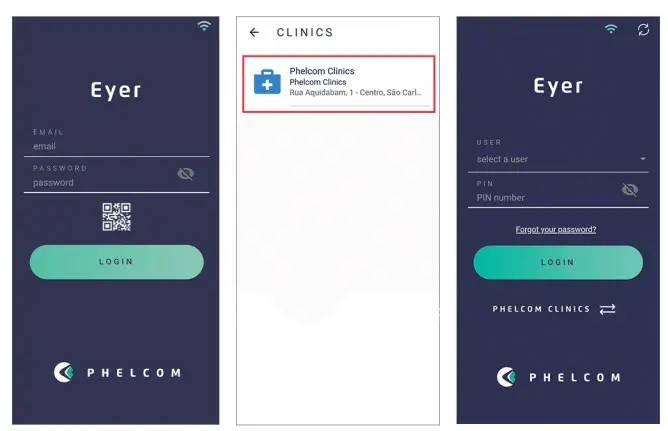
Creating patients
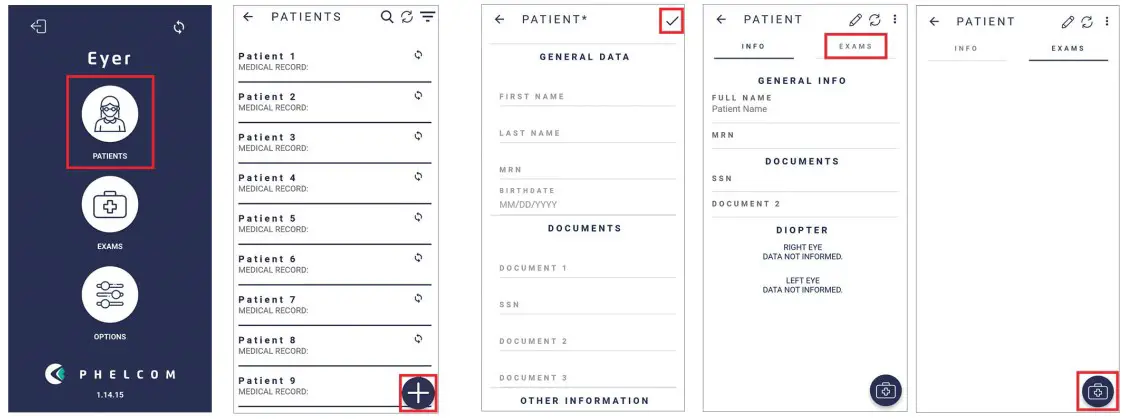
Performing exams
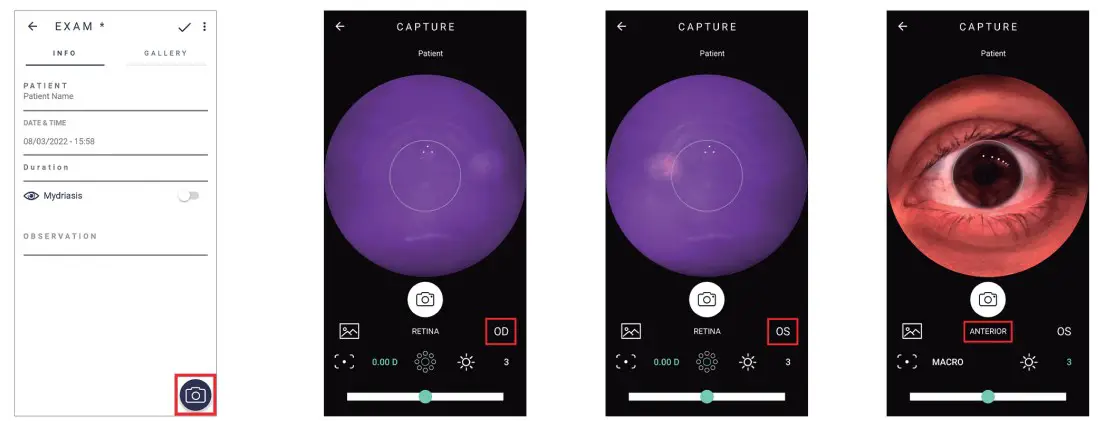
SYMBOL Meaning
00 OculusDexter(right)
OG OculusSinister(left)
RETINA Posteriorsegment
ANTERIOR Anteriorsegment Capture
 Imagegallery
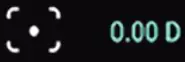 Manualdiopteradjustment
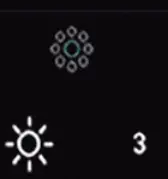 Internalfixationtargets Manuallightingadjustment
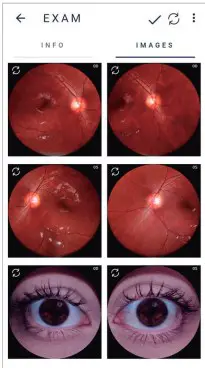
EXAM
EMAIL OPTION

 EyerCloud - Create Account