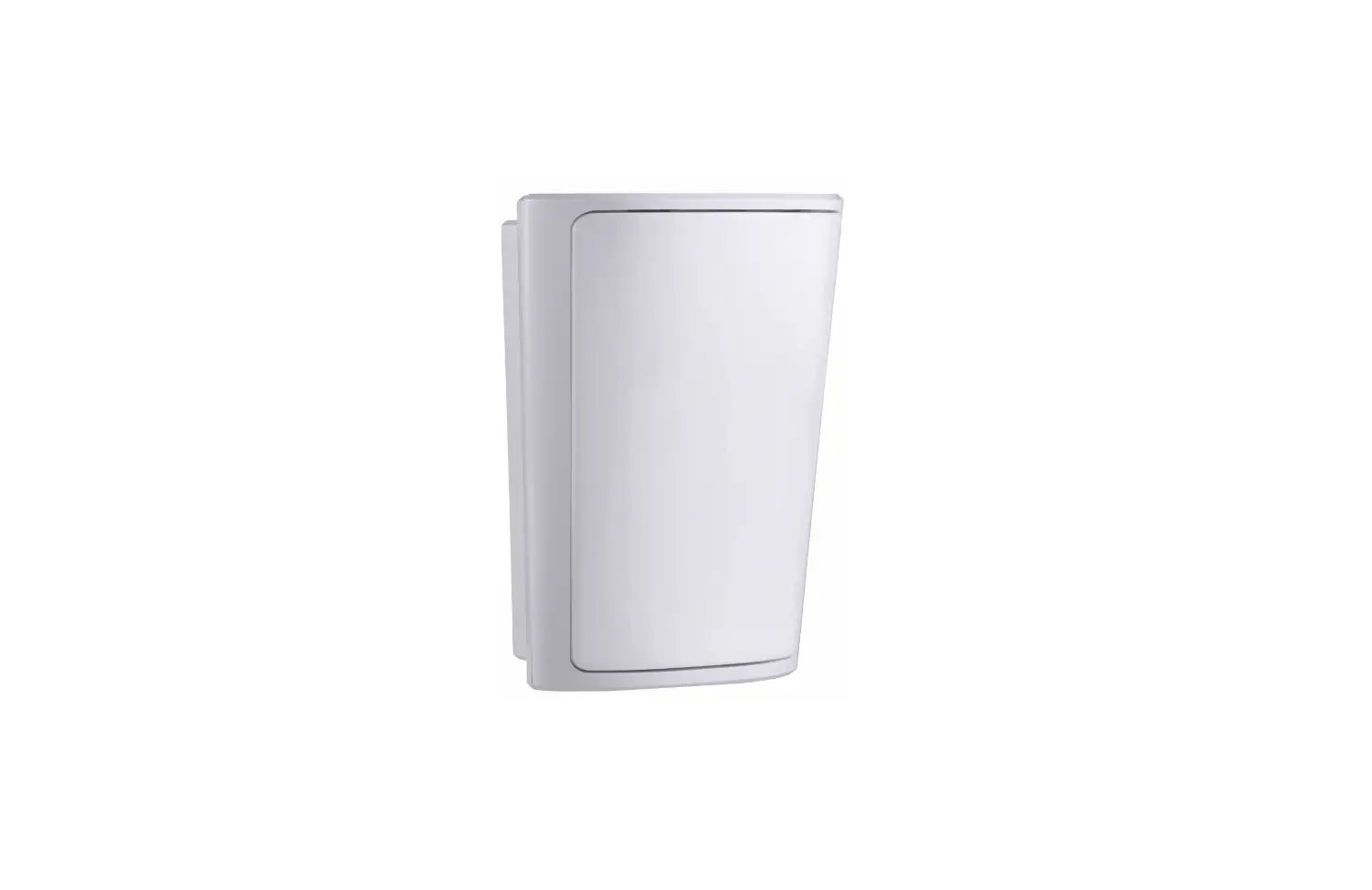
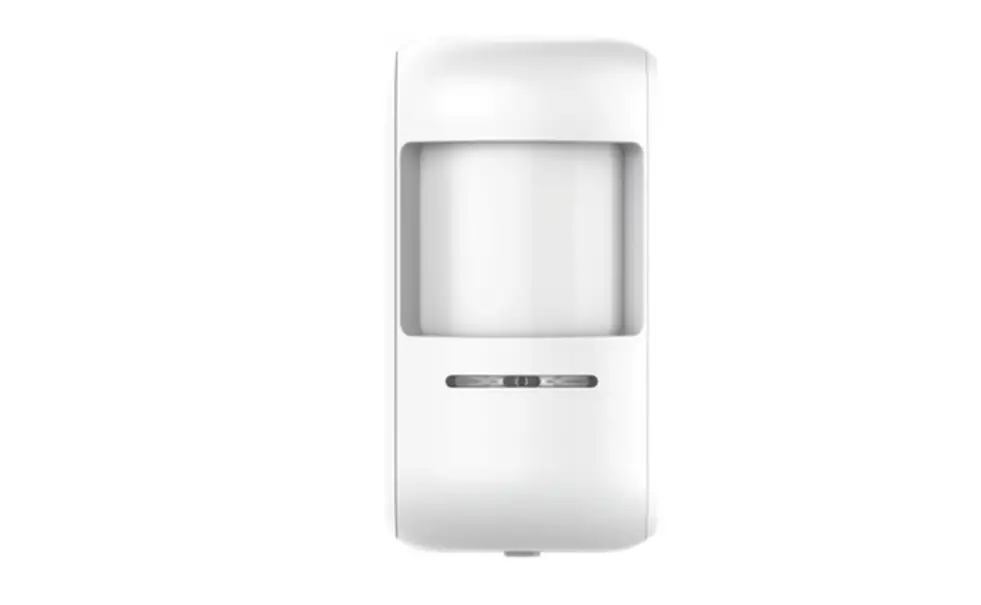
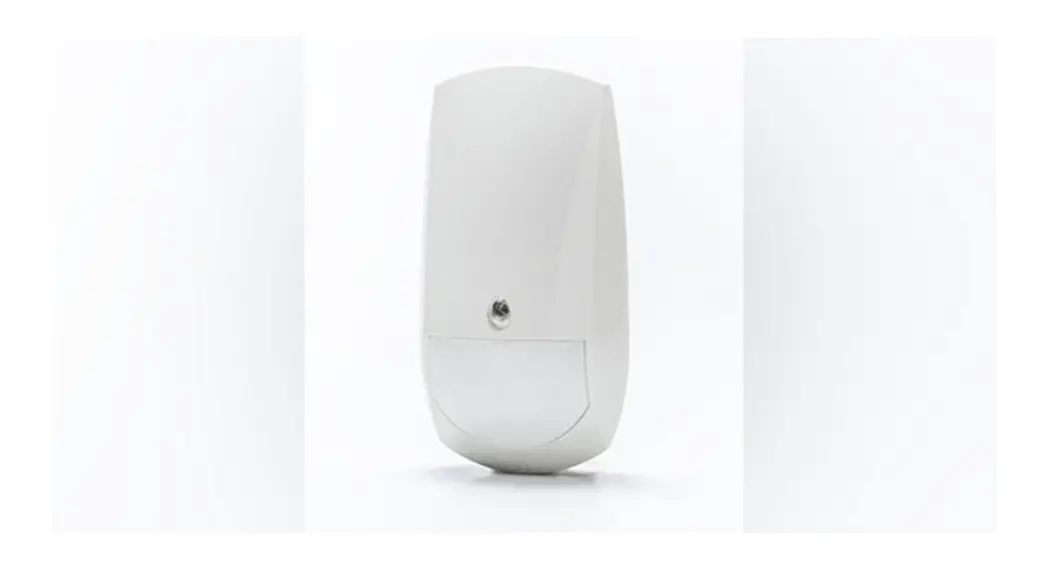
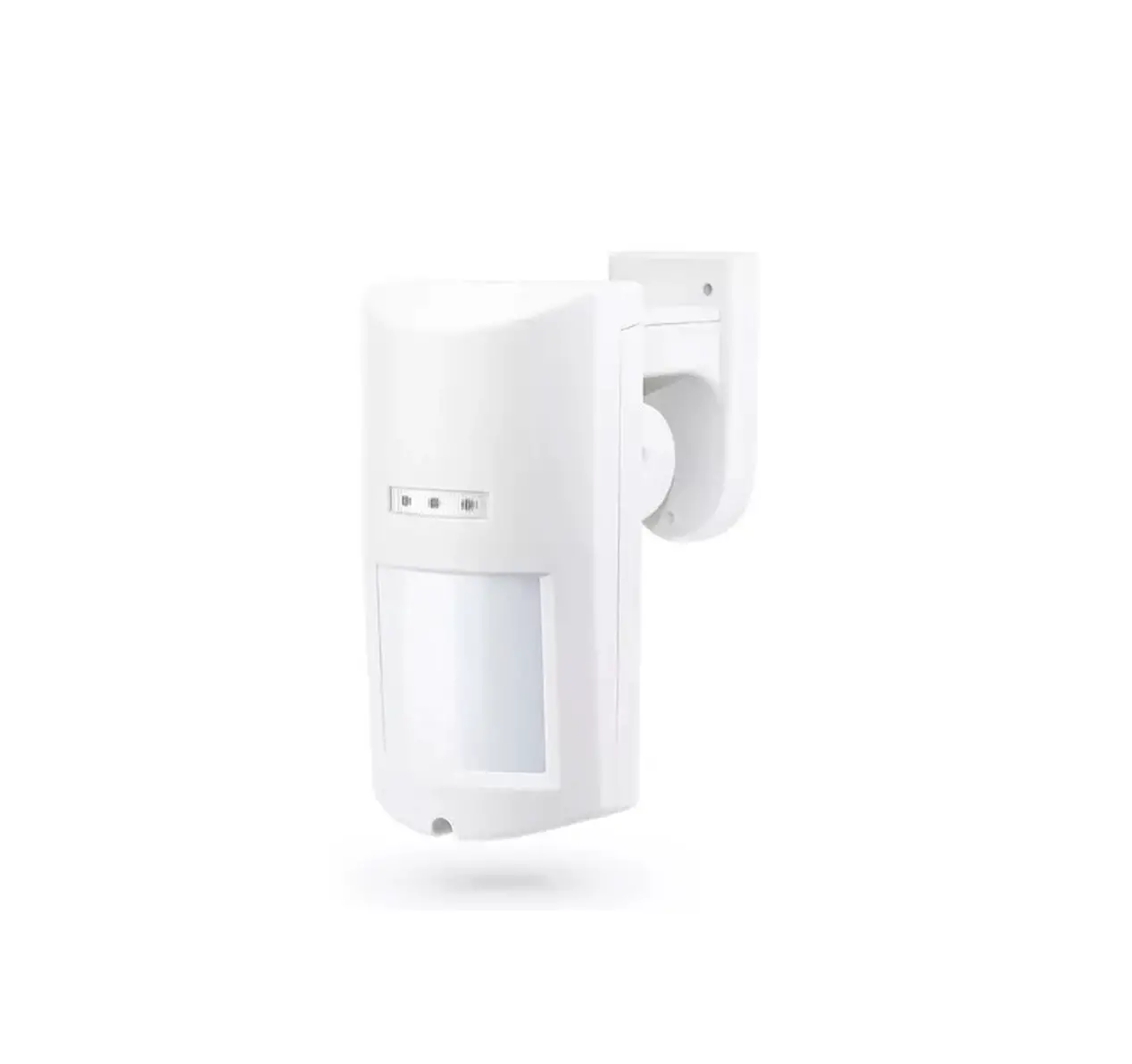
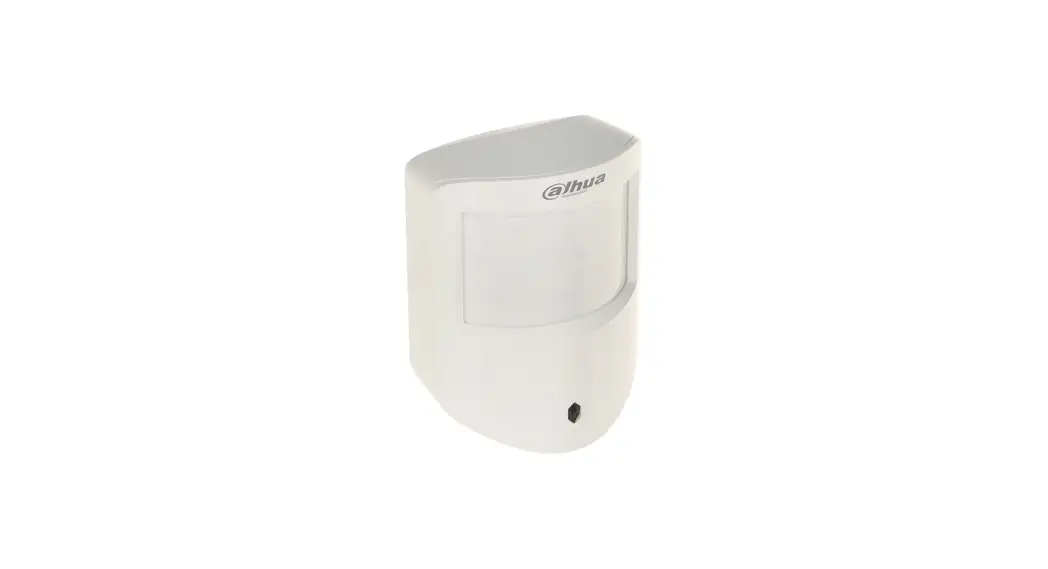
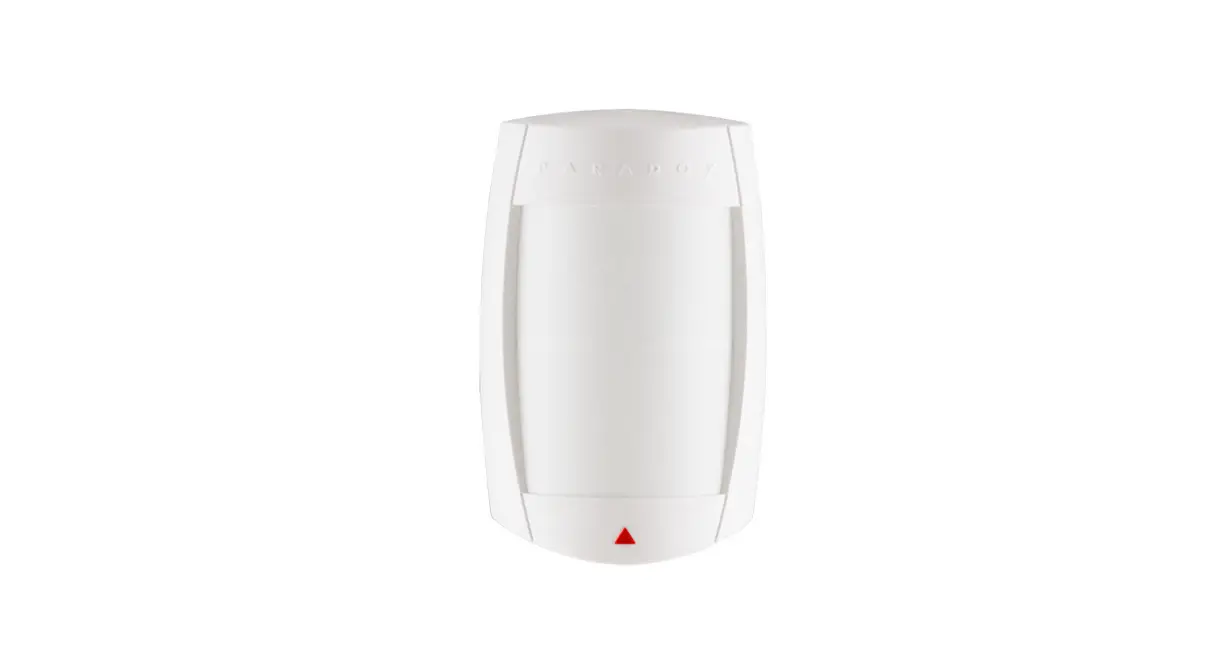
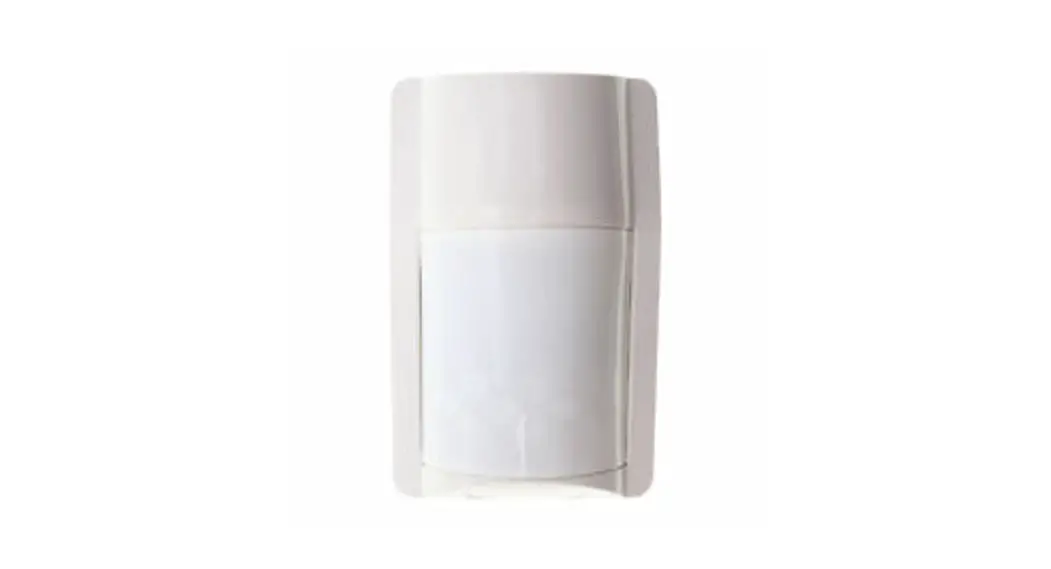
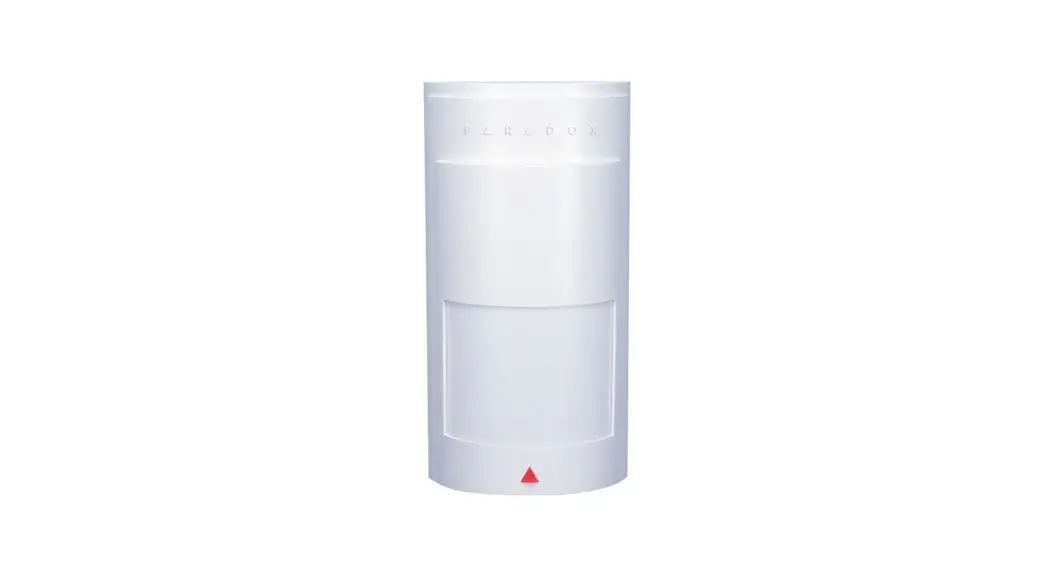
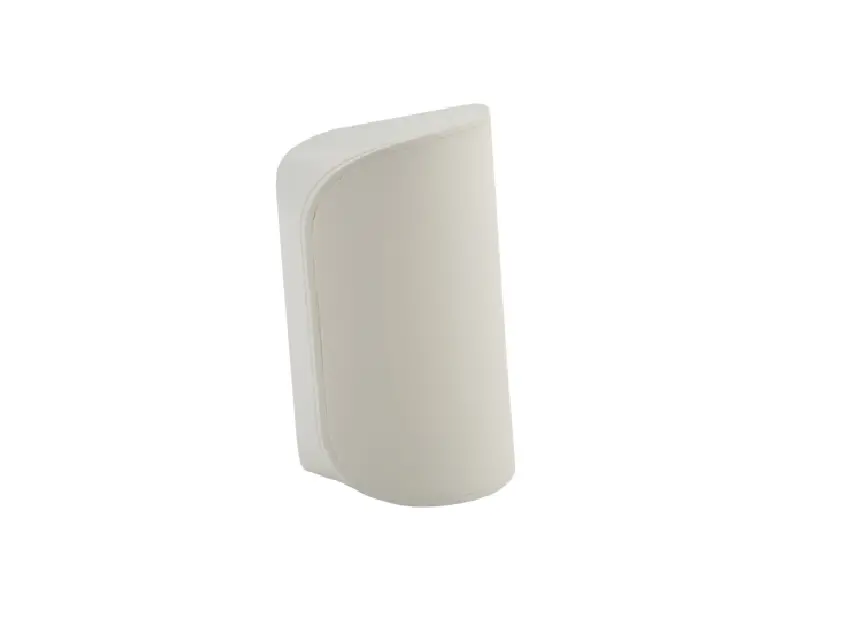
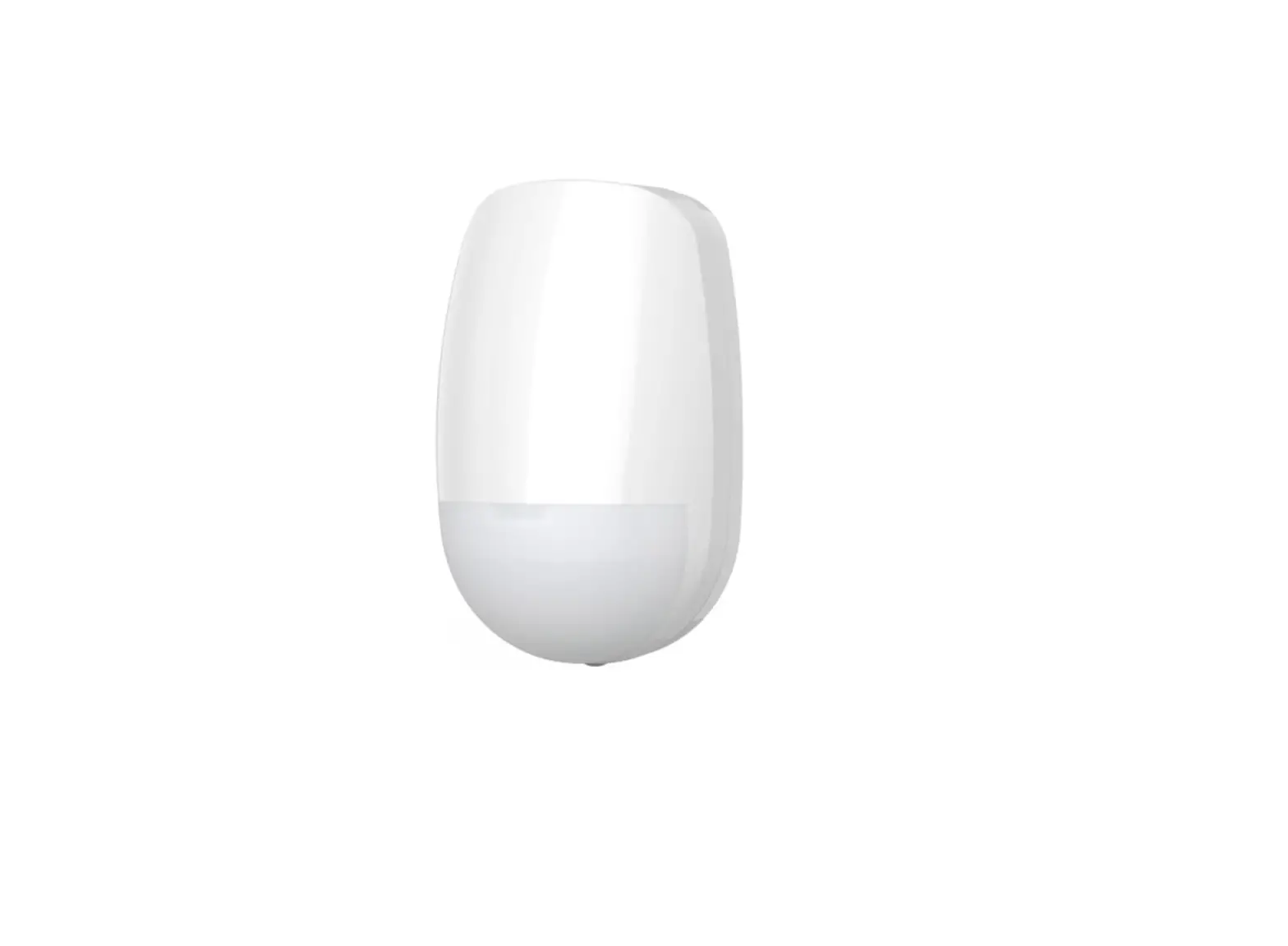
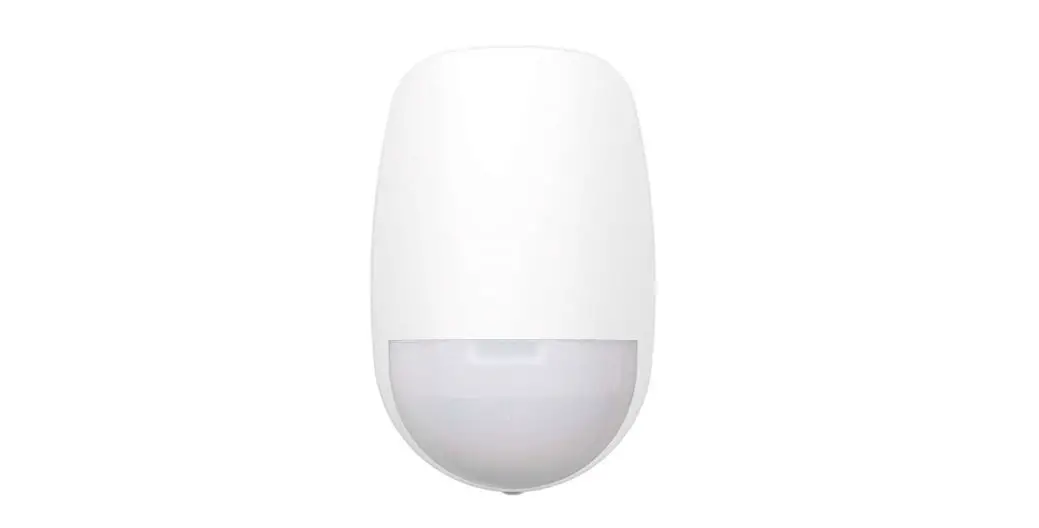
DPS743 Wireless 2-Way PIR PET Detector
Product Information
Model: DPS743 / DPS786 DPP743 / DPP786
Description: Wireless 2-Way PIR/PET Detector
Product Usage Instructions
Step 1a: Preliminary Considerations
Select the mounting location for best coverage of the area that
is to be protected. Install the device in a location where the
detector’s field of view is clear of any static obstacle. Please
note that walking direction must cut across the beam pattern (see
Figure 1).Step 1b: Coverage Patterns
Refer to Figures 2 and 3 for the coverage patterns.
Step 2: Enrolling the Detector into the System
For complete description of the wireless configuration and
device enrollments, refer to Programming Guide for the FORCE and
VISION Alarm Systems.Auto Enrolling (using RF Communication):
- Enter Installer menu, and select:
System Configuration > Peripherals > Wireless Peripherals
> Enroll and delete > Detectors > Enroll > Auto
Enrollment - Insert the batteries and close the bracket
- In 3 seconds, the detector will send an Enrollment message. The
serial number should appear on the keypad. - Select Enroll and press <Enter>.
- Enter Installer menu, and select:
Manual Enrolling:
- Enter Installer menu, and select:
System Configuration > Peripherals > Wireless Peripherals
> Enroll and delete > Detectors > Enroll > Manual
Enrollment - Enter the serial number and press <Enter>.
- Select Enroll and press <Enter>.
- Enter Installer menu, and select:
Enrolling through the Force Manager Software:
You can enroll the detector using Force Manager software. For
information, refer to the Force Manager Manual.
Step 3: Mount the Detector on the Wall Bracket
Mount the detector at a height of 2.4 m. (see Figures 4 to 6).
Detector Configuration:- PIR High/Low Sensitivity: On*/Off
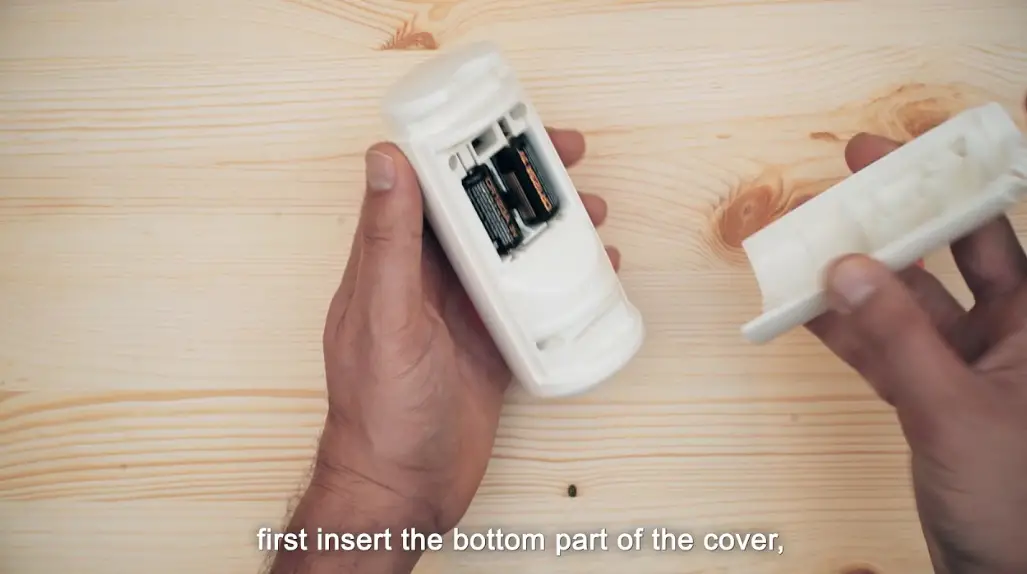
Step 4: Inserting Battery
CAUTION! The detector battery may be supplied with plastic
wrapping. If so, remove the plastic wrapping from the battery
before installation. Observing battery polarity, insert a battery
into the compartment. Risk of explosion if battery is replaced by
an incorrect type. Dispose of used batteries according to local
regulation.Step 5: Mount the detector on the bracket
(see Figure 8)
Step 6: Walk Test
The detector automatically enters walk test mode for 10 minutes
following tamper closure. Walk through the entire protected area
and observe the LEDs to confirm full coverage (see LED Status).
When complete, secure the detector with screw (see Figure 9).Manually initiate a Walk-Test:
- In the Installer menu, select Test and Diagnostic > Walk
test. - Select All or Single zone. The detector(s) remain in walk test
mode until exiting the menu.
- In the Installer menu, select Test and Diagnostic > Walk
LED Status
LED State Description On Alarm Red Flashing Low Battery
Step 1a: Preliminary Considerations
Wireless 2-Way PIR/PET Detector Installation
Instructions
Step 1b: Coverage Patterns
Model: DPS743 / DPS786 DPP743 / DPP786
Figure 1
Step 3: Mount the Detector on the Wall Bracket
Pet Coverage Pattern Figure 2
Step 4: Inserting Battery
PIR Coverage Pattern Figure 3
Step 5: Mount the detector on the bracket
Figure 4
Figure 5 Walk Test
Fastens the detector to the bracket
Figure 6
Figure 7
Figure 8
Figure 9
1) Description
The Wireless DPS/DPP PIR/PET is a stylish wall mounted passive infrared detector. Features include: · Selectable range of up to 10m
in PIR ver. or 8m in PET ver. · Easy battery replacement
What’s in the box: · Wireless DPS/DPP
PIR/PET Detector · Screws Kit: 1 screw ø2.5×6
mm; 2 screws ø3.5×25 mm · Installation Instructions
2) Installation
Step 1a: Preliminary Considerations
Select the mounting location for best coverage of the area that is to be protected. Install the device in a location where the detector’s field of view is clear of any static obstacle. Please note that walking direction must cut across the beam pattern (see Figure 1).
Step 1b: Coverage Patterns (see Figures 2 and 3)
Step 2: Enrolling the Detector into the System
For complete description of the wireless configuration and device enrollments, refer to Programming Guide for the FORCE and VISION Alarm Systems
Enrollment of the detector in the system can be performed manually or automatically via the keypad.
Auto Enrolling (using RF Communication):
1. Enter Installer menu, and select:
System Configuration > Peripherals > Wireless Peripherals > Enroll and delete > Detectors >Enroll >Auto Enrollment
2. Insert the batteries and close the bracket
3. . In 3 seconds the detector will send an Enrollment message. The serial number should appear on the keypad.
4. Select Enroll and press .
1
Manual Enrolling: 1.Enter Installer menu, and select:
System Configuration > Peripherals > Wireless Peripherals > Enroll and delete > Detectors >Enroll >Manual Enrollment
2. Enter the serial number and press .
3. Select Enroll and press .
Enrolling through the Force Manager Software: You can enroll the detector using Force Manager software; For information refer to the Force Manager Manual. Step 3: Mount the Detector on the Wall Bracket
Mount the detector at a height of 2.4 m. (see Figures 4 to 6). Detector Configuration
Being 2-way, the detectors parameters can be modified from the keypad or from the Force Manager software according to your needs.
PIR
High/Low
Sensitivity:
LED:
On*/Off
Step 4: Inserting Battery (see Figure 7)
CAUTION! The detector battery may be supplied with plastic wrapping. If so, remove the plastic wrapping from the battery before installation. Observing battery polarity. Insert a battery into the compartment. Risk of explosion if battery is replaced by an incorrect type. Dispose of used batteries according to local regulation.
Step 5: Mount the detector on the bracket (see Figure 8)
3) Walk Test
The detector automatically enters walk test mode for 10 minutes following tamper closure. Walk through the entire protected area and observe the LEDs to confirm full coverage (see LED Status). When complete, secure the detector with screw (see Figure 9).
Manually initiate a Walk-Test
In the Installer menu, select Test and Diagnostic > Walk test. Select All or Single zone. The detector(s) remain in walk test mode until exiting the menu.
4) LED Status
LED State Description
On
Alarm
Red Flashing Low
Battery
5) Technical Specifications
Parameter Current Consumption: Supervision Time Battery Type
Battery Life Low Voltage Threshold Power Output Operating temperature: Storage temperature: Humidity Range
Weight Dimensions Frequency
Standards
Description 10µA standby
15 min.
CR123 3V Lithium Battery 3 years typical 2.6V
10mW -10°C to 55°C (14°F to 131°F) -20°C to 60°C (-4°F to 140°F) Average relative humidity: 75% 100gr. 102.5 x 40.5mm 433.92MHz, 868.65MHz EN50131-2-2 Grade 2, Environmental Class II, EN50131-6: Type C PD6662:2017
6. Ordering Information
Model DPS743 (PIR) DPS786 (PIR) DPP743 (PET) DPP786 (PET)
Frequency P/N 433MHz 8841210 868MHz 8841211 433MHz 8841212 868MHz 8841213
UKCA and RED Compliance Statement:
Hereby, PIMA declares that this equipment is in compliance with the essential requirements of the UKCA Radio Equipment Regulations 2017 and CE Directive 2014/53/EU. For the UKCA and CE Declaration of Conformity please refer to our website: www.pima-alarms.com
Limited Warranty PIMA Electronic Systems Ltd. does not represent that its product may not be compromised and/or circumvented, or that the Product will prevent any death, personal and/or bodily injury and/or damage to property resulting from burglary, robbery, fire or otherwise, or that the Product will in all cases provide adequate warning or protection. The User understands that a properly installed and maintained equipment may only reduce the risk of events such as burglary, robbery, and fire without warning, but it is not insurance or a guarantee that such will not occur or that there will be no death, personal damage and/or damage to property as a result. Read this guide in its entirety before attempting to program or operate your system. Should you misunderstand any part of this guide, please contact the supplier or installer of this system. Copyright © 2022 PIMA Electronic Systems Ltd. All rights reserved. E&OE
Contacting PIMA
PIMA Electronic Systems Ltd. www.pima-alarms.com 5, Hatzoref Street, Holon 5885633, Israel Tel: +972.3.6506411 Email: [email protected]
© PIMA 01/2023 4412986-B
5IN2986-B
Scan for technical documentation
2
 Alarms.com
 Pima Electronic Systems | Residential & Commercial Security Systems