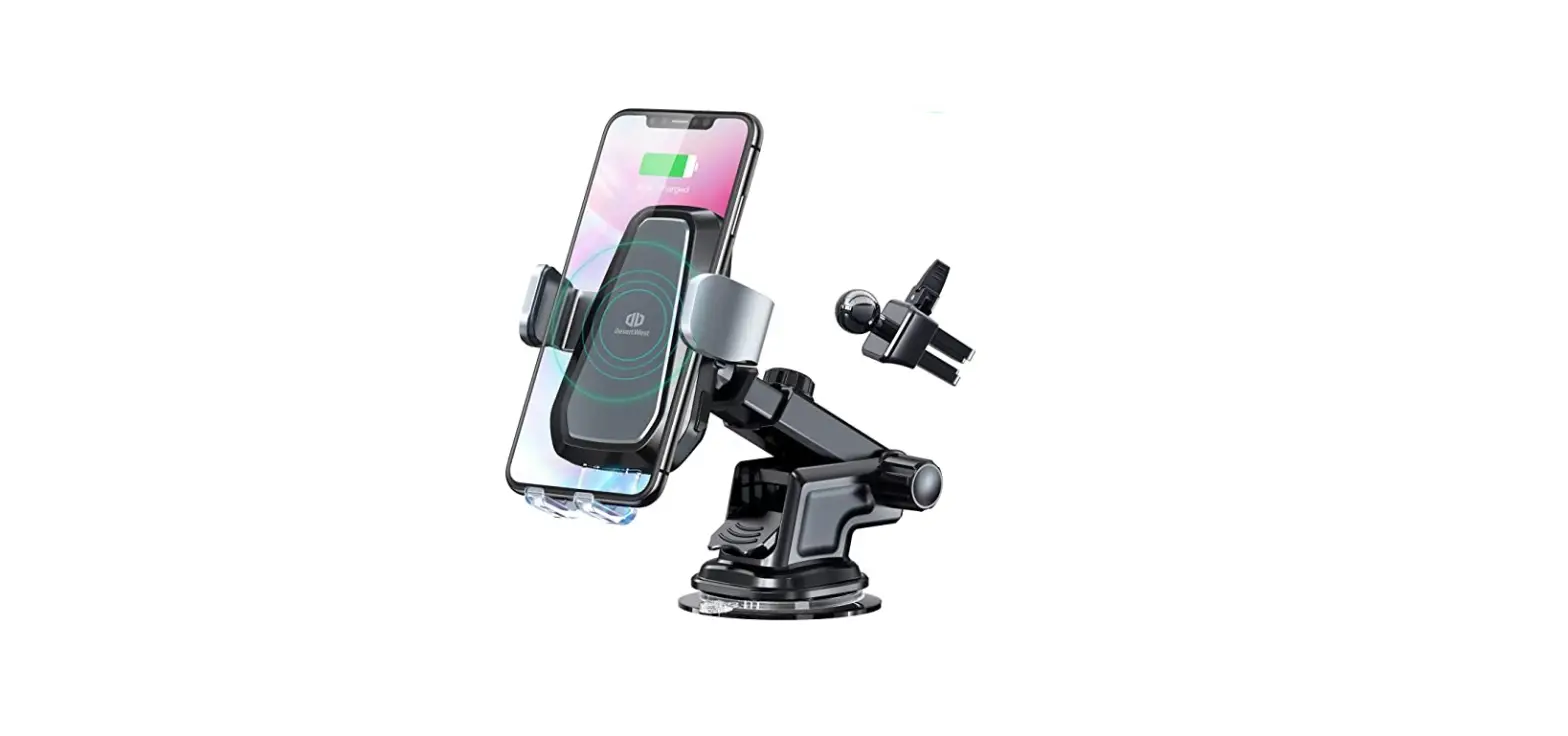
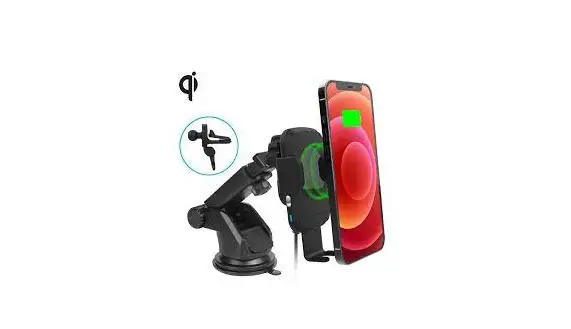
TF040904 Can Am Defender Cell Phone Charging Mount
Product Information:
| Product Name | Can-Am Defender Cell Phone Charging Mount |
|---|---|
| SKU | TF040904 |
| Manufacturer | Thumper Fab |
| Manufacturer Address | 5103 Elysian Fields Rd, Marshall, TX 75672 |
| Customer Service | 903-472-0928 |
| Website | www.thumperfab.com |
| Version | 0522 |
Product Usage Instructions:
- Install the wireless phone charger mount to the dash mounting
plate. - Run the phone charger wires through the center hole of the
mounting plate. - Using three #6-32 x 1 socket cap screws (B), attach the
wireless phone charger (2) to the dash mounting plate (1) (refer to
FIG 1). - Fasten the wireless phone charger (2) and dash mount plate (1)
to the dash using a drill and five #14 x 3/4 truss head Phillips
screws (A) (be careful not to over tighten) (refer to FIG 2). - Drill a hole using a 1/2 drill bit and run the wires through
the hole. - Refer to the wiring instructions inside the wireless phone
charger box for further guidance.

Plate using 1/8 Allen Wrench and 5/16 Wrench

Drill
Can-Am Defender
Cell Phone Charging Mount
SKU: TF040904
Thumper Fab 5103 Elysian Fields Rd, Marshall, TX 75672
Customer Service: 903-472-0928
www.thumperfab.com
Ver. 0522
Can-Am Defender Cell Phone Mount Installation Manual
SKU: TF040904
PARTS
QTY 1 1
REF 1 2
A
5
B
3
C
3
D
3
E
2
DESCRIPTION Dash Mount Plate Wireless Phone Charger H Hardware Kit #14 x 3/4″ Truss Head Phillips Screw #6-32 x 1″ Socket Cap Screw #6-32 x 1″ Nylon Lock Nut
#6 Flat Washers Piggy Back Spade Connectors
TOOLS
· Drill · 1/2″ Drill Bit · #3 Phillips Head Bit · 1/8″ Allen Wrench · 5/16″ Wrench
N
D E
SKU: TF040904
BEFORE YOU BEGIN
If you do not feel comfortable installing your Thumper Fab Cell Phone Charging Mount, please see your nearest Can-Am® Dealer for
installation.
CAN-AM DEFENDER CELL PHONE CHARGING MOUNT MANUAL
Page 2
INSTALLATION INSTRUCTIONS
Install Wireless Phone Charger Mount to Dash Mounting Plate Run phone charger wires through center hole of mounting plate and use 3 X #6-32 x 1″ socket cap screws (B) 3 X #6-32 Nylon Insert Lock Nut (C) 3 X #6 Washers (D) to fasten wireless phone charger (2) to the dash mounting plate (1) (FIG 1).
FIG 1 – Fasten Wireless Phone Charger to Dash Mount Plate using 1/8″ Allen Wrench and 5/16″ Wrench
Drill hole using 1/2″ drill bit & run wires through hole. Fasten wireless phone charger (2) and dash mount plate (1) to dash, using a drill and 5 X #14 x 3/4″ truss head phillips screws (A), careful not to over tighten. Refer to wiring instruction inside wireless phone charger box. (FIG 2).
FIG 2 – Fasten Dash Mount Plate to dash using Drill
SKU: TF040904
CAN-AM DEFENDER CELL PHONE CHARGING MOUNT MANUAL
Page 3
Thumper Fab 5103 Elysian Fields Rd, Marshall, Tx 75672
Customer Service: 903-472-0928
www.thumperfab.com
 Thumper Fab - UTV Accessories