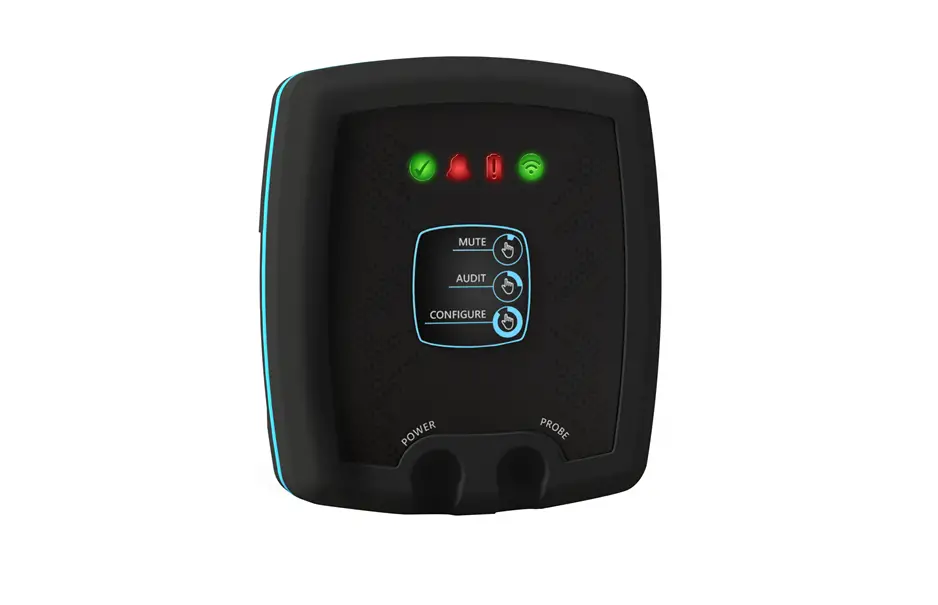
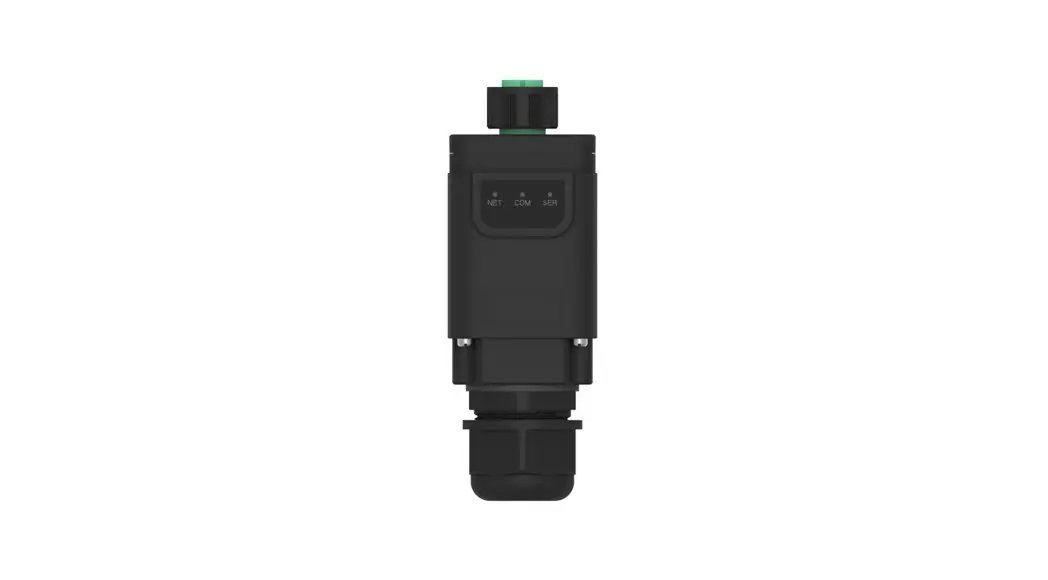
DeltaBlue Mini Wireless Data Logger
DeltaBlue Mini & DeltaBlue Pro
DeltaBlue Mini & DeltaBlue Pro are battery-powered, rugged
devices used for measuring and control in remote areas or
installations without access to mains power or a fixed
communication line.
Typical Applications
- Temperature and humidity monitoring
- Water level monitoring
- Pump control
- Weather station
- Remote monitoring and control of industrial processes
Accessories
- External Antenna
- Pressure Sensor
- Replacement battery
- Screw mount antenna
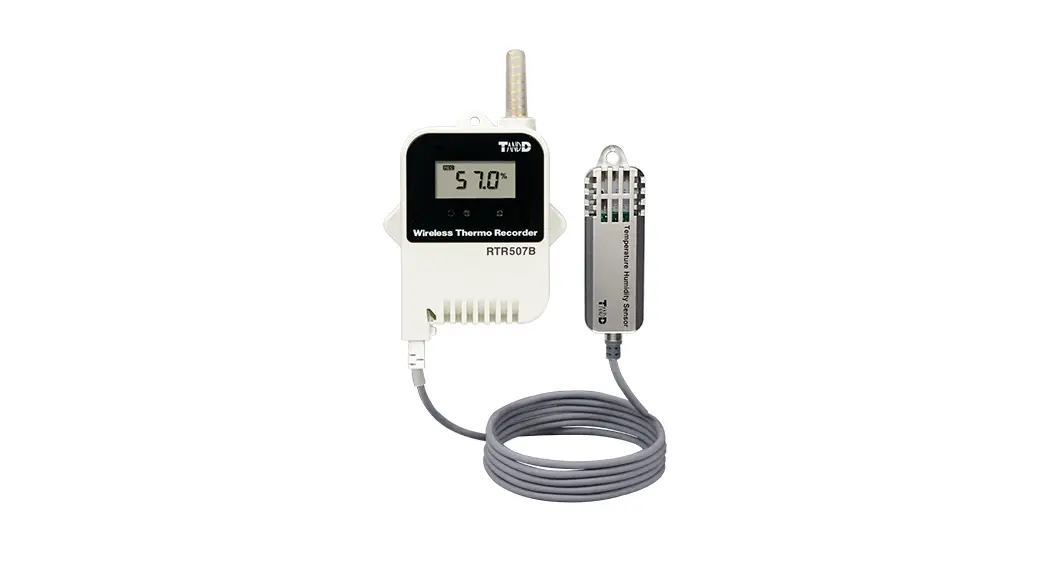
- Temperature/Humidity Sensor
- Stainless steel mounting plate
Features
- Battery-powered for remote use
- Rugged design for harsh environments
- Multiple channels for monitoring and control
- Data transfer and logging capabilities
- Configurable alarms and data formats
- Communication options for sending data to desired location
Getting Started
Connecting the Hardware:
- Insert SIM card into the device.
- Connect the battery and communication wiring according to the
provided wiring examples.
Configuration Tool:
- Start the configuration tool on your computer.
- Connect the device to your computer.
- Go to the terminal tab and choose the right COM port and set
the baud rate to 115200. - Open the port by pressing COM(X): CLOSED.
- Click anywhere in the blue window until you see a flashing
square. Proceed by pressing the reset button on the modem, then
immediately press Esc on your keyboard until the message Escape
Pressed shows up. - Make sure that the firmware matches the configuration tool
version.
Configuring the Unit:
- When done configuring the unit, press the red button WRITE
MEMORY to upload the configuration to the unit. - To see what configuration is already on the unit, press READ
MEMORY when having the unit connected to the computer to read it
onto the configuration tool. - To save your configuration to use for future units, press File
in the top left corner, then save in the dropdown menu, and save it
to an optional location.
LED Indicator:
- 1 Network: Poor/Fair/Good signal
- 2 IP status: Searching for network connection/Active 2G, 3G or
4G network connection/Internet provider connection/No Internet
provider connection - 3 Data Com: Recieving data (2s active)/No data transmittion
occurring/Sending Data
PIN Description:
| Channel | Colour | Dip Switch OFF | Dip Switch ON |
|---|---|---|---|
| Ch1 IO | Brown | DI | Pulse DI, Pulse Strong Pullup |
| Ch2 IO | Blue | DI, AI, 0-2.5V | AI 4-20mA |
| Ch3 IO | Yellow | DI, AI, 0-2.5V | AI 4-20mA |
| Ch4 IO | Green | DI, AI, 0-2.5V |
Contact ETM Pacific Pty Ltd for more information:
- Tel: +61 (0)2 9956 7377
- E-mail: [email protected]
- Website: www.etmpacific.com.au
Quick Start Guide
DeltaBlue Mini
DeltaBlue Pro
INTRODUCTION
DeltaBlue Mini & DeltaBlue Pro are a battery-powered, rugged device used for measuring and control in remote areas or installations without acces to mains power or a fixed communication line.
TYPICAL APPLICATIONS
· Well and Pit monitoring · Tank measurments · Water and sewer treatment · Agriculture applications · Remote alarms · Lake water level monitoring
ACCESSORIES
FEATURES
· Up to 3 years battery life time* (Depending on settings) · Integrated 6-channel data logger · Integrated 2G/3G/4G wireless modem · Integrated GPS, temperature, humidity and accelerometer · Pre-configured for the most common sensor types with 3.6V, 5V & 16V power feed. · Easy access to logged measurements via ETM’s IoT Cloud Dashboard (IoTconx) · Easy integration to SCADA and telemetry systems
External Antenna
Pressure Sensor
Replacement battery
Screw mount antenna
MORE INFO:
ETM Pacific Pty Ltd
Temperature/ Humidity Sensor
Stainless steel mounting plate
Tel: +61 (0)2 9956 7377
E-mail: [email protected]
www.etmpacific.com.au
Getting Started
1. CONNECTING THE HARDWARE CONNECTING SIM CARD
BATTERY AND COMMUNICATION
WIRING EXAMPLES
· Water/Electrical meter · Pressure Sensor
2. CONFIGURATION TOOL
1. Start the configuration tool
3
4
2. Connect the unit to your computer
3. Go to the terminal tab, use “Set COM Port” to choose
the right COM port (most likely not COM1) and set
the baud rate to 115200
3
4. Open the port by pressing “COM(X): CLOSED”
5. Click anywhere in the blue window until you see a flashing square. Proceed by pressing the “reset”
3
button on the modem, then immediately press “Esc”
on your keyboard until the message “Escape Pressed”
shows up
6. Make sure the that the firmware matches the configuration tool version like the picture above (6)
7. The unit is now ready to be configured.
6 5
3. CONFIGURING THE UNIT
1. When done configuring the unit, press the red button “WRITE MEMORY” to upload the configuration to the unit.
2. To see what configuration is already on the unit, press READ MEMORY” when having the unit connected to the computer to read it onto the configuration tool
3. To save your configuration to use for future units press “File” in the top left corner, then “save” in the dropdown menu, and save it to an optional location.
4. Your unit is now ready to use.
3 2
General settings Used for adding phone numbers, change Unit ID, Clock sync, data formats… Channel settings Setting up and configuring alarms on different channels/pins. Data Transfer/Logging Timers For data logging/monitoring. Choosing which data the unit will gather and send. Communication Specify where the unit should send the data.
6 1
Tel: +61 (0)2 9956 7377
www.etmpacific.com.au
EQSG-DeltaBluePro&Mini/a/v.1.01
LED INDICATOR:
1 Network
2 IP status
3 Data Com
1 Poor
2 Fair
3 Good
Green status LEDs
Slow Flash 2x Flash 3s Pause 3x Flash 3s Pause 4x Flash 3s Pause
Searching for network connection Active 2G network connection Active 3G network connection Active 4G network connection
On
Internet provider connection
Of
No Internet provider connection
On Off Rapid Flash
Recieving data (2s active) No data transmittion occurring Sending Data
Yellow signal strength LEDs
Flashing On Of
RSSI < -105dBm or No SIM detected RSSI -105dBm (Poor signal) Not registered to mobile network
Flashing On Of
No SIM detected RSSI -89dBm (Fair signal) RSSI < -89dBm or not reg. to mobile network
Flashing On Of
No SIM detected RSSI -73dBm (Good signal) RSSI < -73dBm or not reg. to mobile network
PIN DESCRIPTION:
Channel Colour Dip Switch OFF Dip Switch ON
Ch1 IO
Brown DI, Pulse
DI, Pulse Strong Pullup
Ch2 IO
Blue
DI,AI,0-2.5V
AI 4-20mA
Ch3 IO
Yellow DI,AI,0-2.5V
AI 4-20mA
Ch4 IO
Green DI,AI,0-2.5V
AI 4-20mA
Ch5 IO
Red
DI,AI,0-2.5V
AI 4-20mA
Ch6 IO
Black
AI 0-5VDC
AI 0-10VDC
Ch7 Feed Orange
· 5V Out · 16V Out
3.6V Out (Battery)
Ch8 GND Grey
Signal Ground
DI-Digital Input AI-Analogue Input
MORE ABOUT IoTconx:
IoTConx is ETM’s cloud-based platform designed for capture, storage, manipulation, and display of the data resulting from Delta Blue sensors or the data feed from your device being monitored. Logged data can be downloaded in various formats with option to link with 3rd Party platforms via API. IoTConx can be customized to meet specific customer user interface requirements and can be deployed on private server instances.
IoT PRODUCT RANGE:
Delta Blue
Delta Black
Data Loggers
Modems & Routers
Environmental Smart metering
Solar
Geotech
Integrated Solutions
Antennas
Cellular Signal Boosters
Tel: +61 (0)2 9956 7377
www.etmpacific.com.au
SIM Data Plans EQSG-DeltaBluePro&Mini/a/v.1.01
 ETM Pacific | Specialist in Cellular and LoRa Connectivity