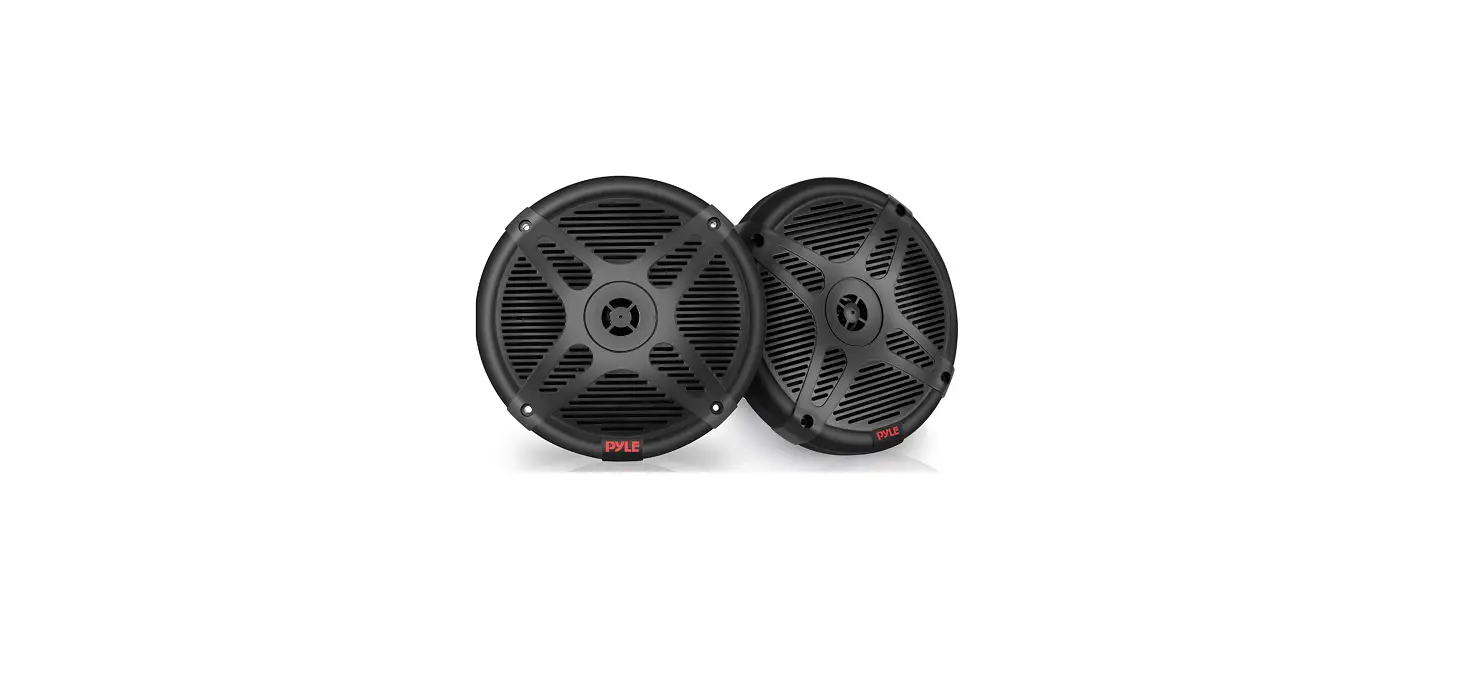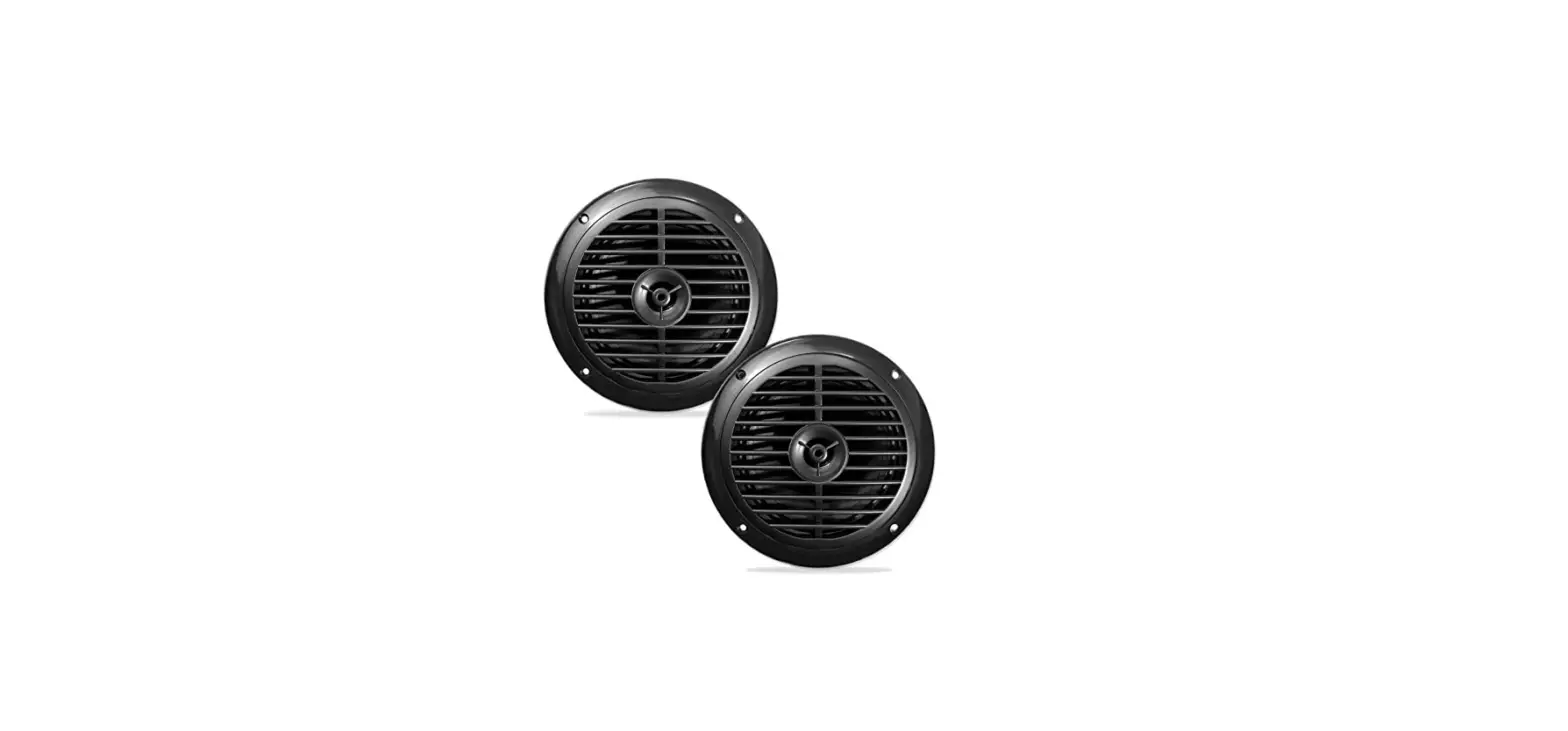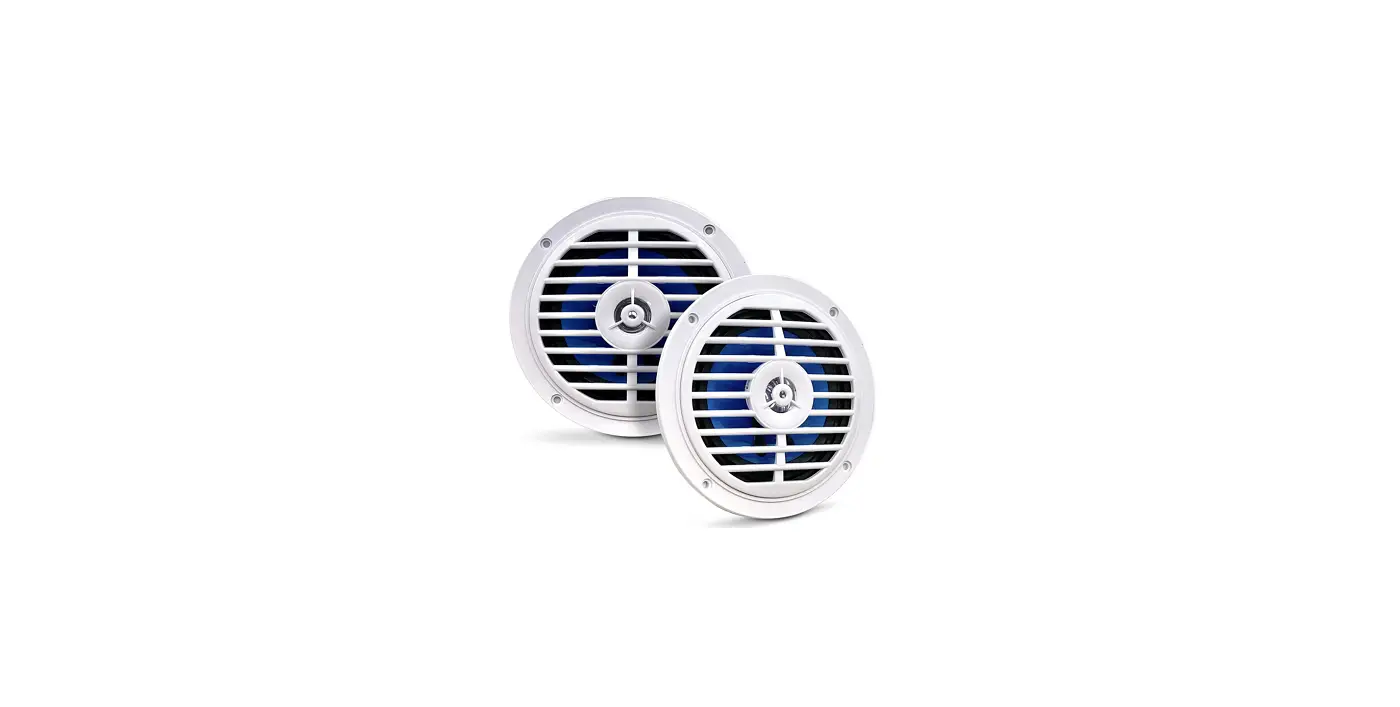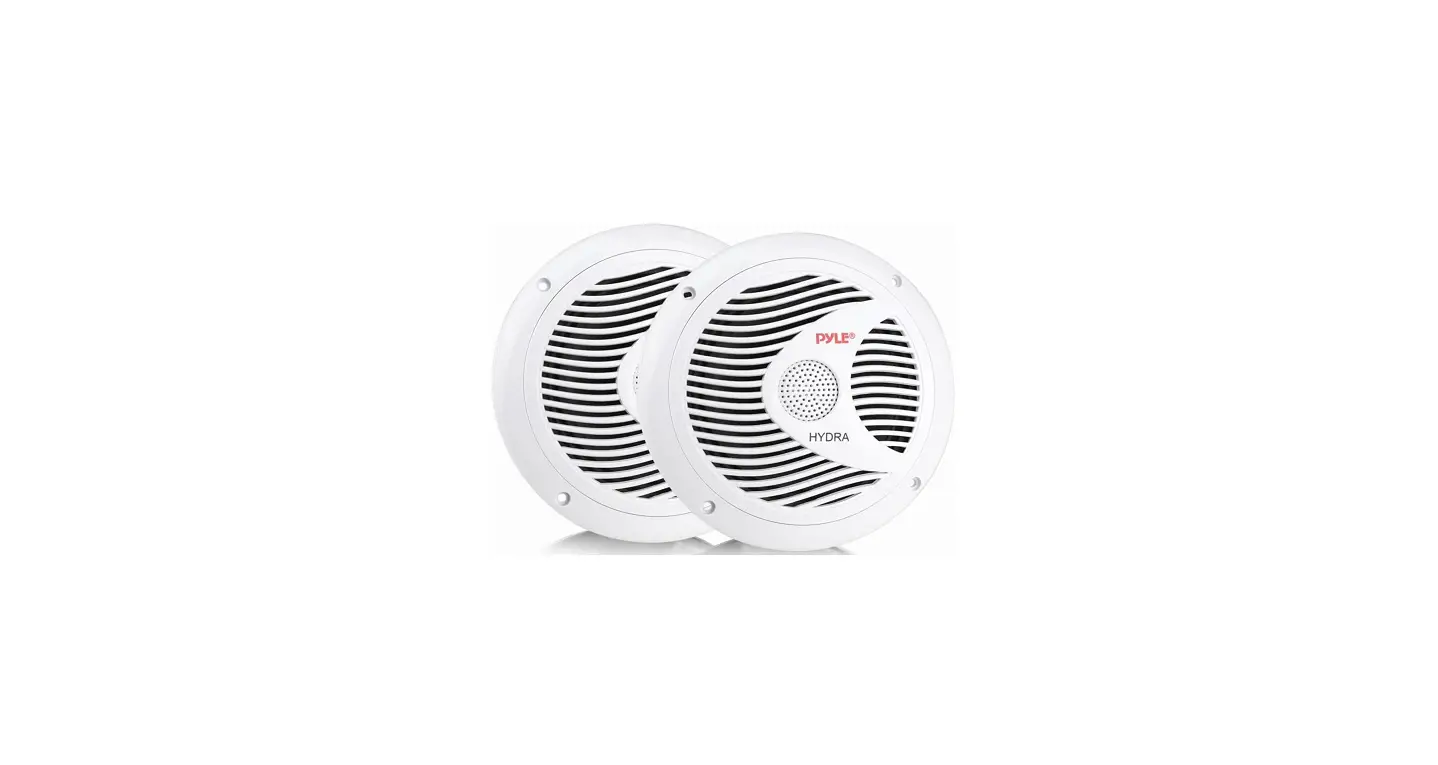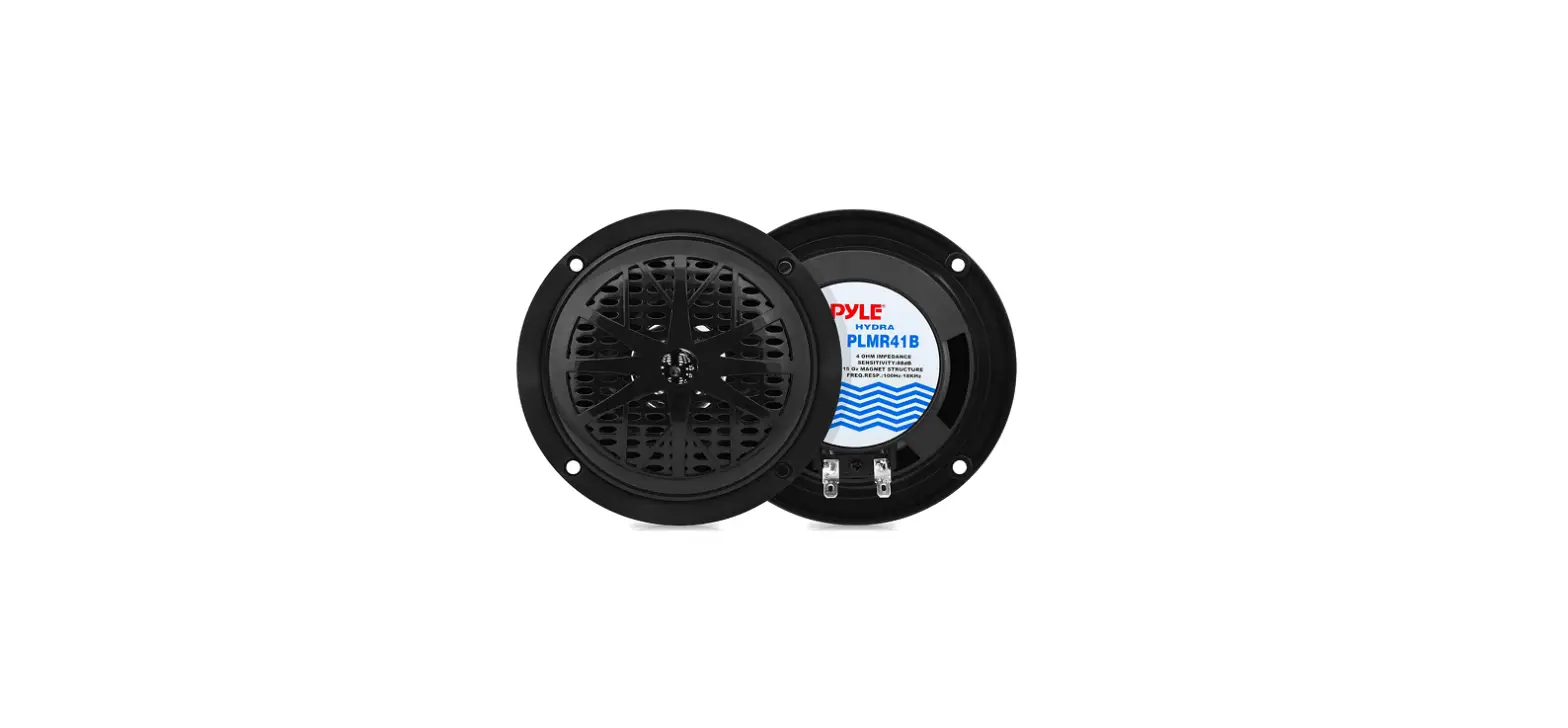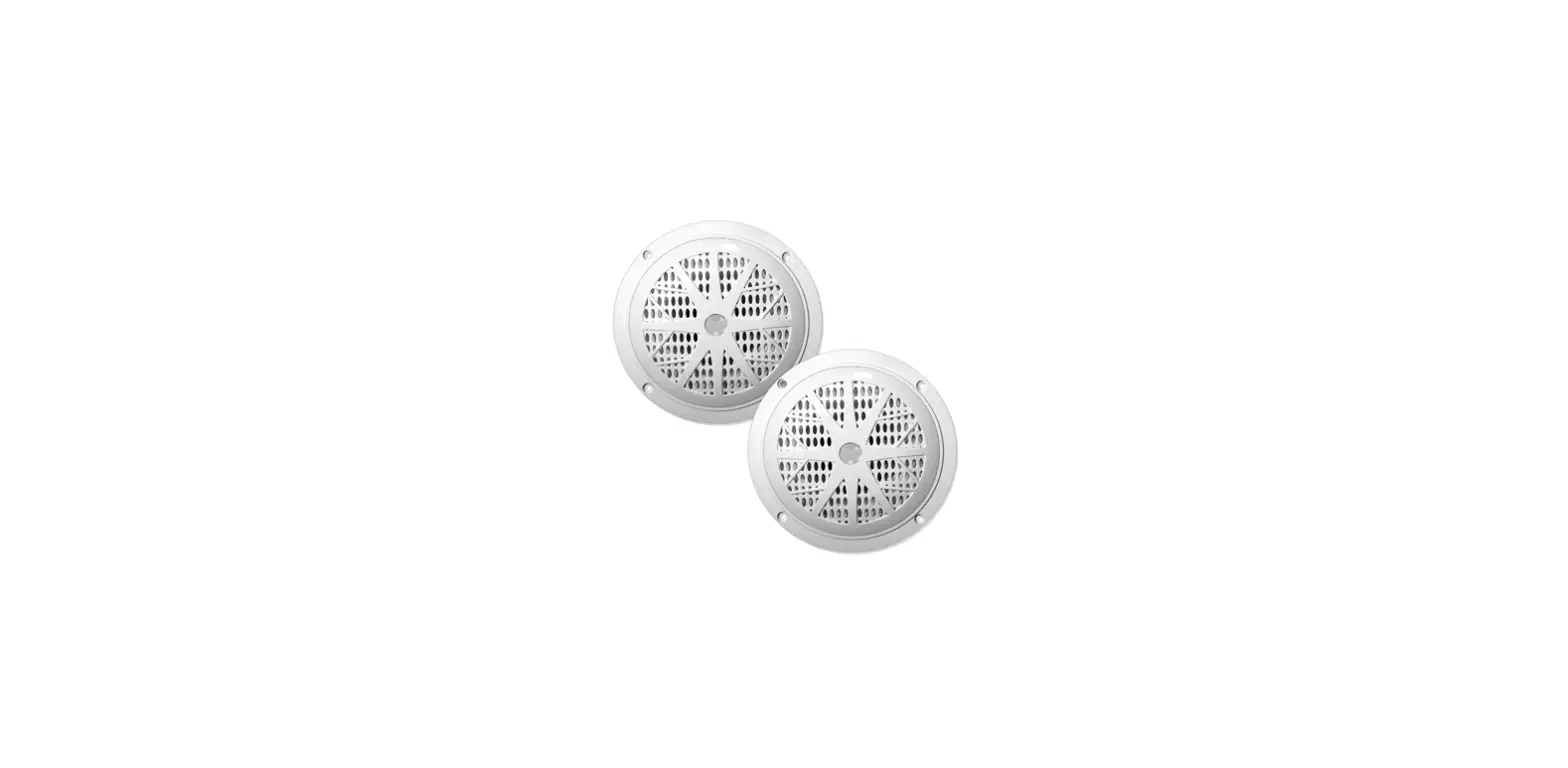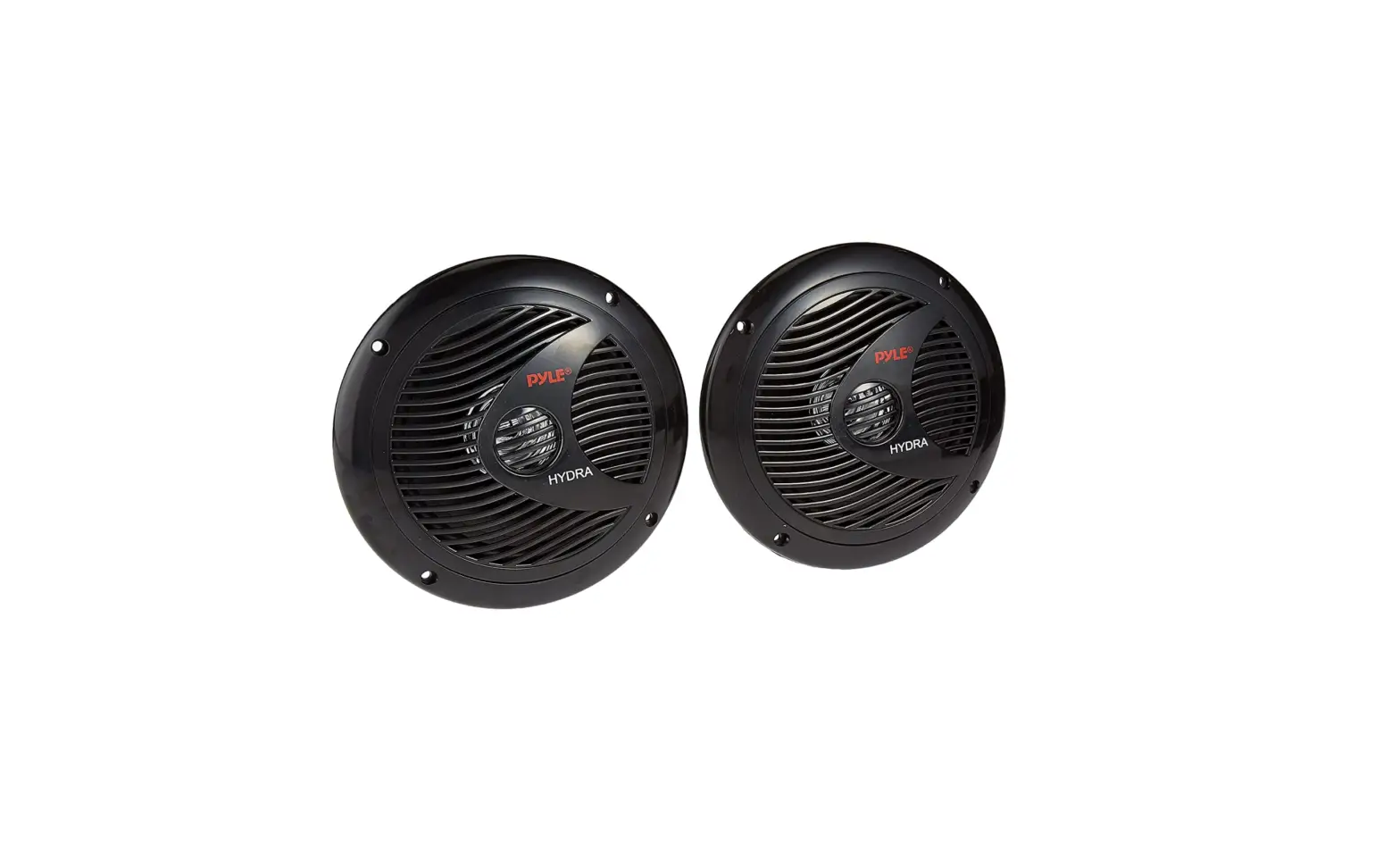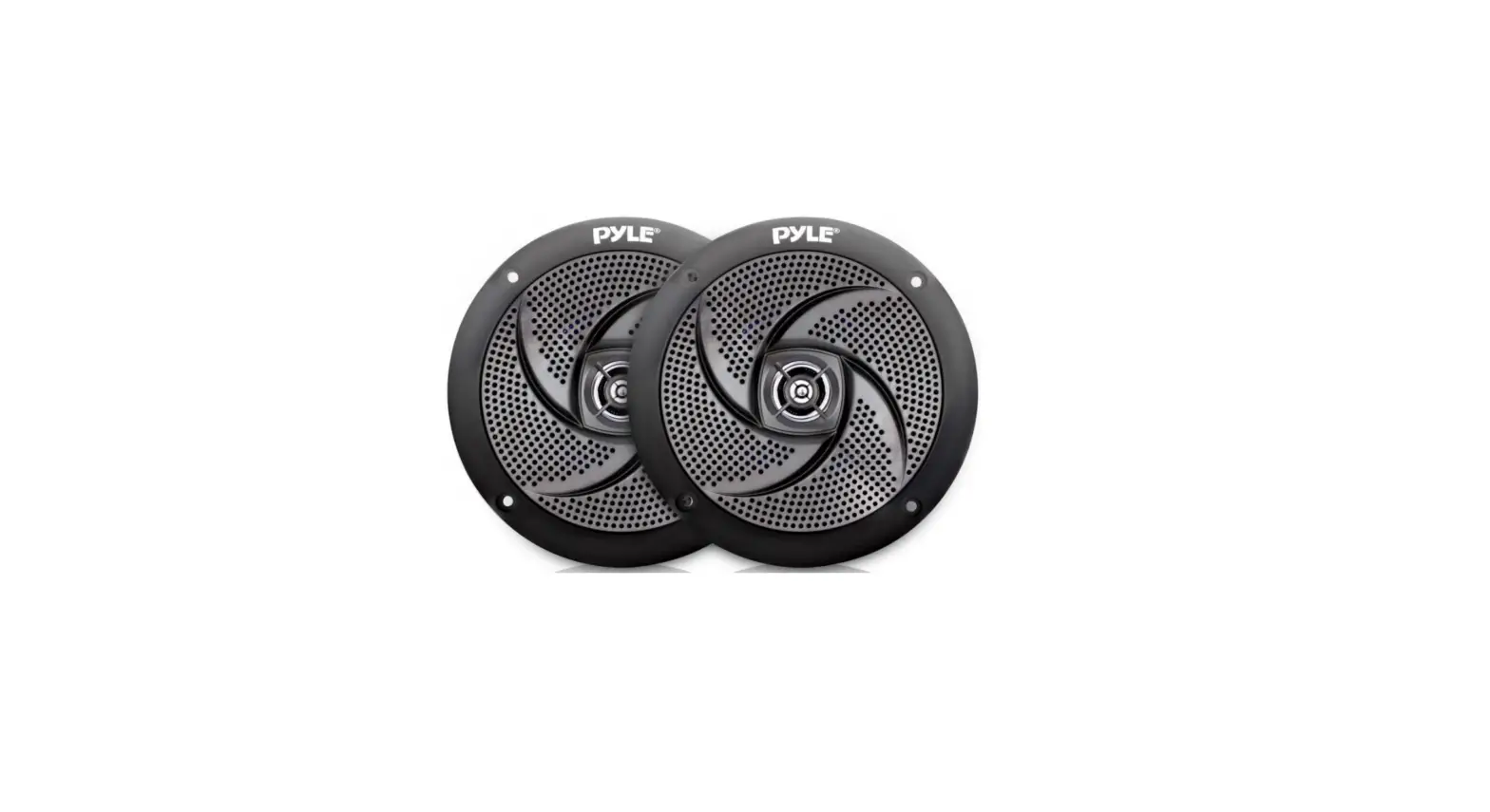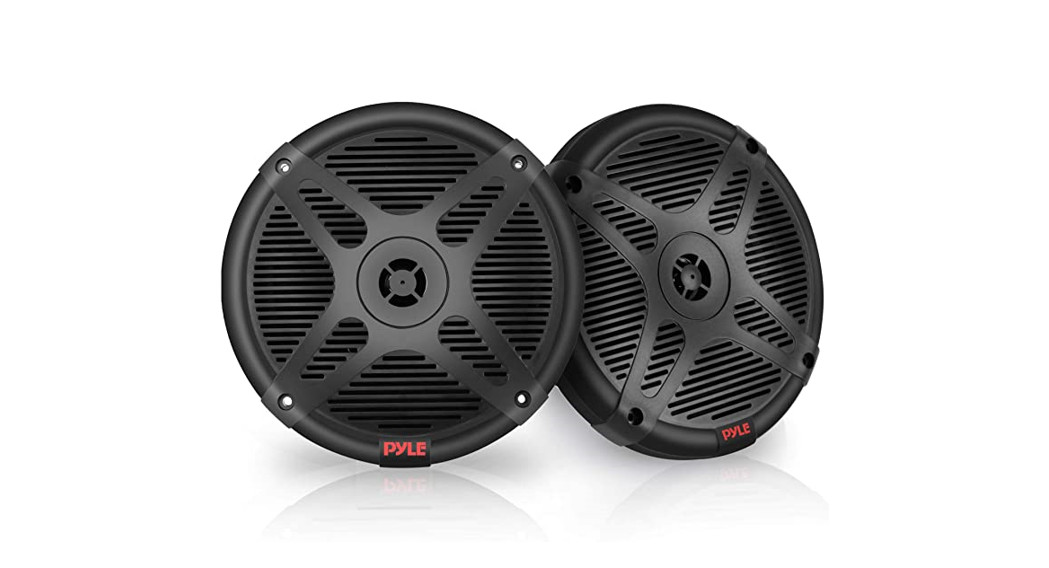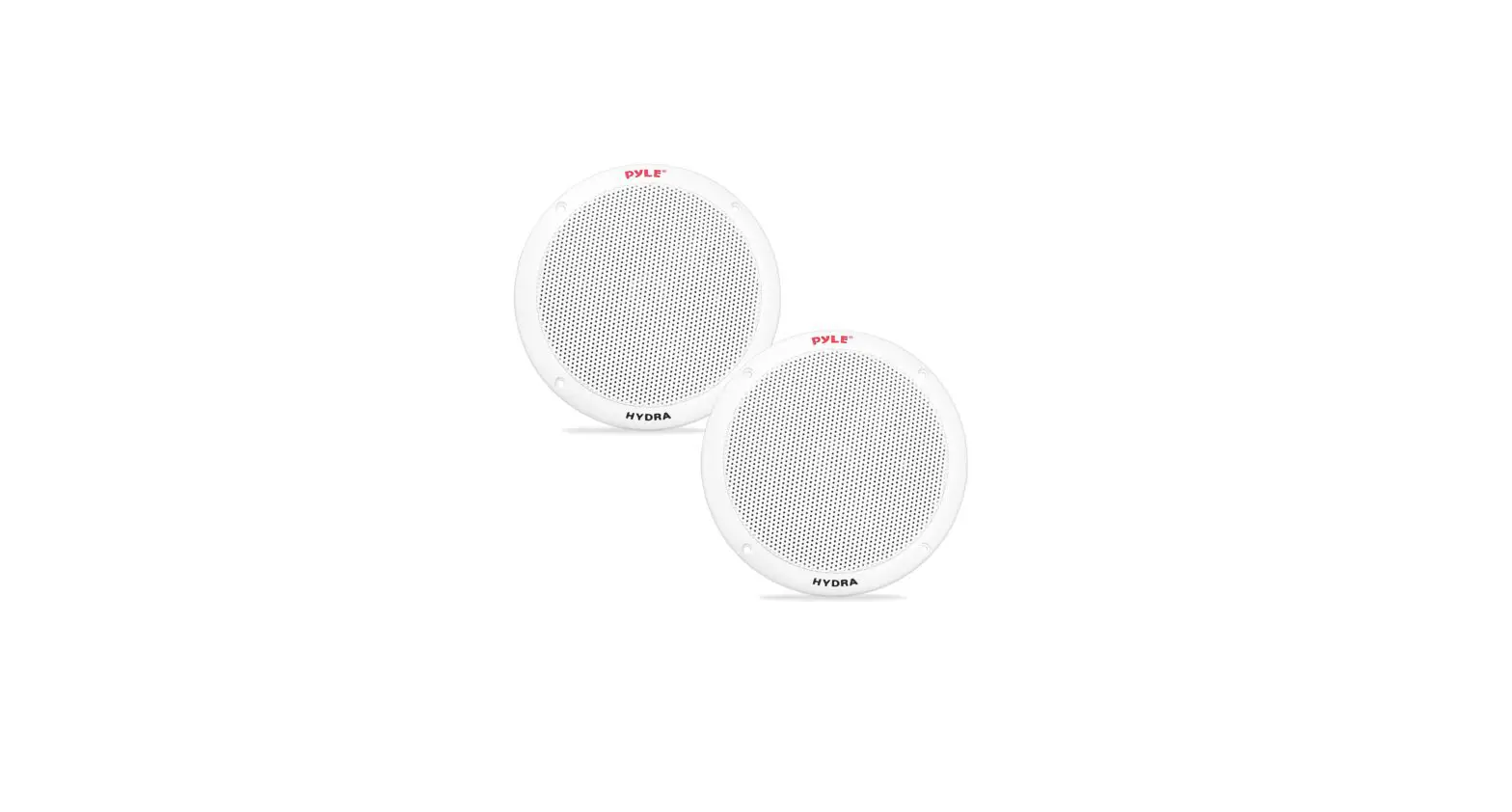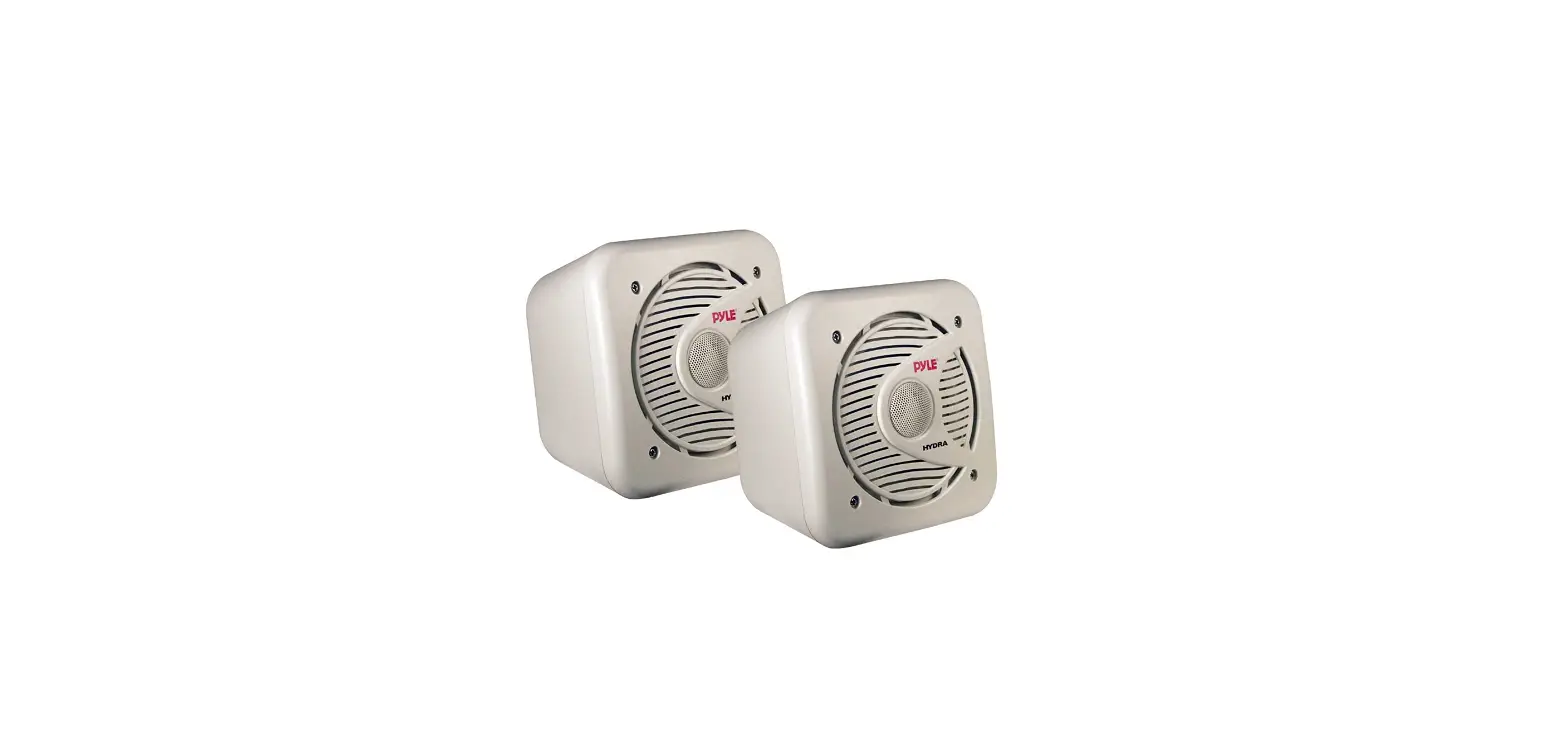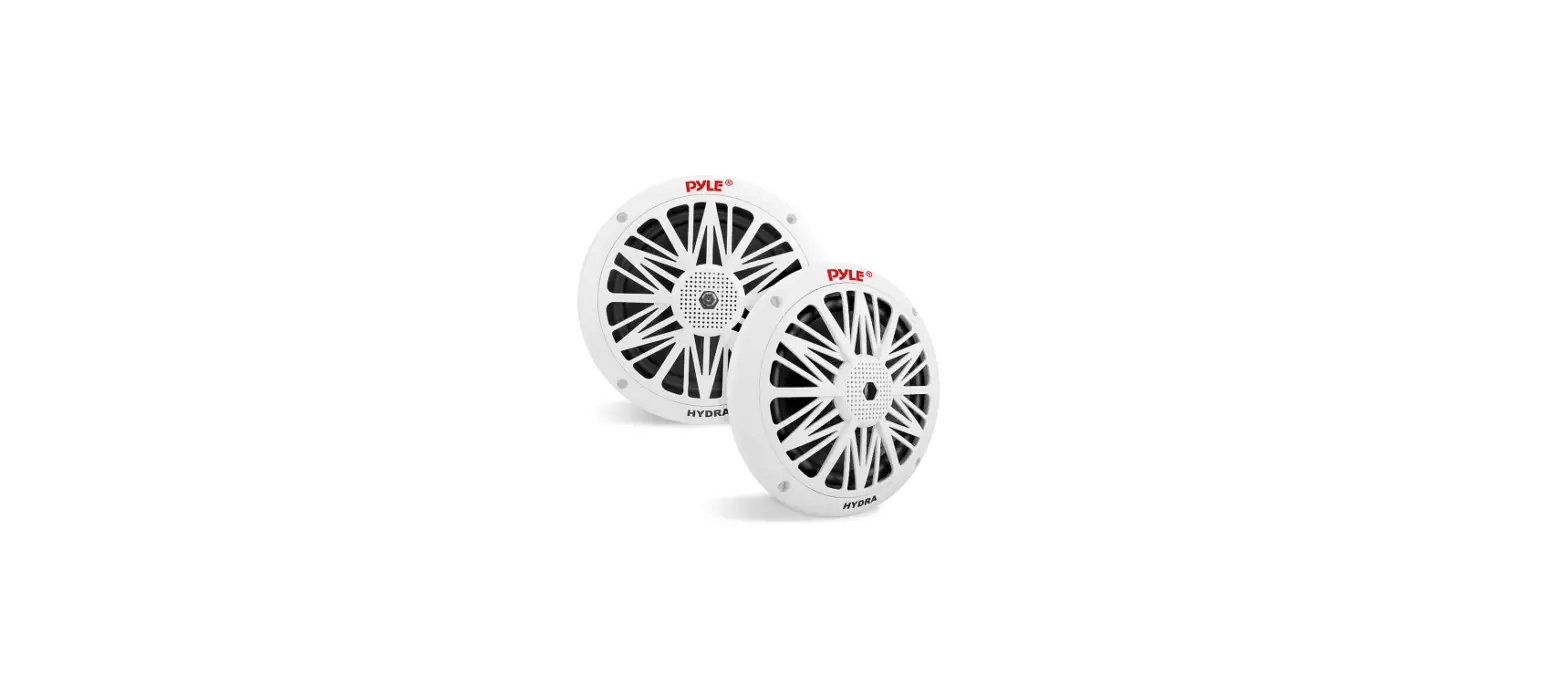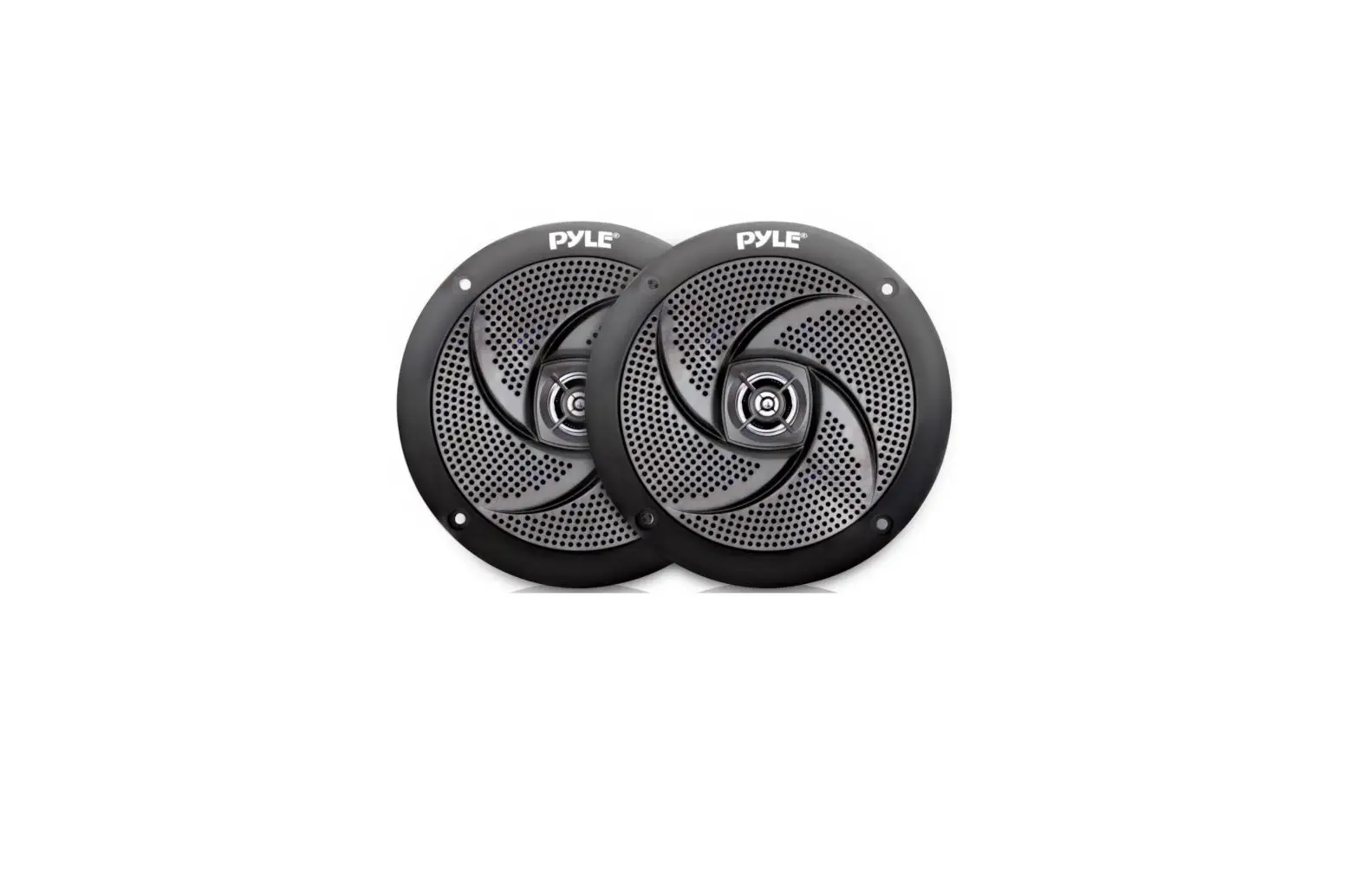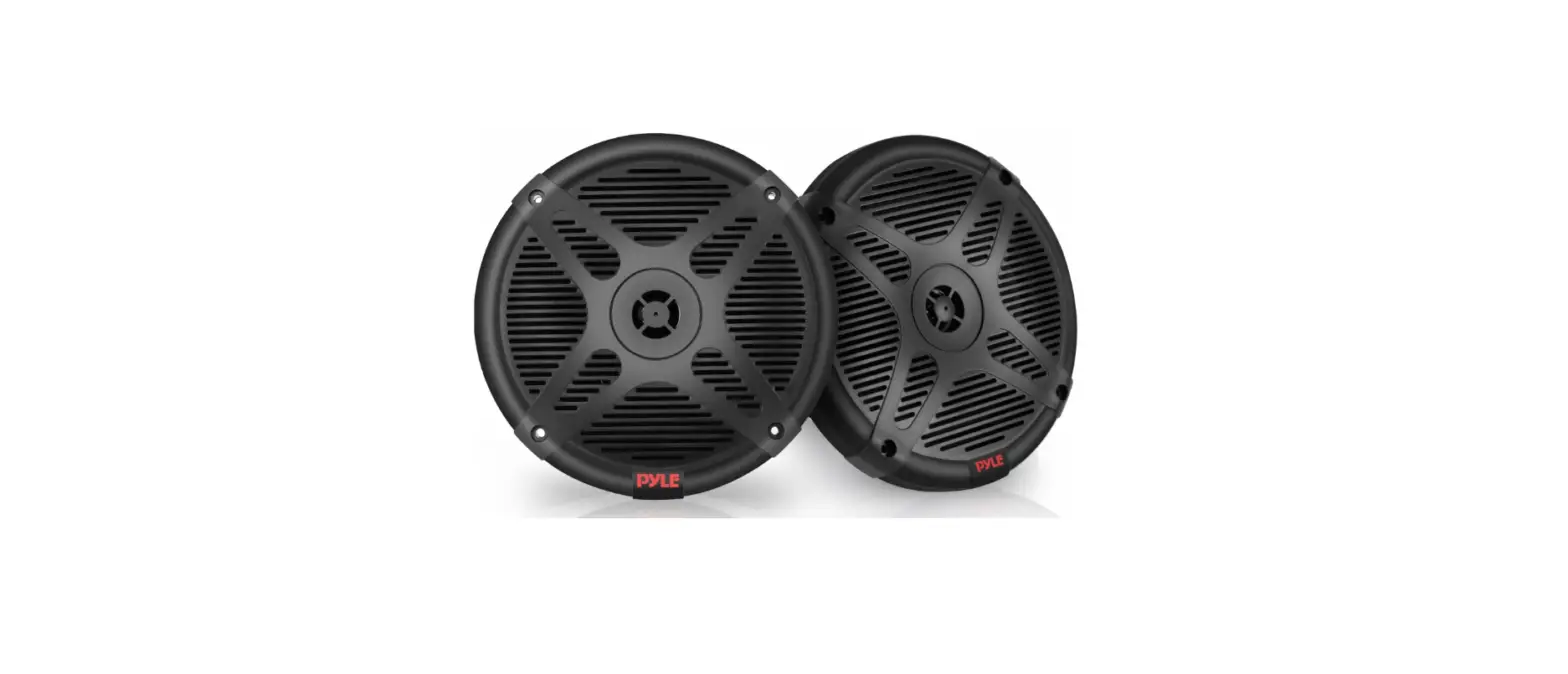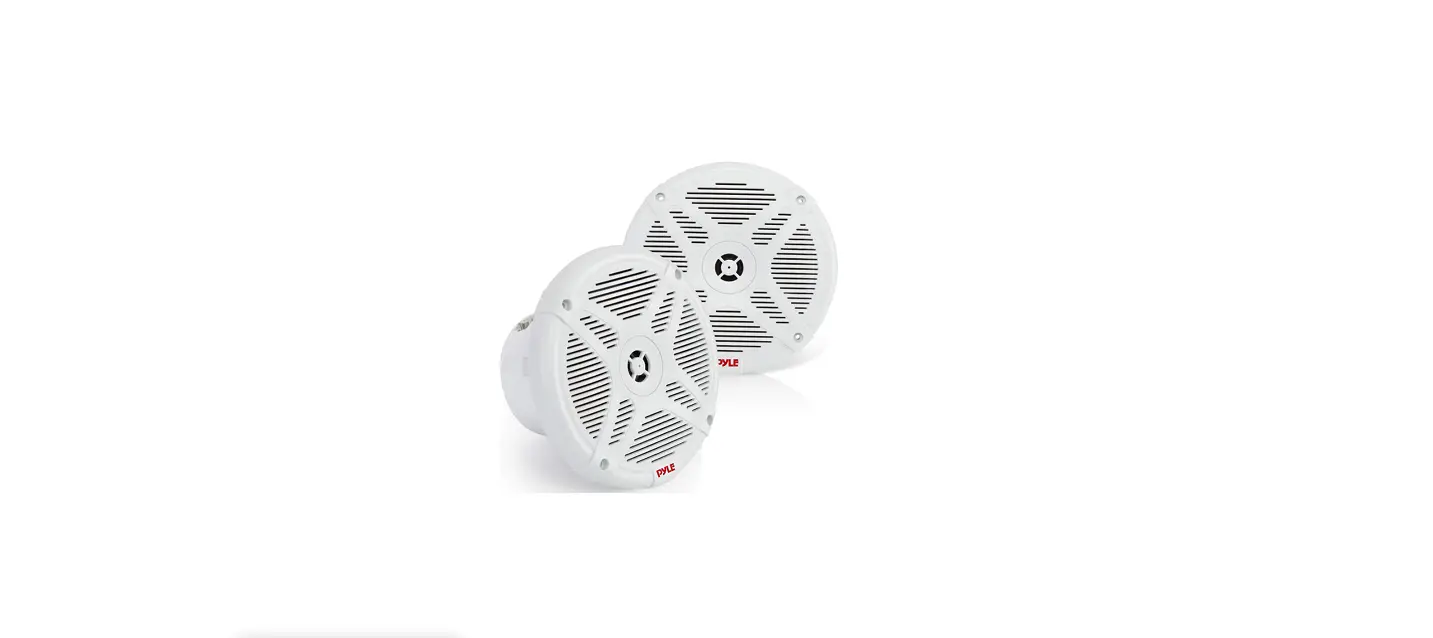

Pyle PLMRBT65W 6.5-Inches Bluetooth Marine Speakers
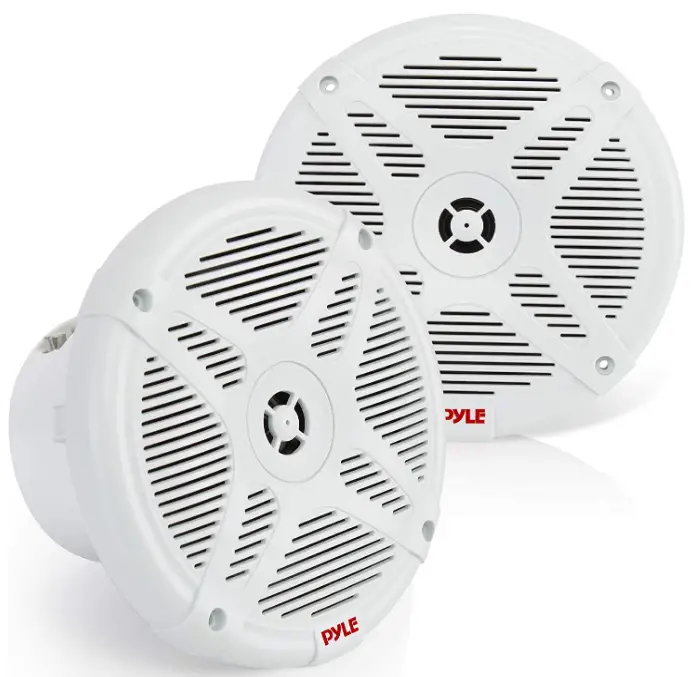
INSTALLATION GUIDE
LED INDICATOR
WAYS TO CONNECT
Bluetooth Connection
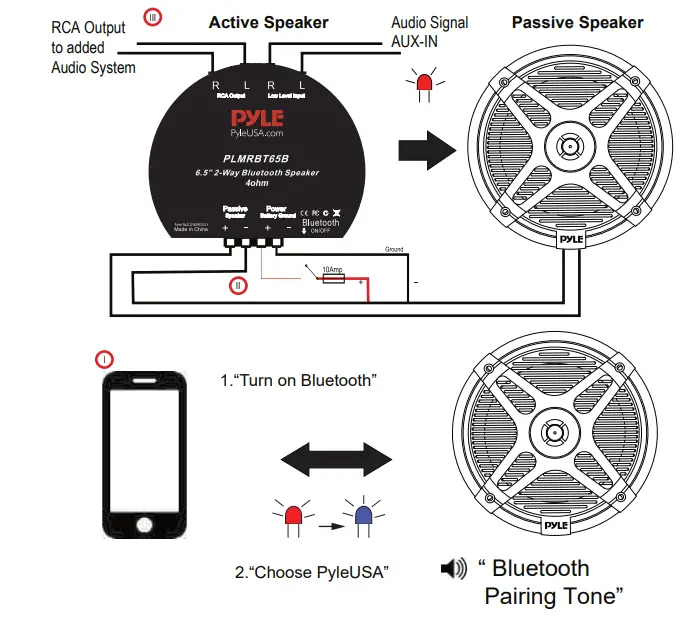
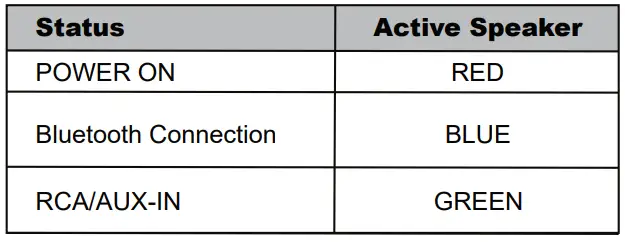
Connect the active speaker to a power source via a 12V cable. Upon successful connection a red light will illuminate in active speaker. Recommend to install a power switch and a 10amp fuse between the power and active speaker. Switch on Bluetooth on your phone/tablet and select Bluetooth connection name ‘Pyle USA’. Upon successful connection you will hear a connection tone and a blue light will illuminate on active speaker. Conversely upon Bluetooth disconnection, you will hear a disconnection tone and red light illuminates on active speaker.
- Using included speaker wire to daisy Chain connection in between Active and Passive speakers to build up the complete stereo system
- RCA Low level input allow user to have any AUX-IN option additionally while Bluetooth feature is disconnected.
The active speaker stays at green light illumination while RCA AUX-IN. Vice Versa, while Bluetooth is connected, the Bluetooth signal dominates the audio system.
- Optional ‘RCA Output’ allows user to wire and extend wider audio system.
The added pair is to receive audio signal via ‘Low Level Input’ and turn Bluetooth pin off on added active speaker to avoid Bluetooth connection confusion. The way of daisy chain connection in between active and passive speaker on added pair audio system is same as above point 2 method. The active speaker on added speaker system stays at green light illumination. User can use ‘RCA Output’ and ‘Low Level Input’ to add up numerous pair speakers to build up optimal audio system for different places.
FEATURES
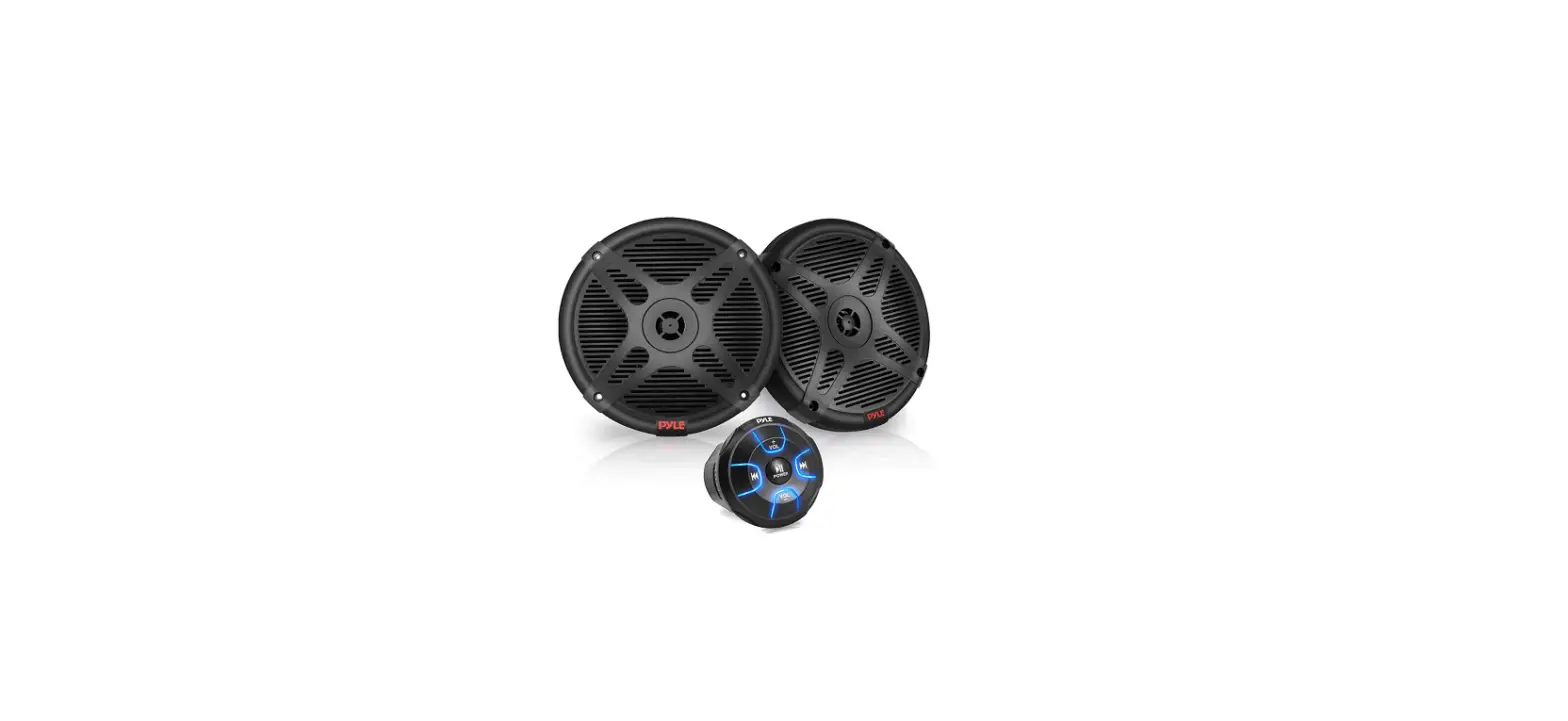
- Includes (2) 6.5” Coaxial Speakers (Active + Passive)
- Bluetooth Wireless Music Streaming Ability
- Marine Grade Waterproof-Rated Construction
- Water-Resistant & Weatherproof Design
- Amplified Master Speaker with Built-in 2-Ch.
- Digital Amplifier
- 2-Way Active Powered Speaker System
- Impressive Wide-Bass Response
- Full Range Stereo Sound Reproduction
- Universal Standard OEM Replacement Size
- Ability to Connect External Devices
- RCA Audio Aux (L/R) Connectors
- Hassle-Free Easy Access Speaker Terminals
- Daisy-Chain Ability (Active to Passive Speaker) as Stereo System
- Reinforced Surround with Dense Speaker Cone
- Rugged Machined Basket & Grill with UV Resistant Housing
- Used For Car, Boat, Off-Road & Marine Vehicle Applications
What’s in the Box
- (1) 6.5’’ -inch Active Speaker
- (1) 6.5’’ -inch Passive Speaker
- (2) Speaker Connection Wires, 9.8’ ft.
- Cut-Out Template
- Mounting Screws
Bluetooth Connectivity
- Receiver Built-into Active / Master Speaker
- Allows Instant Wireless Music Streaming
- Simple Setup & Hassle-Free Pairing Ability
- Works with All of Today’s Latest Devices (Smartphones, Tablets, Laptops, PC)
- Bluetooth Version: 4.2
- Bluetooth Network Name: “PyleUSA”
- Wireless Range: 30+ ft.
Sizes / Dimensions
- Total Diameter:9’’ -inches
- Cut-Out Diameter:75’’ –inches
- Total Depth:97’’ –inches
- Active Speaker Mounting Depth:1’’ -inches
- Passive Speaker Mounting Depth:3’’ –inches
TECHNICAL SPECS
- POWER OUTPUT: 600 Watt MAX (300 Watt RMS)
- MARINE GRADE RATING: IP-X4
- SPEAKER COMPOSITION: Polypropylene Cone, Butyl Rubber Surround
- VOICE COIL:0”, Aluminum (x2)
- TWEETERS:5”, Neodymium Dome (x2)
- IMPEDANCE: 4 Ohm
- SENSITIVITY: 90 dB
- CIRCUIT MAGNET: 20 oz.
- FREQUENCY RESPONSE: 85Hz-20kHz
- POWER SUPPLY: DC 12V
- ACTIVE SPEAKER WEIGHT: 1.56 lbs.
- PASSIVE SPEAKER WEIGHT:34 lbs.
- SOLD AS: Kit
FAQs
The speaker may need to be unpaired, then repaired with your device. Before starting the pairing process, make sure the Bluetooth Speaker is ON.
If the battery level is too low, smart power management features on some devices may disable Bluetooth. Check the battery life of the device you’re attempting to associate with and your phone or tablet if they’re having trouble pairing.
Turn off the device. The red charging indicator will continue to light after inserting the included charge cable into the unit’s charging slot and connecting the other end to a computer or another charger with a DC5V output. 3 to 5 hours should pass after charging.
First, disconnect the speaker from any associated devices. To return the speaker to its default settings, press and hold both the power and Bluetooth buttons at the same time for longer than three seconds.
On the gadgets or on mobile phones, press the Forward or Backward button to choose the songs you like. Increase and decrease the volume using the Bluetooth device. Alternatively, long-press the Forward or Backward buttons to increase or decrease the volume.
Select the “Pyle Audio” device from the list of discovered devices by selecting the Bluetooth menu on your Bluetooth device. If you are asked for your PIN code, type “0000” in the box provided (four zeros).
Abe Brach, who currently serves as the company’s president, is based in Brooklyn, New York, where the company is headquartered.
Speakers On/Off Button To switch on all speaker pairs, press the button. Press the button one more to turn it off.
Press and hold the BATT (battery) button and the LIGHT button inside the speaker cap for around 3 seconds to switch on or off the lighting feature. By pressing and holding the button for a further three seconds, the illumination feature can be turned back on or off.
First, disconnect the speaker from any associated devices. To return the speaker to its default settings, press and hold both the power and Bluetooth buttons at the same time for longer than three seconds.
The system has a battery life of about 8 hours. 8 to 10 hours on average for charging.
Connect this amplifier system to the power supply by inserting the power cord into the socket. Turn the amplifier on. Red appears on the Power Indicator. When the battery is almost full, the RECHARGE indicator flashes red to indicate charging, and it shuts off when the battery is entirely charged.
Speakers On/Off Button To switch on all speaker pairs, press the button. Press the button one more to turn it off.
Turn on Wireless BT on your smartphone, look for the PyleUSA device, and connect it. The Blue LED will begin to slowly blink after a successful pairing, and you will also hear the tone “Bluetooth Device Connected Successfully” after connected.