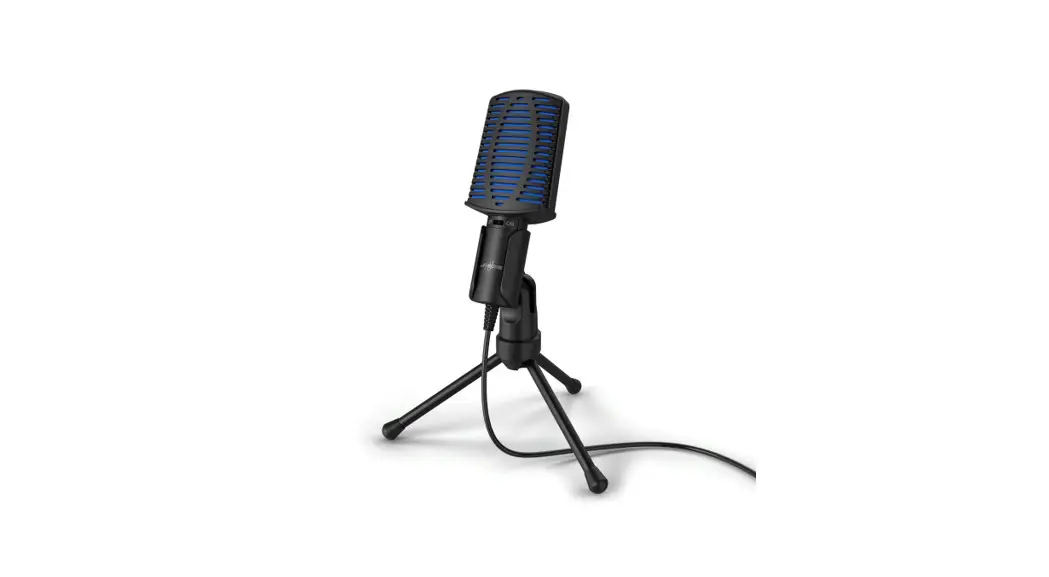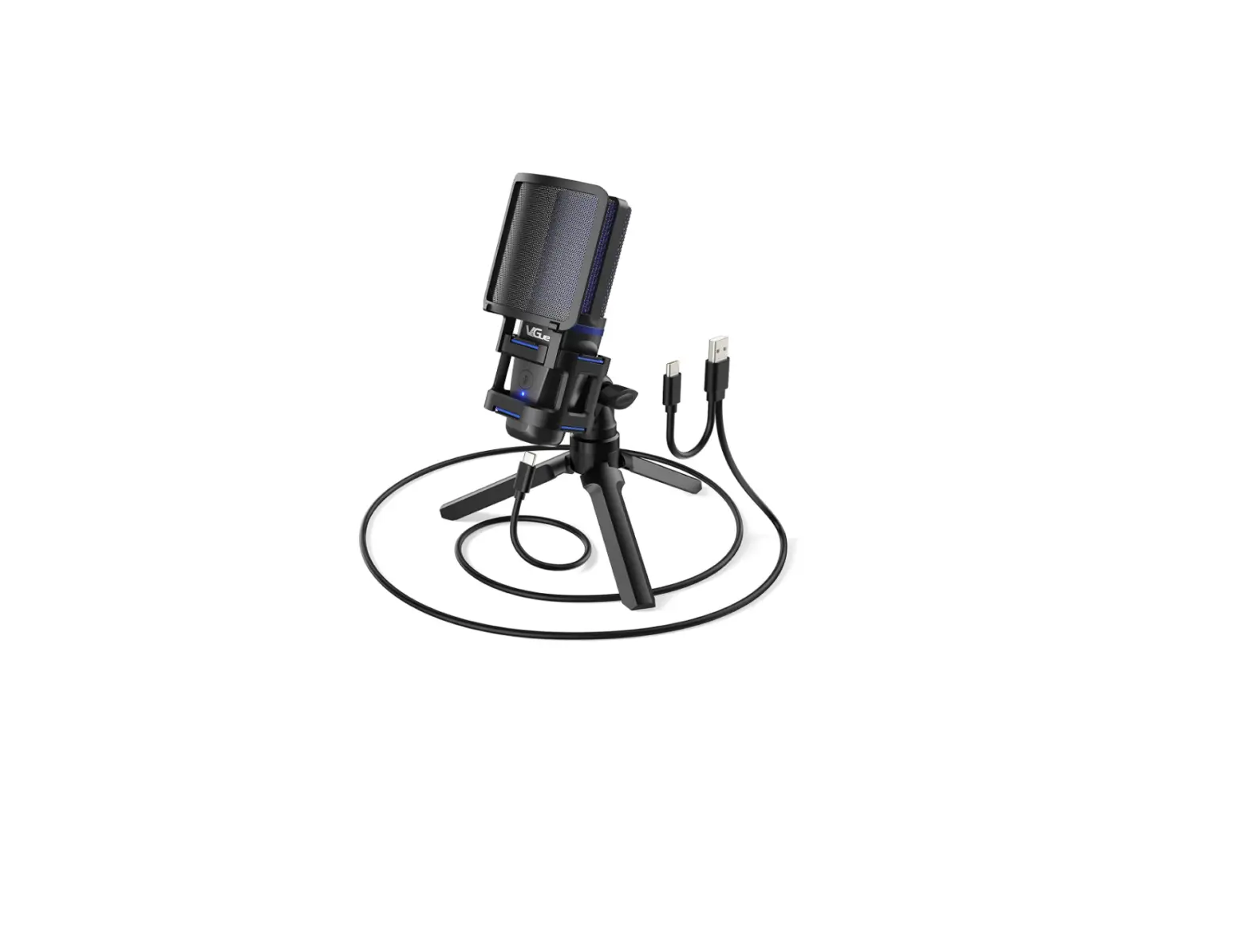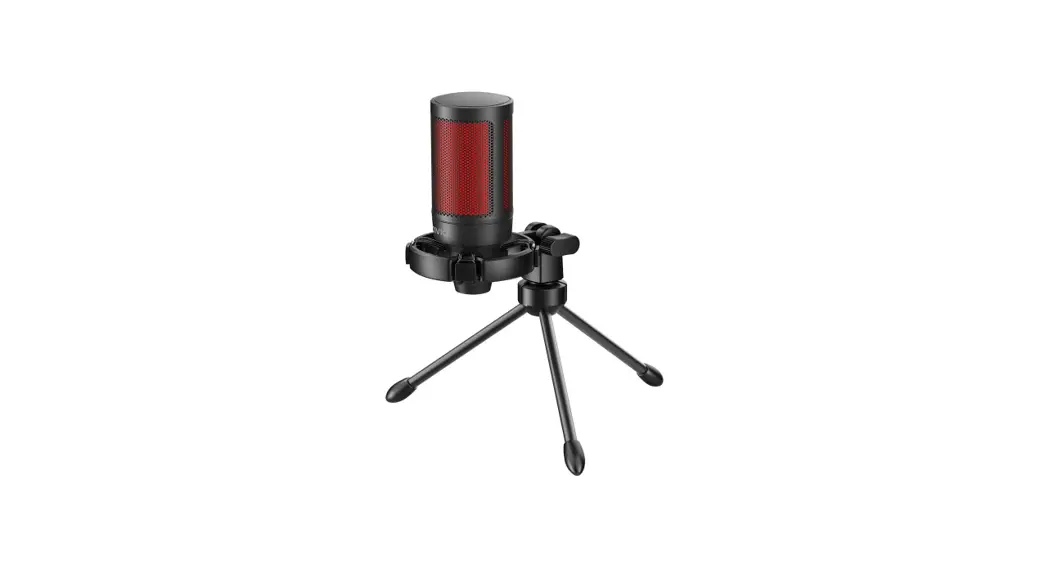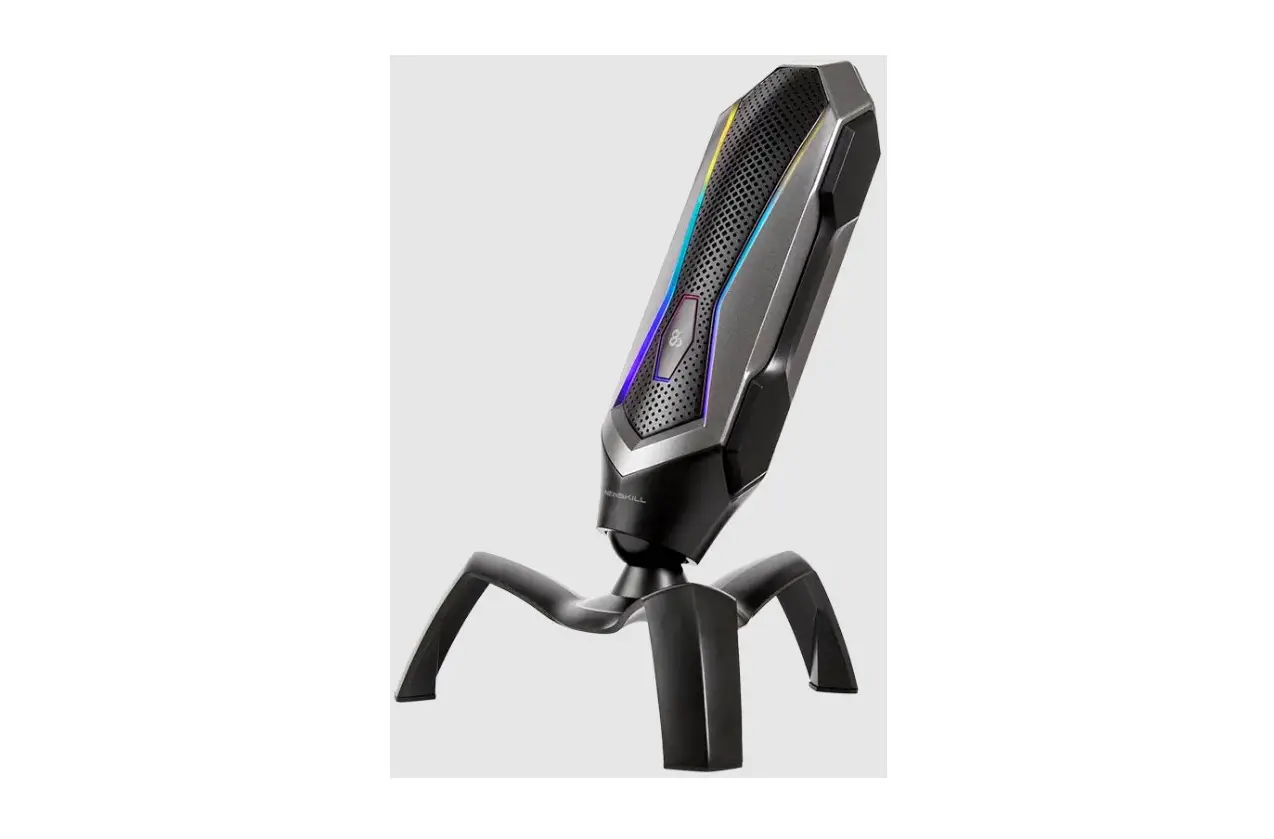
NEWSKILL 0922 AGNI Professional RGB Gaming Microphone User Guide
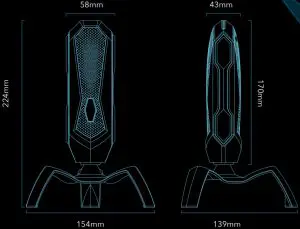
DIMENSIONS
SPECIFICATIONS
- Direction: Cardioid
- Sensitivity: -45±3dB
- Frequency Response: 20Hz-20kHz
- Sample Rate: 24bits, 96kHz
- SNR: ≥95dB
- Operation Voltage: DC=5V
- Cable Length: USB-C to USB-A 1.7M
- Product Dimensions: 170(L)×58(W)×43(H)mm
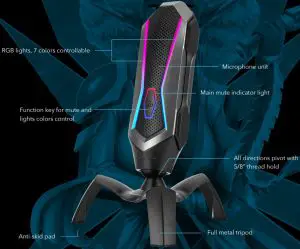
FUNCTION KEY
Mute
Touch mute and LED off, touch again, resume work and LED on.
8 modes, support 7 colors
Control of lights: Touch and hold 3 seconds, you can choose your favorite color lights by following order:
- coloful RGB lights
- RGB changing lights
- RGB flowing lights
- RGB breath lights
- Red lights
- Green lights
- Blue lights
- LED off.
LISTENING SETTING
for Windows 10/8/7 (Only do this when necessary)
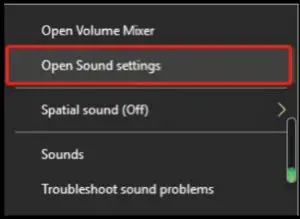
- Right-click on the sound icon

- Left-click on sound settings
- Left-click on sound control panel
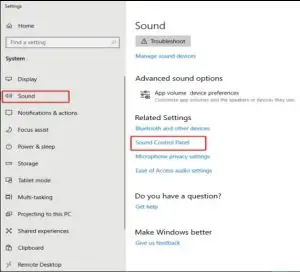
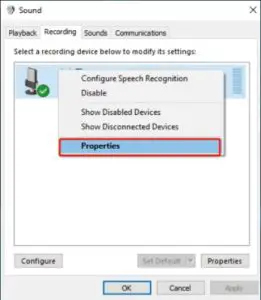
- Left-click on “Record”,Select NEWSKILL AGNI, Right-click on it and select “Properties”
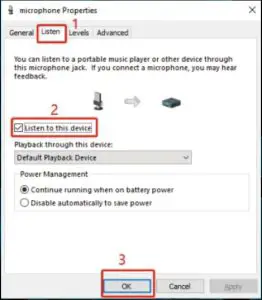
- Select “Listening” from pop up window, then you can choose listening to this device and click OK to finish.