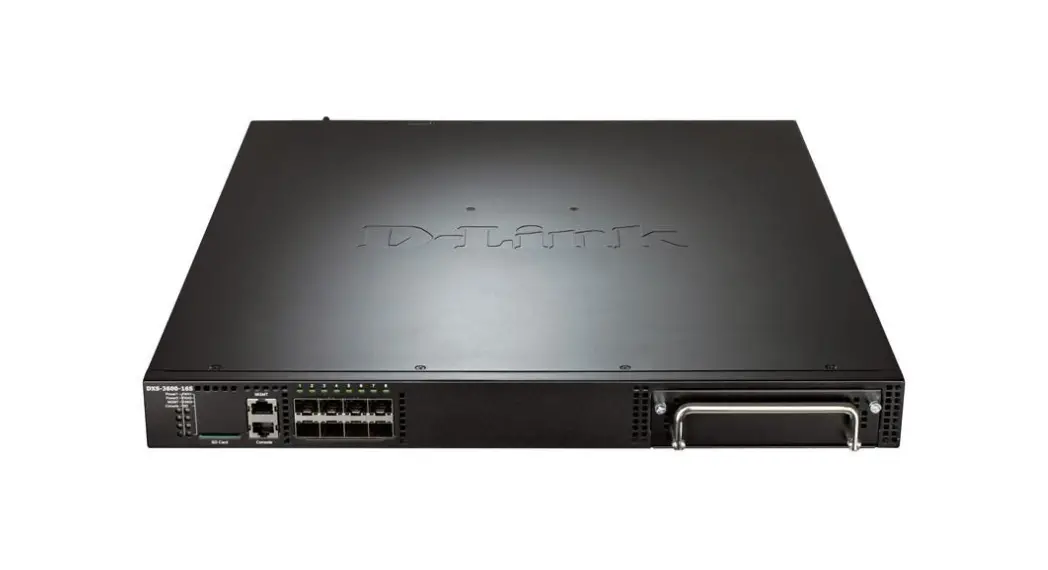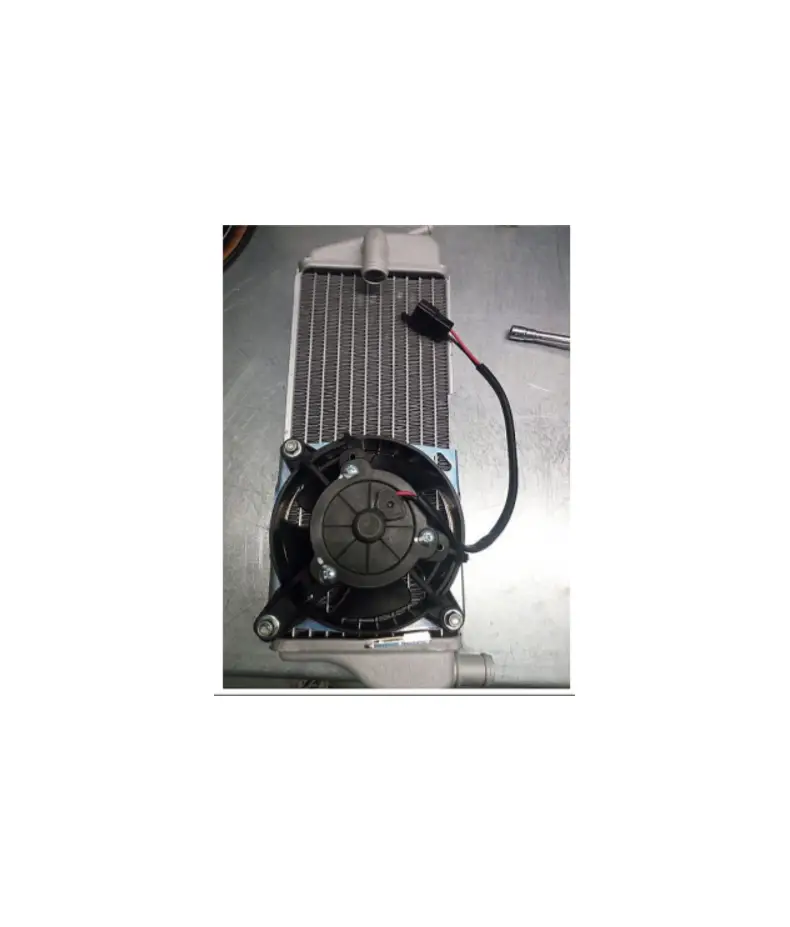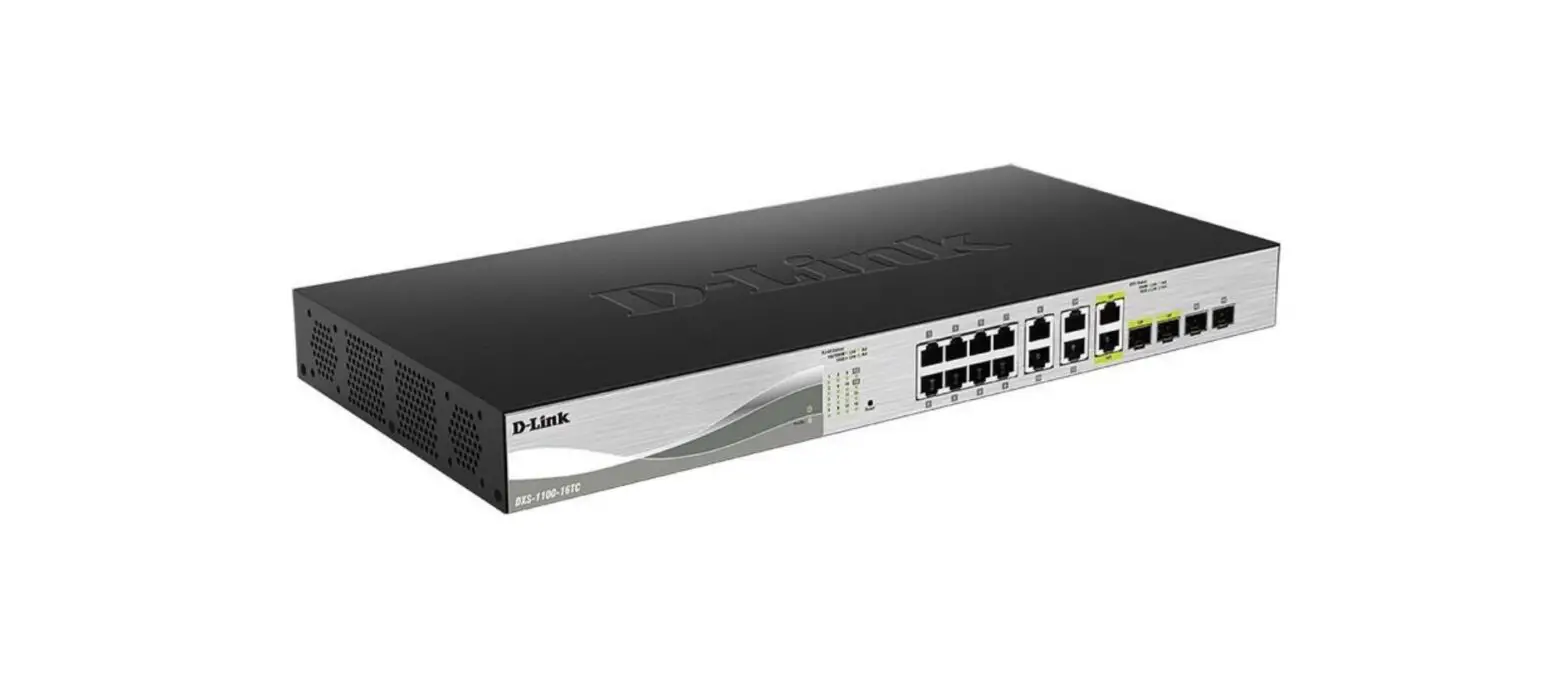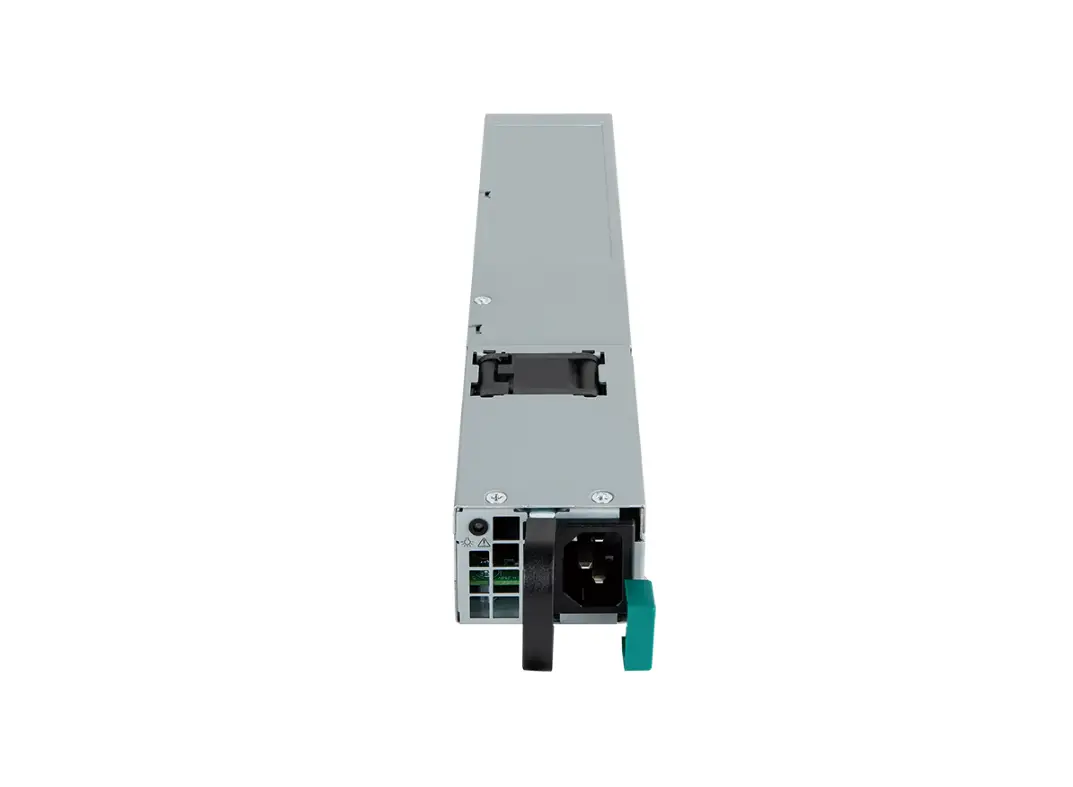

D-Link DXS-PWR700AC 770 W AC Power Supply with a Fan for the DXS-3610 Switches
Information in this document is subject to change without notice. © 2021 D-Link Corporation. All rights reserved.
Package Contents
- DXS-PWR700AC power supply
Connecting the Power Supply
Install the DXS-PWR700AC power supply into the slot intended for connecting a power supply module on the DXS-3610 switch. Connect the AC power cord to the power input of the DXS-PWR700AC power supply. Plug the other end of the AC power cord to a grounded power outlet. 8-800-700-5465 http://www.dlink.ru
e-mail: [email protected]
 📧
📧 D-Link Главная