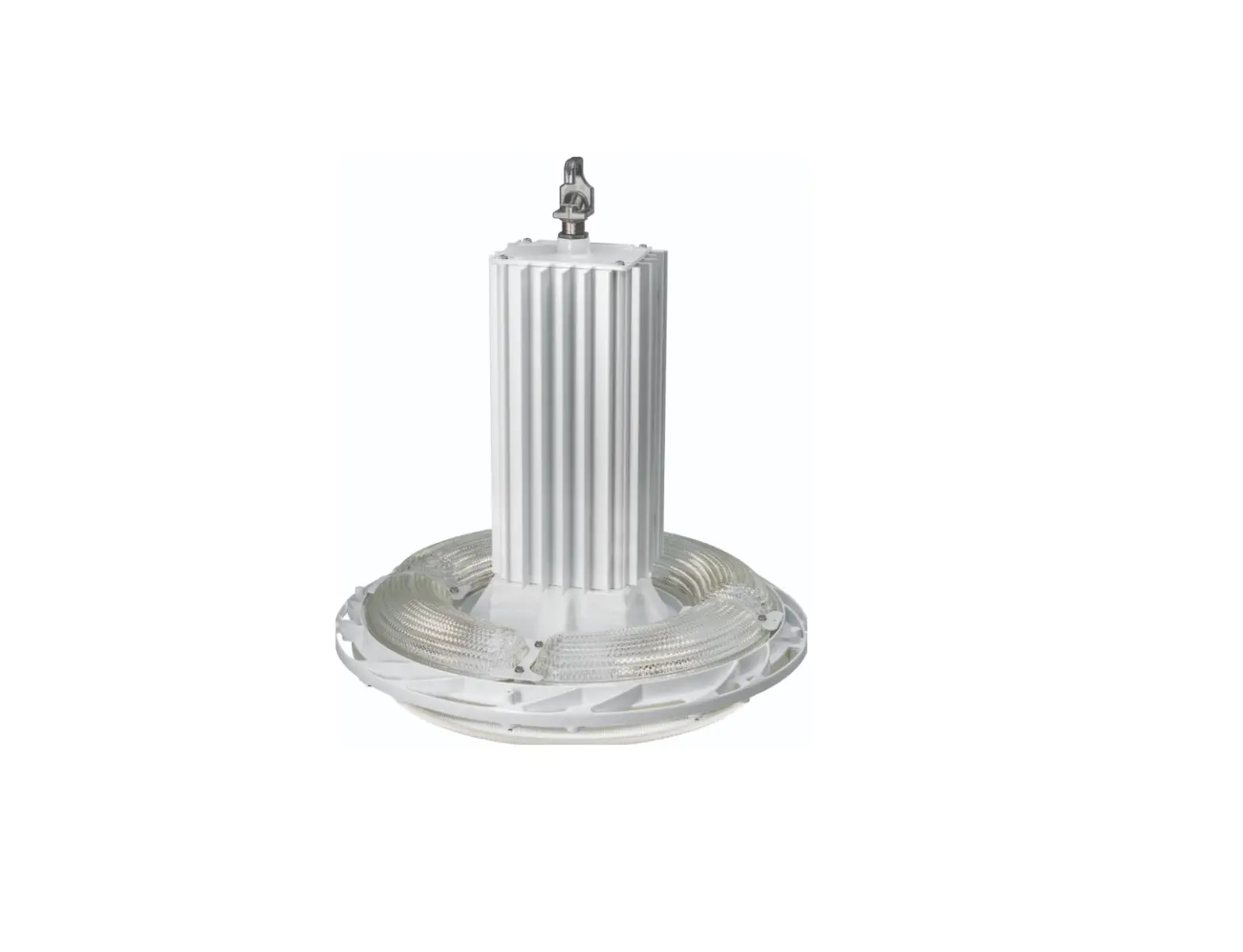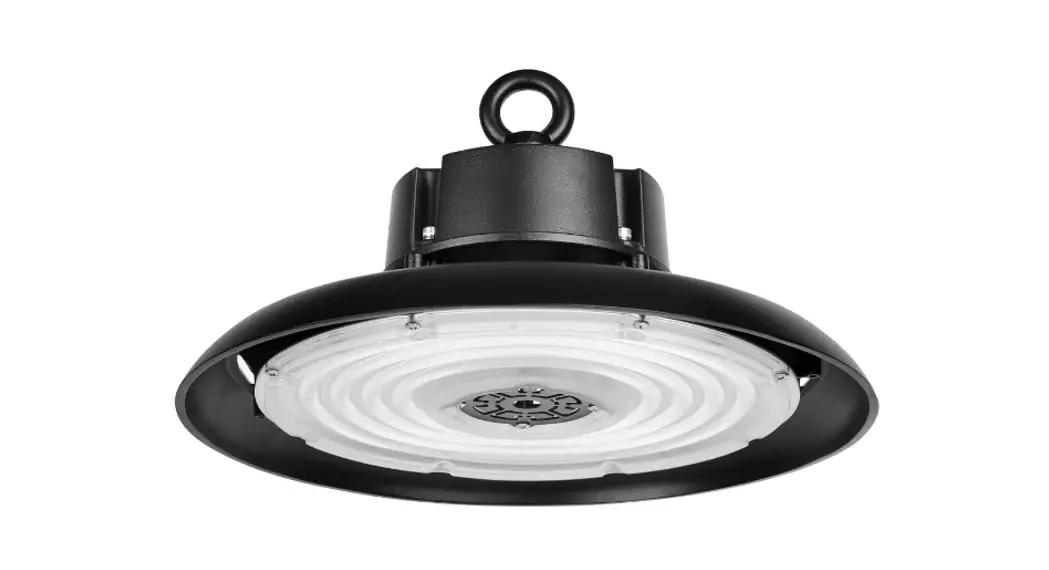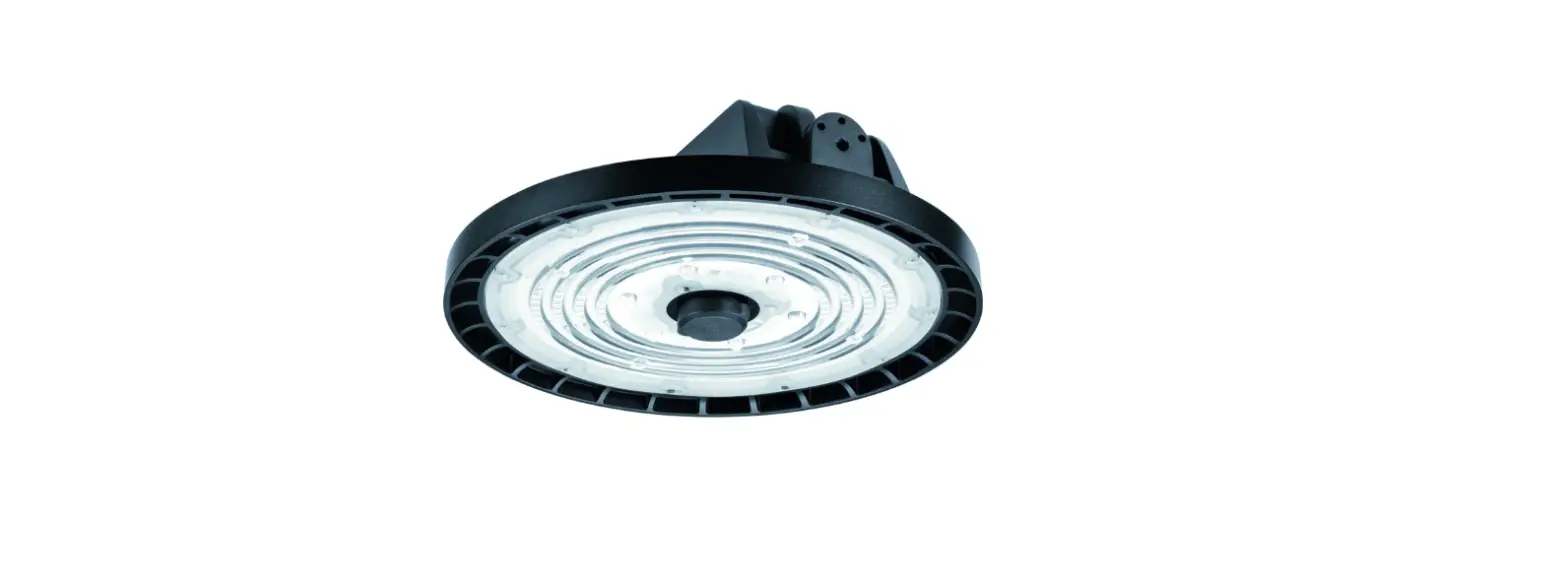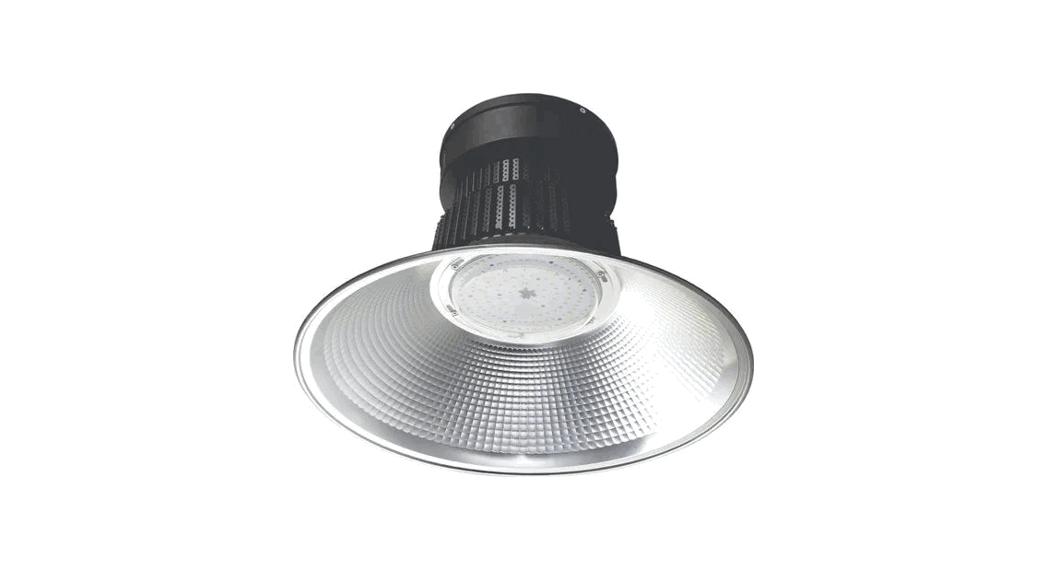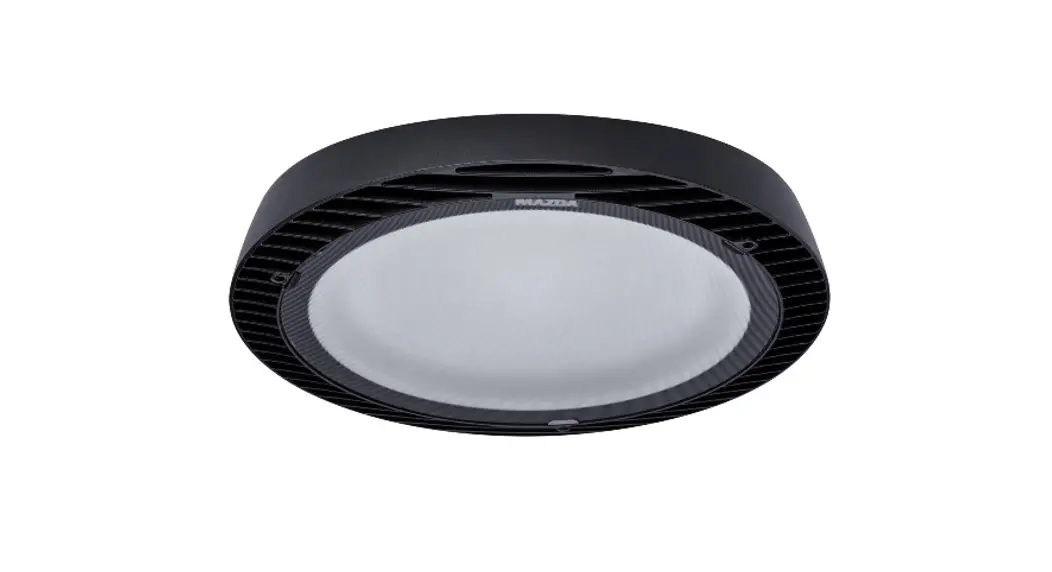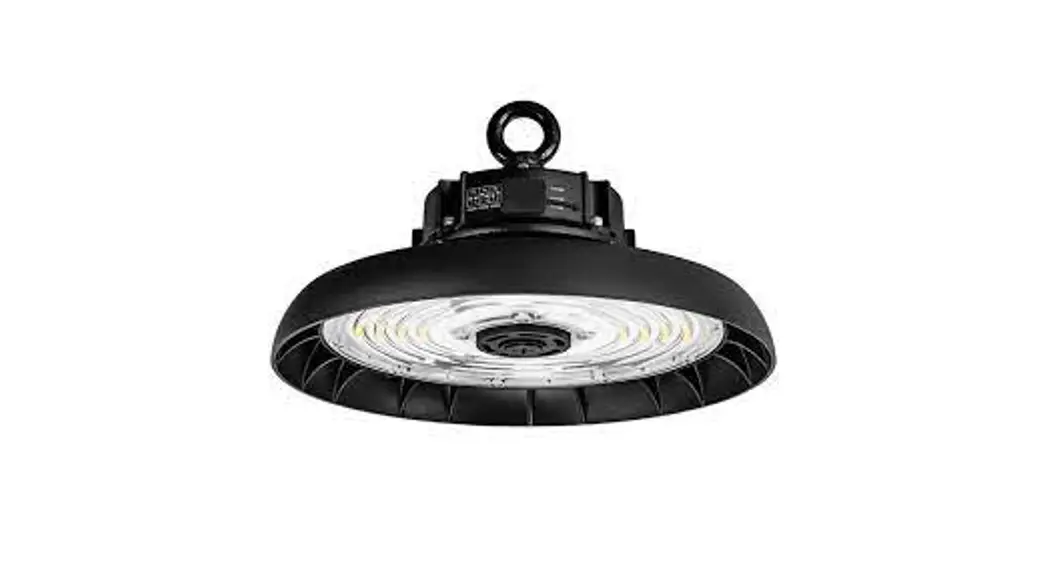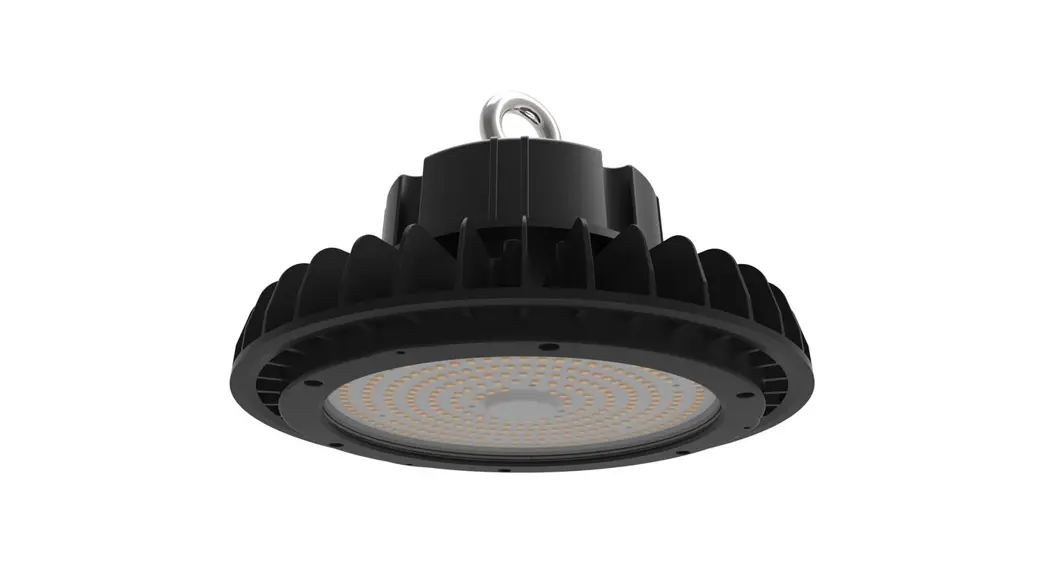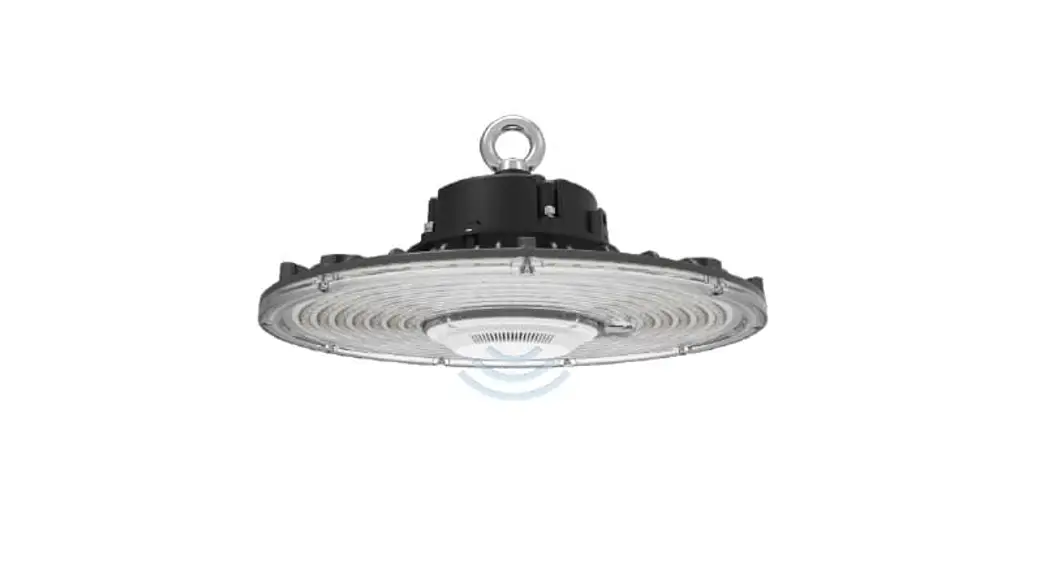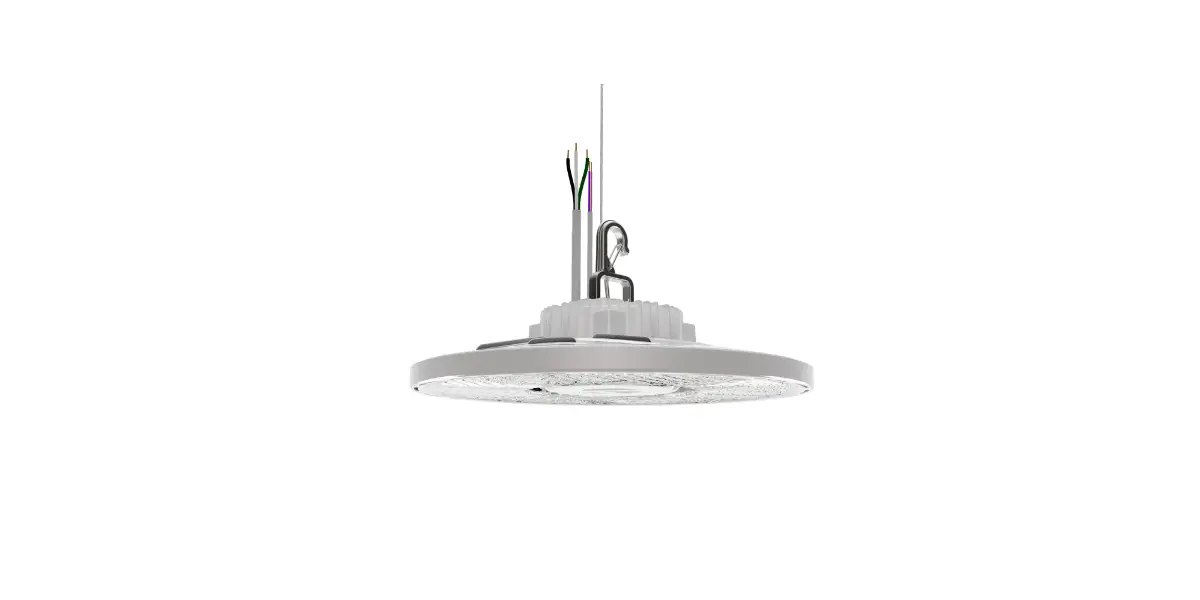
Acuity Brands CPRB Sensor Kit LED Round High Bay Instructions

CPRB SENSOR KIT IMPORTANT SAFETY INSTRUCTIONS
READ AND FOLLOW ALL SAFETY INSTRUCTIONS!
SAVE THESE INSTRUCTIONS AND DELIVER TO OWNER AFTER INSTALLATION
- To reduce the risk of death, personal injury or property damage from fire, electric shock, falling parts, cuts/abrasions, and other hazards please read all warnings and instructions included with and on the fixture box and all fixture labels.
- Before installing, servicing, or performing routine maintenance upon this equipment, follow these general precautions.
- Installation and service of luminaires should be performed by a qualified licensed electrician.
- Maintenance of the luminaires should be performed by person(s) familiar with the luminaires’ construction and operation and any hazards involved. Regular fixture maintenance programs are recommended.
- It will occasionally be necessary to clean the outside of the refractor/lens. Frequency of cleaning will depend on ambient dirt level and minimum light output which is acceptable to user. Refractor/lens should be washed in a solution of warm water and any mild, non-abrasive household detergent, rinsed with clean water and wiped dry. Should optical assembly become dirty on the inside, wipe refractor/lens and clean in above manner, replacing damaged gaskets as necessary.
- DO NOT INSTALL DAMAGED PRODUCT! This luminaire has been properly packed so that no parts should have been damaged during transit. Inspect to confirm. Any part damaged or broken during or after assembly should be replaced.
- Recycle: For information on how to recycle LED electronic products, please visit www.epa.gov.
- These instructions do not purport to cover all details or variations in equipment nor to provide every possible contingency to meet in connection with installation, operation, or maintenance. Should further information be desired or should particular problems arise which are not covered sufficiently for the purchaser’s or owner’s purposes, this matter should be referred to Acuity Brands Lighting, Inc.

WARNING
RISK OF ELECTRIC SHOCK
 Disconnect or turn off power before installation or servicing.
Verify that supply voltage is correct by comparing it with the luminaire label information.
Make all electrical and grounded connections in accordance with the National Electrical Code (NEC) and any applicable local code requirements.
All wiring connections should be capped with UL approved recognized wire connectors.
CAUTION
RISK OF INJURY
Wear gloves and safety glasses at all times when removing luminaire from carton, installing, servicing or performing maintenance.
Avoid direct eye exposure to the light source while it is on.
WARNING
RISK OF BURN
Allow lamp/fixture to cool before handling. Do not touch enclosure or light source.
Do not exceed maximum wattage marked on luminaire label.
Follow all manufacturer’s warnings, recommendations and restrictions for: driver type, burning position, mounting locations/methods, replacement and recycling.
CAUTION
RISK OF FIRE
Keep combustible and other materials that can burn, away from lamp/lens.
Do not operate in close proximity to persons, combustible materials or substances affected by heat or drying.
CAUTION: RISK OF PRODUCT DAMAGE
Never connect components under load.
Do not mount or support these fixtures in a manner that can cut the outer jacket or damage wire insulation.
Controls for dimming, auto-sensing, or remote control of a luminaire that are not factory-wired to the luminaire must be checked for compatibility with the luminaire prior to installation. LED fixtures must be powered directly off a switched circuit.
Unless individual product specifications deem otherwise: Do not restrict fixture ventilation. Allow for some volume of airspace around fixture. Avoid covering LED fixtures with insulation, foam, or other material that will prevent convection or conduction cooling.
Unless individual product specifications deem otherwise: Do not exceed fixtures maximum ambient temperature.
Only use fixture in its intended location.
LED products are Polarity Sensitive. Ensure proper Polarity before installation.
Electrostatic Discharge (ESD): ESD can damage LED fixtures. Personal grounding equipment must be worn during all installation or servicing of the unit.
Do not touch individual electrical components as this can cause ESD, shorten lamp life, or alter performance.
Some components inside the fixture may not be serviceable. In the unlikely event your unit may require service, stop using the unit immediately and contact an ABL representative for assistance.
Always read the fixtures complete installation instructions prior to installation for any additional fixture specific warnings.
Always ensure that the electrical distribution system is up to NEC (and any applicable local code) requirements.
Verify that power distribution system has proper grounding. Lack of proper earth ground can lead to fixture failure and may void warranty.
Choose either Part 15 OR Part 18 and move to Page 3 Installation Instructions under Delivery. Lithonia Outdoor will always use Part 15.
All luminaires that contain electronic devices that generate frequencies above 9kHz from any component within the luminaire comply with Part 15 of the FCC Rules. Operation is subject to the following two conditions:
(1) This device may not cause harmful interference
(2) This device must accept any interference received, including interference that may cause undesired operation
This device complies with Part 18 of the FCC Rules but may cause interference with cordless and cell phones, radios, televisions, and other electronic devices. To correct the problem, move the device away from the luminaire or plug into a different outlet. This product may cause interference to radio equipment and should not be installed near maritime safety communications equipment or other critical navigation or communications equipment operating between 0.45-30MHz.
Failure to follow any of these instructions could void product warranties. For a complete listing of product Terms and Conditions, please visit www.acuitybrands.com.
Our Brands
| Indoor/Outdoor | Indoor Lighting | Outdoor Lighting | Controls | Daylighting |
| Lithonia Lighting | Gotham | American Electric Lighting | DARK TO LIGHT | SunOptics |
| Carandini | Mark Architectural Lighting | Antique Street Lamps | LC&D | |
| Holophane | Peerless | Hydrel | ROAM | |
| RELOC | Renaissance Lighting | Tersen | Sensor Switch | |
| Light Concepts | Winona Lignting | Synergy |
Acuity Brands Lighting, Inc. assumes no responsibility for claims arising out of improper or careless installation or handling of its products.
ABL LED General Warnings, Form No. 503.203
© 2010, 2016 Acuity Brands Lighting, Inc. All rights reserved. 12/01/10
STEP-BY-STEP GUIDE
Protect yourself. Before installing, read these instructions carefully and save them for future reference.
Date Installed: ________________
PREPARING THE FIXTURE FOR SENSOR KIT INSTALLATION
- Turn off electricity at fuse or circuit breaker box.
- Disconnect CPRB round bay from power supply.
- Remove the CPRB round bay from the mounting location and place it in a convenient location to perform the replacement. Check that all parts (including mounting hardware) are accounted for.
- Remove the replacement kit from packaging and inspect for any damages or missing components.
SENSOR KIT INSTALLATION (RMSOD)
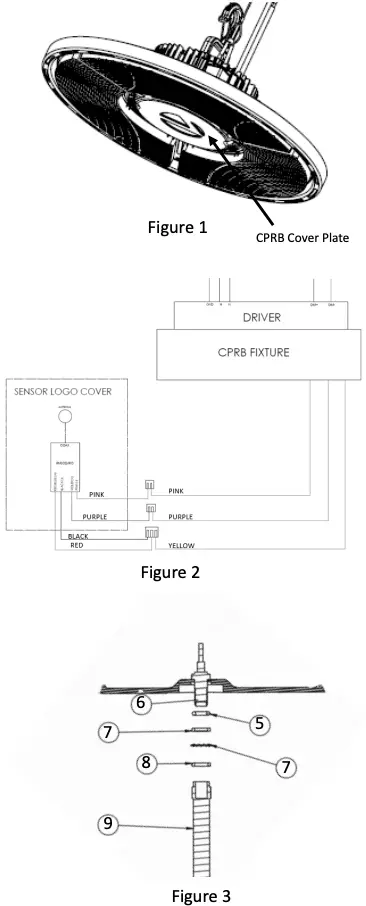
- Remove the CPRB Cover Plate shown in Figure 1 by unscrewing the two T-20 screws holding it in place
- Attach wires from the CPRB Fixture to RMSOD sensor according to the wiring diagram shown in Figure 2. Wire locations are also shown on product label.
- Items (5), (6), (7), and (8) are preinstalled. Item (9) must be attached.
- Attach external antenna (9) to the brass SMA connector. Torque spec for proper installation is 5in-lbs – Figure 3.
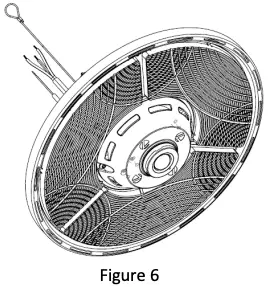
- Position the full Sensor Logo Assembly where the CPRB Cover was a screw the CPRB Sensor Logo Cover on to the CPRB Fixture. A detailed exploded view is shown in Figure 5.
SENSOR KIT INSTALLATION (MSD)
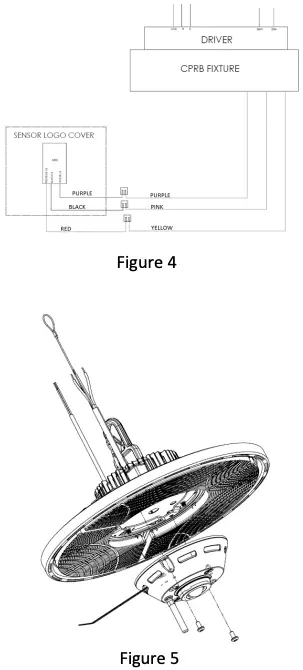
- Remove the CPRB Cover Plate shown in Figure 1 by unscrewing the two T-20 screws holding it in place
- Attach wires from the CPRB Fixture to MSD sensor according to the wiring diagram shown in Figure 4. Wire locations are also shown on product label.
- Position the full Sensor Logo Assembly where the CPRB Cover was a screw the CPRB Sensor Logo Cover on to the CPRB Fixture. A fully assembled view is shown in Figure 6.
Warning: Supply Wire connections- Make all supply wire connections in accordance with local electrical codes.
TROUBLE SHOOTING GUIDE
If this fixture fails to operate properly, use the guide below to diagnose and correct the problem.
- Verify that fixture is wired properly.
- Verify that fixture is grounded correctly.
- The line voltage at the fixture is correct.
If further assistance is required, contact:
Technical Support: (800) 705-SERV (7378)
[email protected]
Limited Warranty and Limitation of Liability
5-year limited warranty. Complete warranty terms located at:
www.acuitybrands.com
912-00409-001 Rev A, 09/2022
 Acuity Brands | Lighting, Controls, and Building Management Solutions
 U.S. Environmental Protection Agency | US EPA