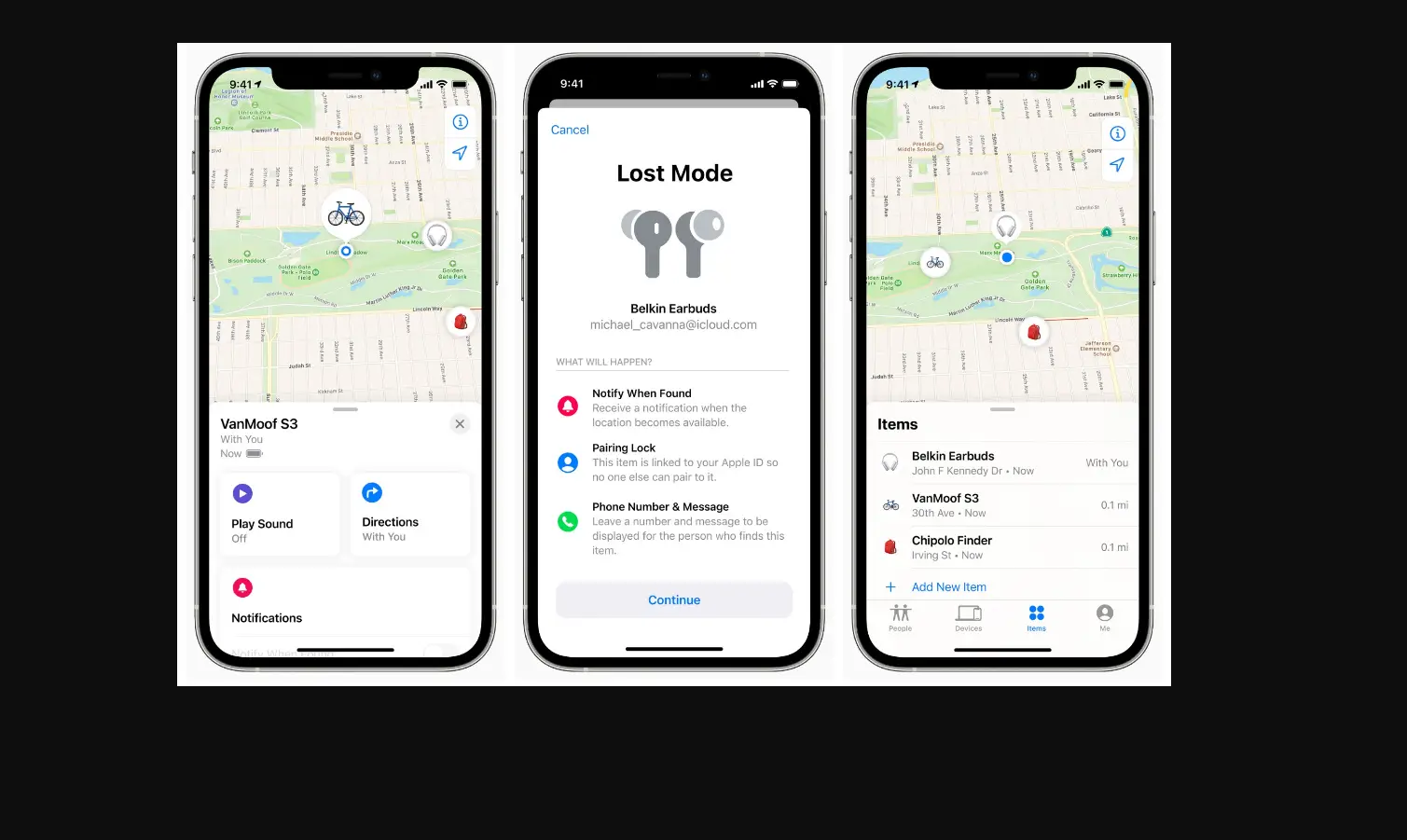
When you register an item to your Apple ID, you can use Find My to see more details about it, like the serial number or model. You can also see if a third-party app is available from the manufacturer.
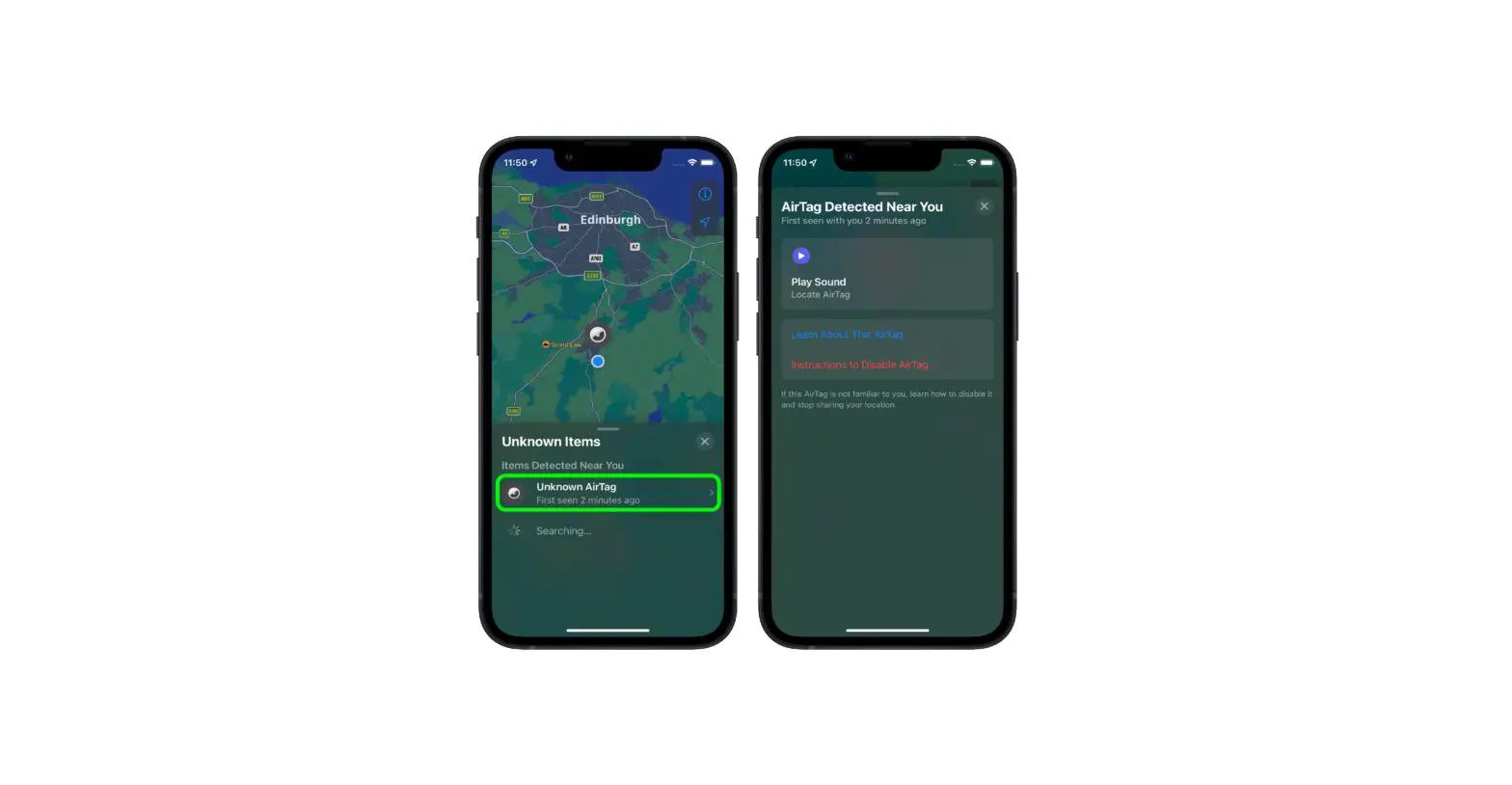
If you want to view details about someone else’s item, see View details about an unknown item in Find My on iPod touch.
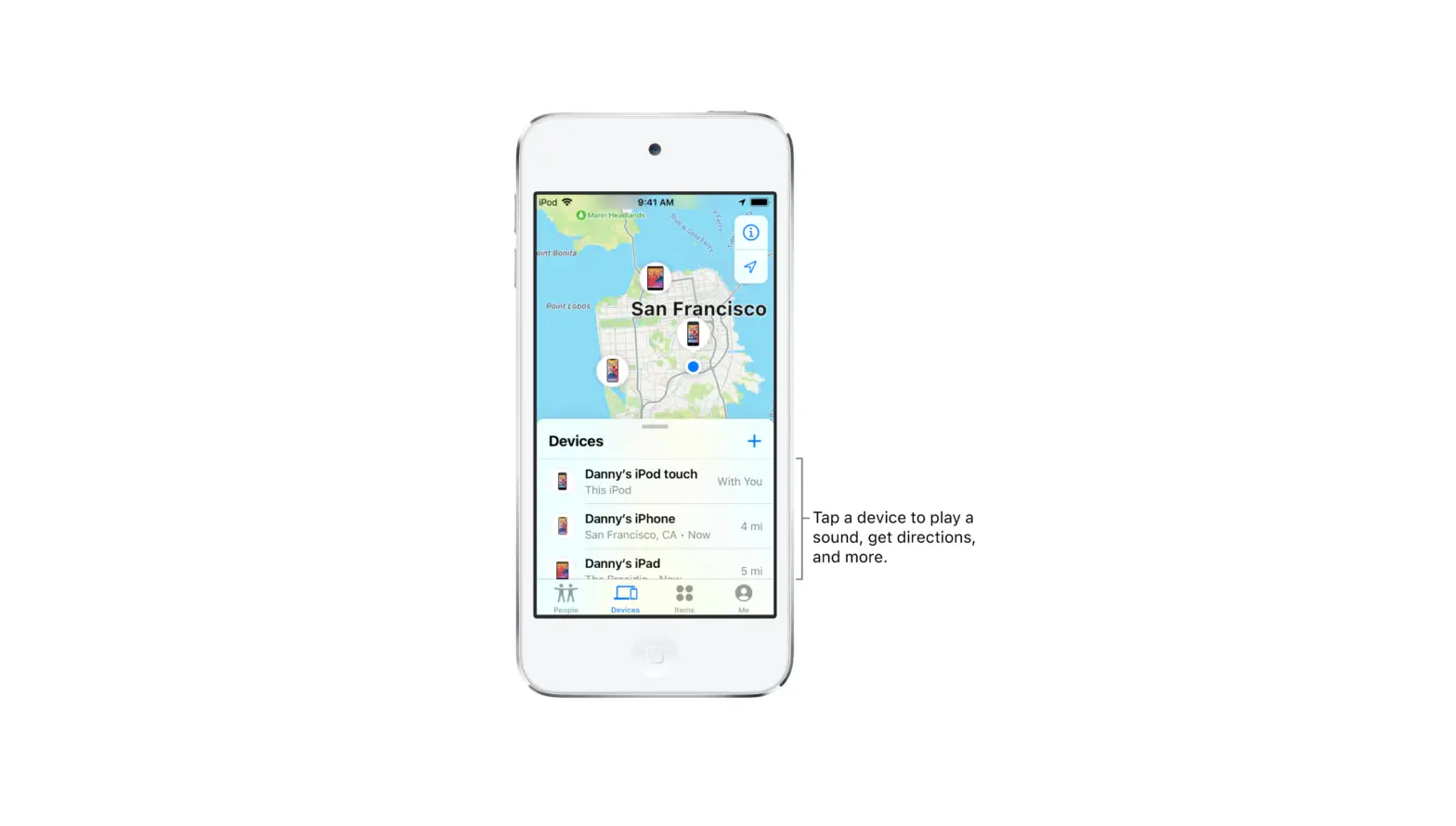
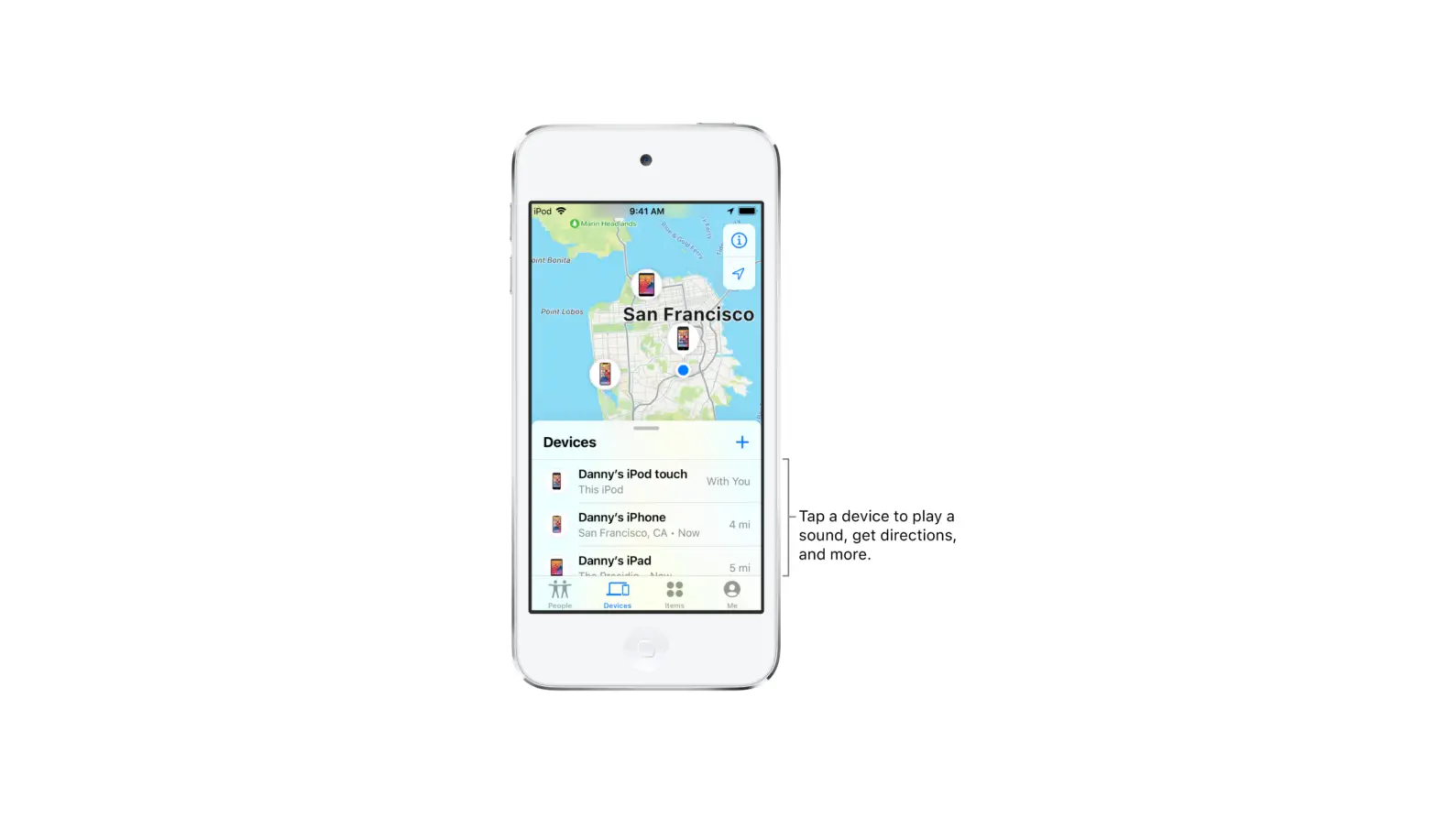
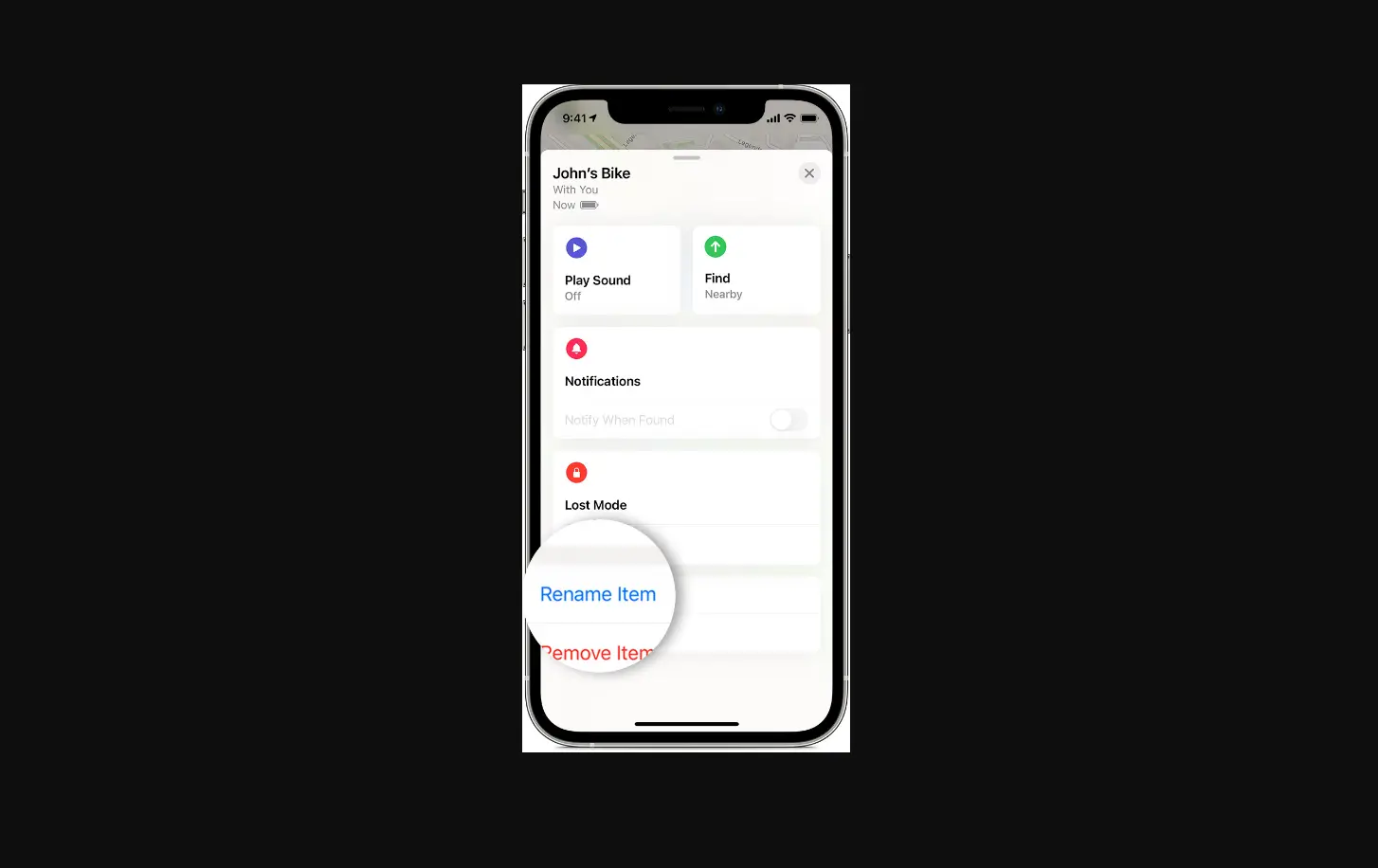
- Tap Items, then tap the item you want more details about.
- Do either of the following:
- View details: Tap Show Details.
- Get or open third-party app: If an app is available, you see the app icon. Tap Get or
 to download the app. If you’ve already downloaded it, tap Open to open it on your iPod touch.
 to download the app. If you’ve already downloaded it, tap Open to open it on your iPod touch.