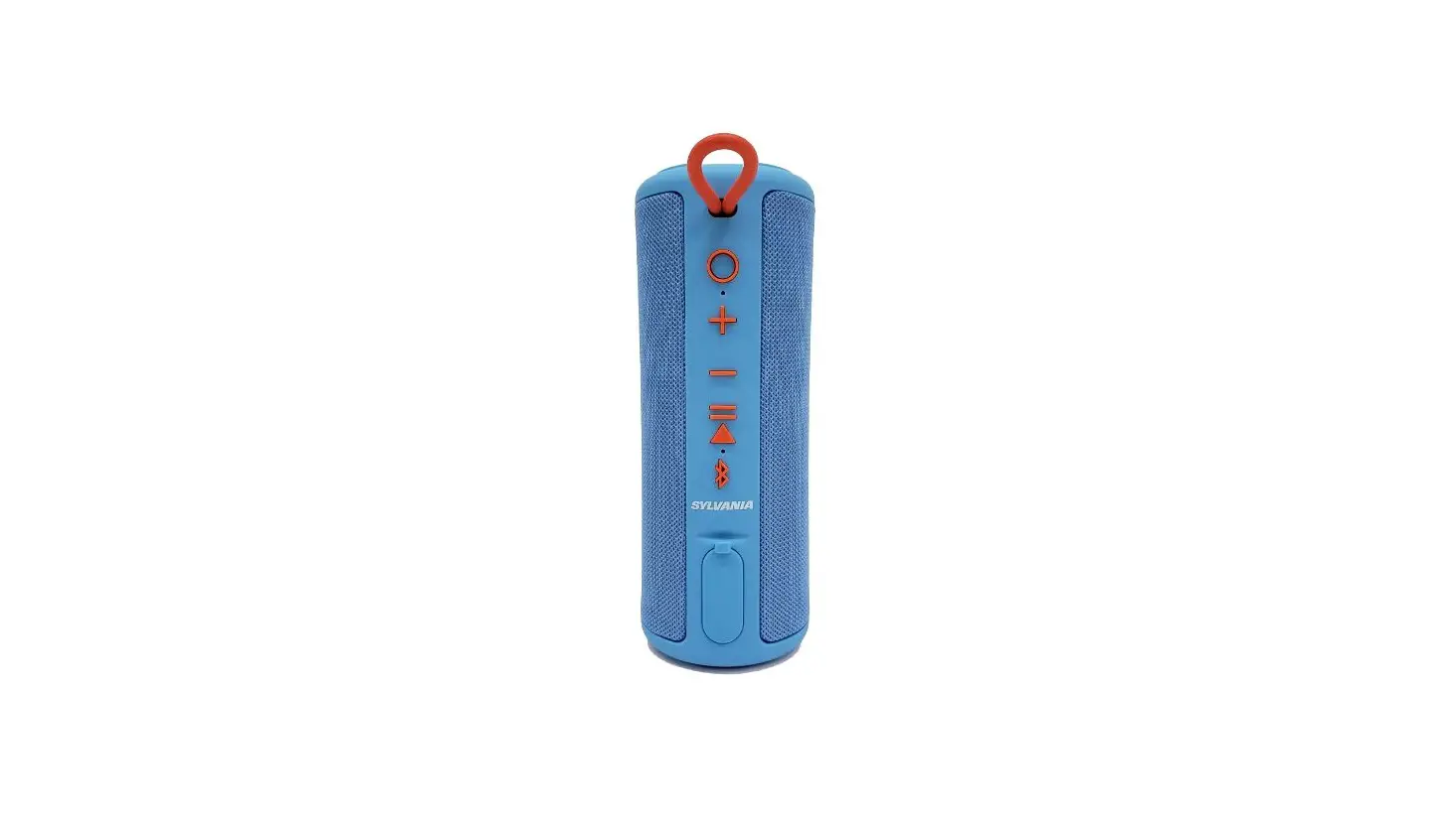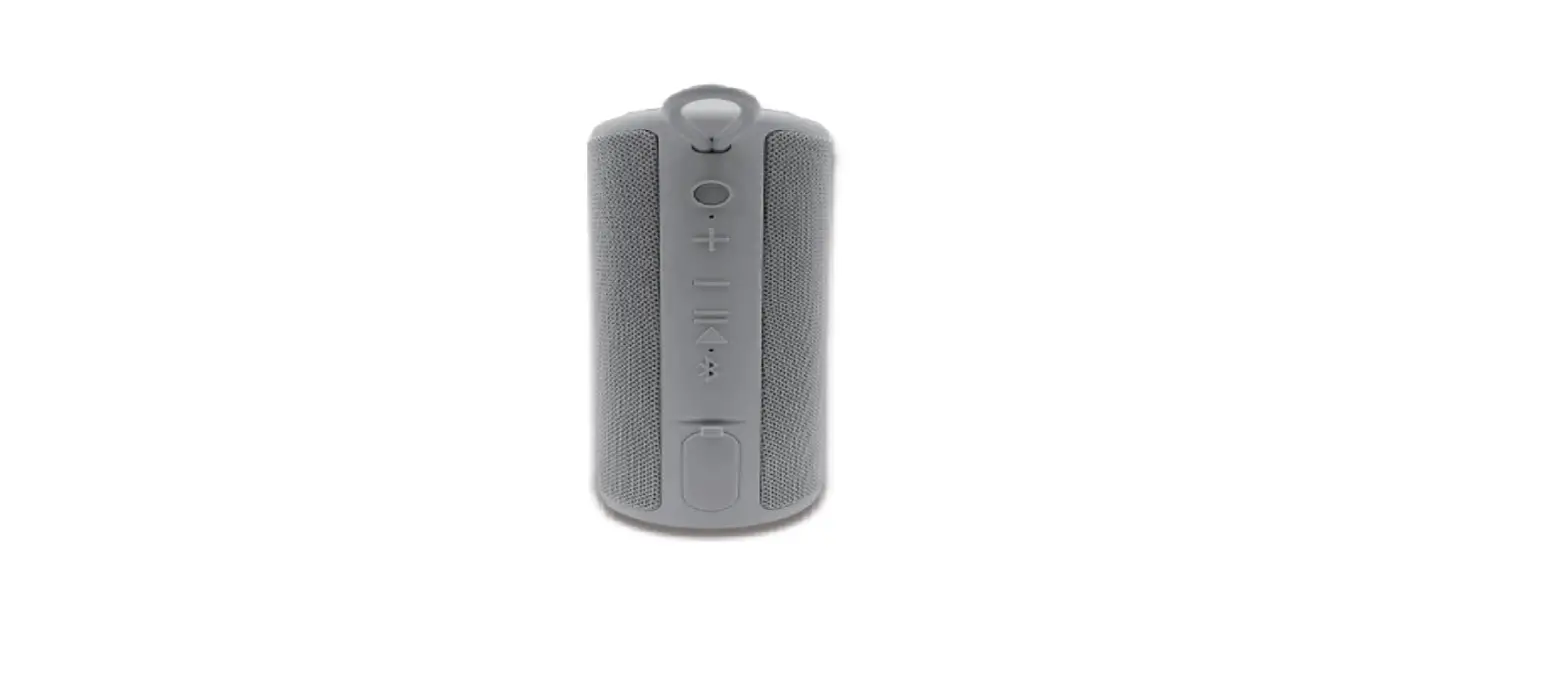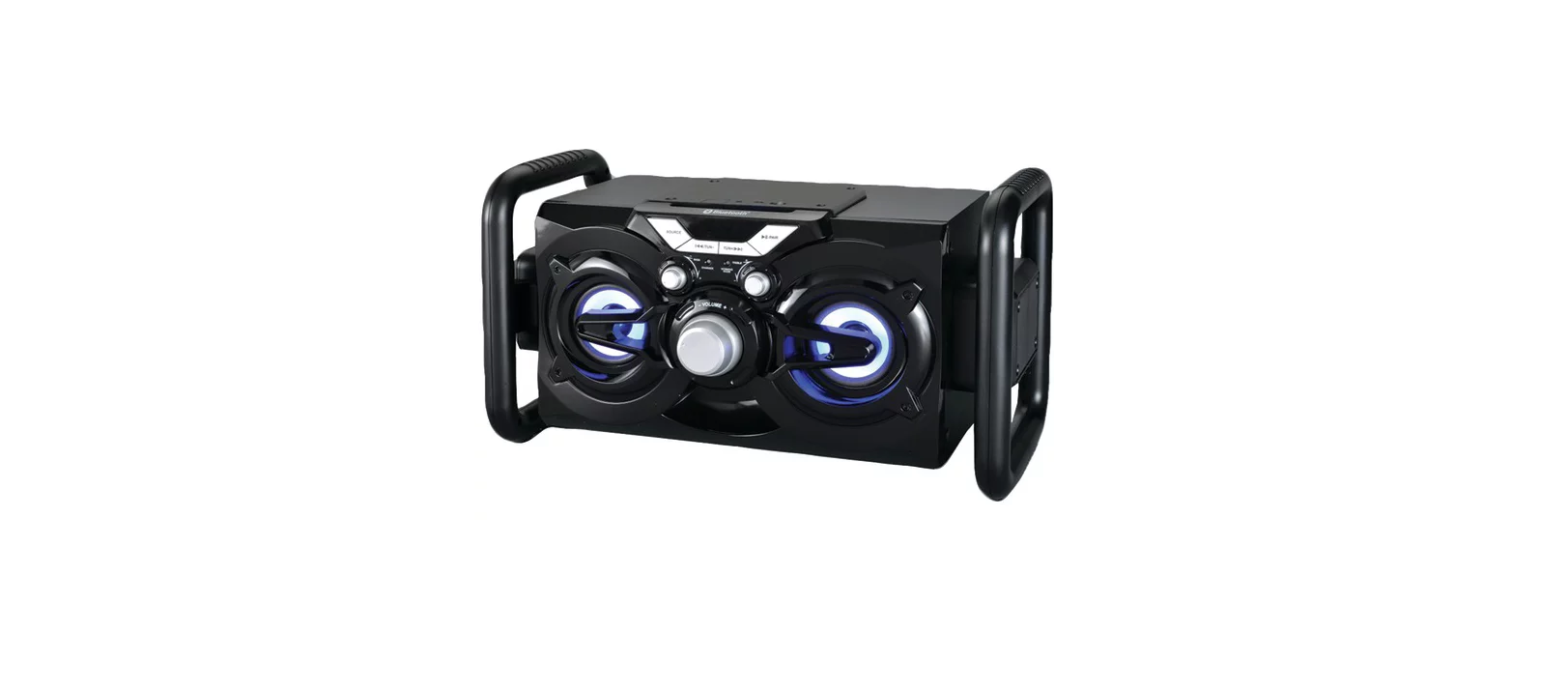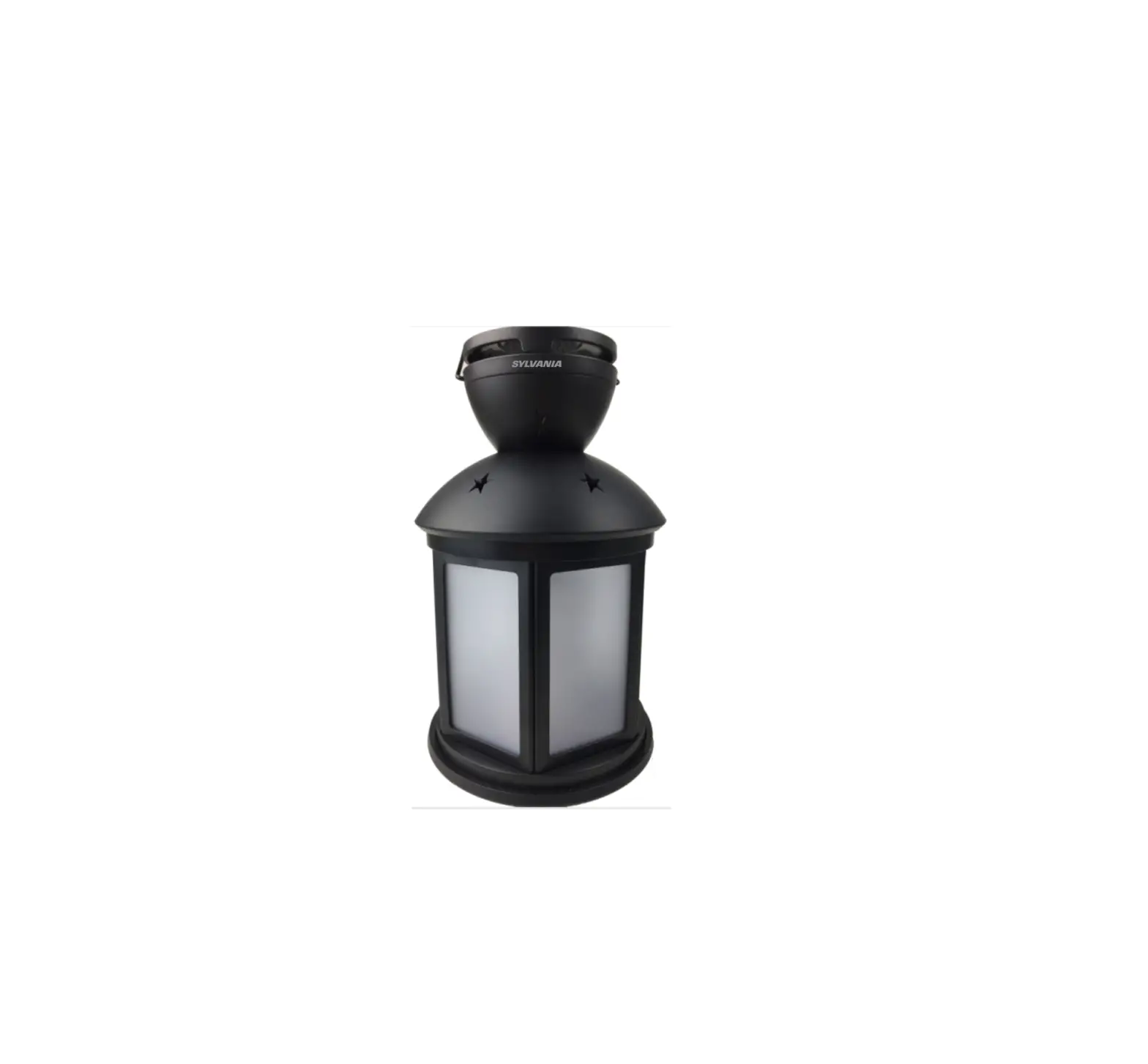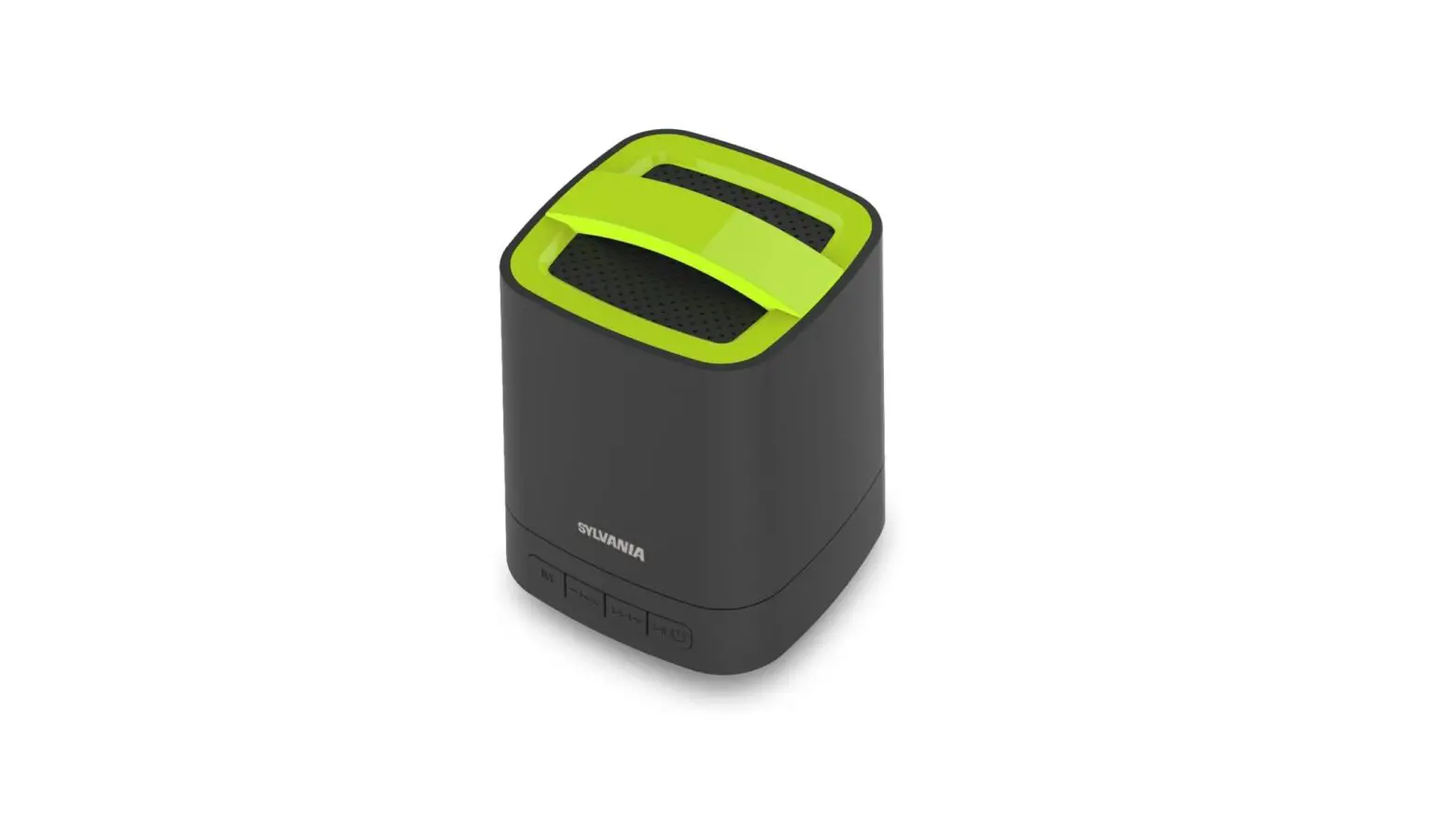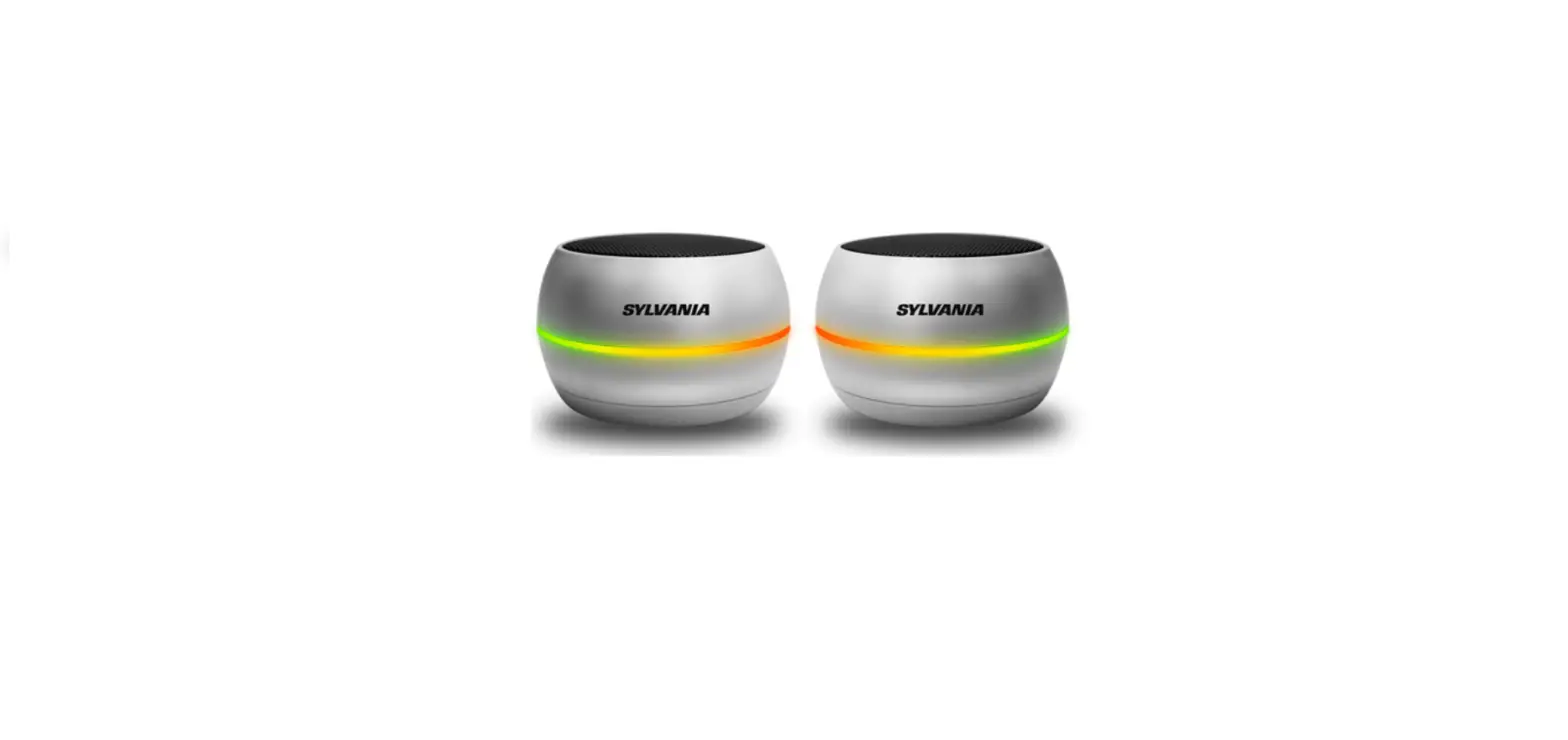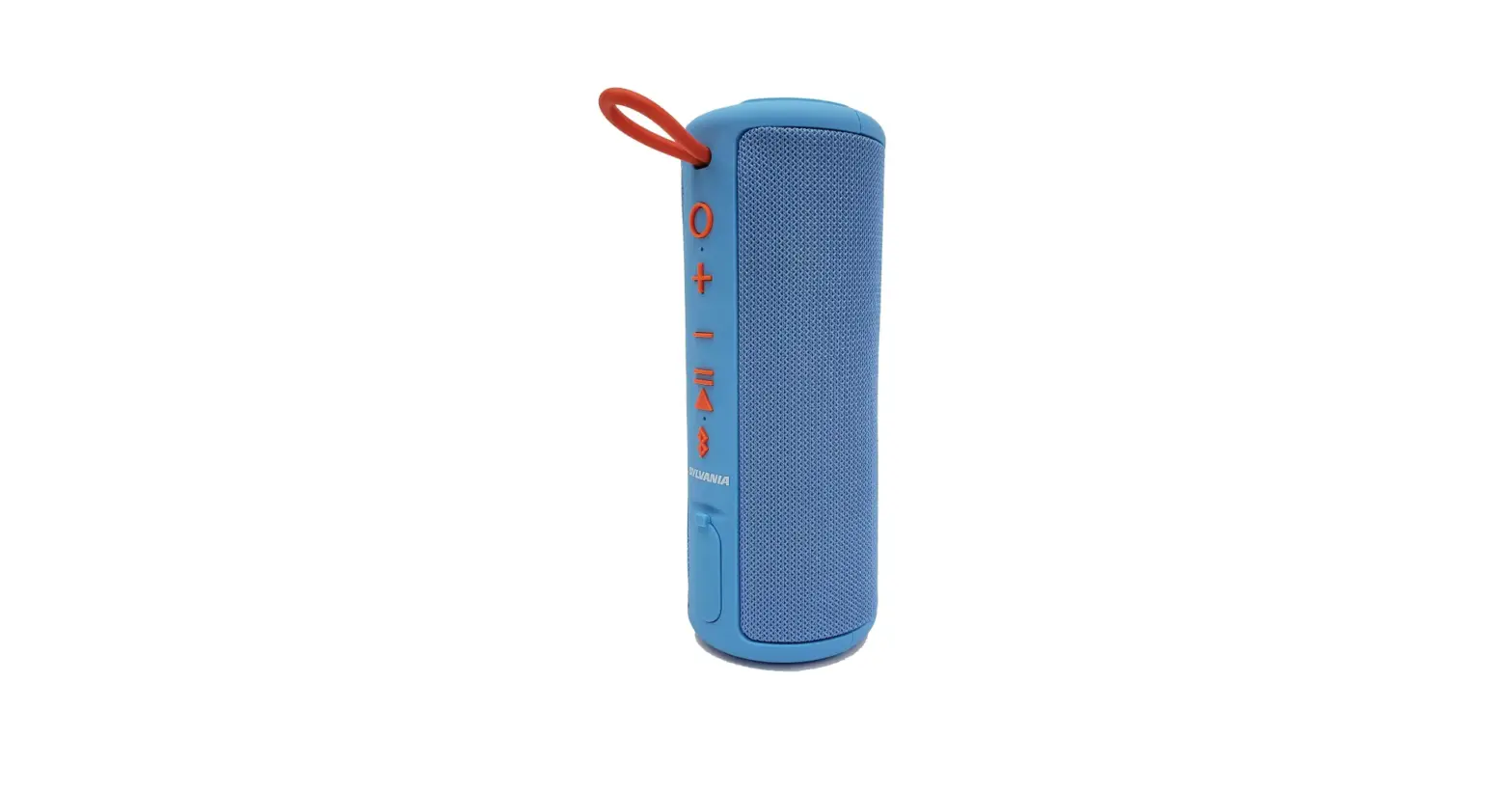
 SYLVANIA SP953-BLUE PORTABLE BLUETOOTH SPEAKER
 SYLVANIA SP953-BLUE PORTABLE BLUETOOTH SPEAKER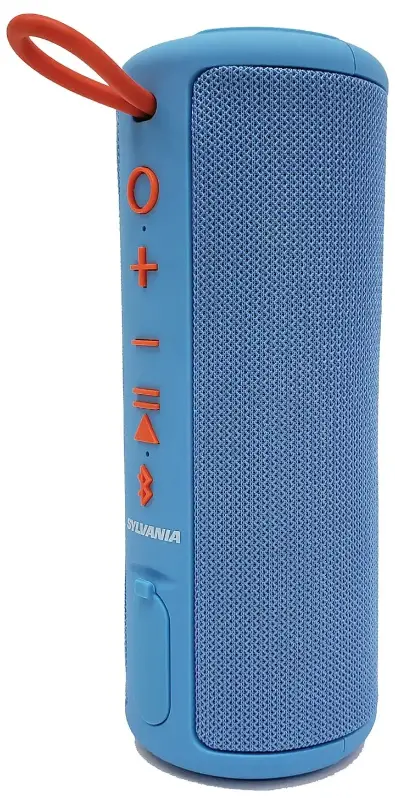
Introduction
Thank you for choosing the Sylvania SP953 Bluetooth Speaker as your source of entertainment! You can use this item with iPads, iPhones, iPods, and many types of smartphones to stream music. In order to get the best results when using the device, please read this manual first before using it.
Description
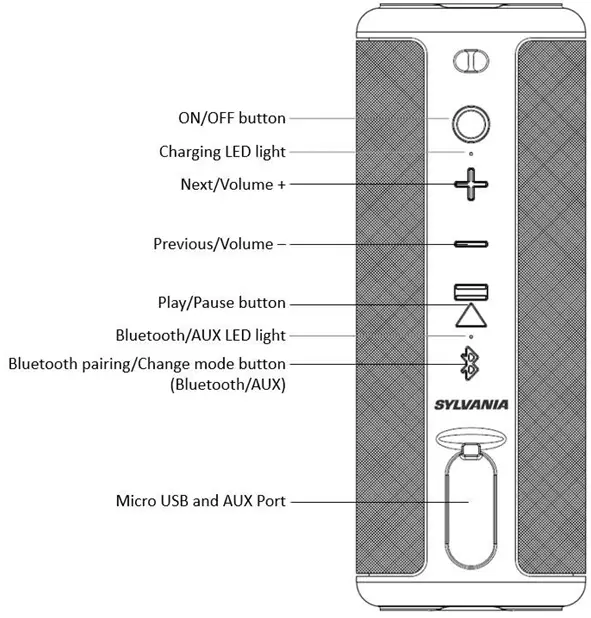
Package Contents
- Bluetooth Speaker
- Micro USB Charging Cable
- User Manual
Features
- Bluetooth – enables simple wireless pairing with your Bluetooth-enabled devices
- 360-Degree sound with deep bass
- Stylish rubberized design with carrying hook
- Large control buttons for easy operation
- 5mm standard auxiliary input provides a simple wired connection to a wide variety of devices
- Built-in rechargeable battery
Safety Instructions
- Keep the unit away from heat sources, direct sunlight, humidity, water, and any other liquids.
- Do not operate the unit if it has been exposed to water, moisture, or any other liquids to prevent electric shock, explosion, and/or injury to yourself and damage to the unit.
- Do not use the unit if it has been dropped or damaged in any way.
- Repairs to electrical equipment should only be performed by a qualified electrician. Improper repairs may place the user at serious risk.
- Do not use the unit with wet hands.
- Do not put objects into any of the openings.
- Keep the unit free from dust, lint, etc.
- Do not use this unit for anything other than its intended use.
- Keep the unit out of reach of children.
- This product is not a toy.
INSTRUCTIONS FOR USE
Charging the Speaker
The speaker has a built-in rechargeable battery. When the battery is drained out, the speaker would turn OFF automatically. please recharge the battery every time it drains out. Attach the Micro USB cable to the unit and plug into any USB charger. If the unit is completely discharged, it will take approximately 5 hours to fully charge at 5V/500mA. The Red LED will illuminate during charging, when it has been completed, the Red LED will turn off. There will be a beep when the battery is low and needs to be recharged. Please charge it completely before the first-time use
Operation
- Press and Hold the “ON/OFF” button for 2 seconds to power ON, and the Blue LED will start to flash.
- If an Aux (3.5 mm) cable is connected to the unit, the Blue LED will turn off, and the Green LED will stay illuminated, notifying you, the unit is in Aux-In mode.
- Press and Hold the “ON/OFF” button for 2 seconds to power OFF.
Bluetooth Mode
Pairing
The unit will go into “Pairing Mode” when the Bluetooth pairing button is pressed. Go into your Bluetooth device settings menu and look for “Sylvania SP953” After the unit has paired and connected, it will re-connect automatically when the unit is powered on and the device is in range.
Note: Bluetooth Timeout: 10 minutes. You can press and hold the Bluetooth pairing button to unpair your current device and search for new devices in Bluetooth mode.
Begin Streaming Music
- Press the Play/Pause button to start playing music
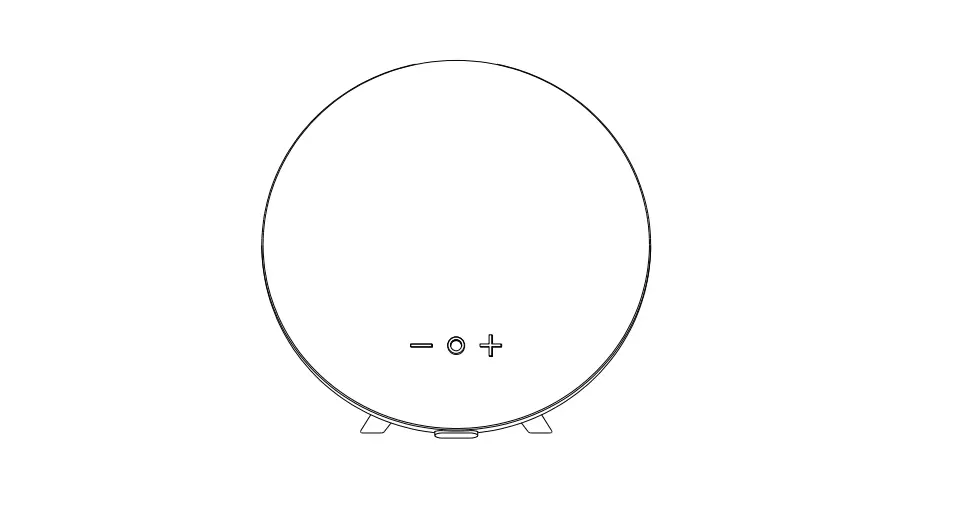
- Press and Hold the “+” button 2 seconds to play the next track
- Press and Hold the “-” button for 2 seconds to play the previous track
- Press either the “+” or “-” button for volume control
Note: You will hear an audible alert when the maximum/minimum volume level has been reached.
Aux-In Mode
Plug in the supplied 3.5 mm cable into the unit. The other end is connected to your device. The Green LED will only illuminate when in “Aux” mode. Please note music and volume can be controlled by your device.
LED Status
| Blue LED flashing & Blue LED solid | Bluetooth Mode |
| Green LED on solid | Aux Mode |
| Red LED | Charging |
| Red LED off | Full charged |
Troubleshooting
| Unit doesn’t connect to device | Speaker needs to be connected/ re-paired to device | ||
| A tone is heard every few seconds | Speaker needs to be charged | ||
| Unit will no power on | Speaker needs to be charged | ||
| Unit doesn’t control track(s)/volume | Speaker needs to be in Bluetooth mode for full control | ||
| Unit distorts at high volume | The devices’ volume needs to be lowered | ||
Care and Maintenance
- Read the following recommendations before using the Bluetooth Speaker. Following these you will be able to enjoy the product for many years.
- Do not expose the Bluetooth Speakers to liquid, moisture or humidity to avoid the product’s internal circuit being affected.
- Do not use abrasive cleaning solvents to clean the device.
- Do not expose the device to extremely high or low temperatures as this will shorten the life of electronic devices, destroy the battery or distort certain plastic parts.
- Do not dispose of the device in a fire as it will result in an explosion.
- Do not expose the device to contact with sharp objects as this will cause scratches and damage.
- Do not let the device fall on the floor. The internal circuit might get damaged.
- DO not attempt to disassemble the device as it may get damaged if you are not professional.
Specifications
| Bluetooth specification | Bluetooth 5.0 (A2DP, HFP, AVRCP) |
| Bluetooth Range | 33ft (10m) |
| Charging input voltage | DC 5V = 500mA |
| Built-ln Battery | 1200mAh rechargeable lithium battery |
| Dimension | 200mm x 78mm |
Battery life & charging time may vary based on usage & types of devices used.
FCC Rules
This equipment has been tested and found to comply with the limits for a Class B digital device, pursuant to part 15 of the FCC Rules. These limits are designed to provide reasonable protection against harmful interference in a residential installation. This equipment generates uses and can radiate radio frequency energy and, if not installed and used in accordance with the instructions, may cause harmful interference to radio communications. However, there is no guarantee that interference will not occur in a particular installation. If this equipment does cause harmful interference to radio or television reception, which can be determined by turning the equipment off and on, the user is encouraged to try to correct the interference by one or more of the following measures:
- Reorient or relocate the receiving antenna.
- Increase the separation between the equipment and receiver.
- Connect the equipment into an outlet on a circuit different from that to which the receiver is connected.
- Consult the dealer or an experienced radio/TV technician for help
Changes or modifications not expressly approved by the party responsible for compliance could void the user’s authority to operate the equipment.
This device complies with Part 15 of the FCC Rules. Operation is subject to the following two conditions:
- This device may not cause harmful interference, and
- This device must accept any interference received, including interference that may cause undesired operation.
LIMITED PRODUCT WARRANTY
To make a warranty claim, do not return this product to the store.
Please email [email protected]
or call 1-800-968-9853.
90-day Warranty
This product is warranted to be free from defects in material and workmanship for a period of ninety (90) days from the date of original purchase. During this period, your exclusive remedy is repair or replacement of this product or component found to be defective, at our option; however, you are responsible for all costs associated with returning the product to us. If the product or component is no longer available, we will replace with a similar one of equal or greater value. Prior to a replacement being sent, the product must be rendered inoperable or returned to us.
This warranty does not cover glass, filters, wear from normal use, use not in conformity with the printed directions., or damage to the product resulting from accident, alteration, abuse, or misuse. This warranty extends only to the original consumer purchaser or gift recipient. Keep the original sales receipt, as proof of purchase, is required to make a warranty claim. This warranty is void if the product is used for other than single-family household use or subjected to any voltage and waveform other than as on the specified rating on the label (e.g., 120V~60Hz).
We exclude all claims for special, incidental, and consequential damages caused by breach of express or implied warranty. All liability is limited to the amount of the purchase price. Every implied warranty, including any statutory warranty or condition of merchantability or fitness for a particular purpose, is disclaimed except to the extent prohibited by law, in which case such warranty or condition is limited to the duration of this written warranty. This warranty gives you specific legal rights. You may have other legal rights that vary depending on where you live. Some states or provinces do not allow limitations on implied warranties or special, incidental, or consequential damages, so the foregoing limitations may not apply to you.
For faster service, locate the model, type, and serial numbers on your appliance. For service assistance and product information, please call: 1-800-968-9853. Curtis International Ltd. 7045 BECKETT DRIVE, UNIT 15, MISSISSAUGA, ON, L5S 2A3
FAQS
The Sylvania speaker is water resistant.
With this Black SYLVANIA Rubber Finish Bluetooth Speaker with Cloth Trim, you can take the party wherever. With its ultraportable size and tough IPX4 waterproof build, it’s perfect for taking your jams to the beach or the pool.
How can I tell when the battery in my Sylvania Bluetooth speaker is full?
The light turns off after it has finished charging. The light is always on when it is turned on and in use, but when it is not used for a time, it automatically turns off.
What is the charging time for a Sylvania speaker?
Getting the Speaker Paid:
Connect the device to the Micro USB connection using any USB charger. The unit will take roughly 5 hours to fully charge at 5V/500mA if it is entirely depleted.
How do Sylvania Bluetooth speakers operate?
Connection via Bluetooth
The speaker only needs to be turned on to enter pairing mode. The speaker is prepared to play music once you choose it from your Bluetooth menu!
How long does a Sylvania Bluetooth speaker’s battery last?
With steady use, the charge lasts roughly 8 hours, however the device is still playable while it is charging.
How long my Bluetooth speaker should be charged?
The Bluetooth® speaker’s internal battery needs three (3) hours to fully recharge from a dead battery.
How can a non-charging Bluetooth speaker be fixed?
Installing software updates, replacing the battery, purchasing a new cable, repairing a fractured solder joint, replacing the charging port, and replacing the charging circuit are all necessary fixes for a Bluetooth speaker that won’t charge.
How do you turn off a Sylvania speaker’s light?
To turn the lighting function on or off, press and hold the BATT (battery) button and LIGHT button inside the speaker’s cap for around 3 seconds. The lighting function can be turned back on/off by pushing and holding the button for an additional three seconds. There was a problem, I apologize.
How can I link my phone to my Sylvania Bluetooth speaker?
Things to Know
- Press and hold the Power or Pairing buttons to put your Bluetooth device in pairing mode.
- iPhone: Select other devices under Bluetooth settings. To connect, tap the gadget.
- For Android, select Bluetooth under Settings > Connected devices. After choosing Pair new device, tap the speaker’s name.
How can I shut off my Bluetooth speaker from Sylvania?
To turn off the power, hold down the “ON/OFF” button for 2 seconds. When the device is powered on and within range after pairing and connecting, the device will immediately reconnect. Be aware that Bluetooth has a 10-minute timeout.
Can a Bluetooth speaker’s battery be changed?
Frequently, a Bluetooth speaker battery is located in the back or bottom of the speakers. Remove the screws keeping it in place by unscrewing them, and then carefully remove the battery. It might even be necessary to pry the battery open. Do this with utmost care using your screwdriver
How can I make my Bluetooth speaker’s battery last longer?
Your best options are a portable battery pack and quick charging capabilities. A shorter battery life can be compensated for by quick charging. This capability, which not all speakers have but is quite helpful nonetheless, may take a dead battery and resuscitate it for a sufficient length in a half-hour or less.
How should I proceed if my Bluetooth speaker breaks down?
- Ensure Bluetooth is activated.
- Discover the pairing method that your device uses.
- Switch the discoverable mode on.
- Verify that the two devices are sufficiently close to one another.
- Restart the devices after turning them off.
- Disconnect previous Bluetooth ties.
How can you activate the radio on a Bluetooth speaker from Sylvania?
To pick the FM radio mode, turn on the device and push the Mode button. The charging wire needs to be inserted as an antenna. Turn on the speaker, insert a TF card or U disc into the TF/USB port, and the Bluetooth mode will be removed as the speaker switches to TF/USB mode and begins playing music.
How can I connect two Bluetooth speakers from Sylvania?
Activate both speakers simultaneously. Instant communication will occur between the two speakers. Turn on the Bluetooth feature on your devices; choose the SYLVANIA SP953-BLUE Bluetooth name, then tap to connect.
Why can’t Bluetooth locate devices?
Your phone may not be “discoverable” even if Bluetooth is enabled. Therefore, a Bluetooth device that you haven’t yet associated with is unable to view your phone. Open the primary Bluetooth settings to make it visible to other devices. As long as you are on that screen, Android phones continue to be discoverable.