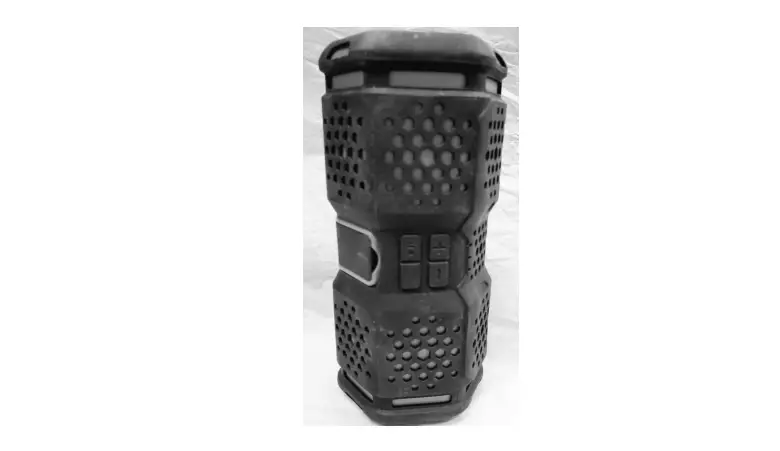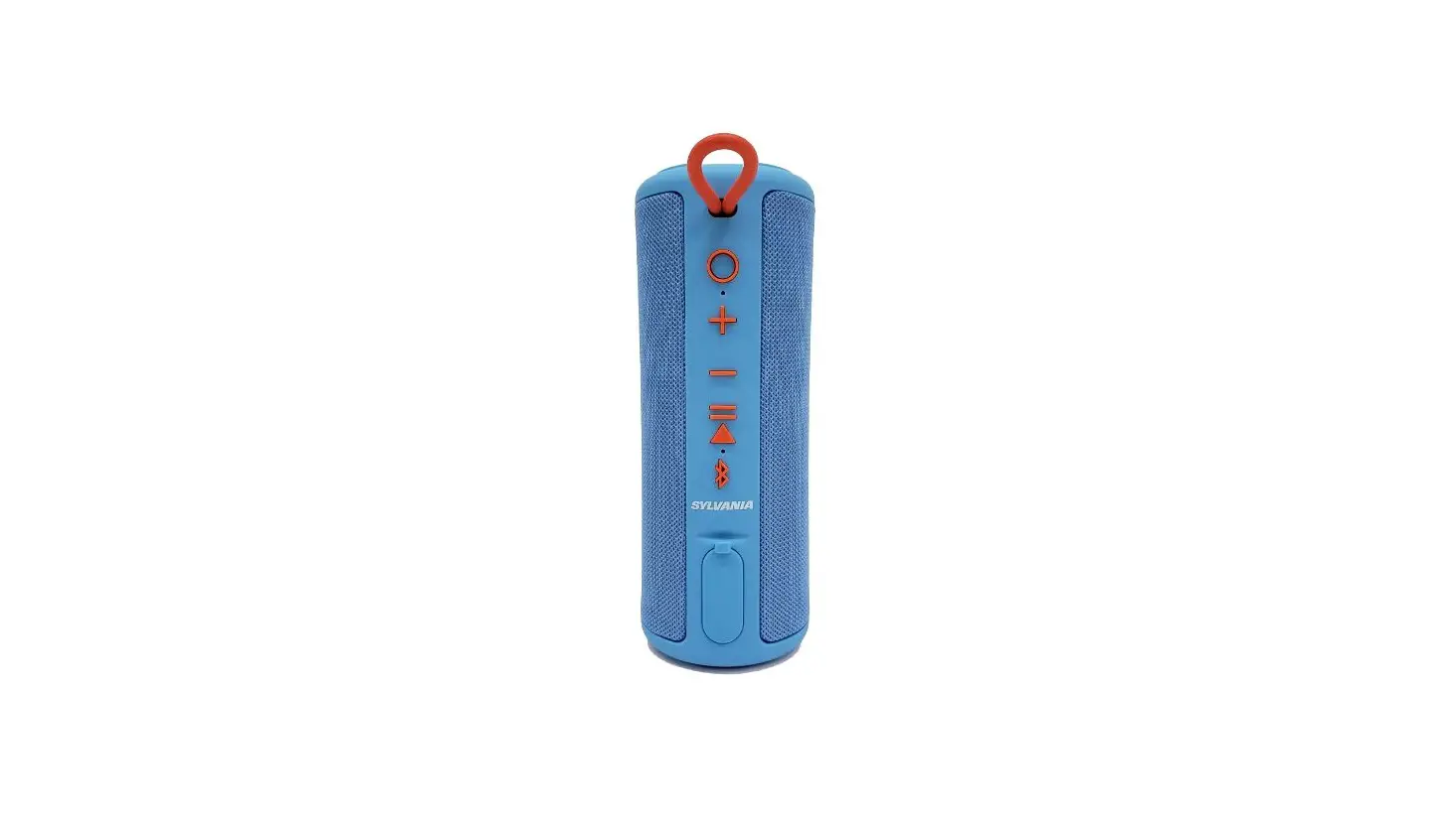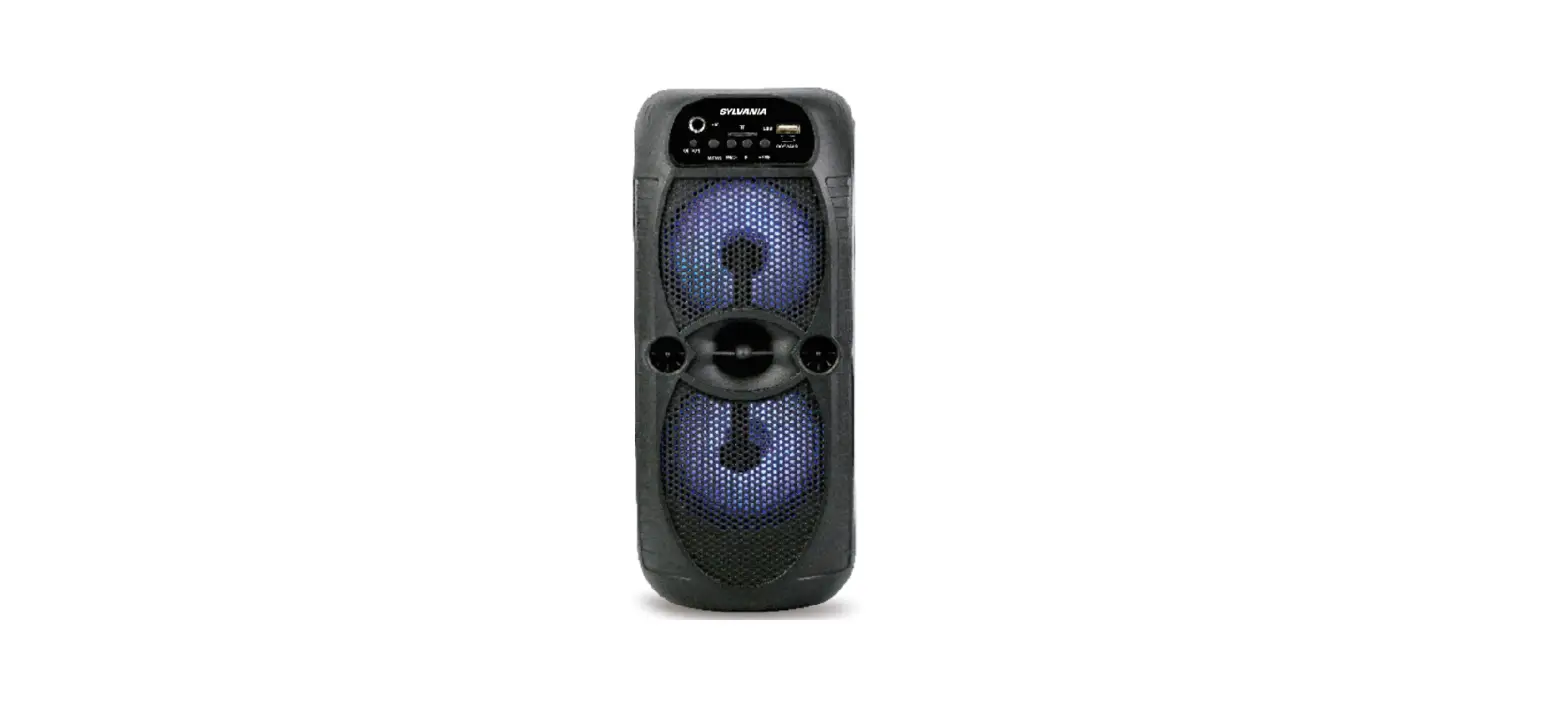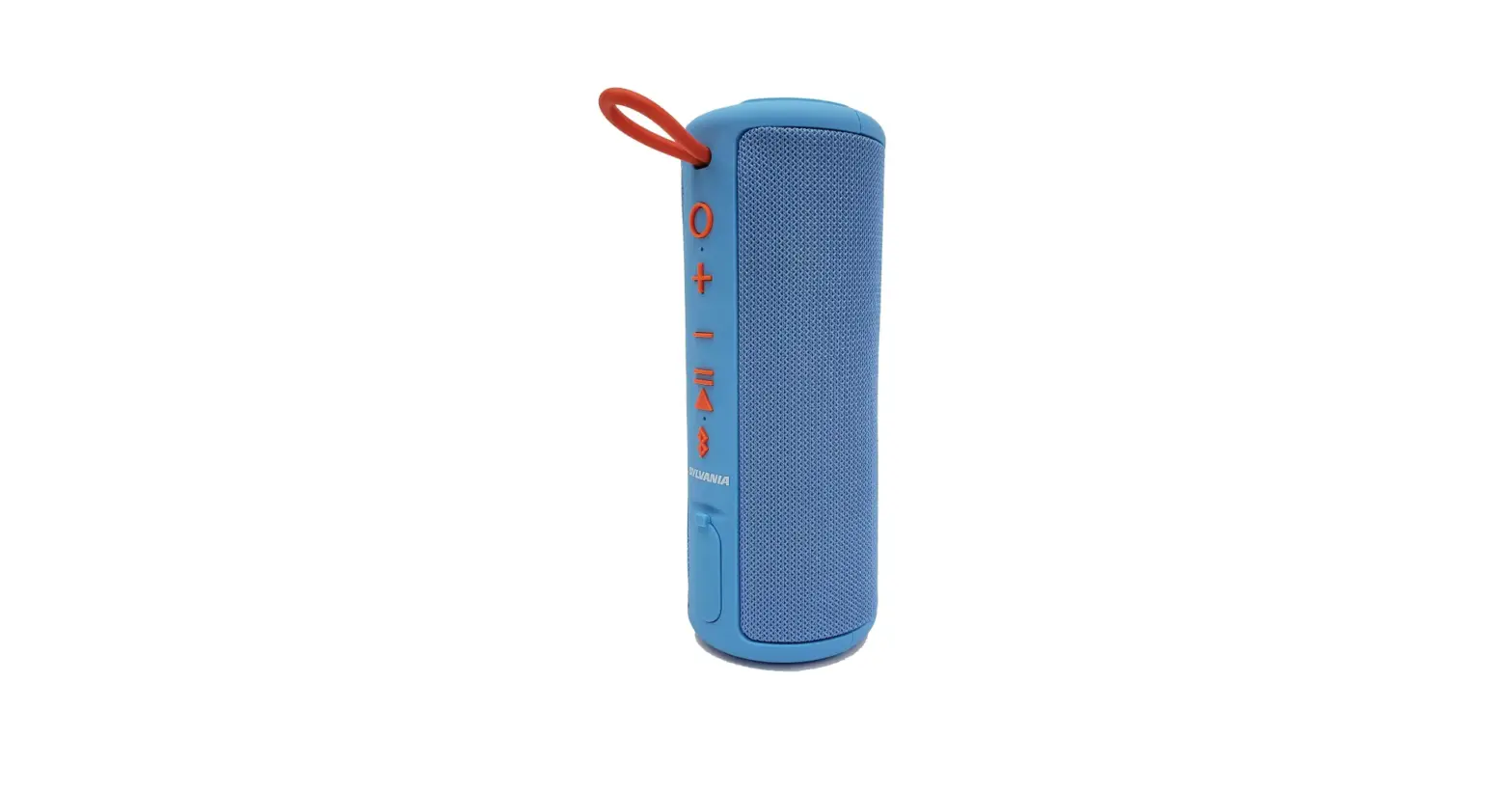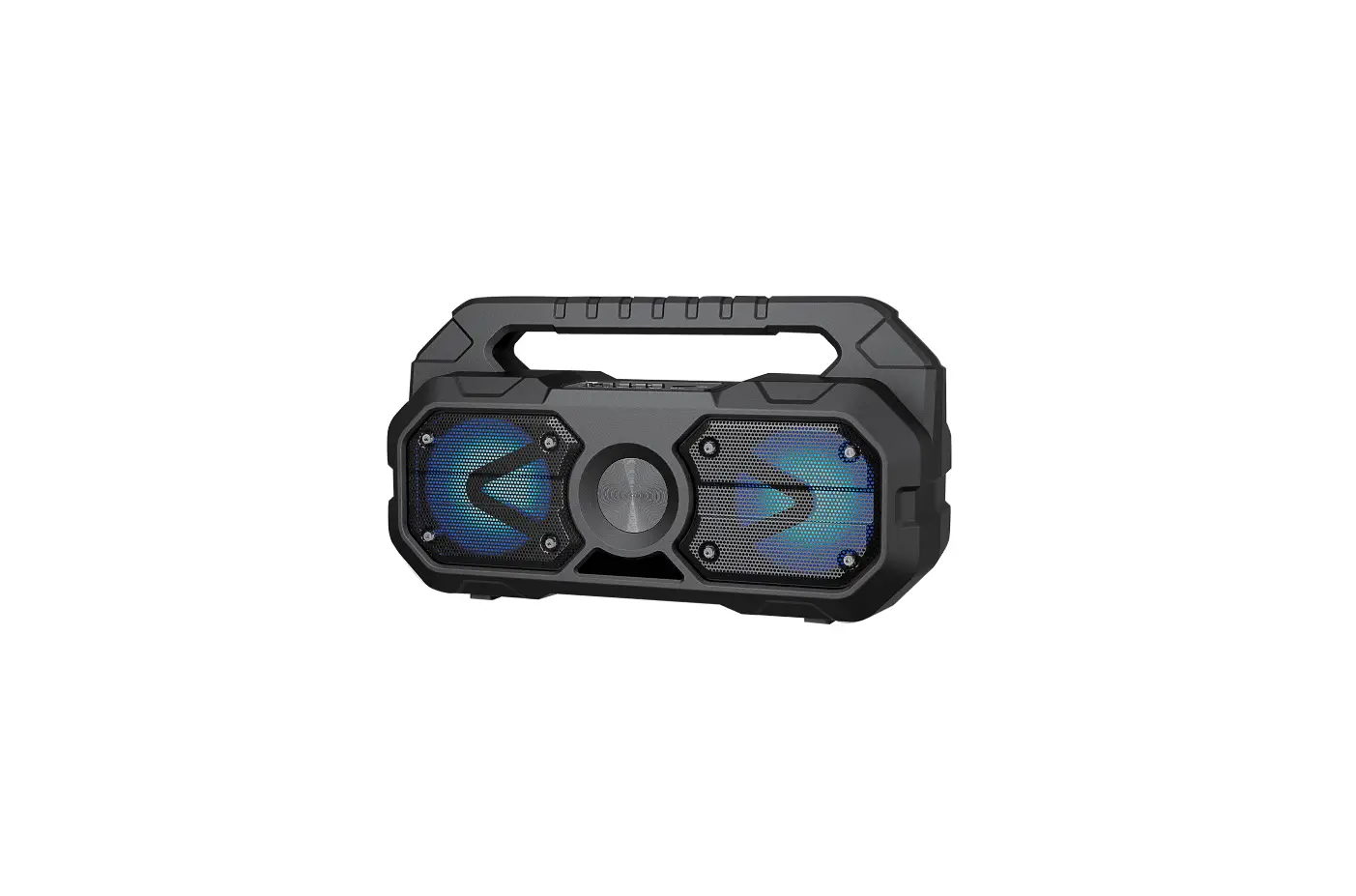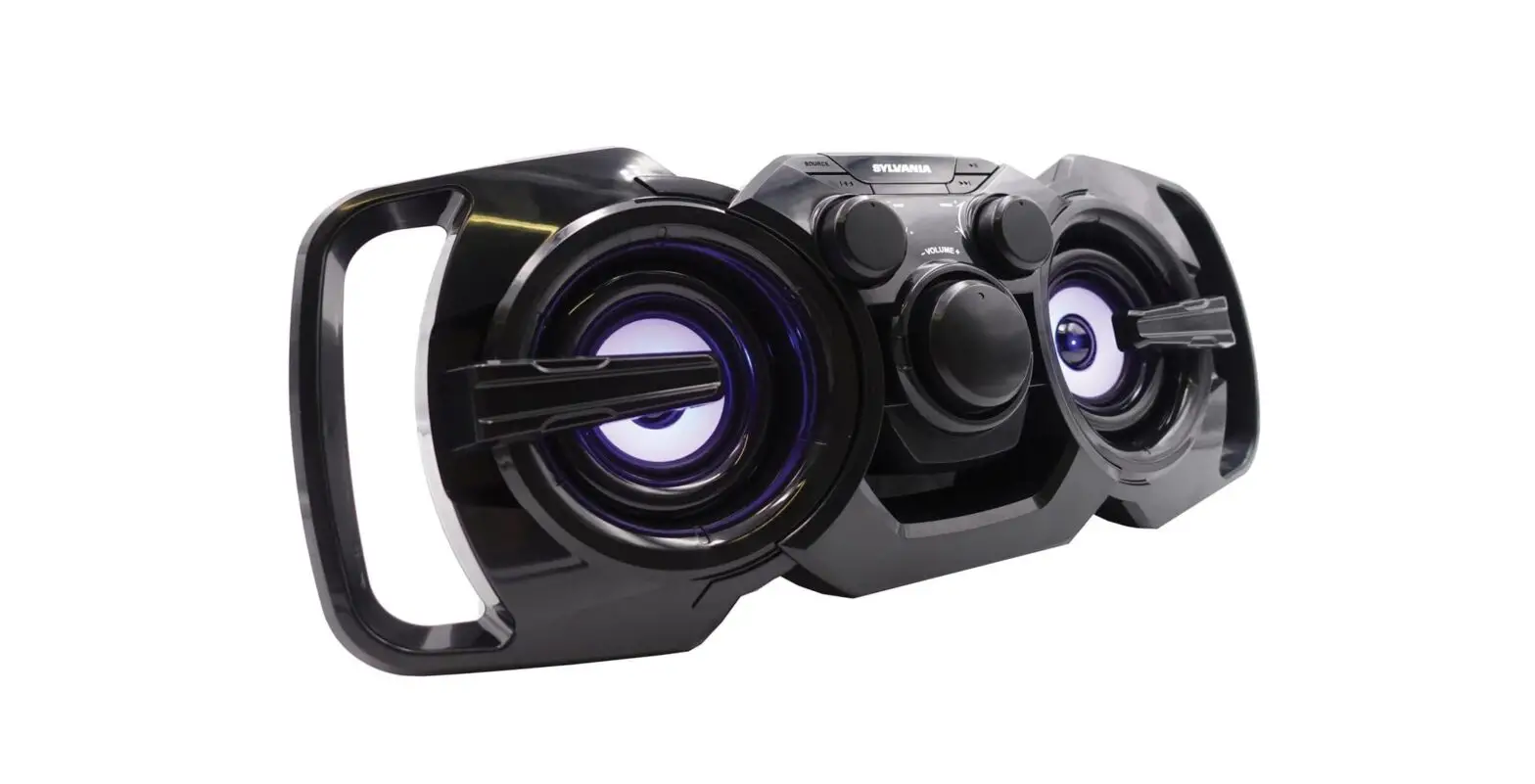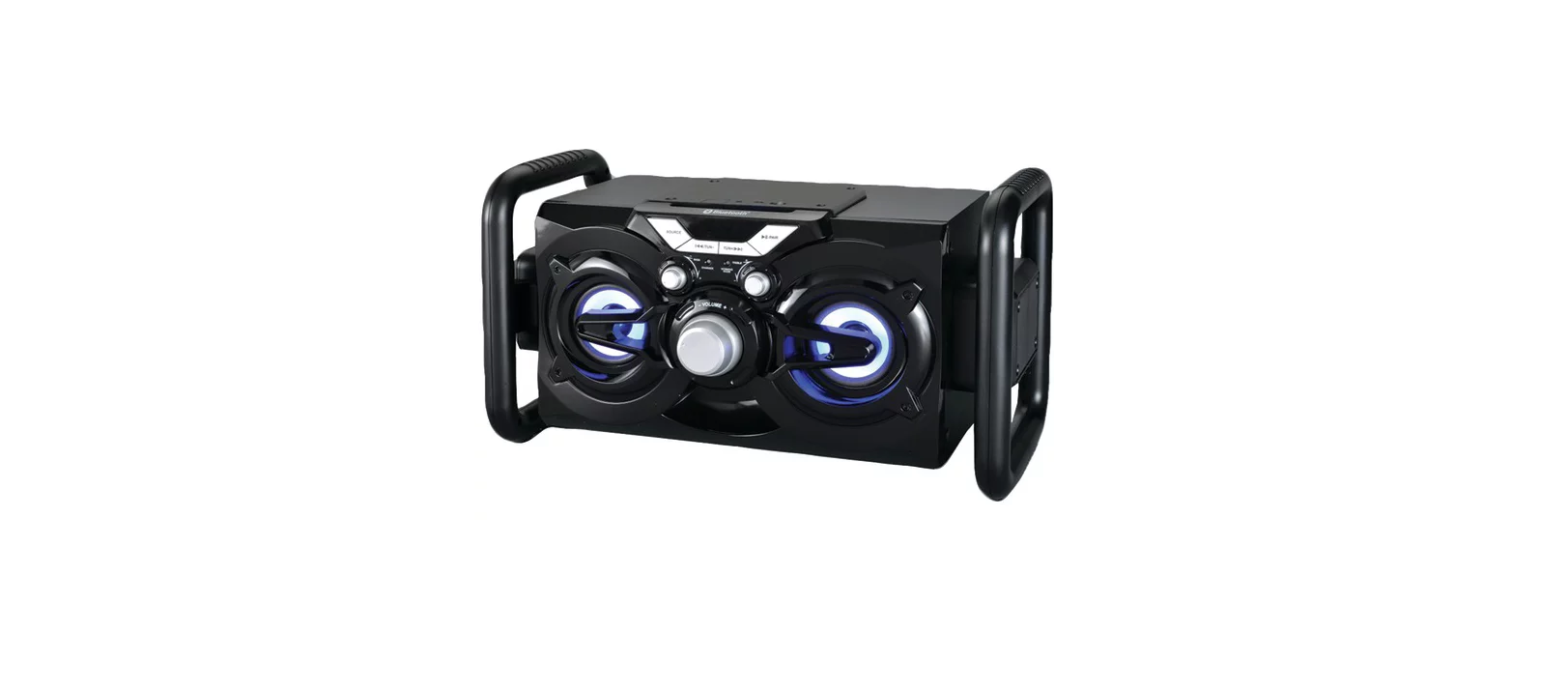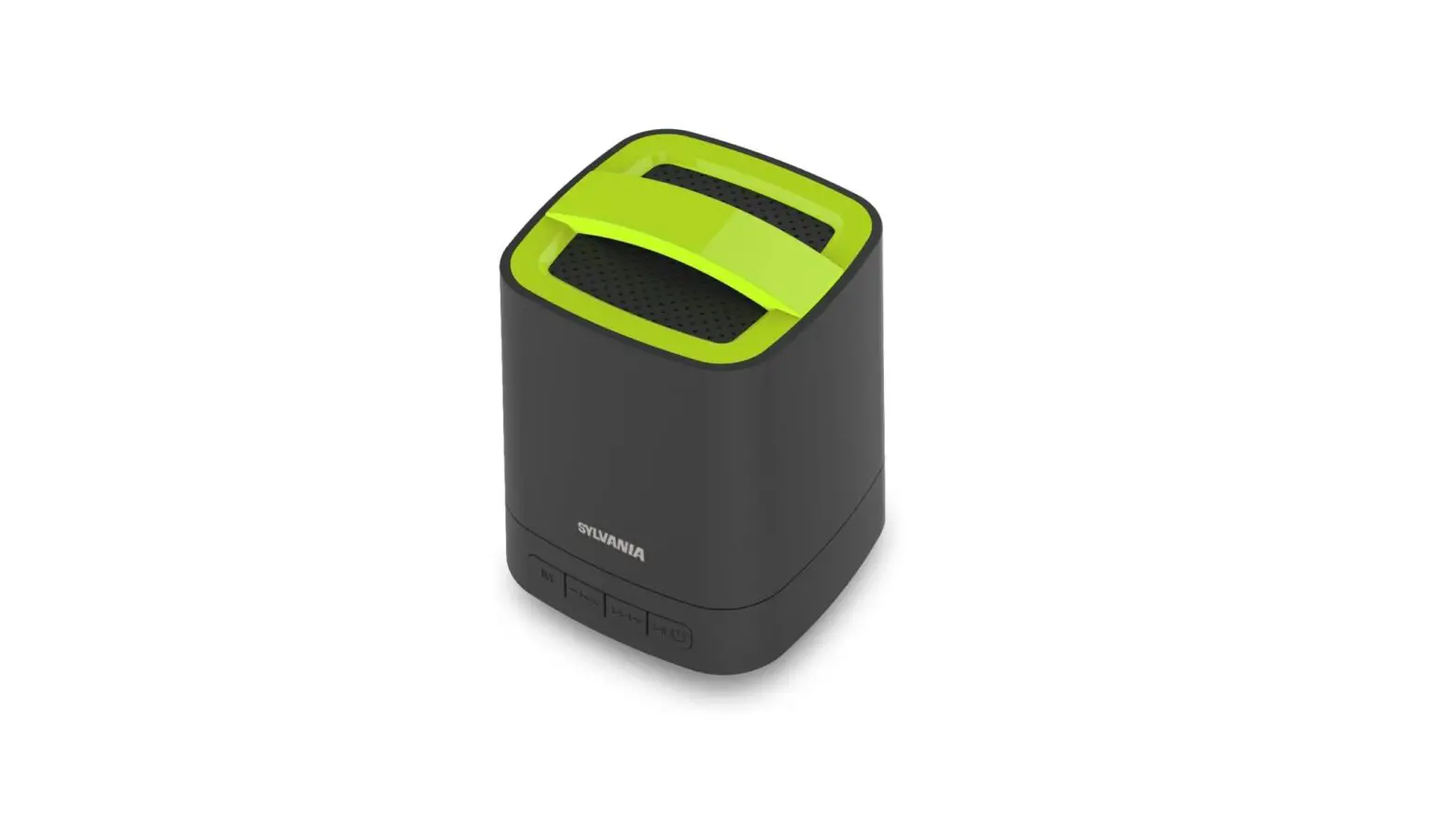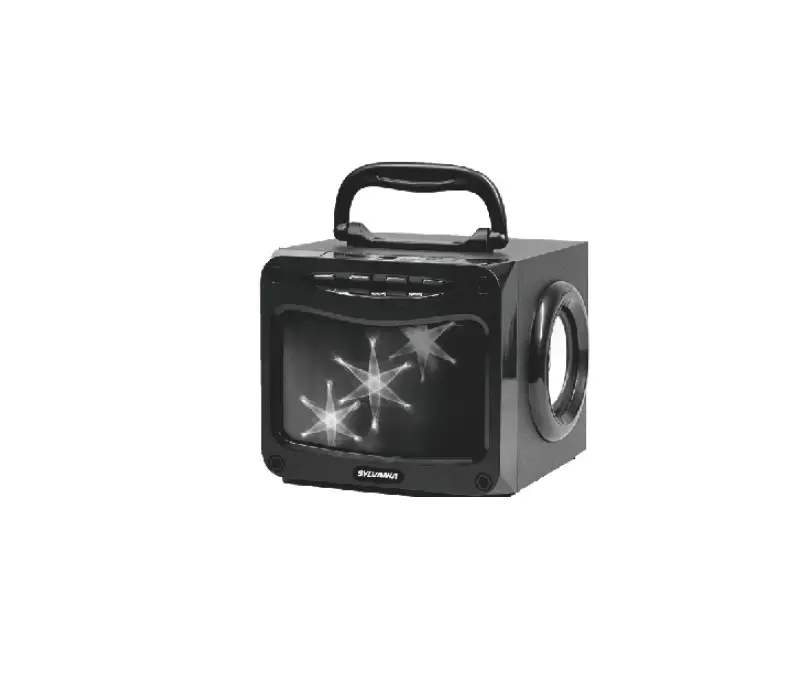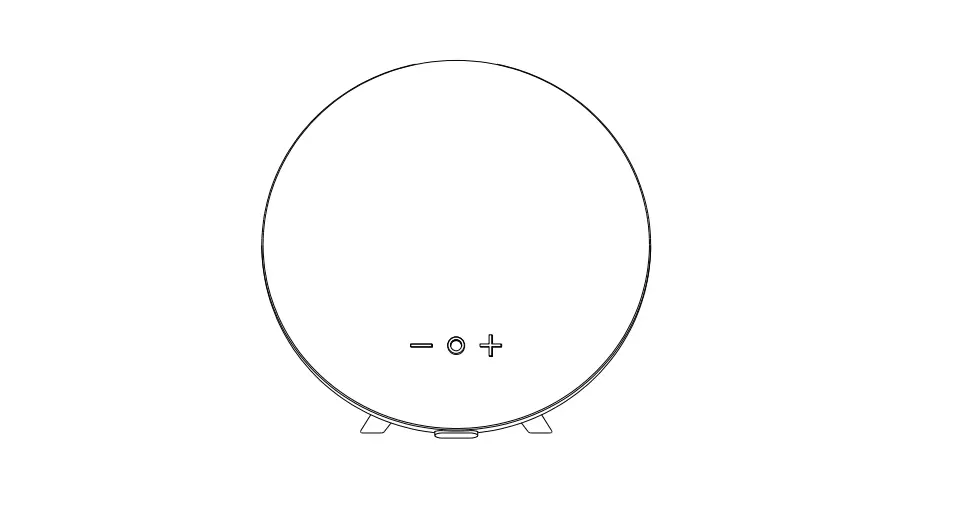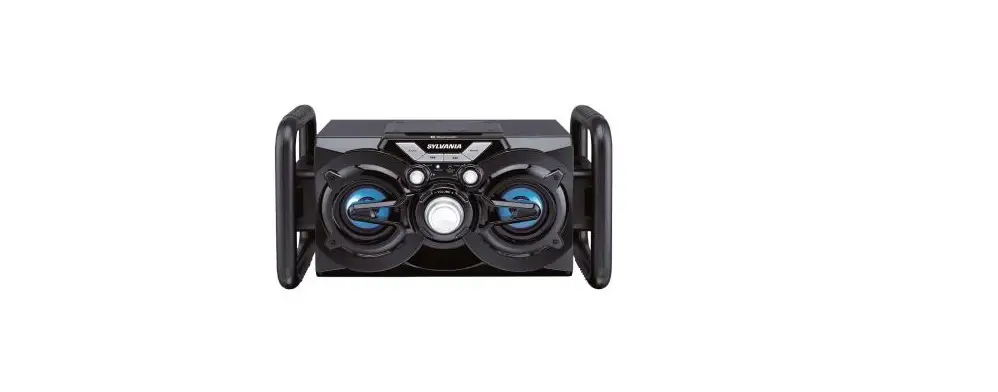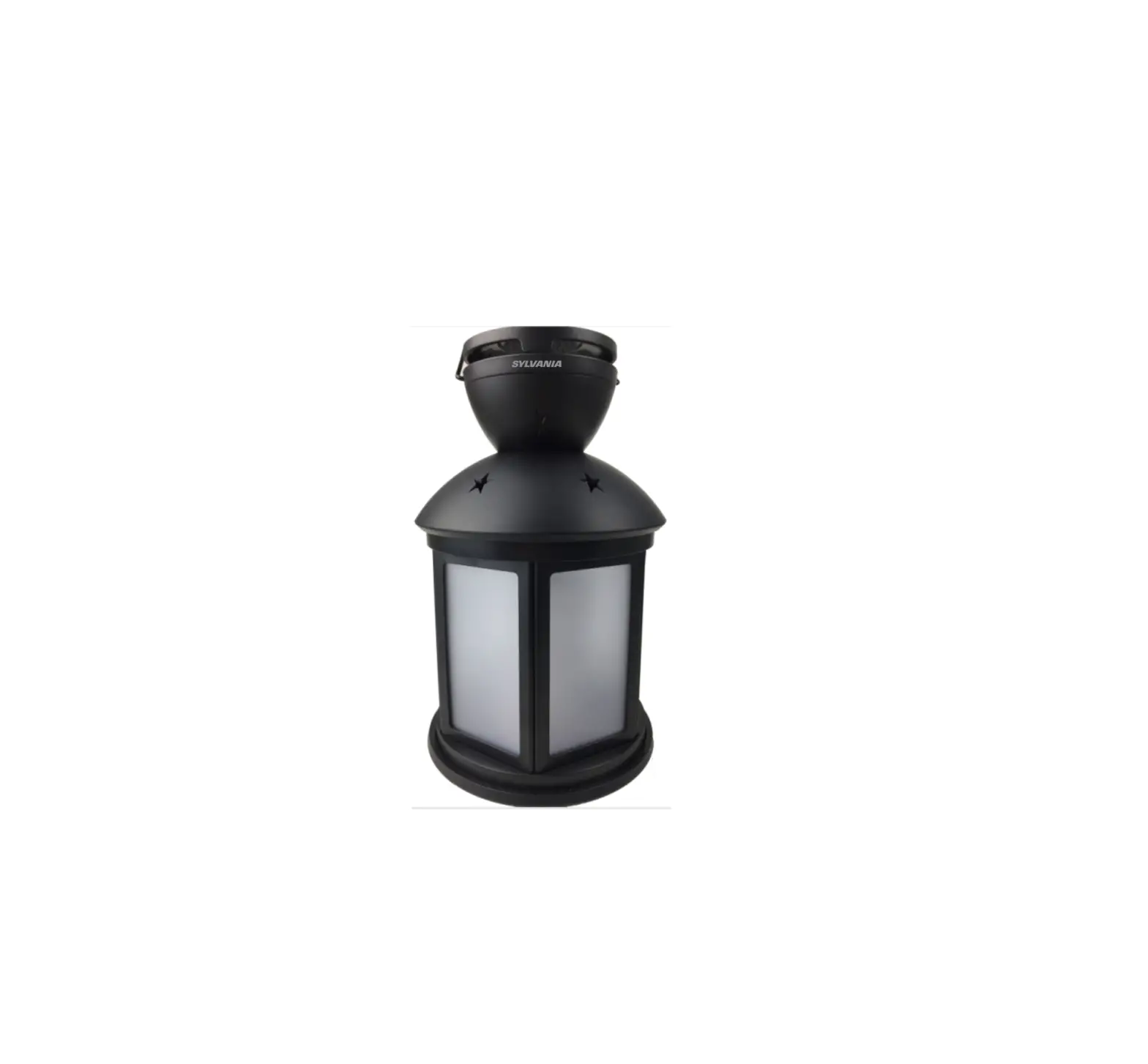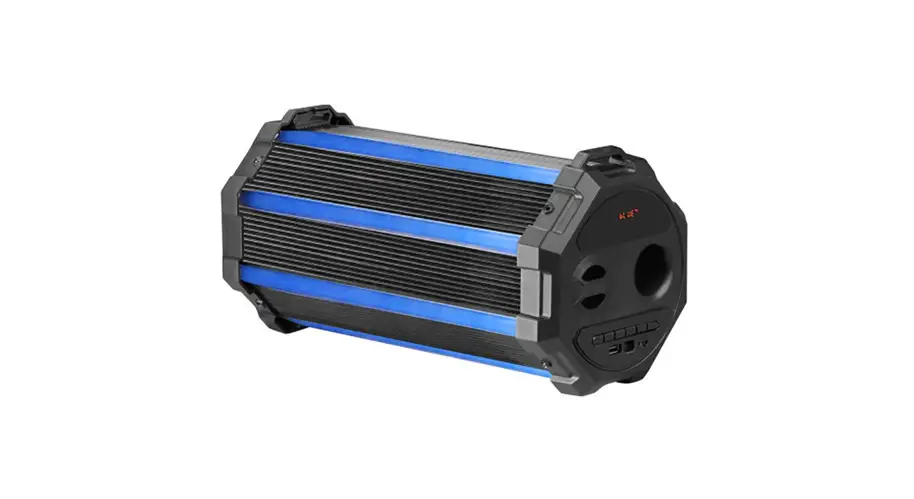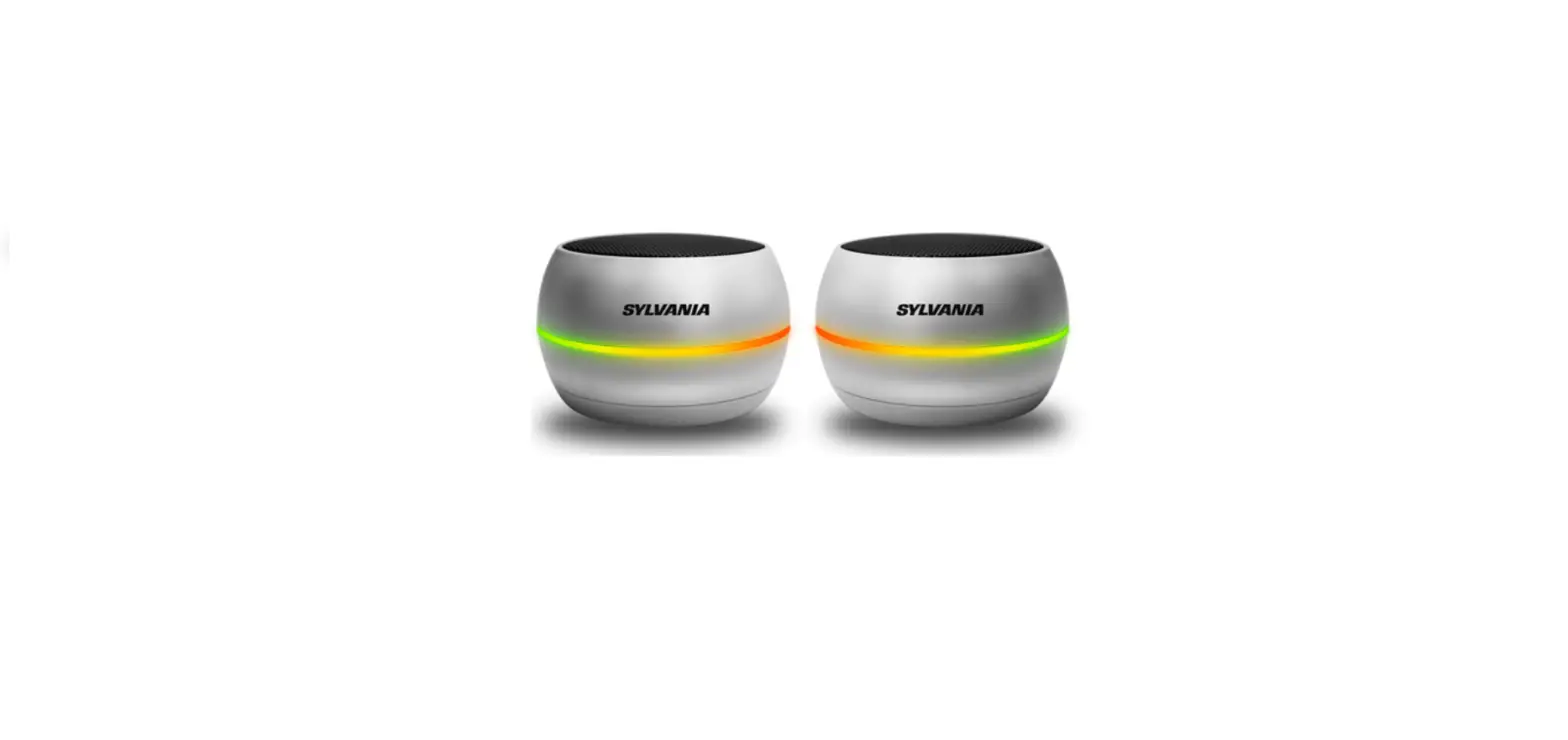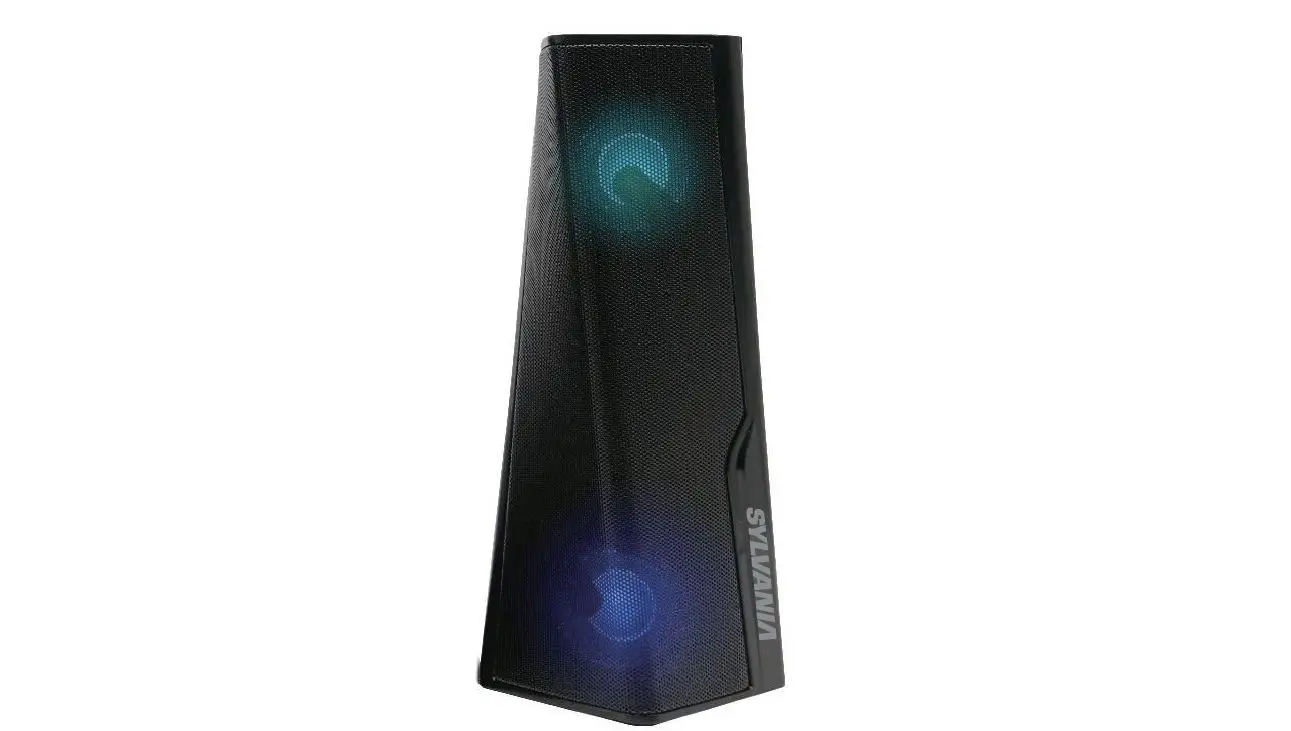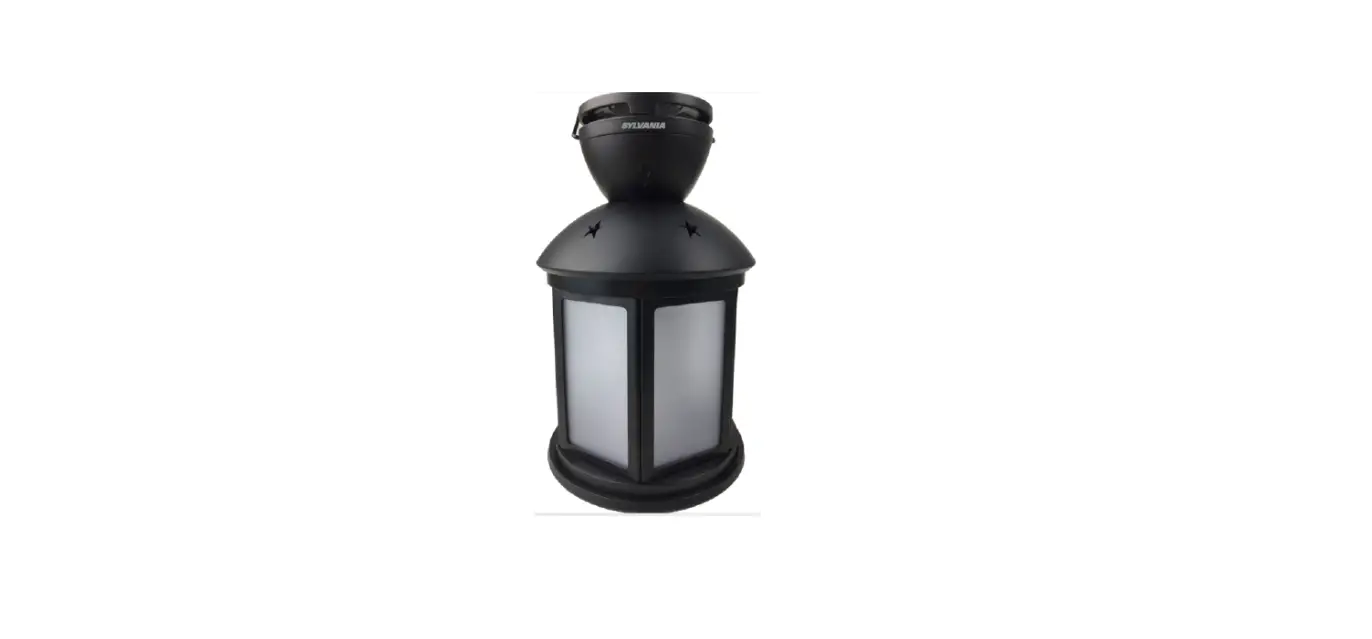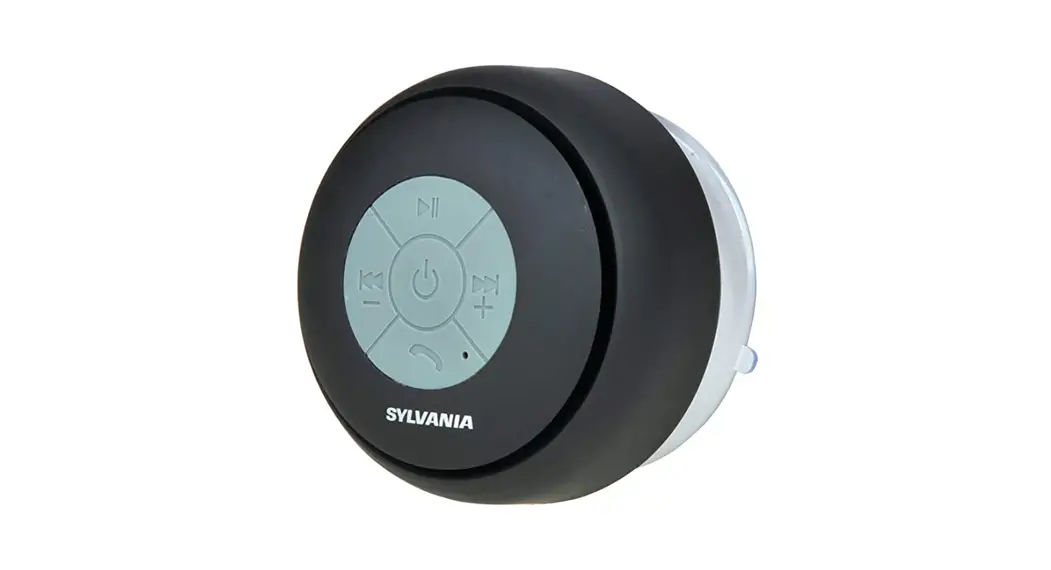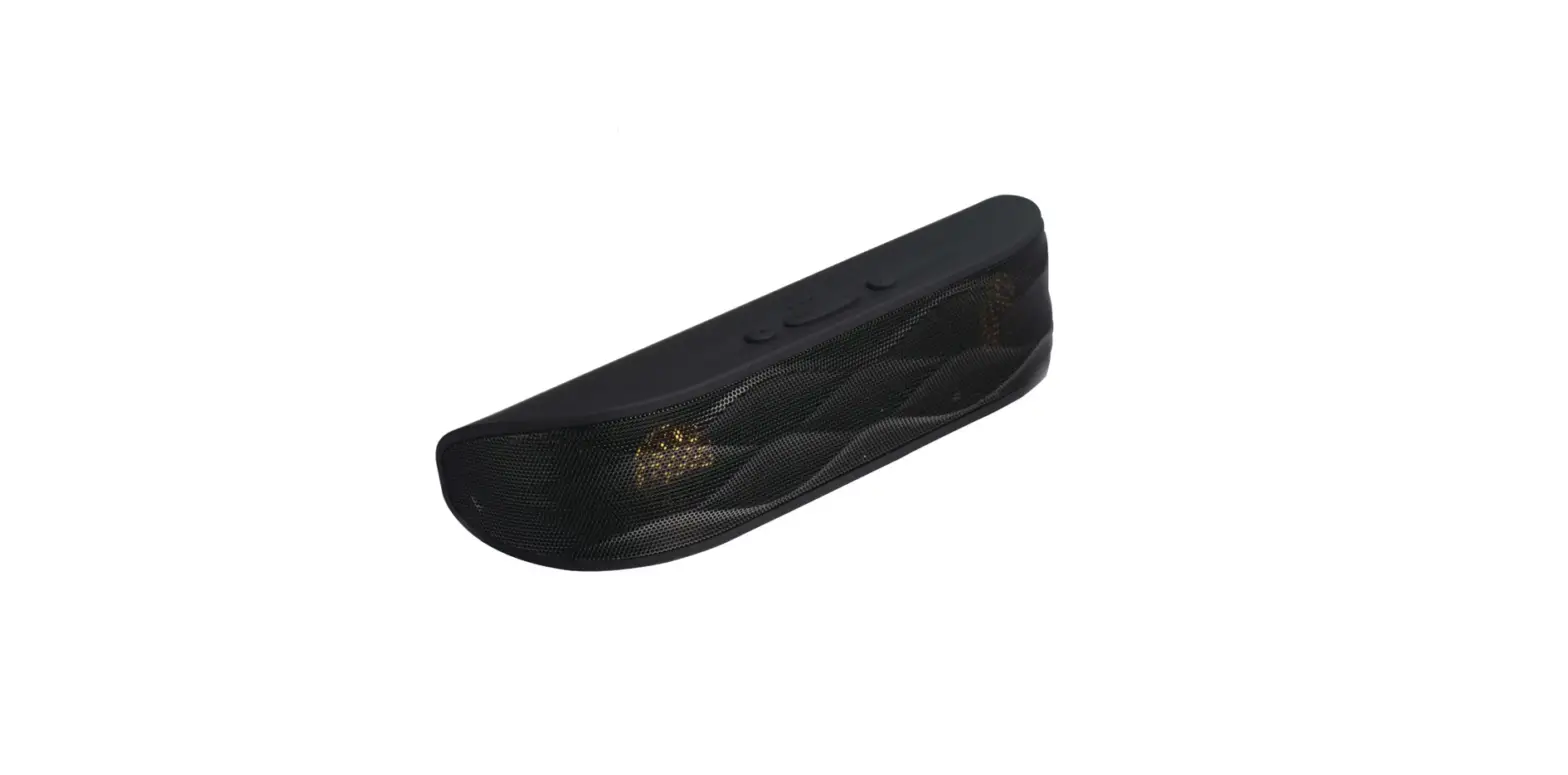

Sylvania SP234 Bluetooth Wireless Portable Speaker
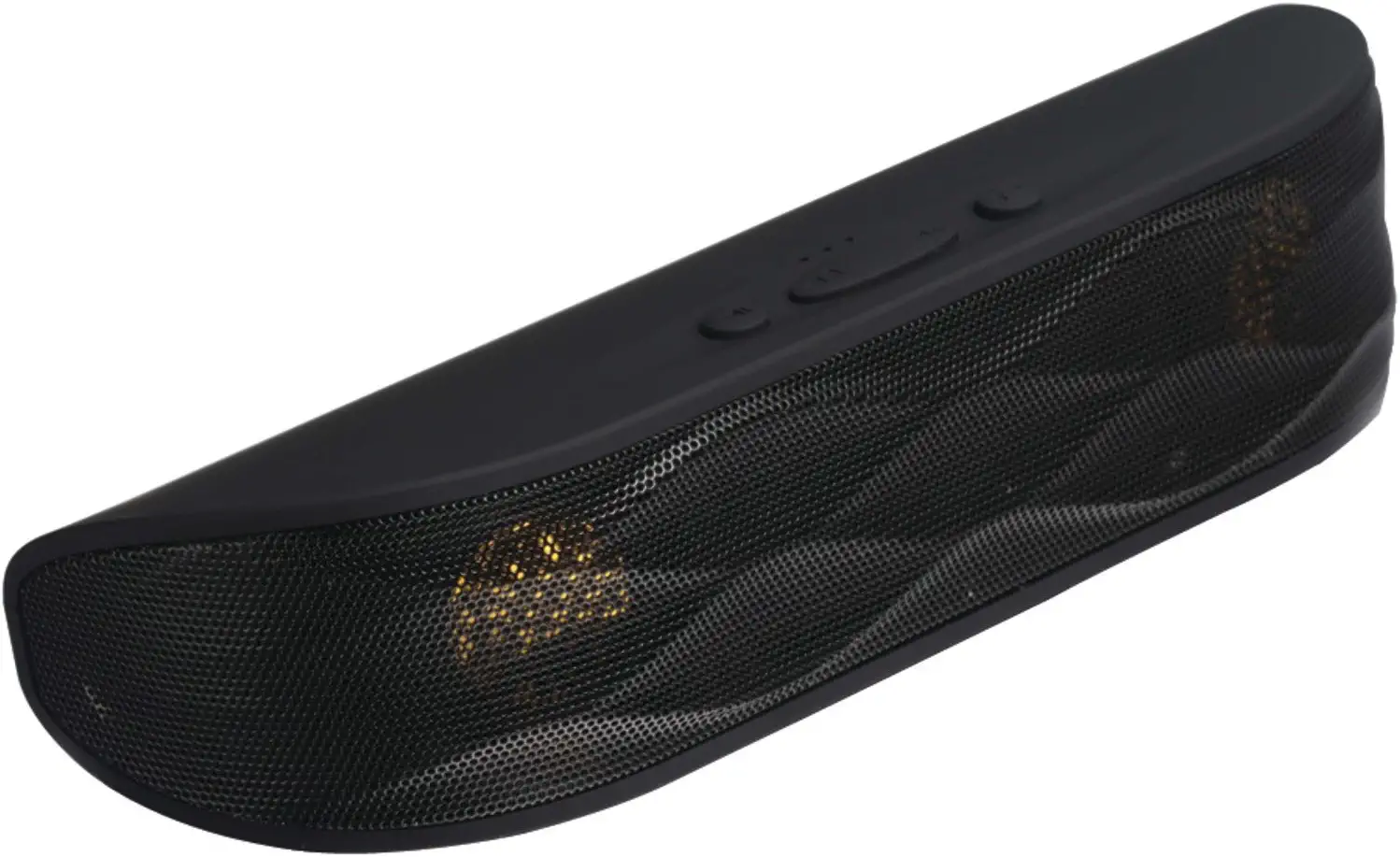
Product Overview
Included
- Speaker
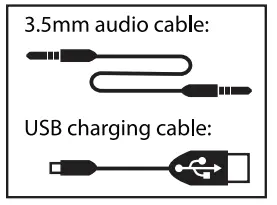
- 5mm Audio Cable
- USB Charging Cable
- User Manual
- Battery
Instructions for use
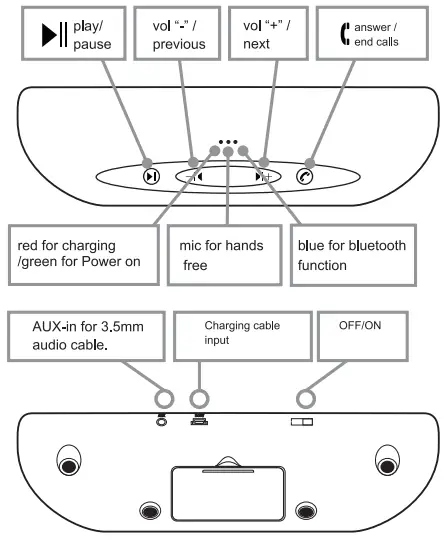
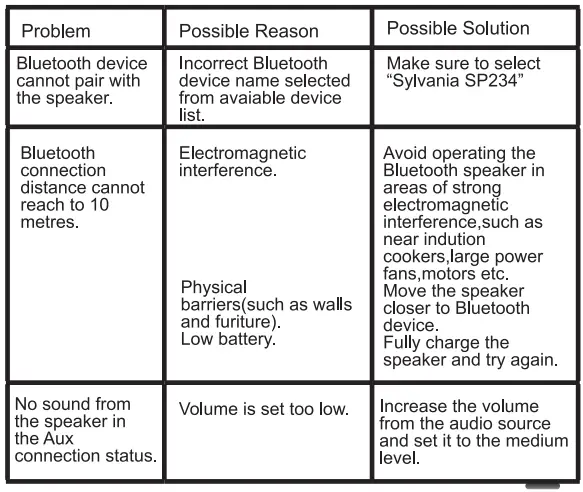
Open the battery compartment and place a rechargeable battery into the base of the speaker, following the polarity markings (+/-).Guide lines for this are marked on the base of the battery compartment. Press the On/Off switch, the green light will illuminate and the blue light will flash fast, indicating that the Bluetooth functions is available. The Bluetooth user name is” Sylvania SP234″. The blue light will flash slower after the speaker has paired with the device. The Bluetooth speaker can only match one signal at time. The connection cannot be deleted while paired and can only be deleted once disconnected.
Note: An indicating sound will let you know that the speaker has paired/unpaired.
Using the Hands Free Function
When a phone call is received, short press the button to answer To end the phone call, short press the button again. Long press the button to reject calls. Using the Aux-In Function When using an Aux cable the previous song, volume-,next song, volume + and the pause/play functions do not work.
Charging the Bluetooth Speaker
Connect the USB/DC cable to the Bluetooth speaker and then to any USB port; the green power indicator will turn to a red light.
Note: The battery wil not charge during playback. Ensure that the speaker is turned off when charging. Playback cut out intermittently as the battery life deteriorates.
Care and Maintenance
- Wipe clean with a soft, damp, lint-free cloth, ensuring that the speaker is not immersed in water or other liquid.
Note: Make sure that the USB/DC charger is not connected.
- Do not expose the speaker to liquid, moisture or humidity to avoid the speaker’s internal circuit being affected.
- Do not use abrasive cleaning solvents to clean the speaker.
- Do not expose the speaker to extremely high or low temperatures as this will shorten it’s life, destroy the battery or distort certain plastic parts.
- Do not expose the speaker to sharp object as this will cause Scratches and damage.
- Do not drop the speaker as the internal circuit may become damaged.
- Do not attempt to disassemble the speaker as this may cause damage to the unit.
Troubleshooting
Battery Information
Use only the size and type of batteries specified. When using the batteries,follow the polarity shown in the battery compartment.Incorrect polarity could cause damage to the speaker. If the speakers are not going to be used for a long period of time, remove batteries to prevent damage due to battery leakage. Do not expose the batteries to fire as this can cause a leakage and/or an explosion.
Rechargeable batteries are only to be charged under adult supervision. Only batteries of the same or equivalent types as those recommended should be used with this speaker.
Specification
- Bluetooth Range: 33 ft (10 m)
- Playback Time: approx 2~4 Hrs
- Dimensions:9″ x 8.5″ x 2.4″ (50 x 217 x 63 mm)
- Weight:9 oz. (252 gr.)
- Battery: Li-on, 600 mAh
- Charging: 5 V, 500mAh
Frequently Asked Questions
With steady use, the charge lasts roughly 8 hours, however the device is still playable while it is charging.
Product details. With this black SYLVANIA Rubber Finish Bluetooth Speaker with Cloth Trim, you can take the party wherever. With its ultra-portable size and tough IPX4 waterproof build, it’s perfect for taking your jams to the beach or the pool.
The light is on while it is charging. The light turns off after it has finished charging. The light is always on when it is turned on and in use, but when it is not used for a while, it automatically turns off.
The charging process for speakers using AC mains power typically takes 6 to 8 hours. A USB-charged speaker will take about 3–4 hours to completely charge.
There is a rechargeable battery inside of this device. We advise using the USS cable to completely charge the battery before using it for the first time. Connect a USS charging cord to a USS wall charger or port (Not included.) And join a different side to the speaker’s USS charging port.
If the battery is fully charged, the CHARGE indicator won’t turn on. Depending on the model, the speaker’s CHARGE indication could not turn on while it is being charged. The CHARGE indicator will turn on if the battery is charging while the speaker is off.
If you play music through your Bluetooth speaker while it’s charging, it will keep going until the battery is fully charged. The speaker will turn off on its own when the battery is fully charged.
The speaker only needs to be turned on to enter pairing mode. The speaker is prepared to play music once you choose it from your Bluetooth menu!
Simply use your smartphone to charge the wireless speaker. All you have to do is attach your smartphone to it using the USB cord. You won’t need to worry about using a charger if you do it this way. You don’t need to buy anything more because you already carry a phone with you everywhere.
When you hear the gadget turn off, hold down the “volume down” and “power” keys simultaneously for around 6 seconds. Use the speaker as you would a new speaker after turning it on.
• By holding down the Power or Pairing button, you can put your Bluetooth device in pairing mode.
• iPhone: Select Other devices under Bluetooth settings. To connect, tap the gadget.
• Go to Settings > Connected devices > Bluetooth on an Android device. After choosing Pair new device, tap the speaker’s name.
Activate the USB Media port and insert a USB drive. A voice prompt will signal the automated transition to USB Mode on the speaker. To manually enter USB Mode, tap the Source button instead.
A weak signal and interference are probably to blame for this. Consider turning off any nearby electronics.
To turn the lighting function on or off, press and hold the BATT (battery) button and LIGHT button inside the speaker’s cap for around 3 seconds. The lighting function can be turned back on/off by pushing and holding the button for an additional three seconds. There was a problem, I apologize.
There is a rechargeable battery inside of this device. We advise using the USS cable to completely charge the battery before using it for the first time. Connect a USS charging cord to a USS wall charger or port (Not included.) And join a different side to the speaker’s USS charging port.