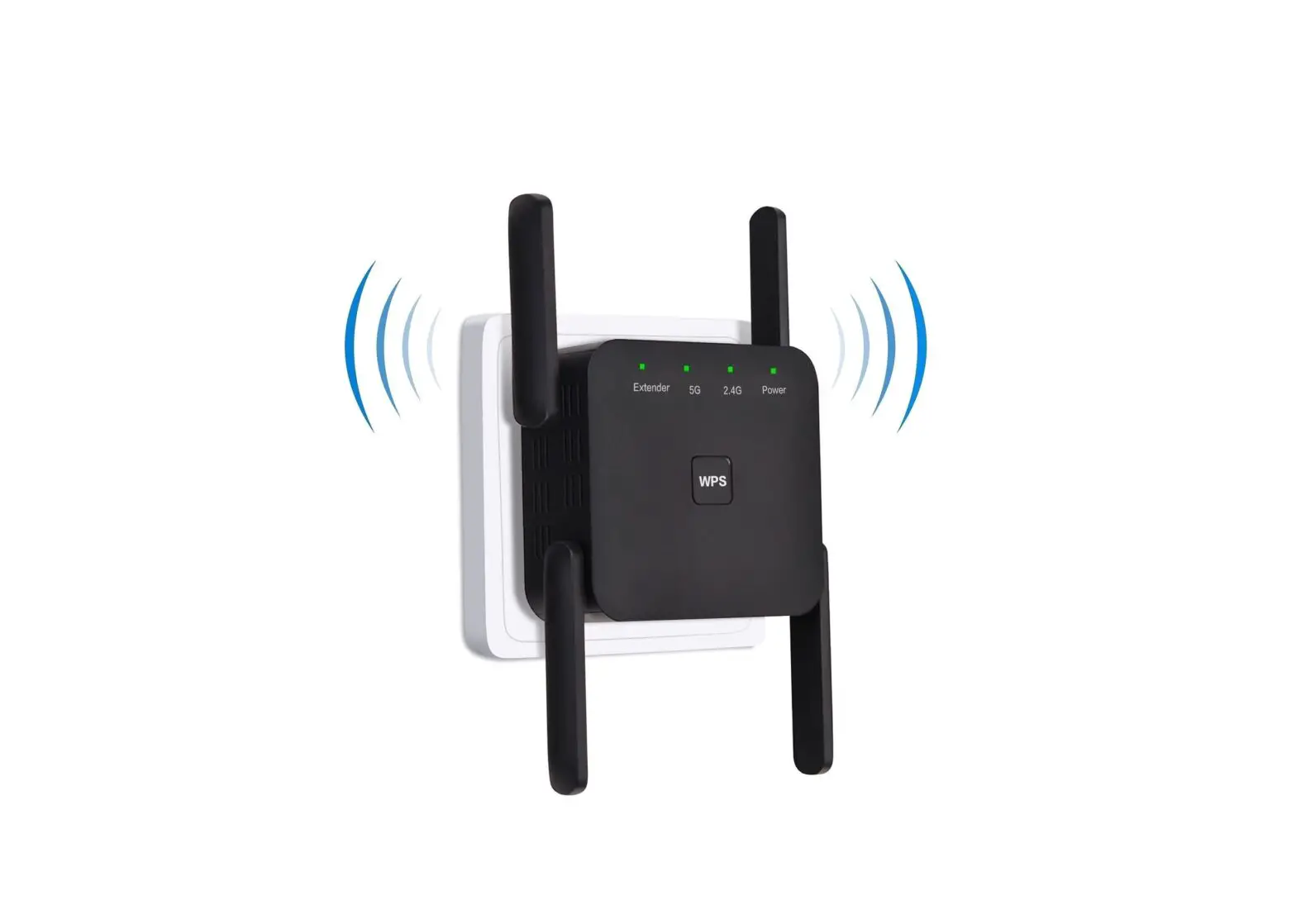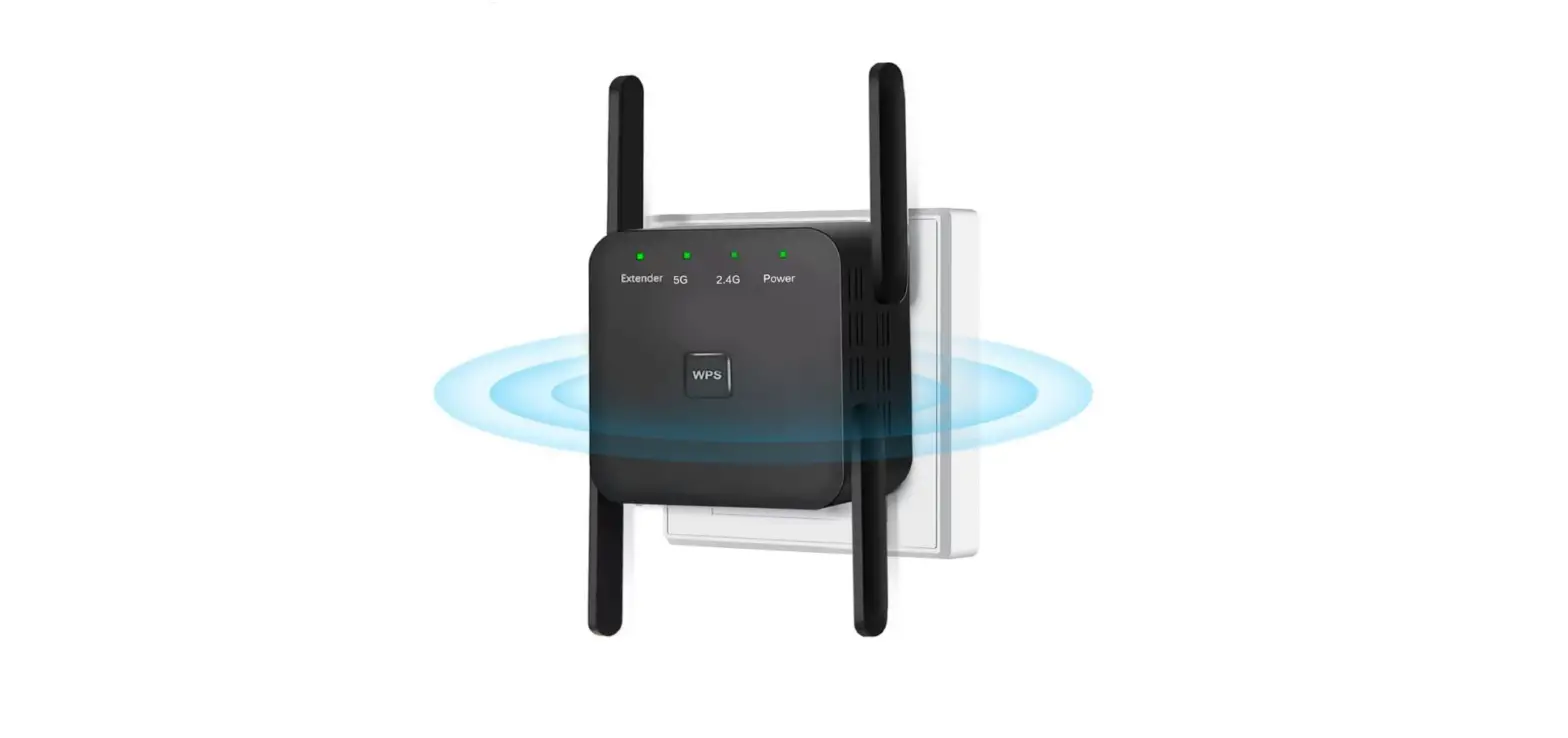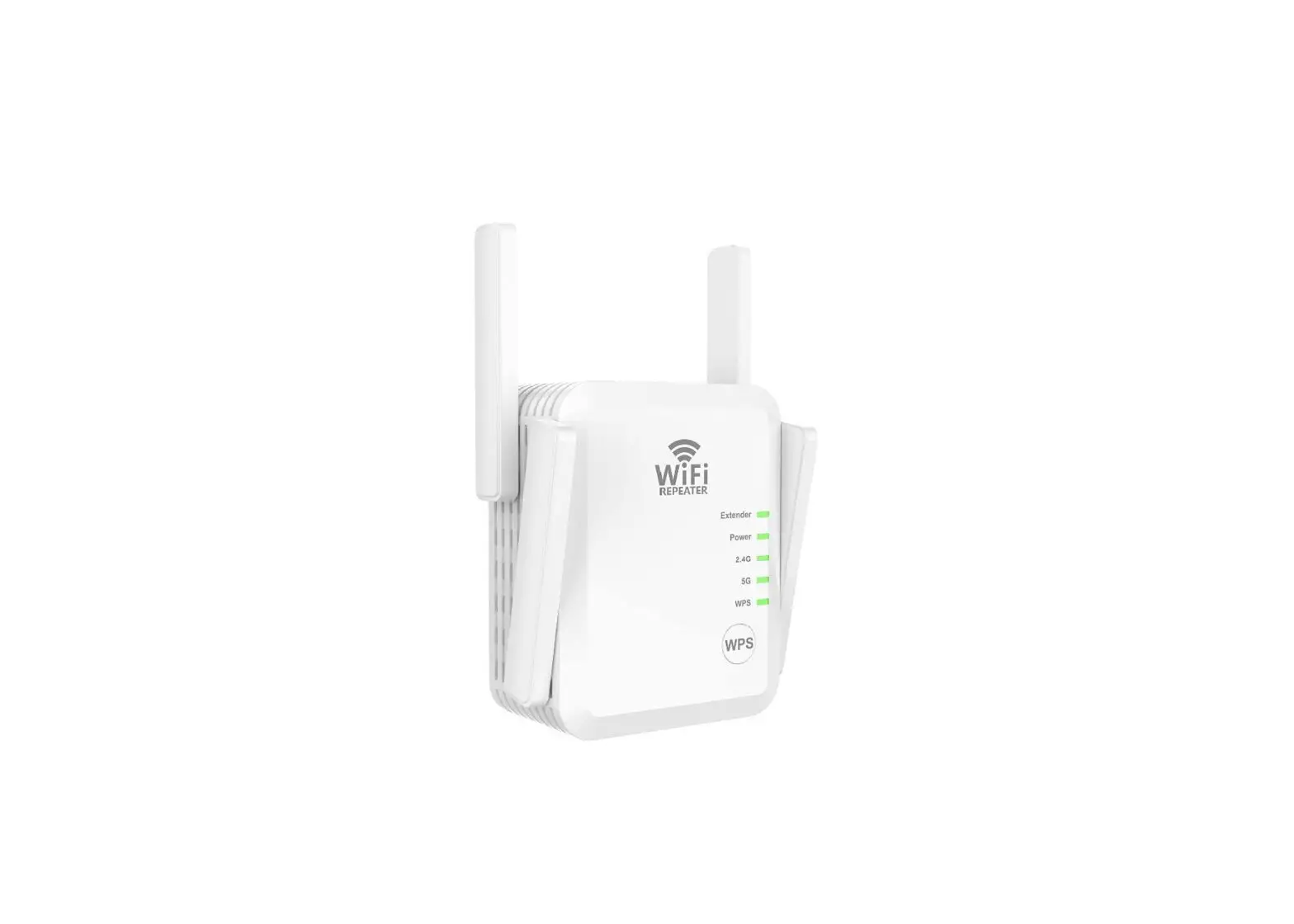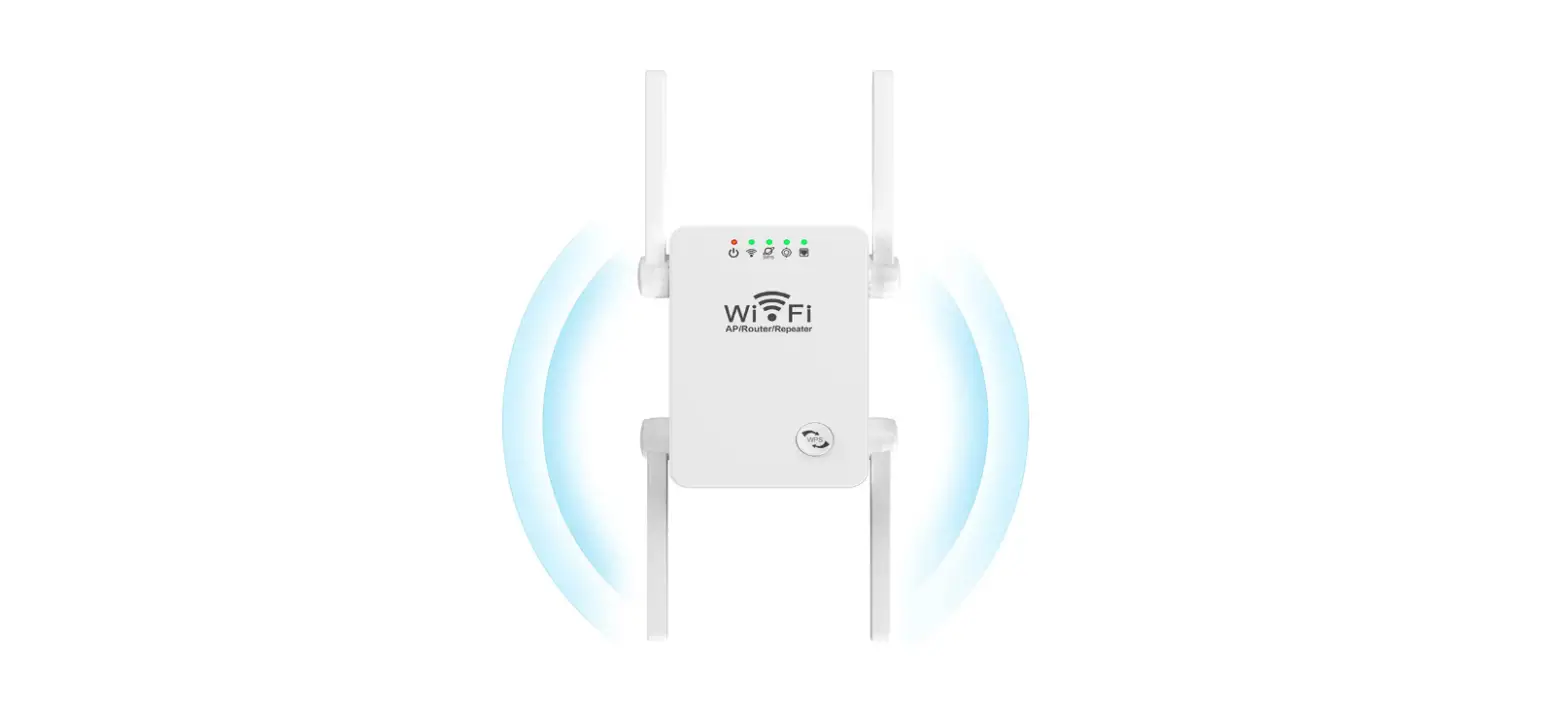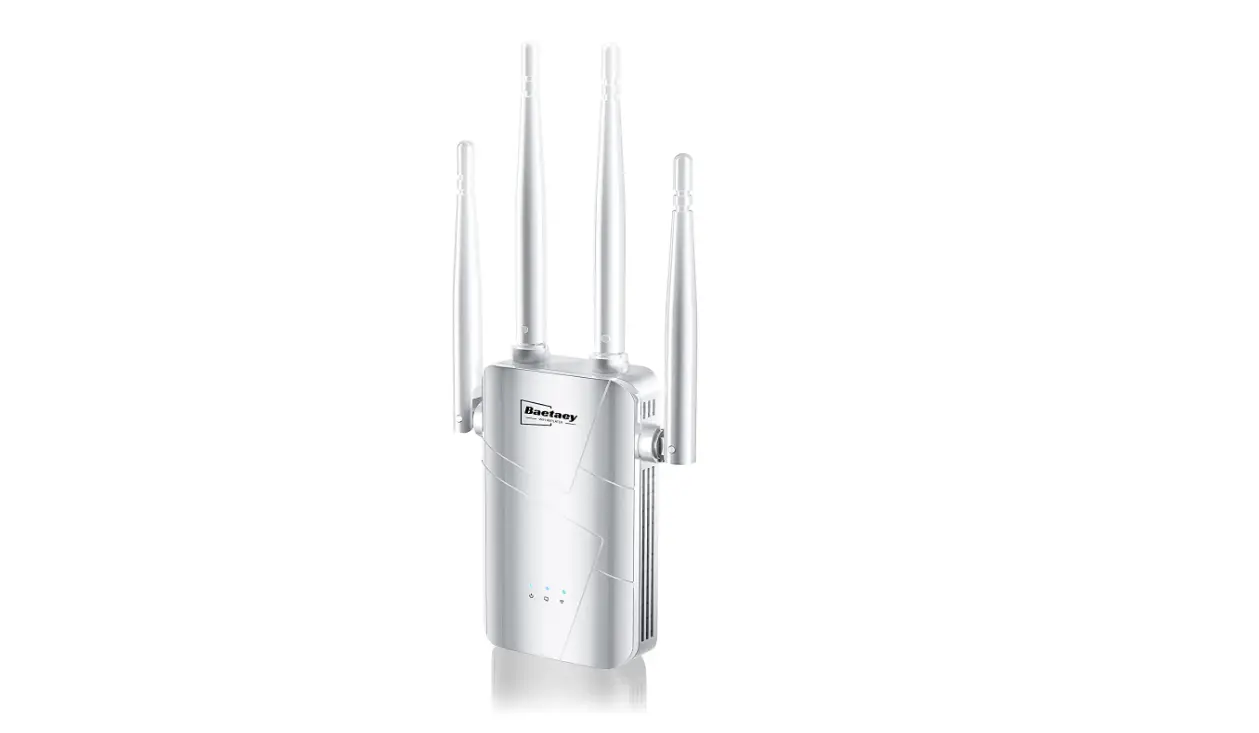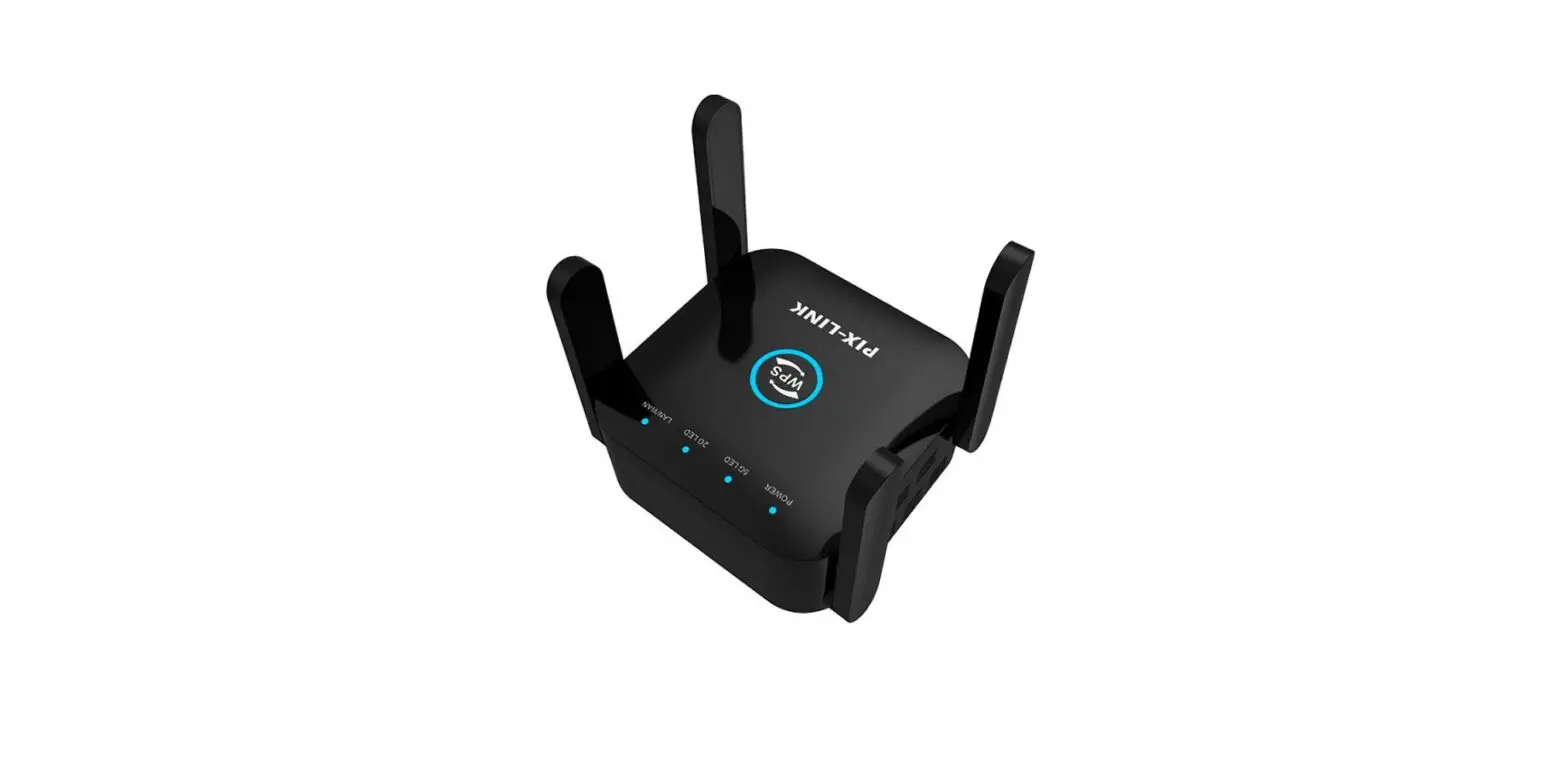

RIOUSV WHT-1200Mbps WiFi Extender Booster Repeater
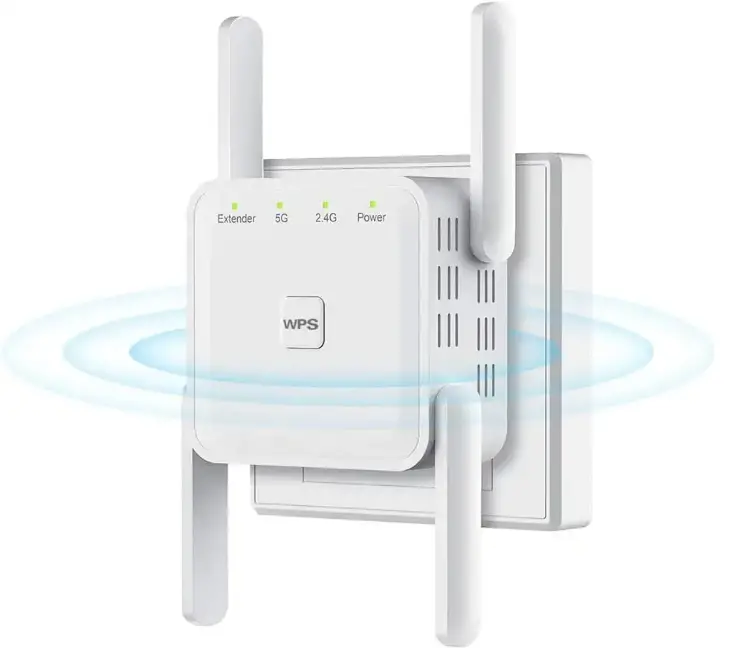
Specifications
- BRAND: RIOUSV
- MODEL: 1200Mbps
- WIRELESS COMMUNICATION STANDARD: 802.11bgn
- DATA TRANSFER RATE: 5 GHz
- COLOR: White
- INCLUDED COMPONENTS: Wi-Fi extender
- COMPATIBLE DEVICES: Router
- CONNECTED DEVICES: 15 devices
- PACKAGE DIMENSIONS: 3.39 x 2.95 x 2.52 inches
- ITEM WEIGHT: 3.84 ounces
Introduction
With dual band technology, this WiFi extender offers speeds of up to 866 Mbps for 5 GHz and 300 Mbps for 2.4 GHz, minimizing data loss. It has 360-degree high-speed connection for online gaming and HD video surfing. HD video, the transfer of massive digital files, and the rapid movement of data are all accessible to everyone. Any conventional router or gateway can be used with this WiFi repeater, which has been tested and is compatible with 99% of the routers now available. Any device, including iOS, Android, Samsung, Echo and Alexa, PC, PlayStation, smart plugs, etc., is supported. It is ideally suited for high-definition gaming and streaming. AP/Repeater/Router mode to conveniently satisfy various demands.
Any 802.11b/g/n/a/c wireless Internet router can be used with this WiFi extender, making it compatible with any common router or gateway. By hitting the WPS button, the wireless coverage can be easily expanded. Or set up using the browser website (192.168.188.1) on practically any device, including mobile platforms running Windows, Android, or iOS. 15 devices may connect to this WiFi signal, compared to only 5 with other extenders! With the help of this Wi-Fi extender, you can increase network security, guarantee network security, stop anyone from stealing your network, safeguard your sensitive data, and stay clear of Wi-Fi interference and privacy concerns. Our staff provides lifetime technical assistance in addition to a 180-day refund or replacement quality warranty. If you require any additional support, feel free to get in touch with us.
- PLUG IN YOUR WI-FI EXTENDER AND WAIT FOR 30S. Until the lights(2.4G and 5G) both on means able to start setting. If Abnormal, please reset: Press and hold the “Reset/WPS” or “Reset” key for 8 seconds and then release it. Wait until the 2.4G and 5G lights are on to indicate a successful reset.
- CONNECT YOUR EXTENDER SSID Both 2.4G and 5G are available choose 5G to setting
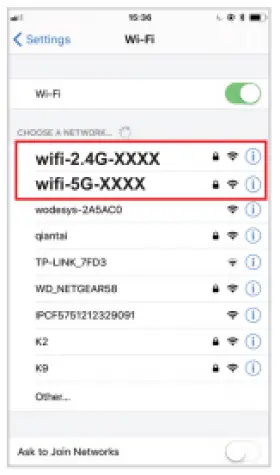
NOTE: Please remember to turn off your mobile network data. You have no access to Internet until you finish all setting steps, If your phone prompts that the network cannot be connected, click to continue
NOTE: Jump to step 3 after step 2 If you click connect on the phone, no jumping interface will appear. You can manually enter the URL 192.168.188.1 in the browser.
- SCAN AND SELECT YOUR HOST ROUTER TO CONNECT
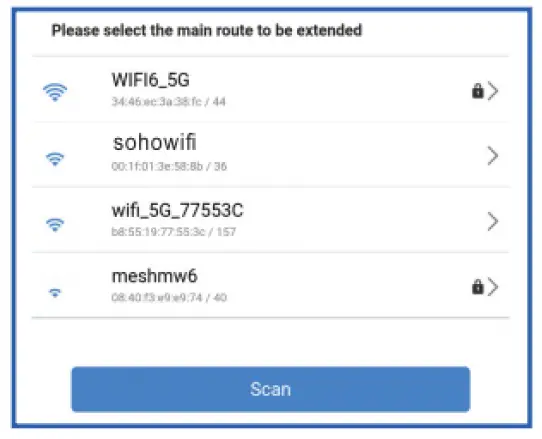
- ENTER THE PASSWORD OF YOUR HOST ROUTER
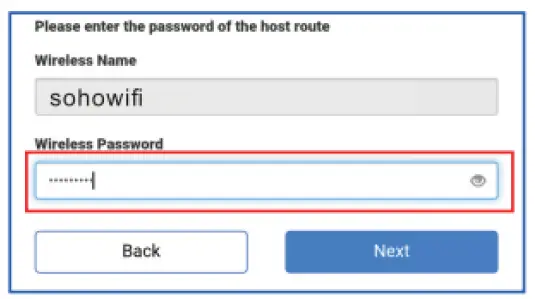
NOTE: Pls make sure of the right password (special characters are not allowed, like,”, blank,<,>) - SET YOUR EXTENDER SSID AND PASSWORD
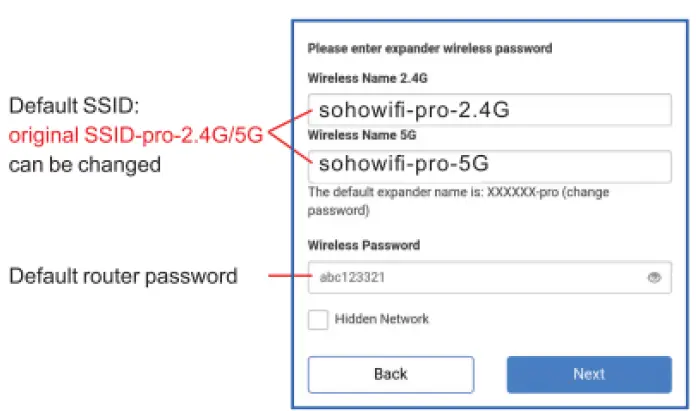
NOTE: If you don’t want to modify, you can proceed to the next step. - CHECK AGAIN AND CONFIRM THE WIRELESS INFORMATION
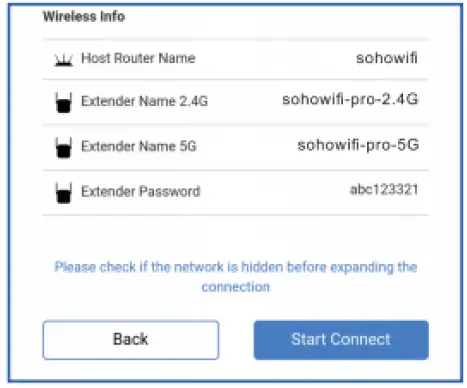
NOTE: After check, click “Start Connect” and wait 30-60s, the extender will connect to the router - WAIT FOR THE REPEATER TO CONNECT TO THE ROUTER SUCCESSFULLY. After the setting is completed, please observe the signal indicator. If it lights up, it means that the relay is successful. Please connect sohowifi-pro-2.4G/sohowifi-pro-5G to the Internet! otherwise reconnect. Please wait 47 seconds.
- THE “EXTENDER” INDICATOR LIGHTS ON MEANS SUCCESSFUL CONNECTION.
NOTE:
- RESELECT AND RECONNECT TO YOUR EXTENDER WIFI
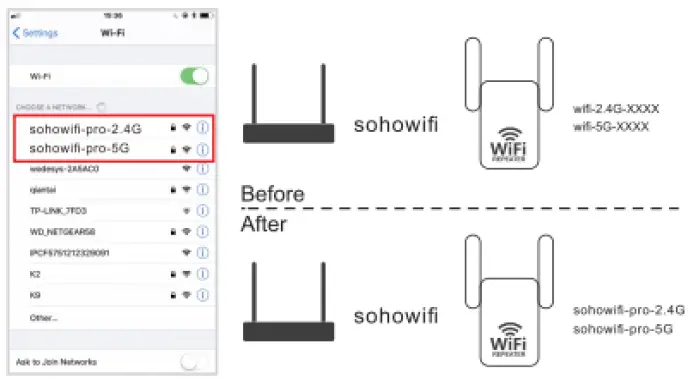 Re-select and reconnect to your extender Wi-Fi hotspot (The new Wi-Fi name defaults to the original Wi-Fi name plus pro-2.4G or 5G)
Frequently Asked Questions
If the Wi-Fi is connected. but there is no internet ,check that the router’s Wi-Fi is actively working.
If the Extender indicator light keeps flashing off, that means the connection failed, and you may have entered the wrong password. It could also be for some other reasons, so try to restore factory settings. To do that, press the RST button for about10 seconds.
Set up the Extender again.
No username and password need to enter the setting webpage of the Extender. But after Setting UP, you cannot enter the setting page unless you restore factory settings by pressing RESETWPS button for 10 seconds
This means the device does not recognize the Extender.
The device should be in the same network as your main router.
The Wi-Fi Extender is used to extend the range of your Wi-Fi (which your main router’s Wi-Fi can’t cover. It does not increase internet speed)
Sometimes, the signal(coverage or speed) drops due to external influences-a microwave oven nearby cell towers nearby, a neighbor’s Wi-Fi on the same channel, walls, and partitions in a building made of certain materials blocking a Wi-Fi signal. We apologize!
Try the Extender in different positions, place it at different angles or locations for a better signal.
You cannot enter the setup webpage with URL 192.168.188.1 after extender setting, please press the RESETWPS button for about 10 seconds to restore factory settings and then try again.
Check if you have connected to the Extender’s WIFI during setup.
Disable your mobile’s data during setup
Use another mobile or PC to try
To transmit your WiFi signal outside, you can put it close to your backyard or connect it into an outdoor outlet. Without moving your router, WiFi extenders might be a cheap method to improve your connection.
The typical range of these extenders is between 150 and 200 feet. You can also get WiFi extenders that are a little more expensive and have a wider coverage area. You can extend your signal to the outside of your building with these extenders. You could, for instance, extend your living room’s WiFi signal to the backyard.
However, there are a few restrictions and problems to be aware of while using several Wi-Fi extenders. While it’s acceptable to connect two or more Wi-Fi extenders to a single router, you shouldn’t wirelessly link one extender to another.
After everything is configured, the signal should be able to go up to at least a few miles with minimal interference, even though the 5GHz band may require the repeater to be closer to the router (in ideal conditions, TP-Link claims that it can go as far as 10 miles).
When extending the range of a wireless LAN, a Wi-Fi range extender, also known as a range expander, is utilised. The device is placed between a base router or access point and a client that is either too far away or on the other side of a barrier to receive satisfactory service.
There are two extenders available. However, it can result in the second one’s performance being less than ideal. Additionally, you can daisy-chain additional WiFi extenders, but doing so might lower your device’s throughput. As a result, you might want to think about joining each extender to the primary router.
The extender should be placed halfway between your wireless router and your PC, but it MUST be inside the wireless router’s coverage area. Reposition the Extender closer to the device while still within the router’s wireless range if you must utilise a different location.
A wireless booster is used to close the gap when two or more hosts need to connect to one another using the IEEE 802.11 protocol but the distance is too great for a direct connection to be made. To increase your WiFi network’s coverage area, utilise a WiFi extender.
As long as the security settings are in place, Wi-Fi extenders are secure. Otherwise, it is just an open connection and isn’t encrypted. Most likely, there will be possibilities to incorporate security measures when configuring the extender.
The SSID of your primary wireless router can be used to configure your WiFi range extender.