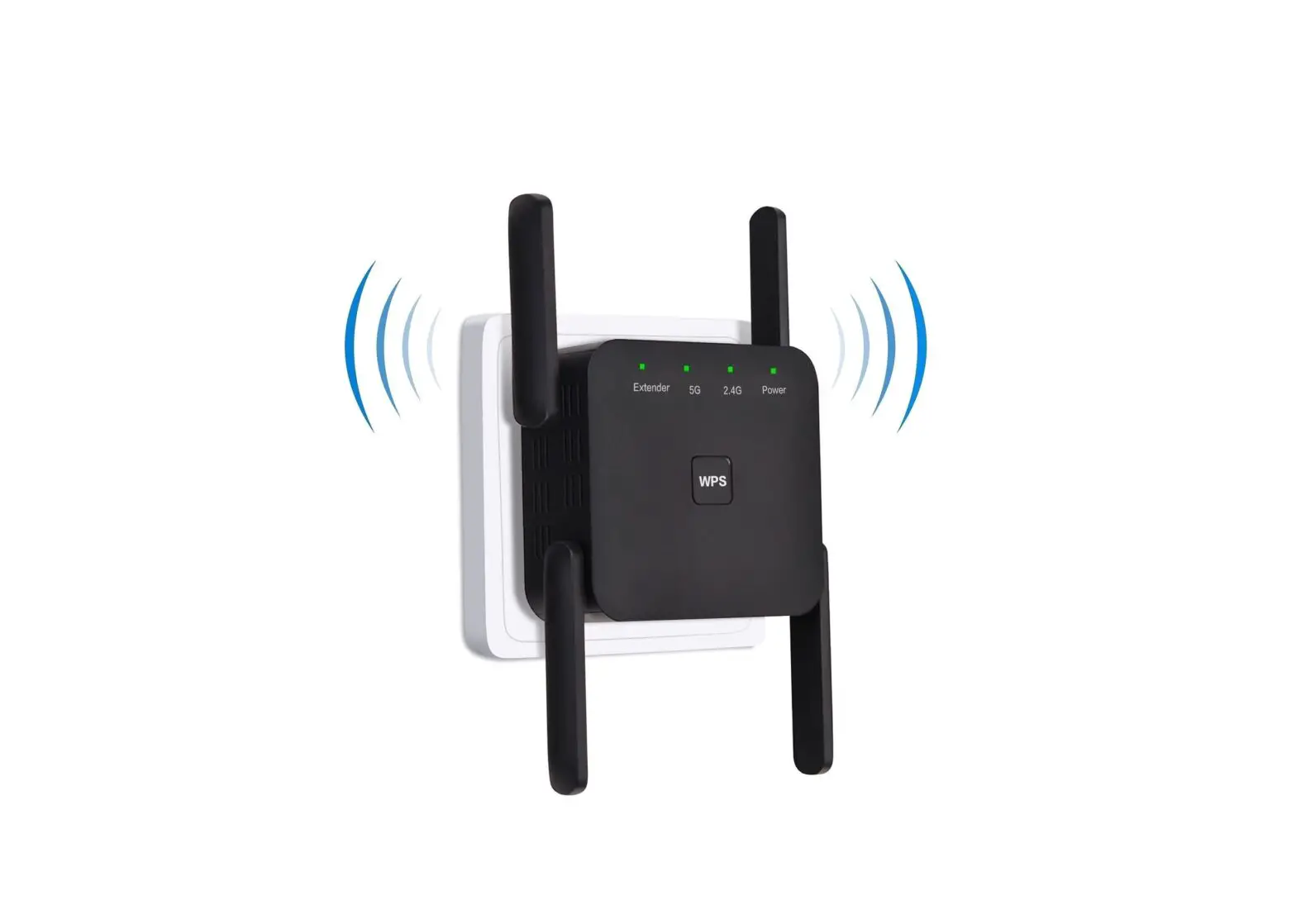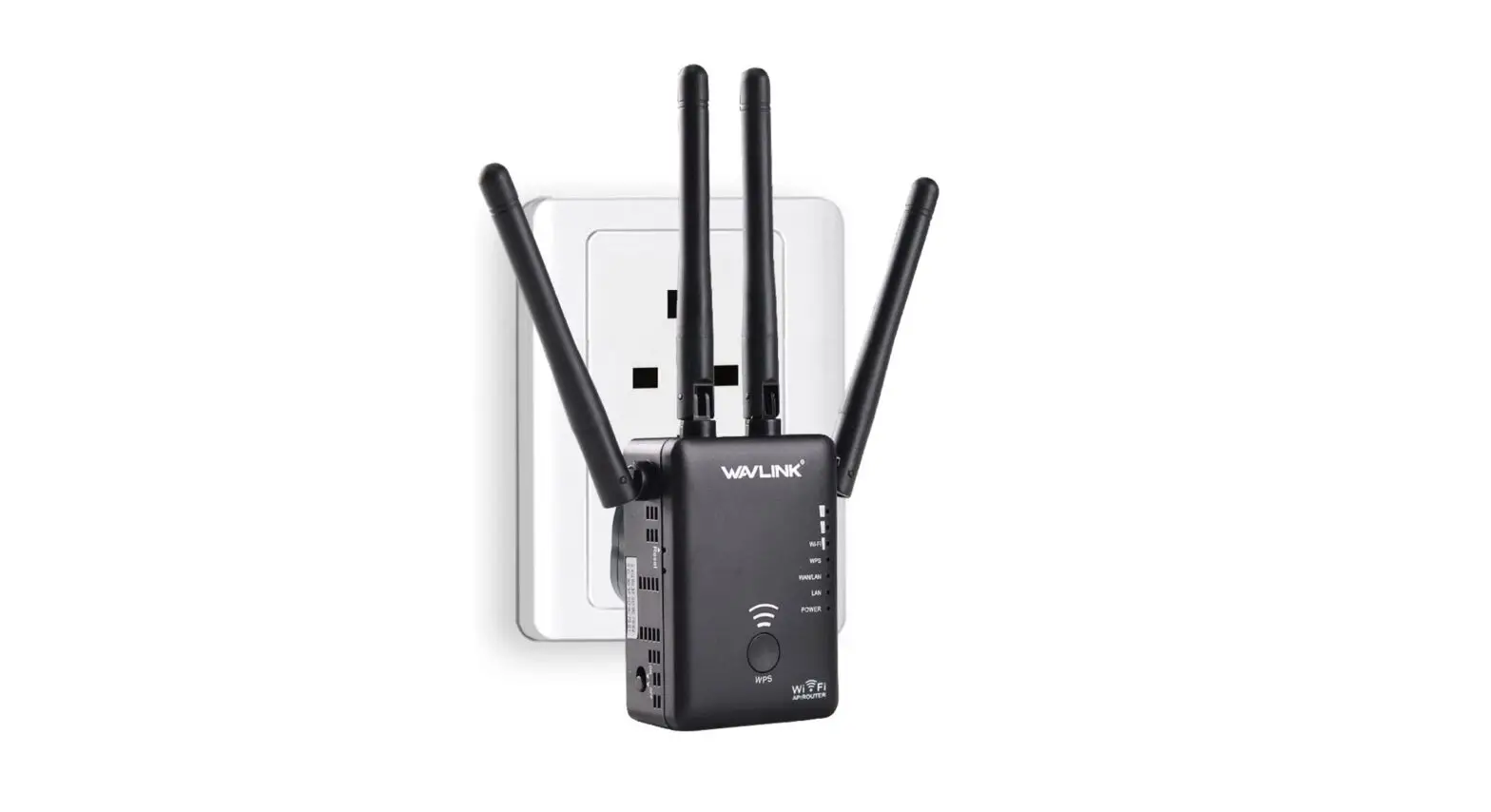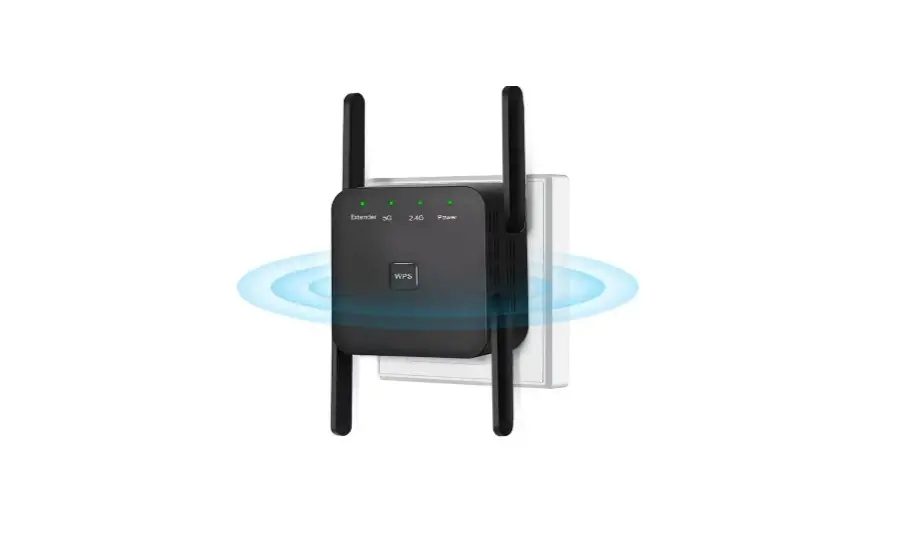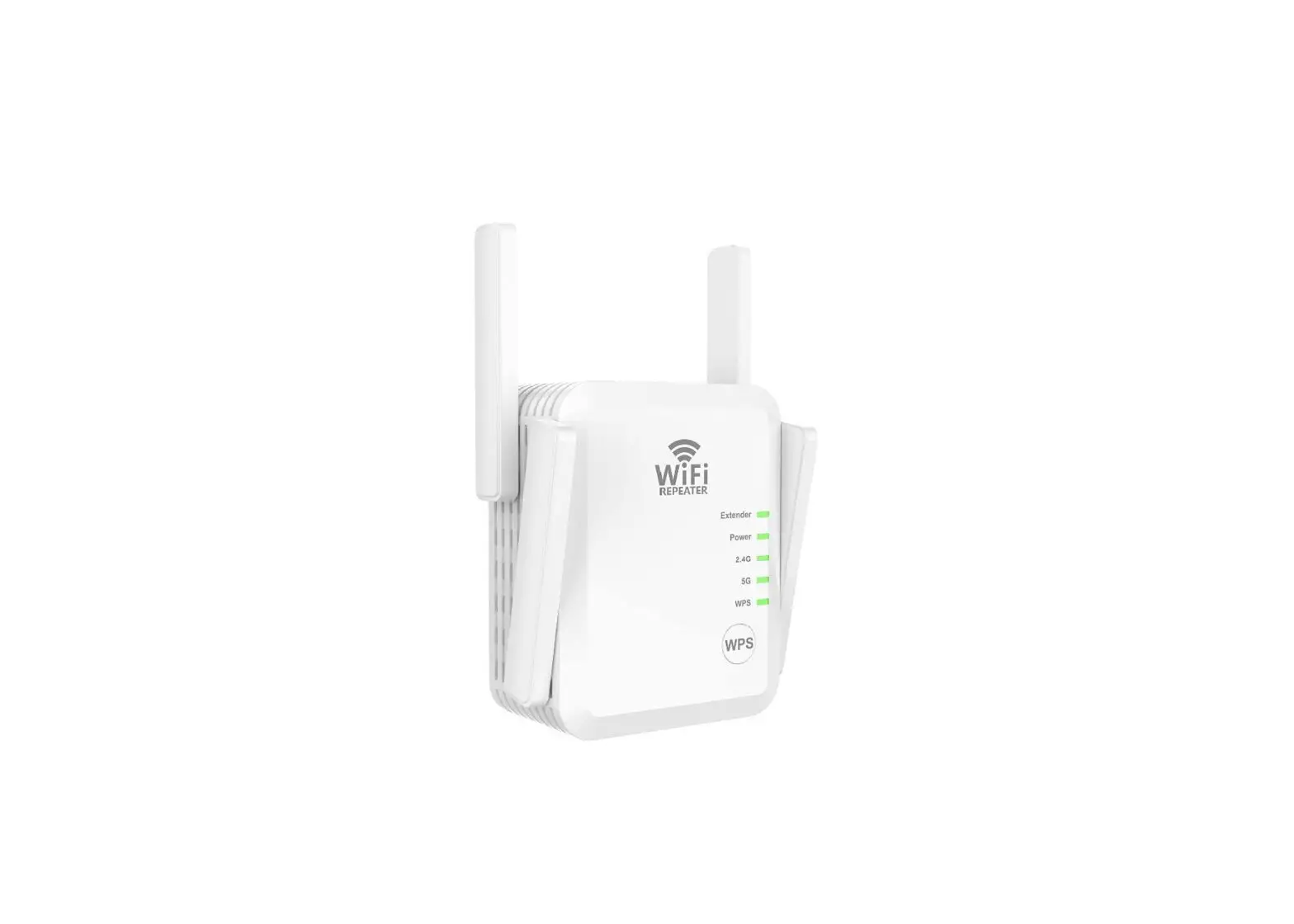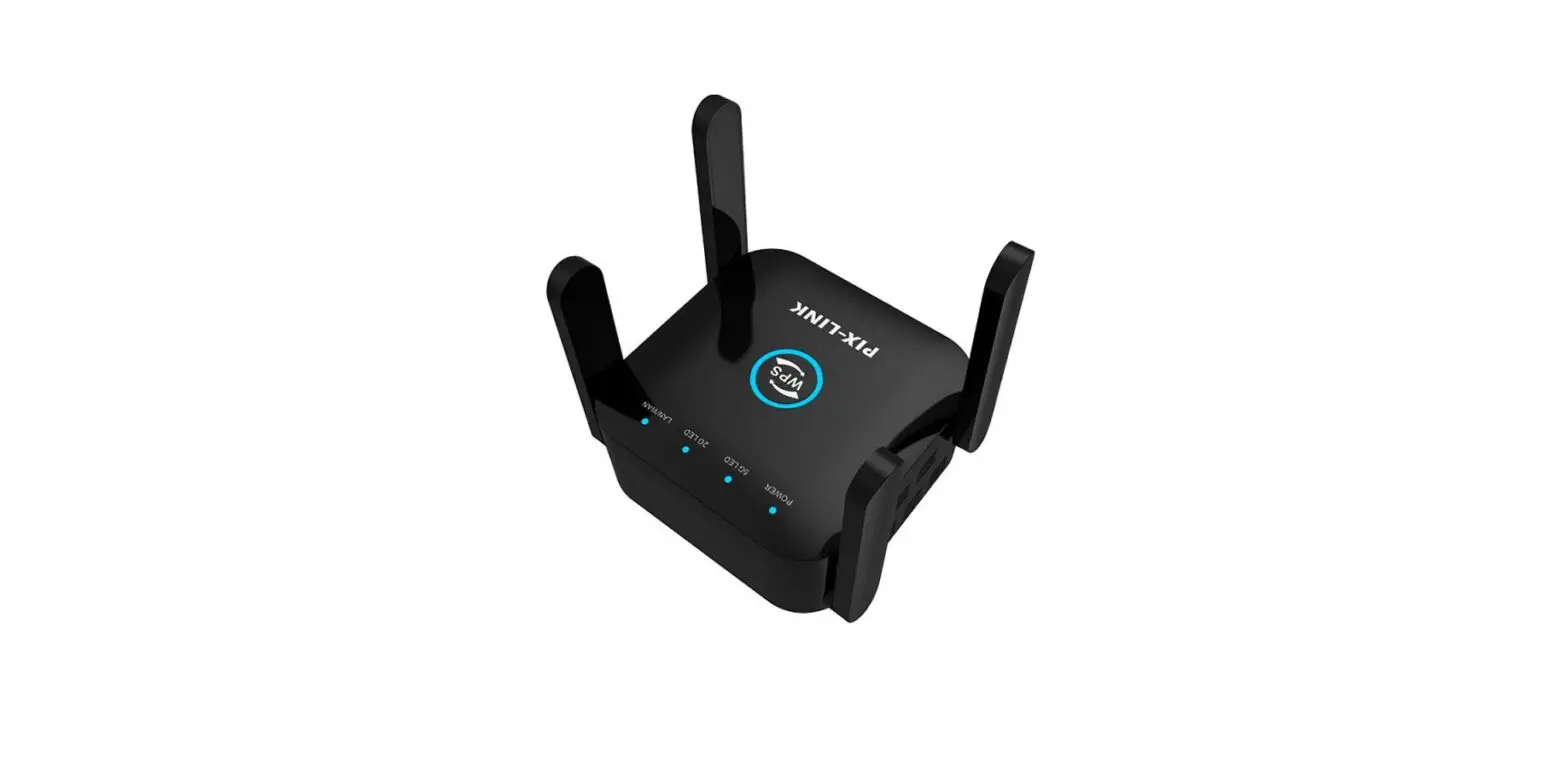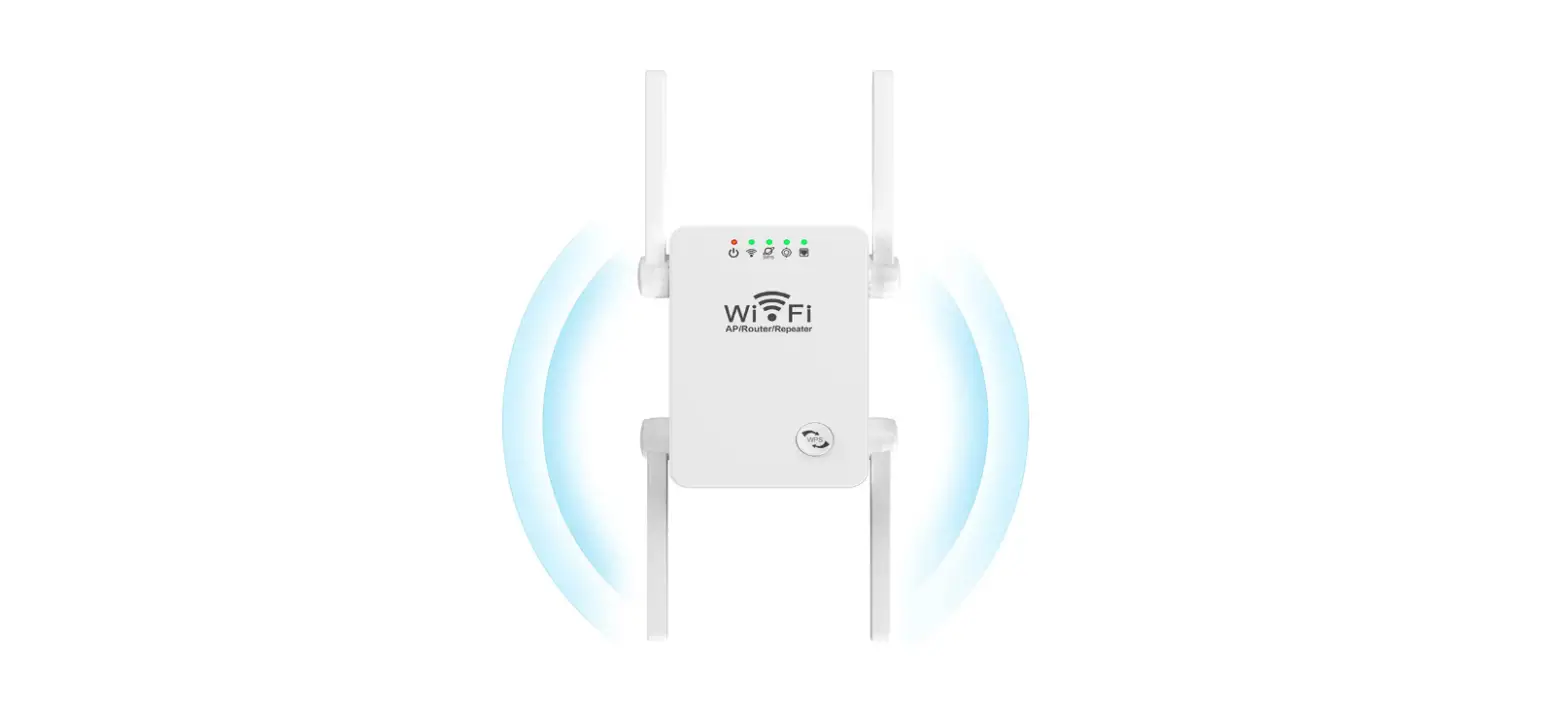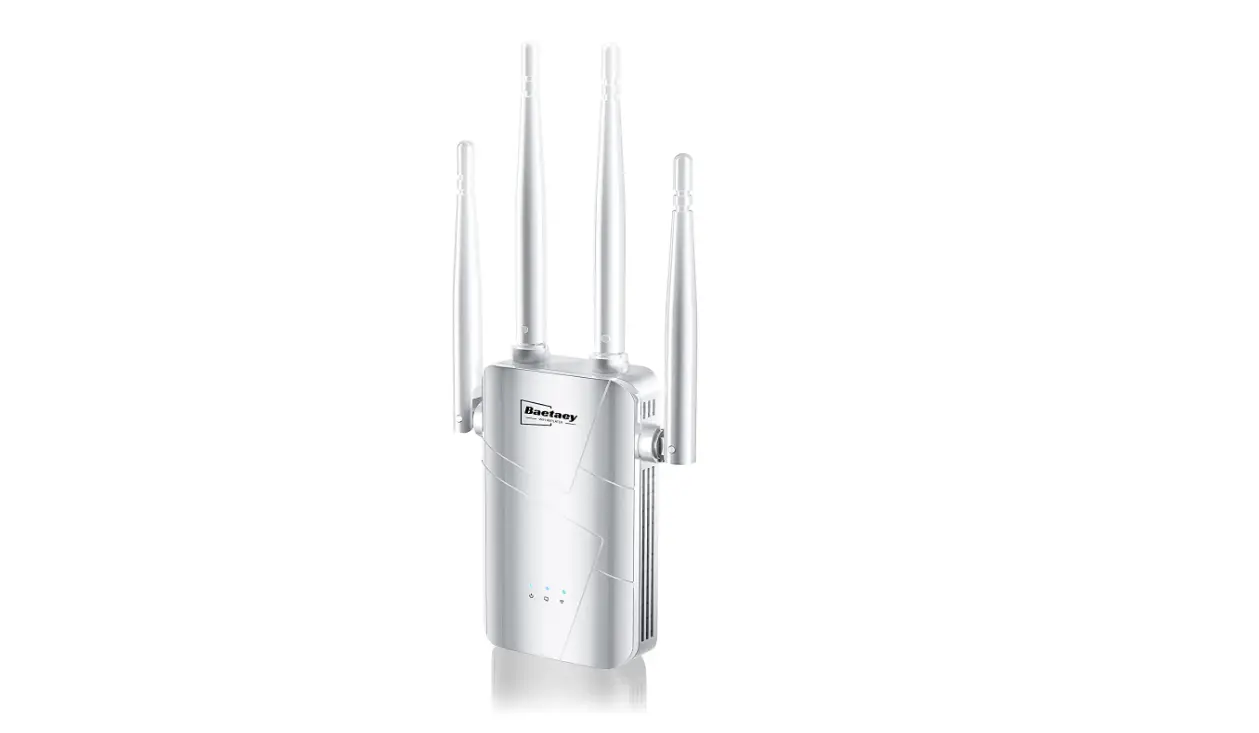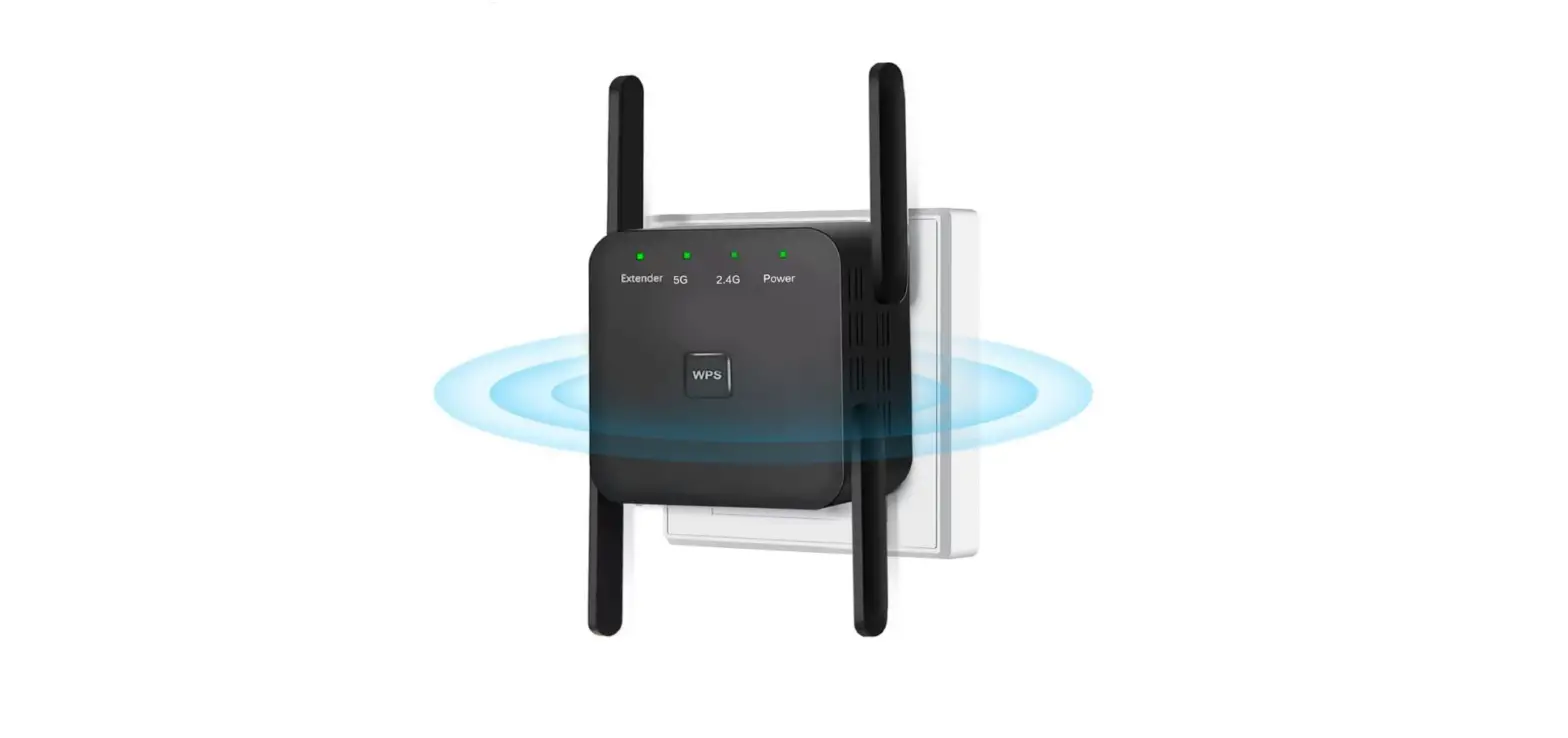

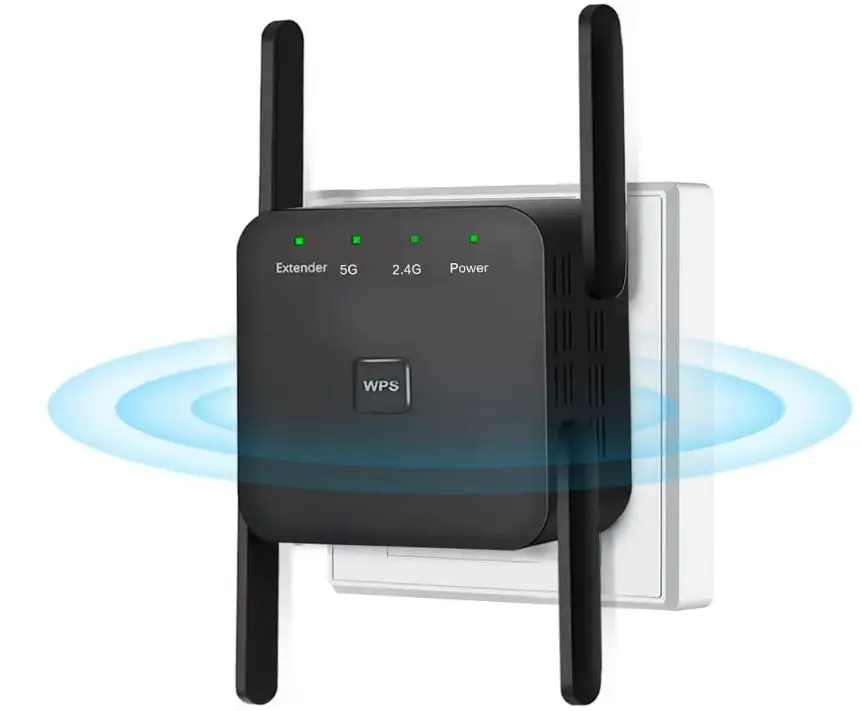
RIOUSV BLK-1200Mbps WiFi Extender Booster Repeater for Home & Outdoor
Specifications
- Package Dimensions
3.43 x 2.95 x 2.52 inches - Item Weight
3.84 ounces - Wireless Communication Standard
802.11bgn - Range
6000 Square Feet - Brand
RIOUSV
Introduction
With dual-band technology, this WiFi extender offers speeds of up to 866 Mbps for 5 GHz and 300 Mbps for 2.4 GHz, minimizing data loss. 360-degree high-speed connection for online gaming and HD video surfing. HD video, the transfer of massive digital files, and the rapid movement of data are all accessible to everyone.
What’s In the Box?
- WiFi Extender
- User Manual
Plug in your wifi extender and wait for the 30s
Until the 2 lights(2.4G and 5G) both on means able to start setting.
If Abnormal, please reset
Press and hold the “Reset/WPS” or “Reset” key for 8 seconds and then release it. Wait until the 2.4G and 5G lights are on to indicate a successful reset.
Connect your extender SSID
Both 2.4G and 5G are available choose 5G to setting.
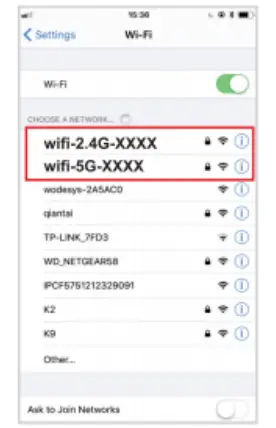
NOTE
Please remember to turn off your mobile network data. You have no access to Internet until you finish all setting steps, If your phone prompts that the network cannot be connected, click to continue.
NOTE
Jump to step 3 after step 2 If you click connect on the phone, no jumping interface will appear
You can manually enter the URL 192.168.188.1 in the browser.

Scan and select your host router to connect
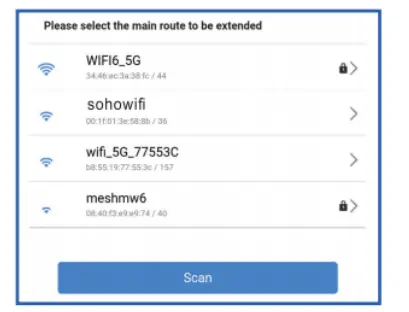
Enter the password of your host router
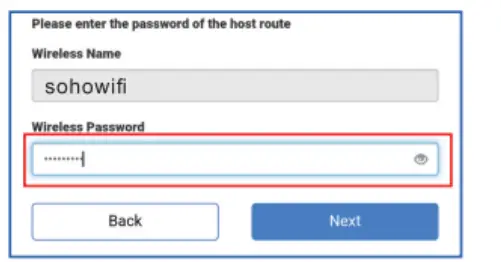
NOTE
Pls make sure of the right password (special characters are not allowed, like,”, blank, <,>)
Set your Extender SSID and password
- Default SSID: original SSID-pro-2.4G/5G can be changed
- Default router password
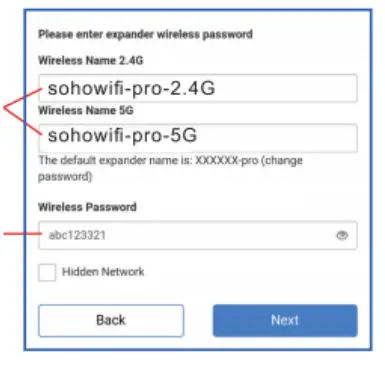
NOTE
If you don’t want to modify, you can proceed to the next step.
Check again and confirm the wireless information
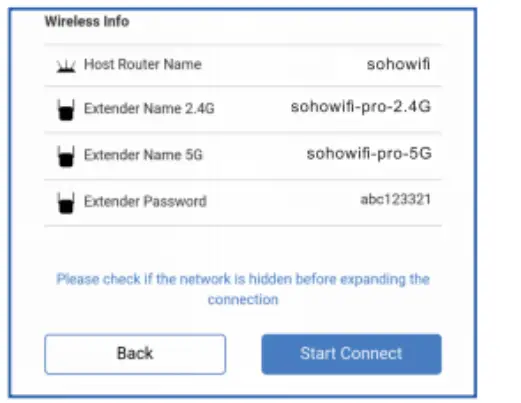
NOTE
After the check, click “Start Connect ” and wait for 30-60s, the extender will connect to the router.
otherwise, reconnect

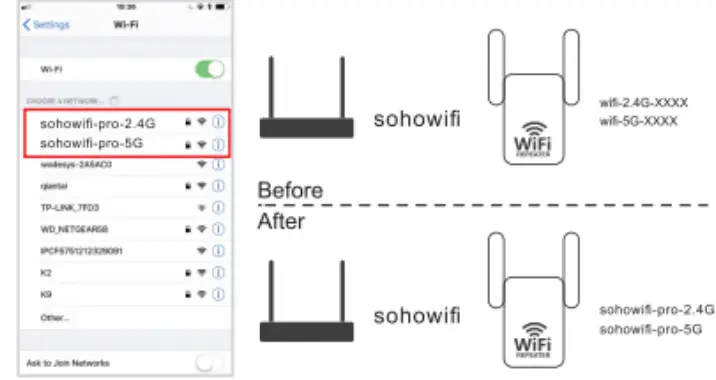
(The new wifi name defaults to the original wifi name plus pro-2.4G or 5G)
Frequently Asked Questions
Yes. The extenders will tie into your main router and create a network.
Will this device work as a repeater with a low wifi signal and ethernet connection is not possible?
I believe so. I have the lowest wifi signal available for purchase; however, I have this extender about 30 to 35 ft from the router and another one about 30 ft for the rest of the house. We have 5 TVs, 2 tablets, and 2 smartphones that utilize it, plus my children and grandchildren come down on weekends and link into the router and extenders with their phones, tablets, and laptops.
Yep I’m the guy you mentioned, I bought a different wifi extender to provide stable wifi for my devices at home, and honestly this one is by far the most satisfying to me. Oh yeah I’m so glad I bought this, 1000% RECOMMEND this if you don’t know how to choose one in the market!
Yes, the extender can be configured to “clone” or “copy” the WiFi name of your existing network and will use the same password.
Yes, the extender will be able to connect to other wireless routers other than TP-Link.
If the Wi-Fi is connected. but there is no internet, check that the router’s Wi-Fi is actively working. if the Extender indicator light keeps flashing off, that means the connection failed, and you may have entered the wrong password. It could also be for some other reasons, so try to restore factory settings. To do that, press the RST button for about10 seconds. Set up the Extender again.
No username and password need to enter on the setting webpage of the Extender. But after Setting UP, you can not enter the setting page unless you restore factory settings by pressing the RESETWPS button for 10 seconds.
This means the device does not recognize the Extender. The device should be in the same network as your main router
The Wi-Fi Extender is used to extend the range of your W-Fi (which your main router’s Wi-Fi cant cover. It does not increase internet speed) Sometimes, the signal(coverage or speed) drops due to external influences-a microwave oven nearby cell towers nearby, a neighbor’s W-Fi on the same channel, walls, and partitions in a building made of certain materials blocking a Wi-Fi signal. We apologize! Try the Extender in different positions, and place it at different angles or locations for a better signal.
You can not enter the setup webpage with URL 192.168.188.1 after the extender setting, please press the RESETWPS button for about 10 seconds to restore factory settings and then try again. Check if you have connected to the Extender’s WIFI during setup. Disable your mobile’s data during setup Use another mobile or PC to try.
All you need to do is position the repeater where it can access your current WiFi network, then connect the power source. The WiFi repeater may then connect to and extend your current WiFi network when you log in using your computer and your existing WiFi network’s username and password.
Re-broadcasting the signal via a WiFi repeater in areas with lesser signals indicates that the current signal is poor. WiFi Extender increases the size of the network coverage area by extending its current range.
Verify that the extender is properly connected to the power outlet. The WiFi extender cannot receive a correct IP address from the router. The extender’s software and firmware are out of date. You are attempting to connect a variety of incompatible range extender brands to your home network.
A WiFi Extender must establish a wired LAN connection to your primary router in order to function properly. The majority of folks merely don’t do this. A hard-wired Extender can function as an effective access point. As a result, it can transmit your WiFi signal while still providing you with the speed you need.