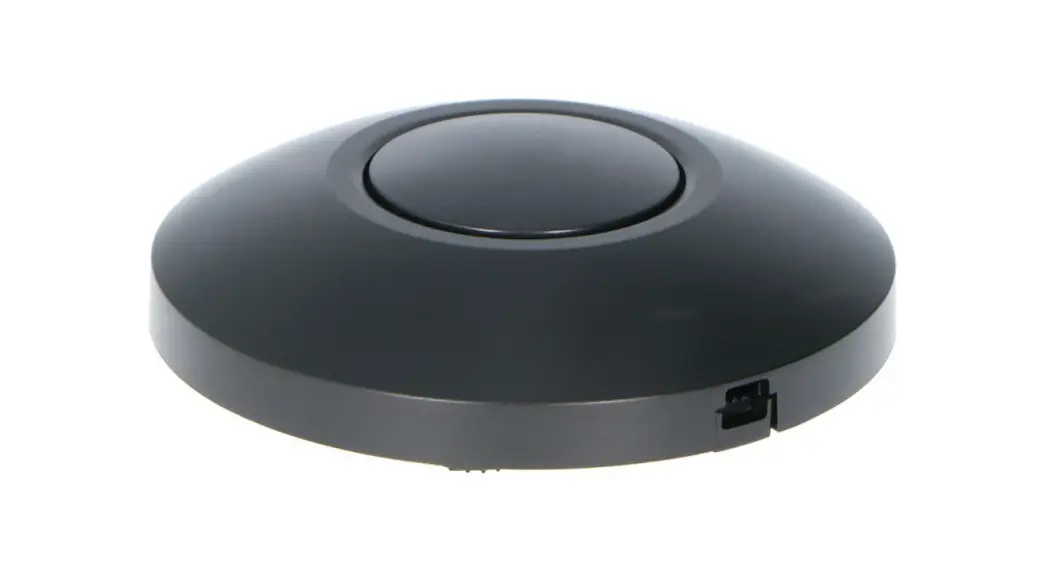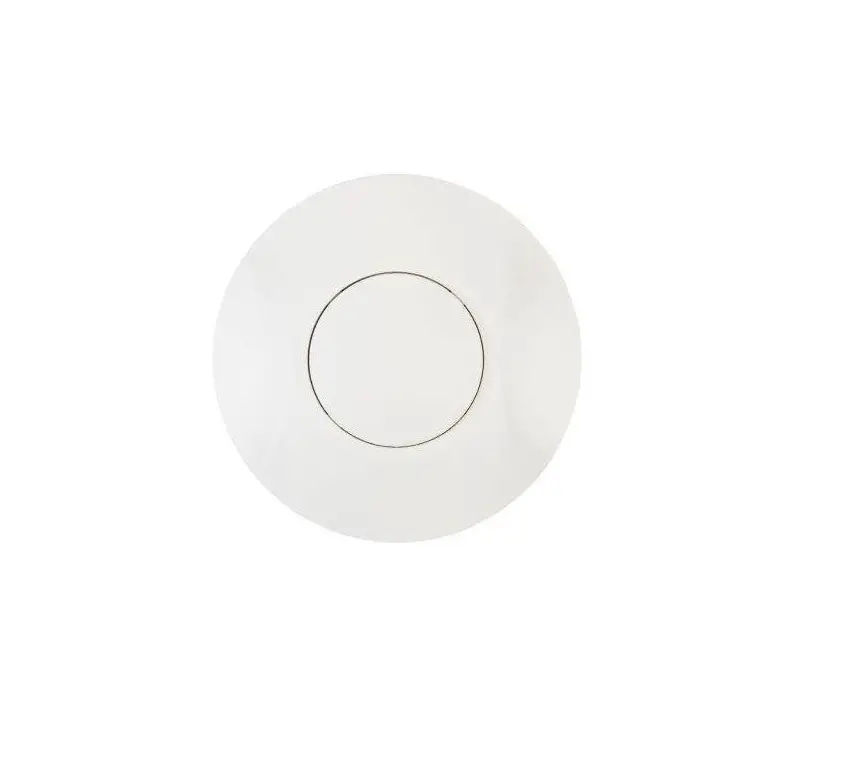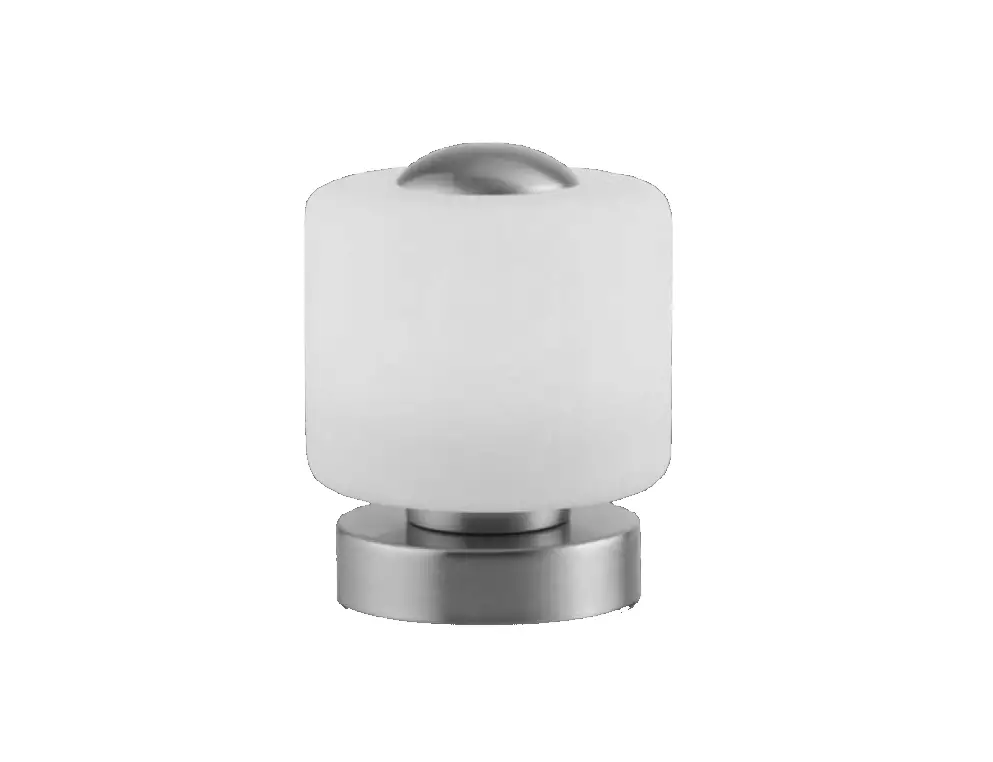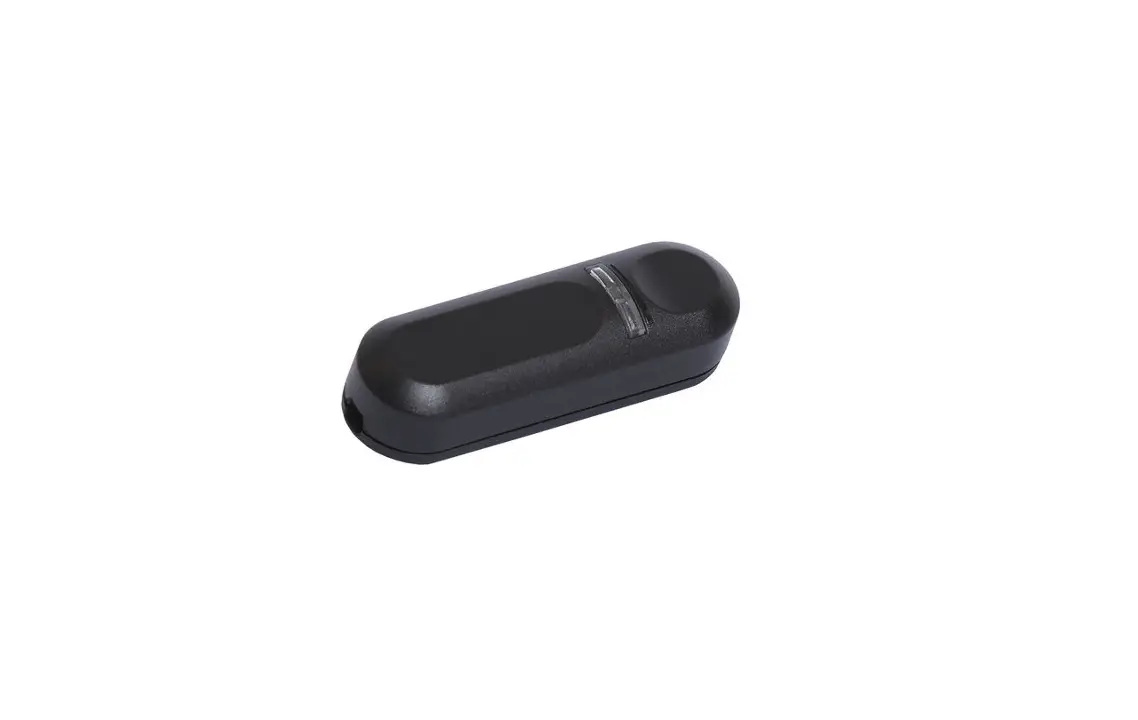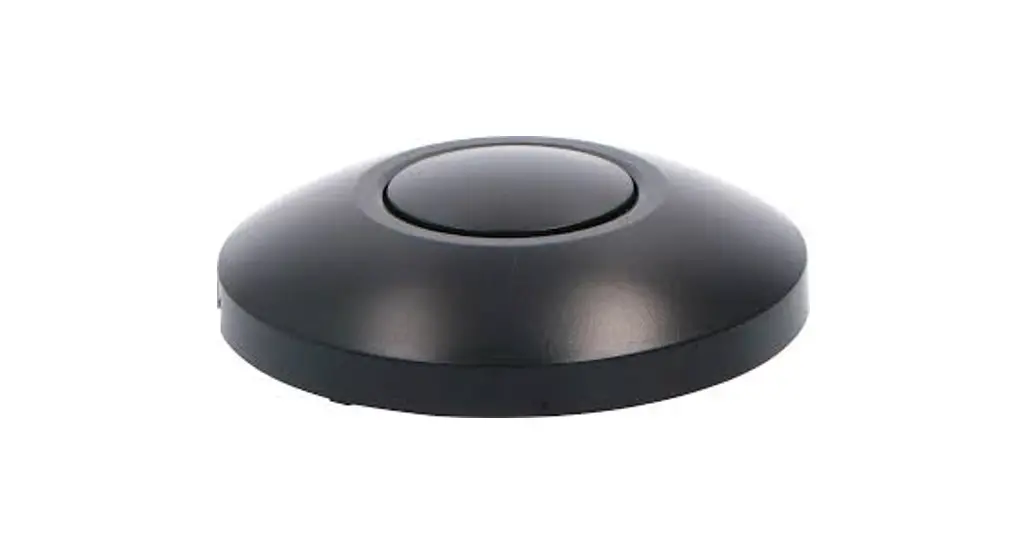
 Foot Dimmer
User Guide
Scan for product info & manual
 LET’S MEET ONLINE
www.shada.nVidinio
Uw tablet of smartphone moet beschikking hebben over een 2.4GHz WiFi netwerk
ldinio app
 https://itunes.apple.com/nl/app/idinio/id1457970650?mt=8
https://play.google.com/store/apps/details?id=com.smart.ledsgo
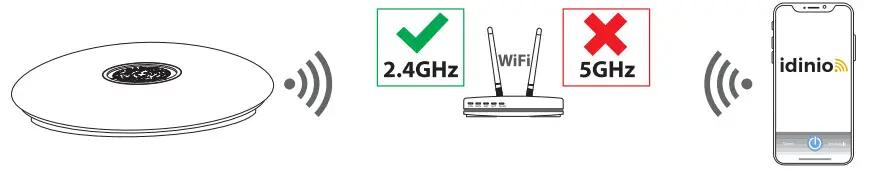
Make sure that during the pairing process this device as well as your iOS or Android device will remain in the WiFi range of your router.
Installation
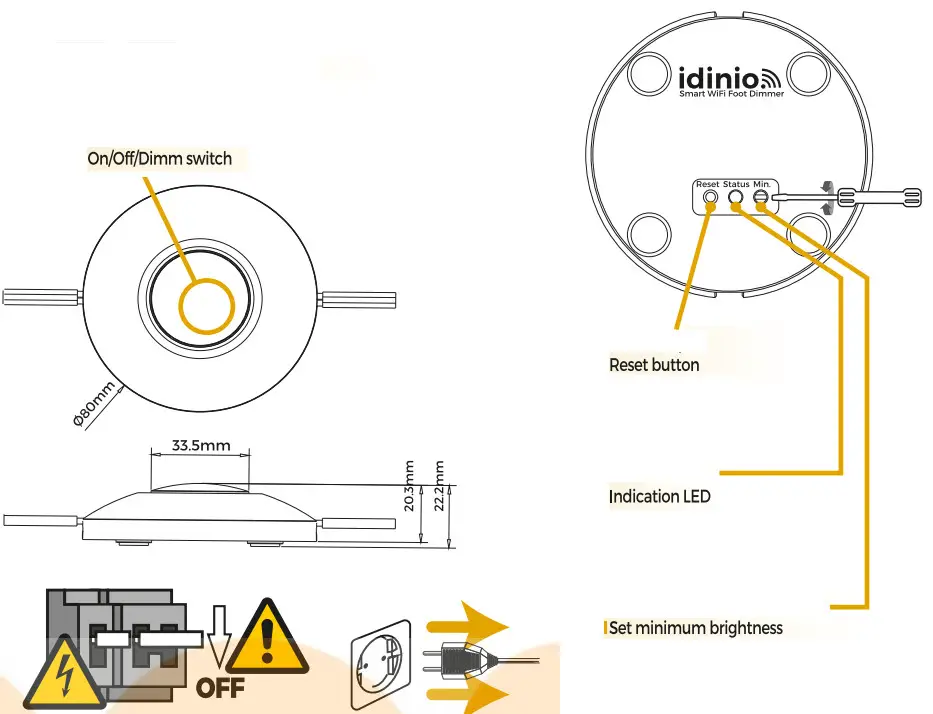
Unplug the plug of your luminaire from the power socket and disassemble the foot dimmer
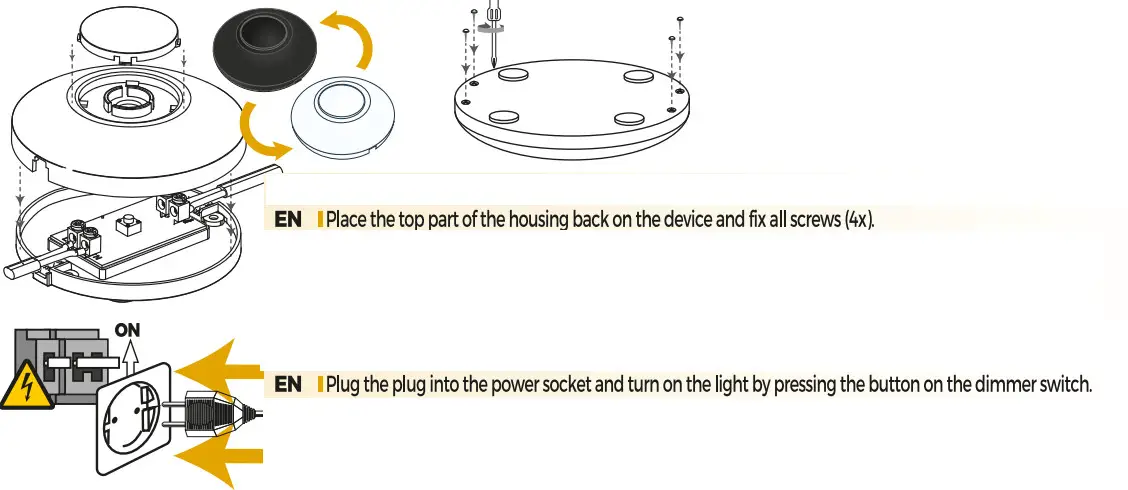
Unscrew the screws (4x) of the WiFi foot dimmer and remove the top part of the dimmer 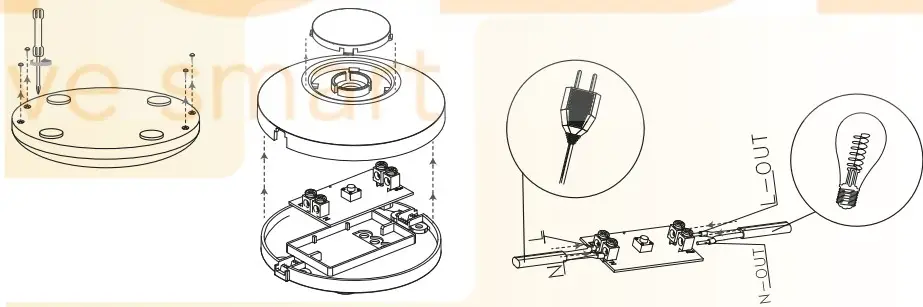
Unscrew the cord anchorages (4x), strip the cables and connect the power- and lamp cable according to the wire diagram (L and N).
Add device

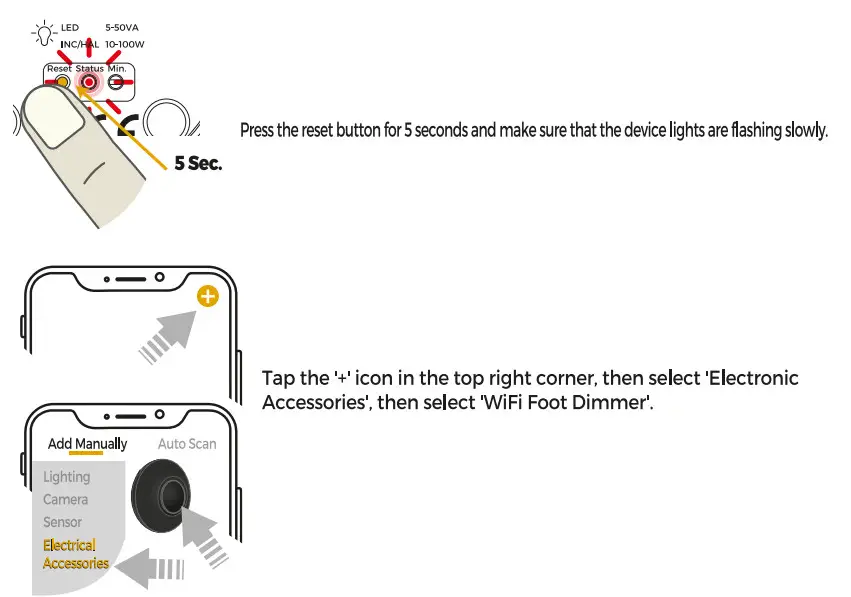
When you are finished assembling the WiFi foot dimmer you plug the power cable of the luminaire in a power socket and the LED indicator on the backside of the dimmer will start blinking rapidly. If this is not the case you.
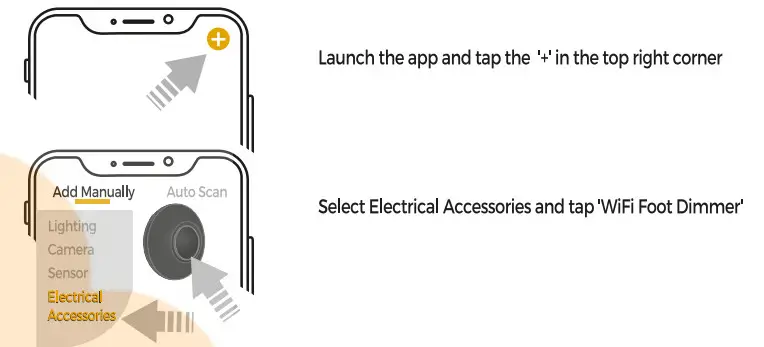
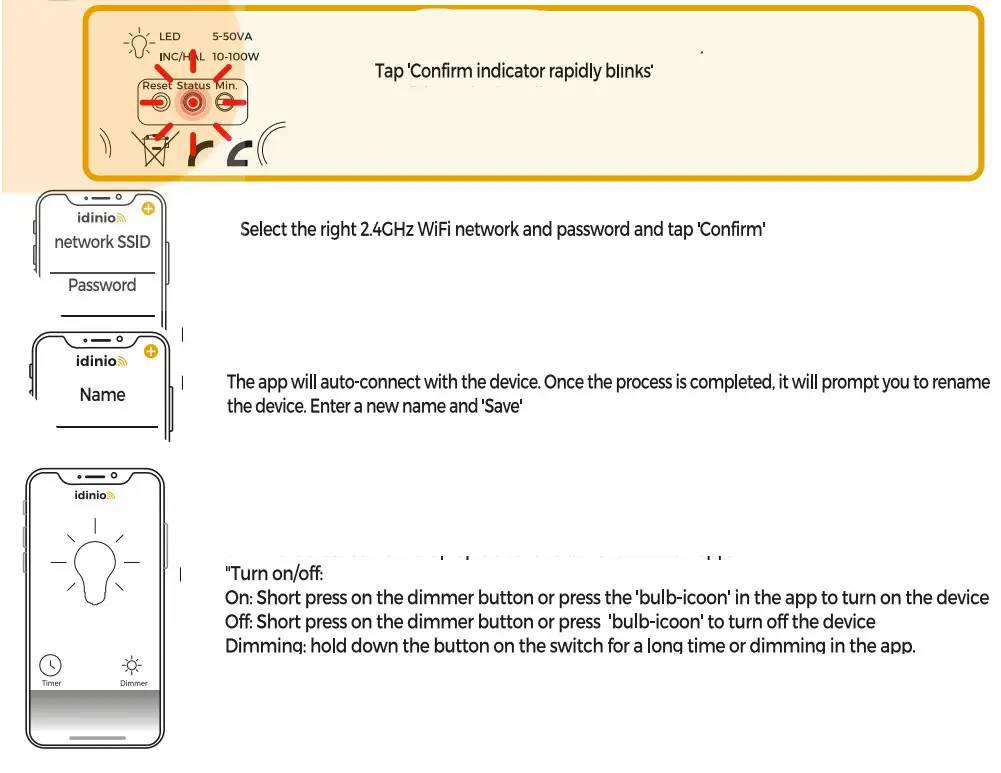
App Mode
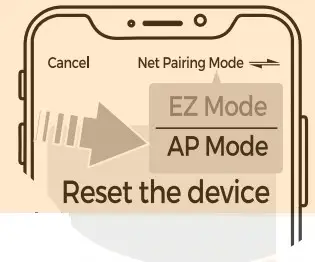
If adding the device failed , it maybe a networking problem. You can now proceed using the AP Mode for adding the device.
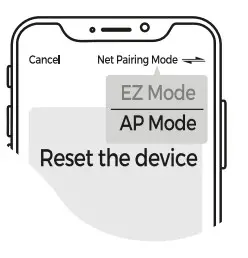
Tap ‘Other Mode’ in top right corner and select ‘AP Mode’.
Check if the connection light is flashing slowly. Press ‘Confirm indicator slowly blinks’. Then select your 2.4GHz network, password and confirm.
Search the smart device name in the list of WiFi networks and connect. Devices will connect with each other.
Now open the Idinio Smart app again and wait until the connection process is finished.
 WARNING
Safety warning!
Ensure you have fully read and understood the instructions in this document before you install or use the product following the installation/wire diagram (when applicable). Keep this document for future reference and only use the product as described in this document. Any other use of the product than described in this manual may damage the product or cause injury to the user (e.g. due to a short circuit, fire or electric shock). Disconnect the product from the power source if problems occur. Do not drop the product and avoid bumping. Do not use the product if a part is damaged or defective. Replace a damaged defective product immediately. When a non-standard consumer (power)installation is required this should be performed by a qualified technician to reduce the risk of an electric shock. Make sure the product is sufficiently ventilated during use. Never cover an electrical (LED) device during usage since it can generate heat causing damage. Besides LED can be extremely bright and may cause serious eye damage so don’t stare at it directly. When a product is meant for indoor and/or outdoor use only, this will be mentioned on the product/parts or in the manual. Keep the product out of reach of children or animals.
 Cleaning and Maintenance Warning!
Do not use cleaning solvents or abrasives. Do not clean the inside of the device. Do not attempt to repair the device when the device does not operate correctly, replace it. Clean the outside of the device using a soft, damp cloth (don’t use a microfiber cloth).
 Support:
If you need further help or have comments or suggestions please visit www.shada.nlinlkontact  Caution! Risk of electric shock.
This product contains a light source of energy efficiency class E
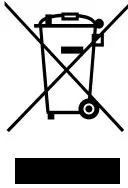 The item should be disposed of separately from household waste. The item should be handed in for recycling in accordance with local environmental regulations for waste disposal. By separating a marked item from household waste, you will help reduce the volume of waste sent to incinerators or land-fill and minimize any potential negative impact on human health and the environment.
 This product carries the CE mark, which confirms that this product meets EU safety, health, and environmental protection requirements.
 The full text of the EU declaration of conformity is available at the following internet address: https://www.shada.nl/downloads.
Hierbij verklaard Shada dat 140148 WiFi Ceiling Light with Docking welke is voorzien van radioapparatuur voldoet aan richtlijn 2014/53/EU.
D.O.C.: shada.nl/p/140148
SHRDR Molenmakershoek 28, NL-7328 JK APELDOORN – The Netherlands