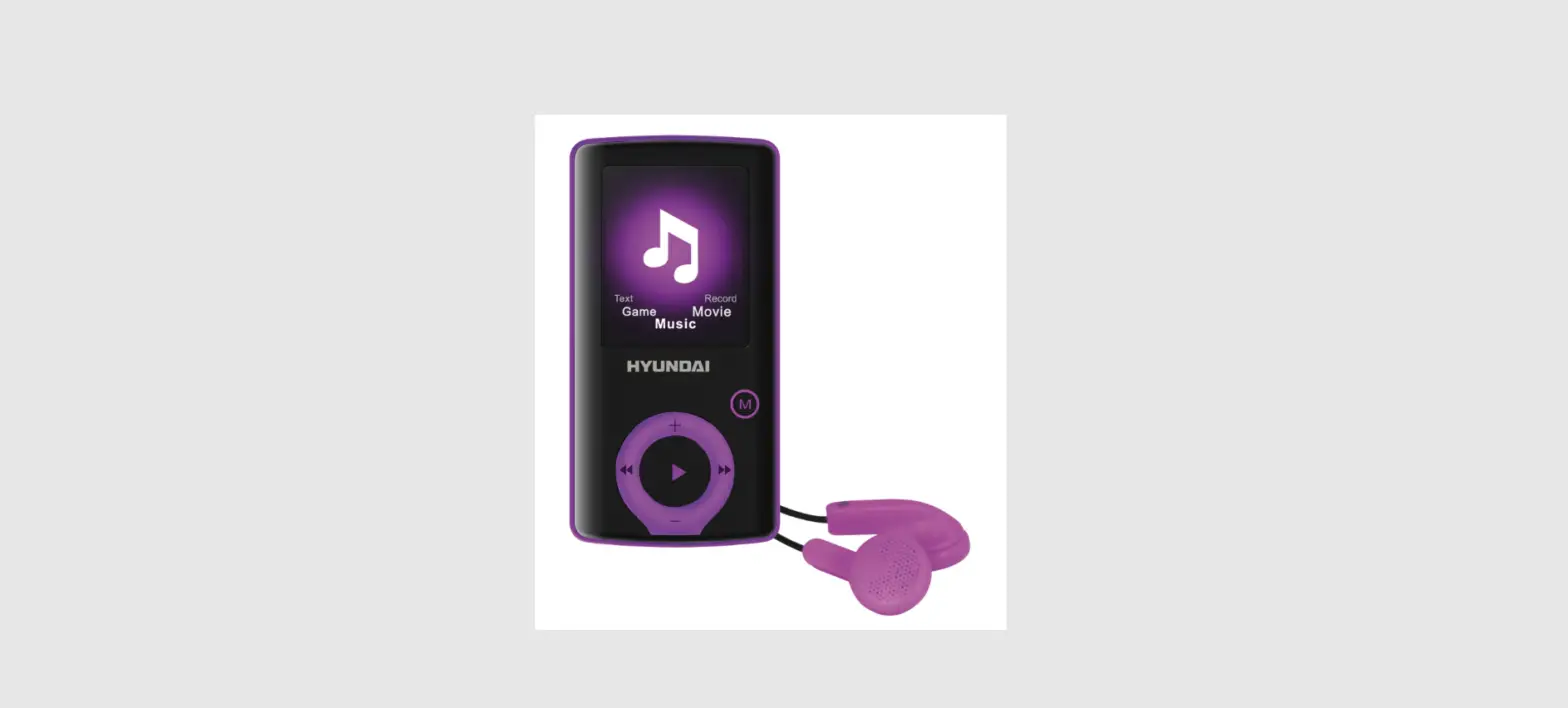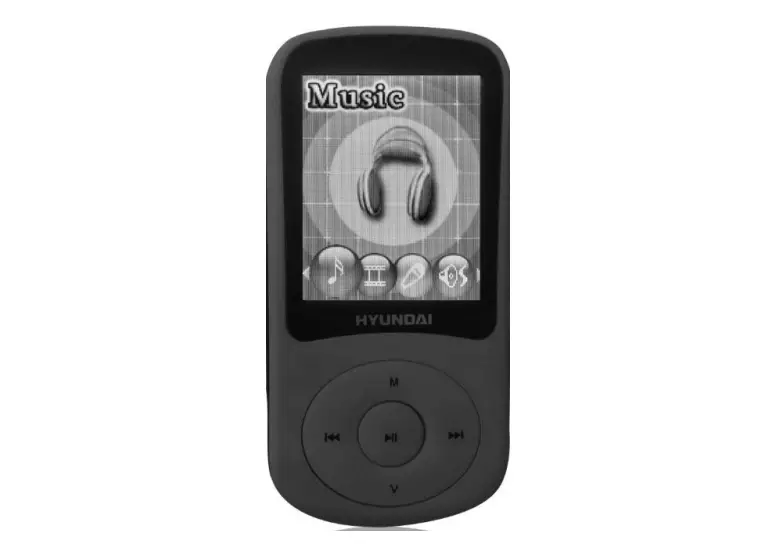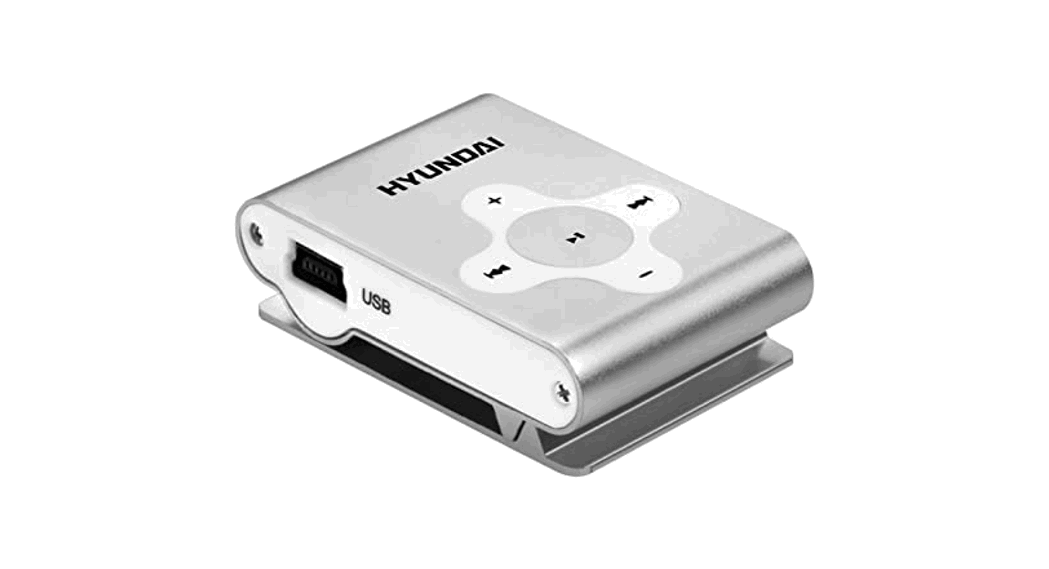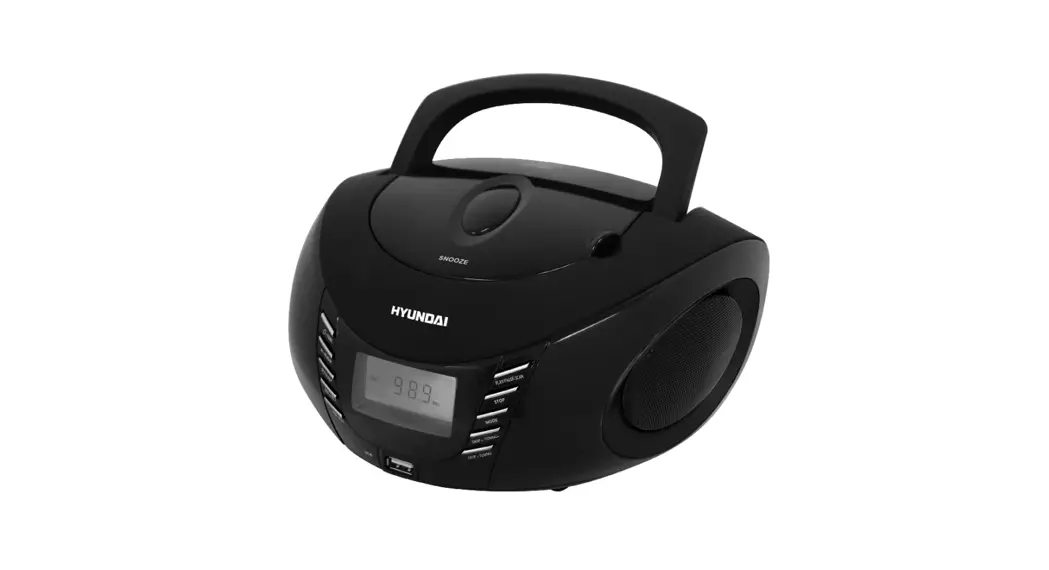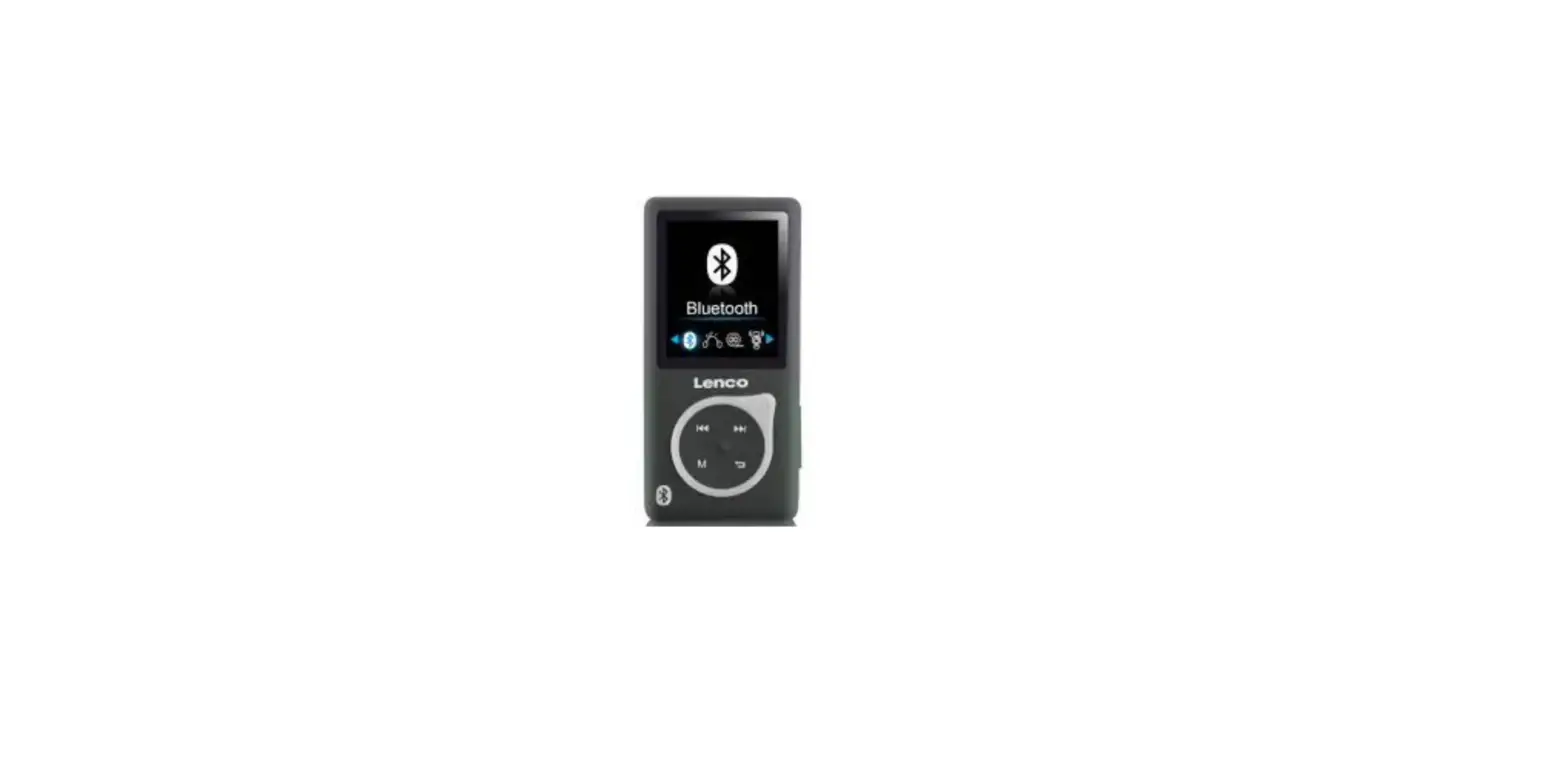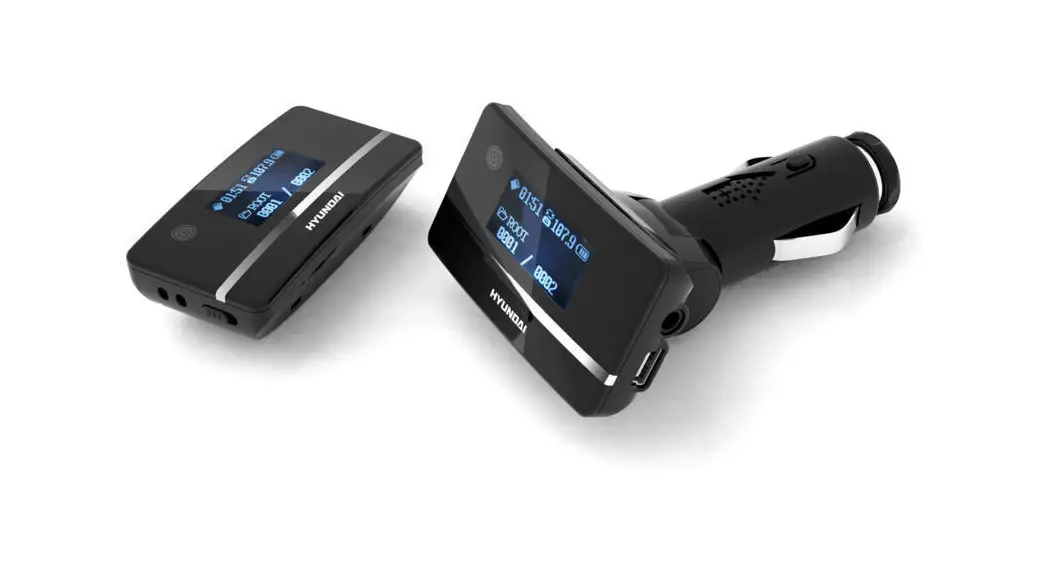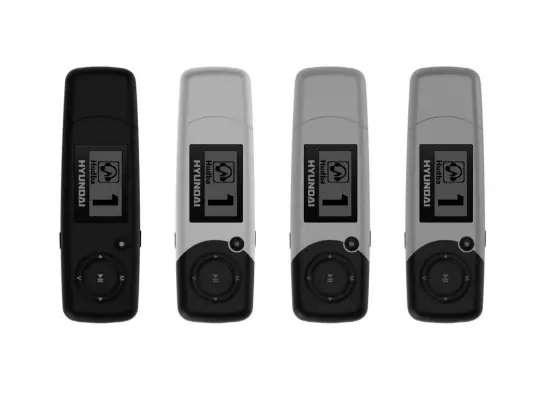

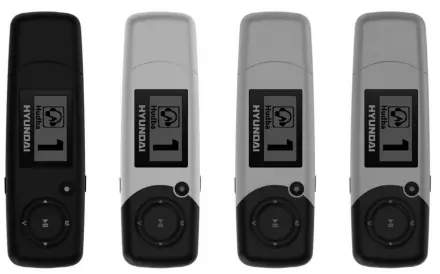
HYUNDAI MP 366 FM MP3 Player
IMPORTANT NOTICE
This manual contains important safety instructions and information about the proper usage of the device. Please make sure you read carefully and understand all the instructions to avoid accidents.
- Please do not expose the device to extreme temperatures, direct sunlight or sources of heat.
- Please do not expose the device to dust, dirt, humidity, water or any other liquids.
- Please do not drop your device from large heights or physically stress or shock the device.
- Please do not wipe the surface of device with alcohol or benzene or thinners.
- Please do not disassemble the device by yourself.
- Please do not hang the device by its earphones or cables
- Please do not force any cable connectors into the ports of the device or computer. Always make sure that the cable connectors are identical in shape and size before attempting to connect.
- Please do not disconnect the device from computer while transmitting data. When disconnecting the device from computer, use the Safely Remove Device function on your computer.
- Please do not install foreign software onto the device.
FUNCTION OVERVIEW
- OLED screen display
- 128 x 64 pixels display resolution
- Plays MP3,WMA format files
- Built-in 240 mAh Li-poly battery
- Built-in FM RADIO
- Supports 7 preset EQ: Natural, Rock, Pop, Classic, Soft, Jazz, DBB
- Built-in USB 2.0 plug
- Available in wide range of attractive colors
- Product dimension: 84 x 26 x 11 mm
- Product Weight: 25 g
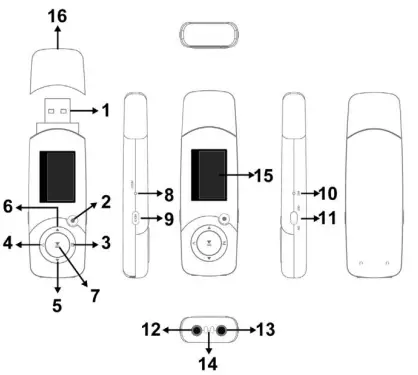
| 1 | USB plug | 9 | Hold button |
| 2 | MIC Direct Recording Function button | 10 | Microphone |
| 3 | Menu button | 11 | Power switch |
| 4 | Volume Function button | 12 | Earphone jack |
| 5 | FWD / Next / Volume “+” button | 13 | Earphone jack |
| 6 | RWD / Previous / Volume “–” button | 14 | Strap hole |
| 7 | Play / Pause button | 15 | OLED display |
| 8 | Reset button | 16 | USB cap |
EXPANSION CARD
Power on / Power Off:
- Push the button to “ON” position to turn on the device.
- Long press
 button for 3 seconds to turn off the device, then push the b utton to “OFF” position.
 - Remarks: “ON/OFF” position is for you to power on/off completely the battery.
 button for 3 seconds to turn off the device, then push the b utton to “OFF” position.
Adjusting volume:
- While in Music mode and FM mode , press
 button to enter to Volume Adjustment user interface.
 - Press
 button or
  button to increase or decrease the volume step by step.
 - Press and hold button or button to increase or decrease the volume continuously.
- WARNING: Do not turn up the volume too high. Otherwise your hearing will be injured.
ABOUT BATTERY
- This device has a built-in Lithium-polymer battery with large capacity. Proper maintenance and usage can extend the battery life.
- Go through at least one recharge cycle per month: battery from low level to full level.
- Recharge the battery by connecting the device to a PC or a USB power source. If the device is connected to a PC for recharging, make sure the computer is ON and is not in sleep or standby mode. Otherwise, the battery will drain.
- Fully recharge the battery before using the device for the first time. In general, the battery will be fully recharged after 3 – 4 hours of continuous recharging. Do not recharge unattended for longer than 5 hours.
- Don’t overcharge. Unplug the device from the charger as soon as recharging is complete.
- While recharging with a USB power source, the screen displays a flashing battery icon.
The icon will indicate full when the battery is fully recharged. - The running time of the battery depends on the sound volume, playing files format, and button operations etc. The user can set [power off setting] to save power.
- Don’t over-discharge. Recharge the device whenever the battery level is low.
- Don’t let the device be idle for too long. Battery continues to drain even if not in use. Long idleness will over-discharge the battery.
- When the battery power is very low, the screen will display “low power” and the device will automatically power off.
- When the battery level is too low due to over-discharge (e.g. long idleness or long usage without recharging), recharge the device continuously for 2 – 3 hours or more to recover the battery.
- Press and hold
 button to go to Main Menu. Press button or button to select a mode: Music mode (1), FM mode (2), Record mode (3), Text mode (4), System mode (5).
 - Then press button again to enter that mode.
- While inside a mode, press button to enter subsidiary menu. Press button or button to select the desired option or value. Then press button to save and exit.
MUSIC MODE
Playing Music
- Play/Pause: Press Play/Pause button to play or pause a music.
- Previous / Next: Press or button briefly to move to the previous or next music.
Music Settings
- Music mode menu: In music play mode, pressing button will enter sub-menu. press button or button to select the mode, then press button to confirm selection: Repeat, Equalizer, Replay, Replay times, Replay gap,DIR navigation and Exit.
- Repeat mode: press button and button to select repeat mode. Normal; Repeat One; Folder; Repeat Folder; Repeat All; Random; Intro.
- Replay times: In music play menu, press button or button to select replay times. Then press button to confirm. Set how many times the A – B point replay Maximum is 10 times (1 – 10).
- Replay gap, set replay time gap between every replay.
- DIR navigation: find the folder.
- Lyric display: User can download lyrics from website and save them in the player with the same name of music.
Notice: The player displays lyric name as the same as the MP3 file name. For example, music file name is “song.mp3” and LRC file name must be “song.lrc”, they should also be in the same folder.
FM MODE
Listening to FM Radio:
- If there are saved FM channels, pressbutton to select a channel.
- If there are not any saved FM channels, you can search for valid channels.
Searching and saving FM Channels:
- Manual tuning: Press or button once to tune up or down the FM step by step.
- Manual searching: Press and hold briefly or button to search for the next available valid FM channel and automatically save that channel.
- Auto search: Scans entire frequency band and automatically builds a list of saved channels.
- Normal Band and Japan Band can each store up to 20 saved channels separately.
FM Sub-menu
While in FM mode, press  button to enter FM Sub-menu. Press
  or
or  button to select and then press button to confirm:
| Save | Save currently tuned frequency as a saved channel |
| Record | Record current preset channel |
| Delete | Delete current saved channel |
| Delete All | Delete all saved channels |
| Auto Search | Auto search FM channel |
| Normal Band | FM frequency: 87.5 MHz – 108 MHz |
| Japan Band | FM frequency: 76 MHz – 90 MHz |
| Exit | Exit from FM Sub-menu |
RECORD MODE
- Press the button to start or pause recording.
- Press button to save and exit.
- Notice:
- For fine recording, please record in quiet background.
- Please do not talk before recording and start recording in 5 ~ 6 seconds.
- Make sure battery power and memory are sufficient.
- The device supports 99 voice recording files storage in each directory. If the screen displays “out of space”, which indicates the current directory has already saved 99 voice recording files, the user need to change to a new directory.
- During recording, only the “MIC Direct Recording Function button”, the button or the button are effective.
TEXT MODE
Choose “TEXT” in the main menu. Press to confirm and enter,then you can read and edit the article in the device. The device only can recognize the article in “txt.” Format. Press button again to enter sub-menu:
| Local folder | Choose the folder where text is saved; |
| Play set | Manual play or auto play(there is a time gap for auto play from 1 – 10 seconds) |
| Delete file | Delete text |
| Delete all | Delete all text |
| Exit | Exit from sub-menu |
SYSTEM MODE
Press button or button to select “system”, then press button briefly to edit.
| System Time | Pressto edit system time. Swing  button to edit next digit, button to edit next digit,push |
| Backlight | Backlight timer: 0 – 30 Sec (0 Sec = Always ON) |
| Language | Simple Chinese, Trad Chinese, English, Japanese, Korean,French, German, Italian, Dutch, Portuguese, Spanish, Swedish, Czech, Denish, Polish,Russian etc. |
| Power off | Off time: set self-power off time when the player is stopped and no button is pressed. The time unit is seconds. 0 means set off the function. Sleep time: set self-power off time after last key pressed, regardless of whether the player is active or stopped. The time unit is minutes. |
| Contrast | Backlight contract level: 1 – 15 |
| Memory info. | Display the total memory size and the current usage %. |
| Firmware version | Display the device’s firmware version |
| Firmware upgrade | Activate the USB-connection with PC – for firmware upgrade or USB disk access |
| Exit | Exit from the sub-menu |
TROUBLESHOOTING
If the device cannot function properly, please use this Trouble-shooting guide to help you.
| Symptom | Solution |
|
The device cannot work | • Please check the battery level. • Make sure the power button is on • Please make sure the volume level is NOT set to “0” or too low. • Please make sure the earphones are connected properly. • Please make sure there are valid format music files in the device. • Please make sure the USB disk format is the correct FAT type. |
| No disk icon on computer. The device cannot upload or download files. | • Please make sure USB cable is correctly connected. • Please properly re-install CD driver if using MS Windows 98. |
| The device cannot record | • Please make sure internal memory is sufficient. • Please check the battery level. |
| Strange characters are displayed | • Please check if the correct language is selected. |
| FM radio signal is not clear | • Readjust the position between device and earphone (Not: earphone can be used as antenna to receive the signal.) |
If you had other difficulties in warranty period, please feel free contact our company to help you solve the problem.
Specification and appearance are subject to change without further notice.
WARNING: Do not use this product near water, in wet areas to avoid fire or injury of electric current. Always turn off the product when you don’t use it or before a revision. There aren’t any parts in this appliance which are reparable by consumer. Always appeal to a qualified authorized service. The product is under a dangerous tention.
Old electrical appliances, used batteries and accumulators disposal
This symbol appearing on the product, on the product accessories or on the product packing means that the product must not be disposed as household waste. When the product / battery durability is over, please, deliver the product or battery (if it is enclosed) to the respective collection point, where the electrical appliances or batteries will be recycled. The places, where the used electrical appliances are collected, exist in the European Union and in other European countries as well. By proper disposal of the product you can prevent possible negative impact on environment and human health, which might otherwise occur as a consequence of improper manipulation with the product or battery / accumulator. Recycling of materials contributes to protection of natural resources. Therefore, please, do not throw the old electrical appliances and batteries / accumulators in the household waste. Information, where it is possible to leave the old electrical appliances for free, is provided at your local authority, at the store where you have bought the product. Information, where you can leave the batteries and accumulators for free, is provided to you at the store, at your local authority.
 odkaz.cz
 ASEKOL
 Serwis Digison
 Úvod - ECOBAT
 Hyundai Electronics– Hyundai CZ
 OZV SEWA | elektroodpad | batérie | obaly | zákon o odpadoch