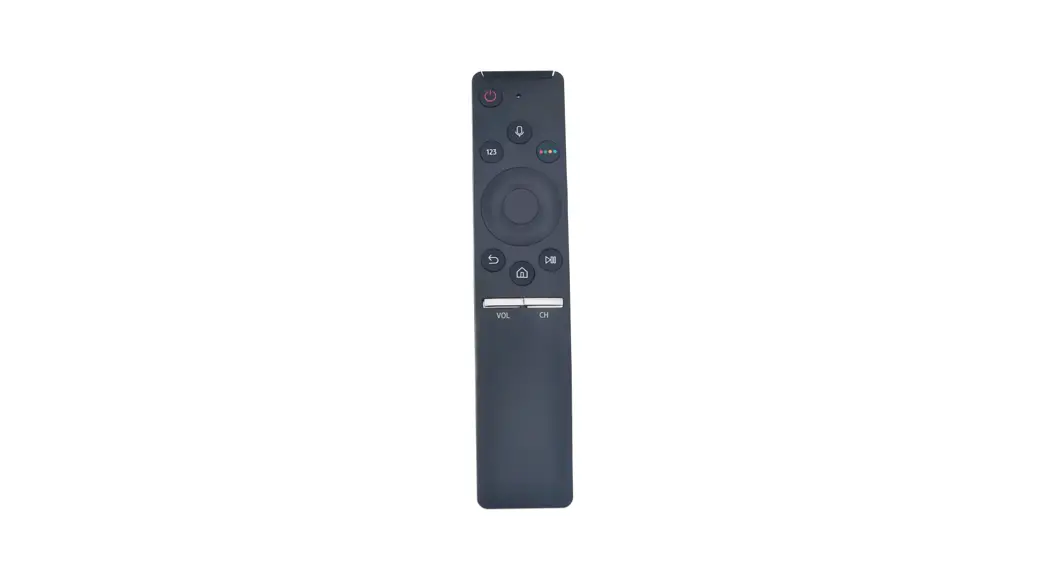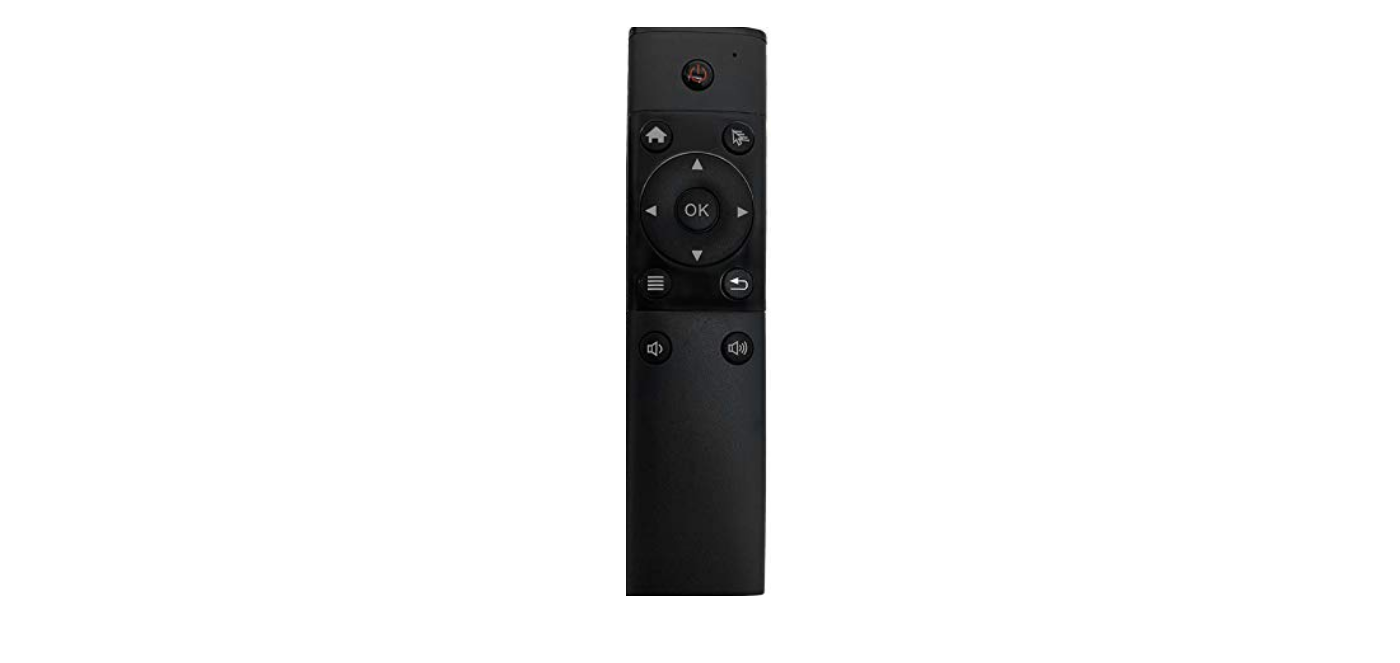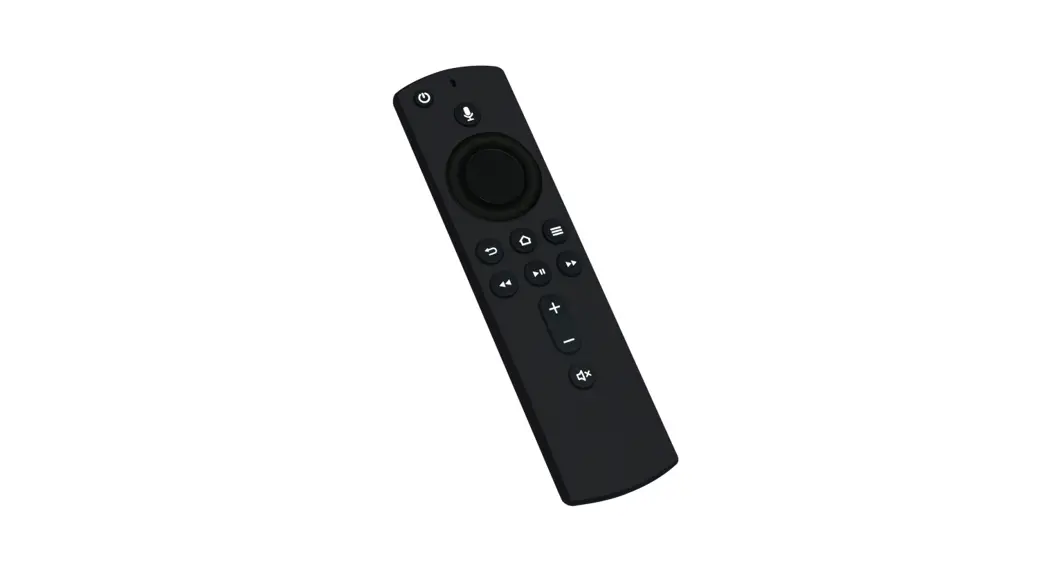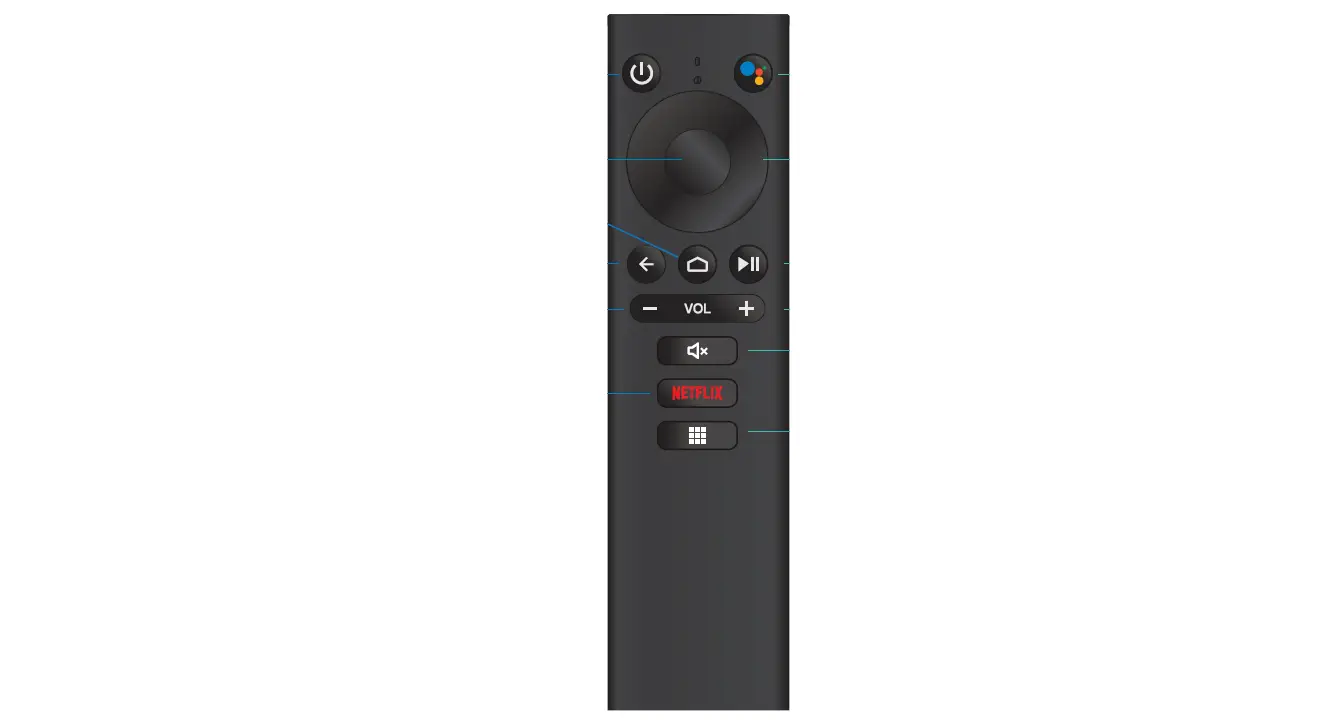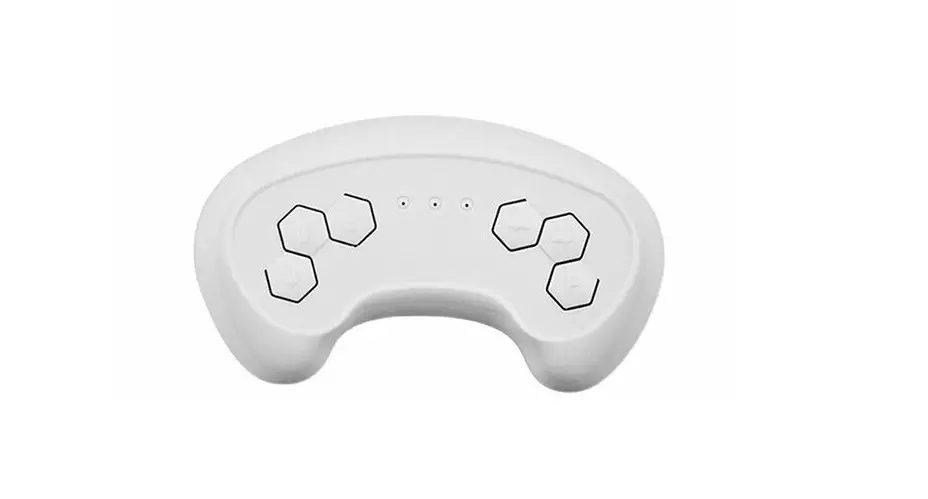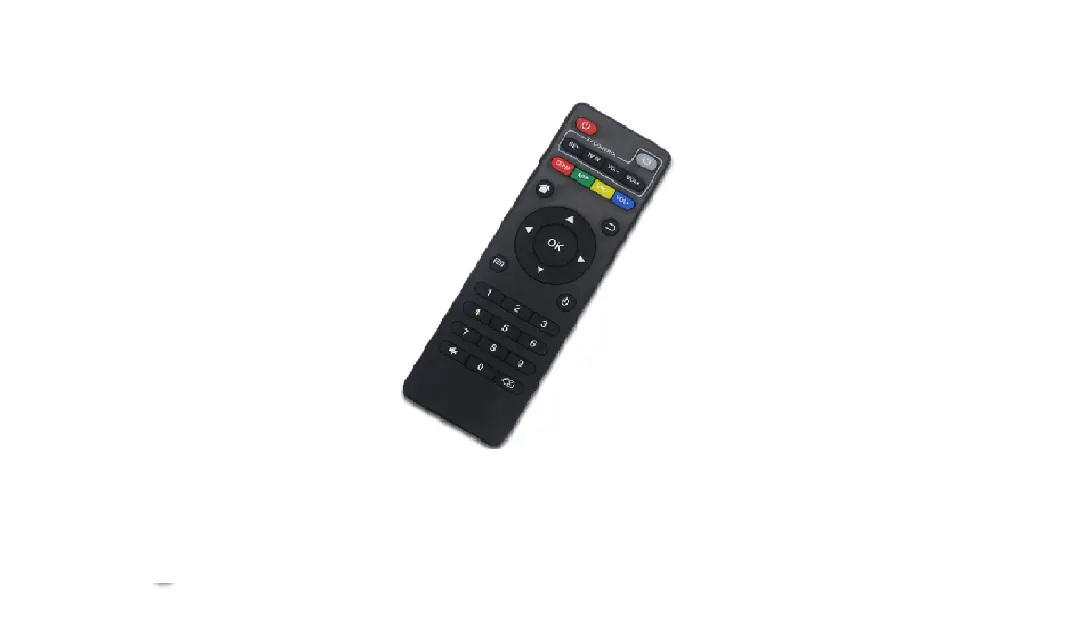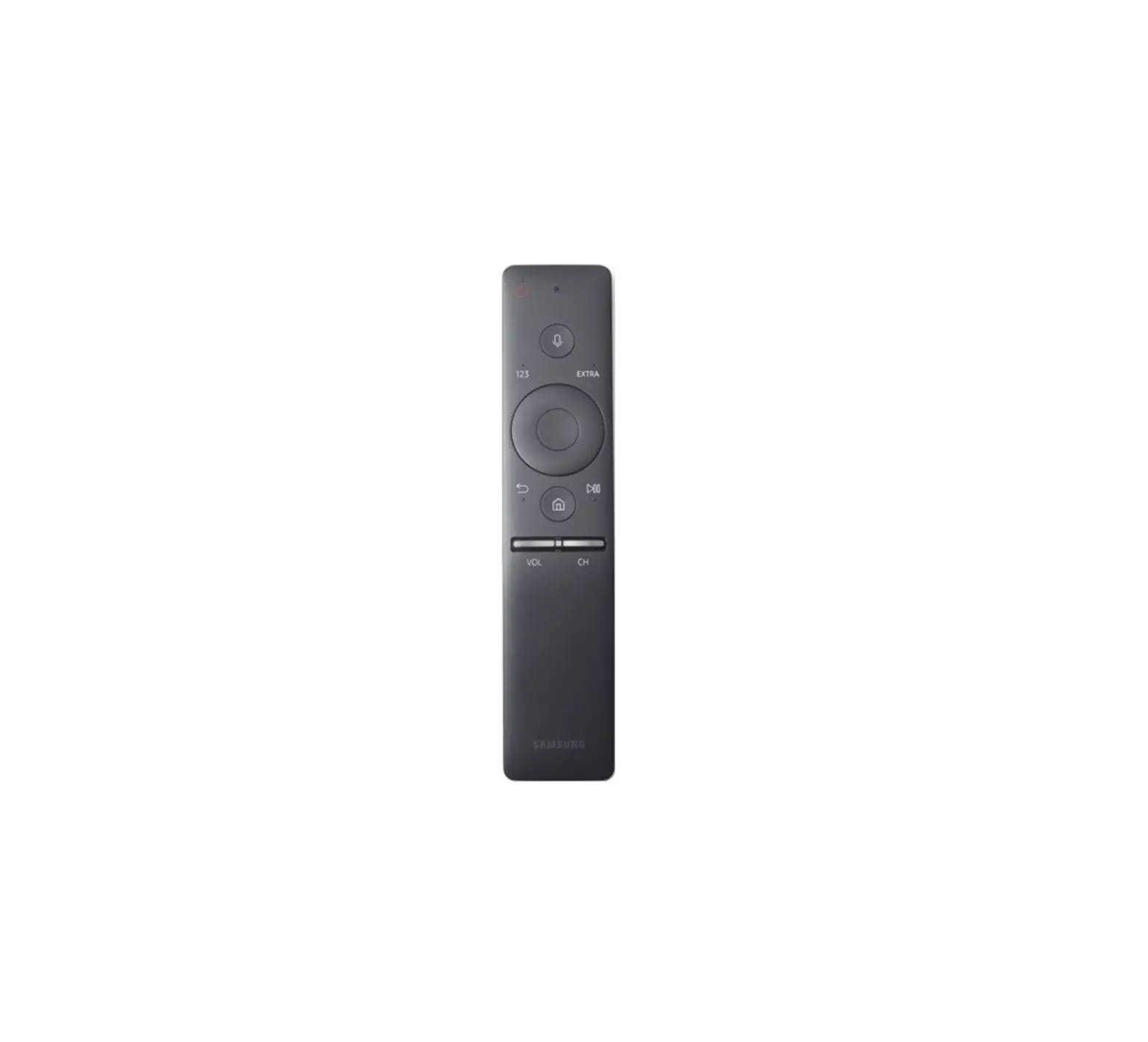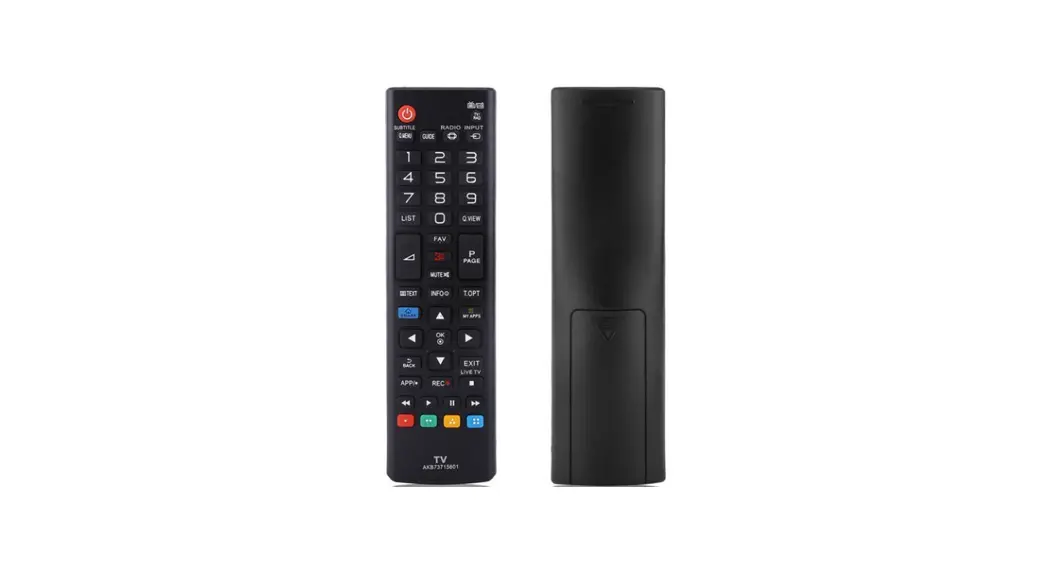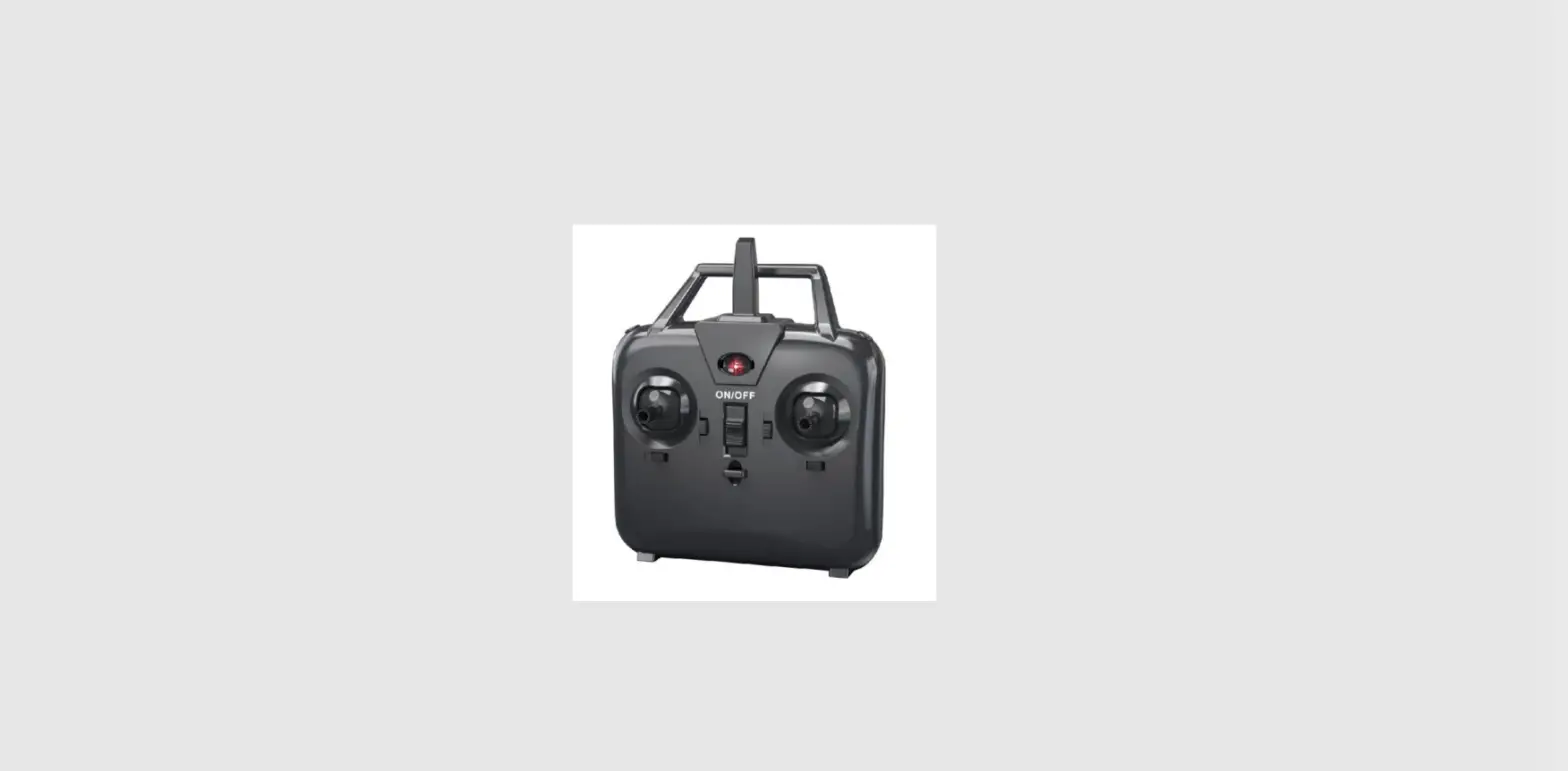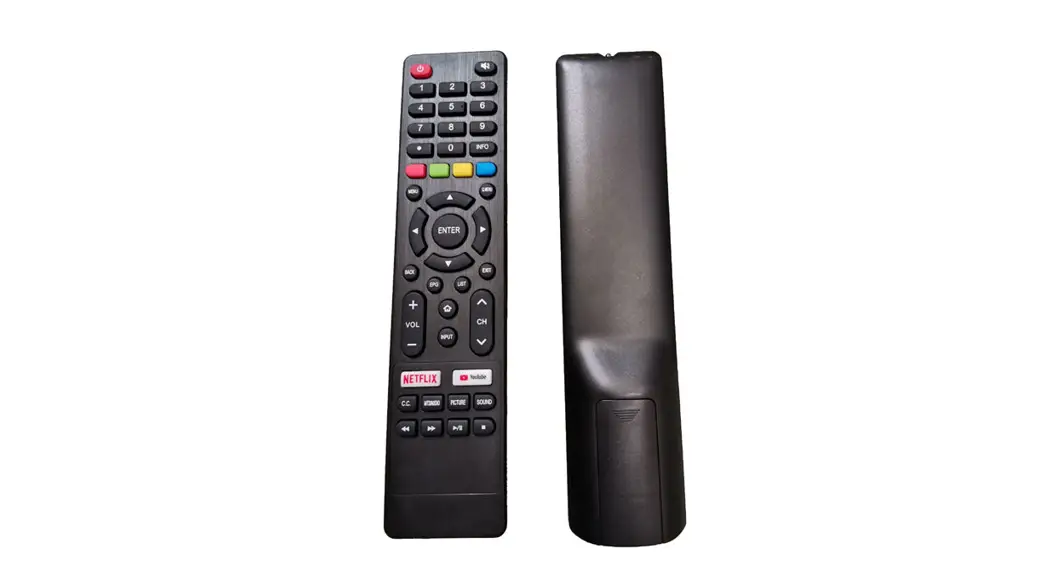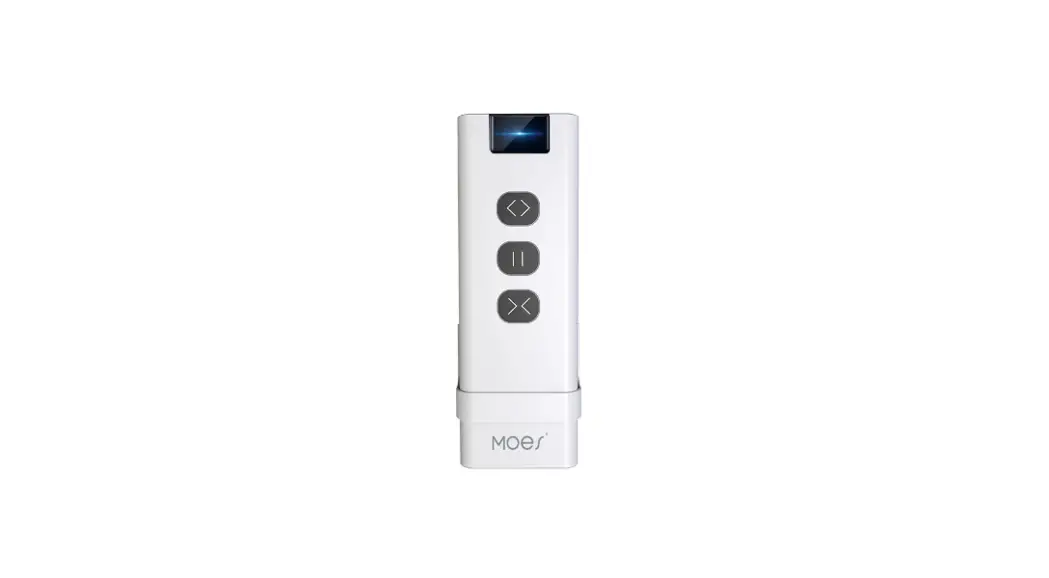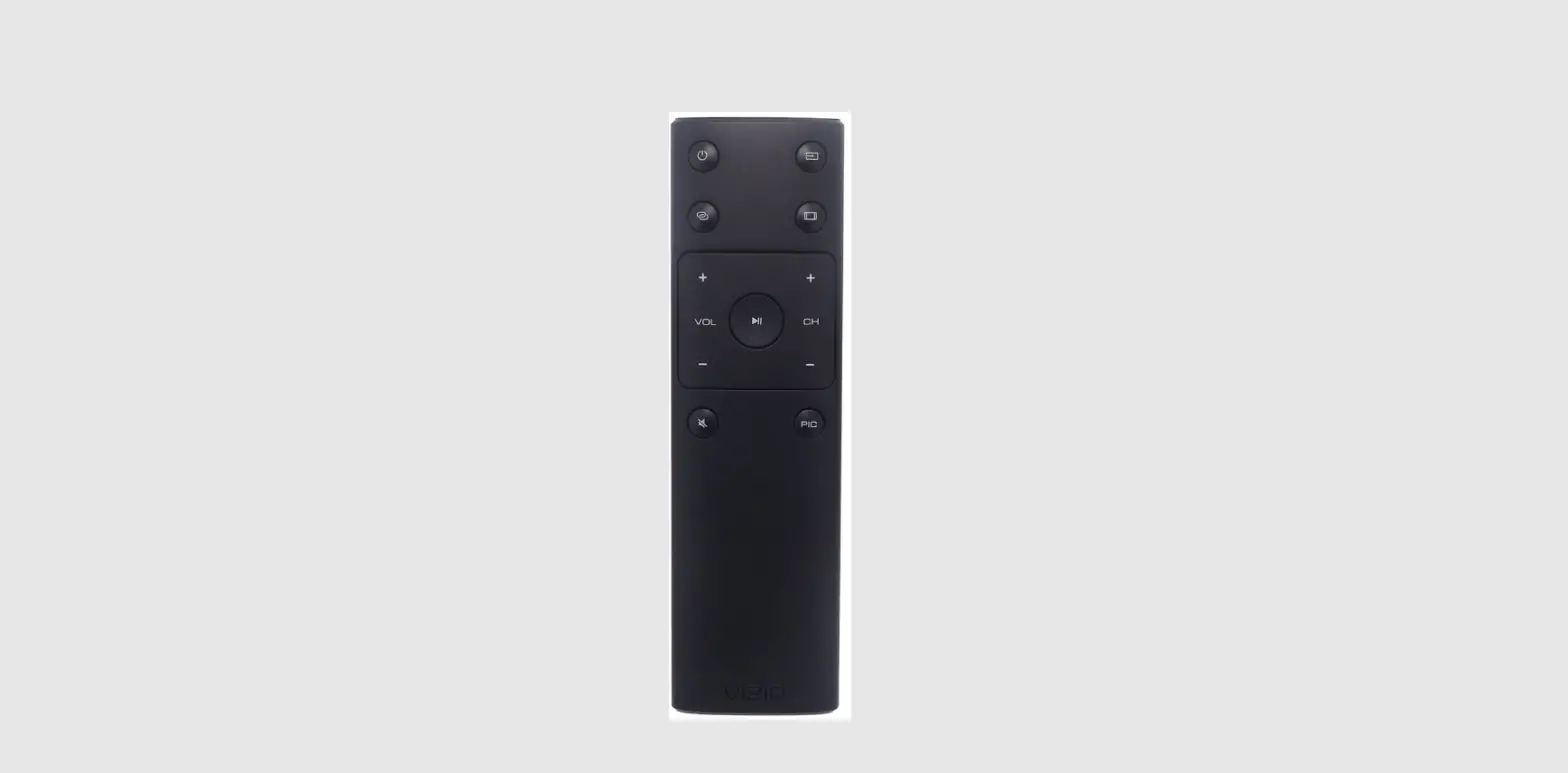

Shenzhen Sei Robotics BH13-J Remote Control
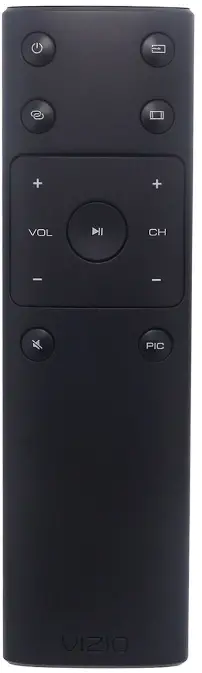
Product function description
Function introduction
Bluetooth button , Google voice, infrared learning, SmartRCU , backlight
Second, the hardware part
- Main control chip: RTL8752CJF
- Indicator light: 1 LED red indicator light
- Backlight: 11 white backlights
- Launch tube: 1 launch tube
- Antenna form: PCB antenna
Functional requirements
Bluetooth pairing
| step | operate |
| enter pairing mode | Case 1 : When the remote control has no pairing information, press any button to enter the pairing mode (except the learning button) Case 2: Press and hold ” HOME+BACK ” at the same time for 3 seconds, clear the pairing information, and then send the pairing broadcast to enter the pairing mode |
| Pairing time and indicator | 1: Enter pairing mode, the red light flashes quickly (5-6 times per second) 2: The pairing is successful, the indicator light is always on for 3s and then goes out 3: Pairing fails, the indicator light flashes for 60 seconds and exits pairing mode 4: When pairing by pressing the key combination, first clear the previous |
| pairing record | |
| bluetooth device name | BH100J |
Infrared code format and parameters
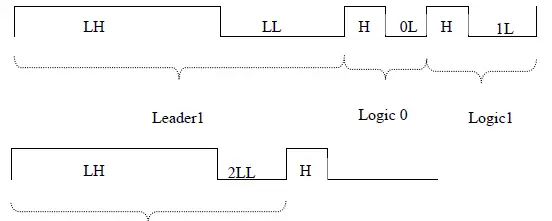
Note: NEC-N format IC: PT6121/2 UPD6121[T32DBA]; low byte read code first, duty ratio: 1:3;
| Leader1 | 8B Custom | 8B Custom | 8B Data | 8B Data/ | Delay1 | |||||||
| ©Leader2 | Delay2 | To © Cycle | ||||||||||
| Name | KHz | LH | LL | H | 0L | 1L | 2LL | C | ||||
| T32DBA(NEC) | 37.90k | 9.00m | 4.50m | 560u | 560u | 1.69m | 2.25m | 108m | ||||
Key code value
Key function
When any key is pressed, the white backlight lights up, and if there is no more key press within 4s, the backlight turns off. When the backlight is on, the key appears again to start timing for 4s, and the backlight is also on for 4s after long-pressing the key .
Key code value:
| key sequ ence | key name | IR code: NEC | Usage page | Usage ID | NOTE | ||
| User code: 0x 00,FF | |||||||
| TV POWER | 0xF1 | / | / | 1: Support manual learning 2: Support SmartRCU | |||
| TV SOURCE | 0xF2 | / | / | 1: Support manual learning 2: Support SmartRCU | |||
| BOX Power | / | 0x0C | 0x0030 | ||||
| REWIND | / | 0x0C | 0x00B4 | ||||
| PLAY/PAUSE | / | 0x0C | 0x00CD | ||||
| FAST_FORWARD | / | 0x0C | 0x00B3 | ||||
| Live TV | / | 0x0C | 0x0063 | ||||
| Record/REC | / | 0x0C | 0x00b2 | ||||
| Option | / | 0x0C | 0x0083 | ||||
| Youtube | / | 0x0C | 0x000c | ||||
| On Demand | / | 0x0C | 0x0200 | ||||
| UP | / | 0x0C | 0x0042 | ||||
| DOWN | / | 0x0C | 0x0043 | ||||
| Left | / | 0x0C | 0x0044 | ||||
| Right | / | 0x0C | 0x0045 | ||||
| Center/OK | / | 0x0C | 0x0041 | ||||
| VOL+ | / | 0x0C | 0x00e9 | Smrat RCU support | |||
| VOL- | / | 0x0C | 0x00ea | Smrat RCU support | |||
| CH+ | / | 0x0C | 0x009c | ||||
| CH- | / | 0x0C | 0x009d | ||||
| BACK | / | 0x0C | 0x0224 | ||||
| Assistance | / | 0x0C | 0x0221 | ||||
| Home | / | 0x0C | 0x0223 | ||||
| Menu | / | 0x0C | 0x0040 | ||||
| All Apps | / | 0x0C | 0x01A2 | ||||
| 1 | / | 0x07 | 0x001E | ||||
| 2 | / | 0x07 | 0x001F | ||||
| 3 | / | 0x07 | 0x0020 | ||||
| 4 | / | 0x07 | 0x0021 | ||||
| 5 | / | 0x07 | 0x0022 | ||||
| 6 | / | 0x07 | 0x0023 | ||||
| 7 | / | 0x07 | 0x0024 | ||||
| 8 | / | 0x07 | 0x0025 | ||||
| 9 | / | 0x07 | 0x0026 | ||||
| Mute | / | 0x0C | 0x00e2 | ||||
| 0 | / | 0x07 | 0x0027 | ||||
| TV/RADIO | / | 0x0C | 0x001c | ||||
| OK+BACK | / | 0x0c 0x0041+0x0c 0x0224 | Bugreport | ||||
| DOWN+BACK | / | 0x0c 0x0043+0x0c 0x0224 | |||||
Google ATV voice function
- Support Google voice 1.0 spec;
- Use Google ATV standard voice interface; support long key recording, and key release recording;
- Voice key Press the key, and send out the press and release together;
- After Google Voice is turned on, if the host has not received the command to turn off Google Voice, the remote control will automatically exit after a timeout of 30 seconds
Infrared learning function
The learning function has a total of 2 buttons, the “TV POWER” and “TV SOURCE” buttons are the buttons for learning;
- Press and hold the “learning button” for 3 seconds, the indicator light is always on, and the indicator light continues to be on when you let go to enter the learning function.
- control to be learned at the infrared tube of the BH13J remote control, and press the button of the remote control to be learned.
- After the learning is successful, the indicator light flashes three times quickly and then goes out and saves the learning data;
- The learning failure indicator goes off immediately.
- Press and hold the “VOL+ and VOL-” keys for 10 seconds, and the indicator light flashes 3 times to clear the infrared learning data and the infrared code configured by the SmartRCU .
Remark:
- When learning, the transmitters of the two remote controllers should be on the same line, and the distance should be within 3cm.
- After entering the learning function, if no learning is performed within 20 seconds, it will
automatically exit the learning state. - repeatedly learning the same button, the previously learned code will be overwritten after learning, and the last learning signal will be retained; learning failure and learning overtime will not change the original learning data.
- When pressing any non-learning key in the learning state , exit the manual learning function
SmartRCU function
- details, please refer to the SmartRCU standard document
- TV POWER, TV SOURCE, VOL+, VOL- support SMartRCU function
- Press and hold “VOL+ and VOL-” at the same time for 10 seconds, the red light flashes 3 times, clearing the infrared code configured by the SmartRCU , and also clearing the infrared learning data.
Other functions
- Entering sleep and waking up: When the link is disconnected, the remote control enters the low-power sleep mode within 7s, and enters the deep sleep mode after 20 seconds ; when the link is disconnected, it does not enter the sleep deep sleep mode;
- Press any key to wake up the remote control, and use the Bluetooth low energy protocol to establish a quick connection with the set-top box that has been coded, and send the corresponding key value.
- the case of abnormal disconnection of the remote control (except when the host actively disconnects ), it will automatically send back a connection broadcast packet at intervals, with a timeout of 30s;
- remote control is disconnected , after the power button sends a wakeup broadcast packet (2s), it sends a 7s return broadcast packet;
- In the case of disconnection , the button sends back the connection broadcast packet (1s direct connection broadcast packet + 10s non-direct connection broadcast packet). During the broadcast process, it supports replying to the scan request of all devices. The scan response should contain the Bluetooth device name “BH100J”, but only Support connect request of devices in the whitelist;
Power management
| Power supply | 2 AAA dry batteries |
| low power | VBAT ≤ 2.3V ± 0.2V; when the battery is low, the indicator light flashes slowly (once in 1 second) during the key operation, and then goes out after flashing 3 times. |
| Power acquisition | Supports normal battery reading service for the host to read the battery level of the remote control. |
The remote control supports ota (online) upgrade
In order to adapt to new needs or changes, the remote control needs to support ota upgrades. The upgrade package is sent to the Bluetooth remote control through the box side .
Software version number
Software version number: BH100J_Vx.xx Version number description: BH100J_ is a fixed format, after the software version is updated, the cumulative update Vx.xx
Indicator light description
| state | Running light indication | cycle | |||
| Press and hold for 3s to enter the pairing | |||||
| Manual | state, the indicator light will be on, and the | Flashing frequency: fast flashing (5-6 times | |||
| pairing | indicator will flash quickly for 60s after | per second) | |||
| letting go, waiting for pairing | |||||
| The pairing is successful, the indicator light | |||||
| Bluetooth | |||||
| is always on for 3s and then turns off | |||||
| connection | |||||
| Pairing failed, the light is off | |||||
| Function | indicator | flashes | Frequency: Flashes 2 times in 1 second, | ||
| slowly | and turns off after 6 flashes | ||||
| button click | |||||
| infrared key | The backlight is always on | ||||
| (Unpaired, | for 4s and then turns off | ||||
| disconnected | Function | indicator | flashes | Frequency: Flashes 2 times in 1 second, | |
| ) | slowly | and turns off after 6 flashes | |||
| long press | |||||
| The backlight is always on | |||||
| for 4s and then turns off | |||||
| bluetooth | Function indicator does | ||||
| succeeded) | for 4s and then goes off | |||
|
long press | Function indicator does not light up | |||
| The backlight is always on for 4s and then goes off | ||||
| Infrared low power | During key operation | The indicator light flashes slowly | Frequency: flashes once per second, flashes 3 times and then turns off | |
| bluetooth low power | During key operation | The indicator light flashes slowly | Frequency: flashes once per second, flashes 3 times and then turns off | |
FCC
This device complies with Part 15 of the FCC Rules. Operation is subject to the following two conditions: (1) this device may not cause harmful interference, and (2) this device must accept any interference received, including interference that may cause undesired operation . Changes or modifications to this unit not expressly approved by the party responsible for compliance could void the user’s authority to operate the equipment.
NOTE: This equipment has been tested and found to comply with the limits for a Class B digital device, pursuant to Part 15 of the FCC Rules. These limits are designed to provide reasonable protection against harmful interference in a residential installation. This equipment generates uses and can radiate radio frequency energy and, if not installed and used in accordance with the instructions, may cause harmful interference to radio communications. However, there is no guarantee that interference will not occur in a particular installation. If this equipment does cause harmful interference to radio or television reception, which can be determined by turning the equipment off and on, the user is encouraged to try to correct the interference by one or more of the following measures:
- Reorient or relocate the receiving antenna.
- Increase the separation between the equipment and receiver.
- Connect the equipment into an outlet on a circuit different from that to which the receiver is connected.
- Consult the dealer or an experienced radio/TV technician for help.
This device and its antenna(s) must not be co-located or operation in conjunction with any other antenna or transmitter.
Radiation Exposure Statement
The device has been evaluated to meet general RF exposure requirement in portable exposure condition without restriction.