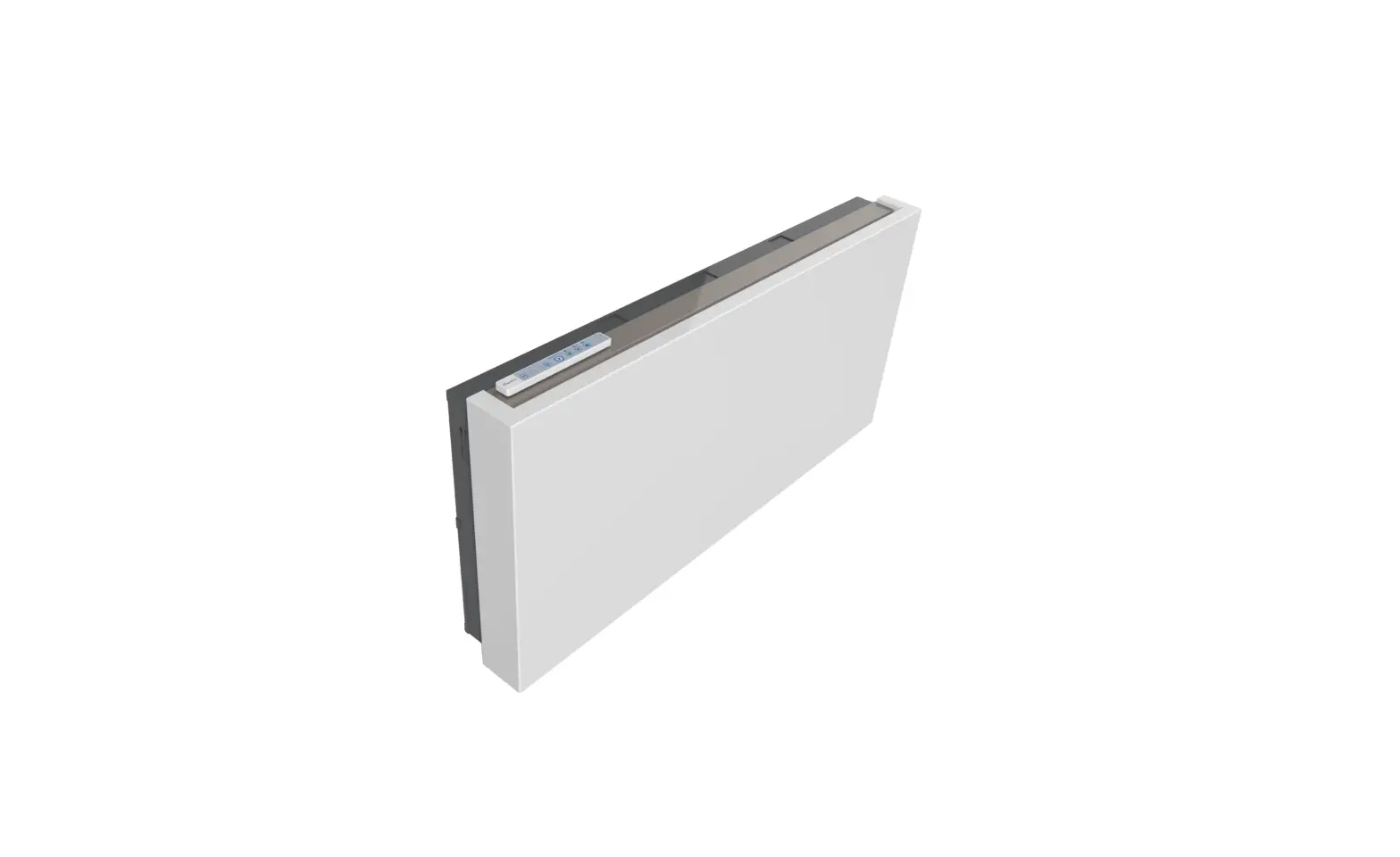
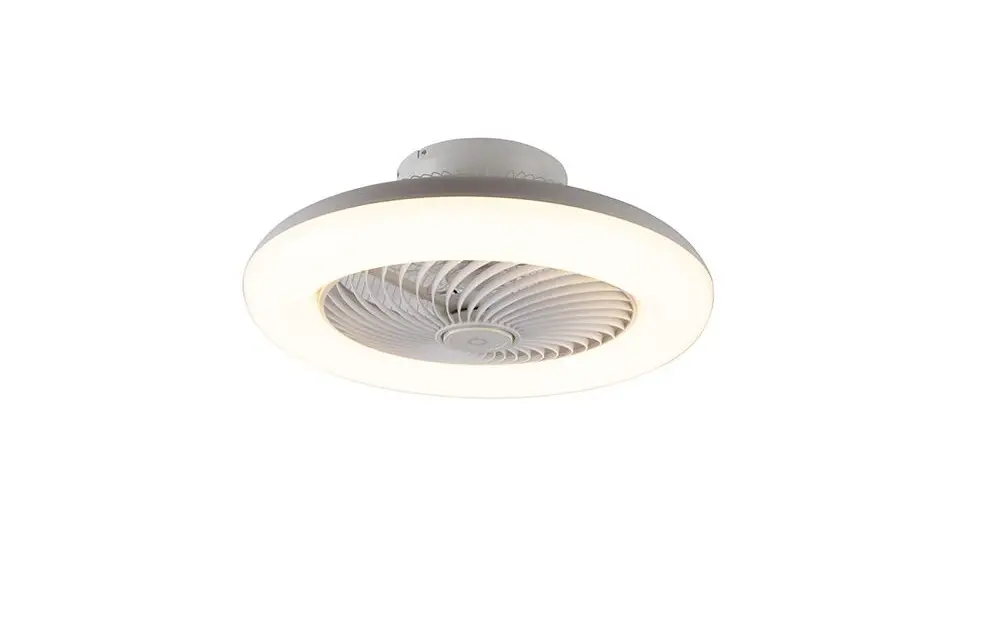
V1C-S ClimaRad Ventura
Product Information: ClimaRad Ventura V1C-S
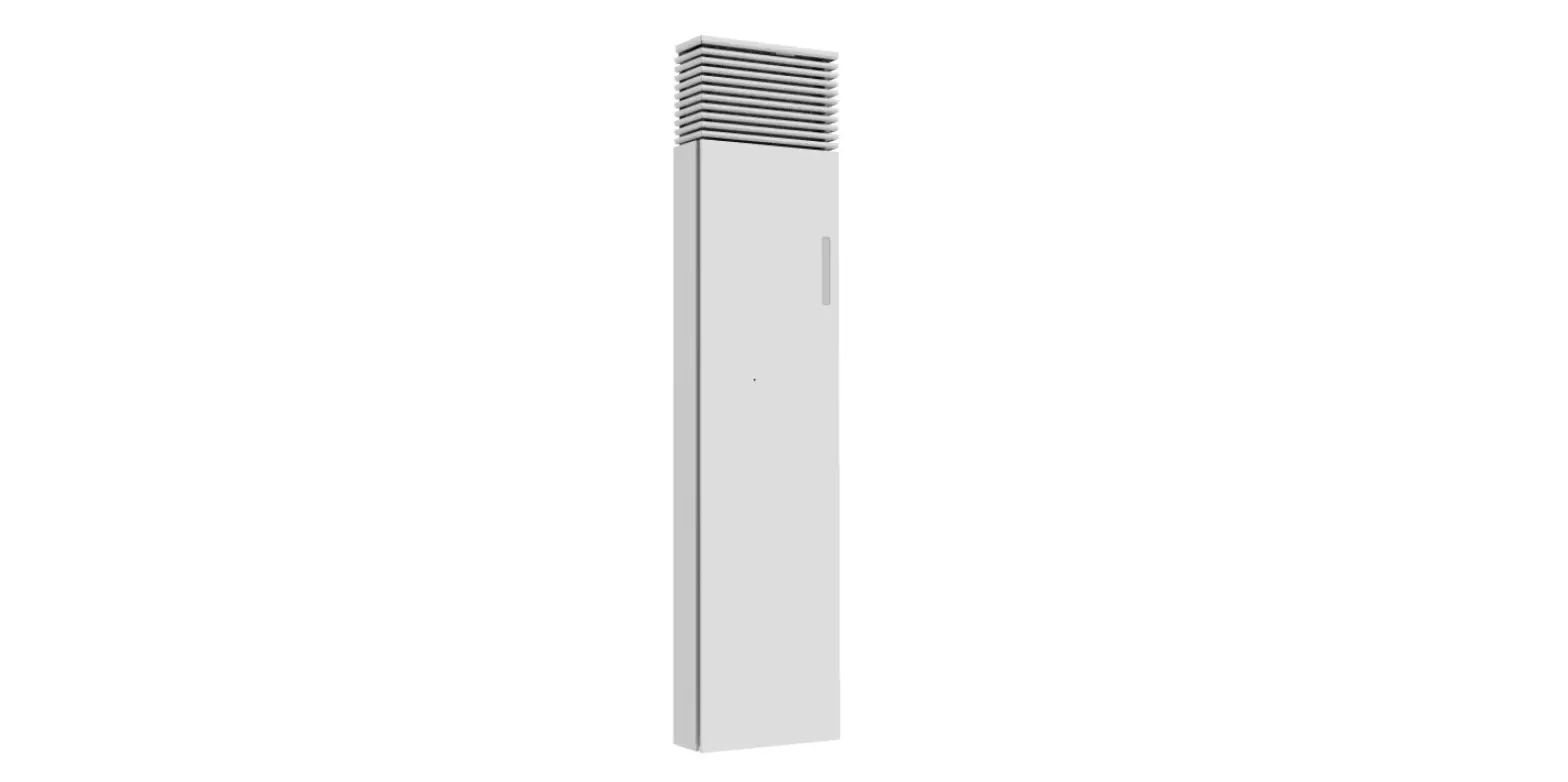
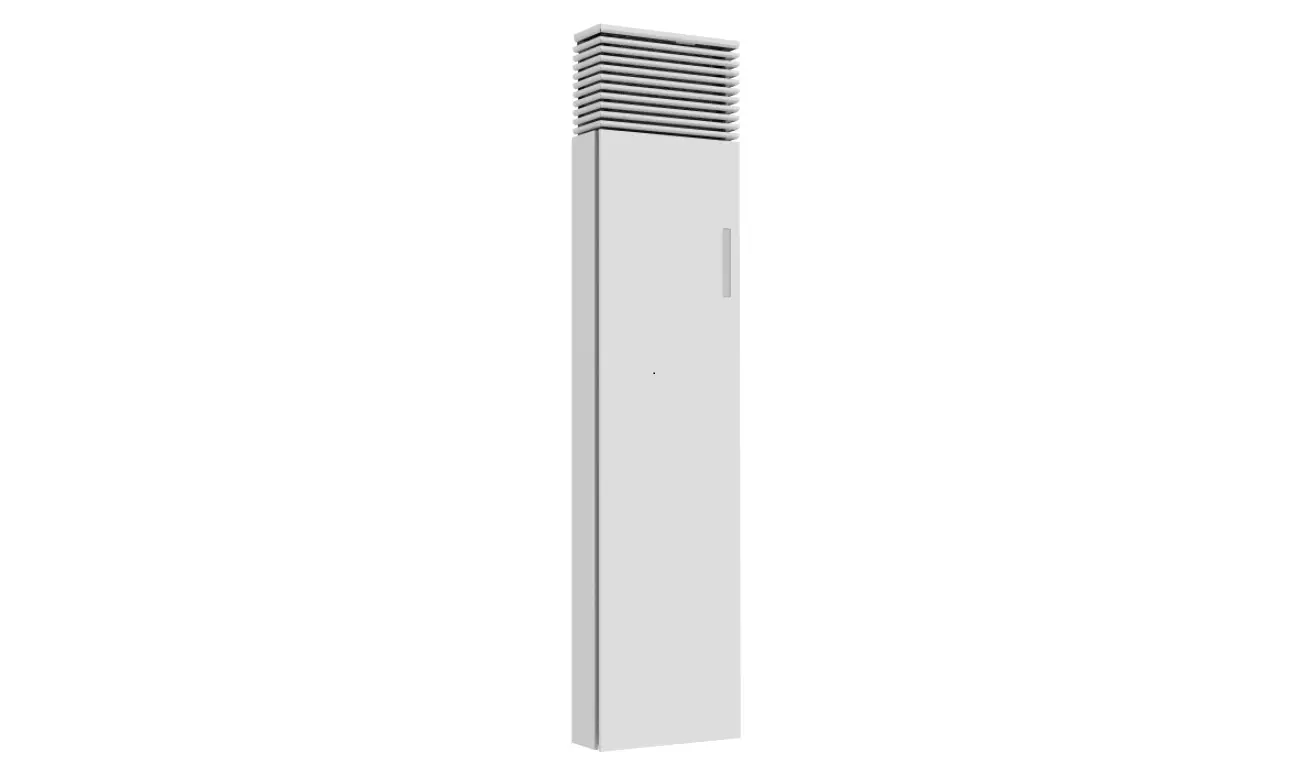
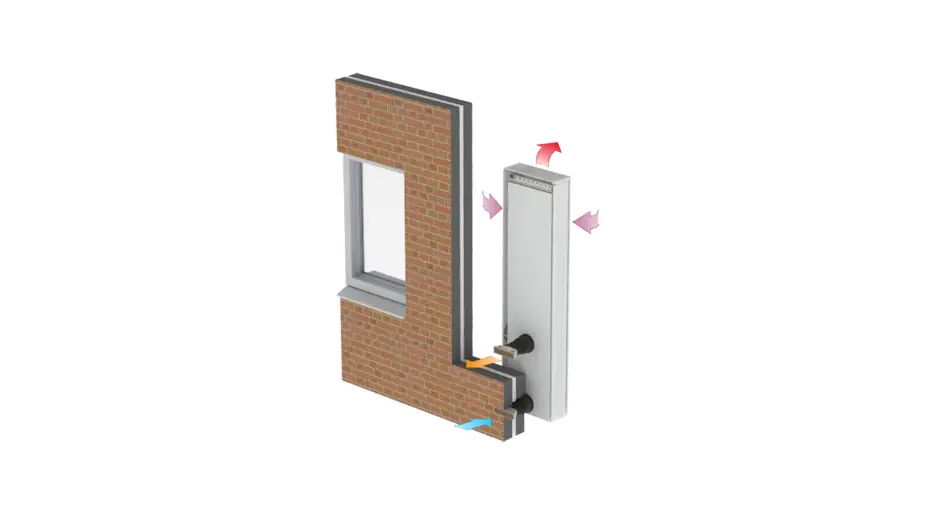
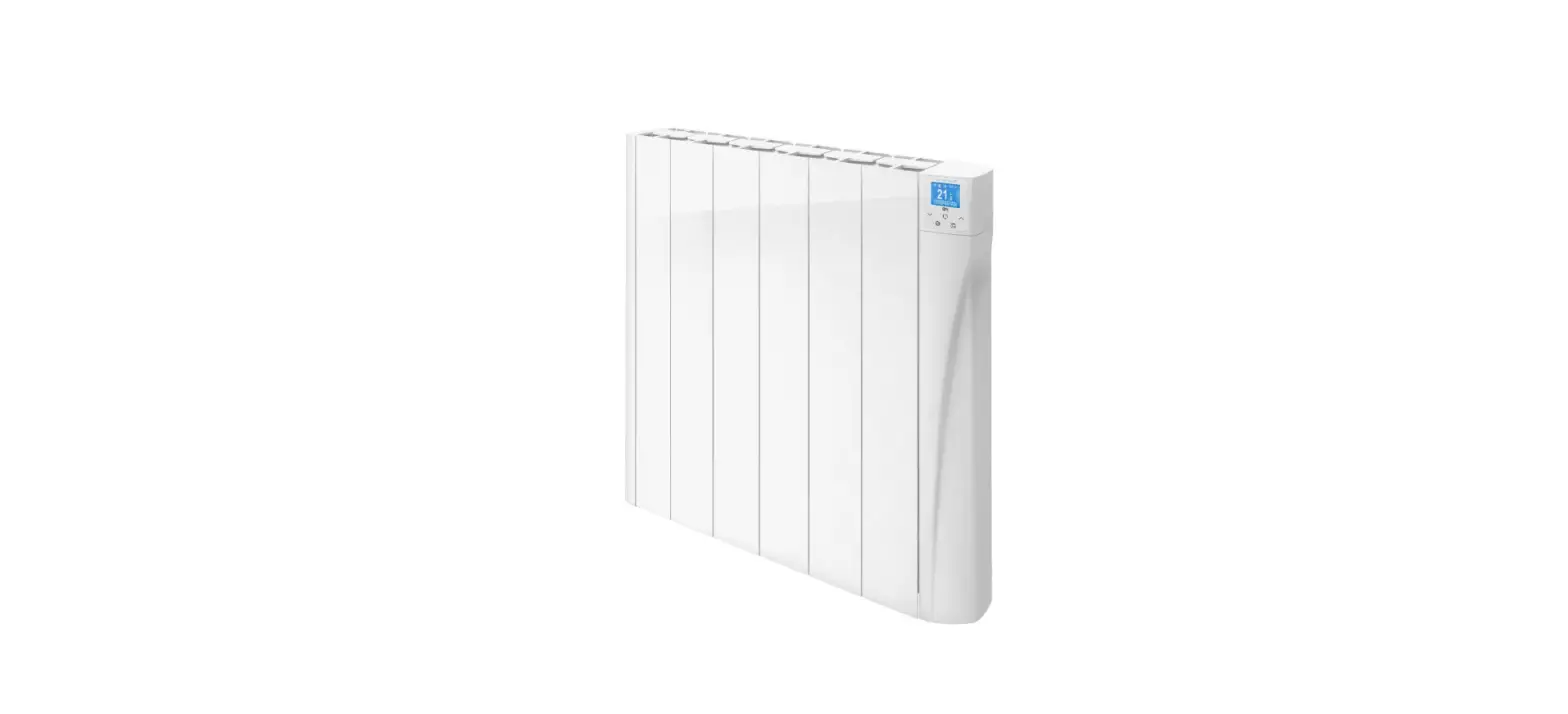
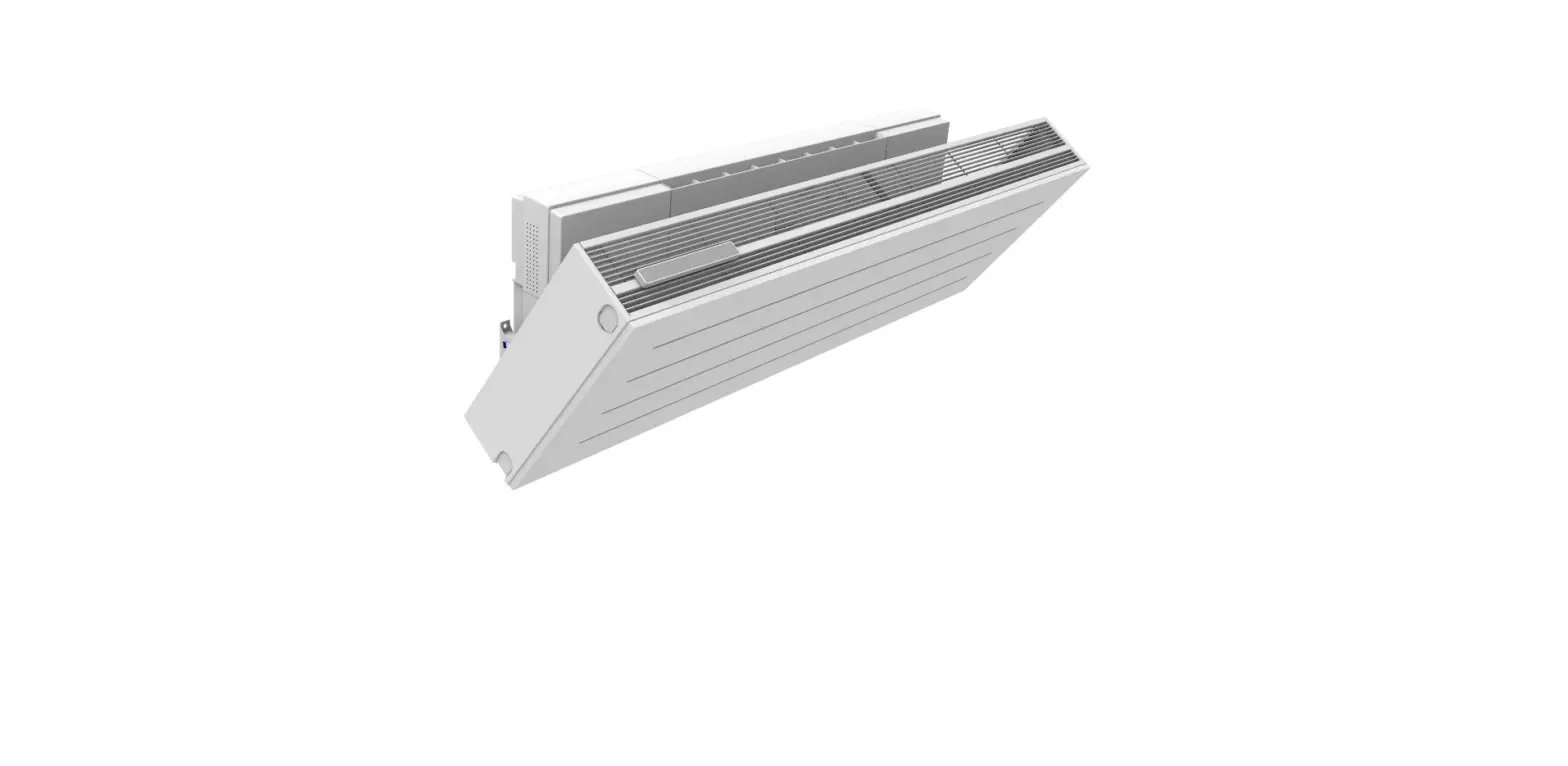
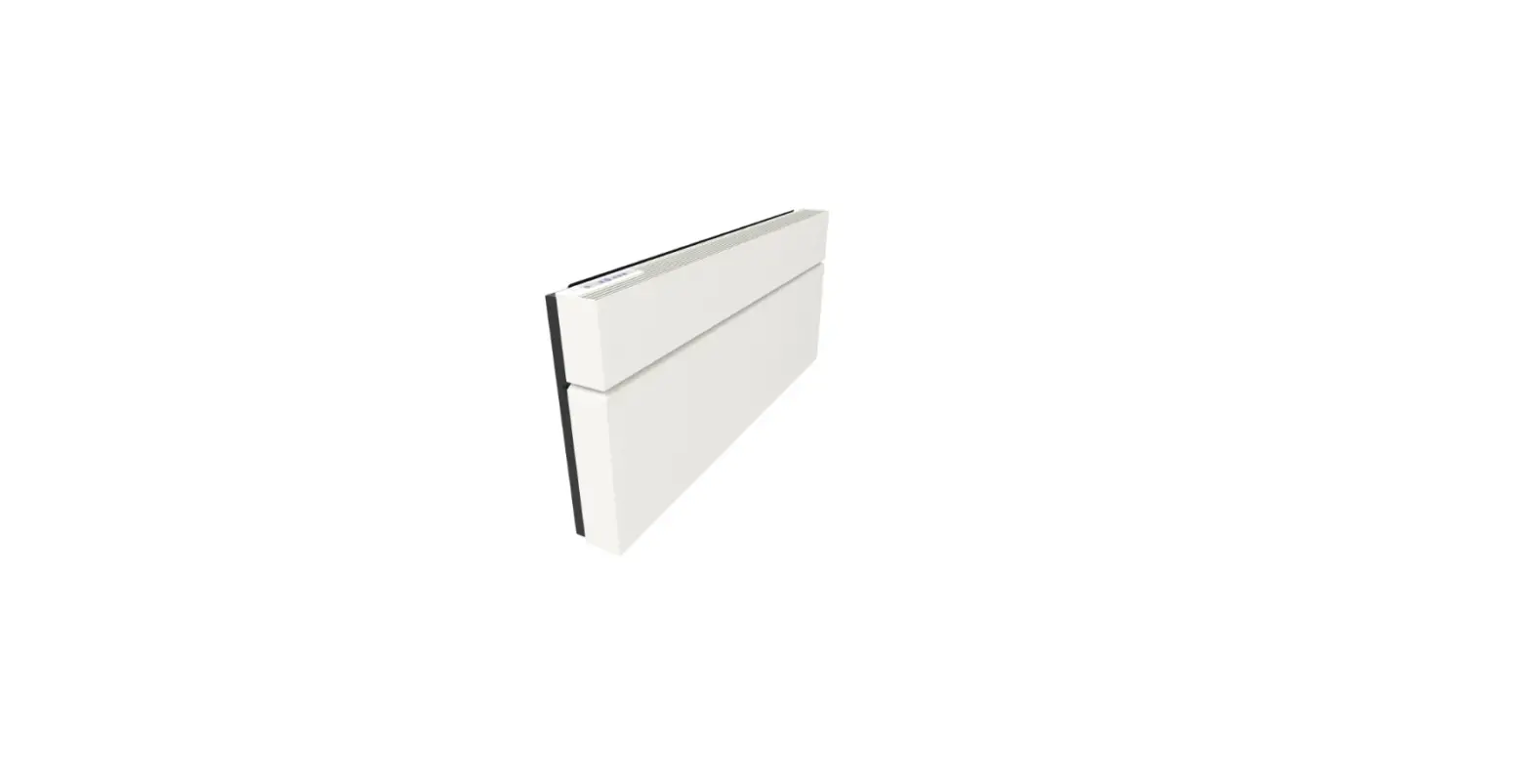
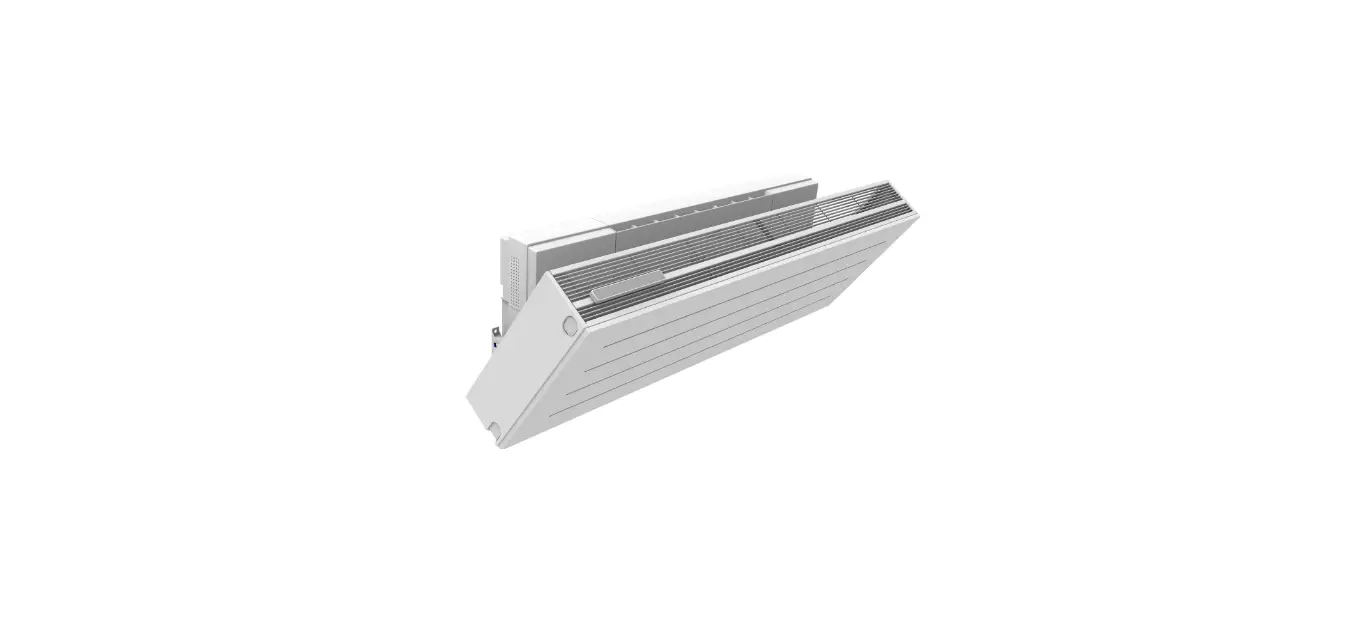
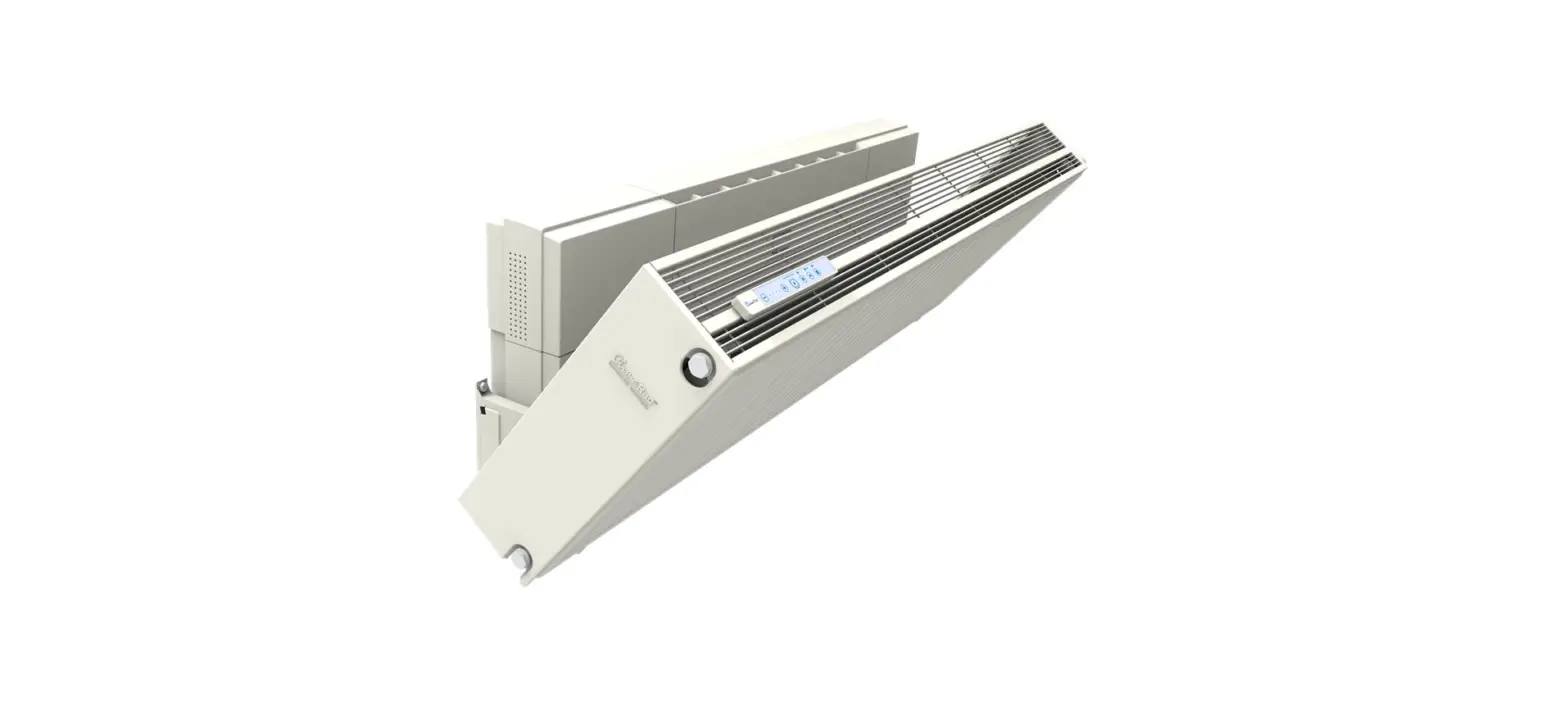
The ClimaRad Ventura V1C-S is an advanced ventilation system
designed to provide clean and fresh air to your living space. It
features built-in filters and ducts to ensure the air you breathe
is free from pollutants and allergens. The unit is equipped with
valves that regulate the airflow and maintain optimal indoor air
quality. The device also includes an insect mesh to prevent insects
from entering the system.
Product Usage Instructions: Maintenance
Maintenance Frequency for Filters
Regular maintenance of the filters is essential for the proper
functioning of the ClimaRad Ventura V1C-S. It is recommended to
check and clean the filters at regular intervals. The frequency of
maintenance may vary depending on usage and environmental
conditions.
Ordering Filters
To order new filters, visit the website www.climarad.nl/filters.
Ensure you order the correct filters compatible with the ClimaRad
Ventura V1C-S model.
Replacing Air Supply and Air Output Filters
- Set your device to service mode by holding the key combination
above for 8 seconds. All LEDs will light up. Wait 1 minute for the
valves to open. - Remove one of the two side panels of the device.
- Remove the two black filter caps.
- Remove both polluted filters and place the new inlet filter
(below) and output filter (above). - Return the two filter caps to their correct positions.
- Place the side panel back. Reset the filter hour counter by
holding the key combination above for 6 seconds. The filter
vervuild notification will disappear. Press any button to leave the
service mode.
Cleaning the Air Ducts and the Insect Mesh
- Set your device to service mode by holding the key combination
above for 8 seconds. All LEDs will light up. Wait 1 minute for the
valves to close. - Clean the insect mesh at the top and bottom of the unit using
your vacuum cleaner. - First remove the top grille of the device, then remove one of
the side panels. - Remove the caps from both air ducts. Clean the duct entrances
with a dry cloth or your vacuum cleaner. Also clean the insect mesh
in the upper air duct. Place the caps back in the device. - Clean the insect mesh on both sides of the convector using your
vacuum cleaner. - Place the side panel back on the device, then place the upper
grille back. Press any button to leave the service mode.
Follow these maintenance instructions to ensure optimal
performance and longevity of your ClimaRad Ventura V1C-S
ventilation system.
Maintenance instructions ClimaRad Ventura V1C-S
Maintenance frequency for filters
When should you replace the filters? · With normal use, every 2 years or earlier if the message ‘Filter vervuild’ appears on the display (for example in homes and offices). · In the case of intensive use, after 1 year or earlier if the message ‘Filter vervuild’ appears on the display (e.g. for care homes and schools).
Ordering filters Order new filters at www.climarad.nl/filters
Replacing air supply and air output filters
+
8 sec.
1. Set your device to service mode by holding the key combination above for 8 seconds. All LEDs will light up. Wait 1 minute for the valves to open.
2. Remove one of the two side panels of the device.
3. Remove the two black filter caps.
+
6 sec.
4. Remove both polluted filters and place the new inlet filter (below) and output filter (above).
5. Return the two filter caps to their correct positions.
6. Place the side panel back. Reset the filter hour counter by holding the key combination above for 6 seconds. The “filter vervuild” notification will disappear.
Press any button to leave the Important: Only reset the filter hour counter if you have replaced the filters. service mode.
2022.001
Cleaning the air ducts and the insect mesh
+
8 sec.
1. Set your device to service mode by holding the key combination above for 8 seconds. All LEDs will light up. Wait 1 minute for the valves to close.
2. Clean the insect mesh at the top and bottom of the unit using your vacuum cleaner.
3. First remove the top grille of the device, then remove one of the side panels.
4. Remove the caps from both air ducts. Clean the duct entrances with a dry cloth or your vacuum cleaner. Also clean the insect mesh in the upper air duct. Place the caps back in the device.
5. Clean the insect mesh on both sides of the convector using your vacuum cleaner.
6. Place the side panel back on the device, then place the upper grille back. Press any button to leave the service mode.
ClimaRad B.V. – Lübeckstraat 25 – 7575 EE – Oldenzaal – NL – [email protected] – www.climarad.co.uk – tel. +31 541 358130
 Webshop | ClimaRad