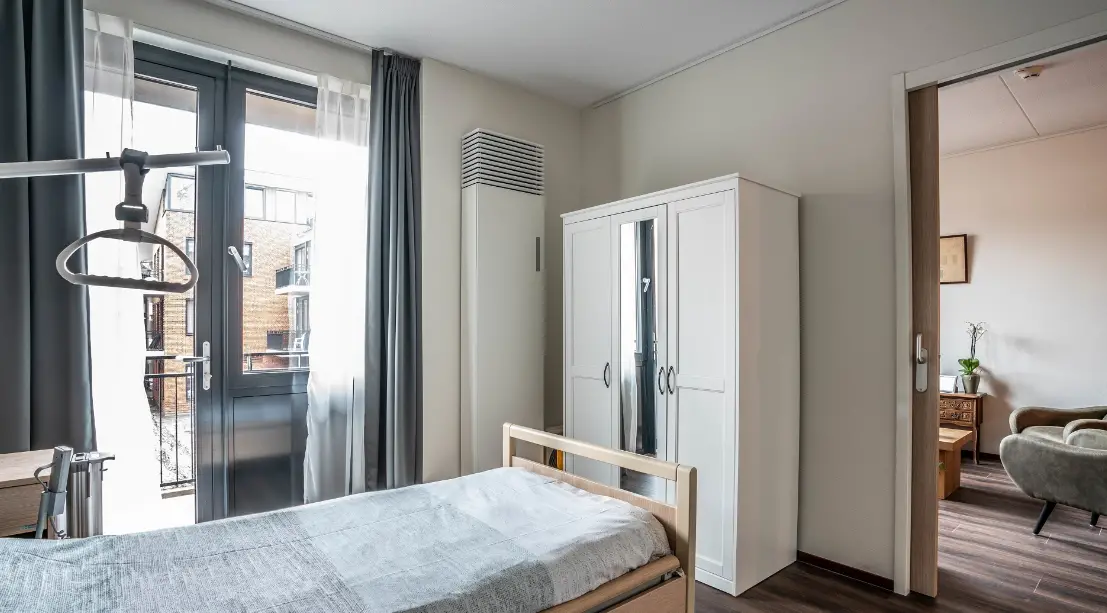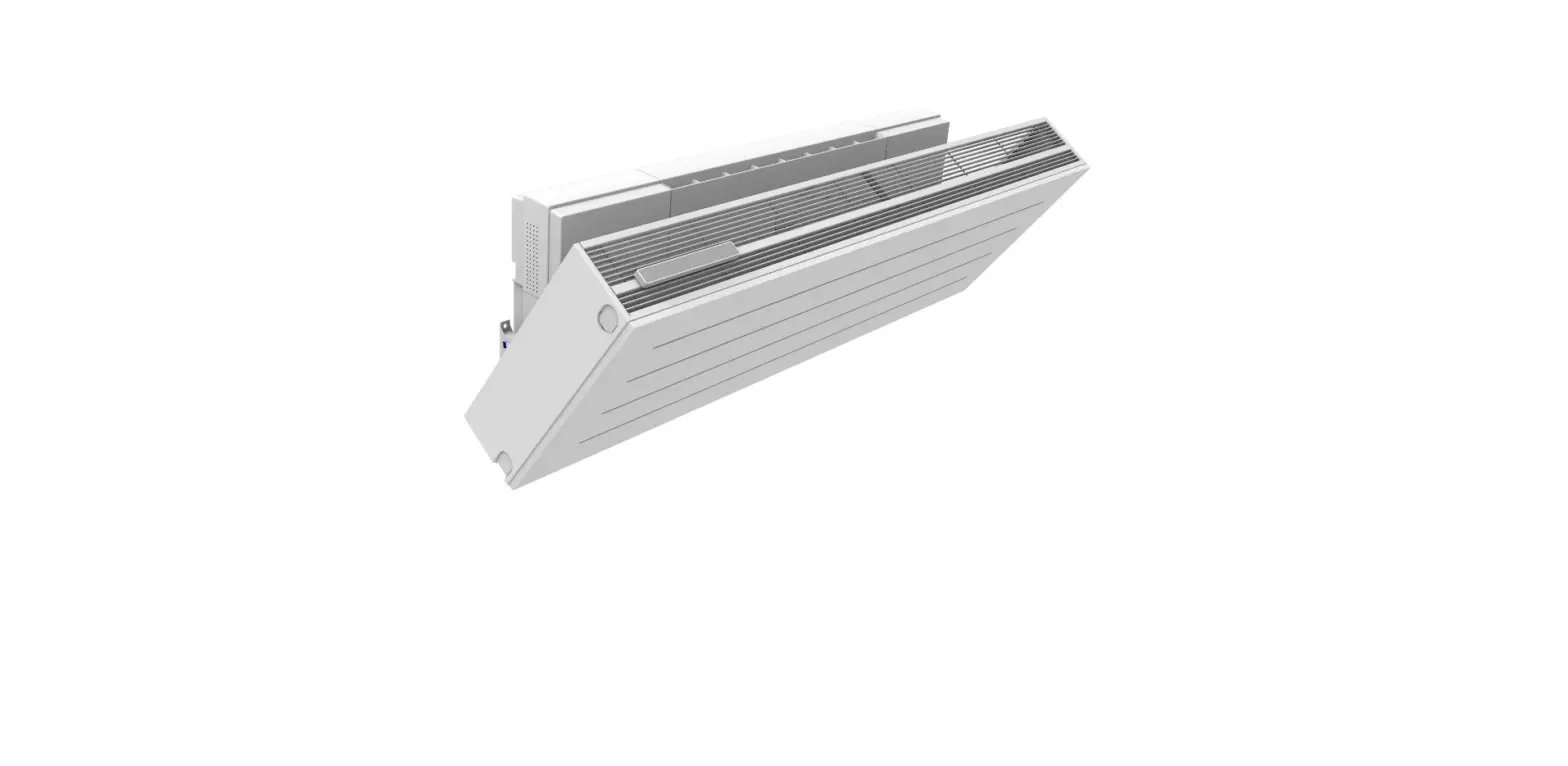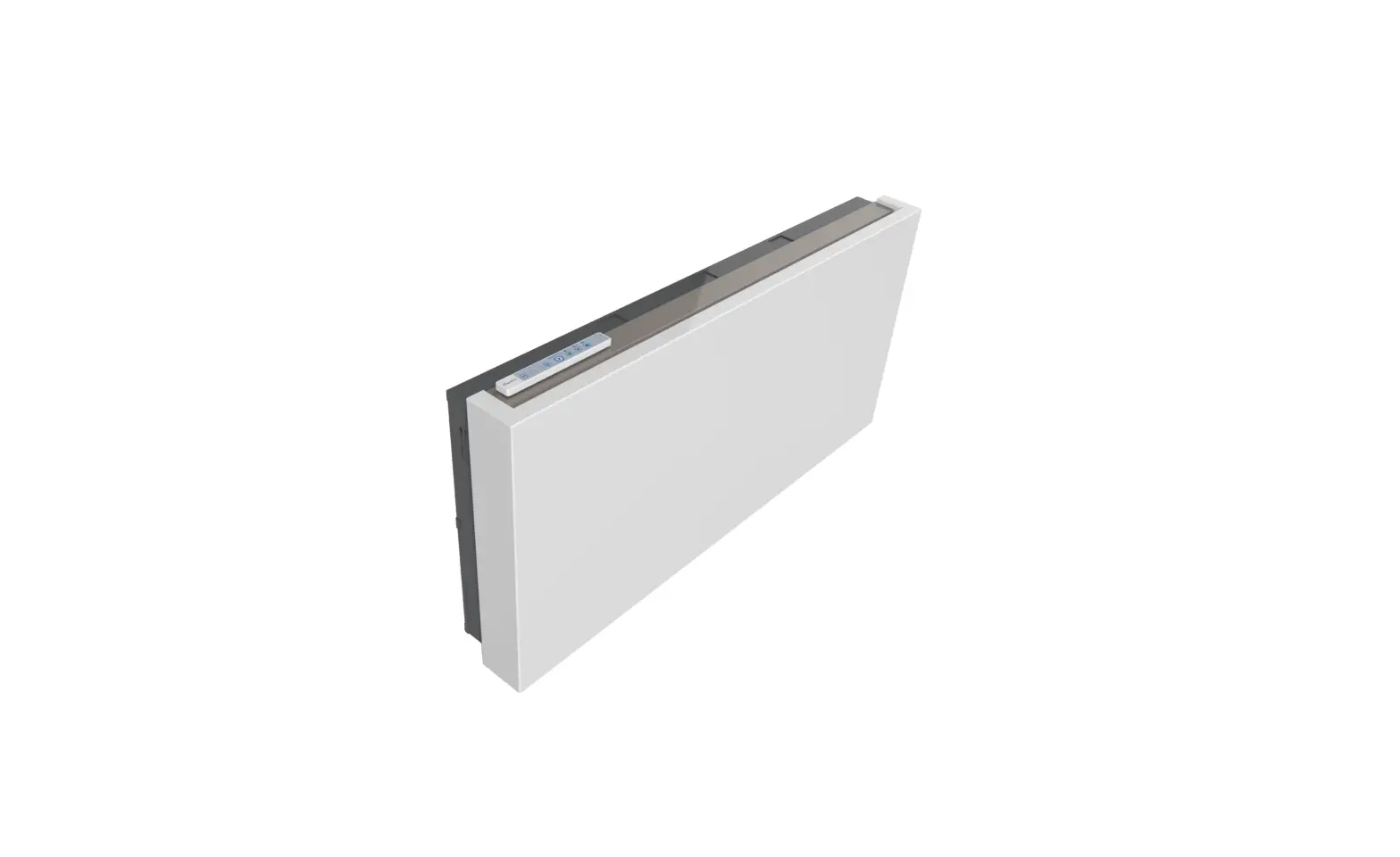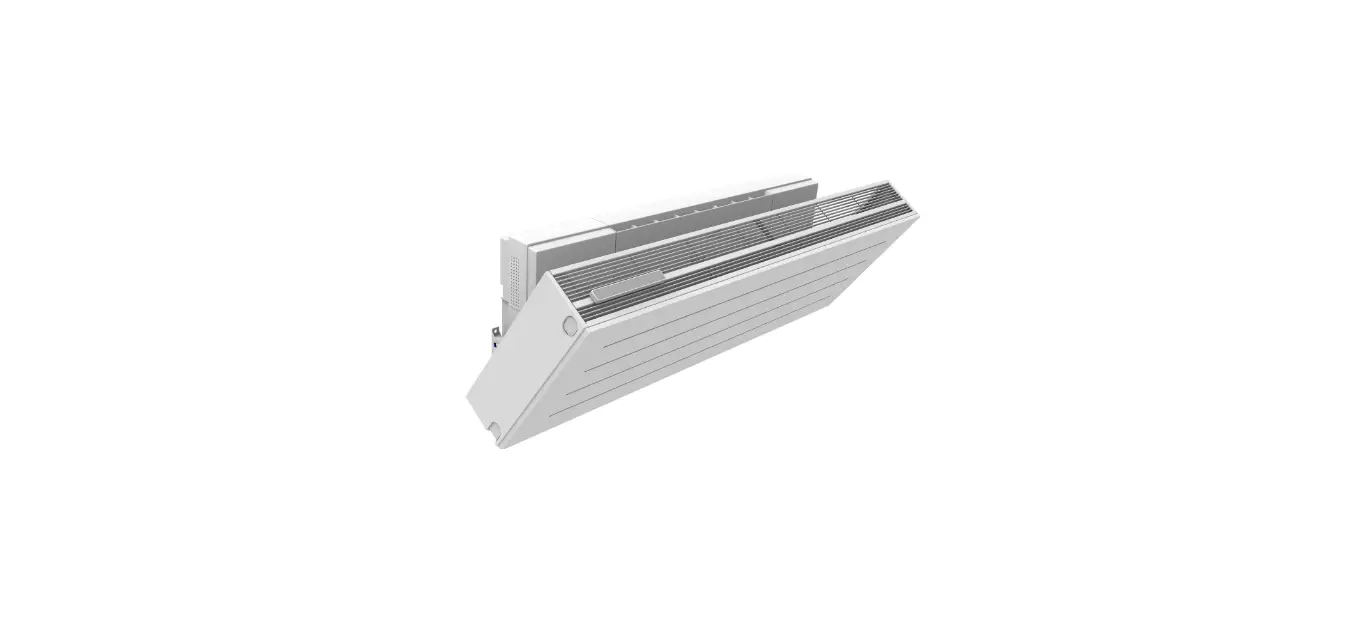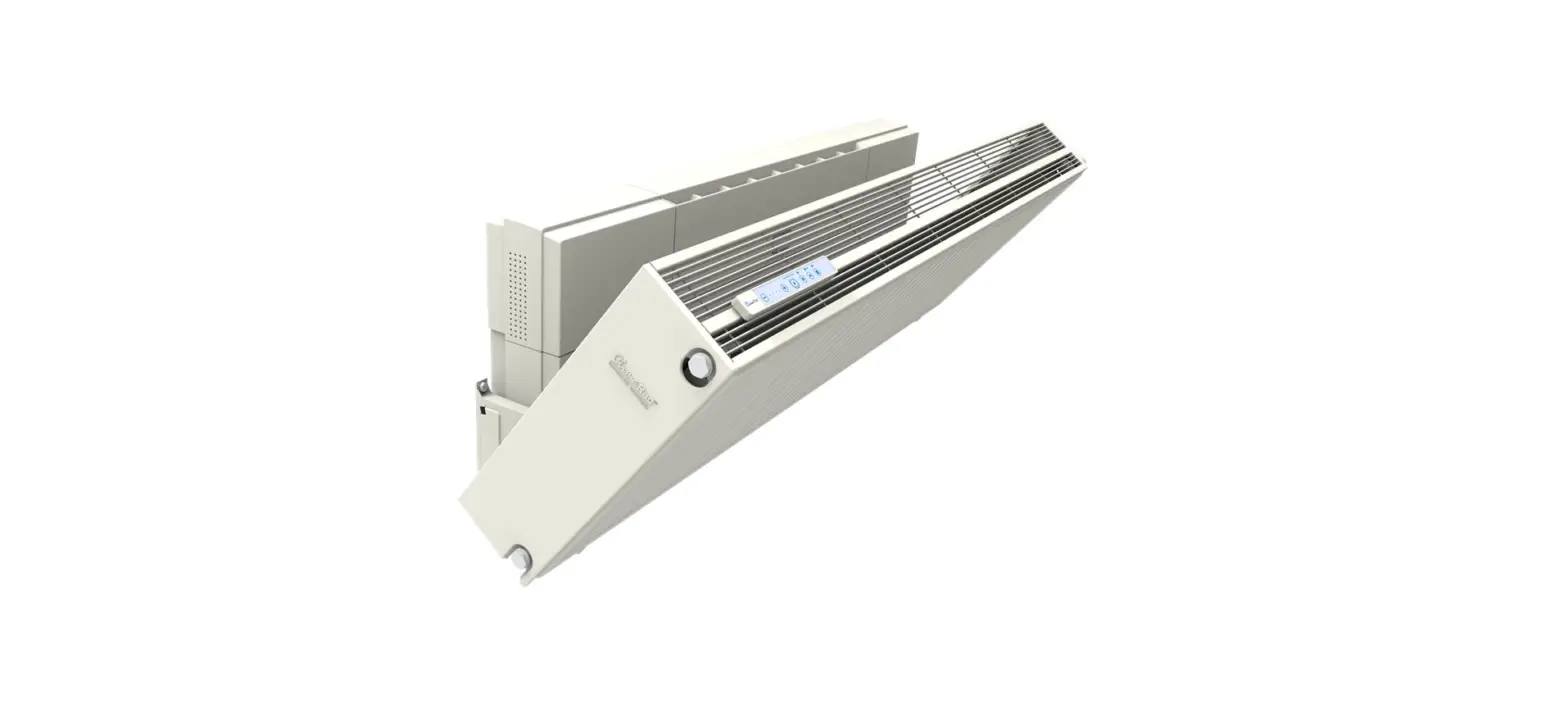
 Ventura V1X
Instruction Manual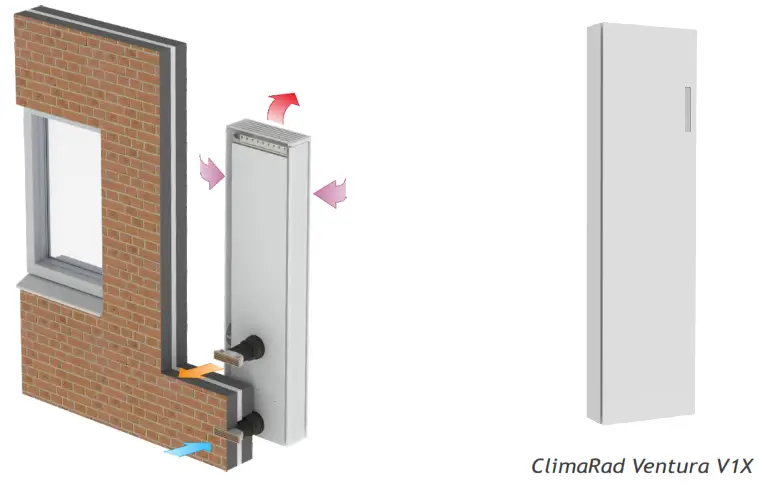
User instructions ClimaRad Ventura V1X
Operating principle ClimaRad Ventura V1X
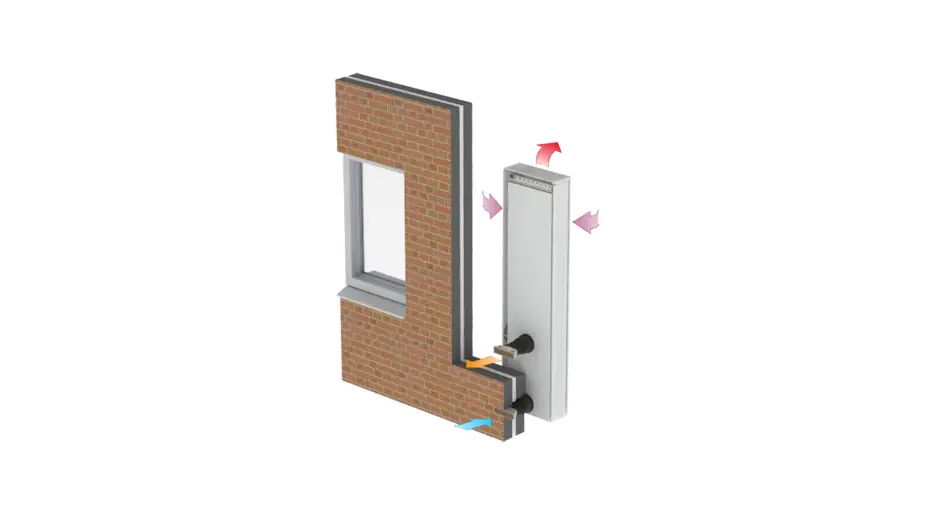
The ClimaRad Ventura V1X is equipped with sensors for CO , humidity, indoor and outdoor temperature. They measure the air quality and automatically determine the required ventilation for each room. The device also features the automatic summer night ventilation function.
Operating the ClimaRad Ventura V1X
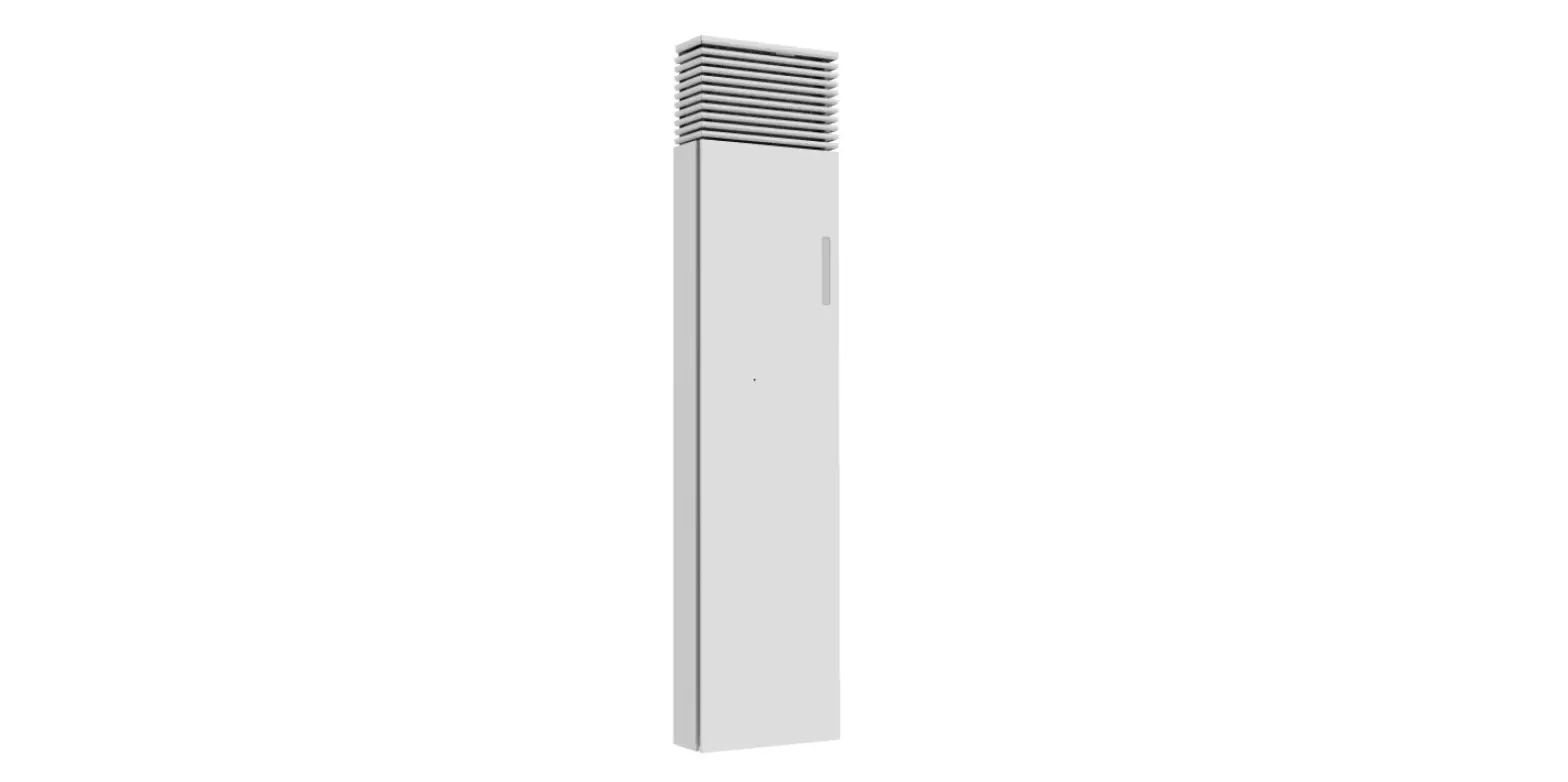
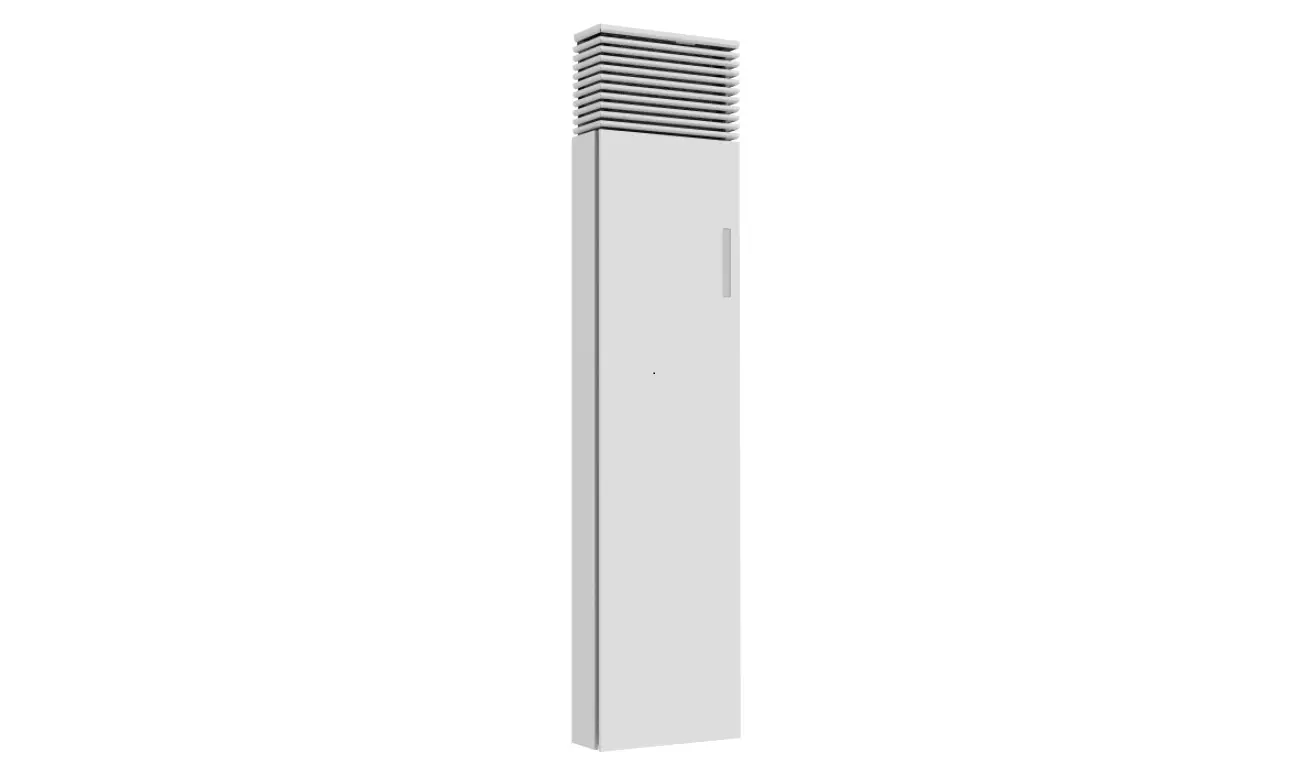
The control panel is situated on the front of the device. You can find the function buttons and notifications of the panel in question on page 2 of this instruction manual.
The ClimaRad Ventura V1X in your room is optimally configured by the installer and functions fully automatically.
That is why we only explain the function buttons that are relevant for you during daily use.
Function Keys

 Auto
Auto
Automatic control: The ventilation in the room is automatically controlled by your ClimaRad Ventura, which functions based on CO 2 measurements. Manual – manual ventilation with outdoor air: You can set the desired ventilation speed yourself using the + and – on your control panel. After a period of 8 hours, your device will reset to automatic control.
 Pause: Use this function if you want to stop ventilating temporarily. After a period of 4 hours, your ventilation unit will reset to automatic control.
 Maximum: Your ventilation unit will start functioning in its maximum setting. This function can be used to combat unpleasant smells like smoke or cooking odours. After a period of 4 hours, your device will reset to automatic control.
 No function.
 Child lock: This key combination locks your control panel. Press the indicated buttons simultaneously for 4 seconds. If you want to unlock the device, repeat this action.
Messages
 | Child lock: The child lock is activated. |
 | Error: A fault has occurred. Please contact your installer or housing corporation. |
| Fillter vervuild | Dirty filter: Replace the air filters or contact your installer or housing corporation After replacing the filters, press the + and – buttons for 6 seconds. |
Switch off
| Press 4 seconds simultaneously |
| Press for 6 seconds |
ClimaRad B.V.
– Lübeckstraat 25
– 7575 EE – Oldenzaal
– NL – [email protected]
– www.climarad.co.uk
– tel. +31 541 358130
 Webshop | ClimaRad