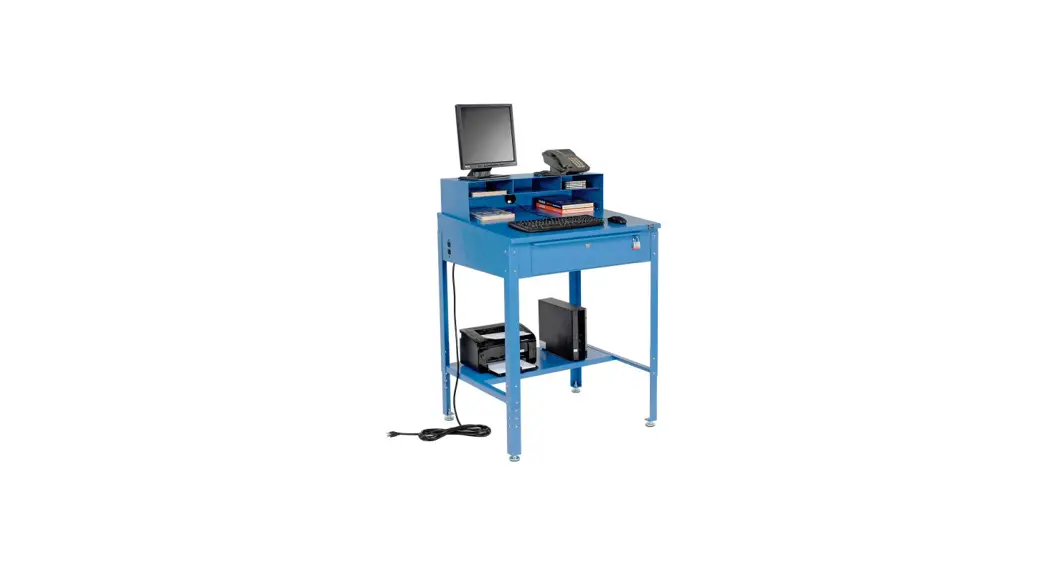
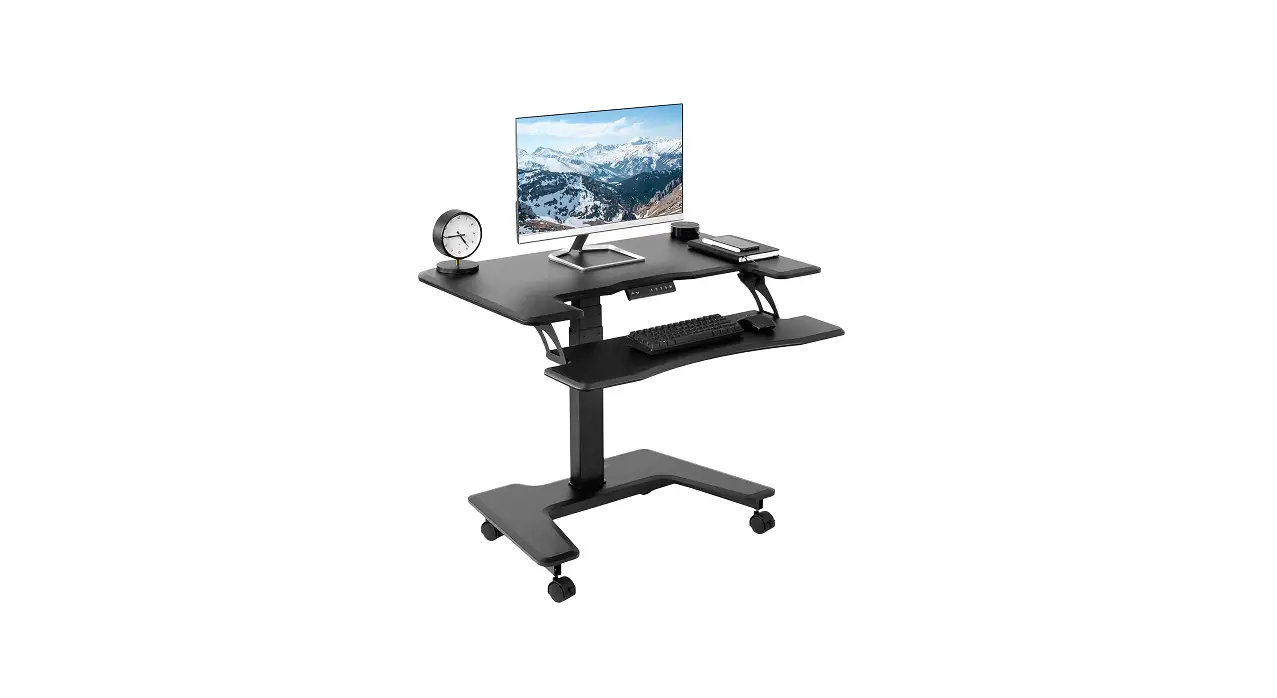
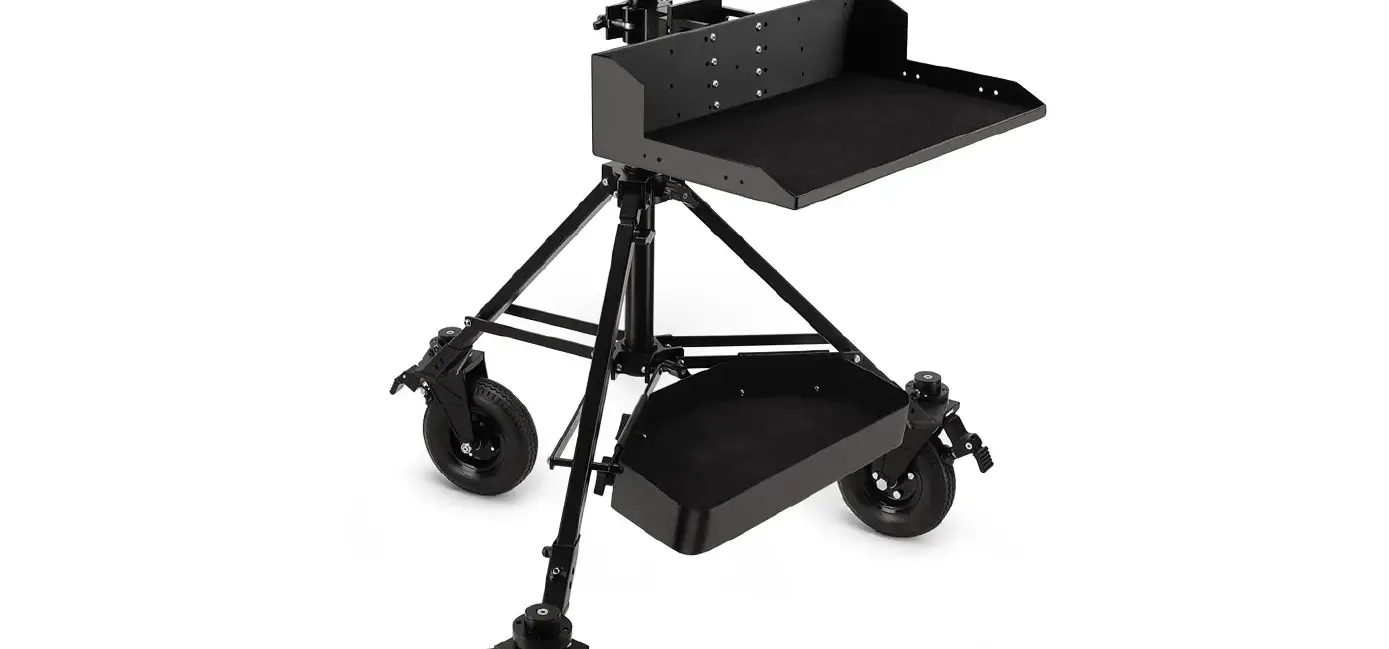
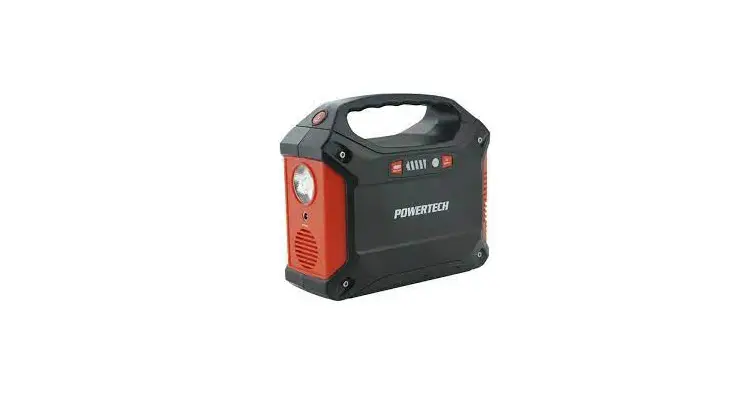
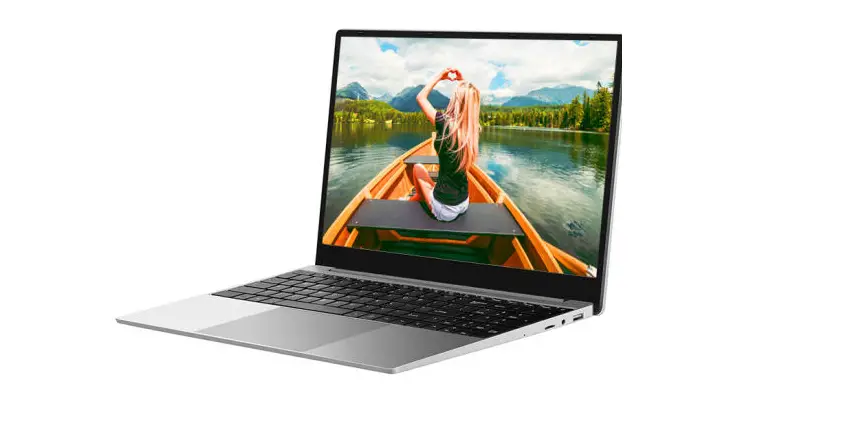
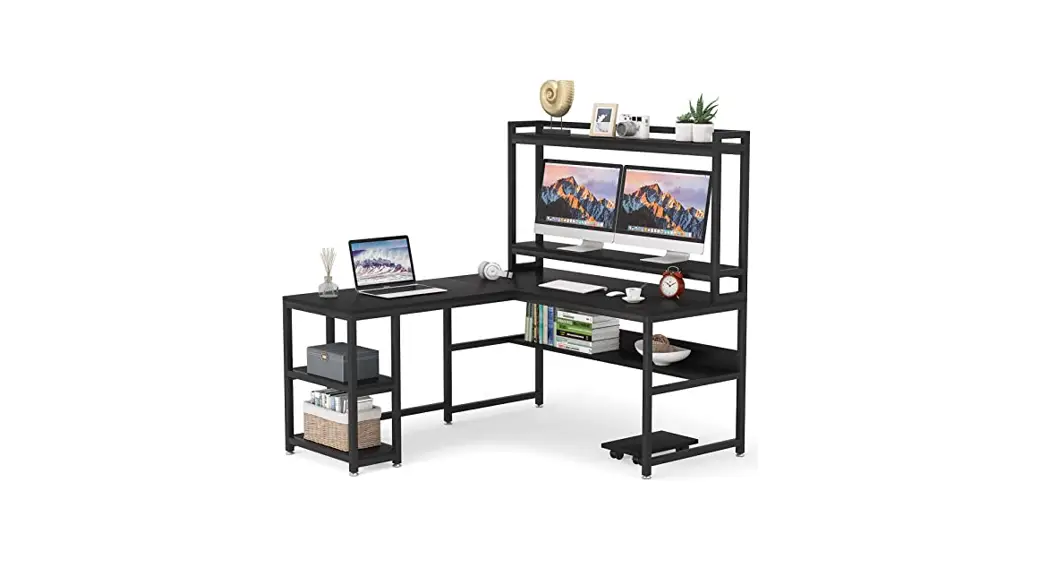
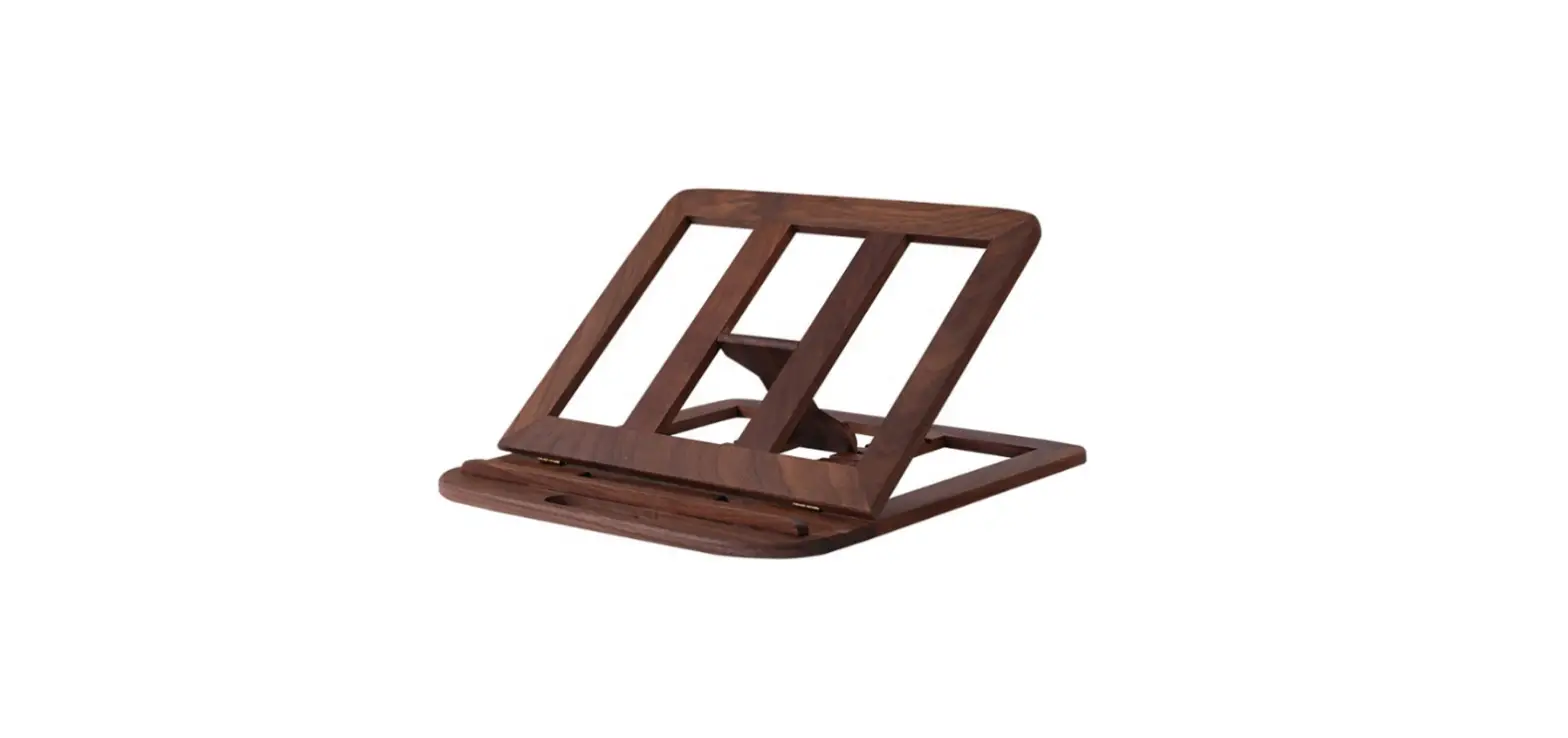
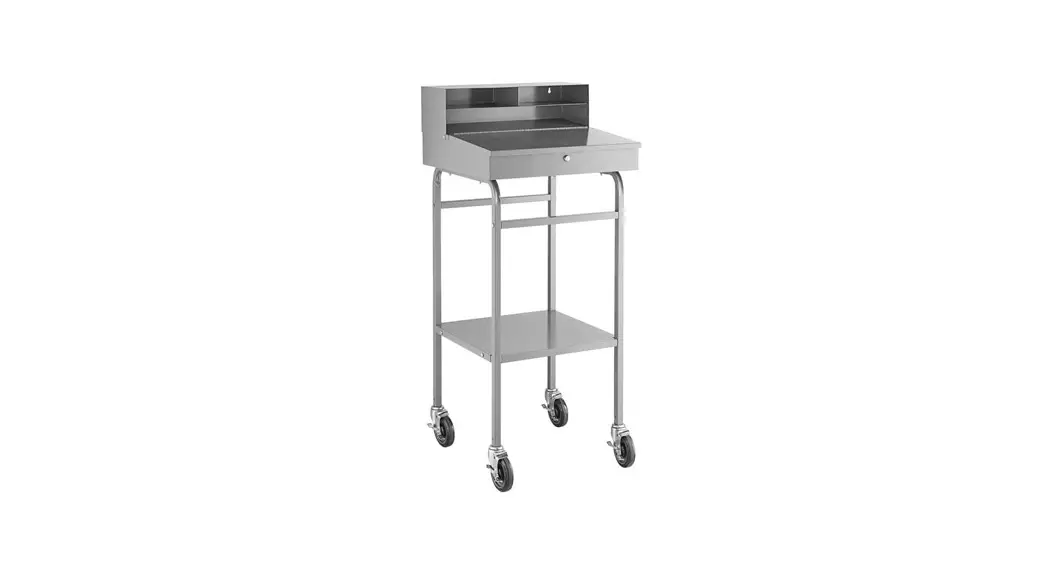
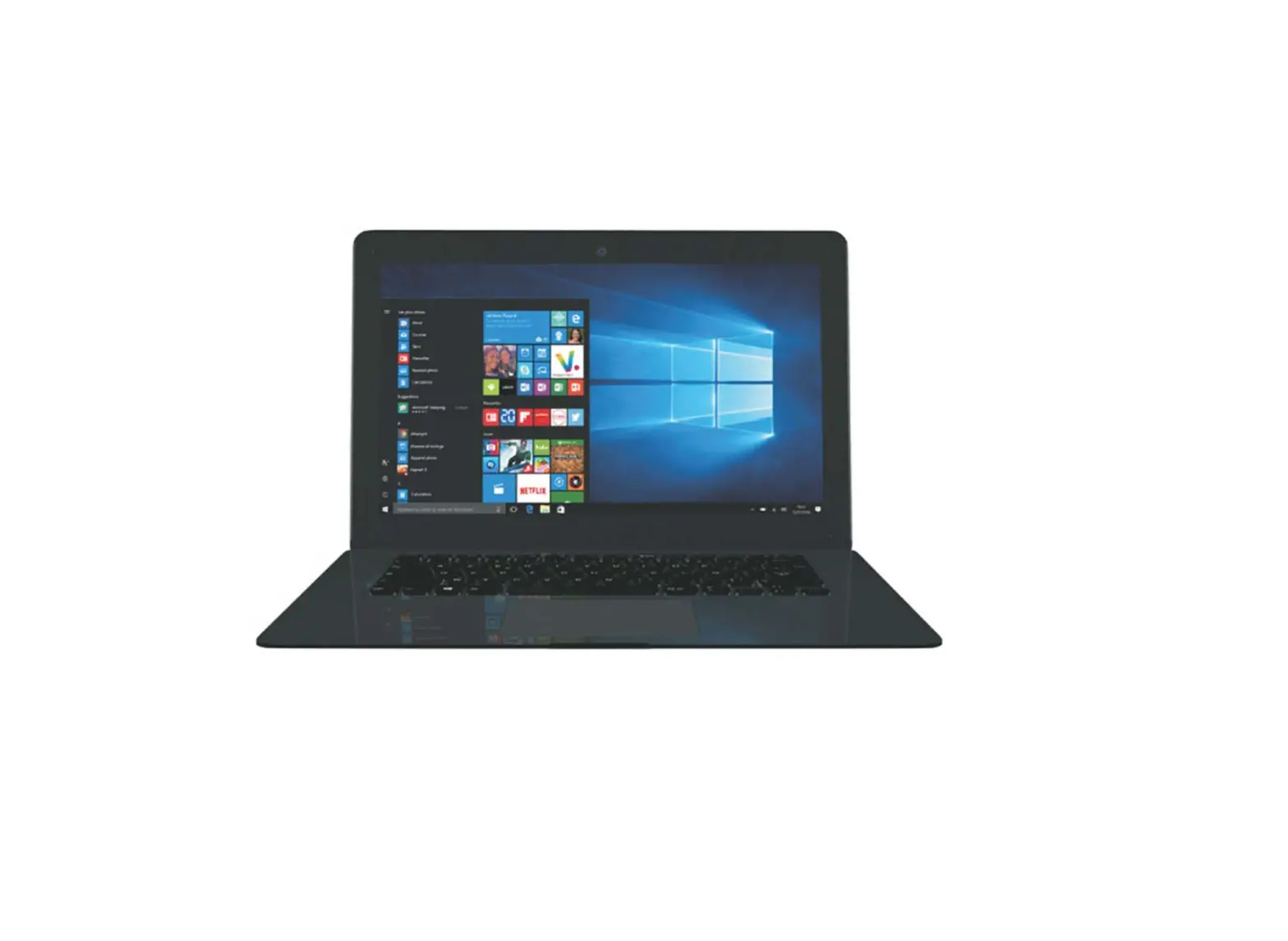
282485 Mobile Powered Laptop Workstation
Product Information:
Product Name: Mobile Powered Laptop Workstation
Model Number: 282485
Customer Service Contact (US): 1-800-645-2986
Product Usage Instructions:
Step 1: Unpack all the components of the Mobile
Powered Laptop Workstation.
Step 2: Identify the set sleeves and adjust
them to the desired height on the wall where you plan to mount the
workstation.
Step 3: Attach the workstation to the wall by
aligning the set sleeves with the corresponding slots on the
workstation and securely fasten them using appropriate screws or
mounting hardware (not included).
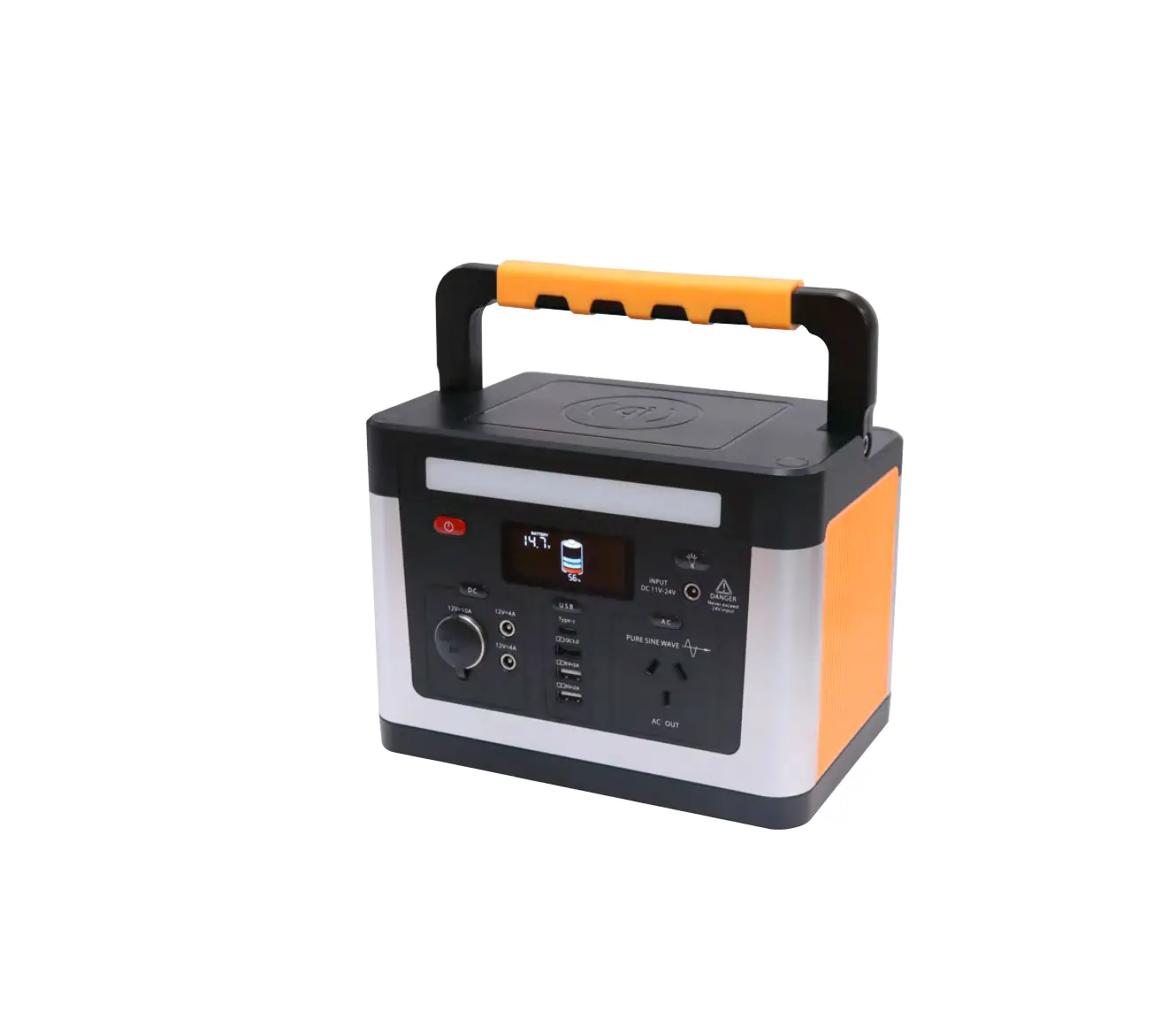
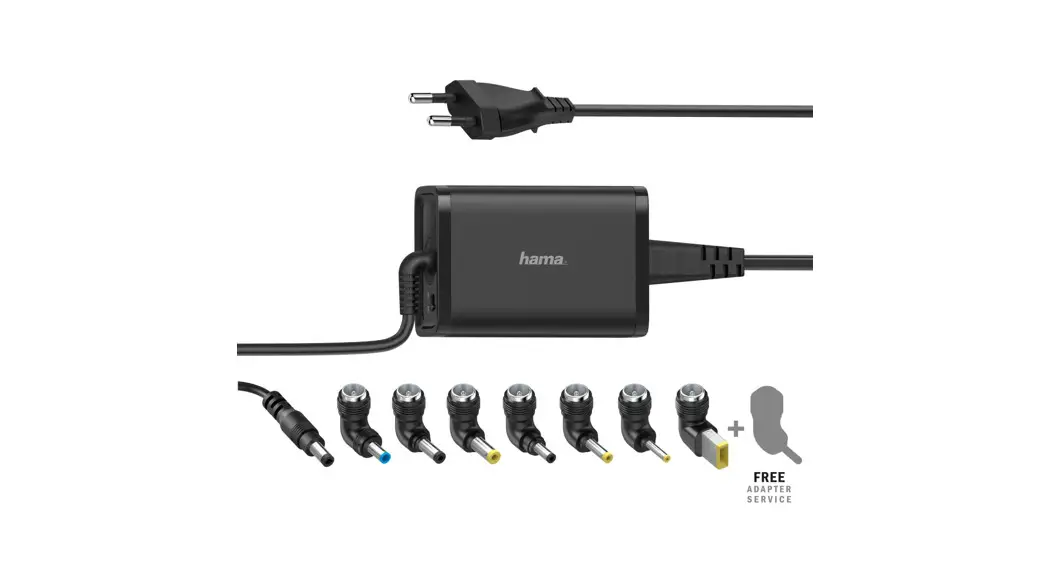
Step 4: Connect the power source to the
workstation. Ensure that the power source is compatible with the
workstation’s requirements.
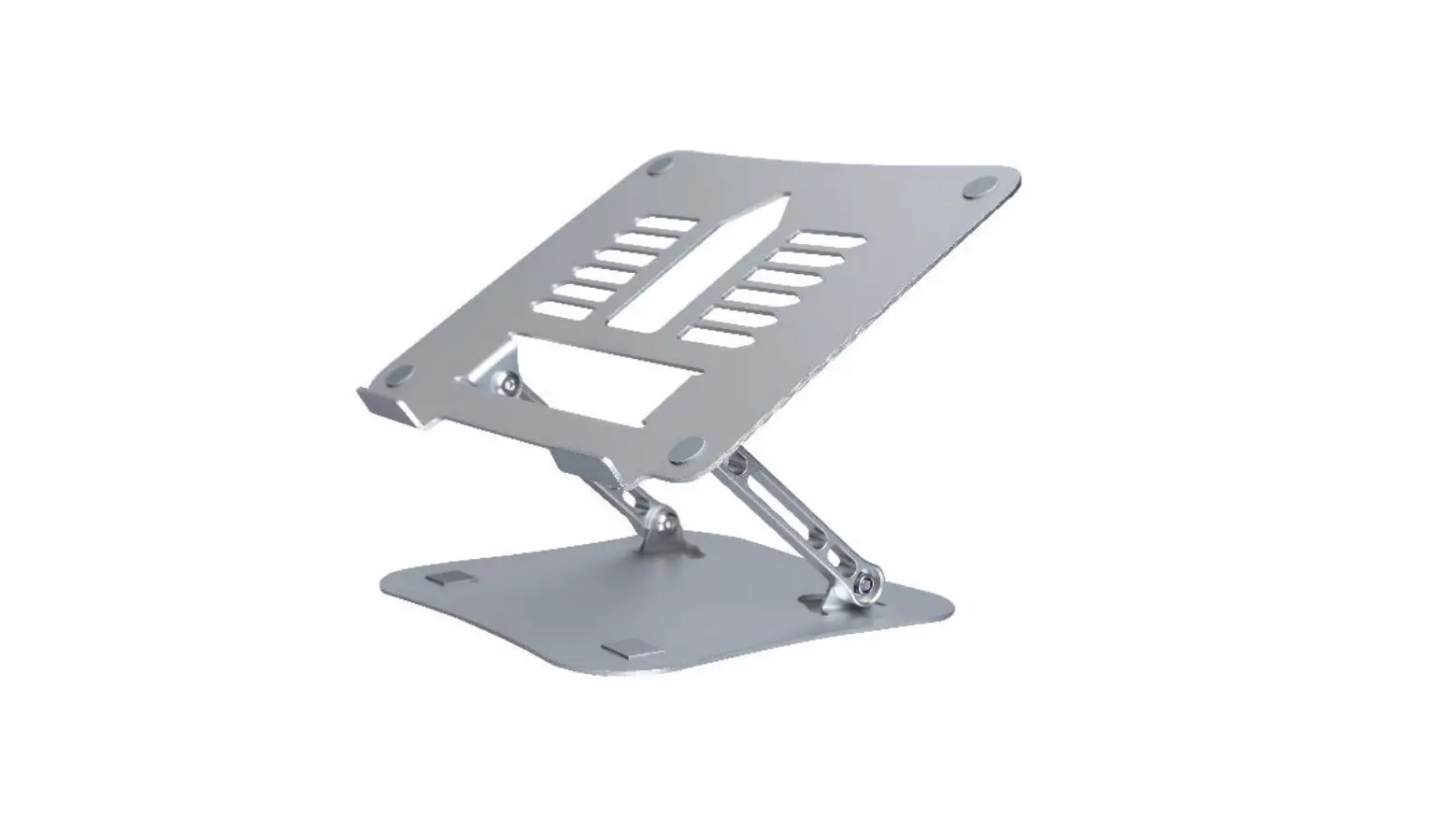
Step 5: Place your laptop on the workstation’s
surface and adjust the height and angle to your preference.
Step 6: Connect any necessary peripherals, such
as a mouse or keyboard, to the available ports on the
workstation.
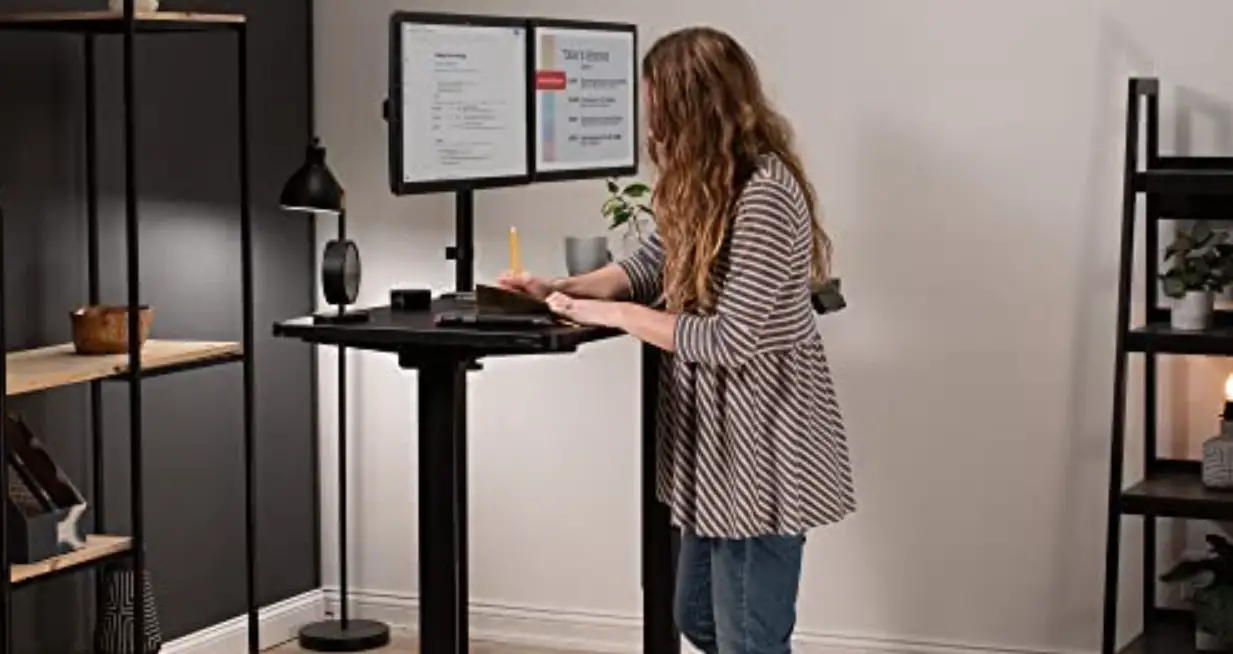
Step 7: Use the workstation as a mobile
solution for working with your laptop comfortably in various
locations.
If you have any questions or need assistance with the assembly
or usage of the Mobile Powered Laptop Workstation, please contact
our customer service at 1-800-645-2986.
b82045fc-0b136962-90871f19-f891407c
TM
TM
User’s manual
Customer Service US: 1-800-645-2986
Manual del usuario
Servicio de atención al Cliente US: 1-800-645-2986
Manuel de l’utilisateur
Service à la clientèle Canada: 888-645-2986
Mobile Powered Laptop Workstation
Assembly Instructions
Model 282485
1
120722
Wall Mounted Water Bottle Refilling Station
Note: Set sleeves at desired height
Assembly Instructions
2