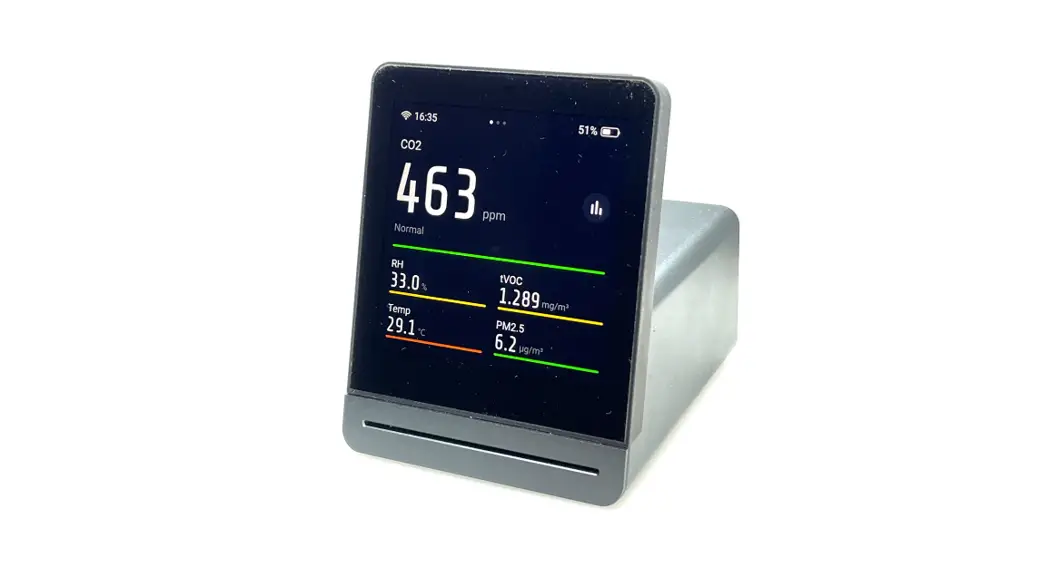
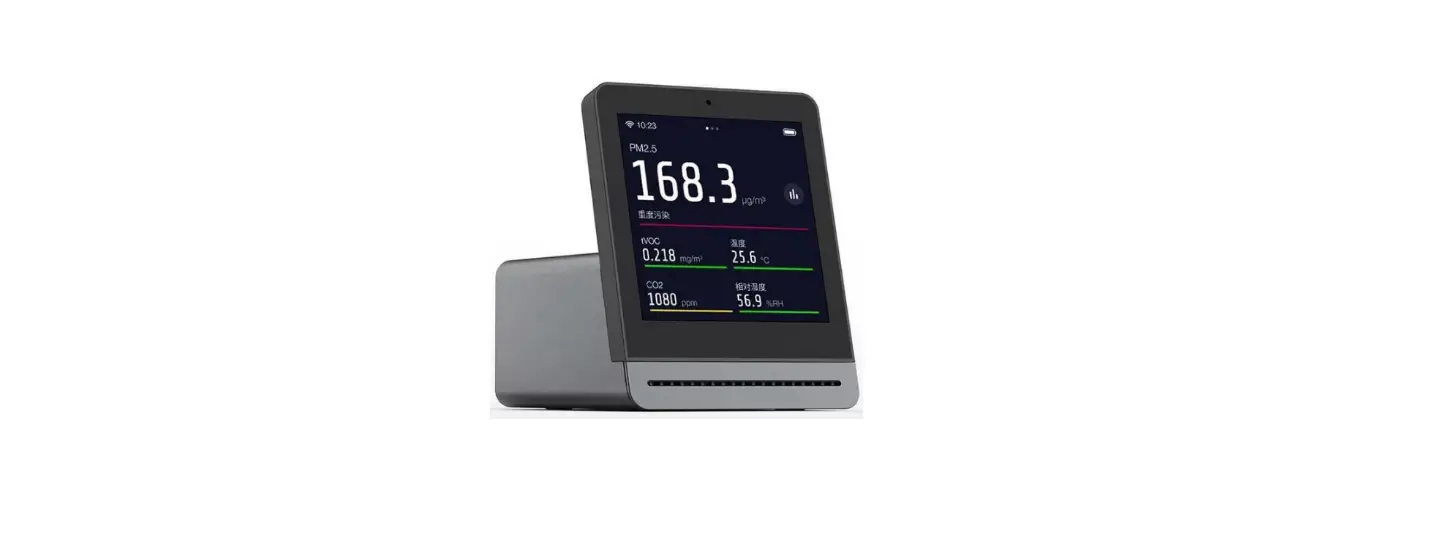
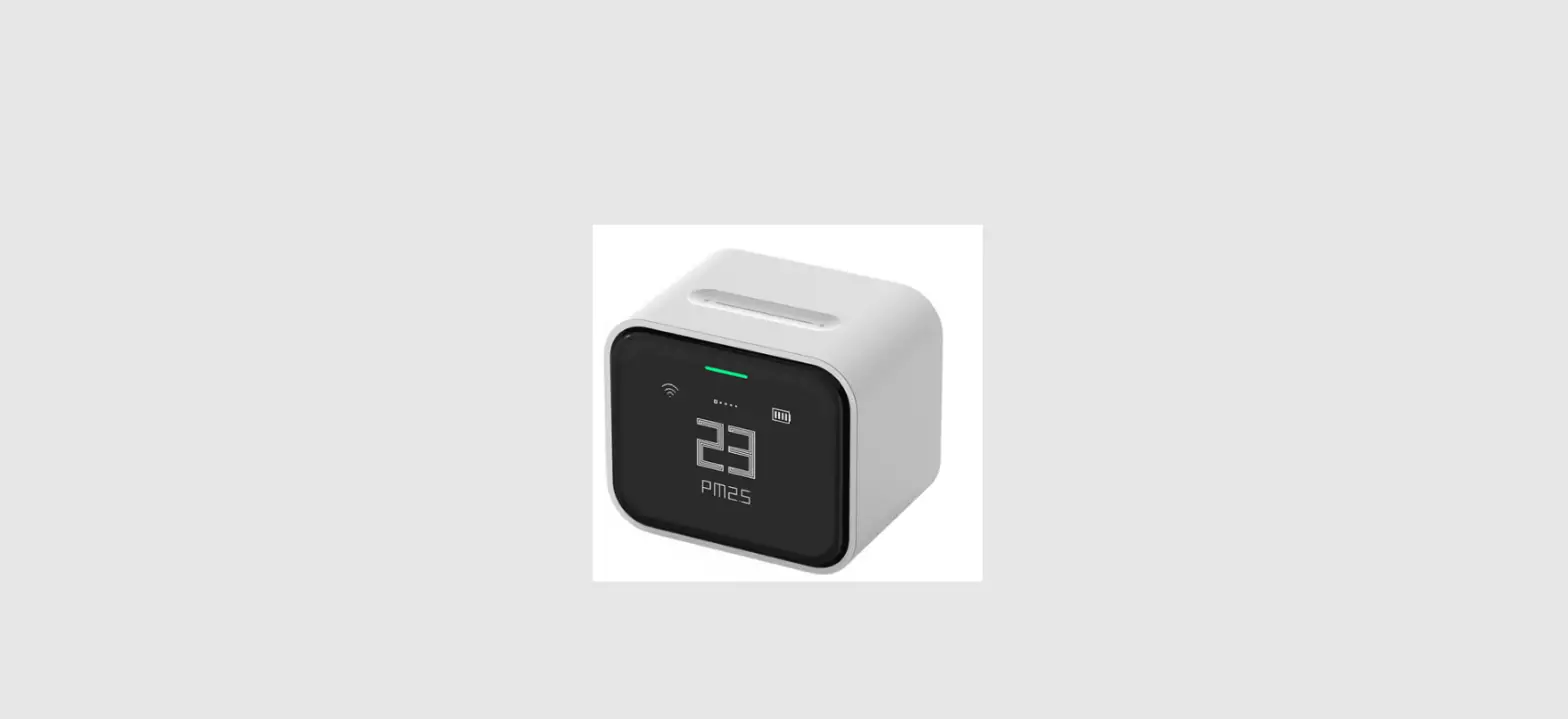
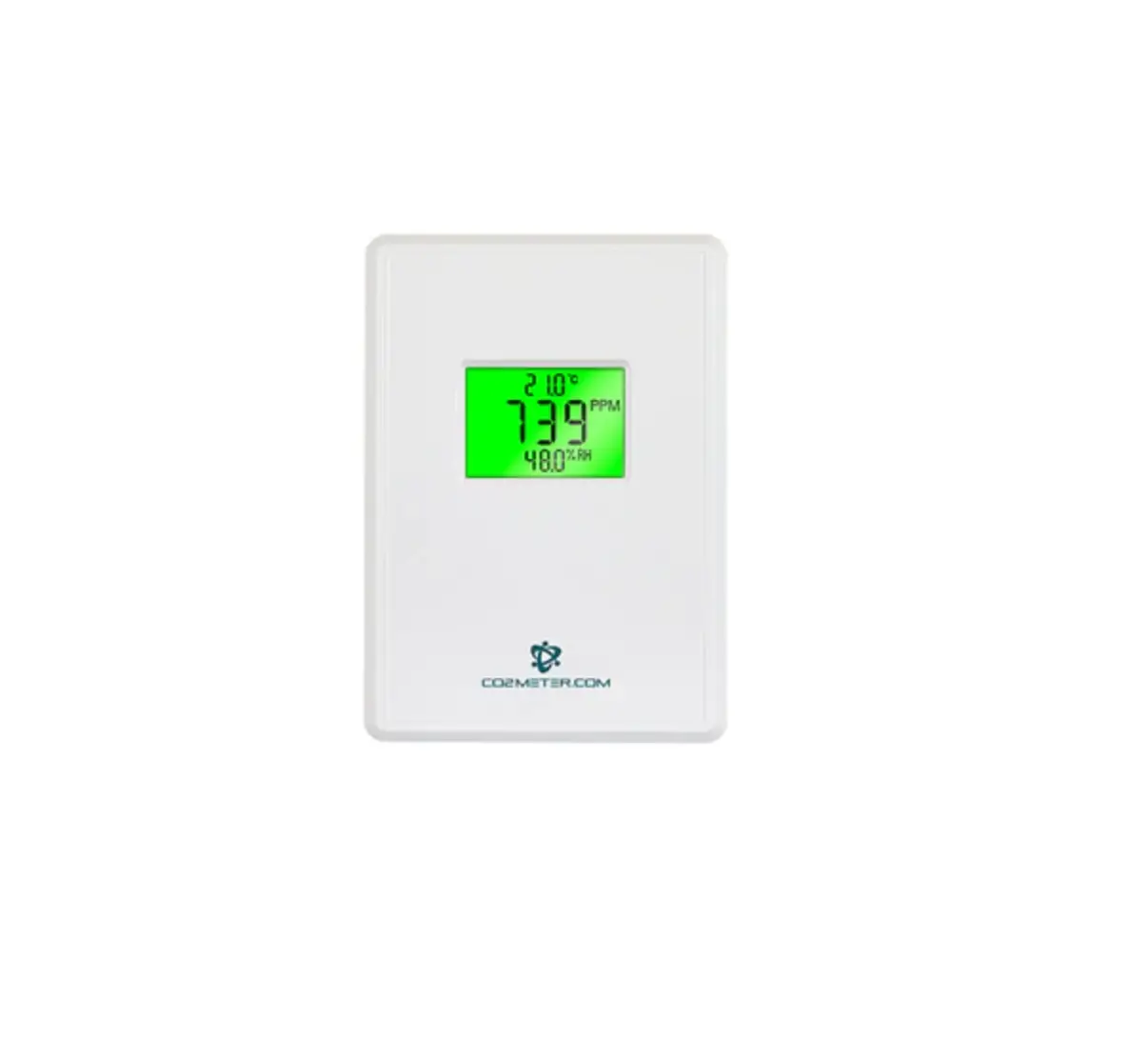
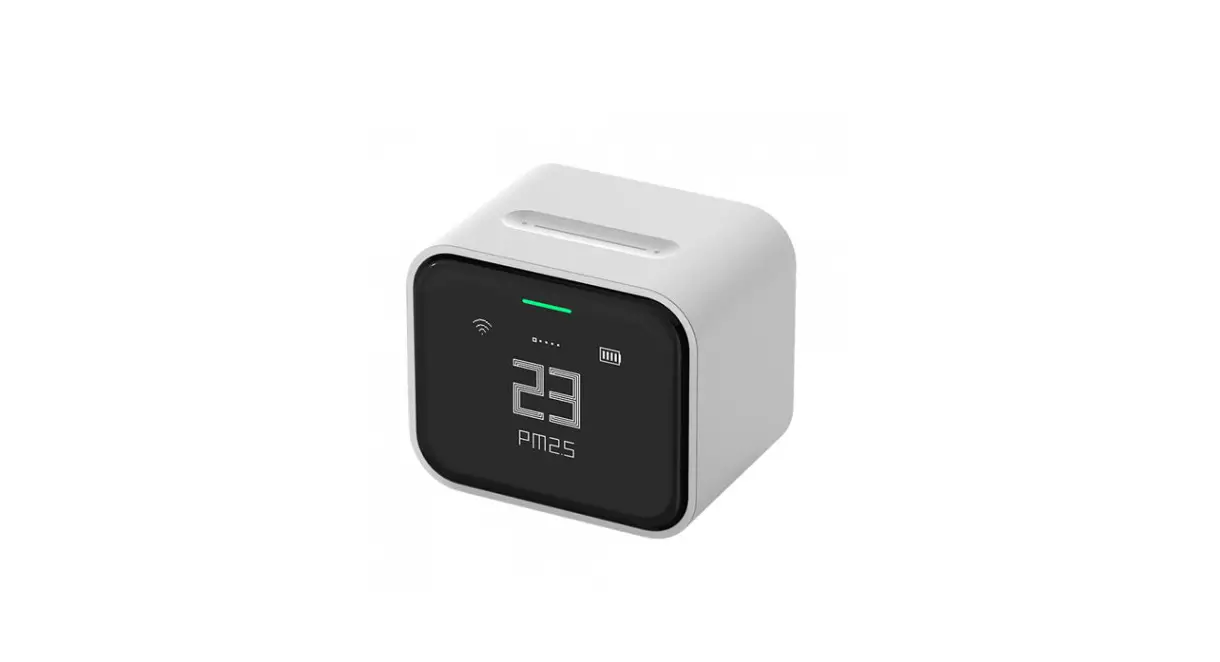
CGP22C C02 and Temp and RH Monitor
Product Information
- Product Name: Qingping C02 & Temp & RH Monitor
(CGP22C) - Product Weight: 129 g
- Product Size: 77 x 77 x 28 mm (Wall sticker not included)
- Screen Size: 61 x 49 mm
- Wi-Fi: 802.11 b/g/n 2.4GHz
- Bluetooth: BLE 5.0
- Battery: Lithium battery
- Power Port: USB-C
- Power Input: IA
- FCC ID: 2AC7Z-ESPWROOM02D
Product Usage Instructions
Power On
Press and hold the button on top of the device:
- If it does not turn on, try again after charging the
device. - The Qingping C02 & Temp & RH Monitor (CGP22C) will
automatically shut down after 15 minutes of no operation by
default. You can use the Qingping IOT app to change the relative
settings.
Power Off
Press and hold the button on top of the device for 6 seconds to
turn it off.
- The product will enter Bluetooth pairing mode if you only press
the button for 2 seconds.
Charging
Charge the product with a USB power adaptor with 5V = IA or
higher charging current and a USB-C cable:
- The product will blink when the battery is low.
- The charging indicator will disappear when the product is fully
charged.
Connect Qingping IOT App
Please visit qingpingiot.com/app or scan the
below QR code with your phone to download the Qingping IOT app.

After installing the app, please open it and add a device, and
then follow the instructions. After adding the product, you can use
the Qingping IOT app or website qingpingiot.com to configure
uploading intervals and alert conditions, check historical
data.
- Qingping IOT supports changing more settings of the Qingping
C02 & Temp & RH Monitor (CGP22C), such as the timing of
auto shutdown, the interval of C02 measurement, the rating
standards of C02 reading, and the timing of buzzer ringing,
etc. - Qingping IOT supports Android 5.0 and iOS 9.0 or newer.
Check Network Signal
Press the button on the top of the product, and the network
signal will show on the display:
- To elongate the standby time, the product will connect to the
network periodically instead of connecting constantly. - The network signal indicator will disappear when the product is
not connected to the network. - You can configure the uploading interval of the product in the
Qingping IOT app. Please check ‘Connecting Qingping IOT App’ for
more details.
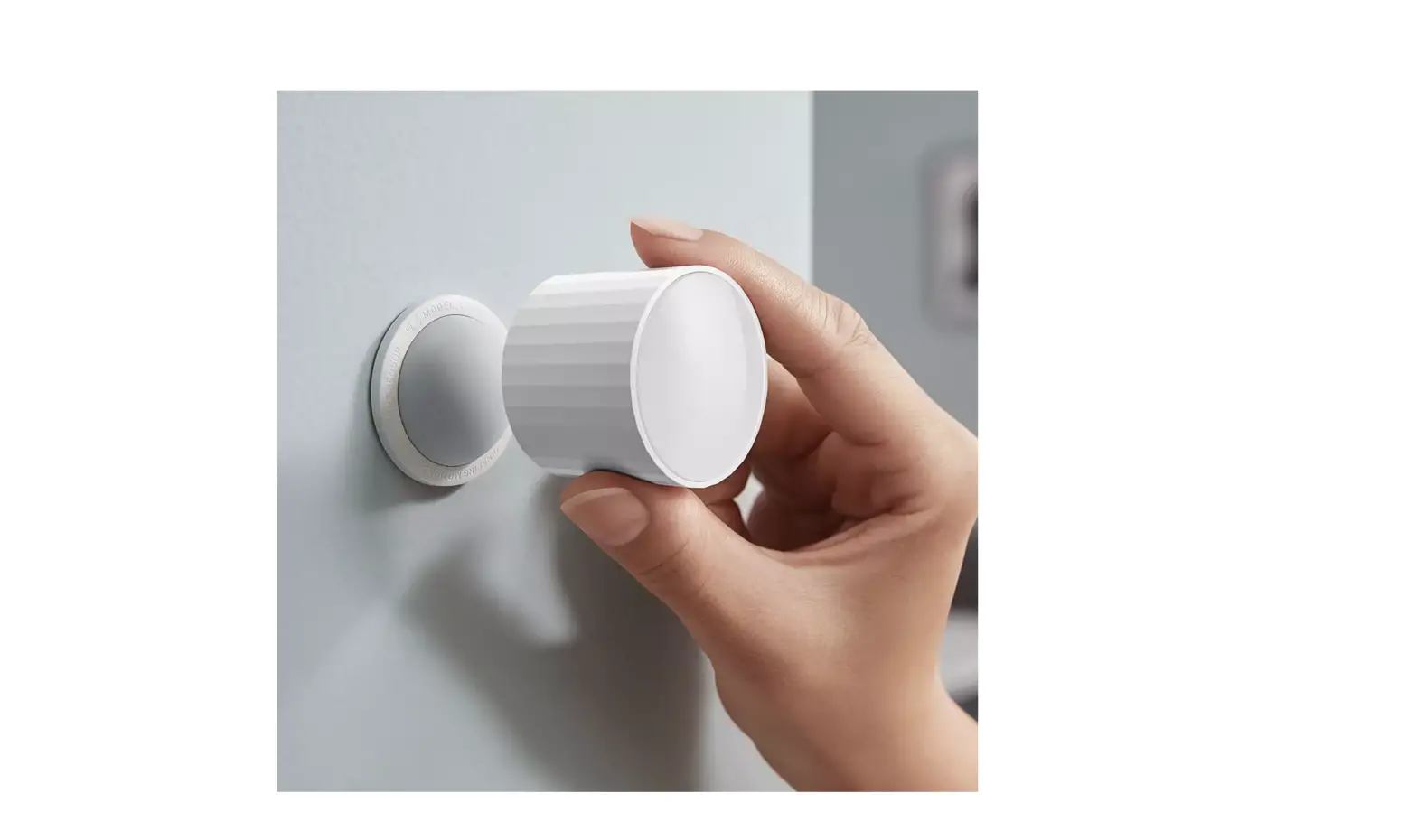
Hang the Product
Inside the package, you can find a wall sticker. Remove the
cover film and stick it on the wall or other surface you have
chosen. Hang the product on the sticker afterwards.
- Step 1: Remove the cover film from the wall sticker.
- Step 2: Stick the wall sticker on the chosen surface.
- Hang the product on the sticker.
Restore Factory Settings
- To reset the product, press and hold the top button for 6
seconds to shut down the device first. - Make sure your device is off. Press and hold the top button
until the device turns on and off again, which means that the
restoration of factory settings has been completed.
Sensor Type & Operating Range
| Sensor Type | Temperature | Humidity |
|---|---|---|
| Operating Range | 0 – 20 ℃ | 0 – 99%RH (non-condensing environment) |
Specifications
- Weight: 129 g
- Size: 77 x 77 x 28 mm (Wall sticker not included)
- Screen size: 61 x 49 mm
- Wi-Fi: 802.11 b/g/n 2.4GHz
- Bluetooth: BLE 5.0
- Battery: Lithium battery
- Power port: USB-C
- Power input: IA
- FCC ID: 2AC7Z-ESPWROOM02D
FAQ
| Question/Problem | Readings inaccurate |
|---|---|
| Answer/Solution | 1. When the environment changes drastically, for example, after just moved from outdoor to indoor, It needs about 30 minutes for the readings to approach the actual values of the new environment. |
Power On
Press and hold the button on top of the device:
* If it does not turn on, try again after charging the device. * Qingping C02 & Temp & RH Monitor (CGP22C) will
automatically shut down after 15 minutes of no operation by default. You can use Qingping IOT app to change the relativesettings.
Power Off
Press and hold the button on top of the device for 6 seconds to turn it off. * The product will enter Bluetooth pairing mode if you
only press the button for 2 seconds.
Charging
Charge the product with a USB power adaptor with 5V = IA or highercharging currentand a USB-C cable:
Tcrehhaaercghbienastgt,e1ra0yn0id%co.itnwwillillsbtolipnkwwhhenenththeebpatrtoedruyclet visel * Tmrbcehoeaaemcydoppimanlrefgofetsede.cnudtTco.ettrmhmwepailaell cr3bca0eutuhrmareeicanytauenotdedfsuthepaumfwmtephirediclriethayctauhrrergaeairngdagininndiggs,hswuwmhililcidhity
Connect Qingping IOTApp
Please visit qingpingiot.com/appor scan the belowQR code with your phone to download Qingping IOTapp.
qtnoptno
Or search “Qingping IOT”on App Store or Google Play After installing the app, please open it and add a device, and then follow the instructions. After adding the product, you can use Qingping IOT app or website qingpingiot.comto configure uploadingintervalsand alert conditions, check historical data. * Qingping IOTsupports changing moresettings of
Qingping C02 & Temp & RH Monitor (CGP22C) , such as the timing of auto shutdown,the intervalof C02 measurement,the ratingstandards of C02 reading, and the timing of buzzer ringing,etc. * Qingping IOT supports Android 5.0 and iOS 9.0 or newer.
Check Network Signal
Press the button on the top of the product,and the network signal will show on the display:
*To elongate the standby time,the product will connect the networkperiodically instead of connecting constantly The networksignal indicatorwilldisappear when the product is not connected to the network
* You can configure the uploading interval of the product in Qingping IOT app. Please check ‘Connecting Qingping IOTApp’ for more details.
Hang the Product
Inside the package, you can find a wall sticker Remove the cover film and stick it on the wall or other surface you have chosen. Hang the product on the sticker afterwards:
Step 1
Step 2
o
Restore Factory Settings
1. To reset the product, press and hold the top button for 6 seconds to shut down the device first.
2. Make sure your device is off. Press and holdthe top button until the device turns on and off again, which means that the restorationof factory settings has been completed.
Sensor Type & Operating Range
Sensor Type Temperature Humidity
Operating Range
0 -20 50 C
0 -30 55 C (CGP23W)
O 99%RH (non-condensing environment)
C02 (CGP22C) 400 9999 ppm
Air Pressure (CGP23W)
30 125 kPa
Specifications
Weight: 129 g Size: 77 x 77 x 28 mm (Wall sticker not included) Screen size: 61 x 49 mm Wi-Fi:802.11 b/g/n 2.4GHz Bluetooth: BLE 5.0 Battery: Lithium battery Power port: USB-C Power input: IA
ContainFCC ID: 2AC7Z-ESPWROOM02D
Attention
·Do not block the vent holes of the sensors. ·This product is not waterproof or dust-proof. · Do not throw the product with the battery into the fire
to avoid an explosion. ·Do not disassemble the product by yourself to avoid
injury.
FAQ
Question/ Problem
Readings inaccurate
Answer/Solution
1. When the environment changes drastically, for example, after just moved from outdoor to indoor, It needs about 30 minutes for the readings to approach the actual values of the new environment.
2. Check if the vent holes of the product are clogged. If they are clogged, please clean them carefully, and avoid damaging the sensors.
No content Please try long-pressing the shows on product’s button to turn it on, if it the screen cannot be turned on, please charge it.
Cannot add the product in mobile app
If you use an Android phone, please
allow the app to access “Loaction”in the system settings and turn on the location service. (Scanning Bluetooth devices requires the “Location”permission on Android.)
When
Power consumption of measuring
poweredby C02 is relativelyhigh.To save battery
the battery, power,the product will automatically
Qingping
shut down after a period of inactivity
C02 &Temp by default. You can add the product
& RH Monitor to the “Qingping IOT”app, and
(CGP22C)
change the intervalof C02
always shuts measurement,the timing of
down
automatic shutdown, etc. Please
automatically refer to “Connecting Qingping IOT
after a while App” section of this manual.
Error Code
Error Code
El
Meaning and Solution The environment exceeded the sensor measurement rage. The sensor is malfunctioning.
Performance Faults
Unableto display readings properly.
Unable to charge.
The sensors are not working properly.
Unableto connect to wireless network.
Warranty
Inthe countries and regions where QingpingTechnology (Beijing) Co., Ltd. has established branches or after-sales service centers, we providea I-year limitedwarrantyservicefor the locally sold product..The warrantyservice terms are:
1. Within 7 days from the date of the receipt, if the product has faults listed in the “Performance Faults”, after the faults are confirmed by our after-sales service department,the customer can have a refundor a replacement of the productforfree.
2. From the 8th to the 15th day after the receipt,if the product has faults listed in the “Performance Faults”,after the faults are confirmed by our after-sales service department,the customer can have a replacement or repairservice for free
3. Within 12 months from the date of receipt,if the producthas faults listed in the “Performance Faults”,after the faults are confirmed by our after-sales service department, the customer can have the maintenance service for free.
In countries Ltd. has not
or regions where Qingping Technology (Beijing) Co., established a branch or after-sales service center,
please contact the local seller if you have any quality problems.
Non-warranty
I. Unauthorized repair,misuse, collision, negligence, abuse, liquid injection, accident, alteration, improper use of accessories not originally supplied with this product.
2. The warranty period has expired 3. Damage caused by force majeure. 4. The situation does not meet the fault listed in the
Performance Faults.
FCC Warning
This device complies with Part 15 of the FCC Rules. Operation is subject to the following two conditions: (1)This device may not cause harmful interference,and (2) this device must accept any interference received, including interferencethat may cause undesired operation.
Any changes or modifications to this unit not expressly approved by the party responsible for compliance could void the useffs authority to operate the equipment.
This equipment has been tested and found to comply withthe limits for a Class B digital device, pursuant to part 15 of the FCC Rules. These limits are designed to provide reasonable protection against harmful interference in a residential installationT. his equipmentgenerates,uses and can radiate radiofrequency energy and, if not installed and used in accordance withthe instructions, may cause harmful interferenceto radio communications. However,there is no guarantee that interference will no! occur in a particular installation.If this equipment does cause harmful interference to radioor television reception,which can be determined by turning the equipment off and on, the user is encouraged to try to correct the interference by one or more of the following measures: 1) Reorient or relocate the receiving antenna. 2) Increase the separation between the equipment and receiver. 3) Connect the equipment into an outlet on a circuit different from that to which the receiver is connected.
4) Consult the dealer or an experienced radio/TV technician for help.
Einschalten
Bitte halten des Geräts
lSainegdgieedTraüstcekta,uumf dderasObGeerrsäetieteindzeusscHhaaulptettne:ils
* Wenn das Gerät nicht eingeschaltet werden kann, versuchen Sie es nach dem Laden erneut.
* Qingping C02 &Temp & RH Monitor(CGP22C) schaltet Sich standardmäßig automatischnach 15 Minuten Ohne Betrieb ab. Sie können die Qingping loT-App verwenden, um die relativen Einstellungen zu ändern.
Ausschalten
Halten Sie die Taste an der Oberseite des Hauptteils des Geräts 6 Sekunden lang gedrückt,um das Gerät auszuschalten.
* Halten Sie die Taste 2 Sekunden lang gedrückt und lassen Sie sie dann IOS.Das Produktwechseltin den Bluetooth-Kopplungsmodus, um eine Verbindung mit der Handy-App herzustellen.
Aufladen
Bitte verwenden Sie ein USB-Netzteil mit einer Ausgangsspannung von 5V und einem Ausgangsstrom von mindestens IA und ein USB-C-Ladekabel, um dieses Produkt aufzuladen:
 青萍 Qingping