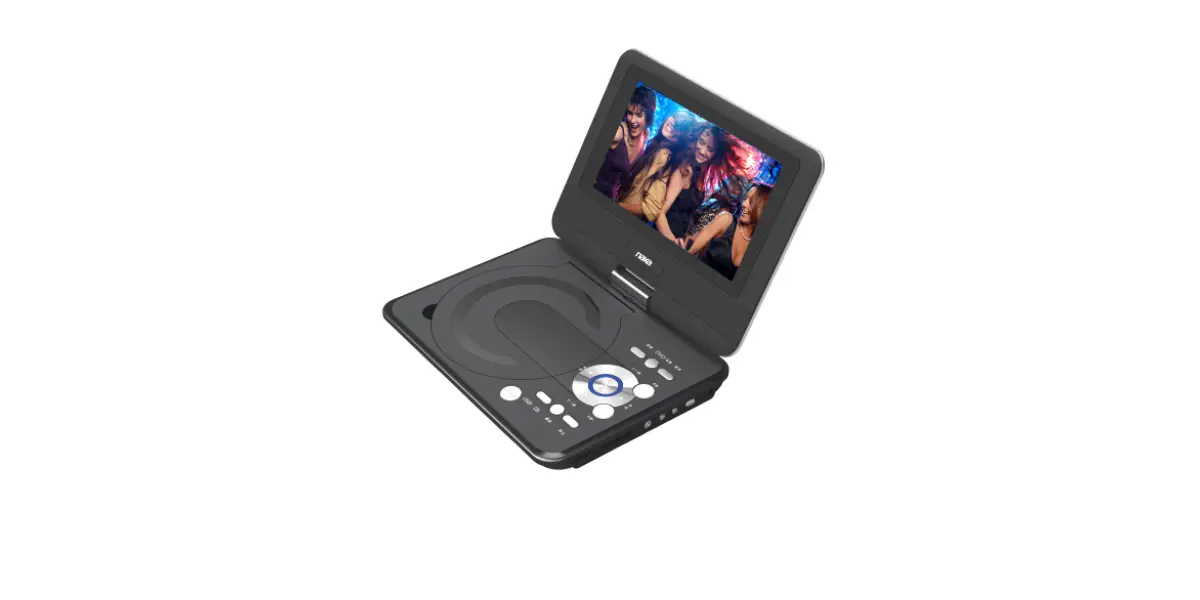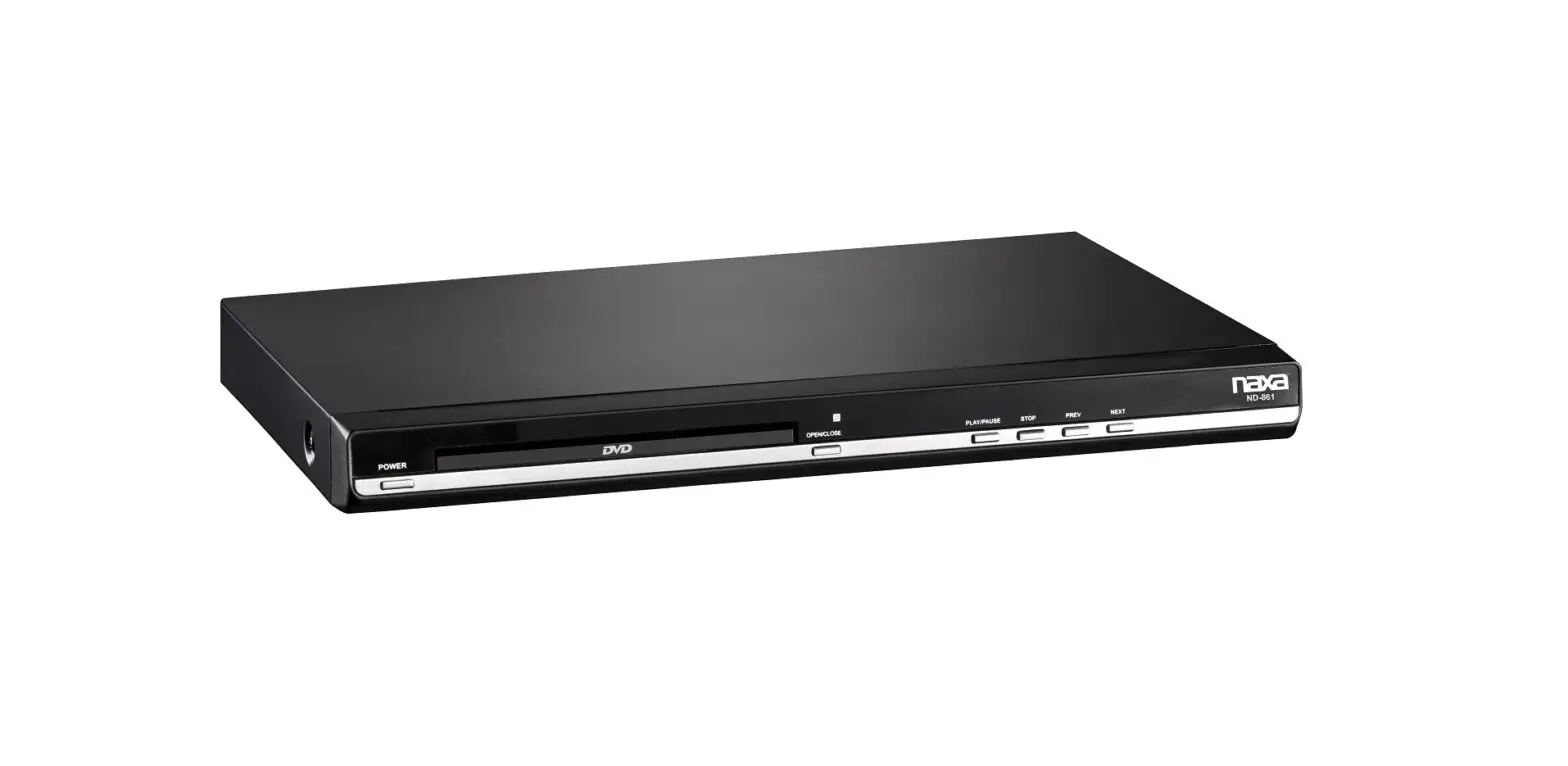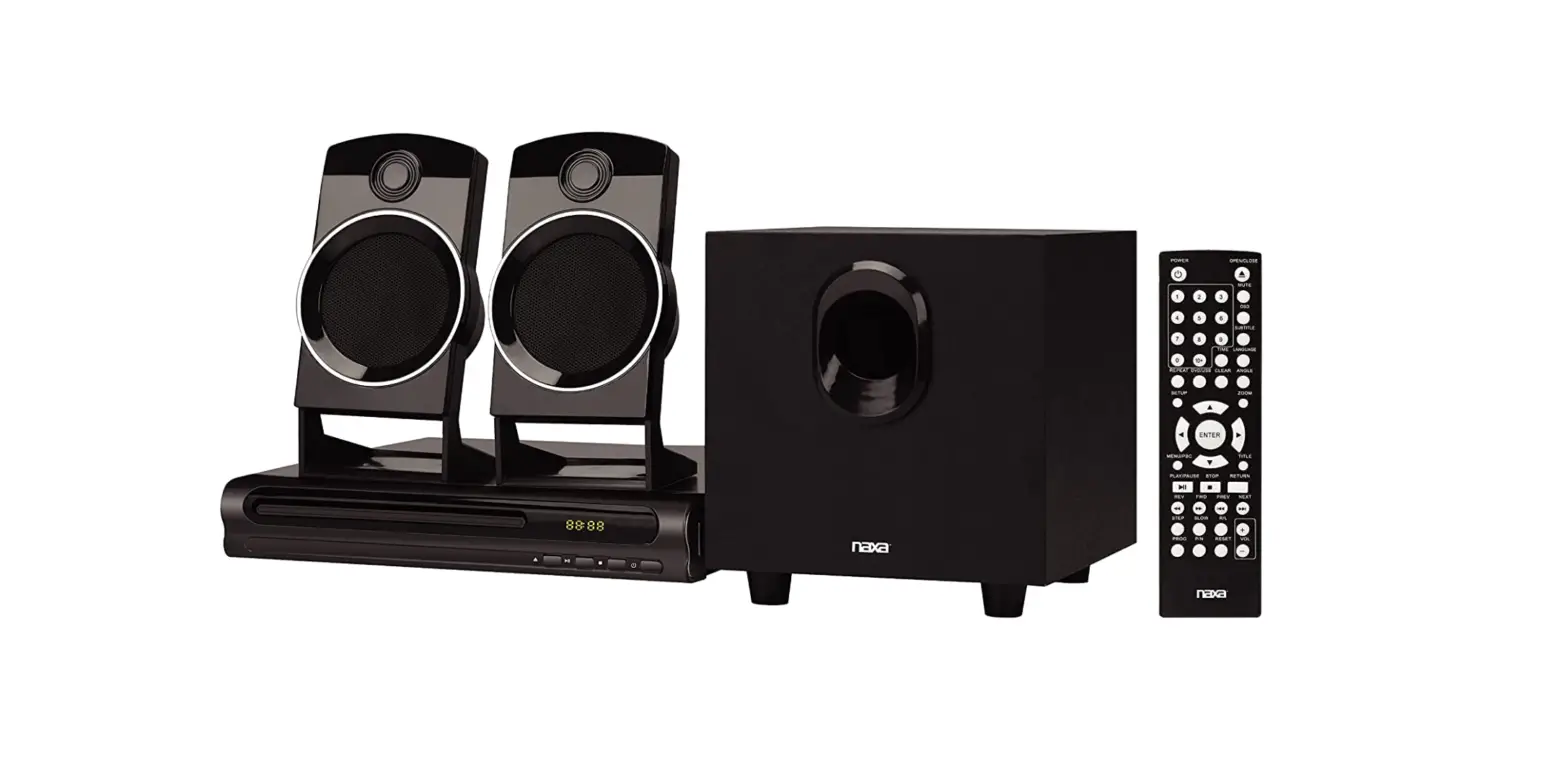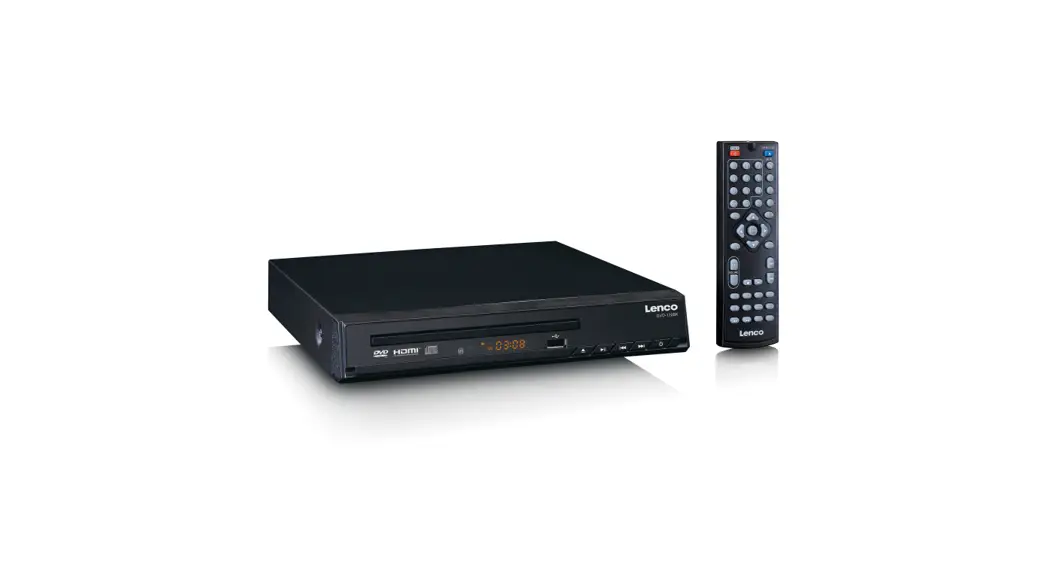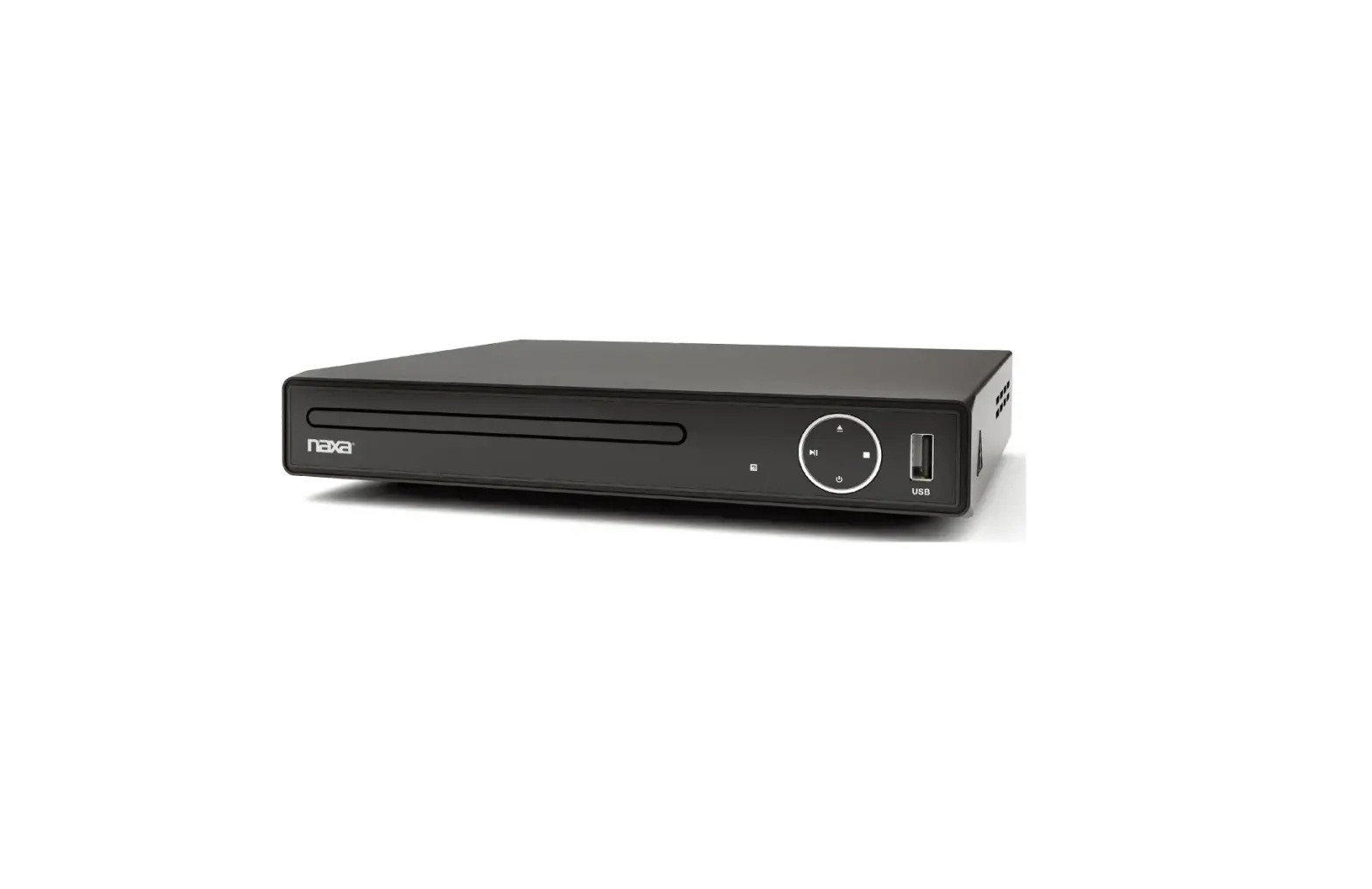
naxa ND-865 DVD Player with USB
Safety Precaution
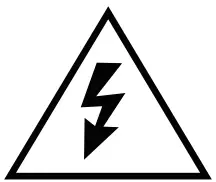 | THE LIGHTNING FLASH WITH APPROWHEAD SYMBOL WITHIN AN EQUILATERAL TRIANGLE IS IN TENDED TO ALERT THE USER TO THE PRESENCE OF UNINSULATED« DANGEROUS VOLTAGE» WITHIN THE UNIT’S CABINET THAT MAY BE OF SUFFICIENT MAGNITUDE TO CONSTITUTE A RISK OF ELECTRIC SHOCK TO PERSONS. |
 | THE EXCLAMATION POINT WITHIN AN EQUILATERAL TRIANGLE IS INTENDED TO ALERT THE USER TO THE PRESENCE OF IMPORTANT OPERATING AND MAINTENANCE (SERVICING) INSTRUCTIONS IN THE MANUAL ACCOMPANYING THE UNIT. |
| THE MAINS PLUG USED AS THE DISCONNECT DEVICE, THE DISCONNECT DEVICE SHALL REMAIN READILY OPERABLE. |
| THE APPARATUS SHALL NOT BE EXPOED TO DRIPPING OR SPLASHING AND THAT ON OBJECTS FILLED WITH LIQUIDS, SUCH AS VASES, SHALL BE PLACED THE APPARATUS. |
| THE APPLIANCE COUPLER IS USED AS THE DISCONNECT DEVICE, THE DISCONNECT DEVICE SHALL REMAIN READILY OPERABLE. |
| NEVER PLACE THE DVD PLAYER IN A “BUILT-IN” ENCLOSURE, UNLESS PROPER VENTILATION IS PROVIDED |
| ALWAYS REMEMBER TO REMOVE THE PLUG FROM THE MAINS SOCKET BEFORE DISCONNECTING THE POWER LEAD FROM THE BACK OF THE UNIT. |
WARNING
TO PREVENT FIRE OR ELECTRIC SHOCK, DO NOT EXPOSE THE UNIT TO RAIN OR MOISTURE. NEVER ATTEMPT TO OPEN THE CABINET, DANGEROUS HIGH VOLTAGES ARE PRESENTED IN THE UNIT. REFER SERVCING TO QUALIFIED SERVICE PERSONNEL.
CAUTION
TO PREVENT ELECTRIC SHOCK, MATCH WIDEBLADE PLUG WITH WIDE SLOT AND FULLY INSERT. THE APPARATUS SHALL NOT BE EXPOSED TO WATER AND NO OBJECTS FILLED WITH LIQUID SUCH AS VASES SHALL BE PLACED ON THE APPARATUS.
CAUTION
THE UNIT EMPLOYS A LASER SYSTEM. TO ENSURE THE PROPER USE OF THE UNIT, READ THEIS MANUAL CAREFULLY AND KEEP IT FOR FUTURE REFERENCE.
IF THE UNIT REQUIRES SERVICING, CONTACT THE SELLER OR SEE “TROUBLESHOOTING”.
TO PREVENT DIRECT EXPOSURE TO THE LASER RADIATION, DO NOT OPEN THE CABINET. VISIBLE LASER MAY RADIATE WHEN THE CABINET IS OPENED OR THE INTERLOCKS ARE DEFEATED. DO NOT STARE INTO THE LASER BEAMS.
CAUTION
THIS PLAYER IS A CLASS 1 LASER PRODUCT. USE OF CONTROLS OR ADJUSTMENTS OR PERFORMANCE OF PROCEDURES OTHER THAN THOSE SPECIFIED HEREIN MAY REUL TIN HAZARDOUS RADIATION EXPOSURE. AS THE LASER BEAM USED IN THIS DVD VIDEO PLAYER IS HARMFUL TO THE EYES, DO NOT ATTEMPT TO DISASSEMBLE THE CABINET. REFER SERVICING TO QUALIFIED PERSONNEL ONLY.
WARNING
FCC REGULATIONS STATE THAT ANY CHANGE OR MODIFICATION TO THE QUIPMENT, NOT EXPRESSLY APPROVED BY MAKER OR ITS AUTHORIZED PARTIES, COULD VOID USER’S AUTHORITY TO OPERATE THIS EQUIPMENT.
IMPORTANT SAFETY INSTRUCTIONS
- Read Instructions
All the safety and operating instructions should be read before the product is operated. - Retain Instructions
The safety and operating instructions should be retained for future reference - Head Warnings
All warnings on the product and in the operating instructions should be adhered to. - Follow Instructions
All operating instructions should be followed. - Cleaning
Unplug this product from the wall outlet before cleaning.
Do not use liquid cleaners or aerosol cleaners. Use a damp cloth for cleaning. - Attachments
Do not use attachments not recommended by the product manufacturer as they may cause hazards - Water and Moisture
Do not use this product near water for example, near a bathtub, wash bowl, kitchen sink, or laundry tub; in a wet basement; or near a swimming pool; and the lake. - Accessories
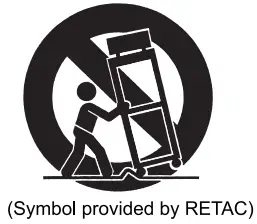
Do not place this product on an unstable cart, stand, tripod, bracket, or table. The product may fall, causing serious injury lo a child or adult, and serious damage o the product. Use only with a cart, stand, tripod, bracket, or table recommended by the manufacturer, or sold with the product. Any mounting of the product should follow the manufacturer’s instructions, and should use a mounting accessory recommended by the manufacturer. - Portable Cart Warning

A product and cart combination should be moved with care. Quick stop, excessive force, and uneven surface may cause the product and cart combination to overturn. - Ventilation.
Slots and openings in the cabinet are provided for ventilation and to ensure reliable operation of the product and to protect if from overheating, and these openings must not be blocked or covered. The openings should never be blocked by placing the product on a bed, sofa, rug, or other similar surface. This product should not be placed in a built-in installation such as a bookcase or rack unless proper ventilation is provided or the manufacturer’s instructions have been adhered to. - Power Sources
This product should be operated only from the type of power source indicated on the marking label. If you are not sure of the type of power supply to your home, consult your product dealer or local power company. For products intended to operate from battery power or other sources, refer to the operating instructions. - Power Cord Protection
Power supply cords should be routed so that they are not likely to be walked on or pinched by items placed upon or against them, paying particular attention to cords at plugs, convenience receptacles, and the point where they exit from the product. - Power Lines
An outside antenna system should not be located in the vicinity of overhead power lines or other electric light or power circuits, o where it can fall into such power lines or circuits. When installing an outside antenna system, extreme care should be taken to keep from touching such power lines or circuits as contact with them might be fatal. - Overloading
Do not overload wall outlets, extension cords, or integral convenience receptacles, as this can result in a risk of fire or electric shock. - Object and Liquid Entry
Never push objects of any kind into this product through openings as they may touch dangerous voltage points or short-out parts that could result in a fire or electric shock. Never spill liquid of any kind to the product. - Servicing
Do not attempt to service this product yourself as opening or removing covers may expose you to dangerous voltage or other hazards. Refer all servicing to qualified service personnel. - Replacement Parts
When replacement parts are required, be sure the service technician has used replacement parts specified by the manufacturer or have the same characteristics as the original part. Unauthorized substitutions may result in fire, electric shock, or other hazards. - Safety Check
Upon completion of any service or repairs to this product, ask the service technician to perform safety checks to determine that whether the product is in proper operating condition. - Heat
The product should be situated away from heat sources such as radiators, heat registers, stoves, or other products (including amplifiers) that product heat.
Note on environmental protection
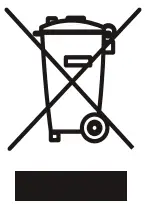
After -the implementation of the European Directive 2002/96/EU in the national legal system, the following applies: Electrical and electronic devices may not be disposed of with domestic waste. Consumers are obliged by law to return electrical and electronic devices at the end of their service lives to the public collecting points set up for this purpose or point of sale. Details to this are defined by the national law of the respective country. This symbol on the product, the instruction manual or the package indicates that a product is subject to these regulations. By recycling, reusing the materials or other forms of utilizing old devices, you ar making an important contribution lo protecting our environment.
FRONT PANEL AND REAR PANEL ILLUSTRATION
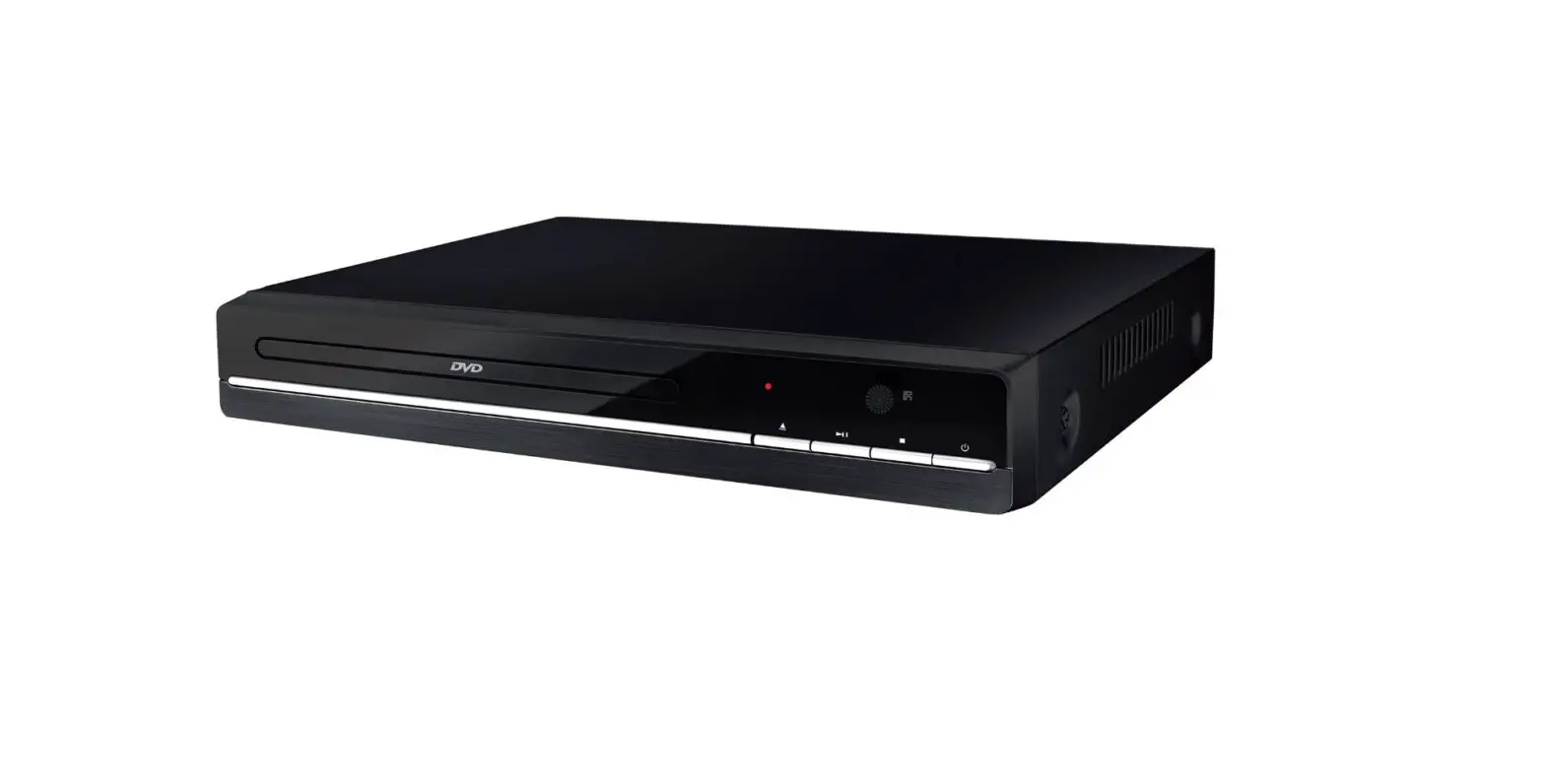
Front panel
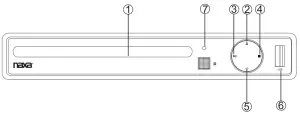
- DVD DOOR
- OPEN/CLOSE BUTTON
- PLAY/PAUSE BUTTON
- STOP BUTTON
- STANDBY BUTTON
- USB JACK
- REMOTE RECEIVER WINDOW
Rear panel
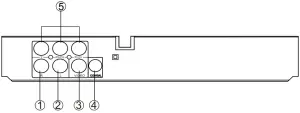
- AUDIO RIGHT OUTPUT JACK
- AUDIO LEFT OUTPUT JACK
- VIDEO OUTPUT JACK
- COAXIAL DIGITAL AUDIO OUTPUT JACK
- COMPONENT VIDEO OUTPUT JACKS
REMOTE CONTROL
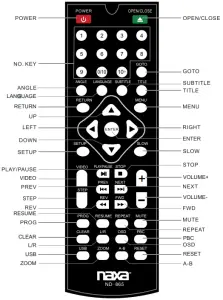
Power
Plug the attached AC cord into a standard AC power outlet to power the DVD player.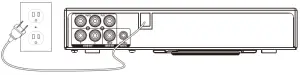
Connecting Video and Audio
Note: Before making or changing any connections, make sure that all the devices are disconnected from the power outlet.
Note: Both video and audio connections must be made from the DVD player to your television.
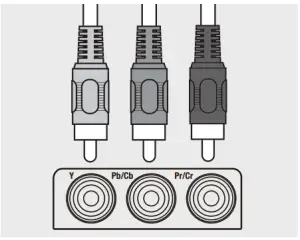
Component Video Output
Requires component video cable (not included).
- Use a component video cable (not included) to connect the Component Video Output on the DVD player to the Component Video Input on the television.
- Adjust the television’s source input setting to Component Video (YPbPr).
- For audio, use the RCA Stereo OR Coaxial Digital connection methods shown below.

Composite Video Output
- Use the Composite Video Output to send video from the DVD player to a television.
- Requires an RCA video cable (included).
- Use the RCA video cable to connect the Composite Video Output to a composite video input on a television.
- Adjust the connected televisions input setting to match the input used in the previous step.


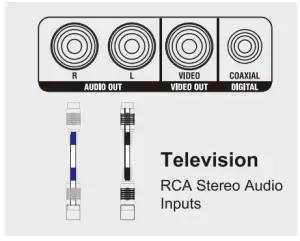
RCA Stereo Audio Output
- Use the RCA Stereo Audio Output to send audio from the DVD player to a television.
- Requires an RCA audio cable (included).
- Use the RCA audio cable to connect the
RCA Stereo Audio Output to an RCA stereo audio input on a television. - Adjust the connected televisions input setting to matchthe input used in the previous step.
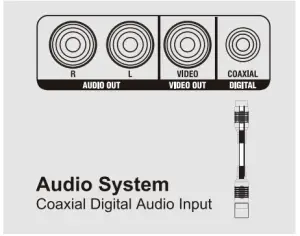
Coaxial Digital Audio Output
- Use the Coaxial Digital Audio Output to send high quality audio from the DVD player to an audio system.
- Requires an RCA audio cable (included).
- Use the RCA audio cable to connect the Coaxial Digital Audio Output to an coaxial digital audio input on an audio system.
- Adjust the connected audio system’s input setting to match the input used in the previous step.
- In the Digital Out portion of the setup menu, adjust to PCM, RAW or off

DVD , CD and USB
Loading a Disc
- Press the Open/Close button to open the Disc Drawer.
- Load a disc into the DVD player, label side facing up.
- Press the Open/Close button to close the Disc Drawer.
- After a disc is loaded, it will begin playing automatically.
Playing a Loaded Disc
- Follow the instructions for Loading a Disc.
- If the disc does not begin playing automatically, press the Play/Pause button.
Playing a JPEG CD
- Load a JPEG photo disc into the player by following the instructions for Loading a Disc. A slide show of JPEG photos from the CD will begin playing automatically.
- Press the Stop button to access a file view of the loaded JPEG disc.
- Use the Arrows/Enter buttons on the remote to select and view photos.
Connecting a USB
- Load a USB into the USB PORT .
- Press the DVD/USB button on the remote to switch to the connected USB .
- Use the ARROW and ENTER buttons to select and play content from the connected USB
Troubleshooting
Before Requesting Service
Check the following guide for the possible cause of a problem before contacting service.
| Symptom | Correction |
| No power | Plug the power cord into the wall outlet securely. |
| No picture |
|
| NO sound |
|
| The playback picture is poor |
|
| The DVD player does not start playback |
|
| Severe hum or noise is heard. |
|
| The remote control does not work properly. |
|
| Completely distorted picture or no colou | If the picture is distorted completely or if the picture rolls vertically, make sure the NTSC/PAL setting at the DVD player matches the colour system of your television. |
The  icon appears on screen icon appears on screen |
|
This product incorporates copyright protection technology that is protected by method claims of certain U.S. patents and other intellectual property rights owned by Macro vis on Corporation and other rights owners, Use of this copyright protection technology must be authorized by Macrovision Corporation, and is intended for home and other limited viewing use only unless otherwise authorized by Macrovision Corporation. Reverse engineering or disassembly is prohibited.
Technical specifications
| Signal system | PAL/AUTO/NTSC |
| Frequency Response | 20HZ-20KHZ ( at 1 KHz 0 dB) |
| Signal to Noise Ratio(Audio) | ~90 dB ( at 1KHz 0 dB) |
| Audio Distortion + Noise | :5-60dB ( at 1 KHz0dB) |
| Audio Output (Analog audio) | 2.0+0_1_ oVrms |
| Video Output | Composite: 1.0 ±0.2Vp-p Load impedance: 750, imbalance, negative polarity |
| Power Supply | 100-240V- 50/60Hz |
| Supported Disc | DVD/ VCD/CD/MP3/Photo CD/SVCD/JPEG/MPEG-4 |
FCC NOTICE
Note: This equipment has been tested and found to comply with the limits for a class B digital device , pursuant to part 15 of the FCC Rules. These limits are designed to provide reasonable protection against harmful interference in a residential installation. This equipment generates, uses and can radiate radio frequency energy and, if not installed and used in accordance with the instructions, may cause harmful interference to radio communications. However, there is no guarantee that interference will not occur in a particular installation. If this equipment does cause harmful interference to radio or television reception, which can be determined by turning the equipment off and on, the user is encouraged to try to correct the interference by one or more of the following measures:
- Reorient or relocate the receiving antenna.
- Increase the separation between the equipment and receiver.
- Connect the equipment into an outlet on a circuit different from that to which the receiver is connected.
- Consult the dealer or an experienced radio /TV technician for help