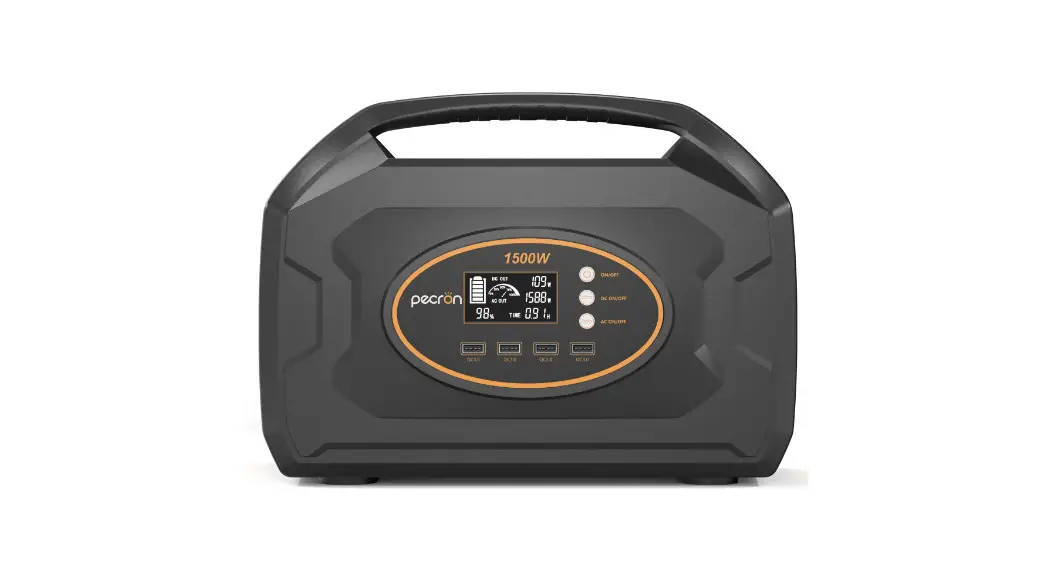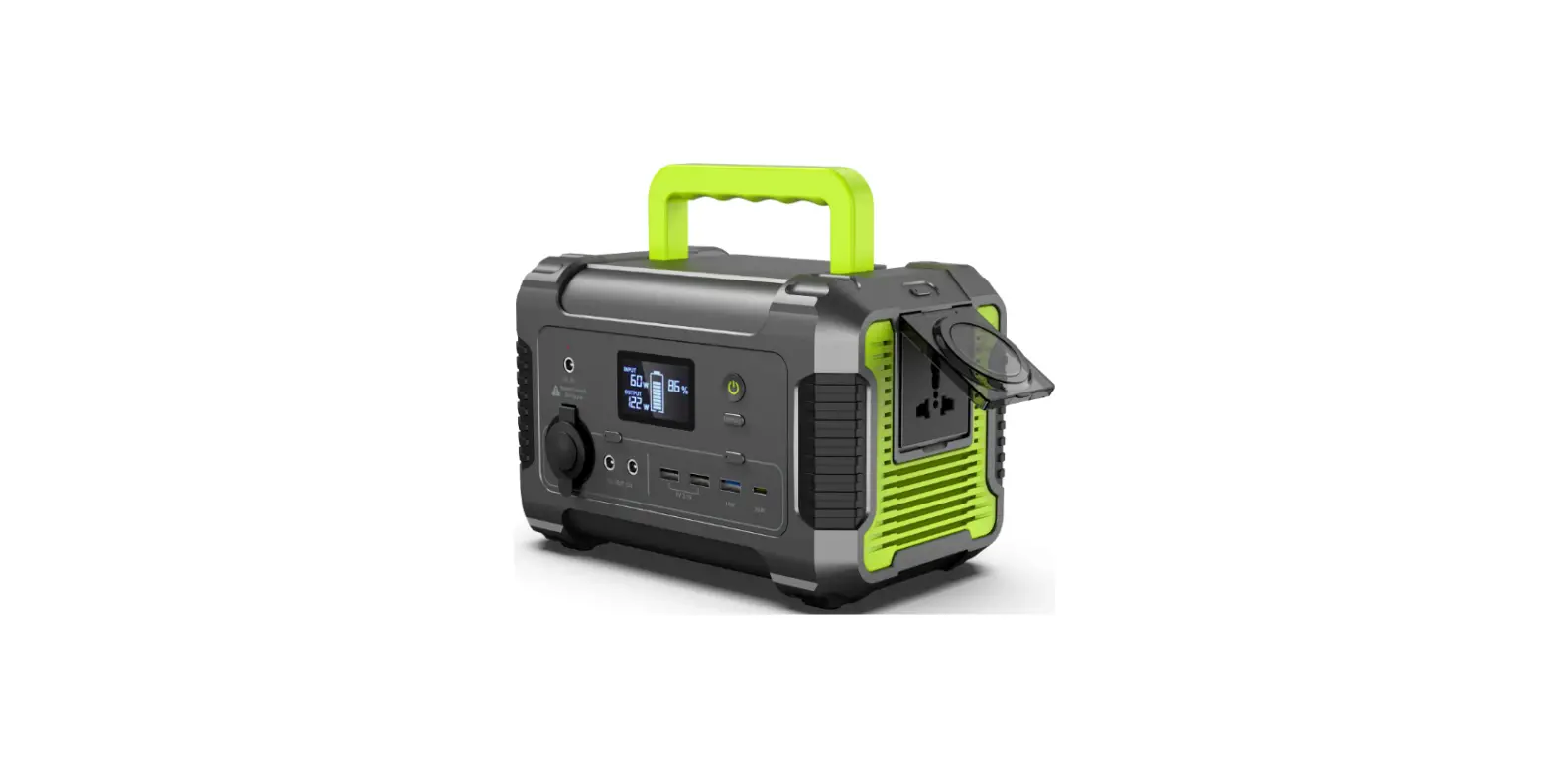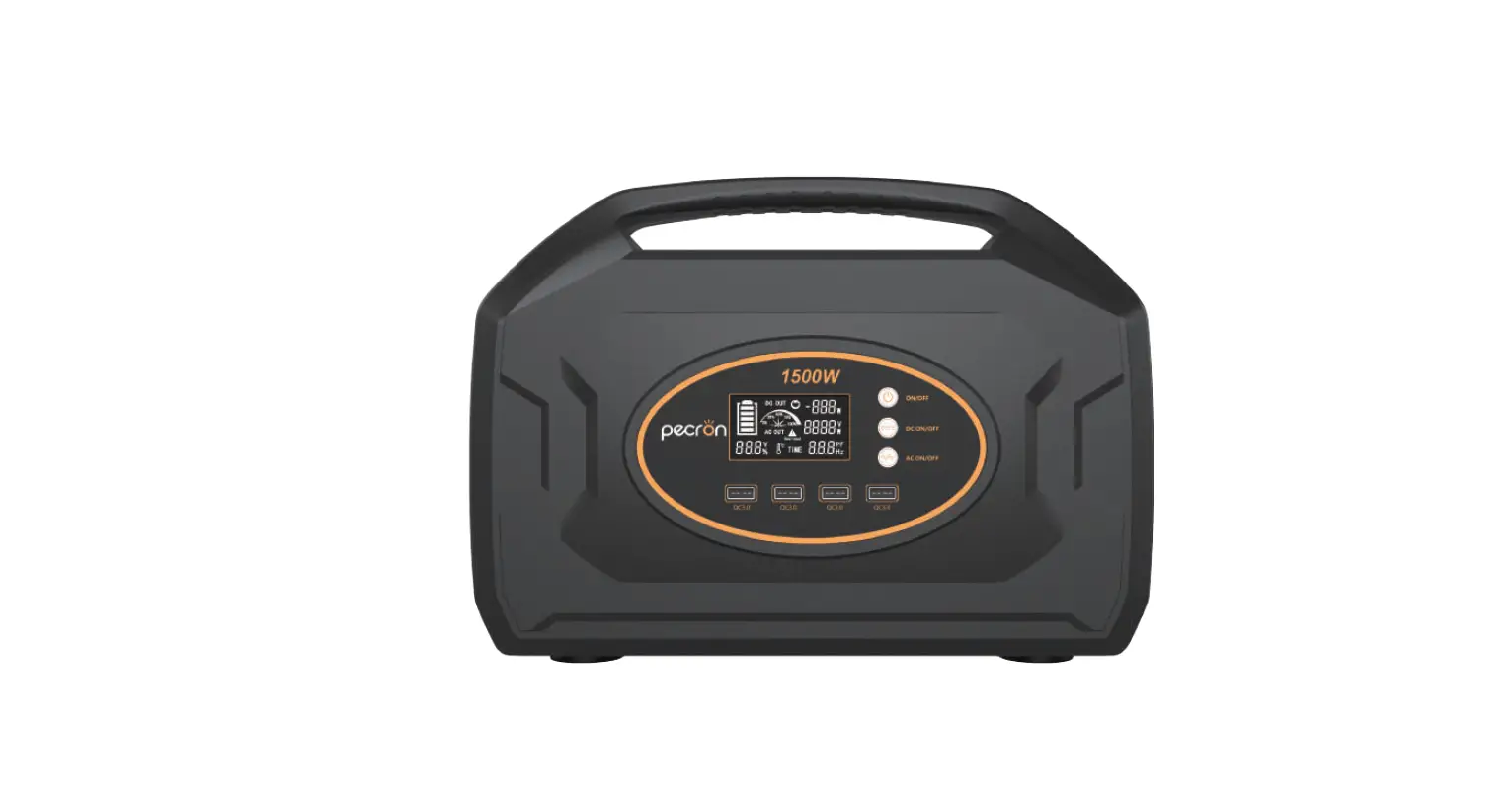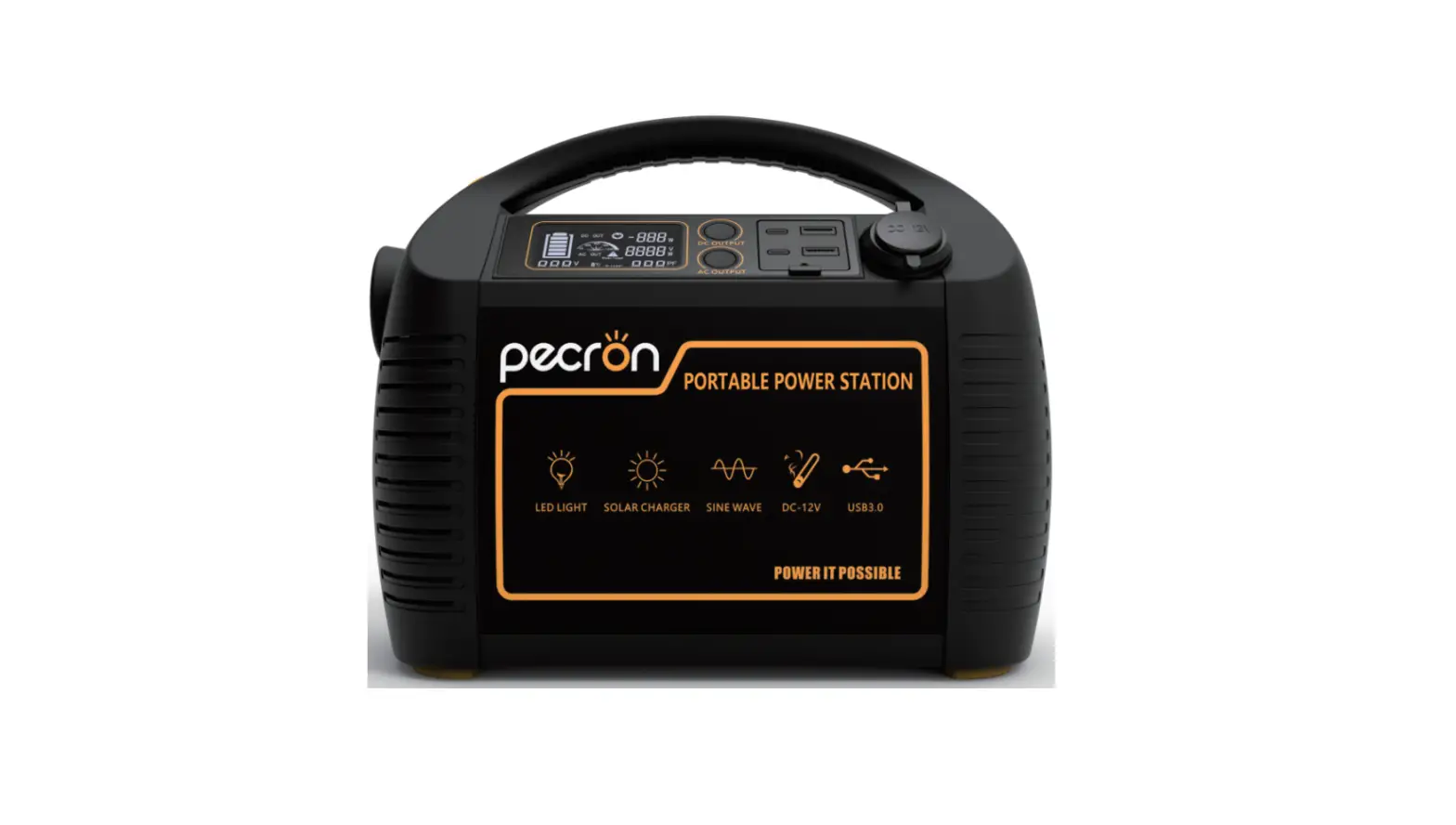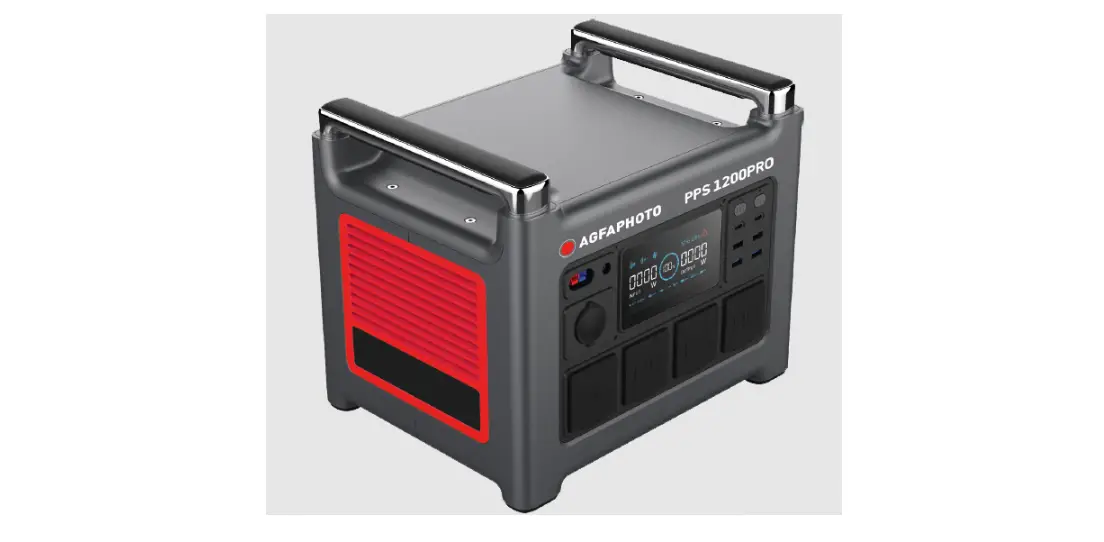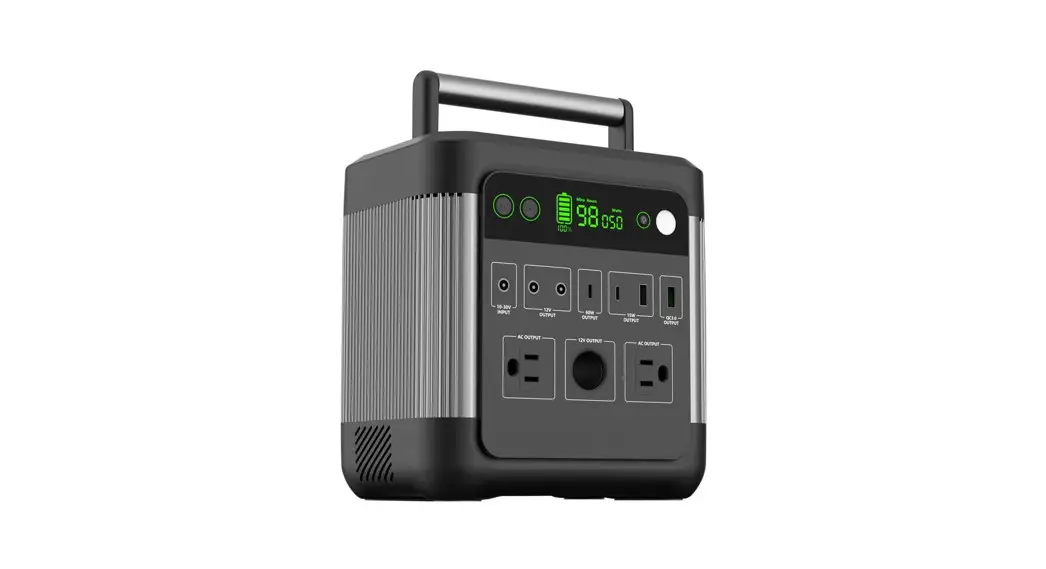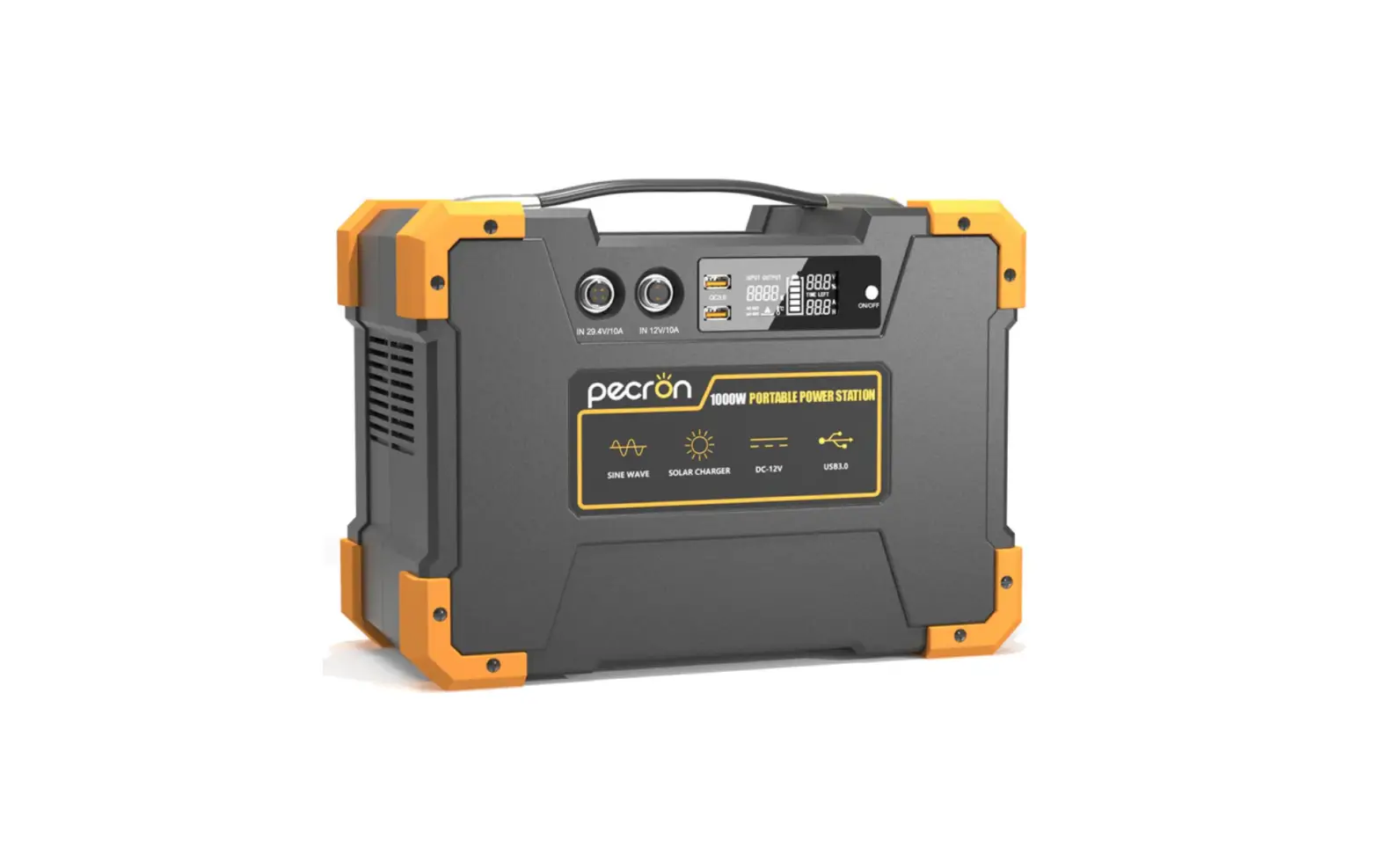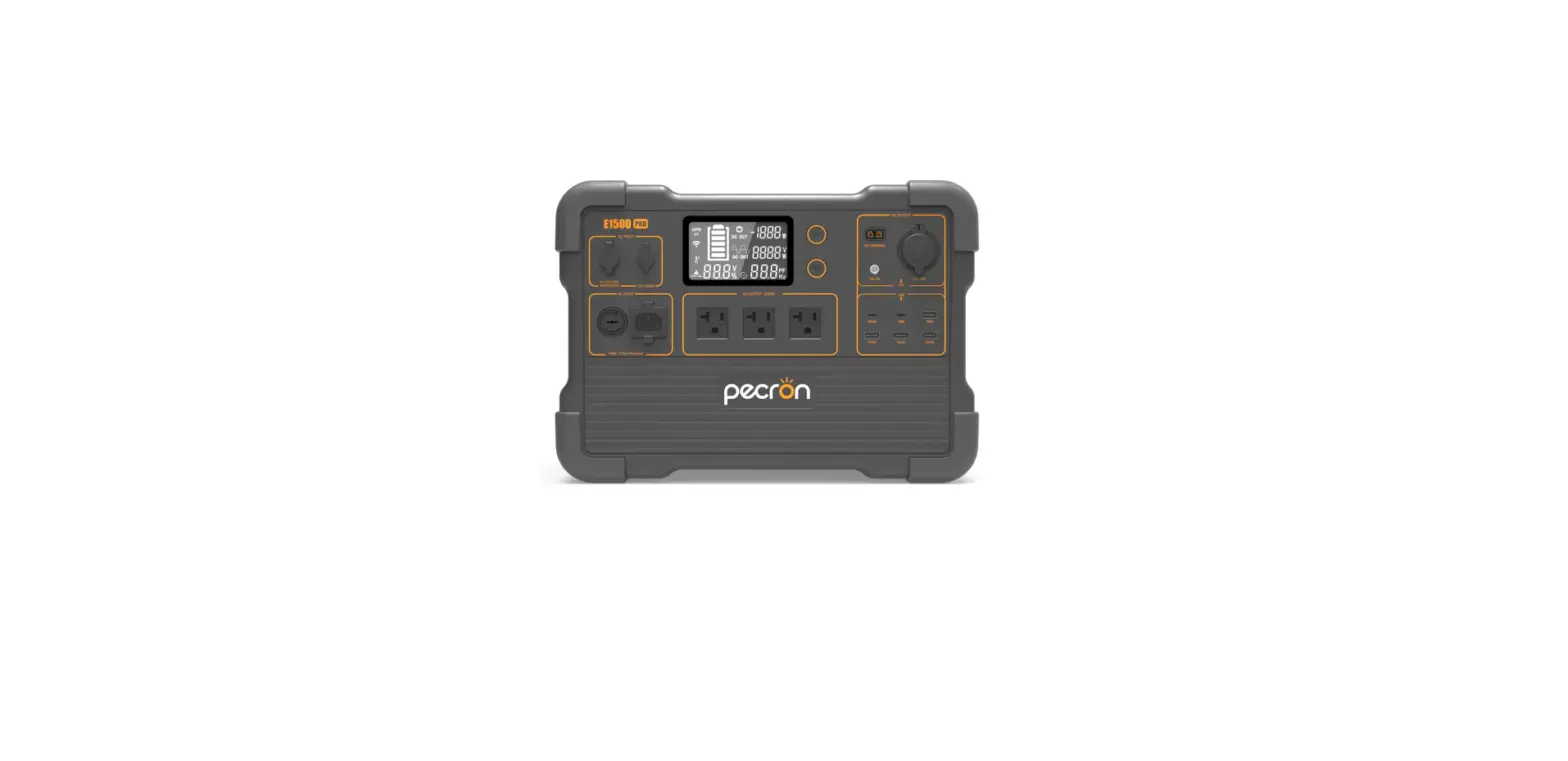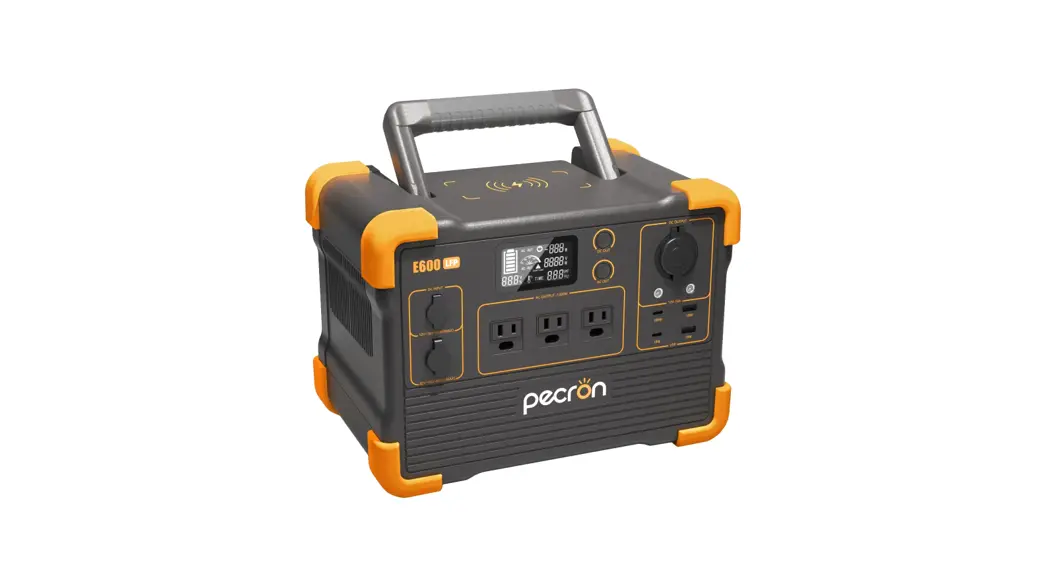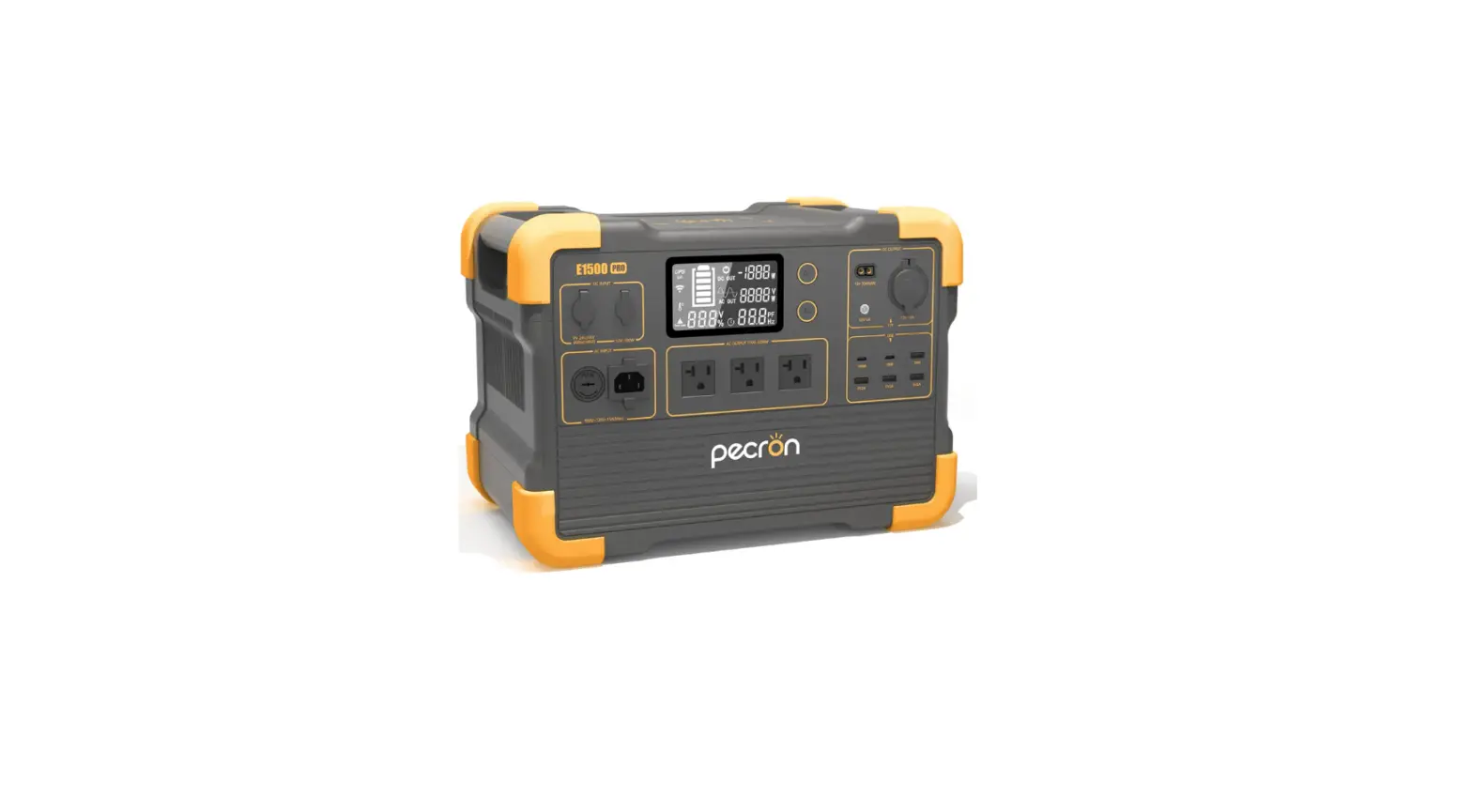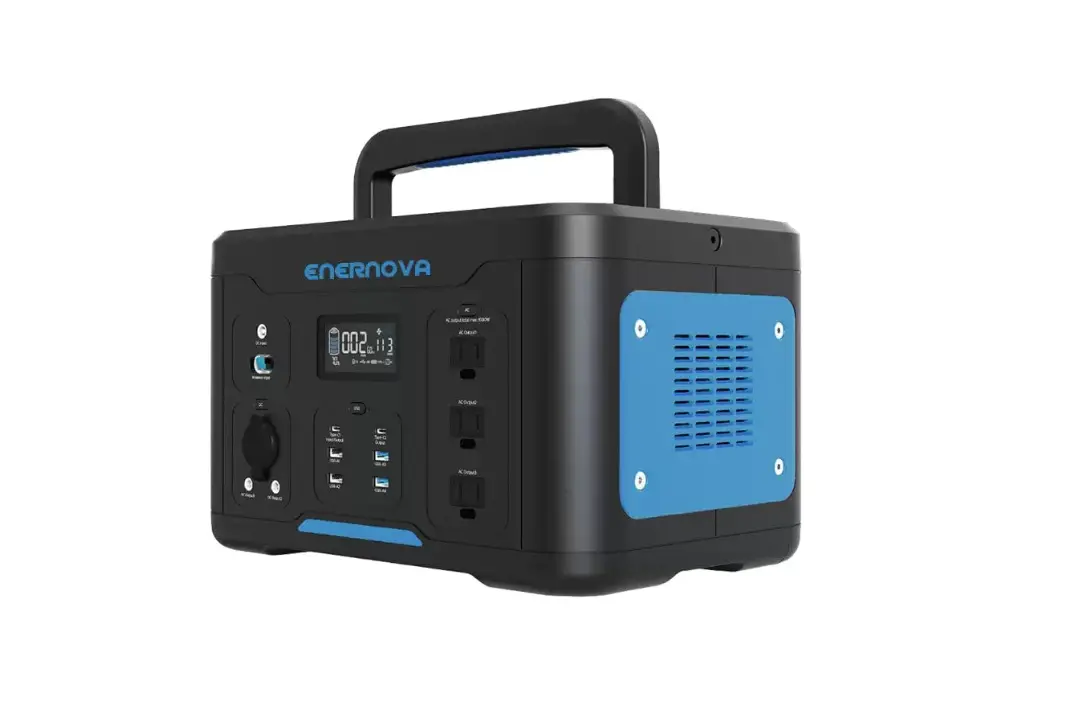

PPS1000
Portable Power Station
User Manual
Specifications
Model: PPS1000
Battery: 888Wh Lithium-Ion Battery
2X Wireless Cell Phone Charging Pad
DC Input: 11-30V, 6.0A (120W MAX} Solar Compatible
USB C Port 5V/3A
USB A Ports: 3 at 5V2.4A
3 AC Outlets: at 110VAC, 60Hz,1000 Watt Pure Sine Wave
12V Car Outlet and DC Outputs: 12V/10A
Operating Temperature: +14°F to + 104°F (-10°C to +40°C)
Charge Time: 10.5 Hours
Safety Information
GENERAL SAFETY
Read this operator’s manual carefully In Its entirety before attempting to use this power station. Read, understand, and follow all instructions on for this power station and in the manual before operation. Keep this manual in a safe place for future and regular reference and for ordering replacement Parts. DANGER: Indicates an imminently hazardous situation that, if not avoided, will result in death or serious injury.
 WARNING: Indicates a potentially hazardous situation that, if not avoided, could result in death or serious injury. CAUTION: Indicates a potentially hazardous situation that, if not avoided, may result in minor or moderate injury.
 IMPORTANT: Indicates operation or maintenance information that is important but not hazard-related.
NOTICE: Indicates a practice not related to personal injury which, if not avoided, may result in property damage.
- DO NOT disassemble, repair or modify the unit or the battery.
- DO NOT place the unit close to or in a fire or expose it to heat. Keep out of direct sunlight.
- DO NOT charge, use or store the unit in a bathroom or in an area exposed to rain or moisture.
- Only use the output socket to power external devices.
- DO NOT touch the unit or the plug if your hands are wet.
- DO NOT connect any metal objects to the AC input or output.
- DO NOT rub your eyes if fluid from inside the unit should get in your eyes.
- DO NOT dispose of the unit together with household waste.
- Call your city and ask what is the proper method of disposing of your power station.
- DO NOT use any power cords that are damaged.
- DO NOT operate the unit above the specified input voltage.
- DO NOT use the unit if it is not functioning correctly.
- DO NOT move the unit if it is recharging or in use.
WARNING: Handling the power cord on corded products may expose you to lead, a chemical is known to the State of California to cause cancer birth defects or other reproductive harm. Wash hands after handling.
- Use and store the unit only in a clean and dry place. Do not use and store in dusty and wet areas.
- Check the unit prior to every use. Do not use the unit if it is damaged or broken.
- Do not use the unit if the power cord is damaged.
- Keep the unit away from children. Do NOT let children use the power station.
- Keep this product away from pets.
- Do NOT use or store the unit in an area that is extremely hot. Store in a cool dry place.
- Should fluid from the inside of the unit comes in contact with your skin or clothing, wash the affected areas with water. In a storm, unplug the power cord from the socket.
- DO NOTcharge the unit in outlets that operate more than 100-240V.
- DO NOT place the unit on its side or upside down while In use or storage.
- If rust, peculiar odors, overheating or other abnormal circumstances are observed, stop using the unit immediately and contact our customer support team at 866-591-8921.
- The unit complies with all legal requirements for the transport of dangerous goods.
- Make sure that the unit is properly secured when transporting.
- Only charge, use and store the unit within an ambient temperature of 0 to 40°C (32-104°F).
- Switch the unit off immediately if It has accidentally fallen, was dropped.
- Carefully read the instructions for the electric devices that you intend to connect to your power station.
- Make sure that the device you are connecting is switched off before you connect it.
What’s In The Box
When opening the power station box please make sure all accessories below are accounted for and undamaged. If the power station or accessory is damaged please contact our support team at 866-591-8921 or [email protected].
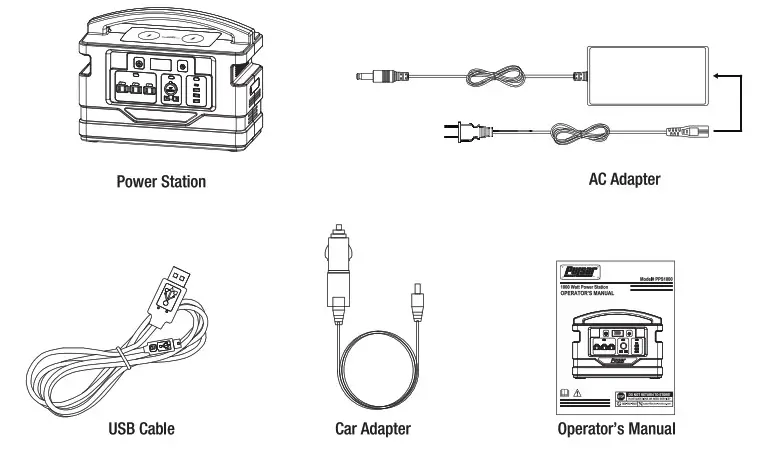
Power Station Call Outs
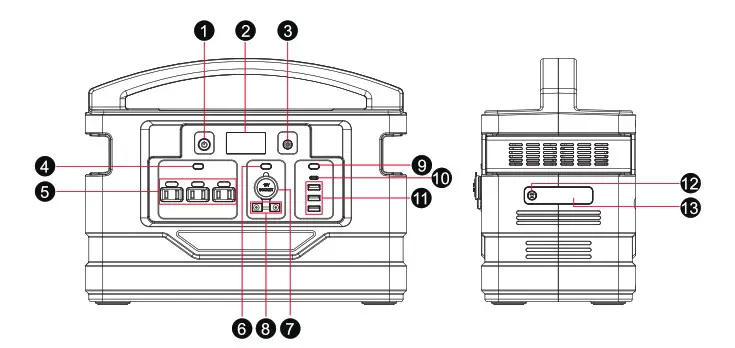
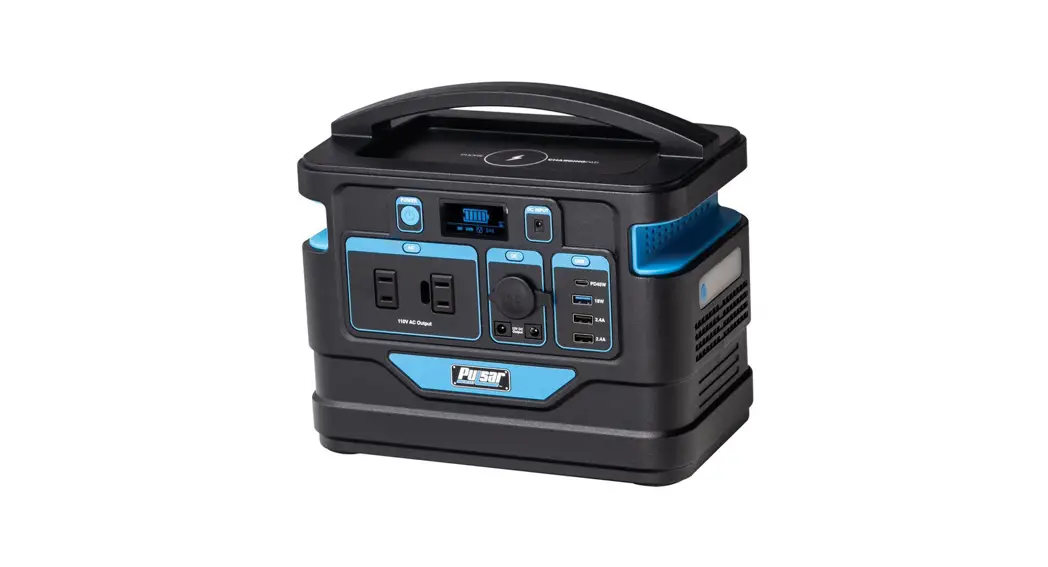
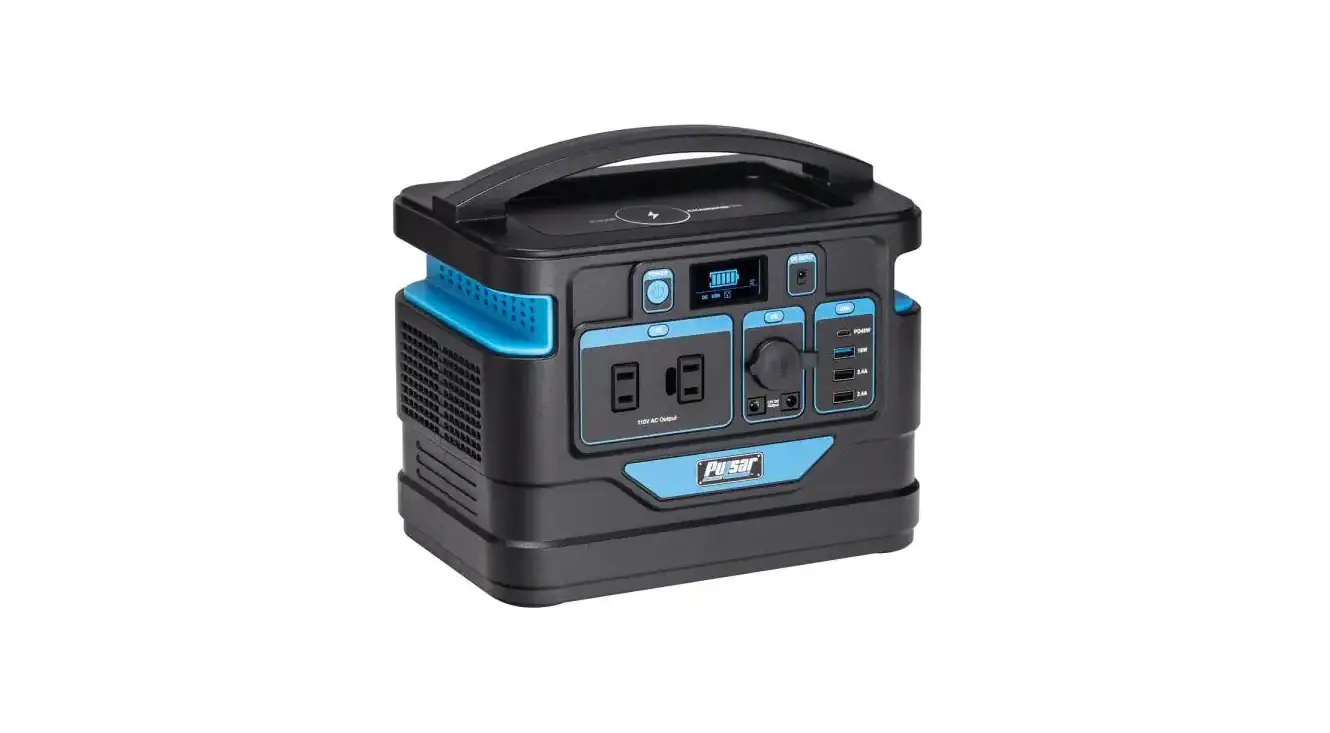
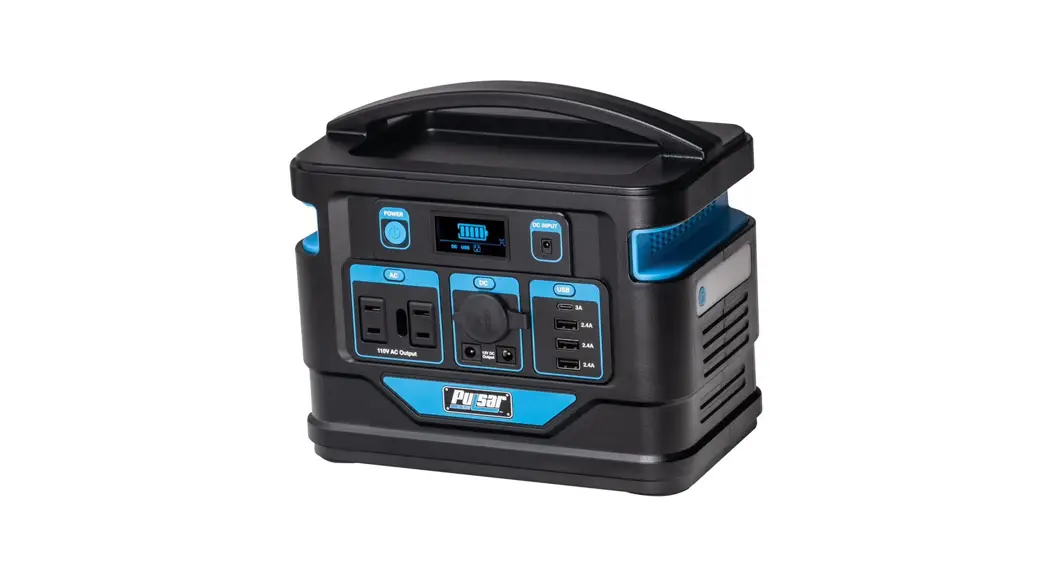
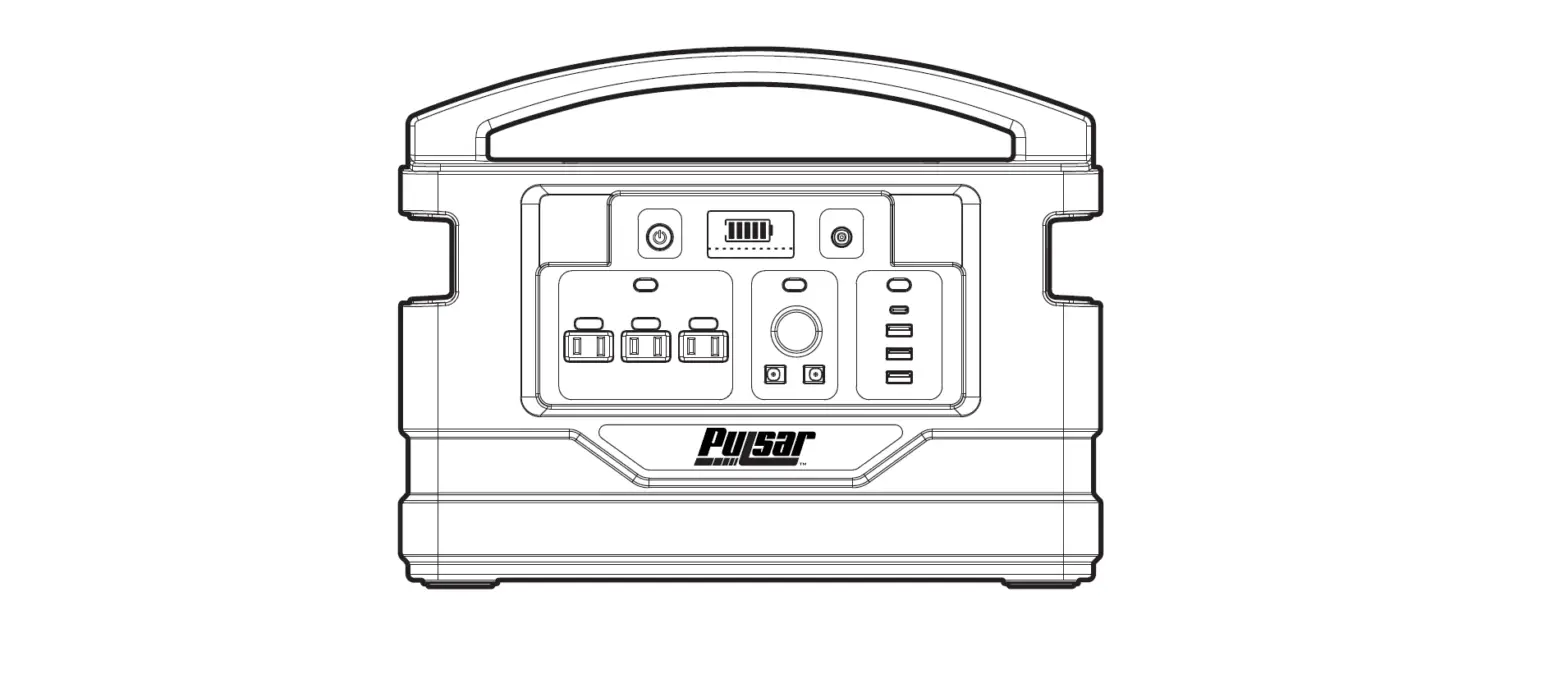
| 1) Power Button 2) LCD Display 3) DC Input 4) AC Switch 5) AC Output 6) DC Switch 7) 12V Car Outlet | 8) DC Output 9) USB Switch 10) 3A USB 11) 2.4A USB 12) LED Switch 13) LED Light |
Operation
LCD DISPLAY
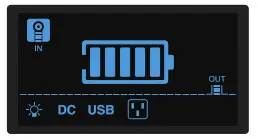
- The LCD display screen indicates battery capacity and the input or output of the power station. When the “Power Button” is pressed, the LCD screen will light up and indicate the battery capacity.
The LCD screen will go into sleep mode after 30 seconds.
DC Output Ports
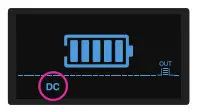
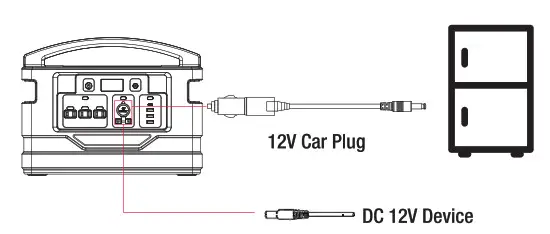
NOTICE: Make sure to turn the power station (On) to perform any function. - Connect your device to the DC output port or the 12V car outlet. Press the (DC Switch) to turn on the DC ports. The LCD screen will display (DC).

- If you press the (DC Switch) again the DC ports will turn off.
USB Ports
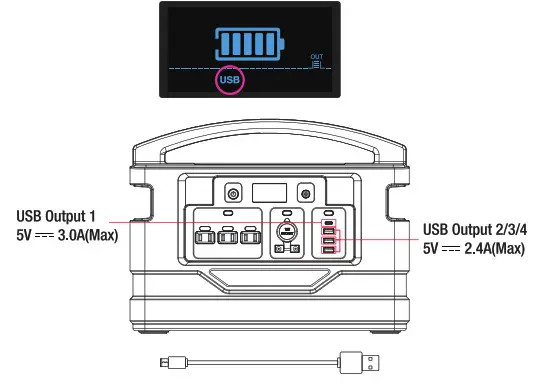
- Press the (USB Switch), the LCD screen will show (USB). Now you can connect your electronic device to a USB port using a charging cable.

- Press the (USB Switch) again to shut off the USB function.
AC Outlets - Press the (AC Switch) to turn on the AC Outlets and connect AC devices. The
 symbol will show on the LCD screen. Make sure that the total power consumption for all your AC appliances connected are less than 1000 Watts.
- Press the (AC Switch) again to shut off the AC function.
 symbol will show on the LCD screen. Make sure that the total power consumption for all your AC appliances connected are less than 1000 Watts.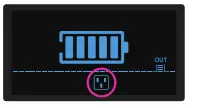
WARNING: The interface specifications and voltage standards in different countries are different. Before use, carefully check whether the product specifications are consistent with the usage specifications of the electrical appliances, otherwise, it may lead to dangerous conditions.
- If the AC device has short or more power is required than the rated output on the power station. The power station will trigger the power station’s circuit breaker if a short circuit occurs or if the power station overloads.

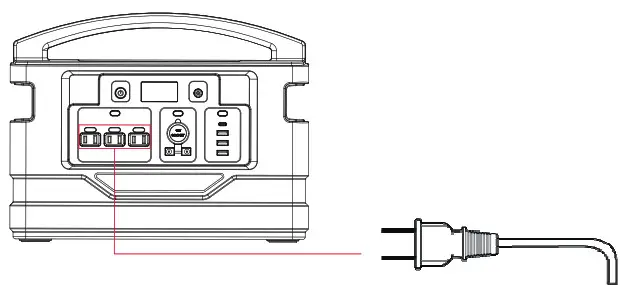
WARNING: Do not exceed a load over 1000 watts or the device will shut down.
- Make sure to shut the power station off when not in use.

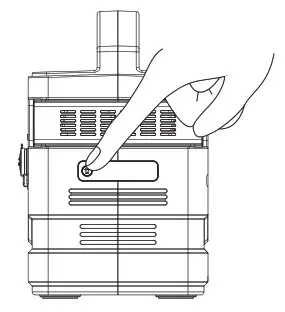
Flashlight - Press the
 button for 2 seconds to turn the LED light on.
The icon will display on the LCD screen.
- Press the buttons again to activate the SOS mode.
- Press the buttons one more time for (Rapid Flash) mode.
- Press the for 2 to 4 seconds to shut the LED light function off.
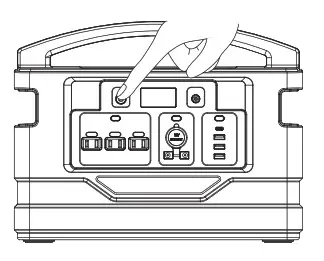
 button for 2 seconds to turn the LED light on.
 icon will display on the LCD screen.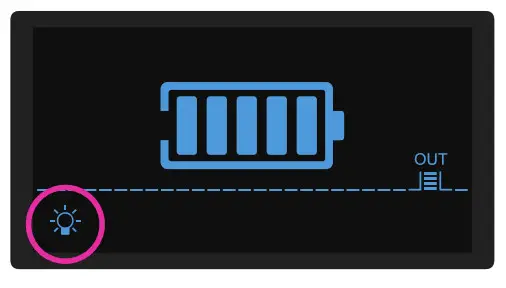
RECHARGING THE POWER STATION
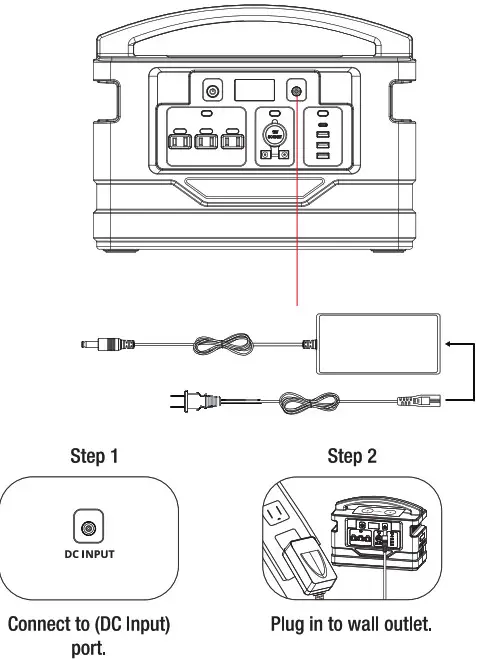
- Connect the AC adapter to the DC charging port Then plug in the AC adapter to a wall outlet. Charge time is approximately 10.5 hours.

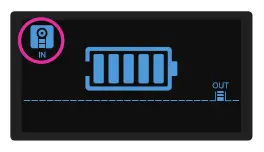
- When the product is charging the icon will display flashing on the LCD screen. When fully charged it will turn off.

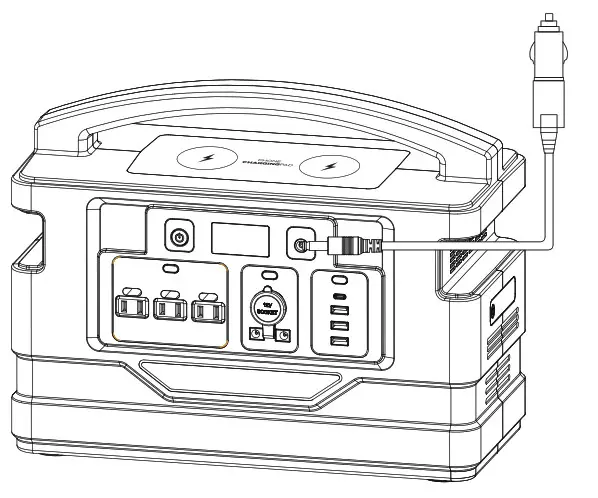
Charging The Power Station with a Car Adapter
- Plugin the car adapter and connect it to the 12V car outlet in your vehicle.

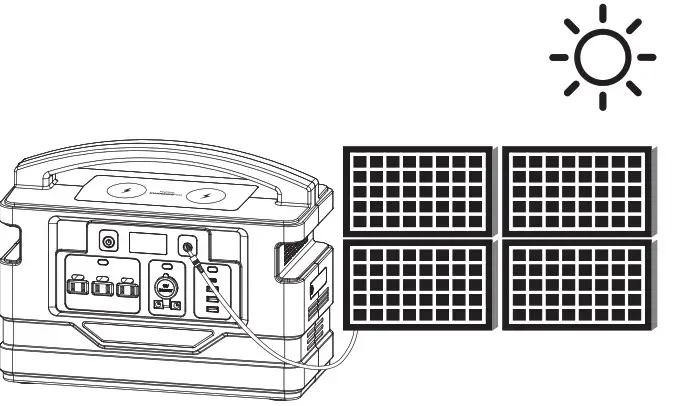
Charging the Power Station with Solar Panels
- Place the solar panel in direct sunlight.
- Do not expose the power station to direct sunlight or wet conditions.
- Connect the solar panel adapter (not included) to recharge the power station.

How to Use the Charging
Pad Make sure the power station is on. The wireless symbol on the LCD screen will display a ( ) symbol that will keep flashing (stand by mode). Place your phone over the center of the charging pad. The phone will start to charge and the symbols will stop flashing and stay on (charging mode).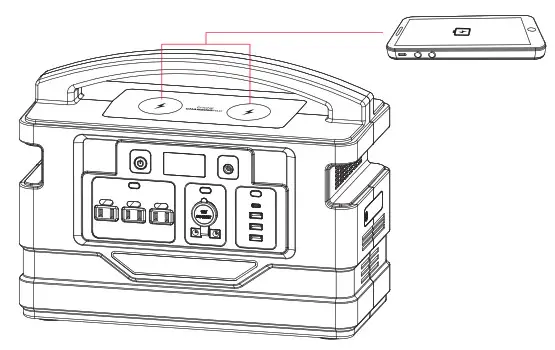
Storage and Handling
- If the product is stored for more than 3 months, please recharge the product for maximum performance.
- Using a charger produced by a non-OEM manufacturer may cause damage to this power station.
- Do not place this product near a hot source.
- Use approved Pulsar replacement parts only. o Do not use this product beyond the rated load.
- Use this product in a well-ventilated area.
- Do not store or use it in a place exposed to direct sunlight or near a heat source.
- Do not attempt to open the power station to avoid the danger of electric shock and fire.
Additional Safety Warnings
- This power station is not intended for use by unsupervised children.
- Do not use as a toy.
- Do not let the power station get wet. 1:1 Do not immerse the power station in water.
- Do not expose the power station to high temperatures.
- If battery leakage occurs and if the skin or eye accidentally comes in contact, rinse immediately with water and seek medical attention.
- Pulsar does not assume any responsibility for problems caused by improper operation.
FCC Statement
- This device complies with Part 15 of the FCC Rules. Operation is subject to the following two conditions: (1) This device may not cause harmful interference. (2) This device must accept any interference received, including interference that may cause undesired operation.
- Changes or modifications not expressly approved by the party responsible for compliance could void the user’s authority to operate the equipment.
Note: This equipment has been tested and found to comply with the limits for a Class B digital device, pursuant to Part 15 of the FCC Rules. These limits are designed to provide reasonable protection against harmful interference in a residential installation. This equipment generates uses and can radiate radio frequency energy and, if not installed and used in accordance with the instructions, may cause harmful interference to radio communications. However, there is no guarantee that interference will not occur in a determined particular installation. If this equipment does cause harmful interference to radio or television reception, which can be by turning the equipment off and on, the user is encouraged to try to correct the interference by one or more of the following measures: Reorient or relocate the receiving antenna. Increase the separation between the equipment and receiver. Connect the equipment into an outlet on a circuit different from that to which the receiver is connected. Consult the dealer or an experienced radio/TV technician for help. FCC Radiation Exposure Statement This equipment complies with FCC radiation exposure limits set forth for an uncontrolled environment. This equipment should be installed and operated with a minimum distance is 20cm between the radiator & your body.