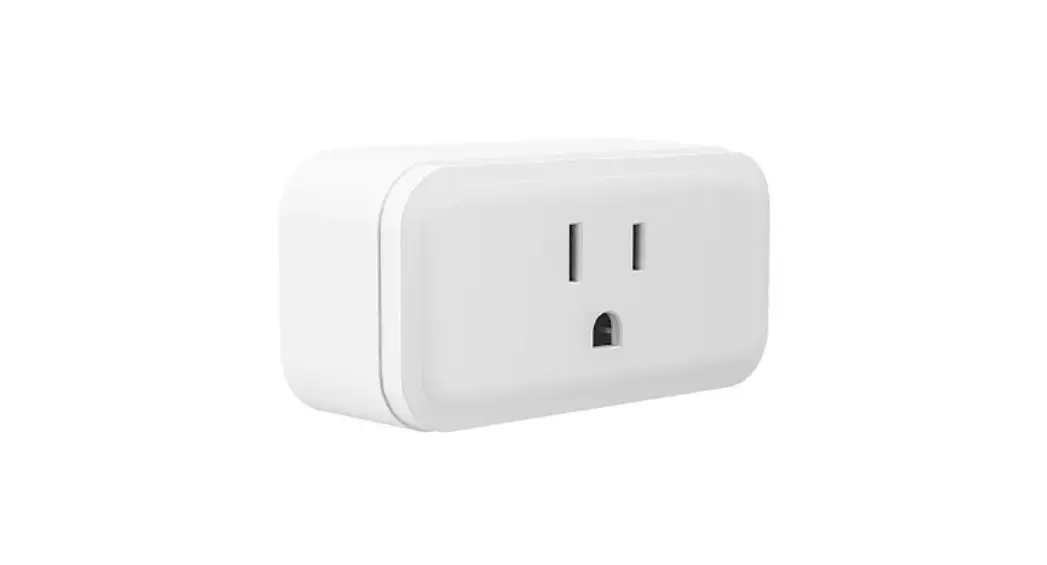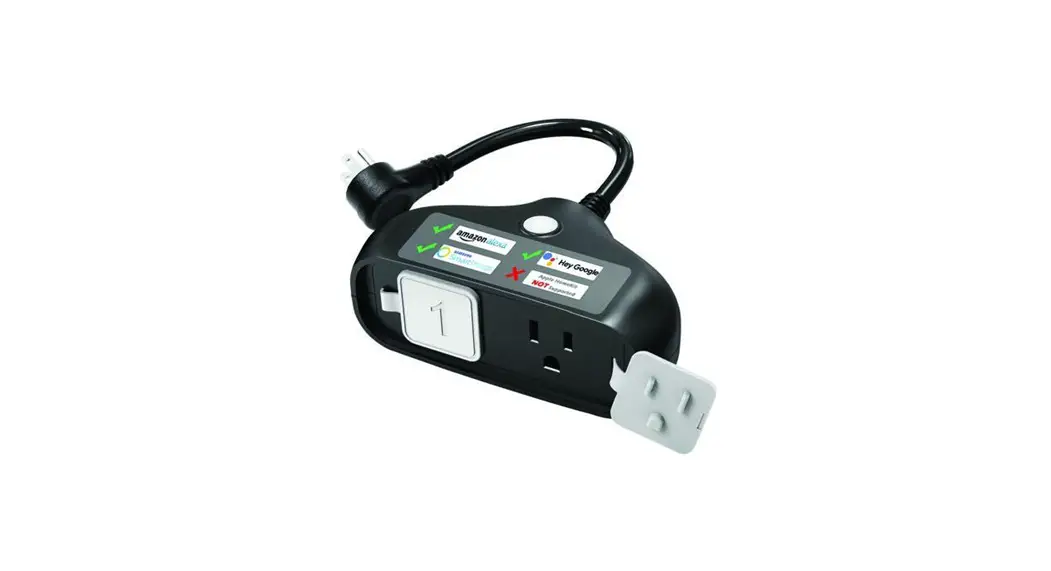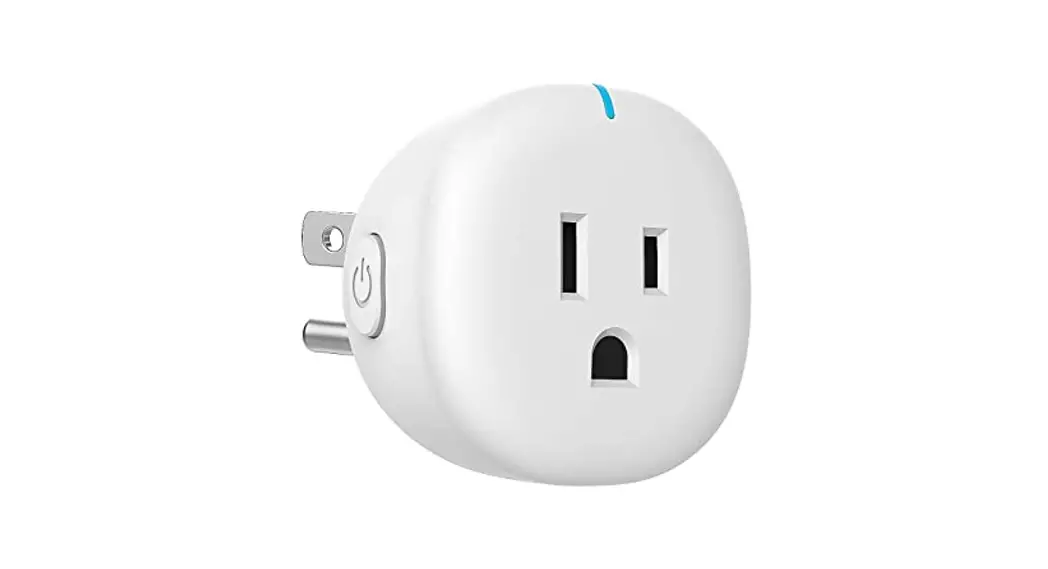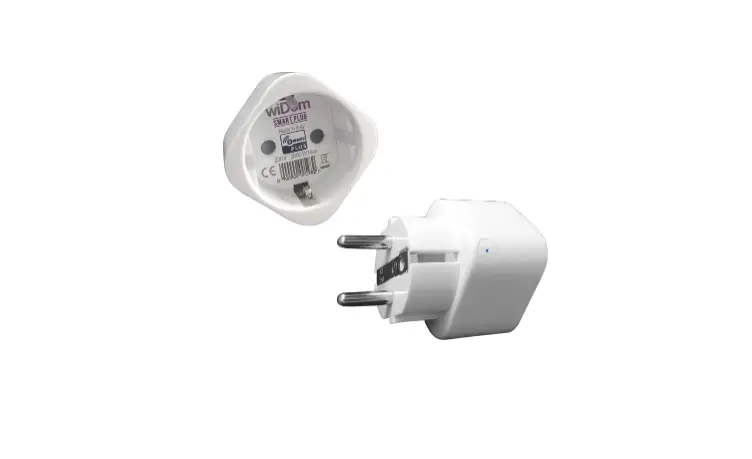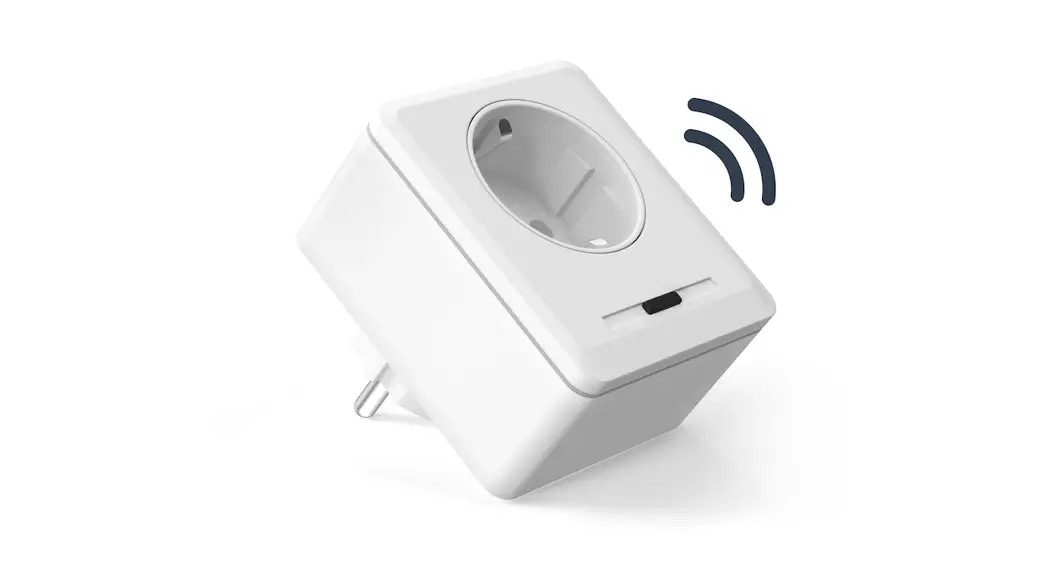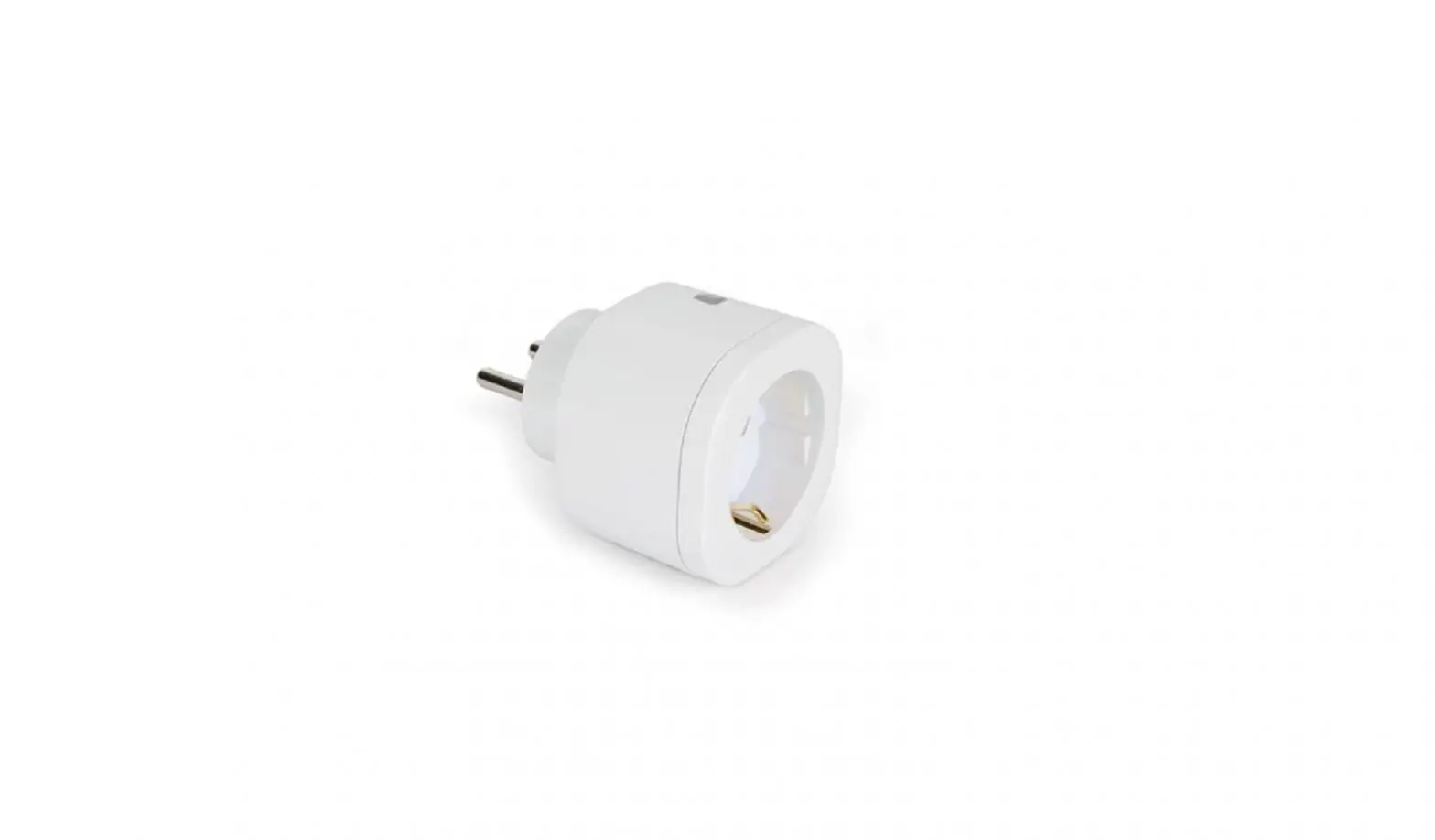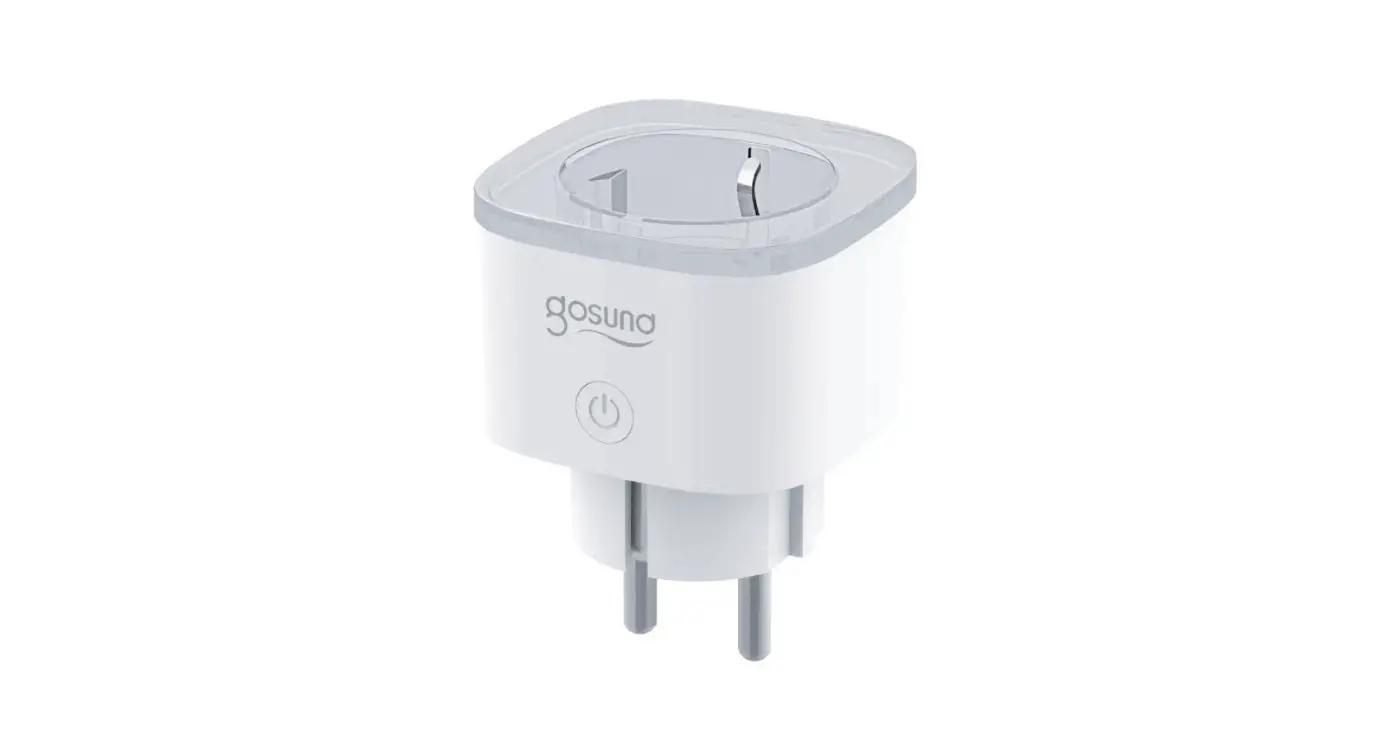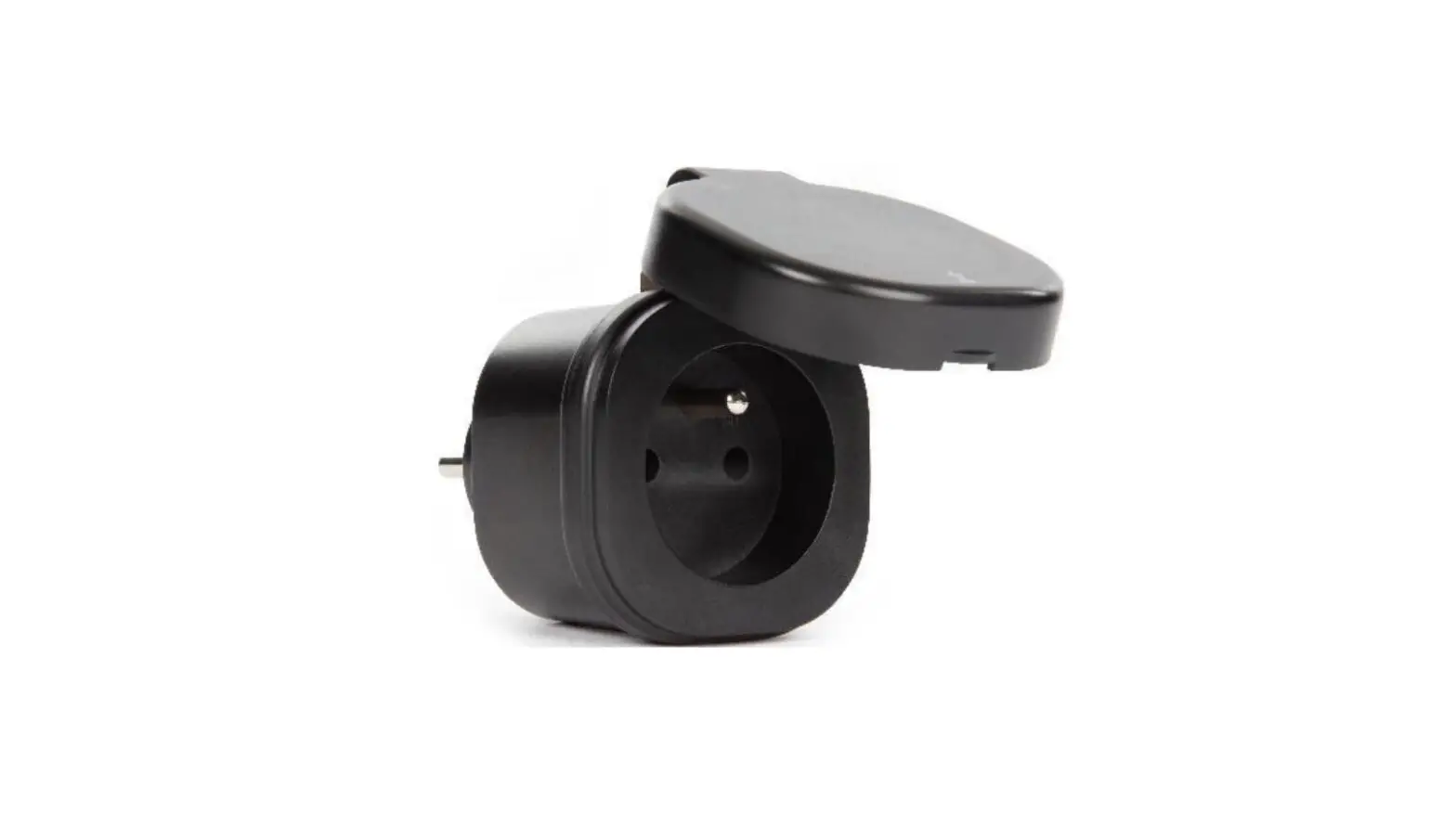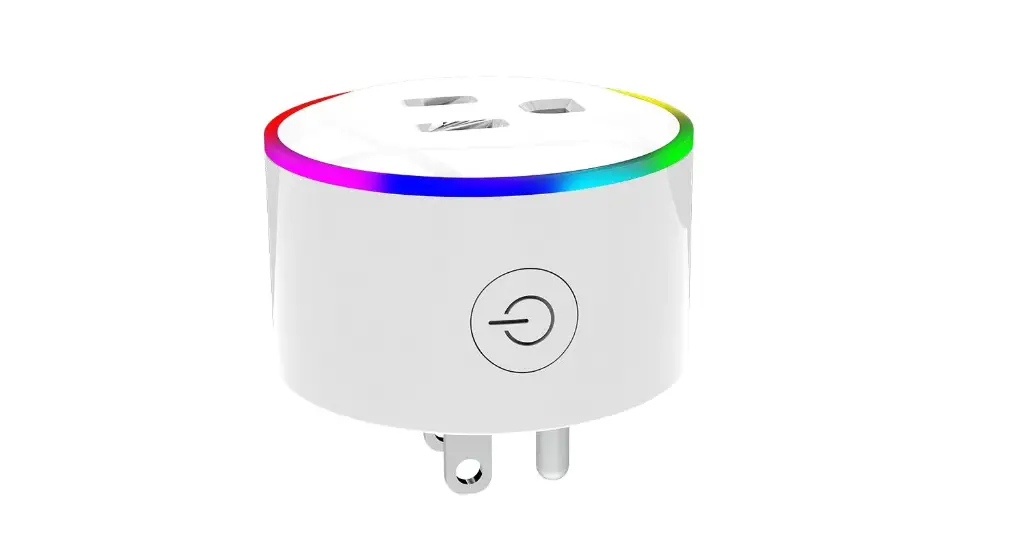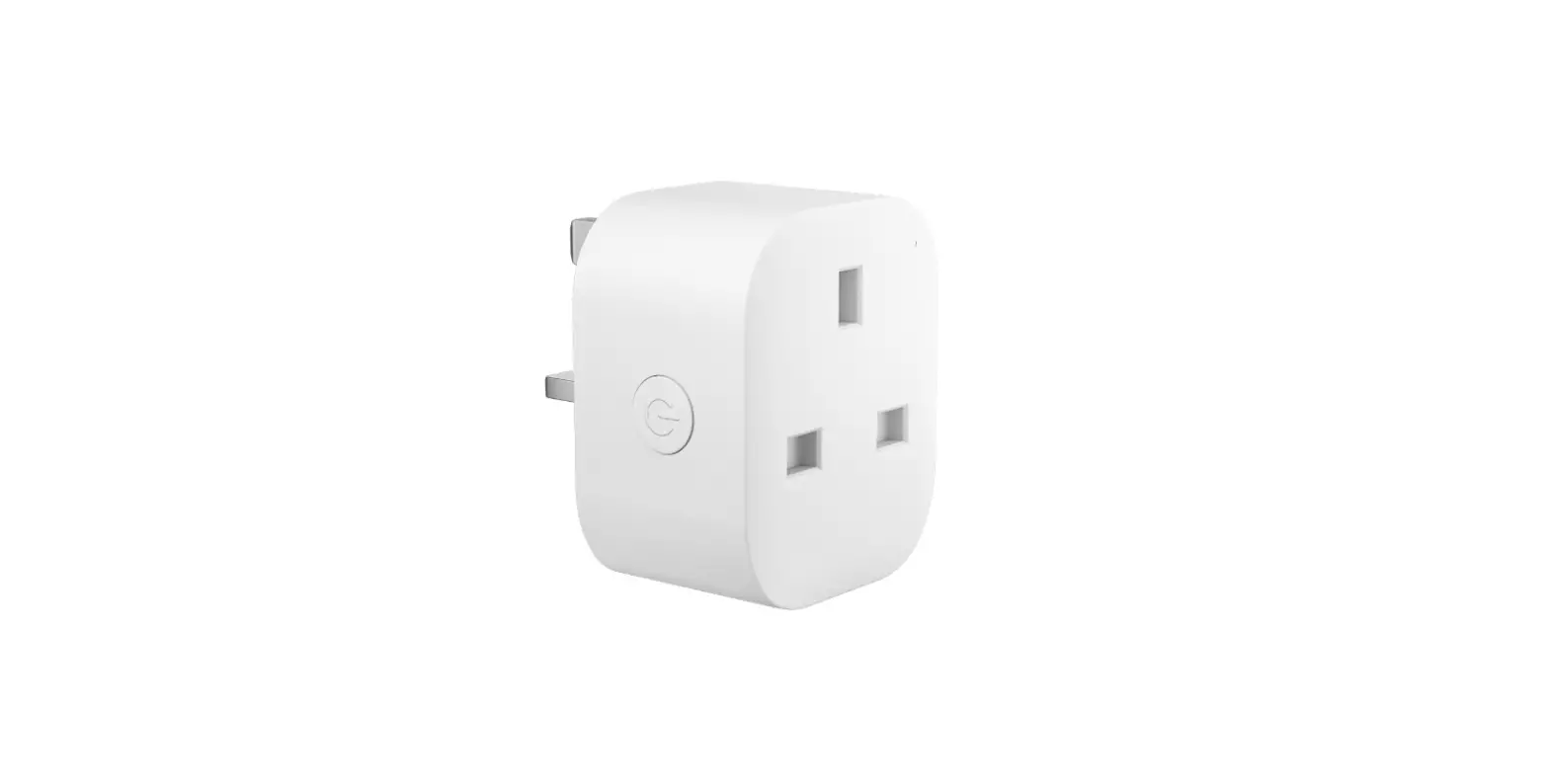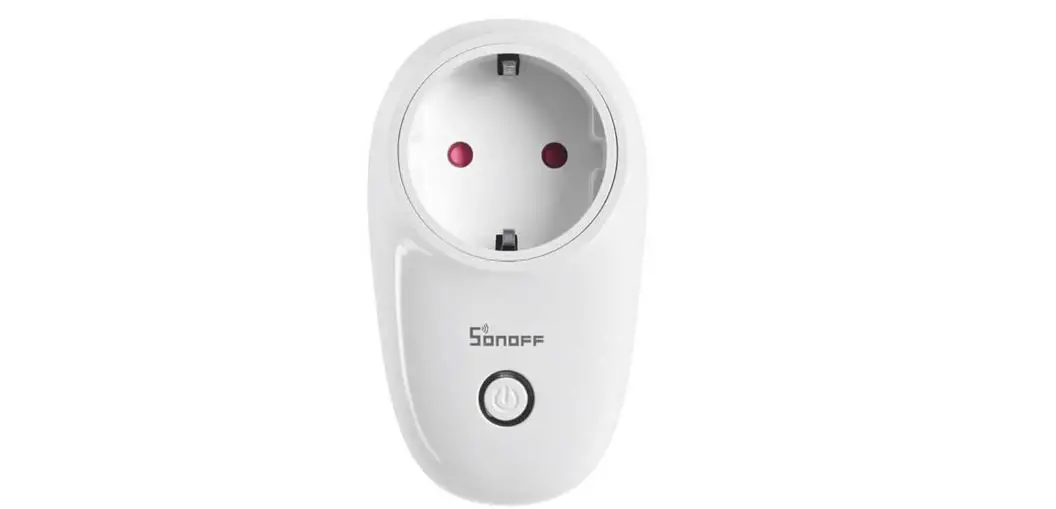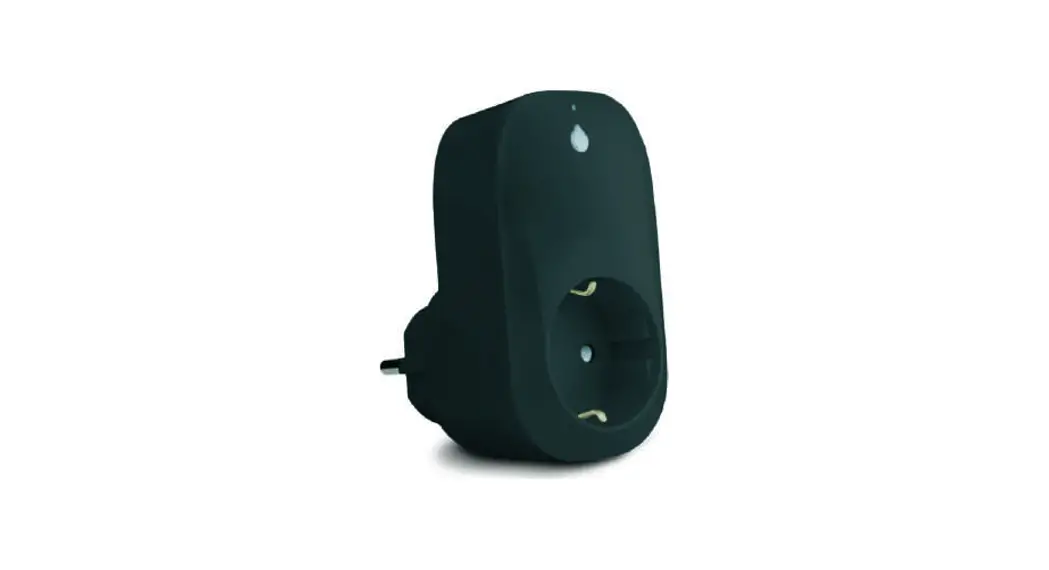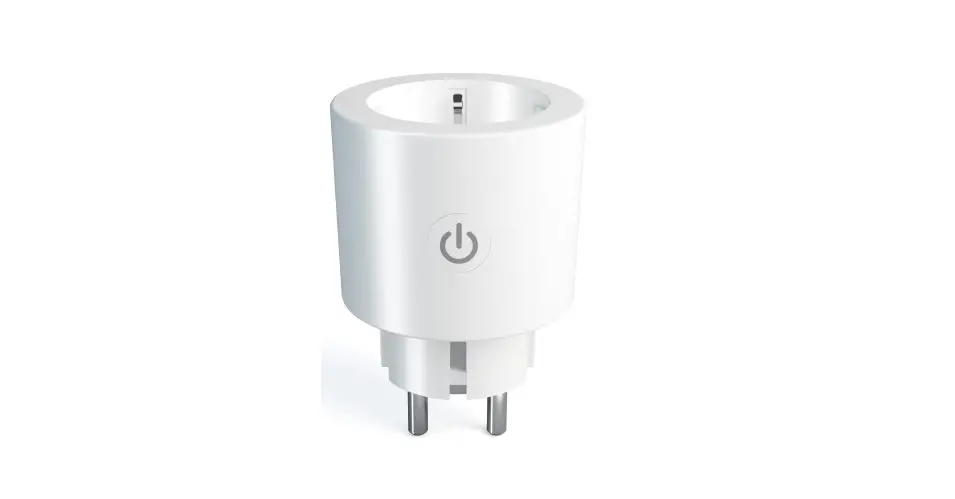

HIhome WPP-16R Smart WiFi Plug Gen2
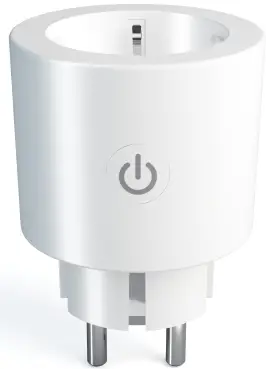
Safety information
This product is designed for indoor use. Keep away from moist and damp environment Read the manual carefully Home (At Home Technologies BV) is not liable and responsible when used incorrectly. Do not connect to devices without a fuse. Do not connect devices with a power usage than indicated on the plug. Visit https://support.hihome.eu/ for more detailed manuals and update manuals. For questions, you can send an email to [email protected]
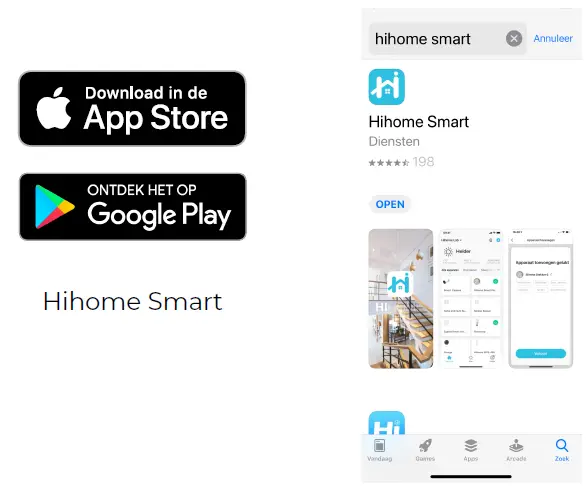
- Download the Hihome Smart App

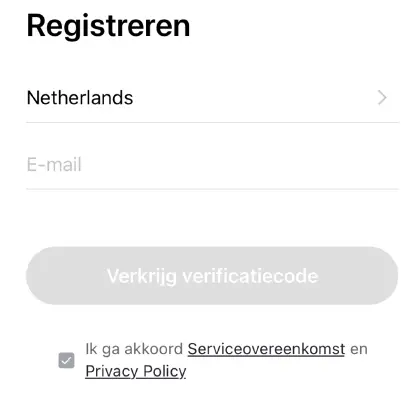
- Create an Account and log-in

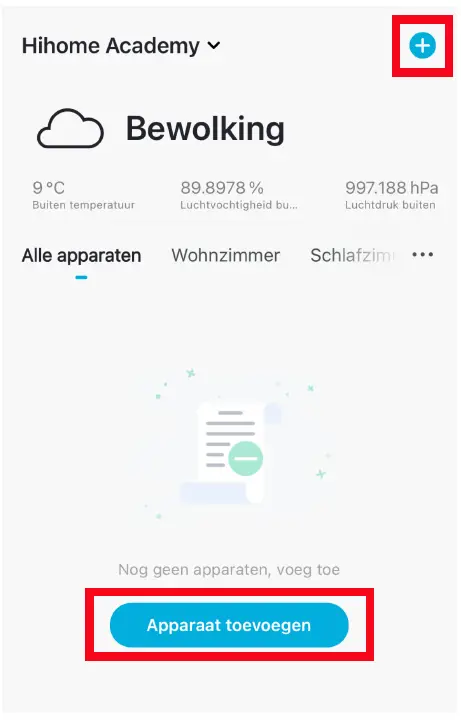
- Add a device

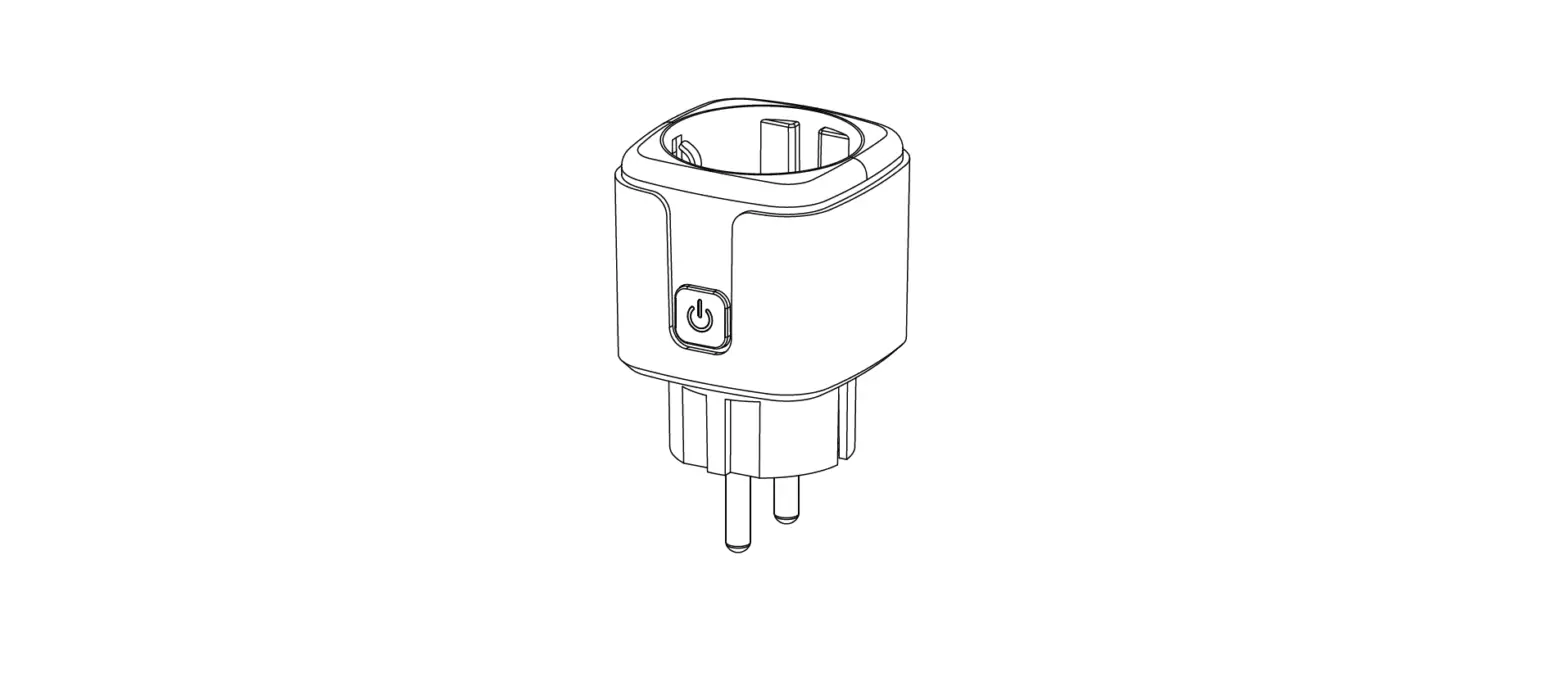
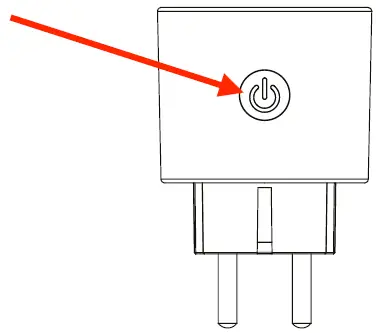
- Press the button for 5 seconds to reset the plug

- Add plug

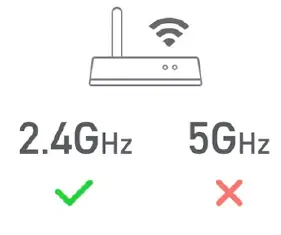
- Only use 2.4Ghz WiFi, not 5Ghz or Dual Band

- Use the App to set the plug Go to https://support.hihome.eu for FAQ and manuals

Technical details
- Connectiviteit: WiFi 802.11
- Frequentie: 2.4Ghz
- Bluetooth Low Energy: 100-240V
- Standby: < 0.5W
- Max: 3680W-16A
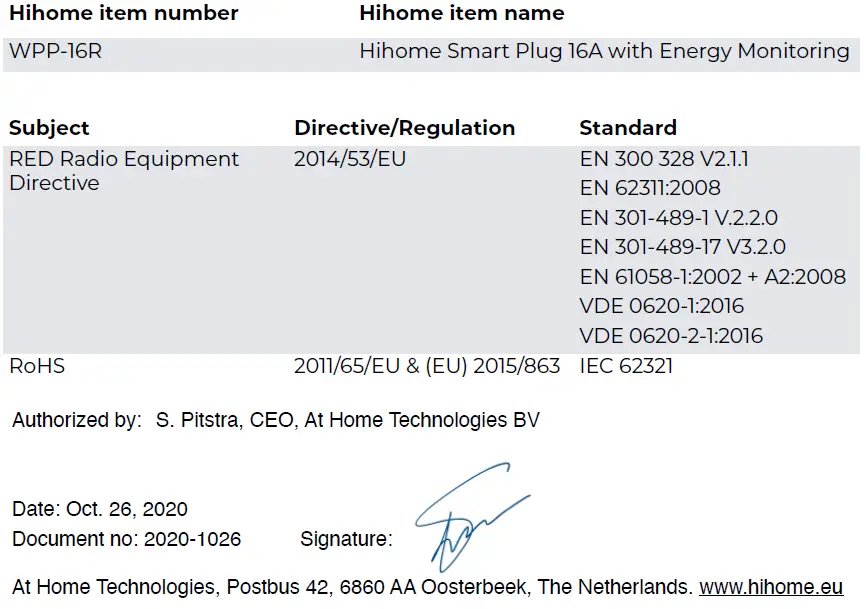
EU Declaration of Conformity
According to ISO/IEC 17050-1:2004 We, At Home Technologies BV, as manufacturer, declare that the following product(s) with the brand Home, produced in China, have been tested according to all relevant CE standards/regulations and have passed all tests