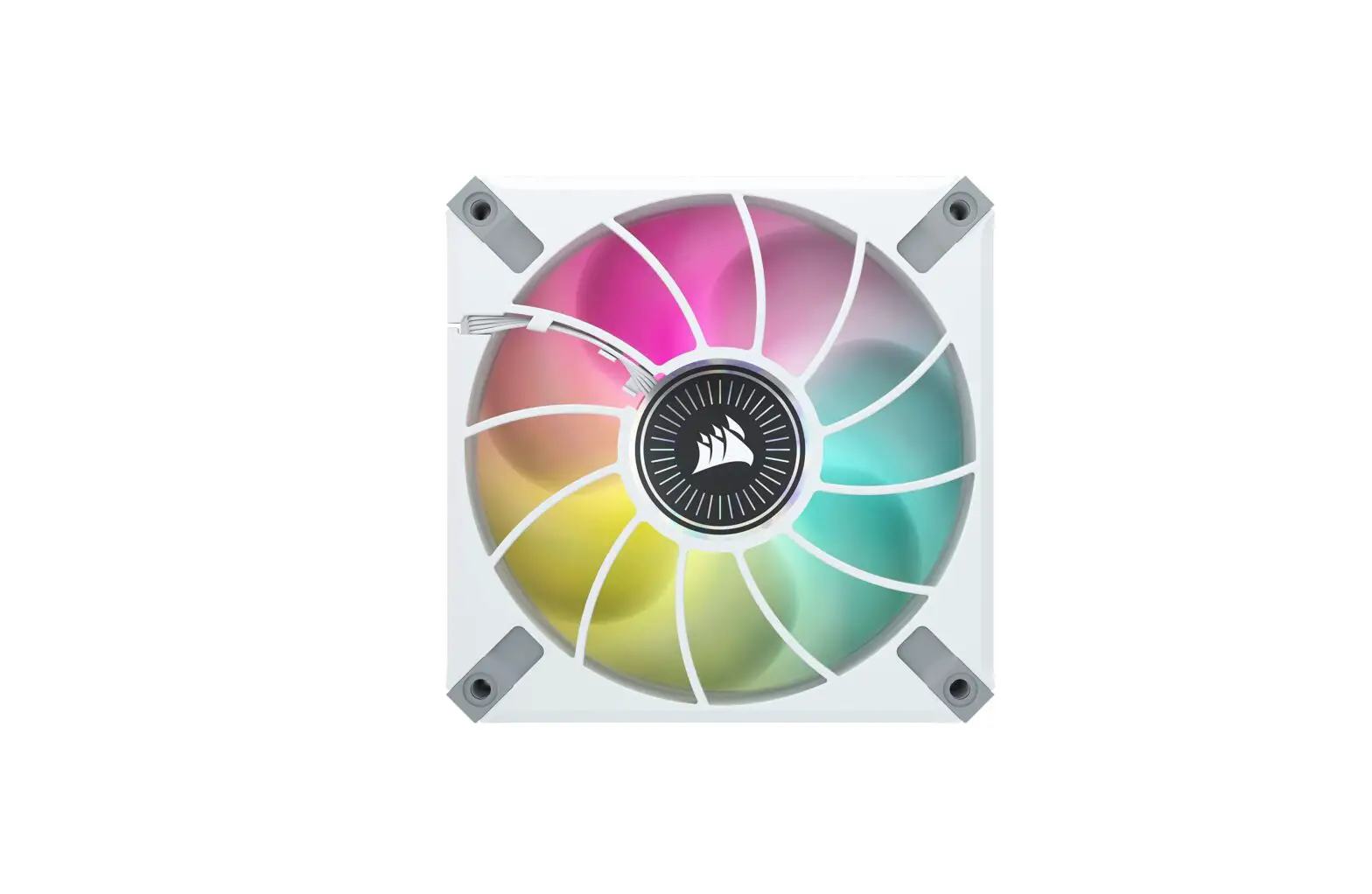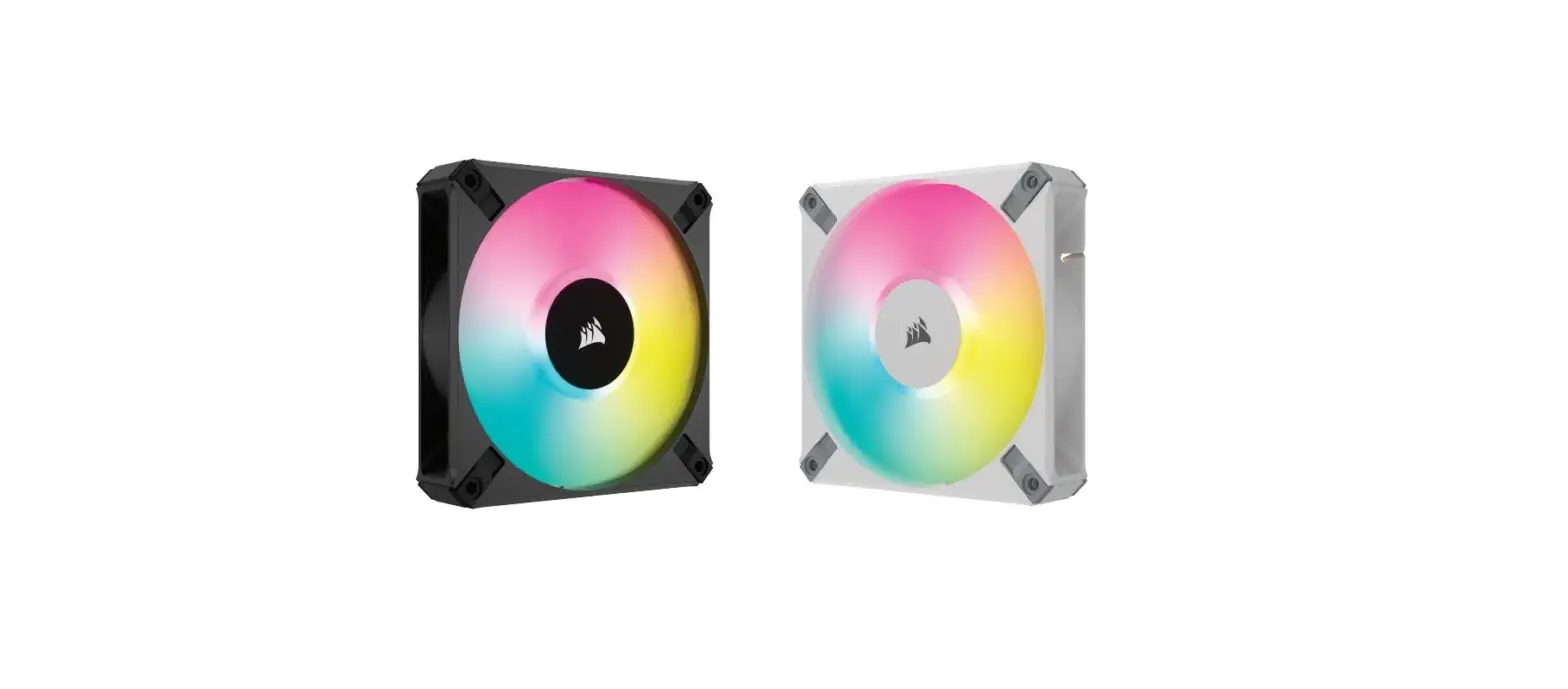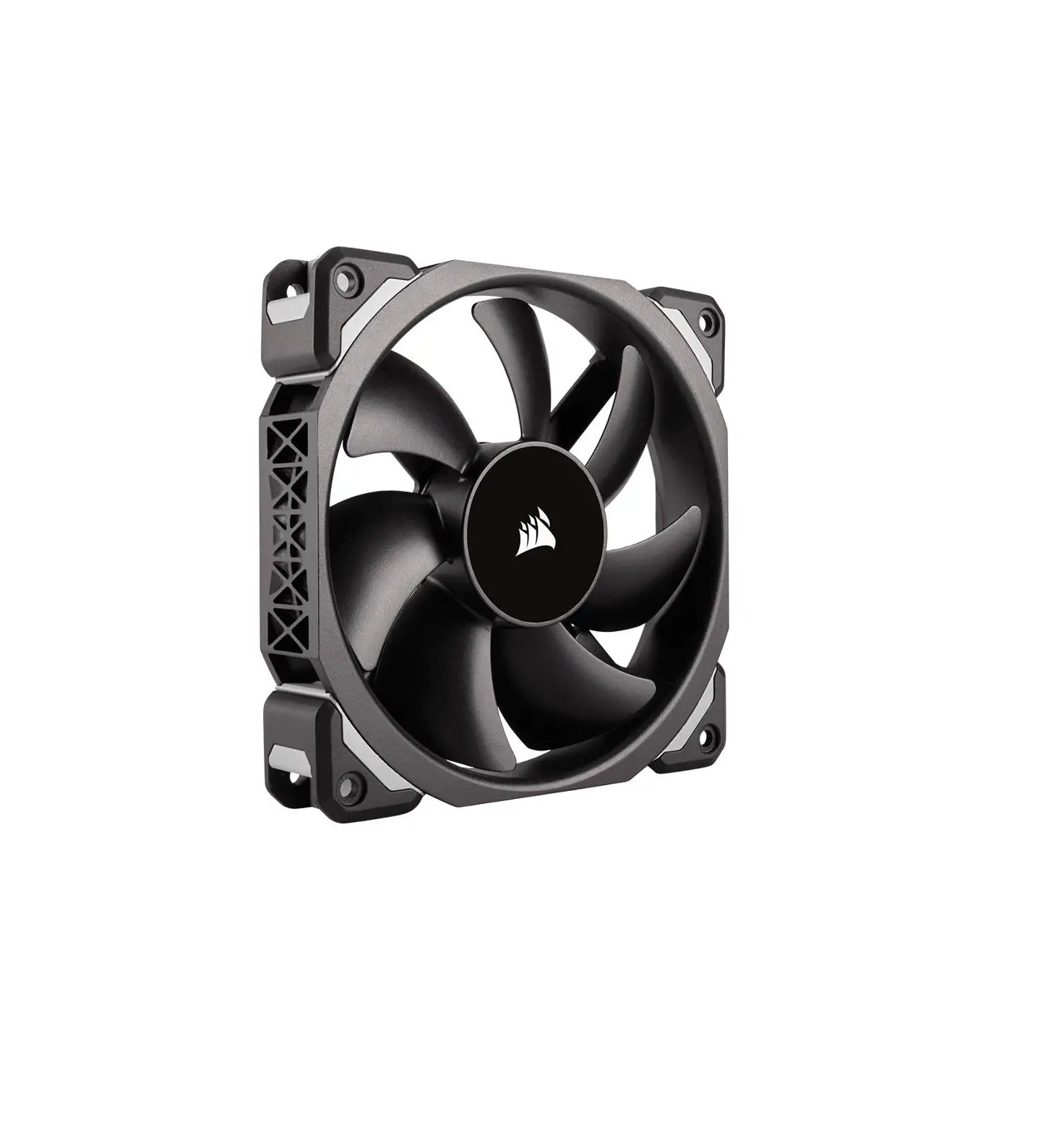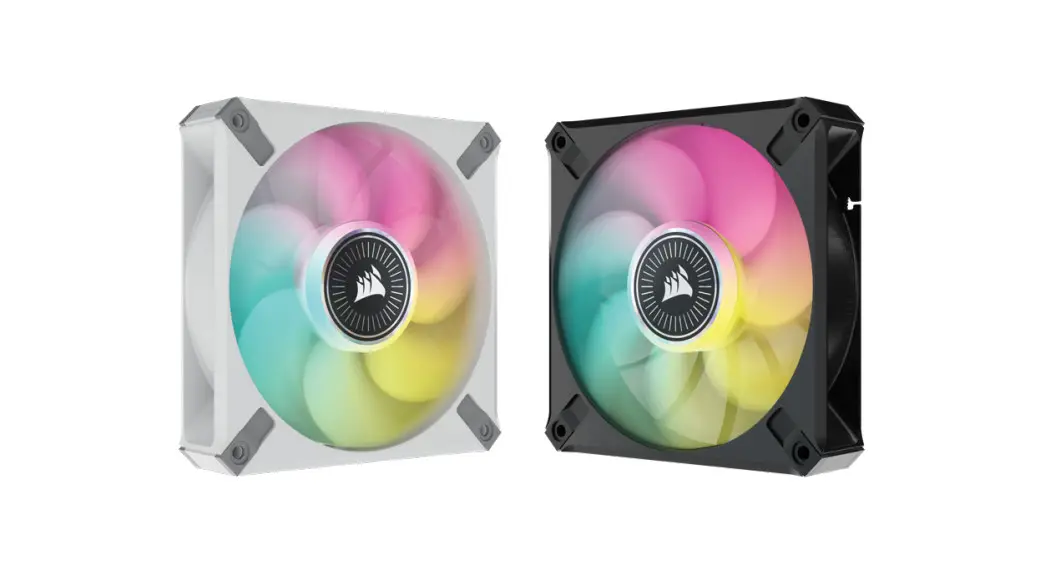
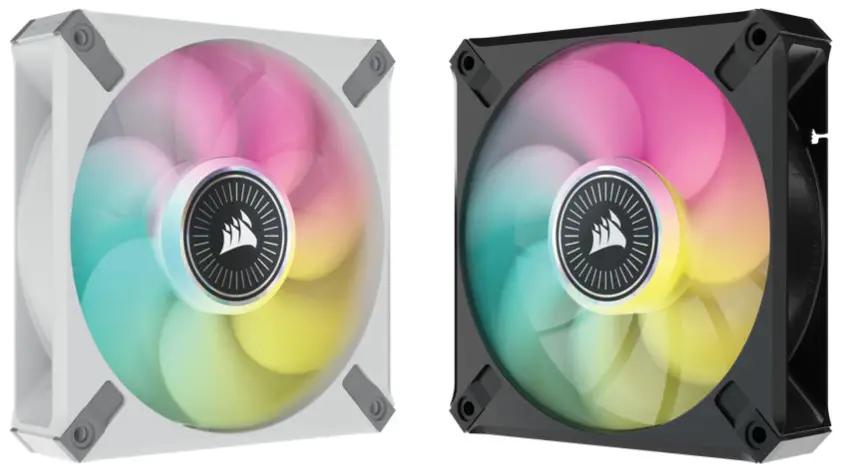
 ML RGB ELITE
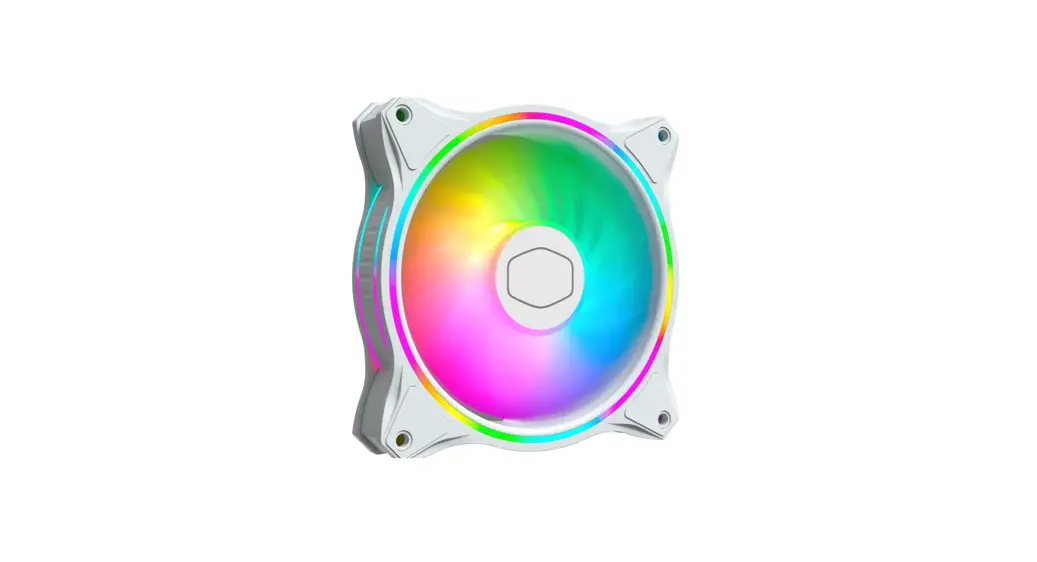
PREMIUM MAGNETIC LEVITATION RGB FAN
WITH AIRGUIDE TECHNOLOGY

REQUIRED HARDWARE
Phillips-head screwdriver (not included in fan kit; sold separately)

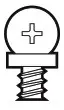
Short fan mounting screws
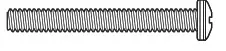
Long fan mounting screws*
*used when installing fans on a radiator; not included in fan kit; sold separately
FAN INSTALLATION
- Turn off the computer
 Turn your system off prior to installing your ML RGB ELITE fans and Lighting Node CORE.
 - Mount Lighting Node CORE
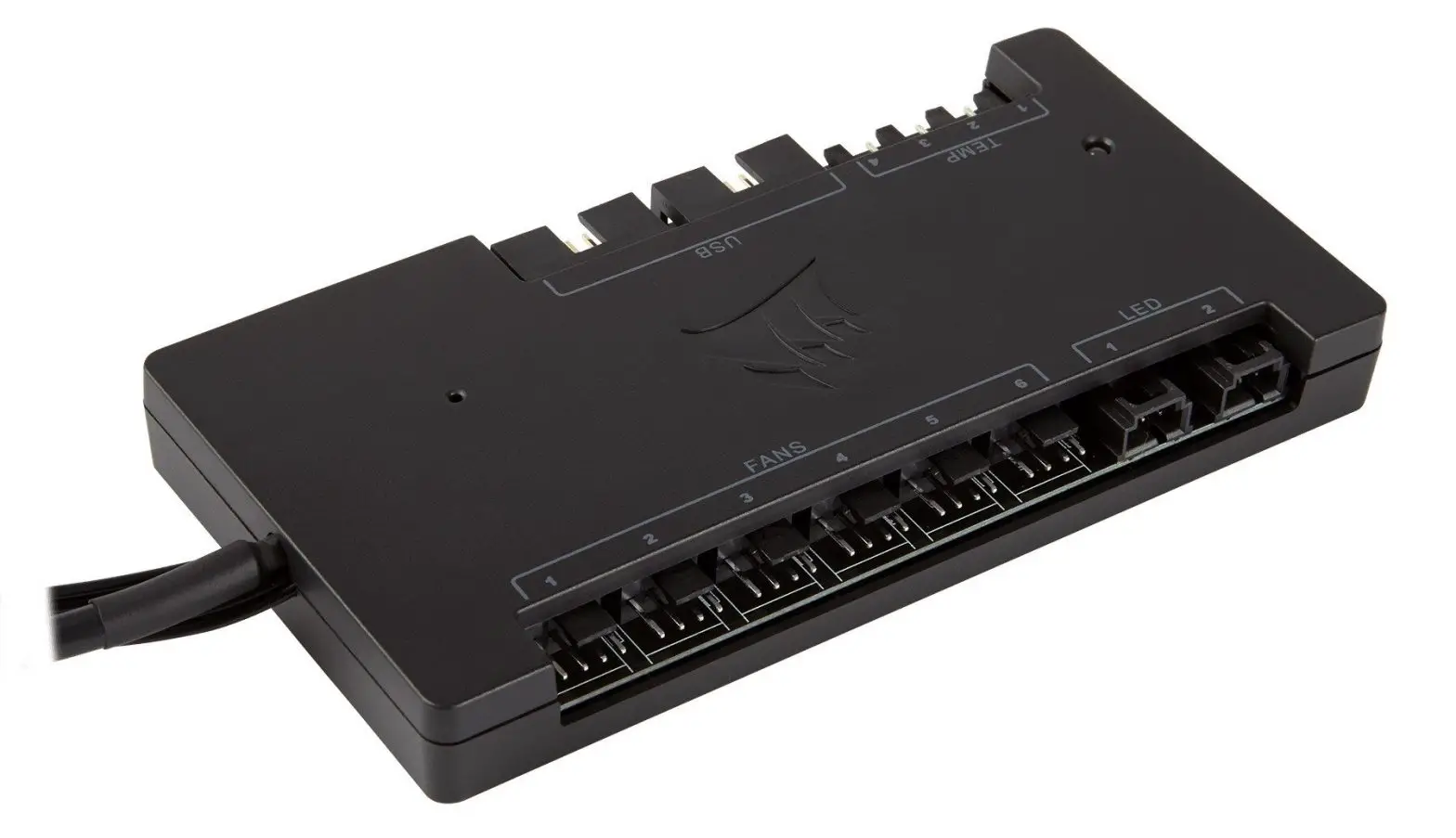
Find a location for the Lighting Node CORE hat that allows the fan RGB LED cables to reach the Lighting Node CORE, then mount it with the provided mounting strips.
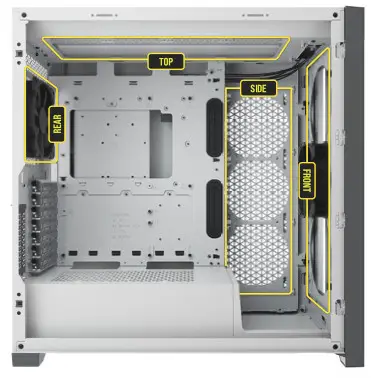
- Mount ML RGB ELITE
Mount the fans inside your case with the provided mounting screws. Fan mount locations will vary depending on the case manufacturer.
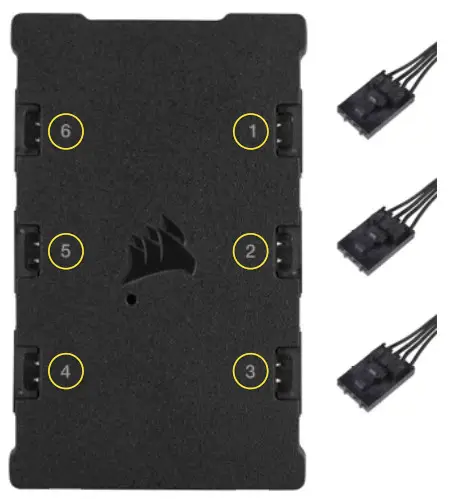
- Connect ML RGB ELITE
Connect the 4-pin RGB connector into the Lighting Node CORE in sequential order from port #1 to port #6.
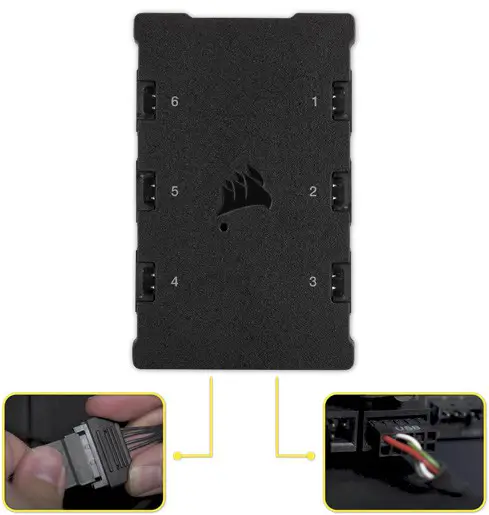
- Connect Lighting Node CORE
Plug the 9-pin USB cable from the Lighting Node CORE into an available internal USB 2.0 header on your motherboard or USB hub. Connect the SATA power connector to an available SATA connector from your power supply.
- Install iCUE
Click the image to download CORSAIR’s latest iCUE software.
- Configure iCUE
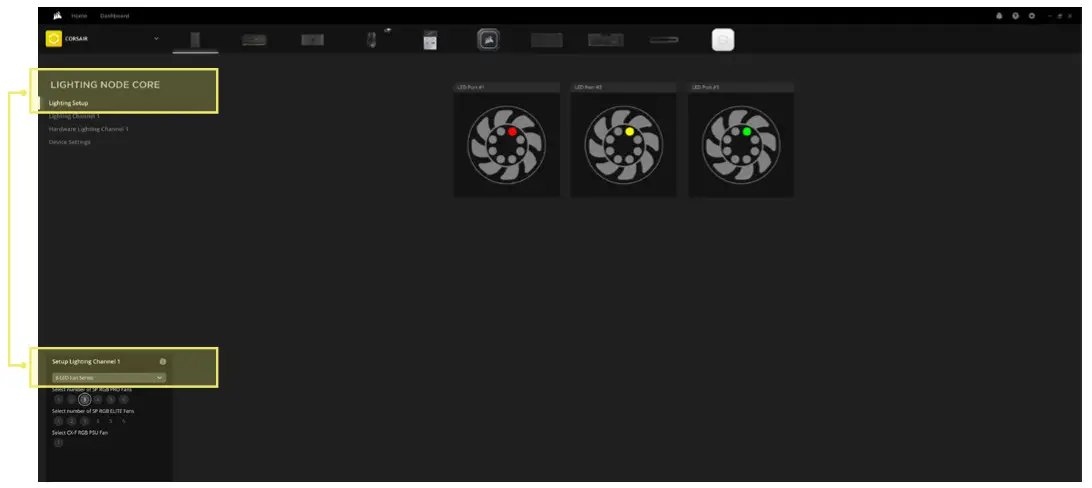
Once iCUE is installed, select the “8-LED Fan Series” in the Lighting Setup page under Lighting Node CORE.
 Turn your system off prior to installing your ML RGB ELITE fans and Lighting Node CORE.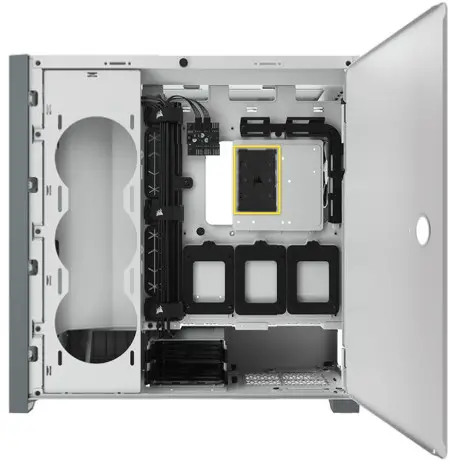

ADDITIONAL SETUP
Please visit our CORSAIR LAB for additional iCUE setup and configuration.
| LIGHTING NODE CORE | LIGHTING NODE PRO | COMMANDER PRO | COMMANDER CORE | COMMANDER CORE XT |
| Up to 6x RGB fans, RGB Lighting Control only | Up to 12x RGB fans, RGB Lighting Control only (requires RGB LED hub, sold separately) | Up to 12x RGB fans for RGB Lighting Control (requires RGB LED hub, sold separately) Up to 6x fans for fan speed control | Up to 6x RGB fans for RGB Lighting and fan speed control | Up to 12x RGB fans for RGB Lighting Control (requires RGB LED hub, sold separately) Up to 6x fans for fan speed control |
© 2021 CORSAIR MEMORY Inc. All rights reserved. CORSAIR and the sails logo are registered
trademarks in the United States and/or other countries. All other trademarks are the property of their
respective owners. Product may vary slightly from those pictured.
49-002526 AA