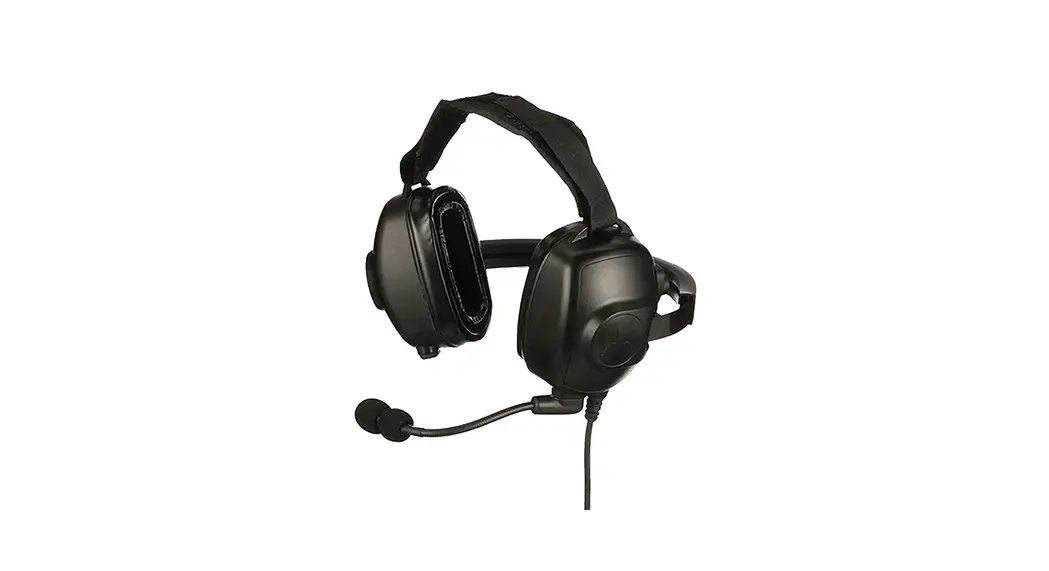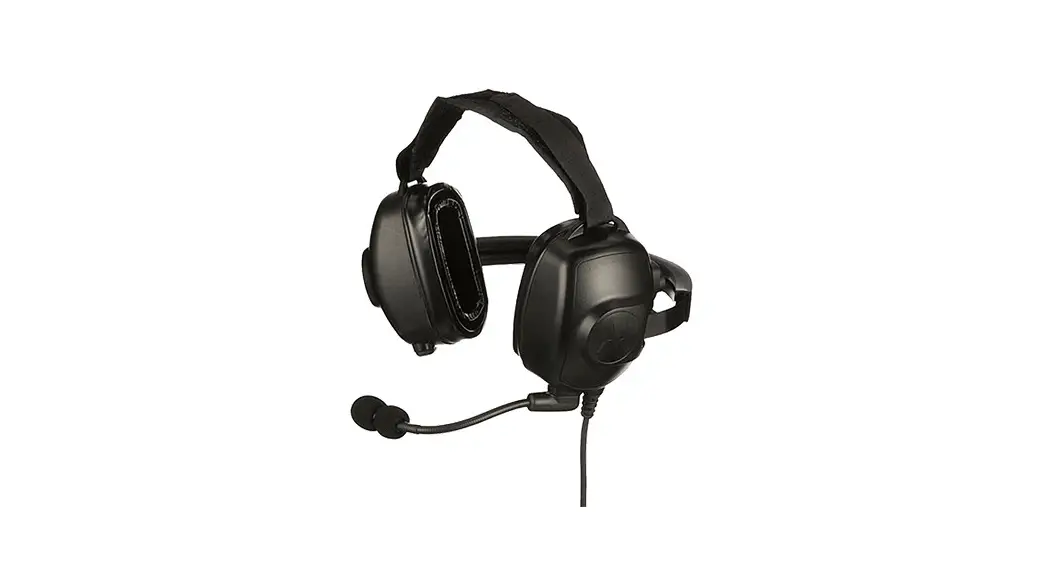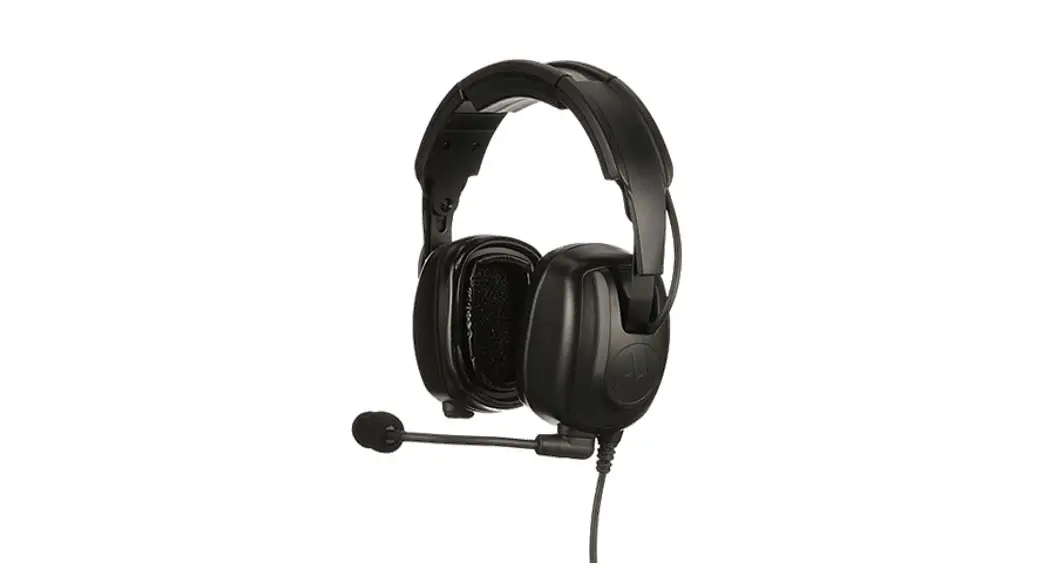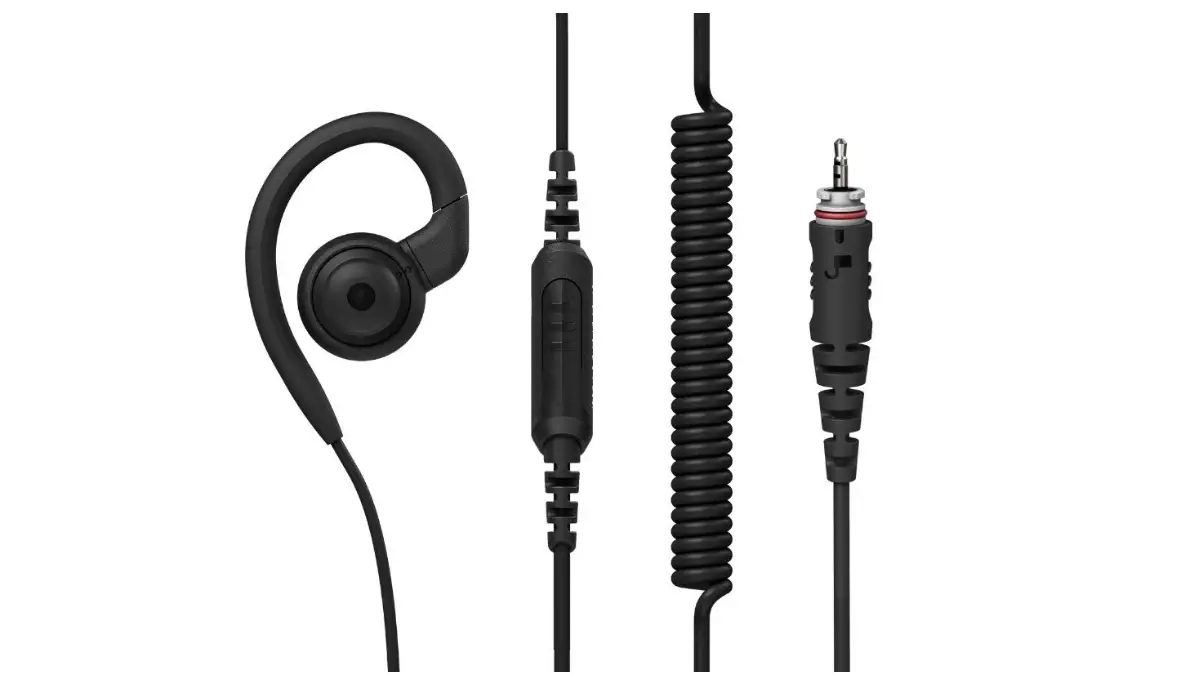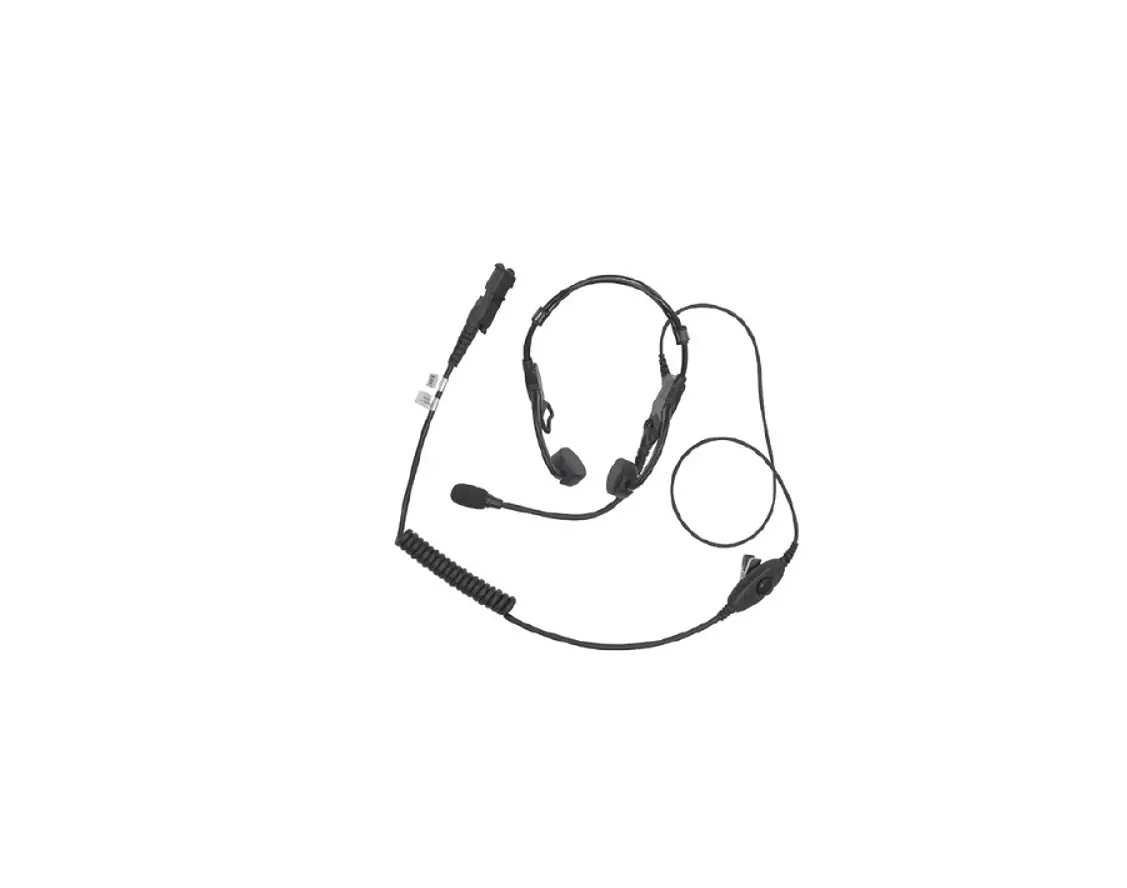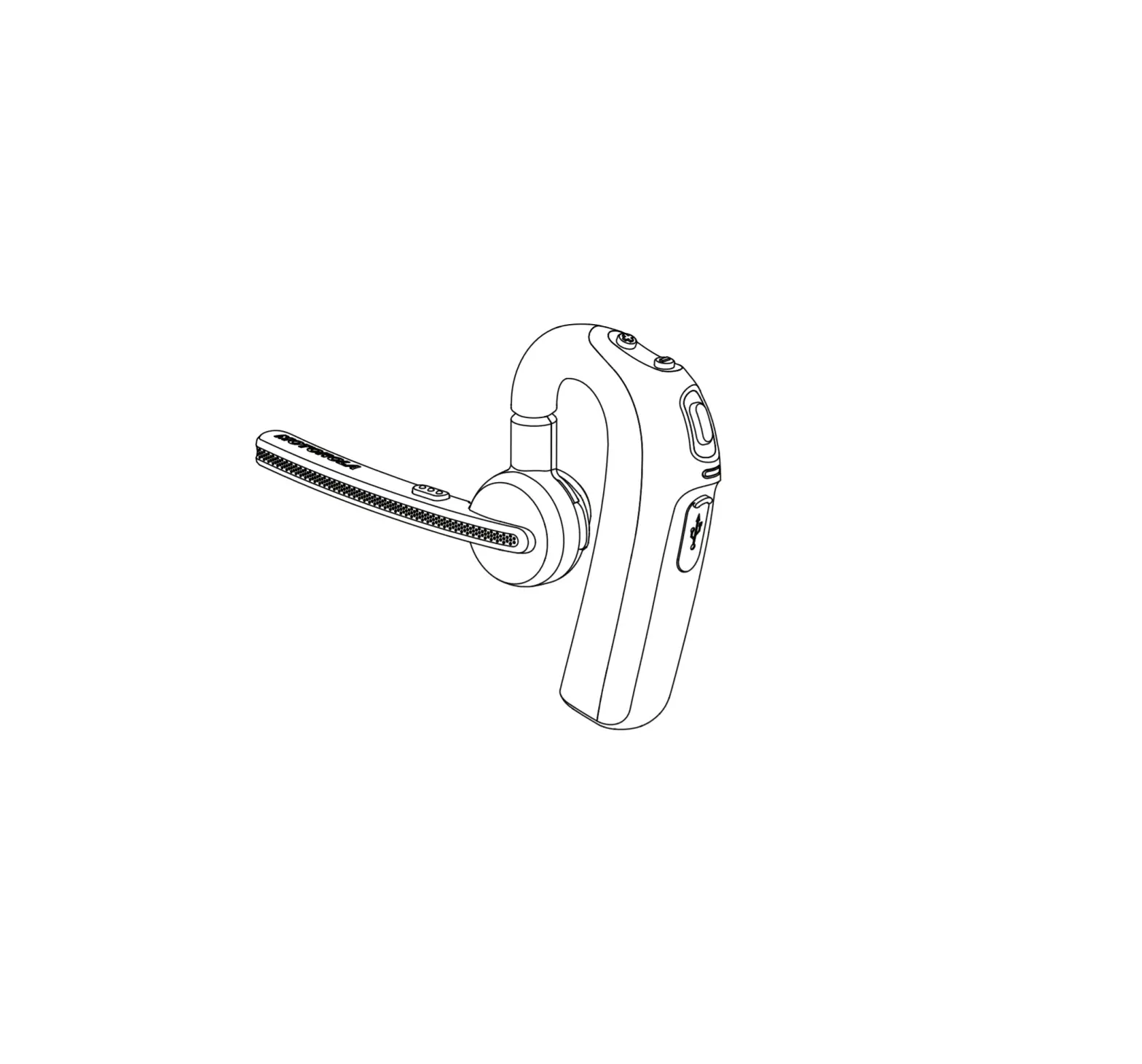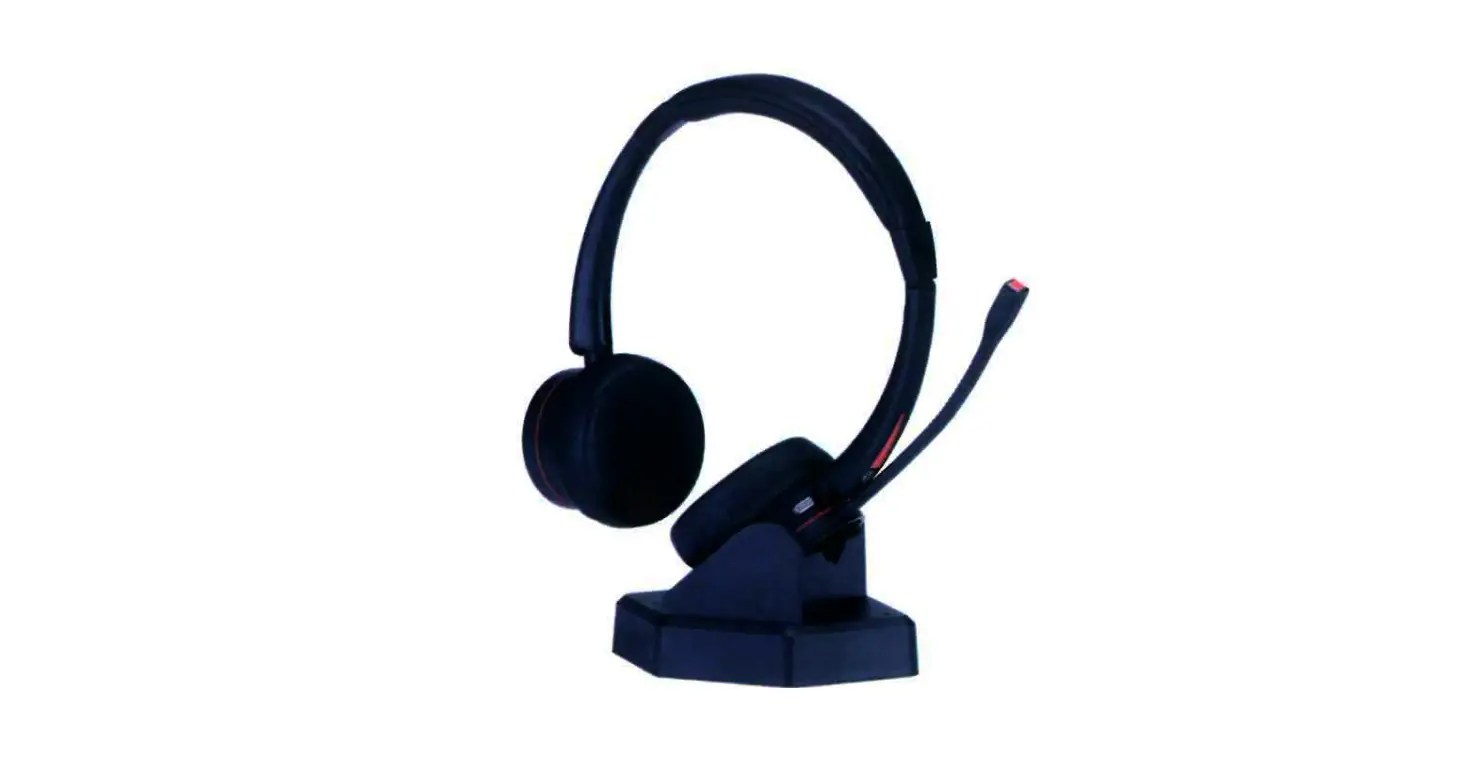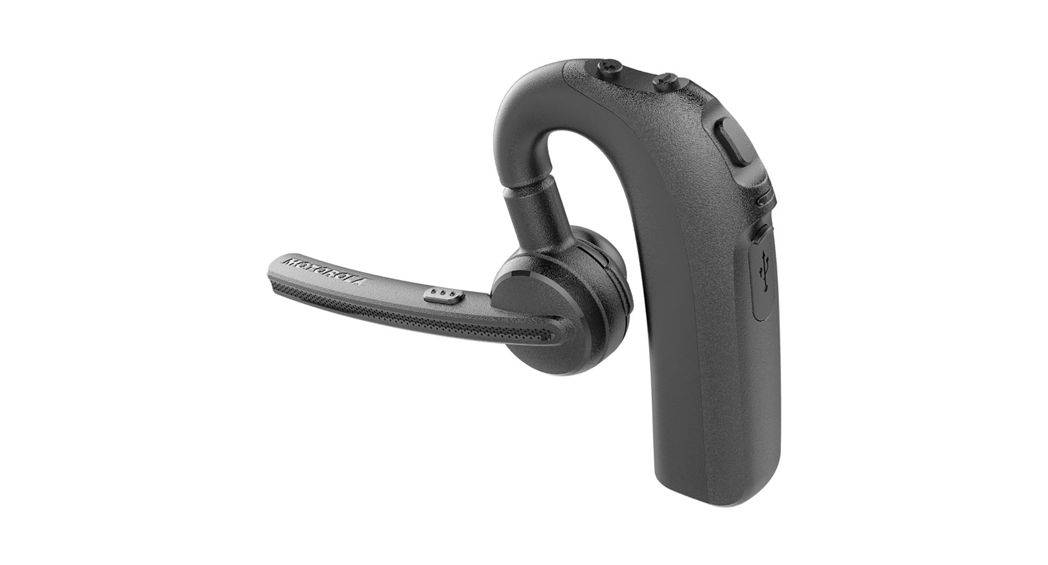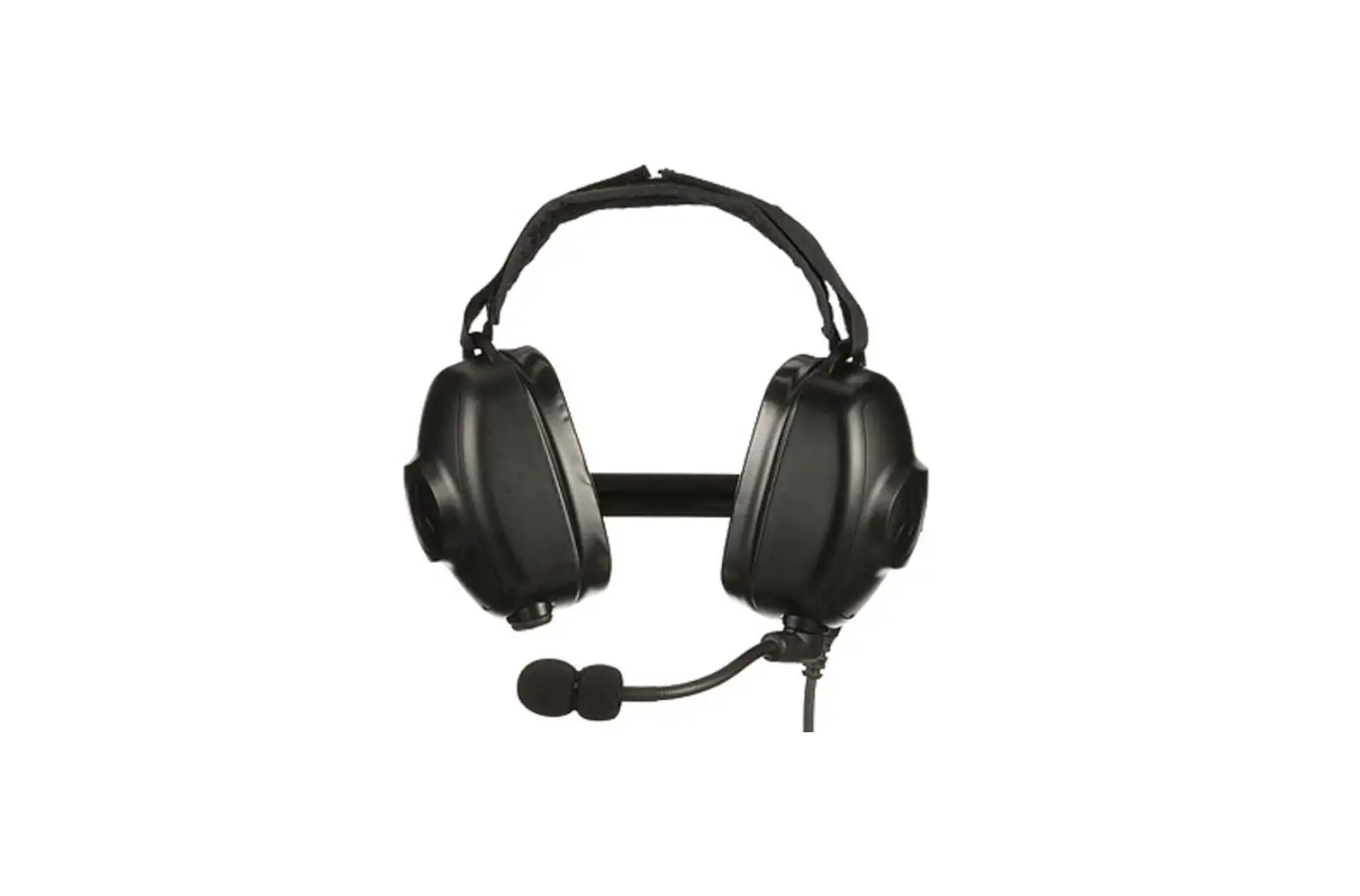
MOTOROLA SOLUTIONS PMLN8085 Behind-the-Head Headset User Guide
ACOUSTIC SAFETY
Exposure to loud noises from any source for extended periods of time may temporarily or permanently affect your hearing. The louder the radio’s volume, the less time is required before your hearing can be affected. Hearing damage from loud noises is sometimes undetectable at first and can have a cumulative effect.
To protect your hearing:
- Use the lowest volume necessary to do your job.
- Increase the volume only if you are in noisy surroundings.
- Reduce the volume before connecting headset or ear piece.
- Limit the amount of time you use headsets or earpieces at high volume.
- When using the radio without a headset or earpiece, do not place the radio’s speaker directly against your ear.
- • If you experience hearing discomfort, ringing in your ears, or speeches that are muffled, you should stop listening to your radio through your headset or earpiece, and have your hearing checked by your doctor.
Refer to the Approval manual that ships with the radio for information on intrinsic and/or non-incendive safety certification.
USING THE HEADSET
- Turn off your radio.
- Connect the headset to your radio. Ensure the mounting screw (where applicable) is not too tight.
- Turn on your radio. Ensure the volume setting is not too high.
- Adjust the velcro head strap for best fit or comfort.
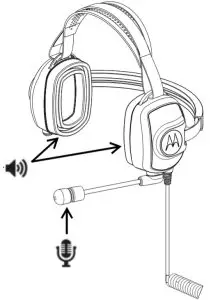
- To talk from the headset mic., position the boom mic. approximately 0.5 in. to 0.75 in. away from your mouth. Then, press and hold the PTT button.
- To listen from the headset speakers, release the PTT button.
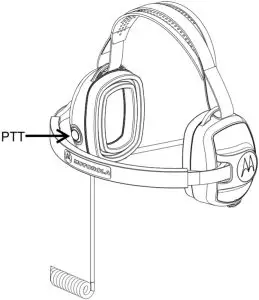
Note: On some radio models, the Voice Over Activation (VOX) function is activated from the radio setting.
Refer to radio CPS for configuration.
REPLACEMENT PARTS
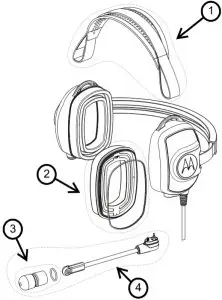
| No. | Item Description | Motorola Solutions Part Number |
| 1 | Mesh head strap | AY000309A01 |
| 2 | Gel ear seal with mesh and 0-Ring (2 per pack) | AY000311A01 |
| 2 | Gel ear seal with mesh and 0-Ring (2 per pack) | AY000311A01 |
| 3 | Microphone Windscreen with Retaining 0-Ring (5 per pack) | AY000310A01 |
| 4 | Left boom mic. Right boom mic. | AY000312A01 AY000313A01 |
CABLE MANAGEMENT
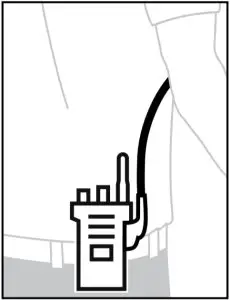
Recommended
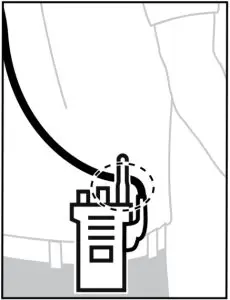
Not Recommended
To ensure optimum range and user experience, it is recommended to avoid crossing accessory cable with the radio antenna.
WARRANTY SUPPORT
Motorola Solutions offers warranty for your accessory. Refer to your Motorola Solutions dealer or point-of-purchase for detailed information.
NOTE: Warranty is void after customer replacement of any parts other than replacement parts listed.

MOTOROLA, MOTO, MOTOROLA SOLUTIONS and the Stylized M logo are trademarks or registered trademarks of Motorola Trademark Holdings, LLC and are used under license. All other trademarks are the property of their respective owners.
© 2020 Motorola Solutions, Inc. All rights reserved.
Refer to manual MN006813A01 for other languages: http://learning.motorolasolutions.com/
EU Contact: Motorola Solutions, Czerwone Maki 82, 30-392 Krakow, Poland

 Motorola Solutions