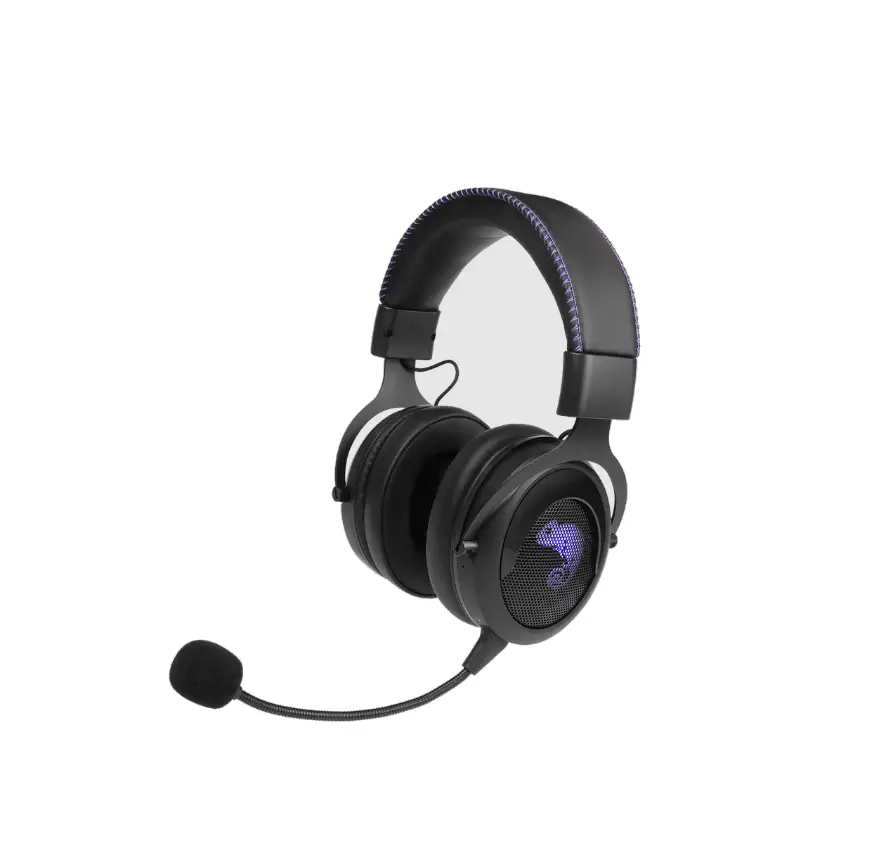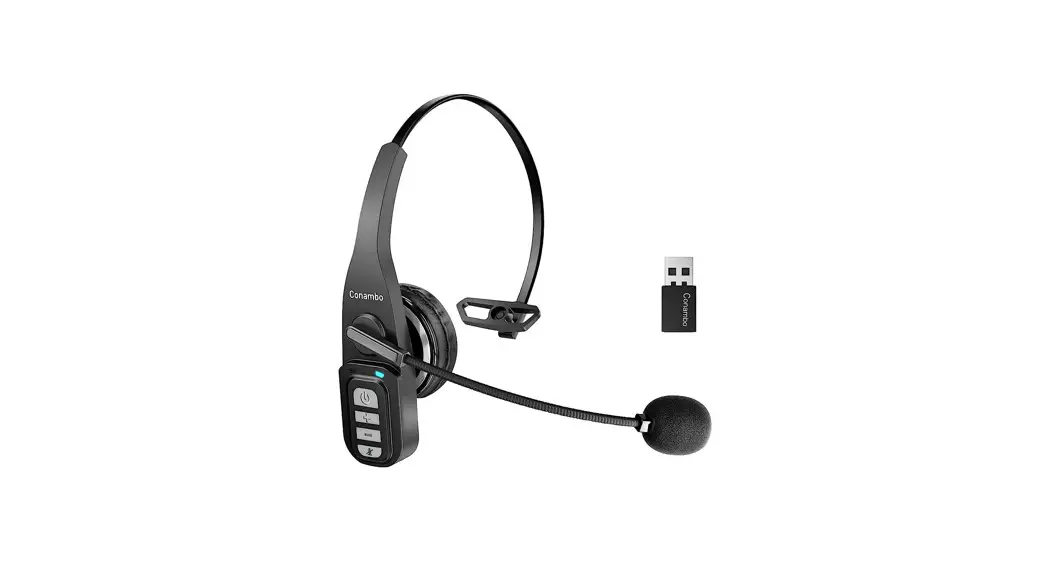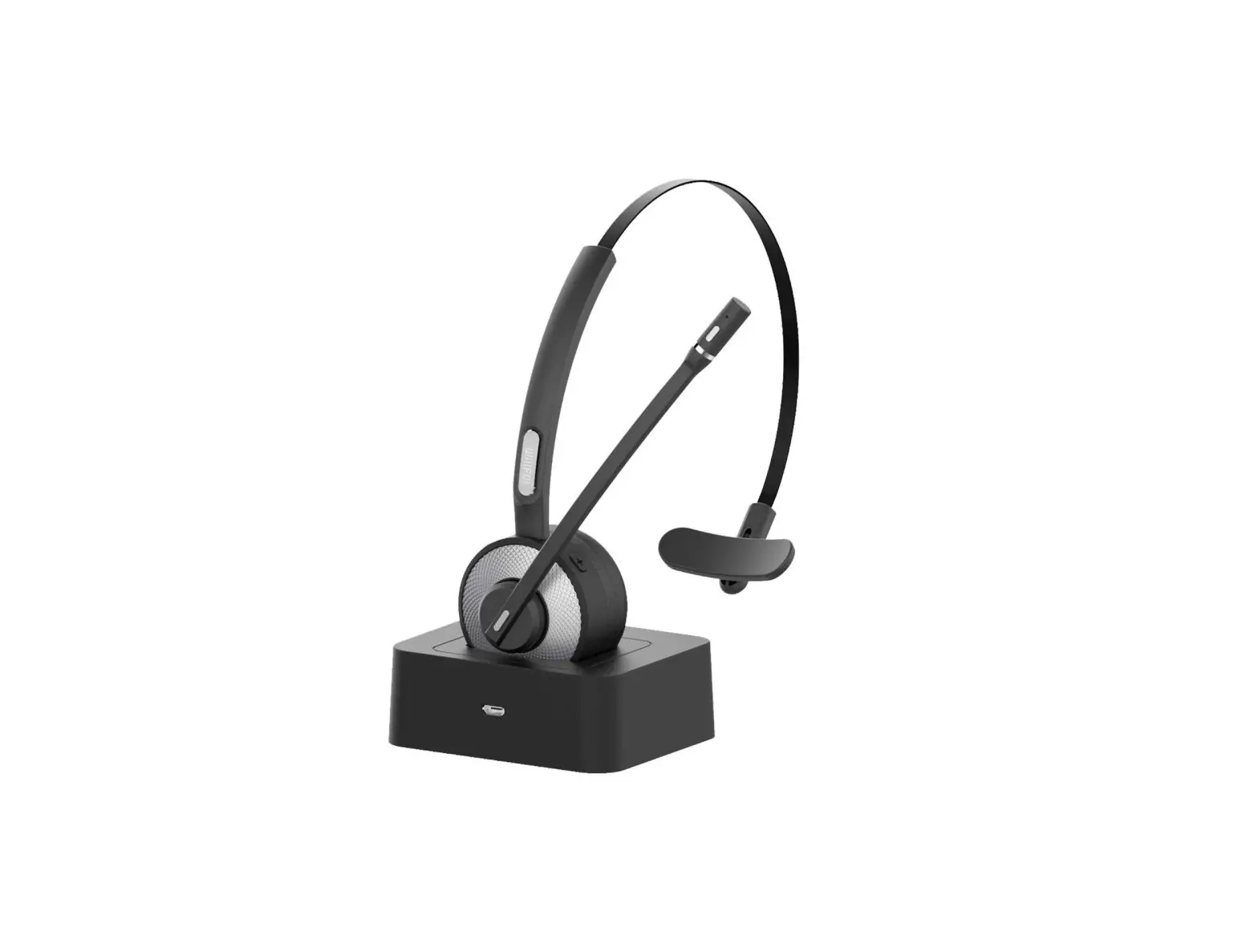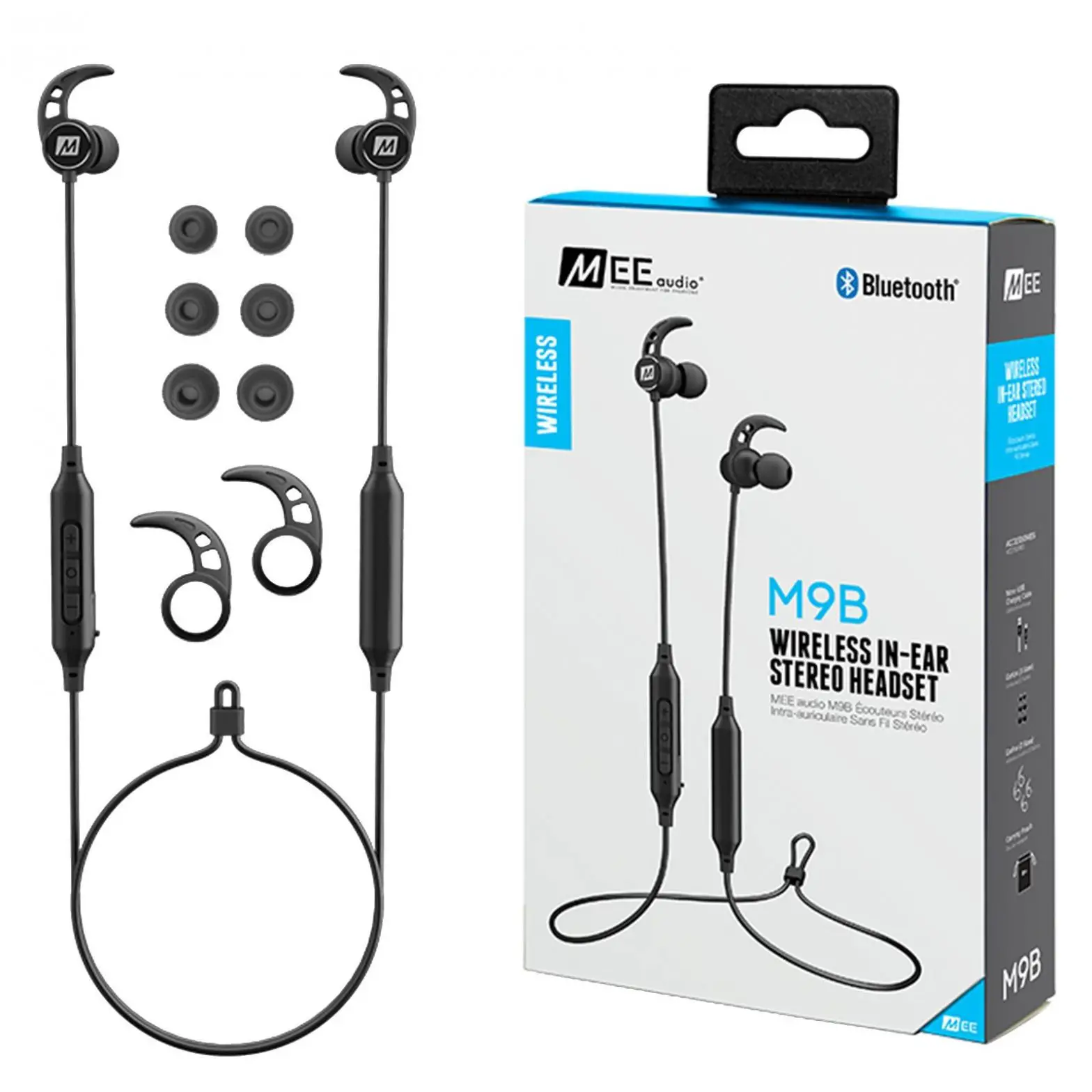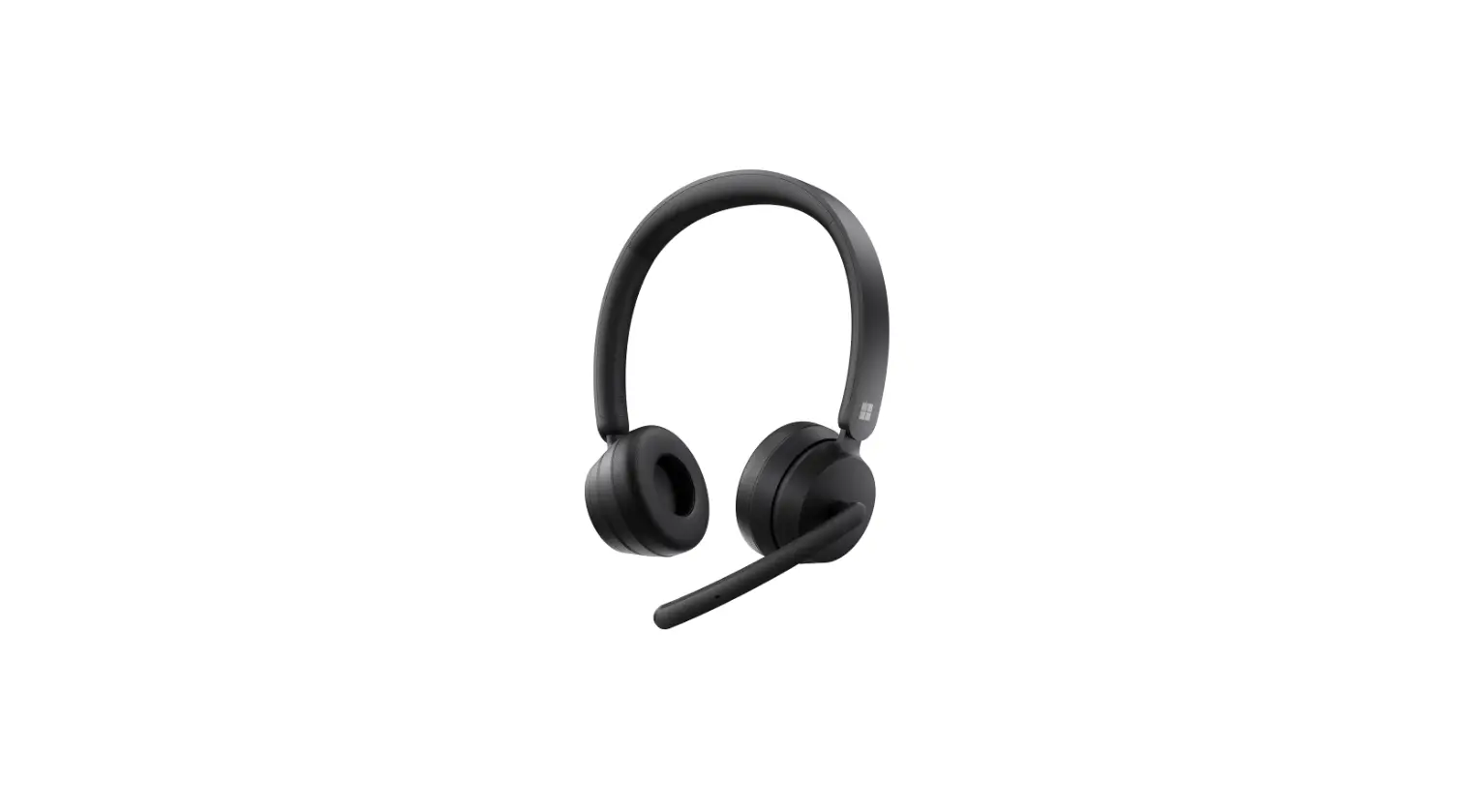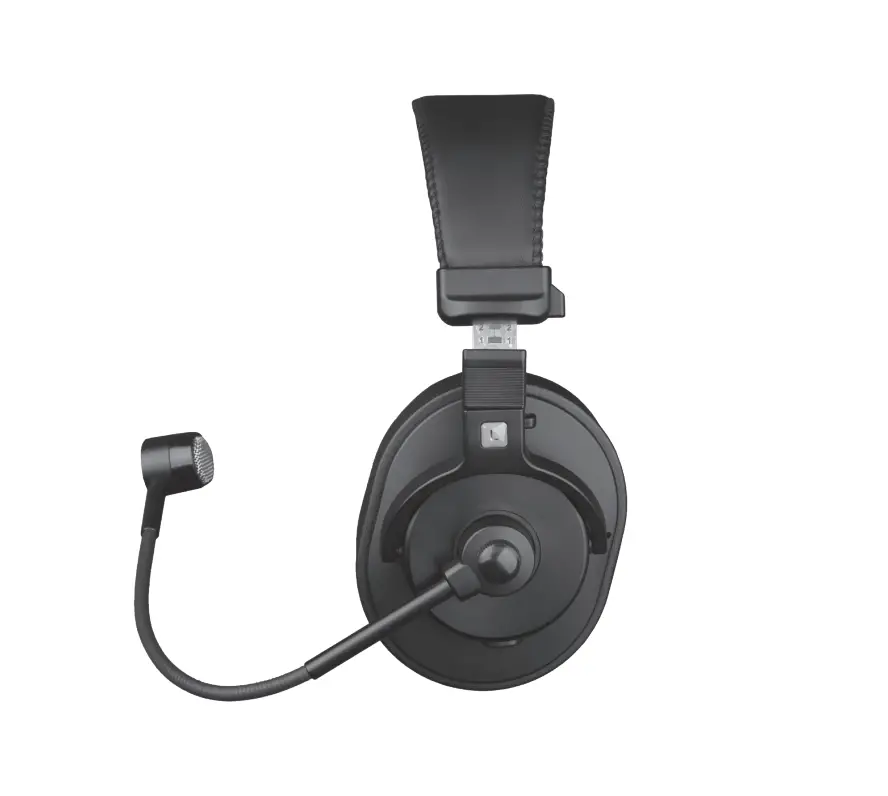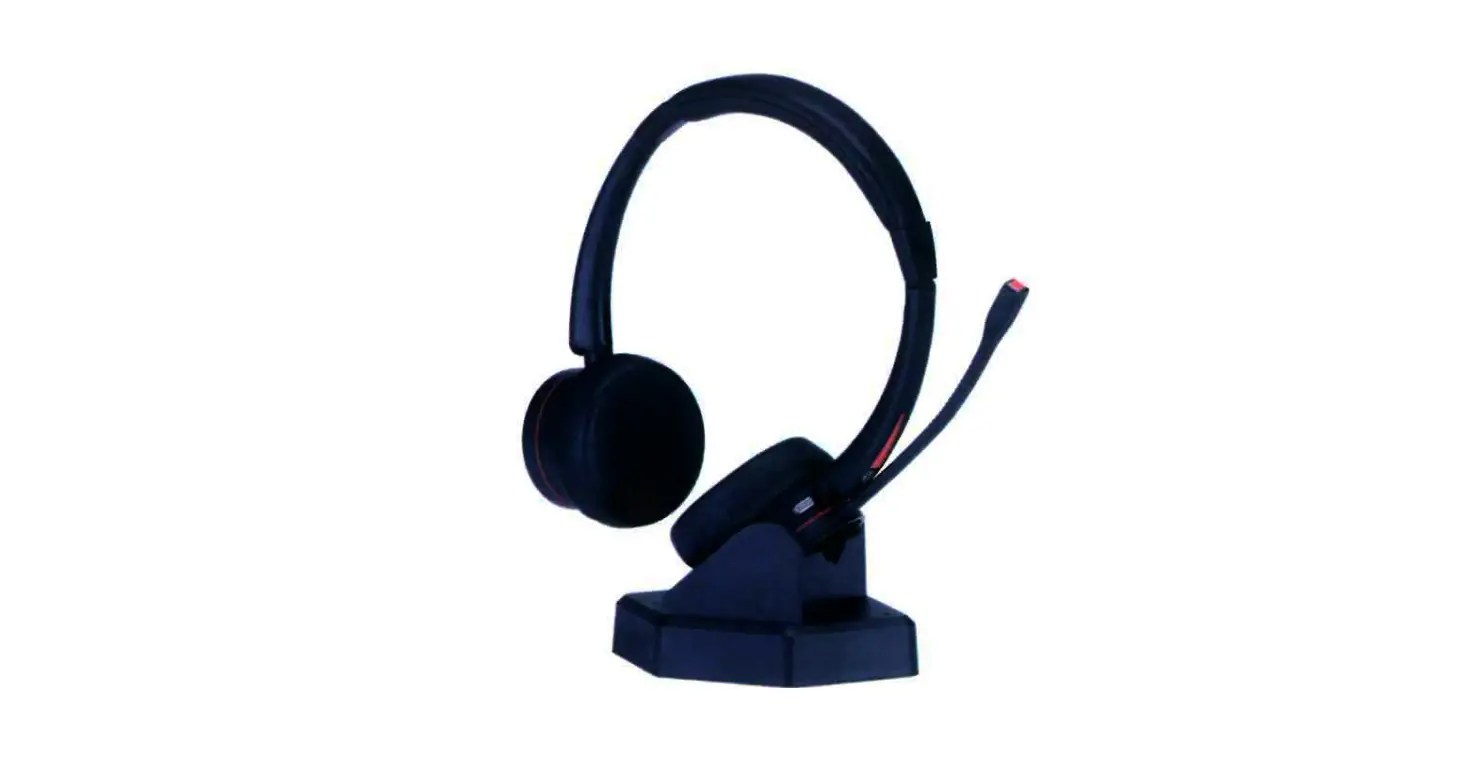
Headsets M890BT Wireless Communication Headset User Guide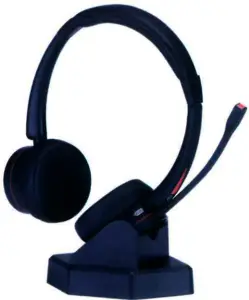
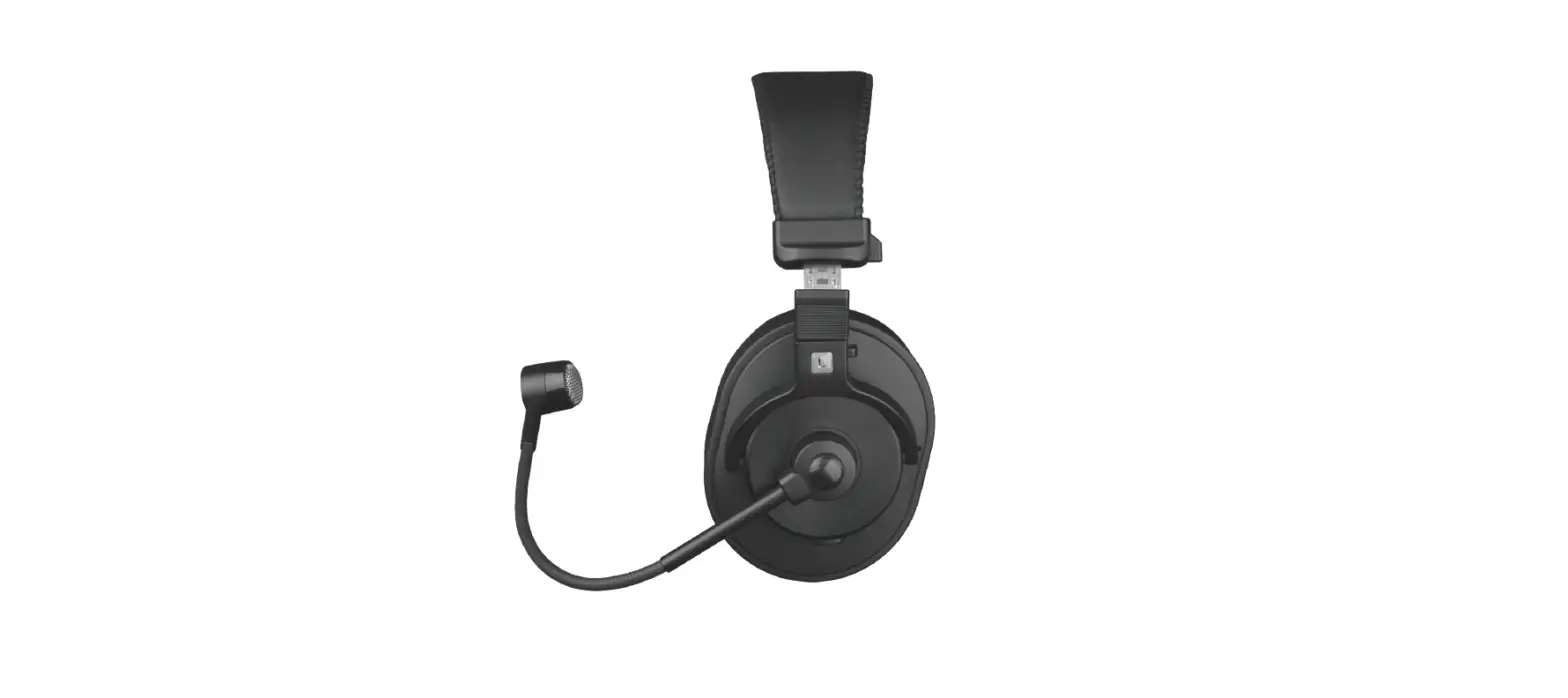
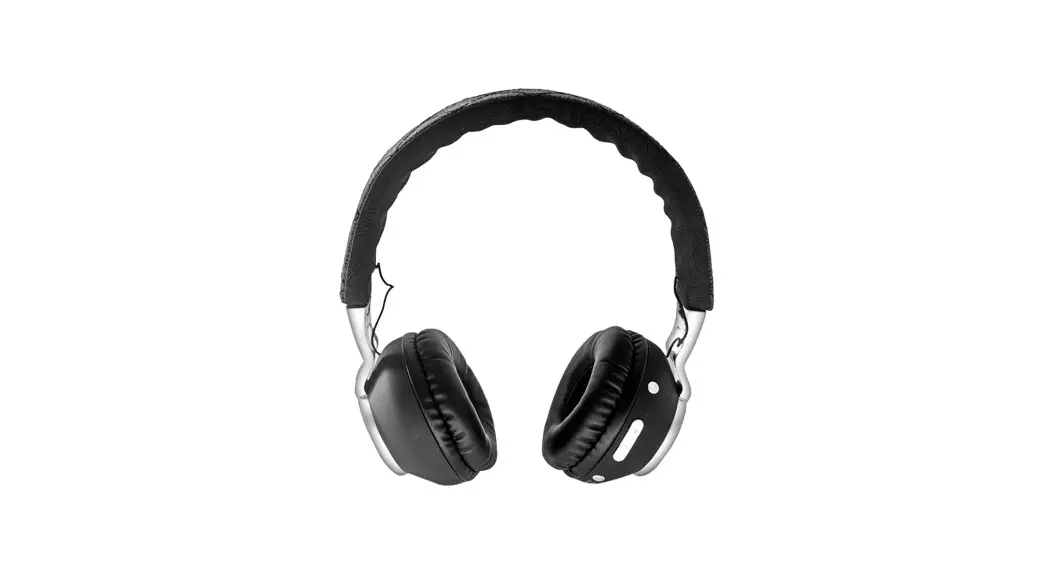
Product Overview
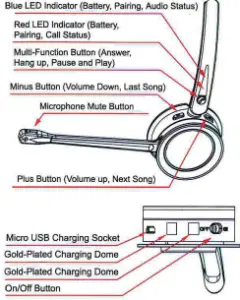
| Button | Function | Action |
| OnrOfi Burson | Headset on | glee seta to Icon .0N. |
| Headset off | Side switch to con ‘OFP | |
| Plus Button | Volume up | Tap the Pius Nation to increase the speaker volume |
| Next song | Long press the Plus button to switch to next sag when playing musk | |
| Mic Mute | Mic mute | Press the mute button to actvate chic mute during a call, there will be ‘loot’ every 3 seconds whie mute, repress the mute button to cancel rric mute. |
| Minus Button | Volume dowel | Tap the Minus button to decrease the speak& volume |
| Last song | Len press the Minus button to switch to last song *ten playing music | |
| Multi function Button | Pause | Tap the Multi.funclion button when *tog music |
| Answer end ties | Tap the Mullidunclion button | |
| Berea call | Long press the Multi-function button kw 2 seconds. |
Prompt Tone Introduction
| Headset Status | Tone |
| Power on | Power on |
| Power off | Power off |
| Pairing Successfully | Connected |
| Volume up/down | leer |
| Battery Low | leer every 5 minutes |
| Mic Mute | loot” every 3 seconds |
Headset LED Indicator
| Headset Status | LED Status |
| Pairing Mode | Light flashes blue and red alternately |
| Pairing Successfully | Light flashes blue repeatedly every 5 seconds |
| Battery Low | Light flashes red rapidly |
| Charging Mode | Red light continuously on |
| Fully Charged | Blue light continuously on |
| Audio Status | Blue light in the state of breathing, and the red light off |
| Call (Busy) Status | Red light in the state of breathing, and the blue light off |
Paring with Bluetooth Device:
- Be sure that your smart phone, laptop or desk phone has Bluetooth function.
- Activate the Bluetooth function on your smart phone, laptop or desk phone.
- Tum on your headset (slide switch to ‘ON”), you can hear prompt tone ‘power on°. The Led indicator will flash red and blue alternately, which indicates the headset is in pairing mode.
- (If pairing fails, the headset will power off automatically after indicator flashes 5mins, with prompt tone ‘power off” heard.) 5.Pair headset to your smart phone, laptop or desk phone.
- Search Bluetooth device on your smart phone, laptop or desk phone.
- Open ‘Bluetooth” menu and press ‘discover” or “add” to search M89OBTon your smart phone, laptop or desk phone.
- When M89OBT shows on your Bluetooth devices list, please click it to start pairing. Prompt torte ‘connected’ will be heard when pairing is successful, and the LED indicator will repeatedly flash blue every 5 seconds.
- This headset can store devices ever paired in memory. When powered on, the headset will automatically connect to the first two devices in memory.
 Cautions
- Most mobile phones have headset power on screen display. When the headset battery is low, the headset will beep once in 5 minutes and the indicator will turn red. Please charge it in time.
- Do not connect the full-charged headset to the charging circuit for a long time. Overcharging will shorten battery life.
- Please keep the headset battery safety. Do not put the battery or the headset into fire or water to avoid explosion.
- Do not use headset with high volume for extra long time, which may cause hearing loss. Always listen at a moderate level.
- Don’t charge with high voltage device, which may cause damage to the headset.
- Make sure that the headset is fully charged before using it if long time no use.
- Lifetime of the battery will be significantly reduced if your device is left uncharged for a long time. We therefore recommend that you recharge your device at least once a year.
Function Introduction
- Pair with 2 devices simultaneously M89OBT can pair with 2 devices simultaneously.
- Connect the first device with M890BT
- Turn off the Bluetooth function of the first device
- Connect the second device with M890BT
- Turn on the first device’s Bluetooth function, then M89OBT is paired with both devices.
- Redial function
Quick press the multi-function button twice to redial the last call. - One-touch play function
Press the multi function button once, the default music player of the mobile phone will play automatically (some mobile phones cannot implement this function). - Automatic re-connection function
Bluetooth connection can be automatically re-connected if headset back to the Bluetooth range within 5 mins. If reconnect falls, please turn off the headset and then turn it on again to reconnect. - Mic mute function
Press the Mute button to activate mic mute during a call, repress the mute button to cancel mic mute.The tone ‘toot” will be heard every 3 seconds during mic mute status.
Product Warranty Card
| Customer Name | Product Model No. | |||
| Dale of Purchase | Tel No/E-mail: | |||
| Problem Description: | ||||
| Microphone | Speaker | Battery | Buttons | |
| Warranty: Failure of headset buttons, speaker or microphone: charge unavailable. Out of Warranty:
| ||||
| OQC CHECKING |  | |||
Specification
Pairing Name: M89OBT
Bluetooth Specification: CSR-V5.0, dual mode, downward compatible.
Frequency Range: 2.4GHz-2.480GHz
Support Protocols: A2DP, AVRCP, HFP, AAC,etc.
Two Bluetooth devices can be connected at the same time. Transmission Distance: up to 30 meters (Transmission distance depends on the environment and Bluetooth device)
Maximum Talk Time: 20 hours
Standby Time: 200 hours Working Temperature: 0°C to 45°C
Speaker:
Frequency: 20Hz-20KHz, Hi-fi
Distortion: 51%
Sound Channel:
Binaural: Stereo
Monaural: Mono
Microphone:
Microphone: Directional noise reduction microphone
Acoustic Noise Canceling Structure
Crystal clear sound and voice (DSP)
Headset Battery:
Type: Lithium-ion polymer
Battery Capacity: 320mAh
Charging Voltage: 5V DC
Life lime: Minimum recharging 1000 times
Operating Temperature: -10°C to + 60°C
Charging Time: 2 hours
Charging Interface:
Micro USB
Charging Base:
Net Weight: 115g
Headset Net Weight:
M89OBT Mono 70g
M89OBT Duo 95g
1790 Route 70 East Cherry Hill NJ 0800 856 761 1000