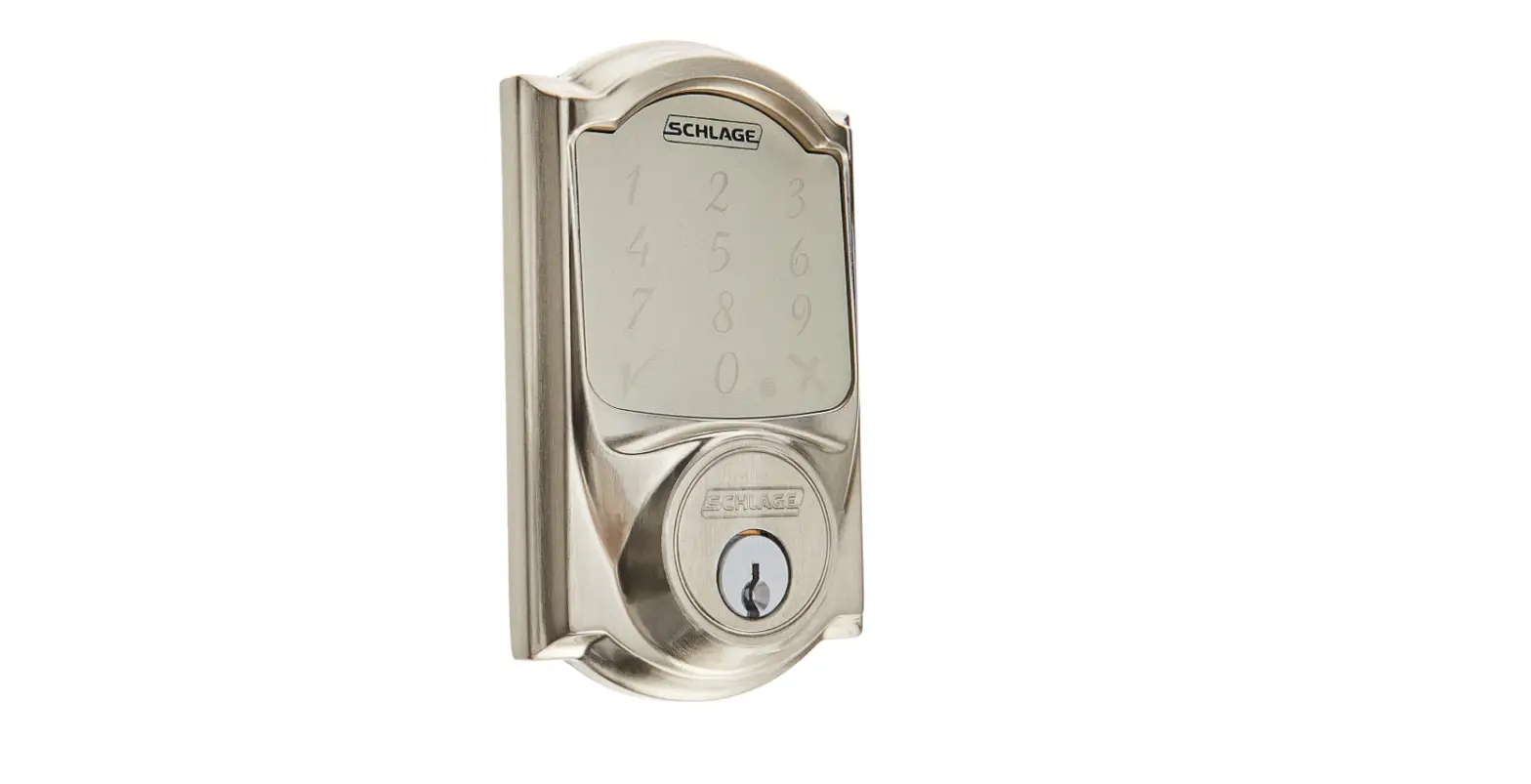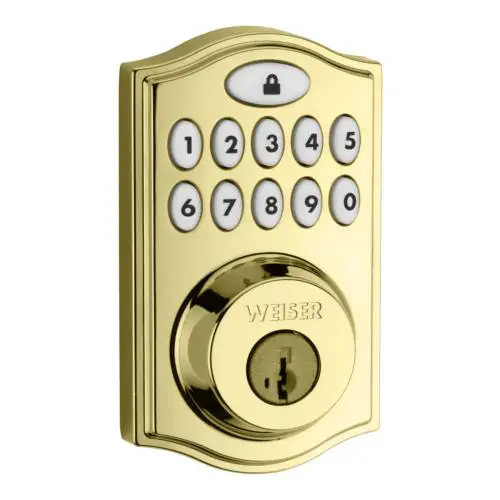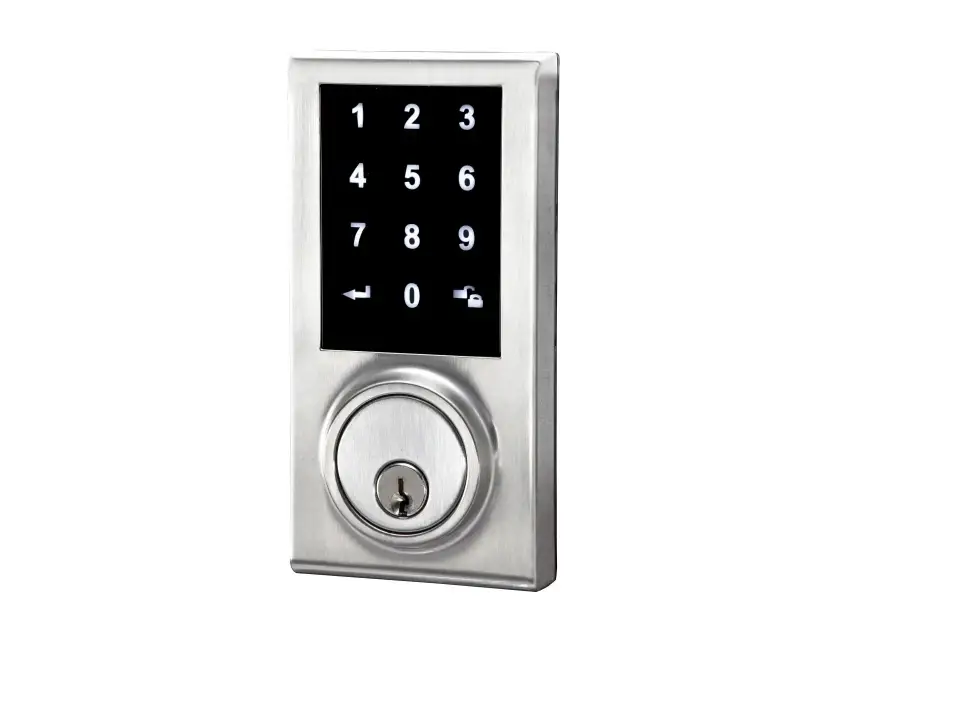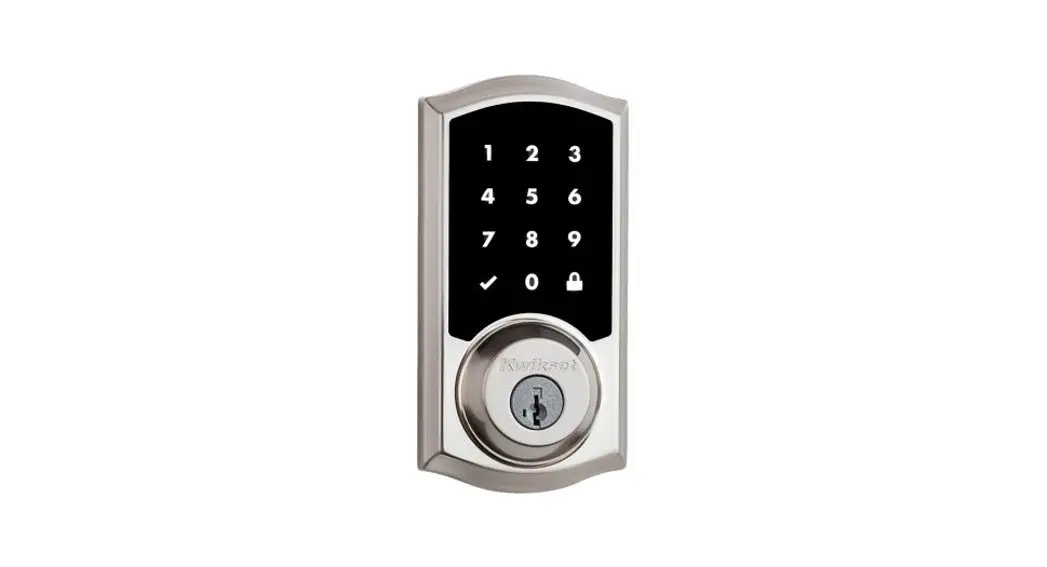

PRODUCT GUIDE
SmartCode™
Electronic Deadbolt with Z-Wave Technology
OVERVIEW
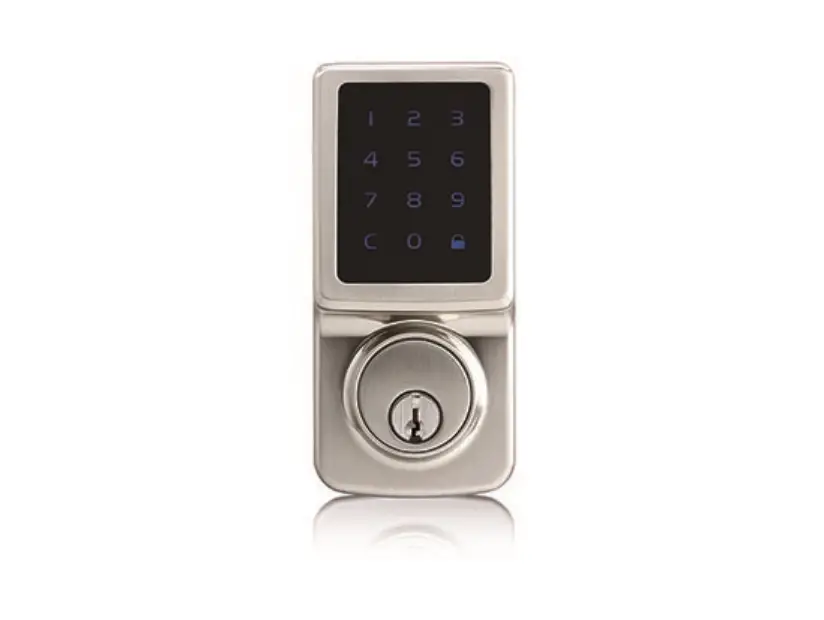
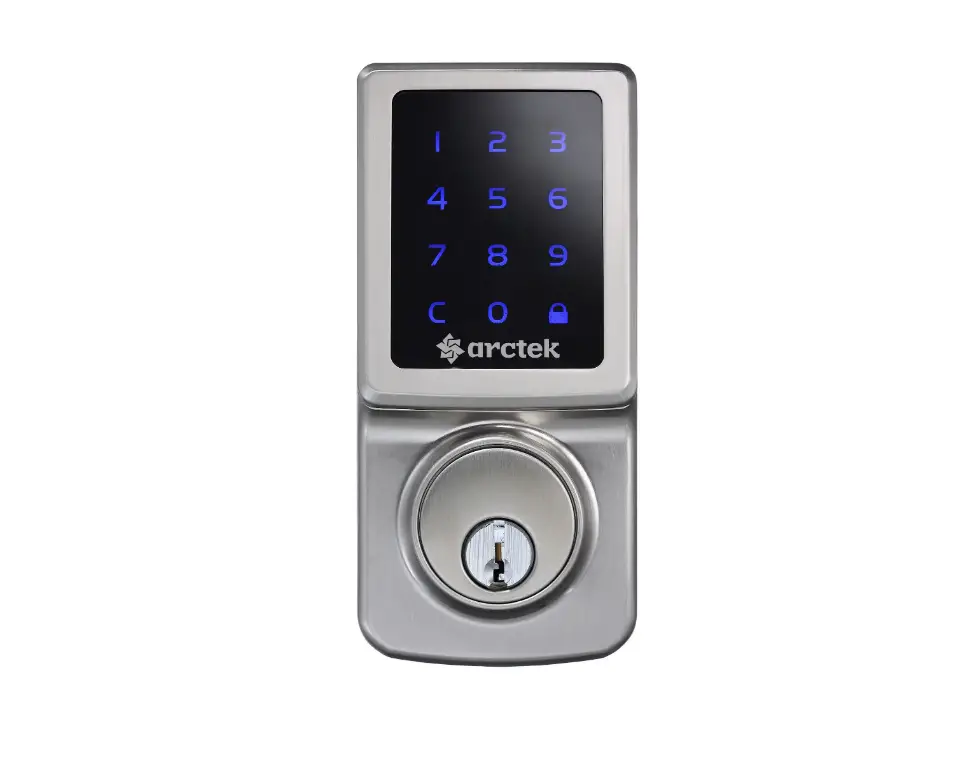
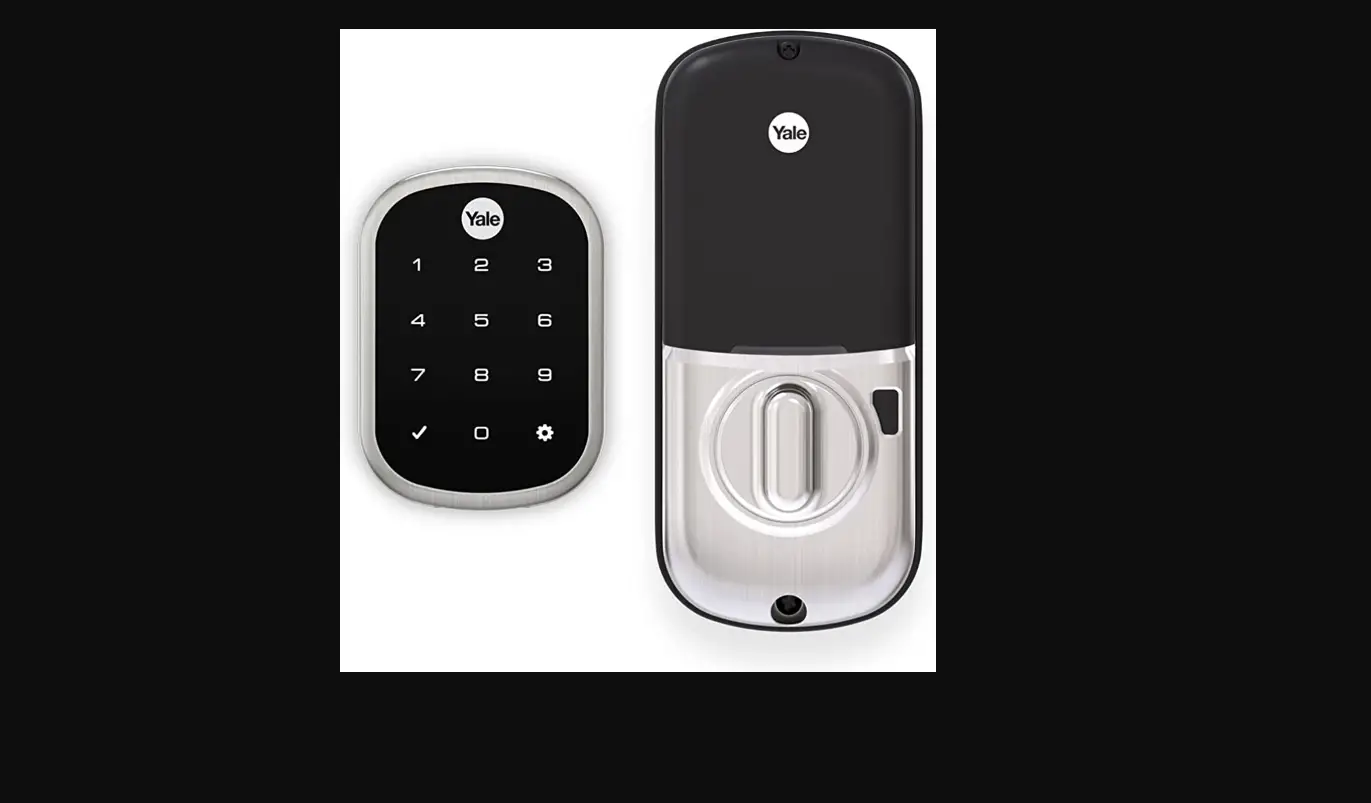
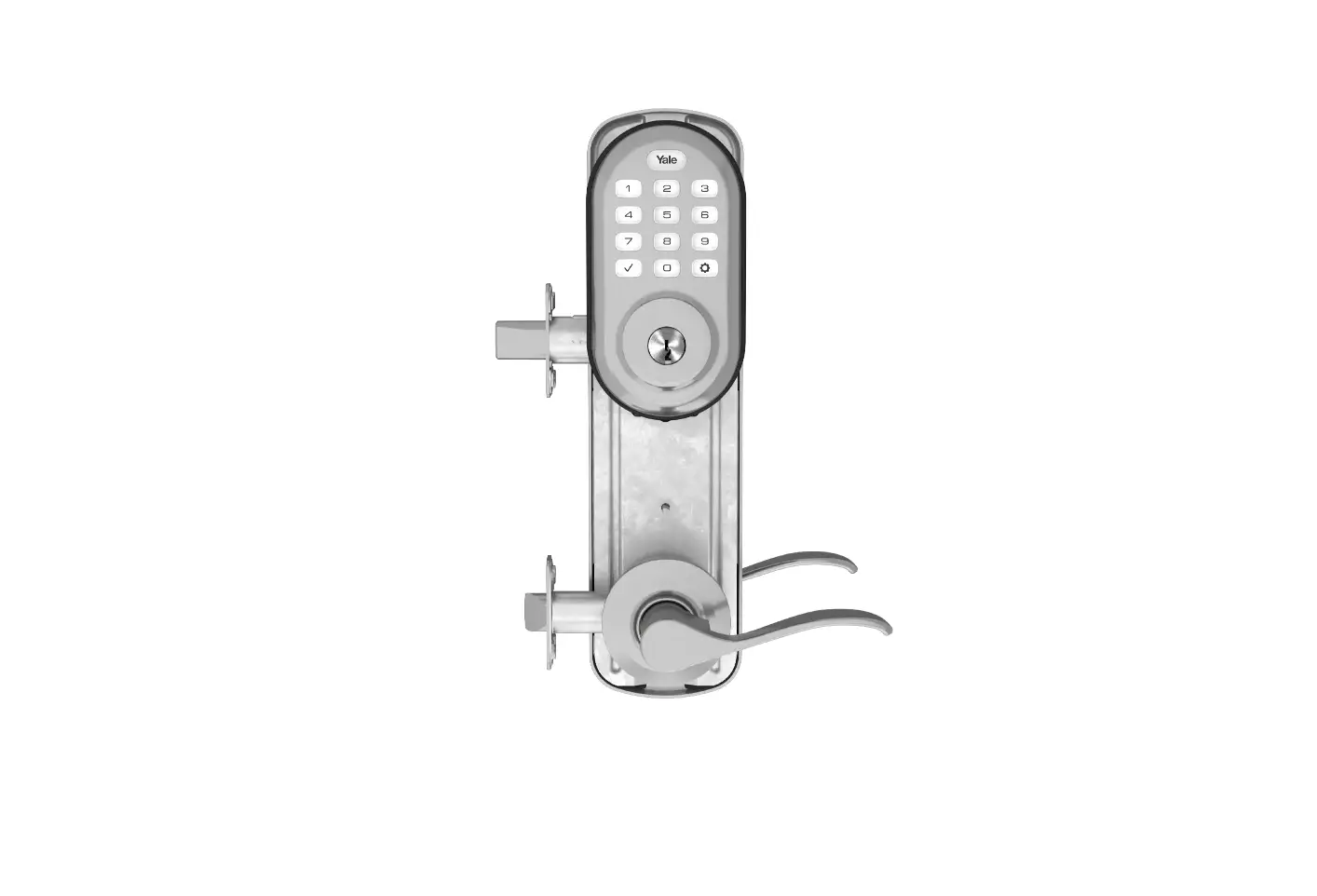
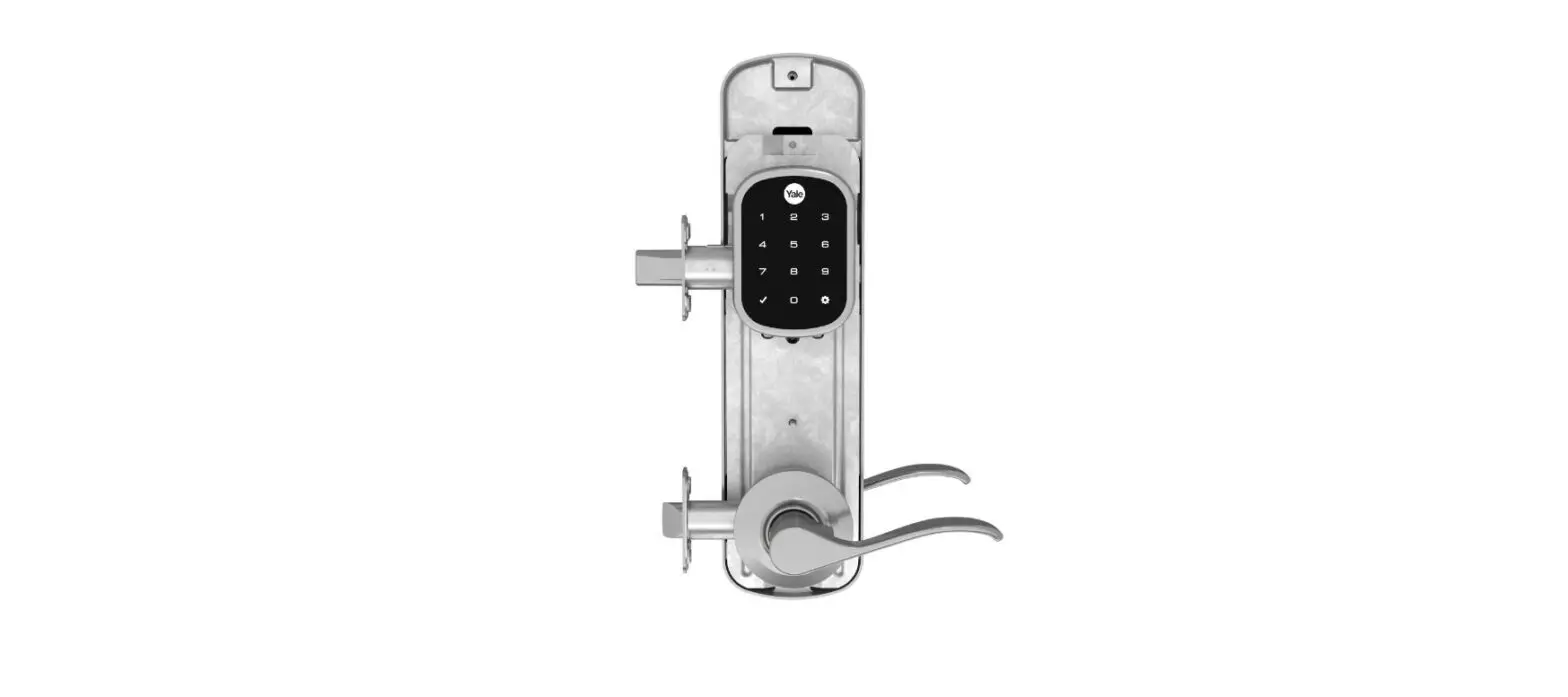
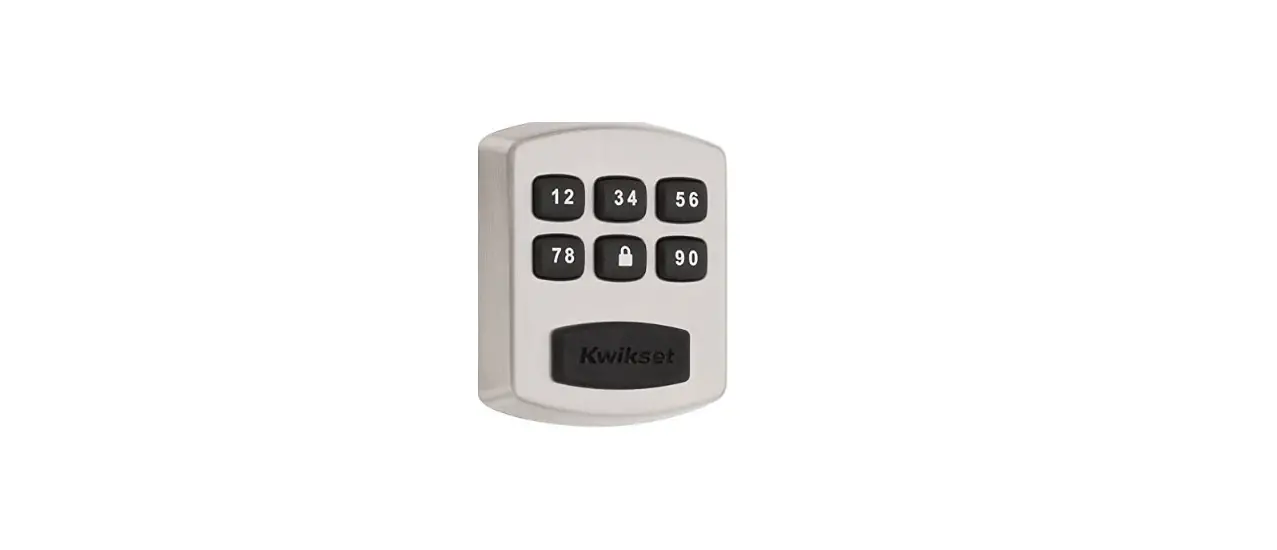
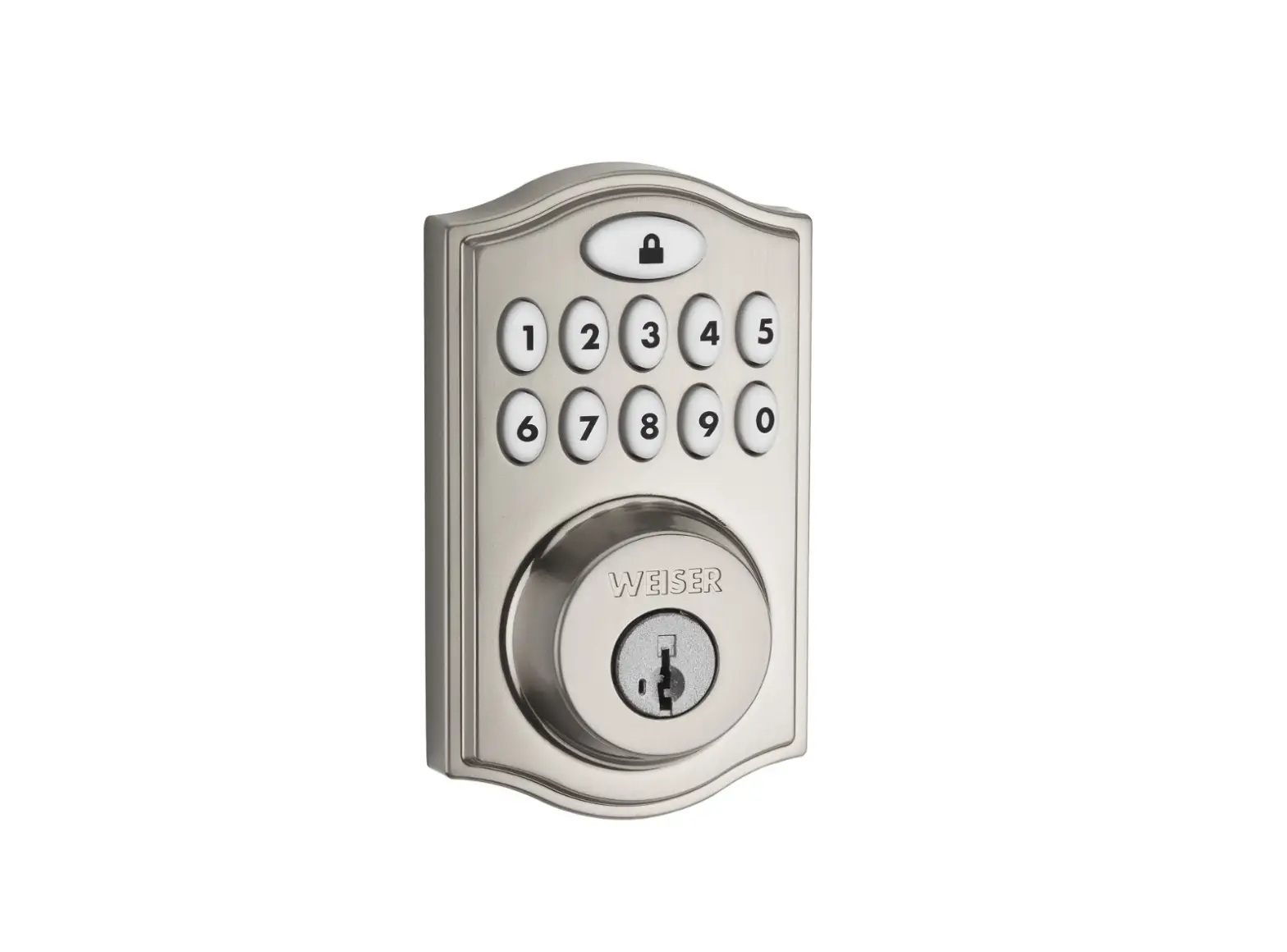
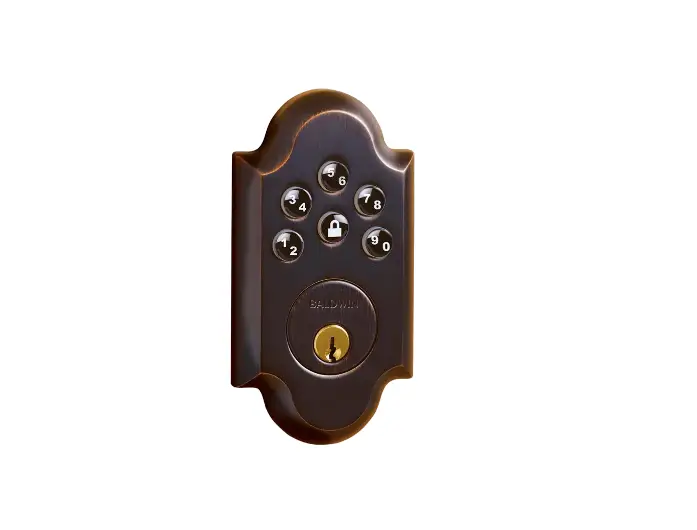
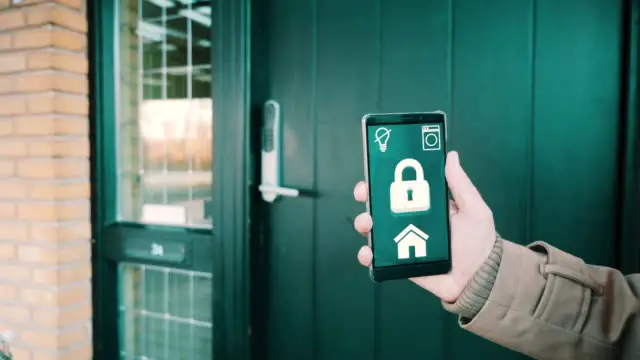
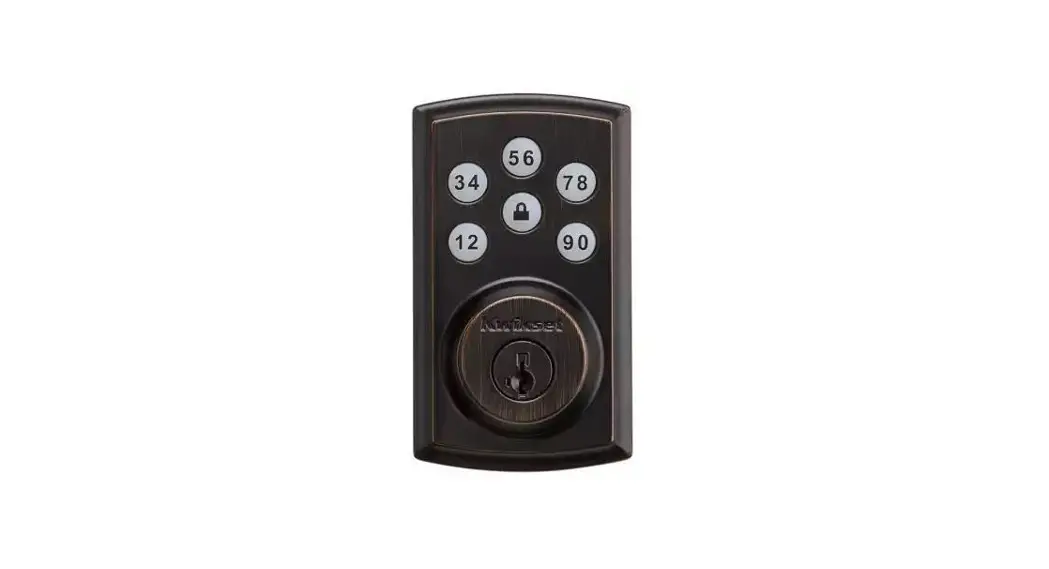
Pocket fishing for your keys is over! The Smart CodeTM Electronic Deadbolt with Z- Wave Technology enables you to securely lock and unlock your home from anywhere, send guest access codes, monitor lock activity, and connect to other smart home devices at any time through your Alarm.com app. With one-touch locking, the Smart CodeTM Electronic Deadbolt provides you with convenience as well as security.
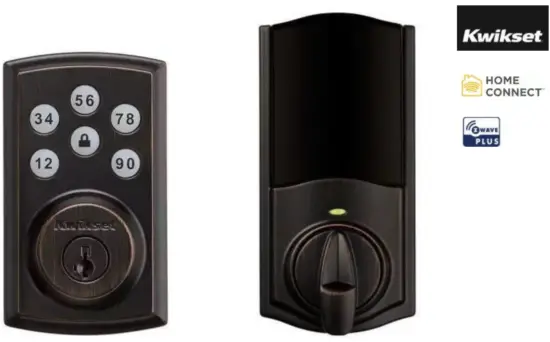
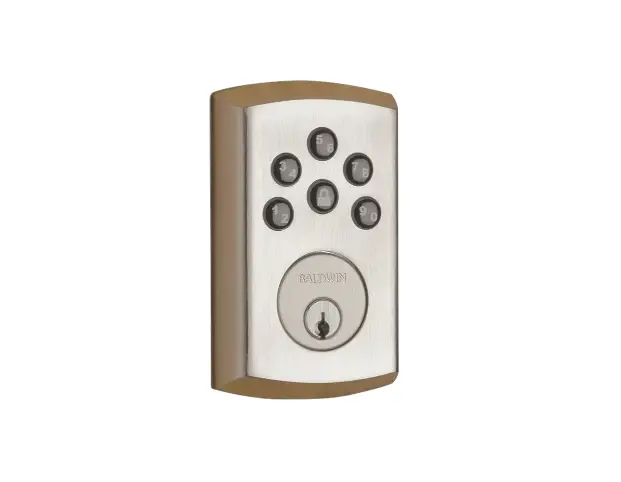
Venetian Bronze
OTHER FINISHES OFFERED
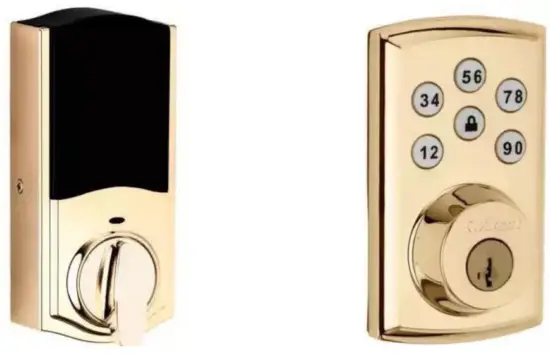
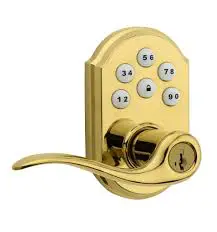
Lifetime Polished Brass
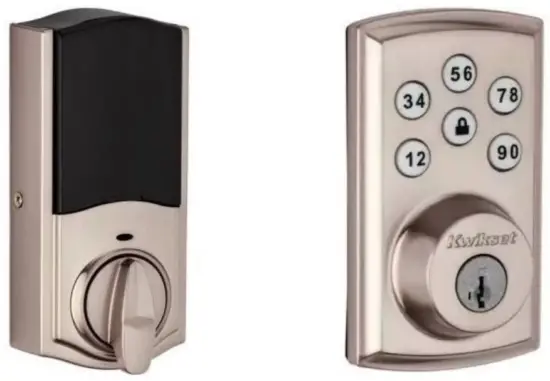
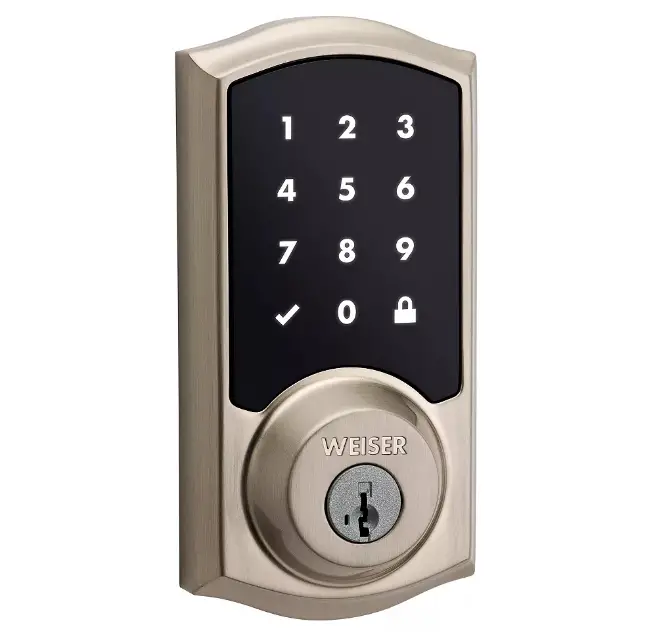
Satin Nickel
INCLUDED M ATARI ALS
| • Latch • Interior/Exterior Assembly • Strike • Keys • Batteries | • Adapter Ring • Mounting Plate • Smart Key Tool • Fasteners |
DEVICE BENEFITS
- Up to 30 user access codes for family and guests plus a master code feature for added security
- Secured keyless entry convenience
- A motorized deadbolt enables true remote locking and unlocking
- Replaces existing deadbolt with just a screwdriver
- No hard wiring is needed
DEVICE FEATURES
- Z- W ave Plus Certified with the Z – W ave 500 chipset
- Extended wireless range and superior 128 – bit wireless encryption
- 5 digit keypad with a dedicated lock button
- One-touch locking
- The lock Button is Backlit for 30 seconds
- Fits standard doors
- Drill and pick resistant backup keyway with Bump Guard™ protection
- Audit t rail logging stores access history in the lock memory
- Incorrect code protection with audible alarm
COMPATIBLE TECHNOLOGIES
- Alexa
- SmartThings
- Vera
- Wink
IMPORTANT THINGS TO KNOW
Exterior Doors
The SmartCode Electronic Deadbolt can be installed on exterior doors only.
Installation
An exterior door cannot include both a door lever and a SmartCode Electronic Deadbolt.
SMARTCODE DEADBOLT AT A GLANCE
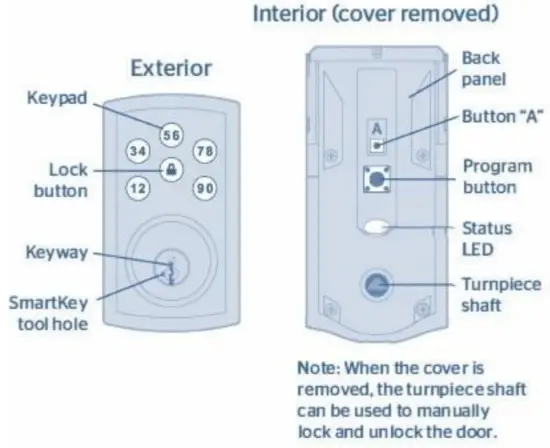
The Status LED blinks every 6 seconds to communicate whether the door is locked or unlocked. This feature is on by default.
Blinking Green: Unlocked
Blinking Amber: Locked
Blinking Red: Low Battery
Solid Red: Unsuccessful door handling process
Turn Stats LED On/ Off:
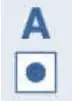
- Press the Program button once.

- Press button “ A” once.

- Press button “ 1 – 2 ” multiple times if needed to reach the desired state.

- Press the Lock button once.




IMPORTANT SAFEGUARDS
It is recommended that you add and delete all user codes through your smart home control system. If your system does not allow this, codes may be added directly to the lock as shown here.
Programming Timeout
During programming, if no button is pressed for five seconds, the system will time out ( indicated by three beeps and a red flashing lock button ), and you will need to restart the procedure.
| 1 . Make sure the door is open. Press the Program button once. 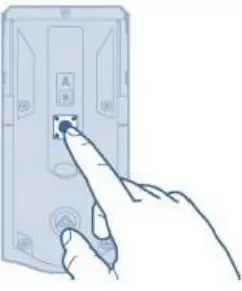 | 2 . Enter the user code. A total of 30 user codes may be programmed.
| 3 . Press the Lock button.
|
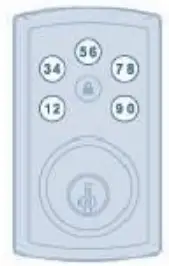
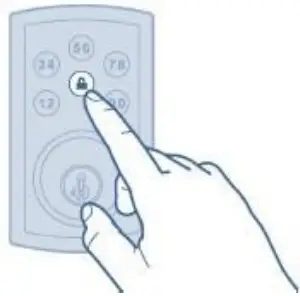
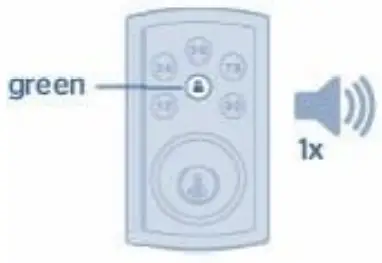
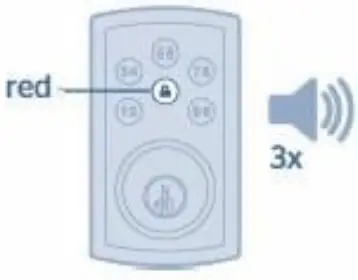
4. What lights and sounds does the lock produce?
| The lock button flashes green once with one beep
Programming was successful. | The lock button flashes three times with three beeps
Programming was unsuccessful. |
Master Code
For enhanced security, a master code may be used when adding and deleting user codes.
SYSTEM ALERTS
ALERT | REASON | SOLUTION |
| The lock button flashes once with one beep*. | One incorrect code was entered. | Re-enter code. |
| The lock button flashes red 3 times with 3 beeps*. | No user code programmed. | Program at least one user code. |
| Programming timeout after five seconds. | Attempt the programming procedure again. | |
| Unsuccessful program m ing. | ||
| The lock button flashes red 15 times with 15 beeps*. | Three incorrect codes were entered within one minute. | Re-enter code after 60-second keypad lockout. |
| The lock button flashes red with fast beeping sound for 3 to 4 seconds. | Low battery. | Replace batteries. |
| The lock button flashes green with a continuous beeping sound for 2 seconds. | The door jammed while attempting to lock it. | Manually re-lock the door. If needed, reposition the strike. |
DELETING A SINGLE USER CODE
Note: All codes may be deleted at once If the master code is enabled.
If no button is pressed for 5 seconds, the system will time out, and you will need to restart the procedure.
- Press the Program button once.
- Press the Lock button once.
- Enter user code to be deleted.

- Press the Lock button once.
- Re-enter user code.
- Press the Lock button once.
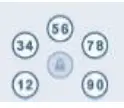
If unsuccessful: Make sure to enter the same valid code in steps 3 and 5.
AUTO-LOCK
Auto-lock automatically re-locks the door after unlocking. This feature is set to 30 seconds and is turned off by default.
| Turn Auto- Lock On/Off | Change Auto-Lock Time Delay | ||||
| 1. Press the Program button once.
| 2. Press button “ A” once.
| 1. Press the program button once.
| 2. Press button “ A” once.
| ||
| 3. Press button “3-4” multiple times if needed to reach the desired state.
| 4 . Press the Lock button once.
| 3 . Press the button “9 -0” once.  | 4 . Press the button once that corresponds to the desired time of the day: “1- 2 ” 30 sec. “3- 4 ” 60 sec. “5- 6 ” 90 sec. “7- 8 ” 120 sec. “9- 0 ” 180 sec. | 5. Press the Lock button once.
| |
MUTE/UNMUTE AUDIO
Audio is on by default.
| 1 . Press the Program button once.
| 2 . Press button “ A” once.
| 3. Press button “5-6” multiple times if needed to reach the desired state.
Green lock button: Feature is enabled | 4. Press the Lock button once.
|
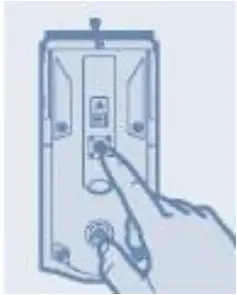
MANUAL DOOR HANDLING
If needed, the door handling process can be initiated manually. This is useful if the lock is being moved to a different color.
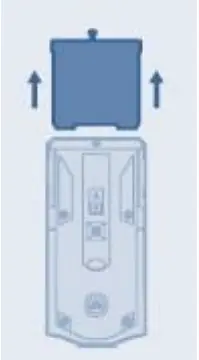
- Remove the battery pack.

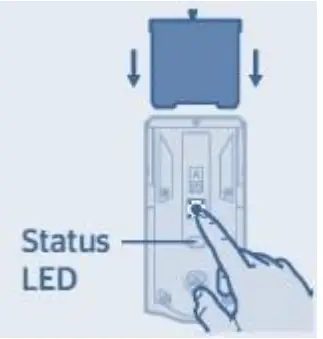
- Press and HOLD the Program button while reinserting the battery pack. Release the button once the battery pack is installed. The status LED will flash red and green.

- Press the Program button once more.

- The latch bolt will extend and retract to learn the orientation of the door.
The Status LED will indicate success or failure. - Success: LED f lashes green
Failure: LED remains solid red
If the Status LED indicates a failure, see the online Programming and Troubleshooting Guide or call Technical Support.
FACTORY RESET
A factory reset will delete all codes associated with the lock, and it will remove it from your smart home system.
| 1. Remove battery pack.
| 2. Press and HOLD the Program button while reinserting the battery pack. Keep holding the button for 30 seconds until the lock beeps and the status LED flashes red.
|
| 2. Press the Program button once more. When the LED flashes green and you hear one beep, the lock has been reset.
| 4. After a few seconds, the lock will initiate the door handing process, and the latch bolt will extend and retract to learn the orientation of the door. |
IMPORTANT SAFEGUARDS
- Read all instructions in their entirety.
- Familiarize yourself with all warning and caution statements.
- Remind all family members of safety precautions.
- Protect your user codes and master code.
- Dispose of used batteries according to local laws and regulations.
 CAUTION: Prevent unauthorized entry. Since anyone with access to the back panel can change the user codes, you must restrict access to the back panel and routinely check the user codes to ensure they have not been altered without your knowledge. The use of a master code can help protect your system’s settings. WARNING: This Manufacturer advises that no lock can provide complete security by itself. This lock may be defeated by forcible or technical means or evaded by entry elsewhere on the property. No lock can substitute for caution, awareness of your environment, and common sense. Builder’s hardware is available in multiple performance grades to suit the application. In order to enhance security and reduce risk, you should consult a qualified locksmith or other security professional.
Trinity Wiring and Security Solutions | Copyright © 2019 Alarm.com. All rights reserved.