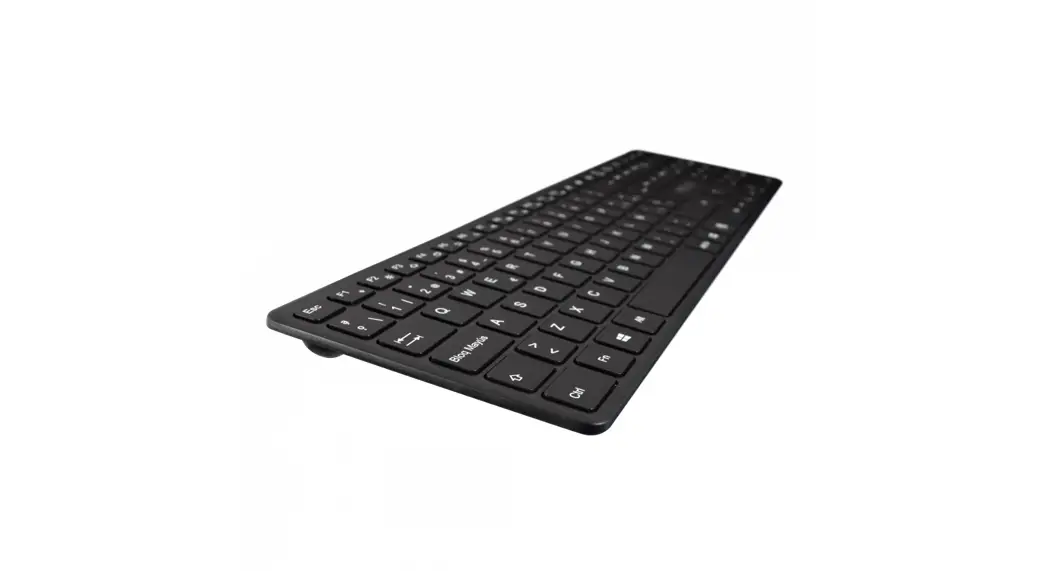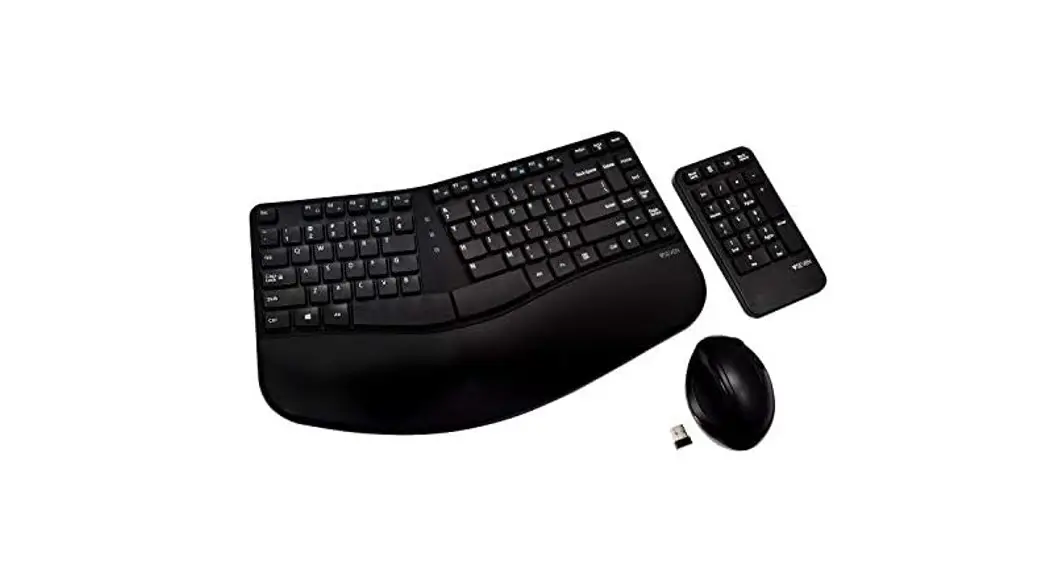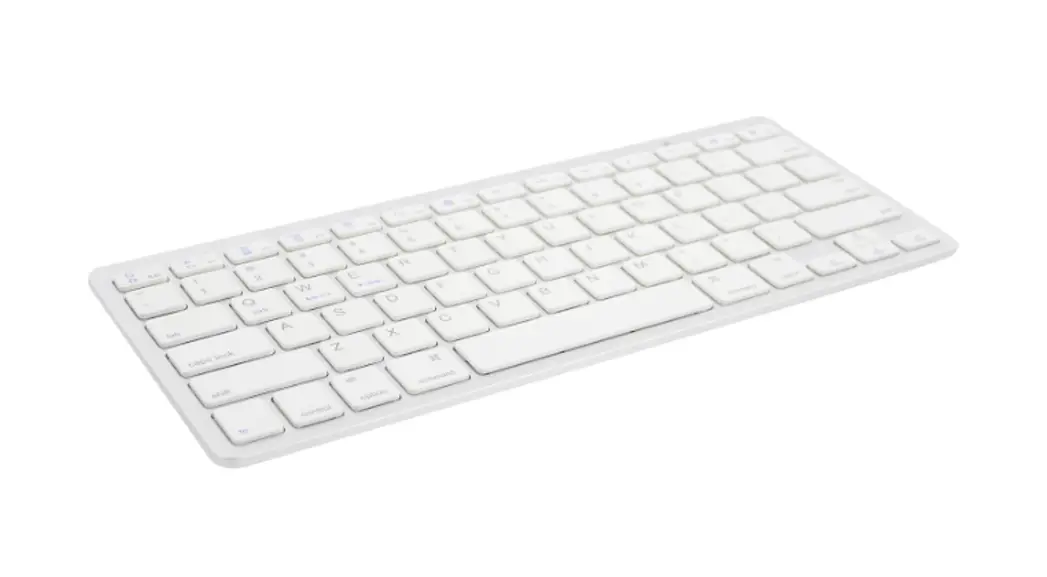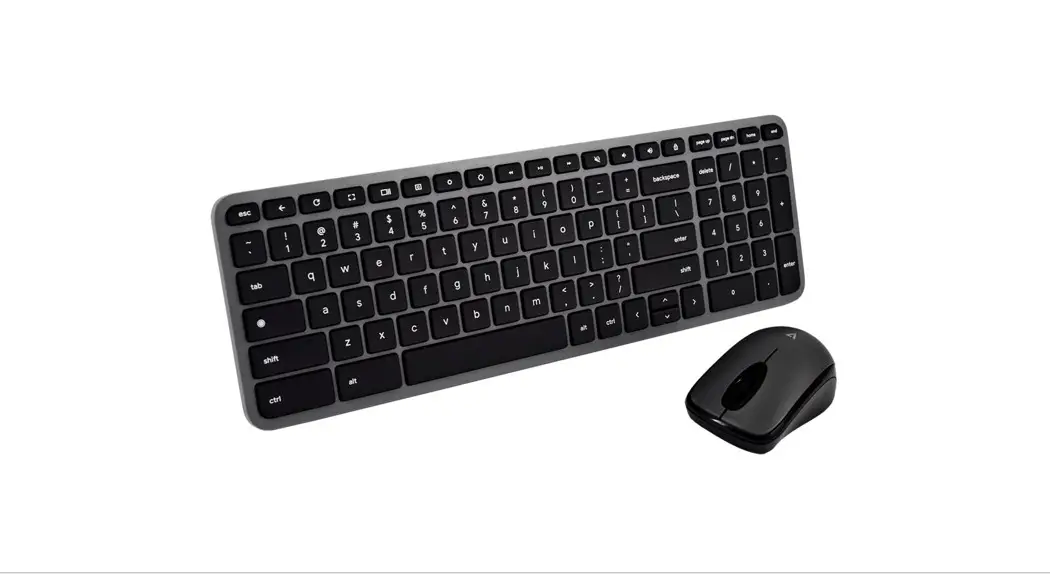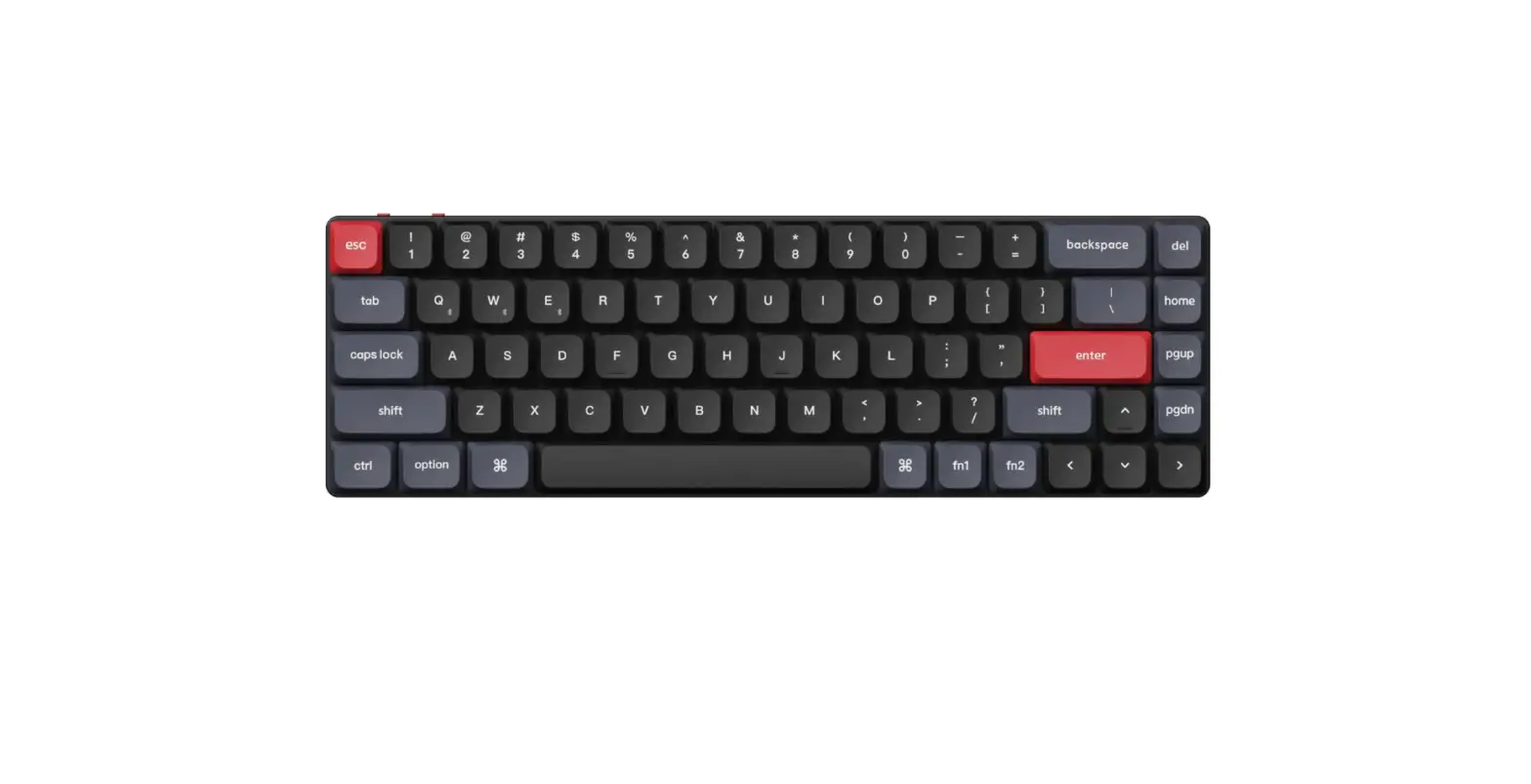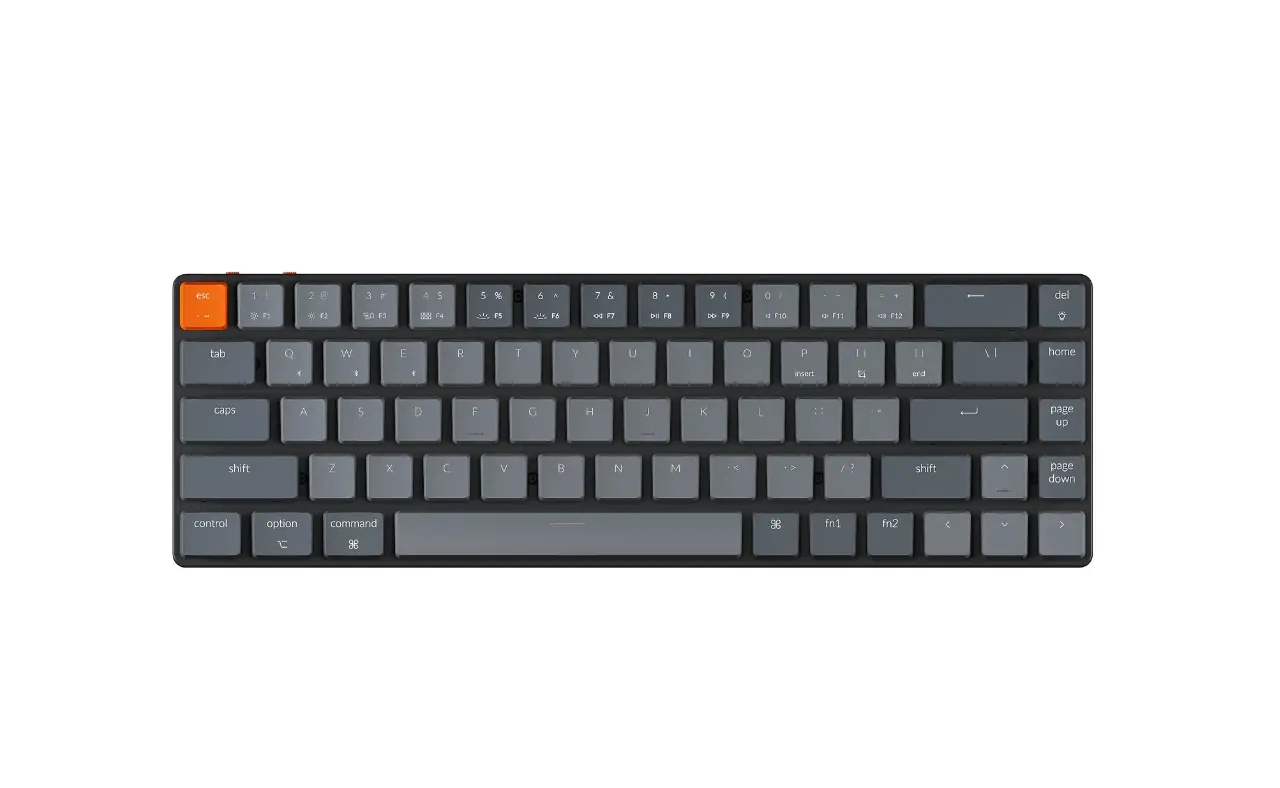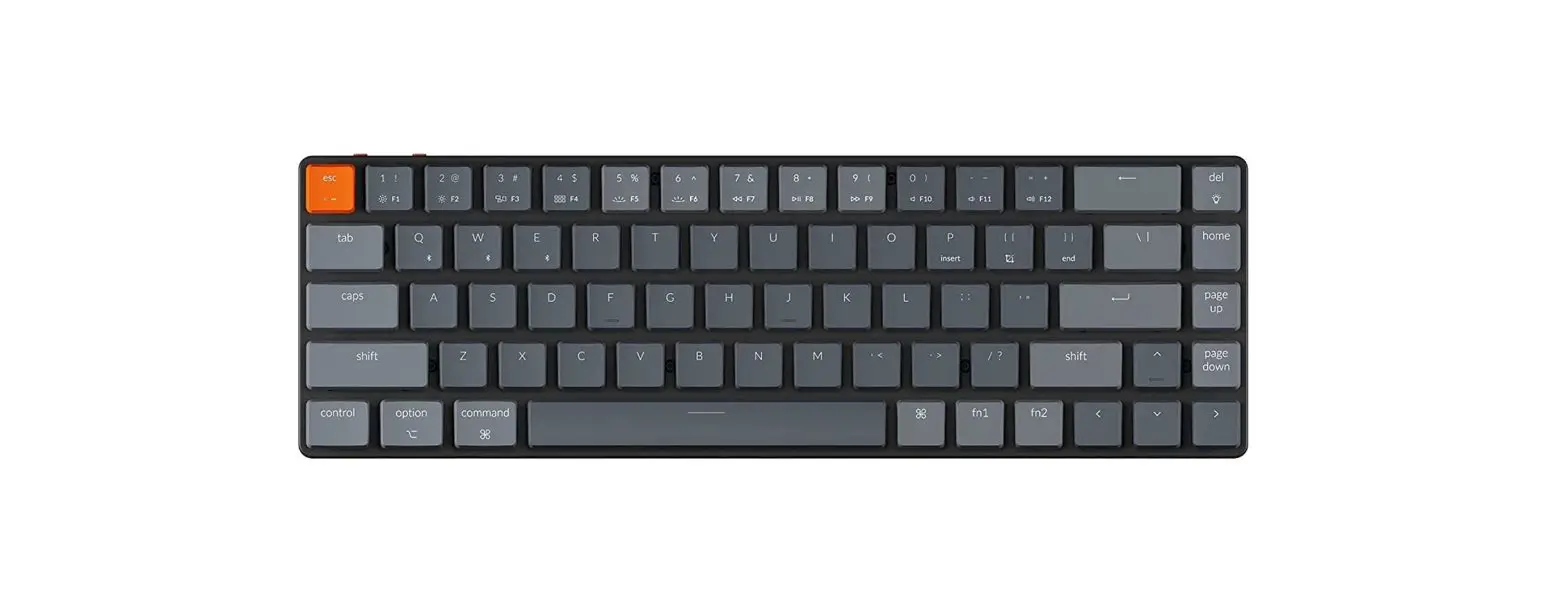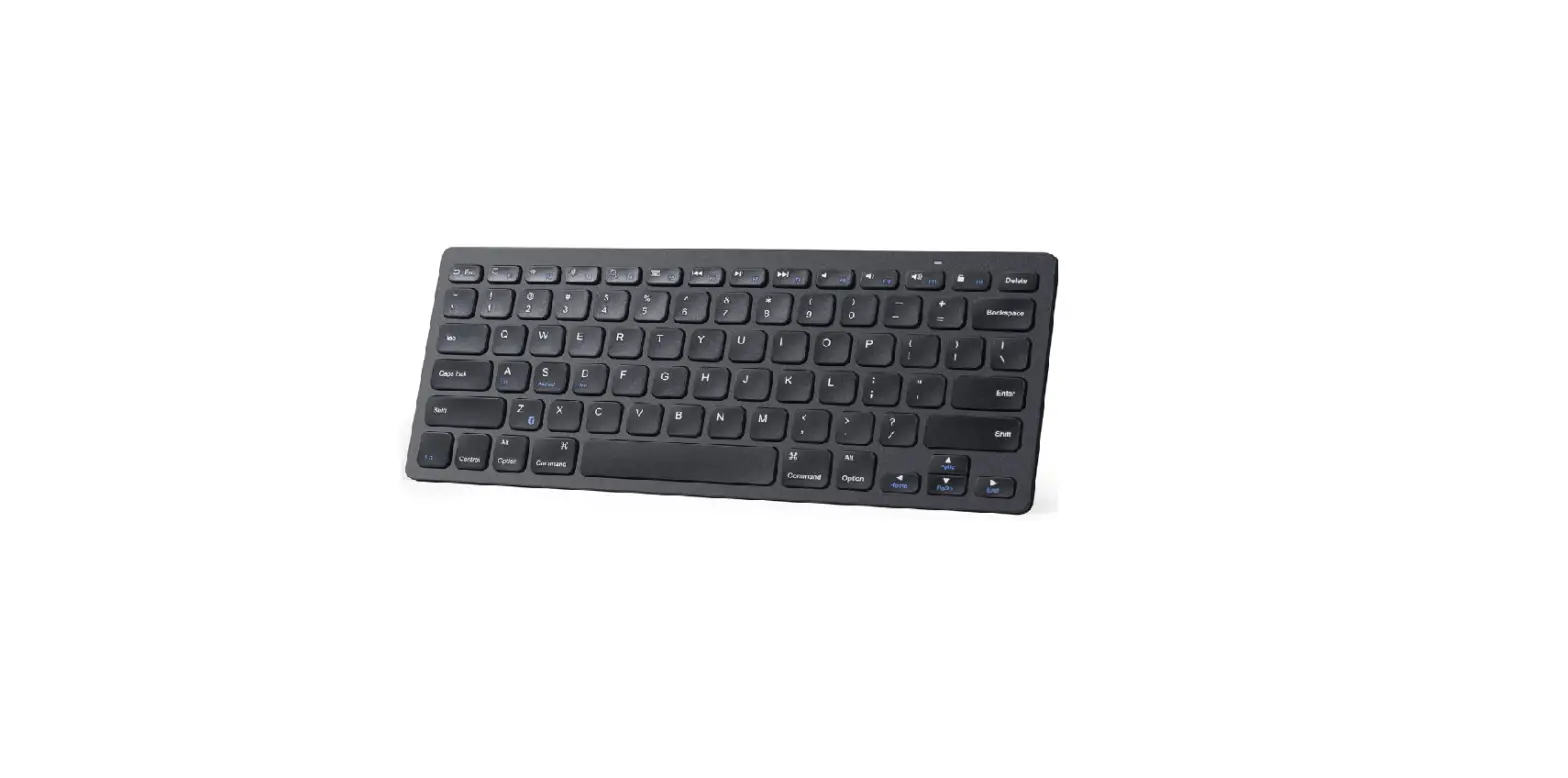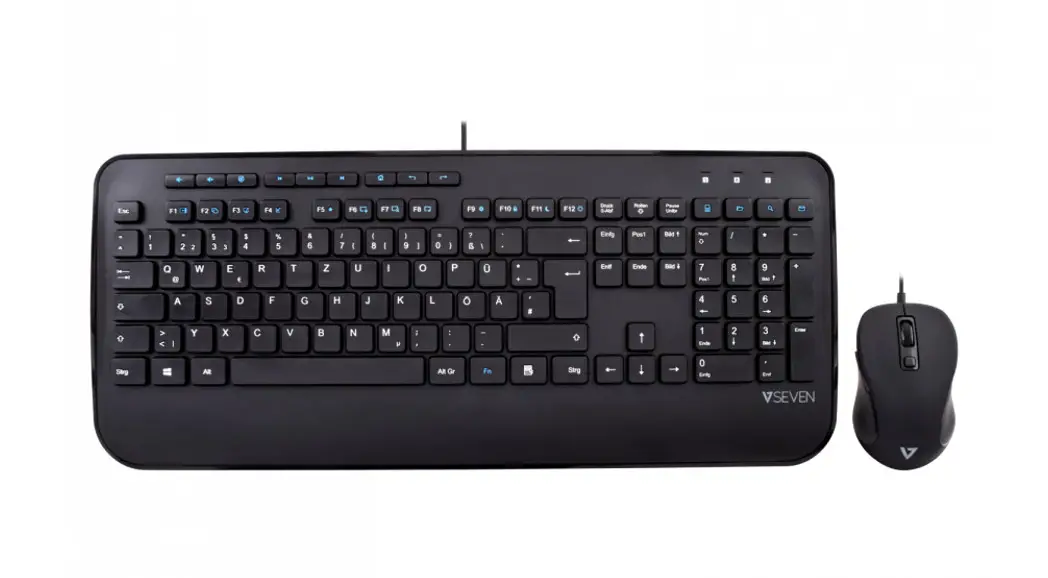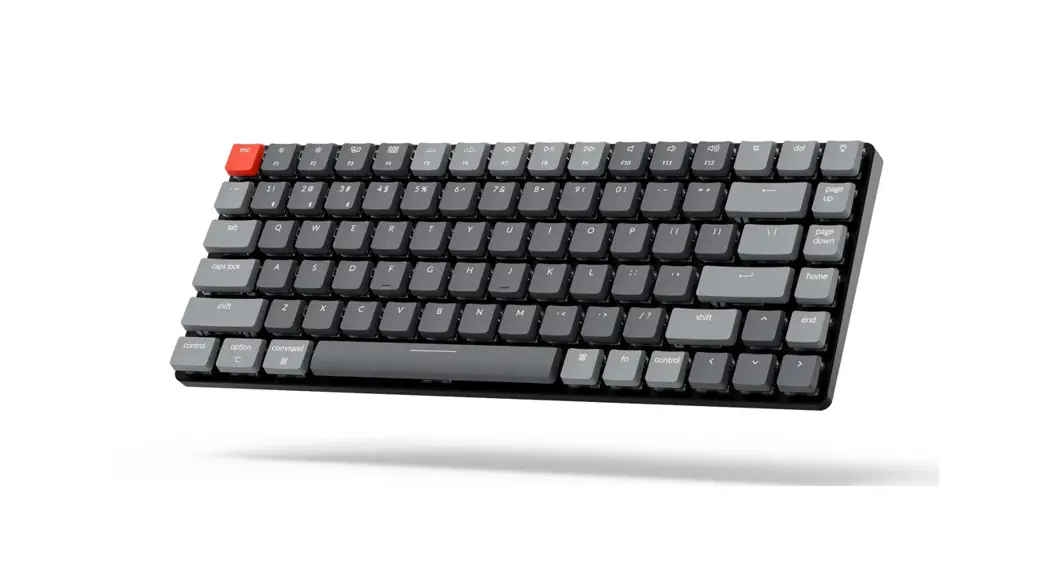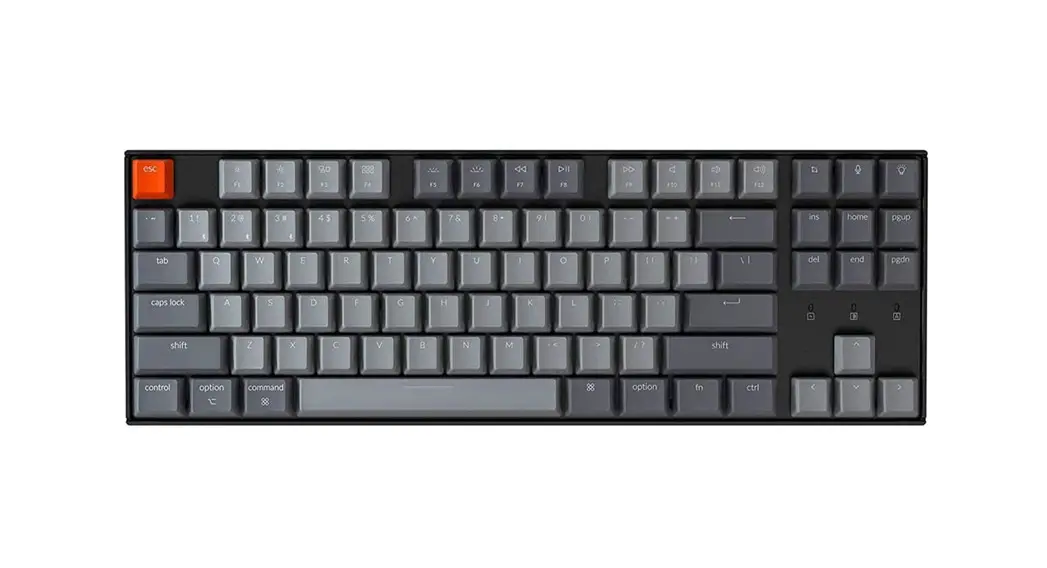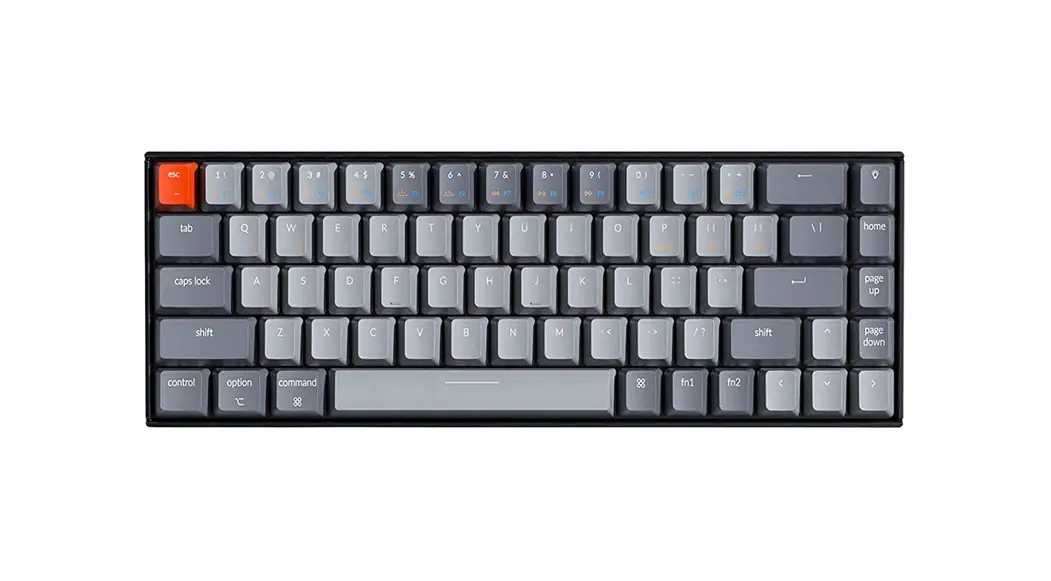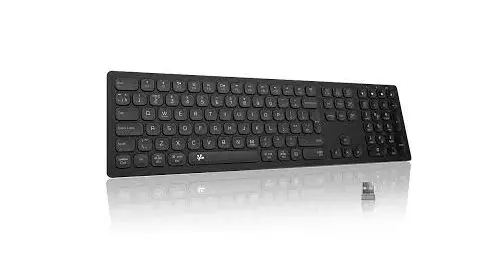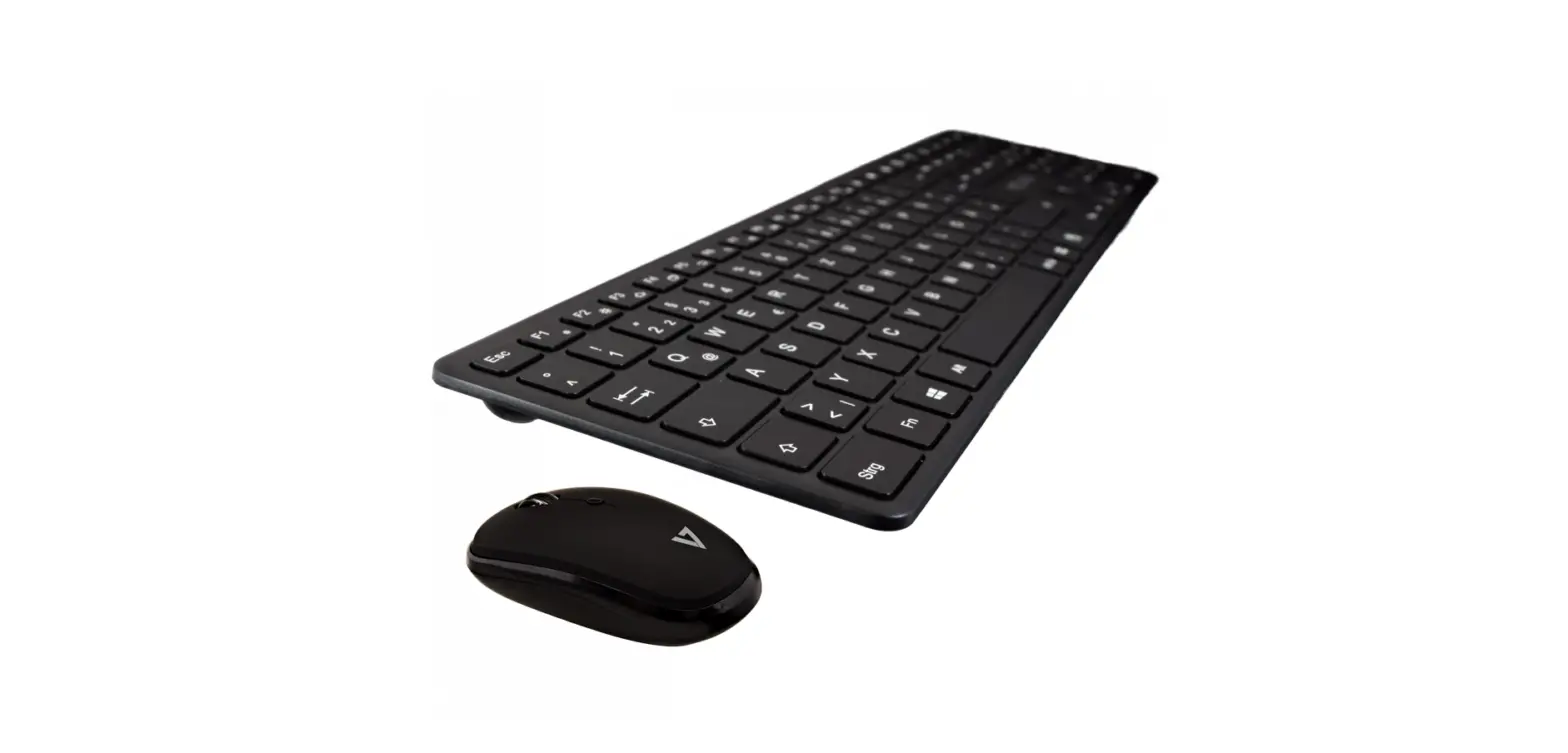

v7world CKW550BT Bluetooth Slim Keyboard
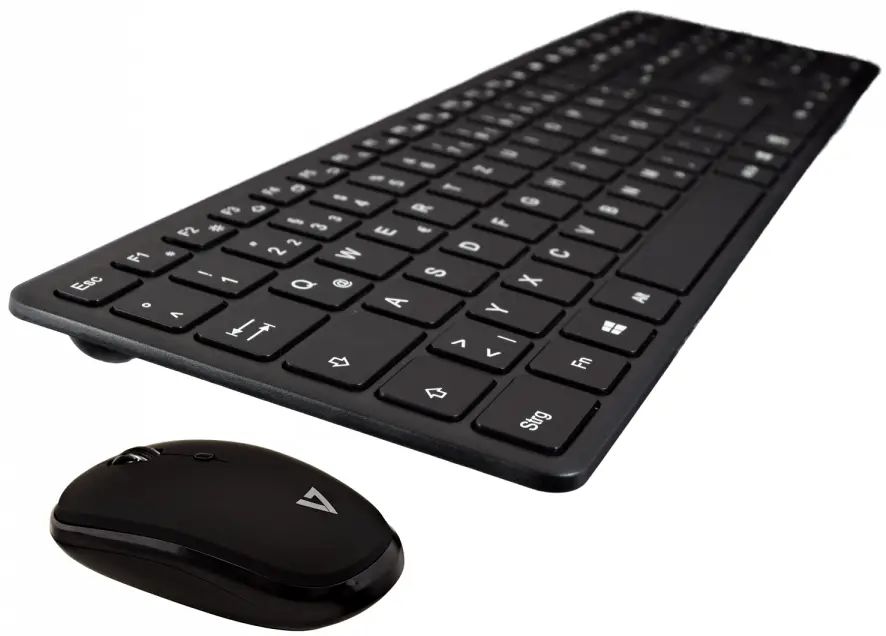
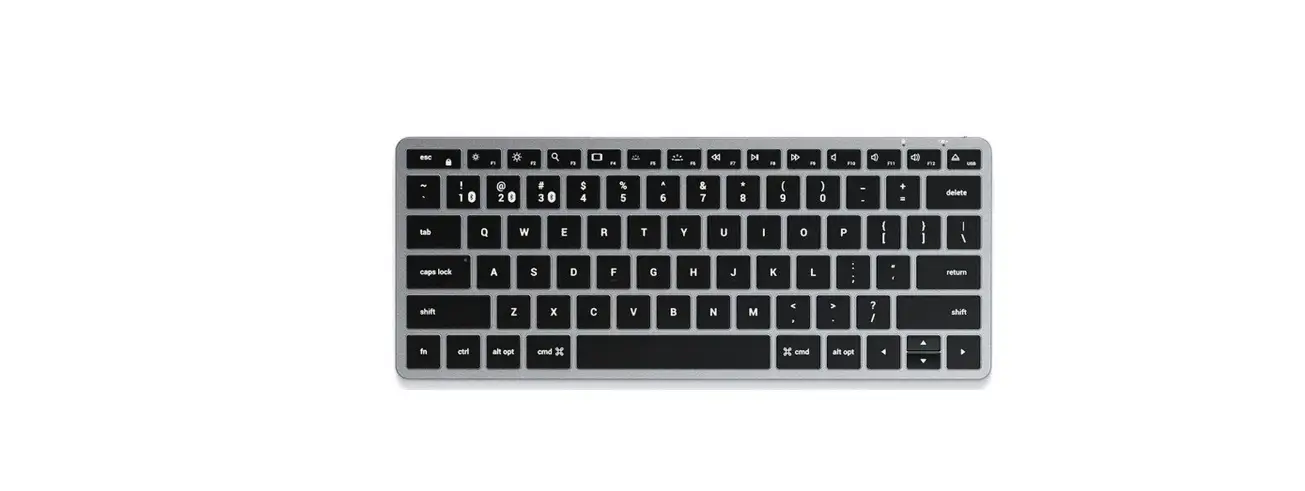
Overview
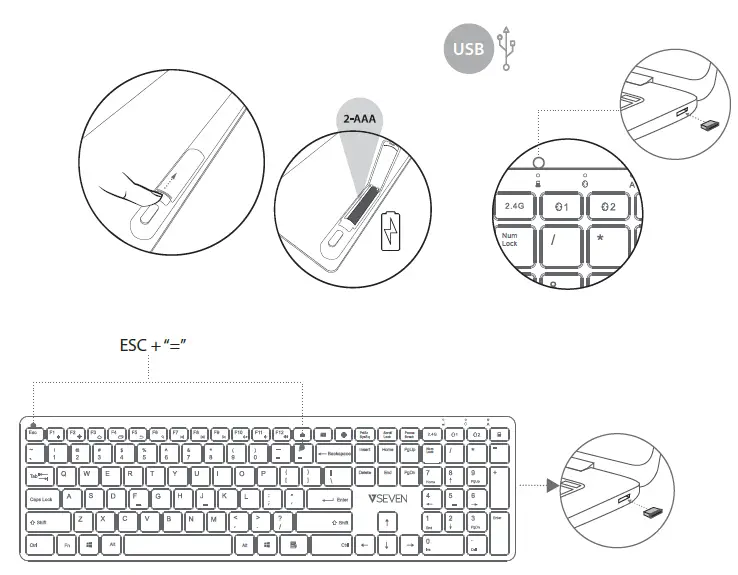
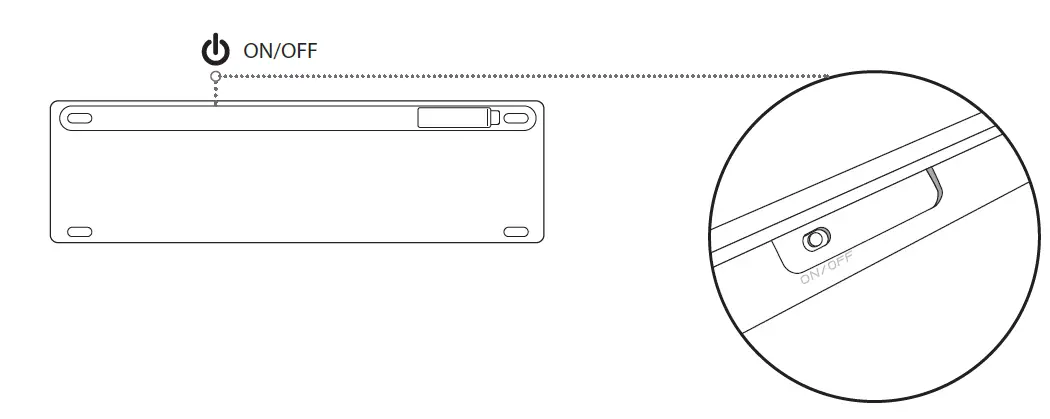
Turn on keyboard
- Enable Bluetooth wireless connectivity on your computer or tablet
- Press and hold the button for the selected Bluetooth channel until the indicator blinks rapidly.

- Open Bluetooth settings on your device and pair with KW550BT
- Follow the instructions on the screen to complete Bluetooth wireless connection.
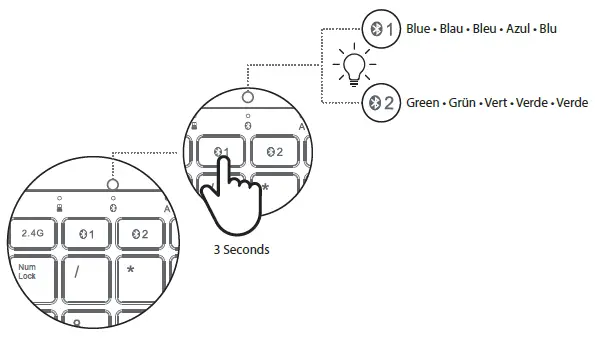
Reset
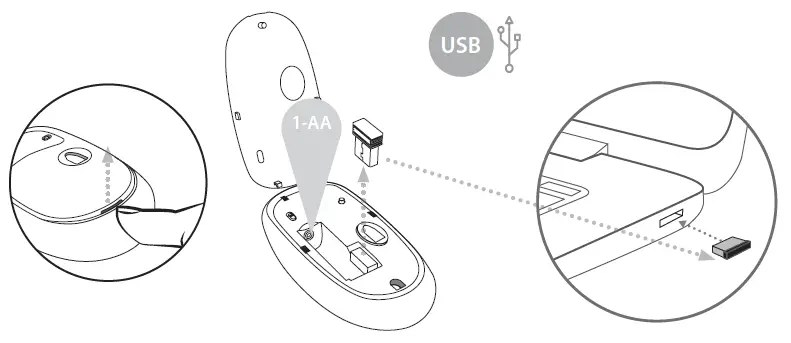
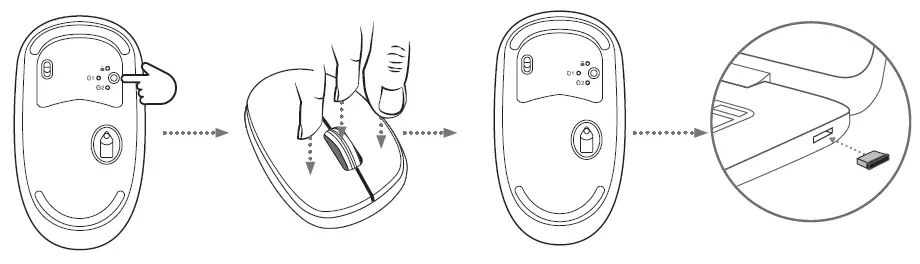
Turn on mouse
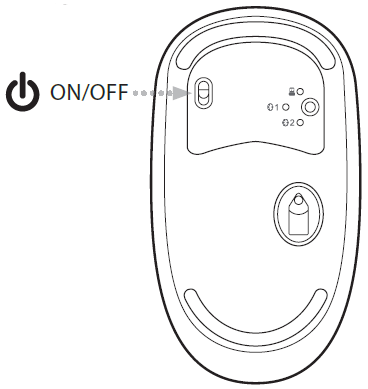
- Enable Bluetooth wireless connectivity on your computer or tablet.
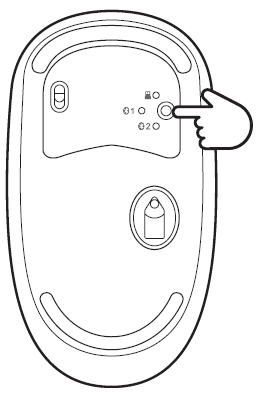
- Press and hold the button for the selected Bluetooth channel until the indicator blinks rapidly.

- Open Bluetooth settings on your device and pair it with MW550BT.
- Follow the instructions on the screen to complete Bluetooth wireless connection.
The Bluetooth ® word mark and logos are registered trademarks owned by Bluetooth SIG, Inc. and any use of such marks by Ingram Micro Inc. is under license. Other trademarks and trade names are those of respective owners.