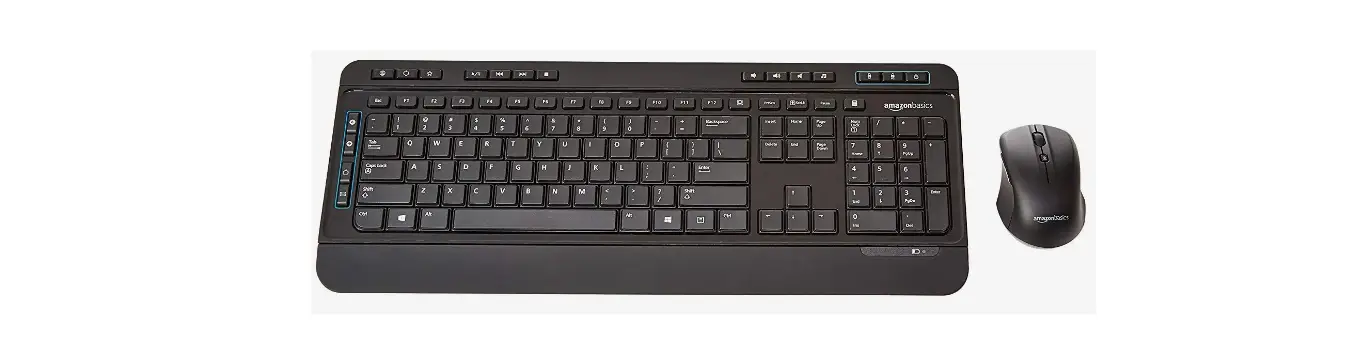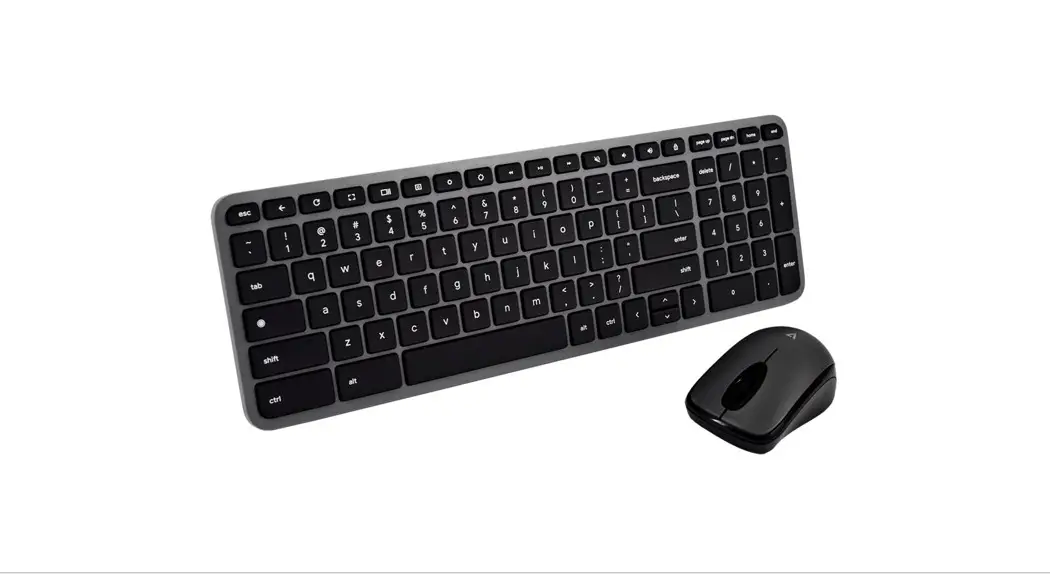
 CKW150BTUS
Quick Installation Guide
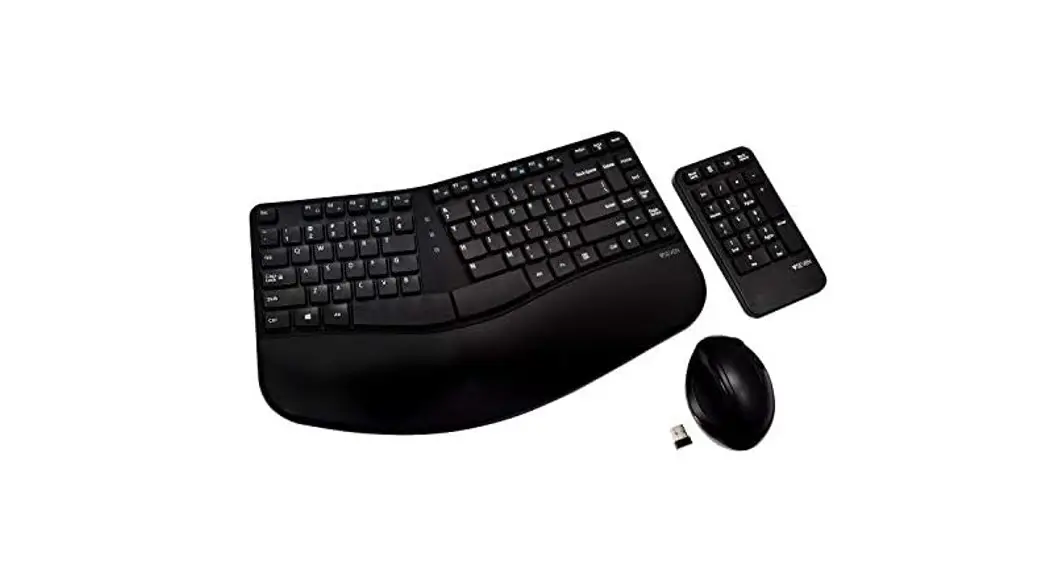
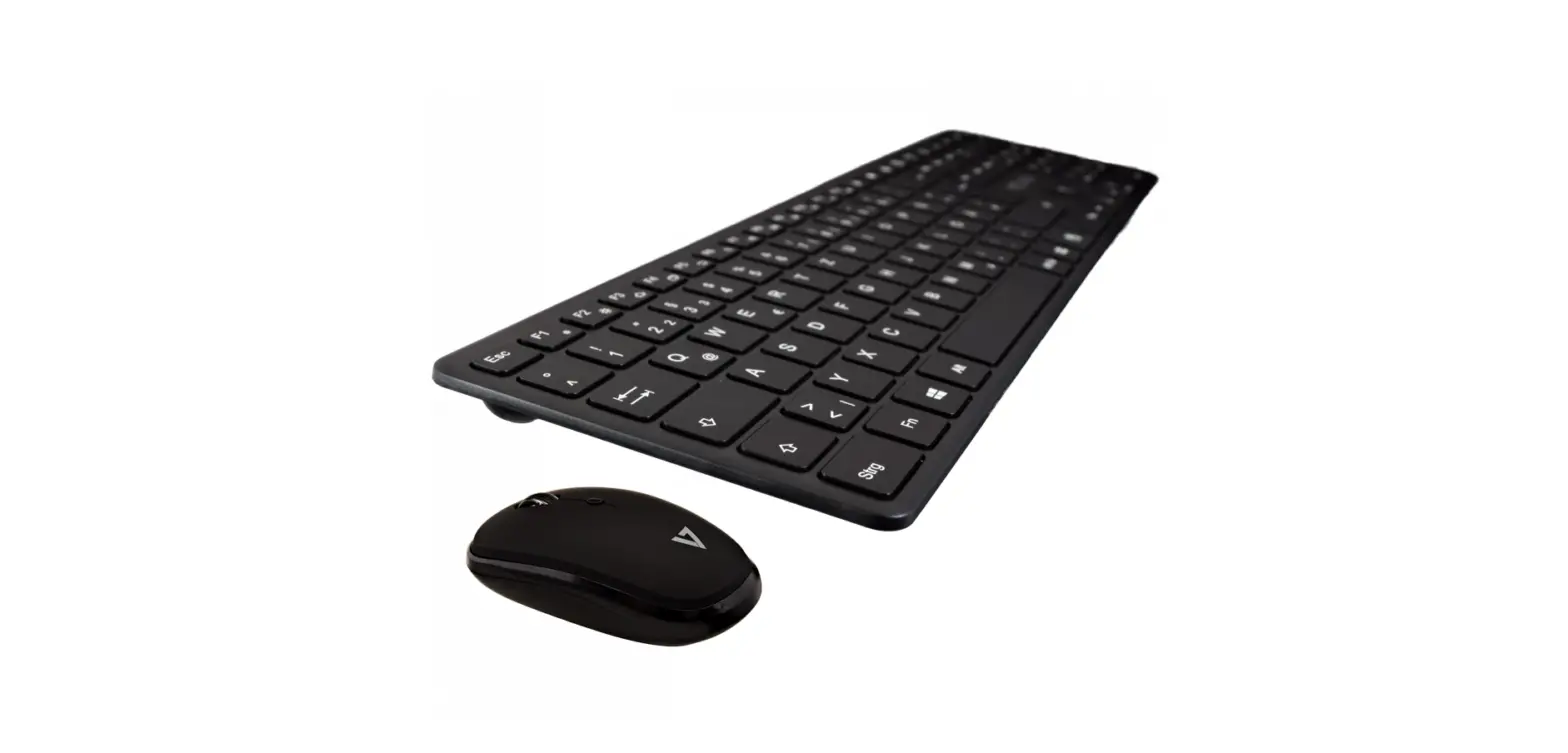
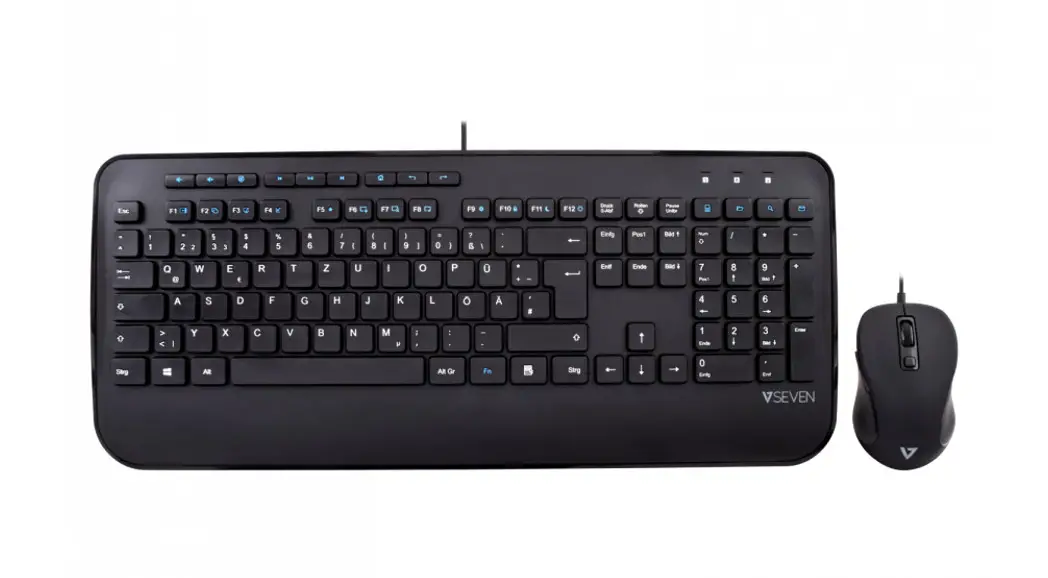
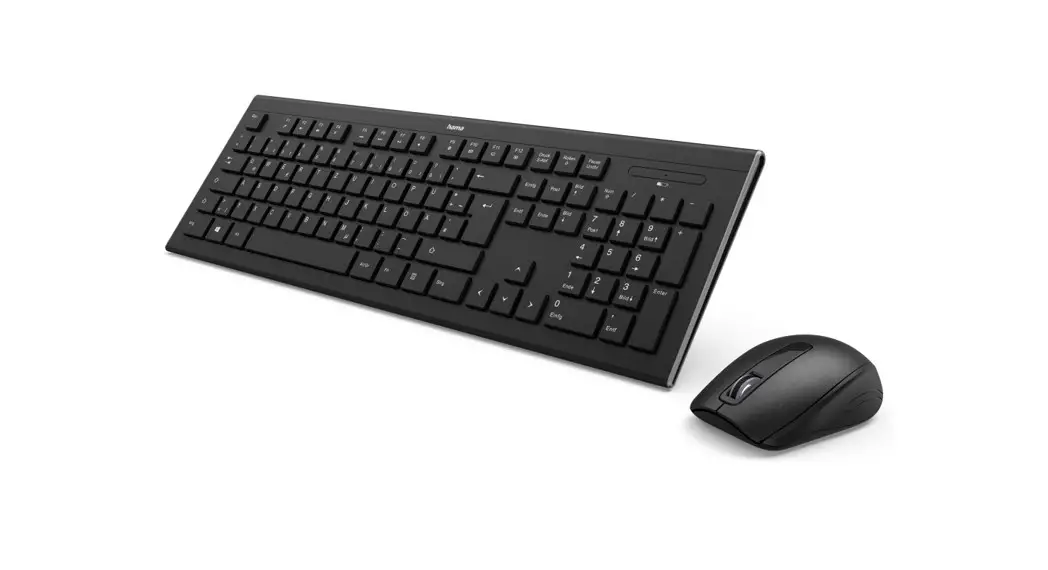
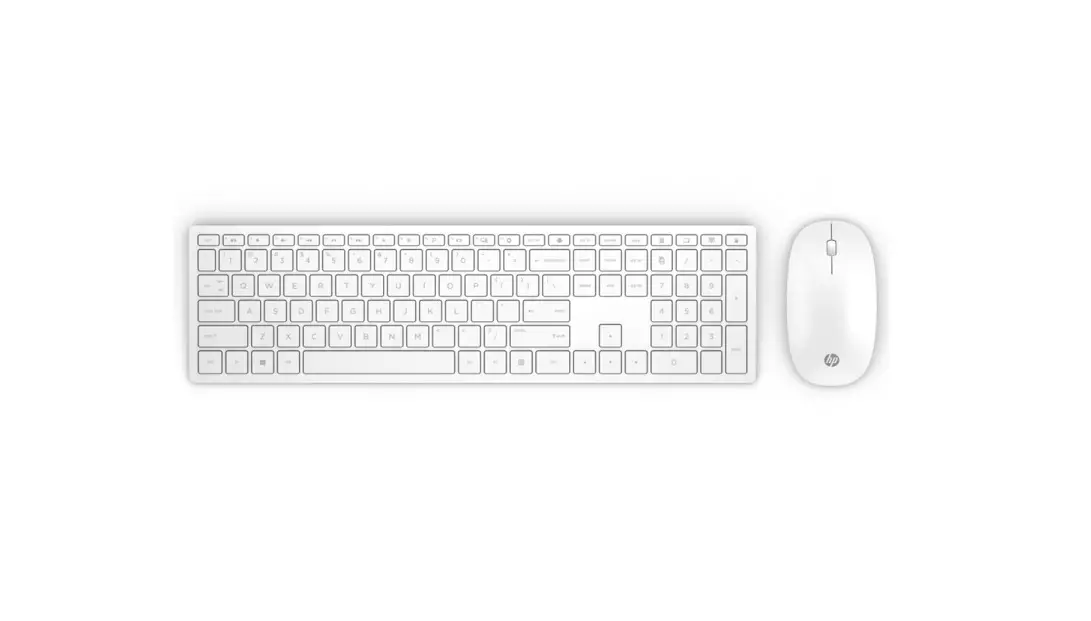
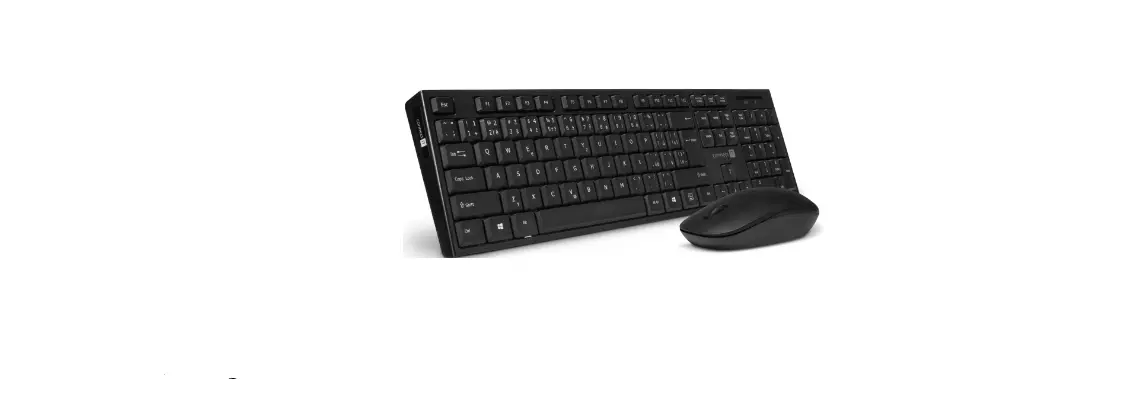
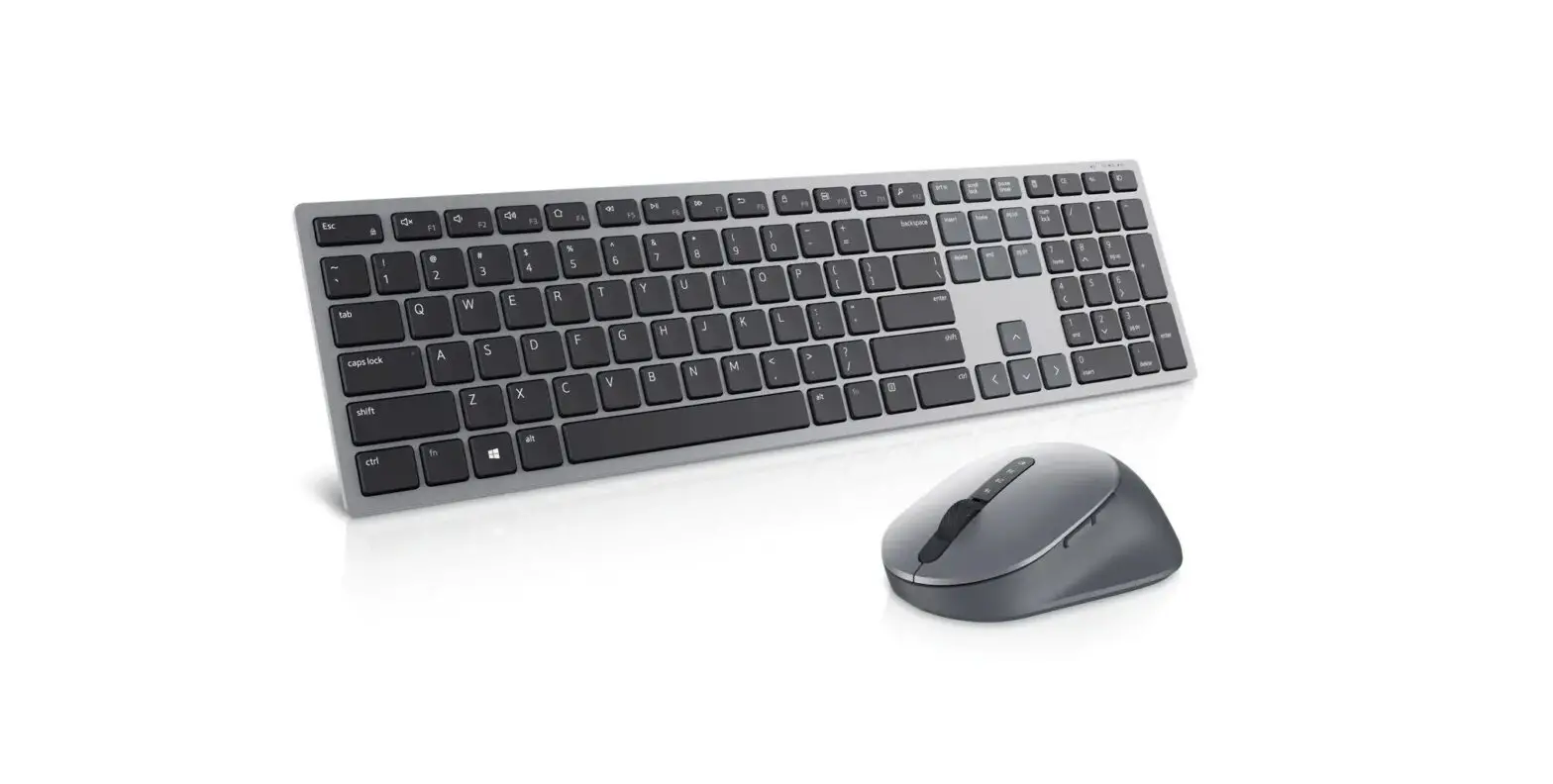
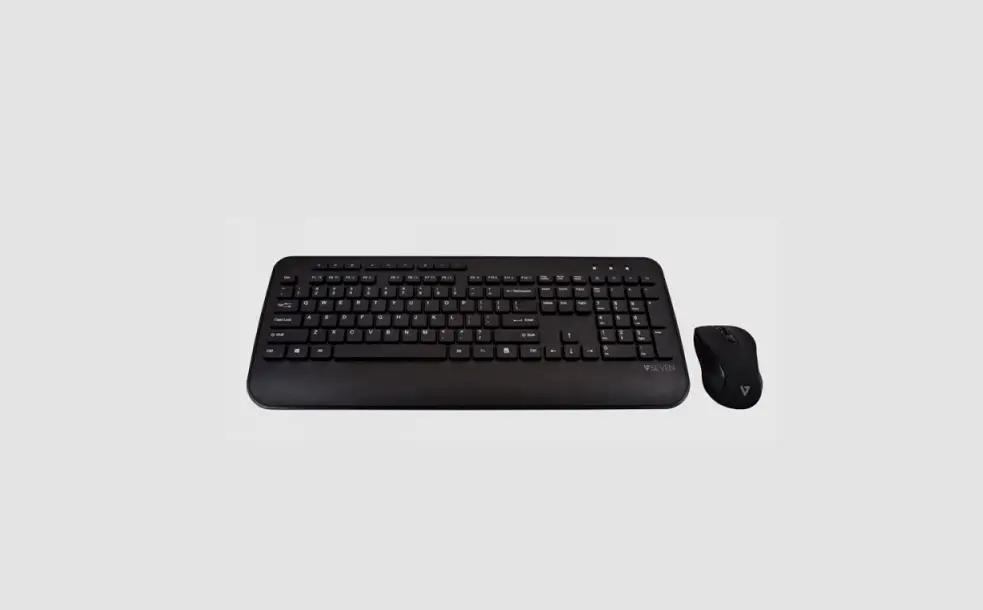
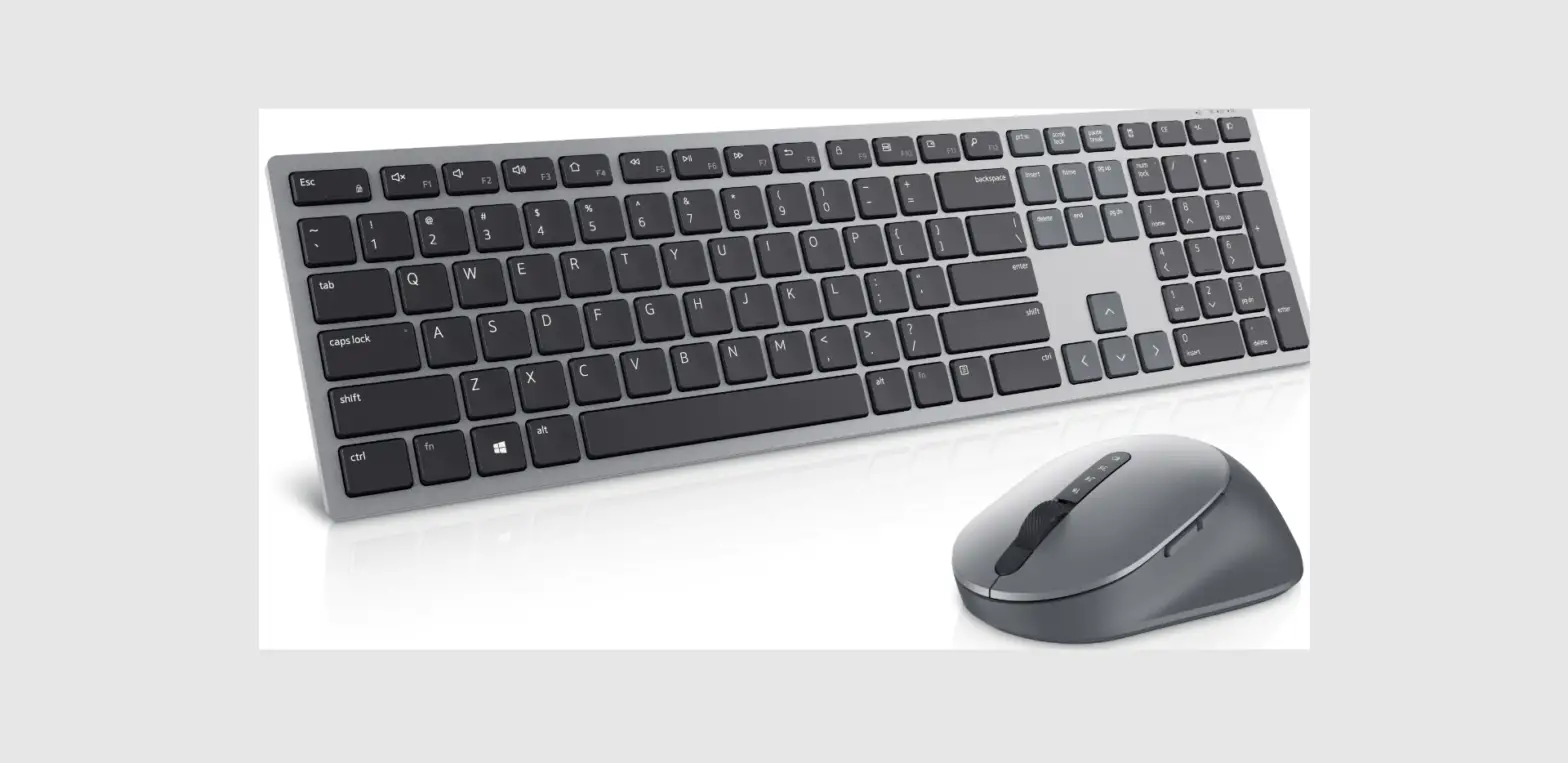
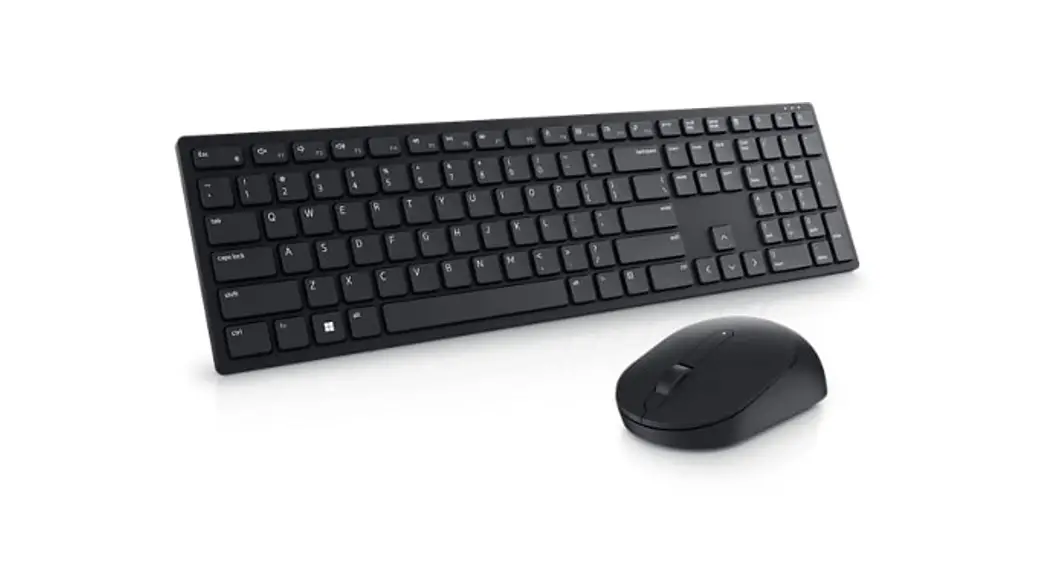
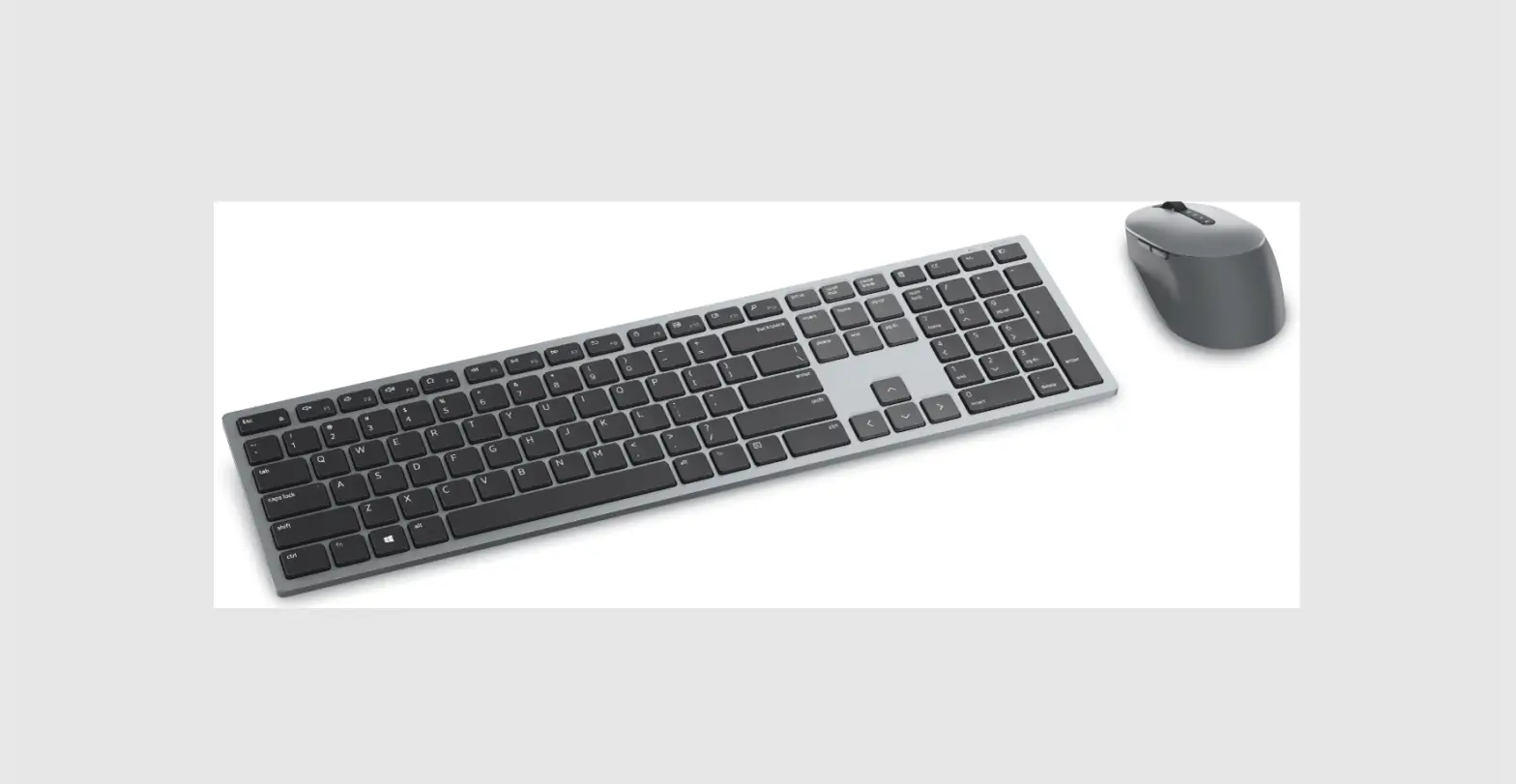
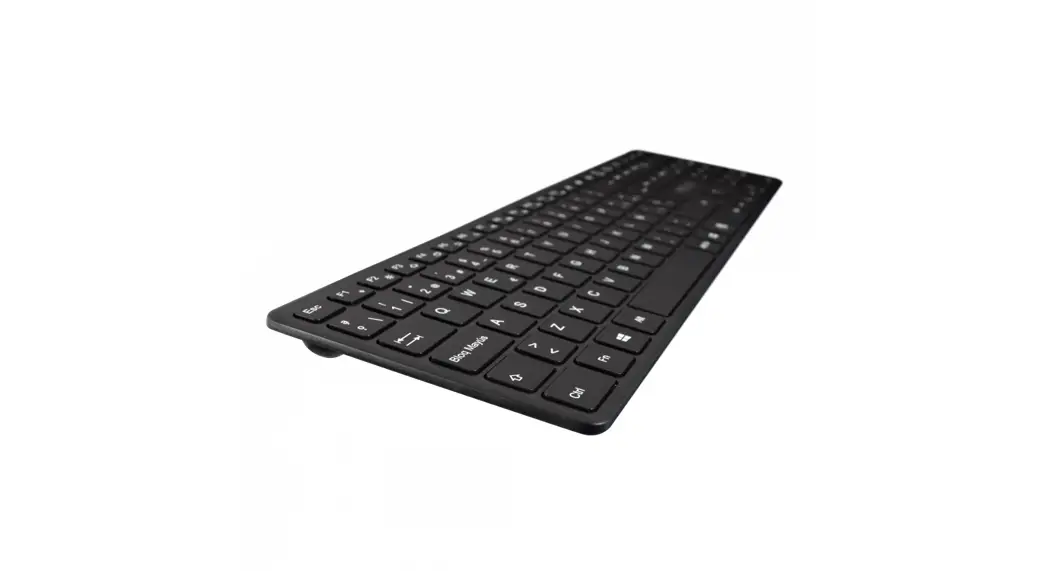
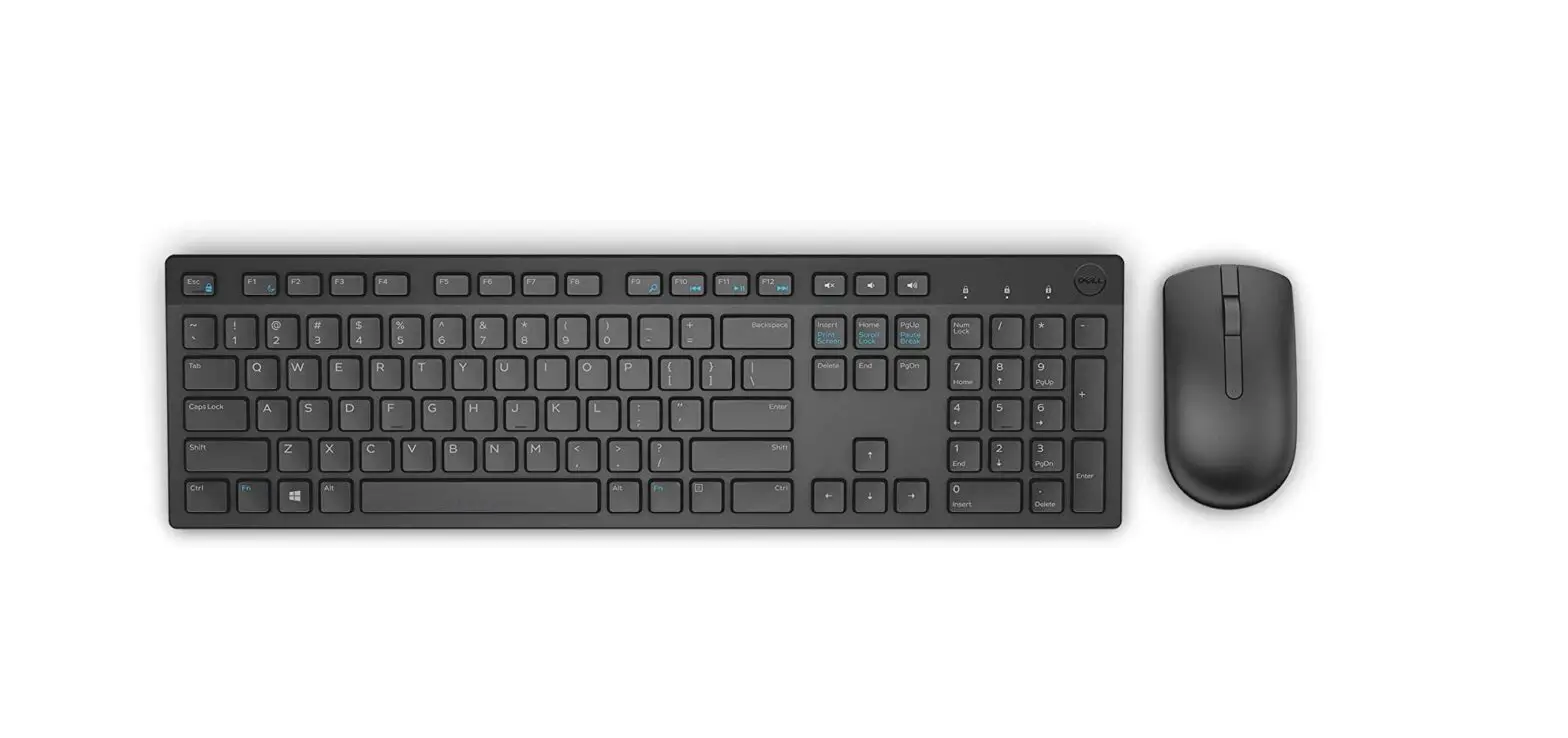
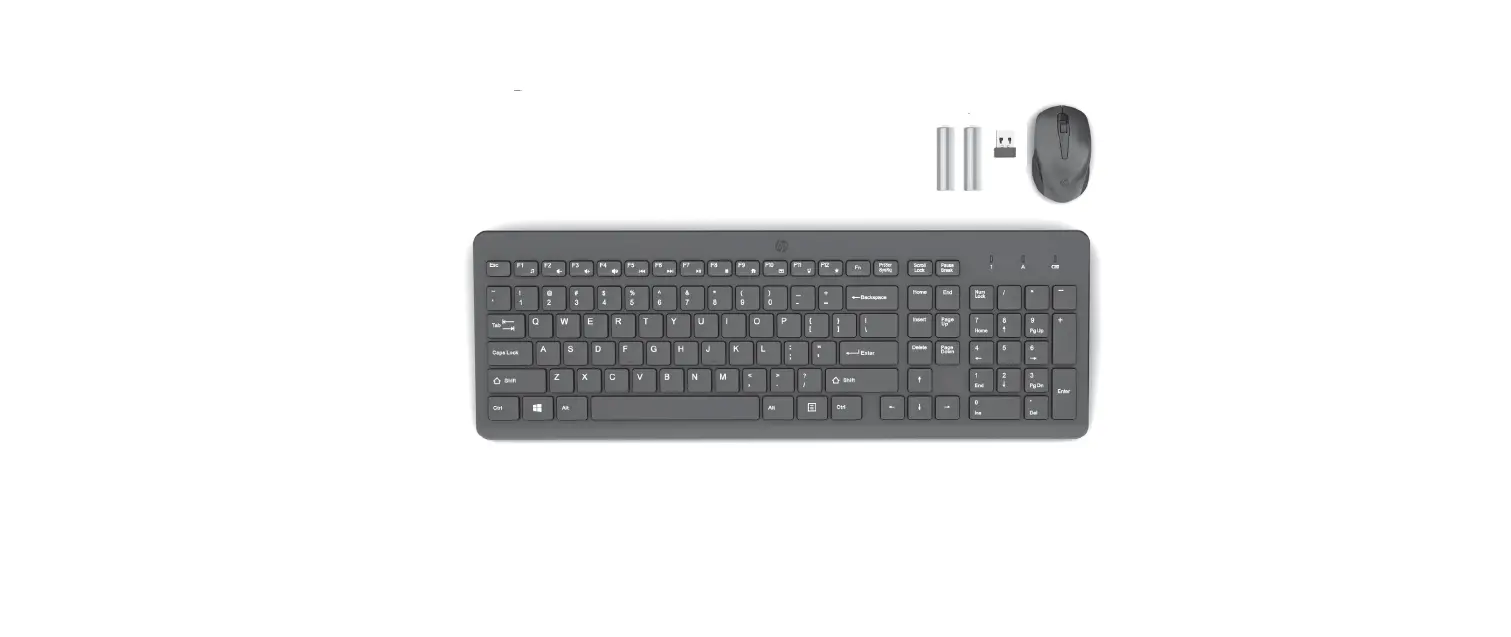
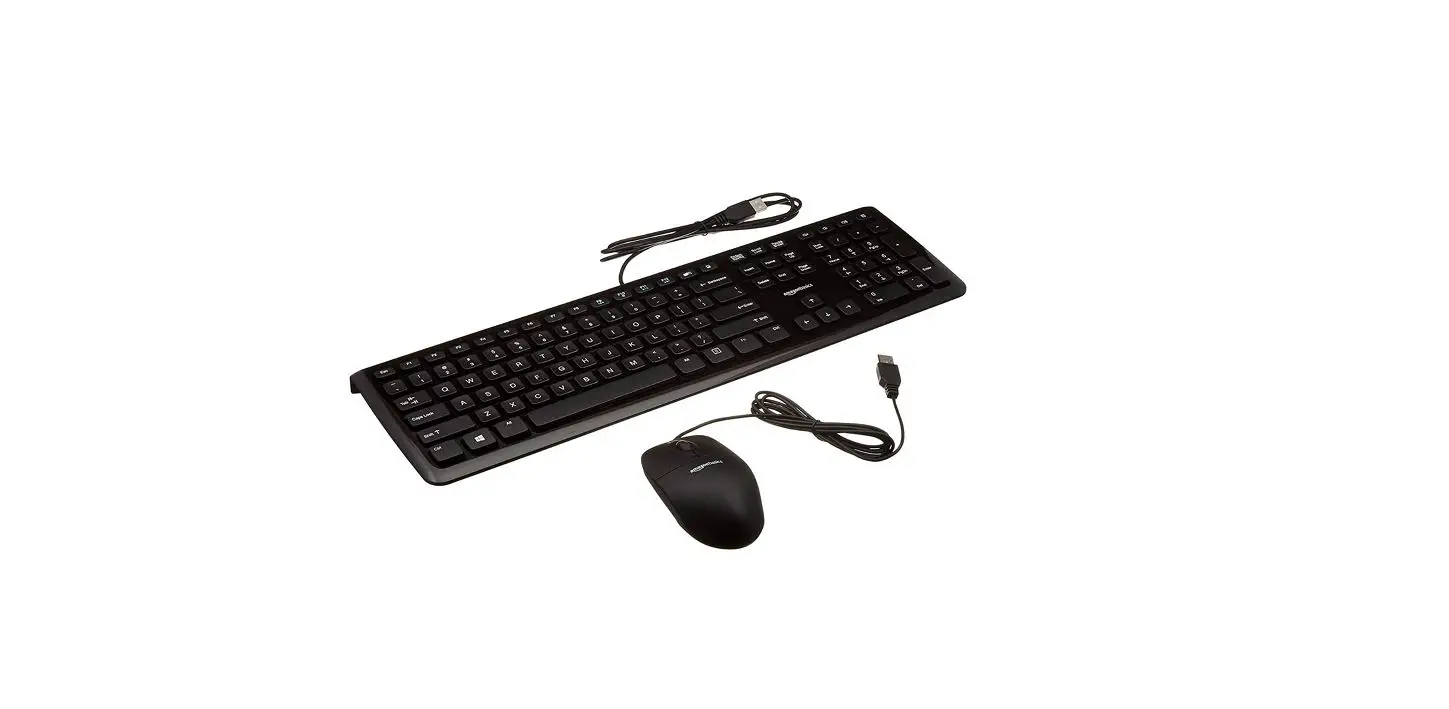
CKW150BTUS Keyboard and Mouse Combo

- Enable Bluetooth wireless connectivity on your computer or tablet

- Hold power button for 3 sec to begin pairing

- Enter passcode onto keyboard when prompted to complete pairing
- Power On/Off Mise sous tension/hors tension
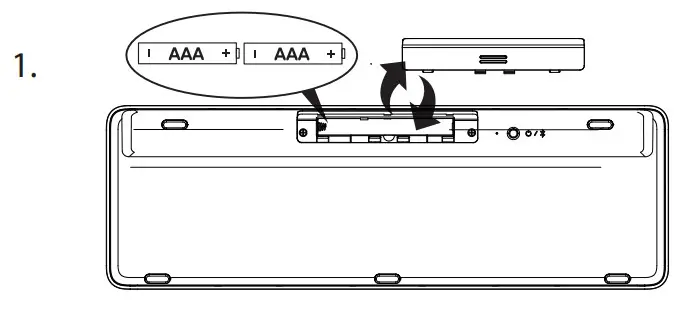
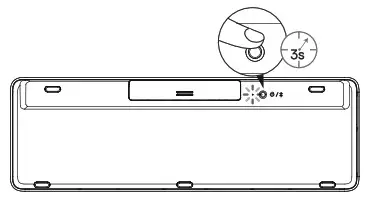
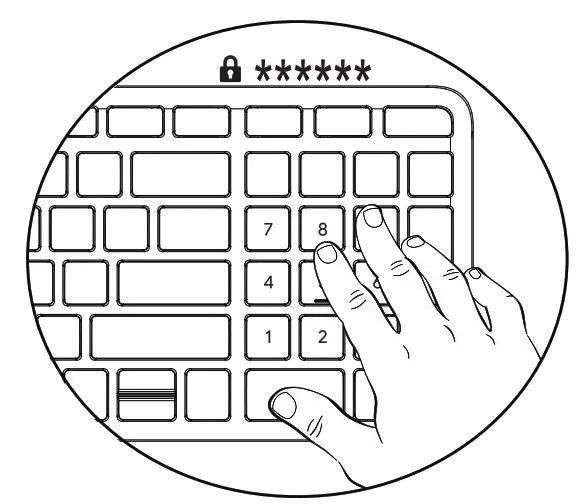
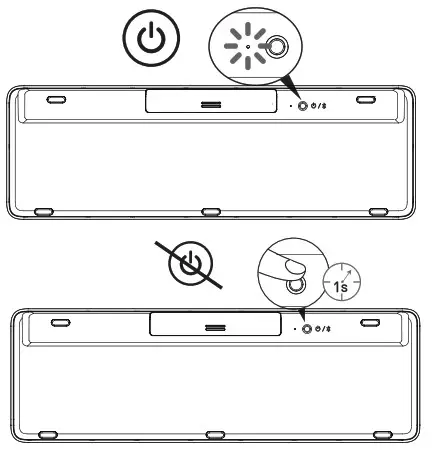
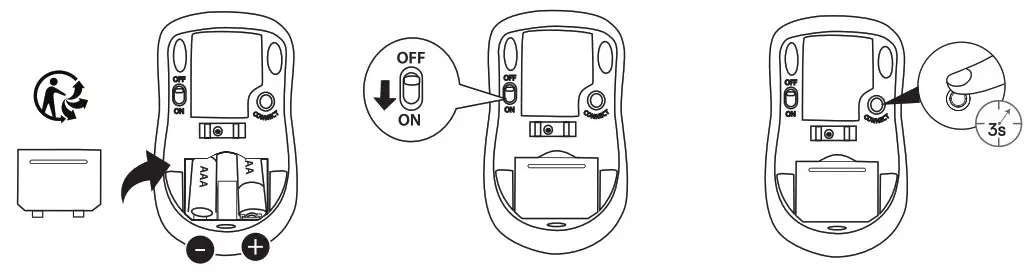
Follow instructions on screen to complete Bluetooth wireless connection.
This product works with devices capable of running the latest version of Chromes and has been carried to meet Google’s compatibility standards. Google is not responsible for the operation of this product or its compliance with safety requirements. Chromebook and the Works With Chromebook badge are trademarks of Google LLC.