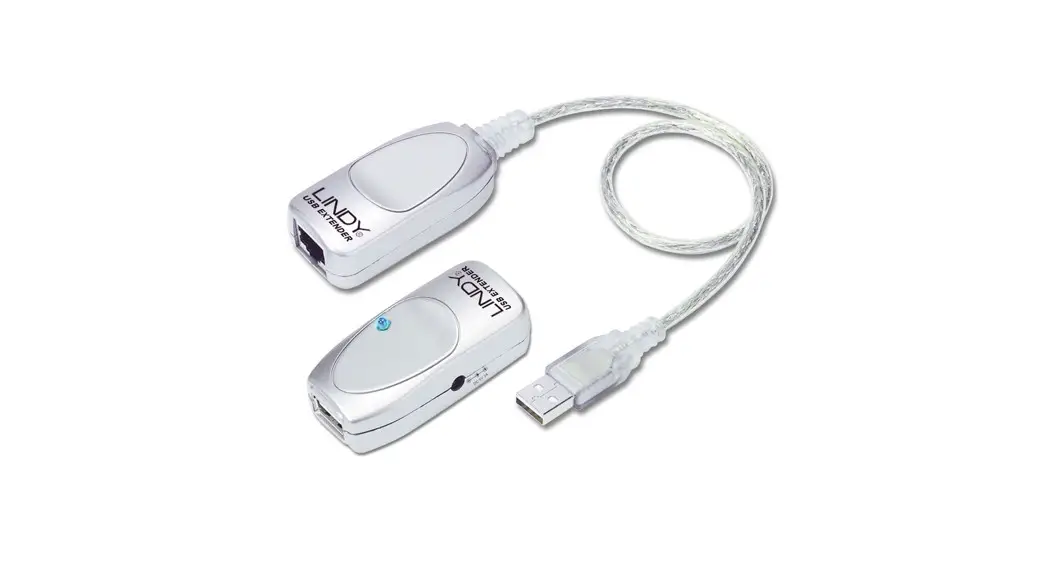
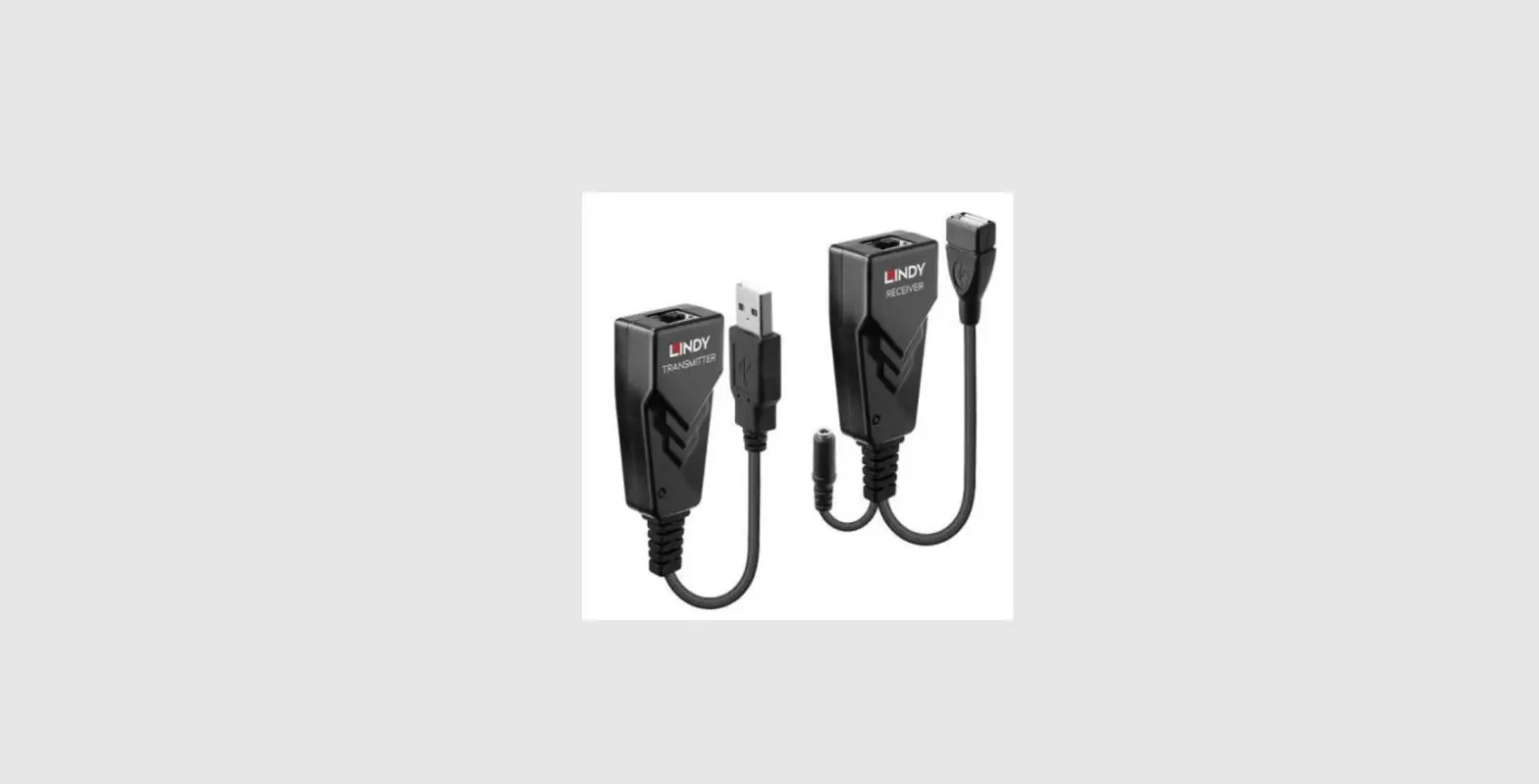
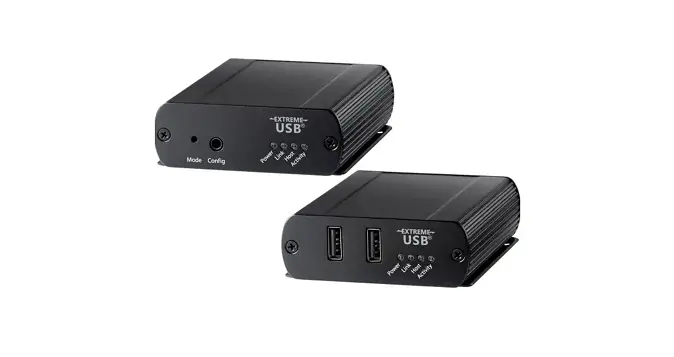
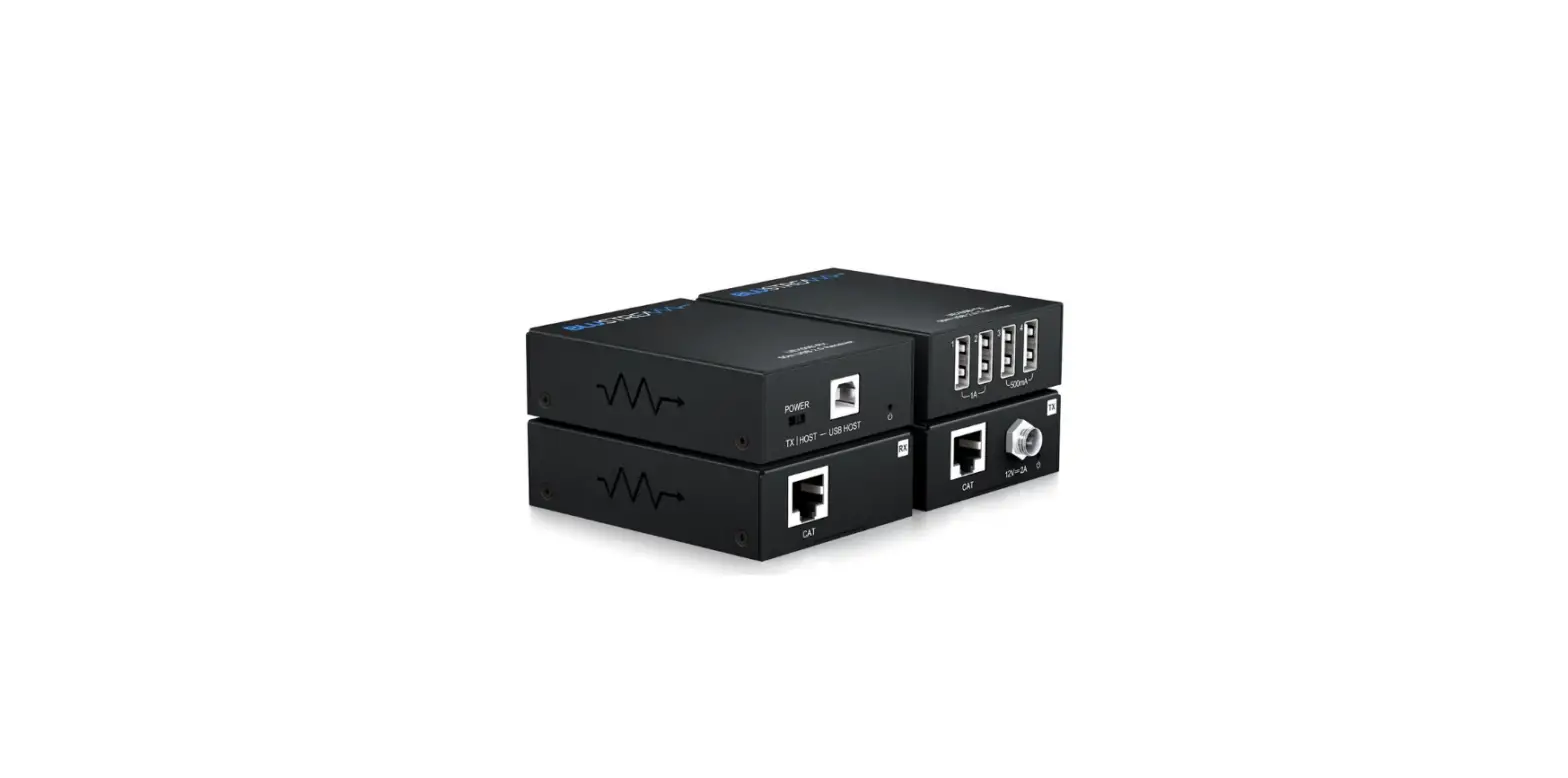
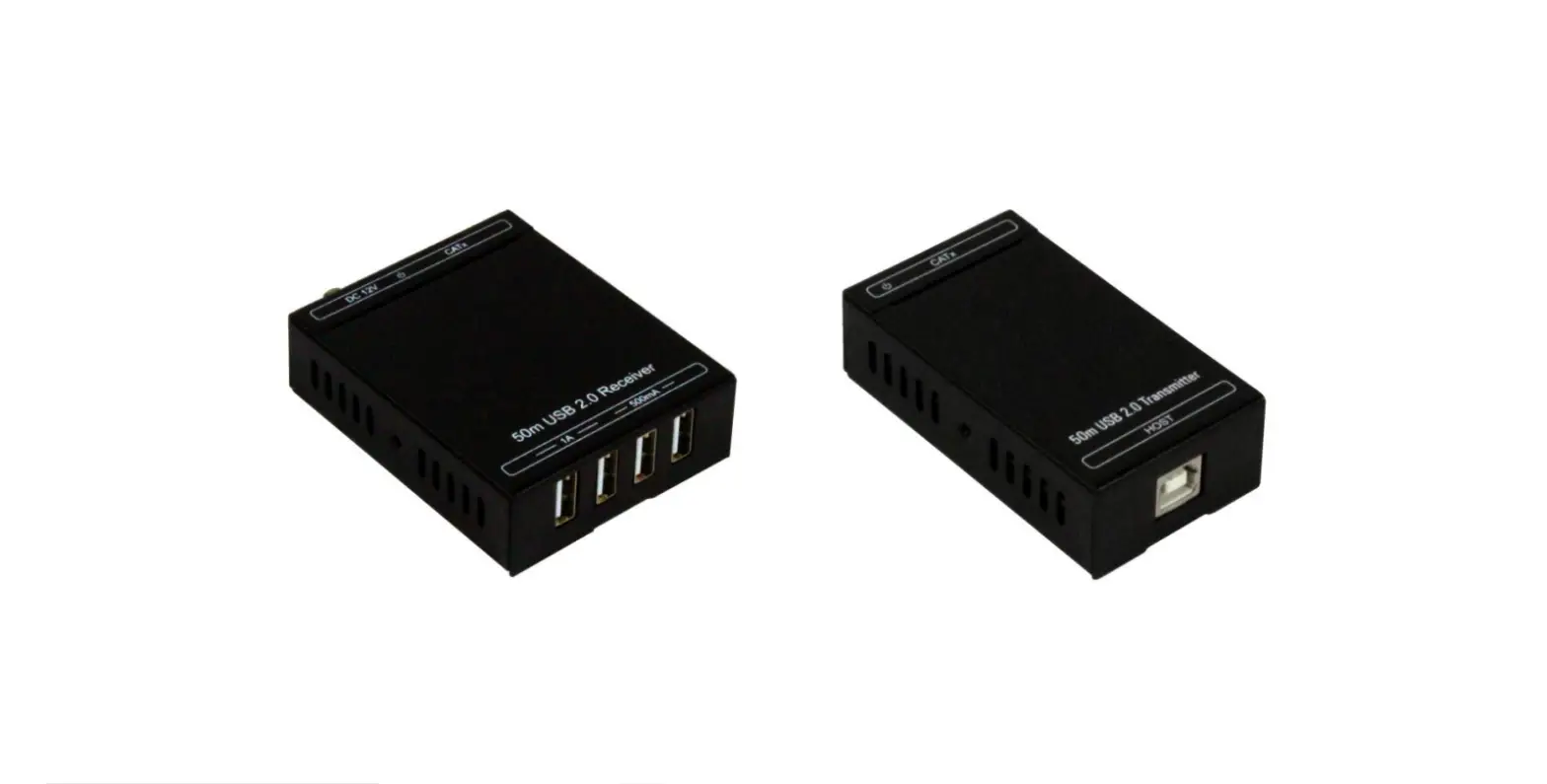
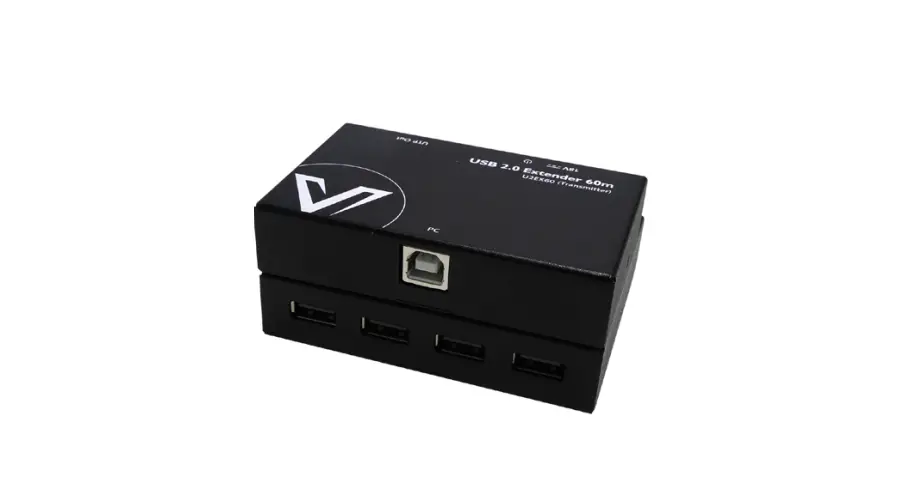
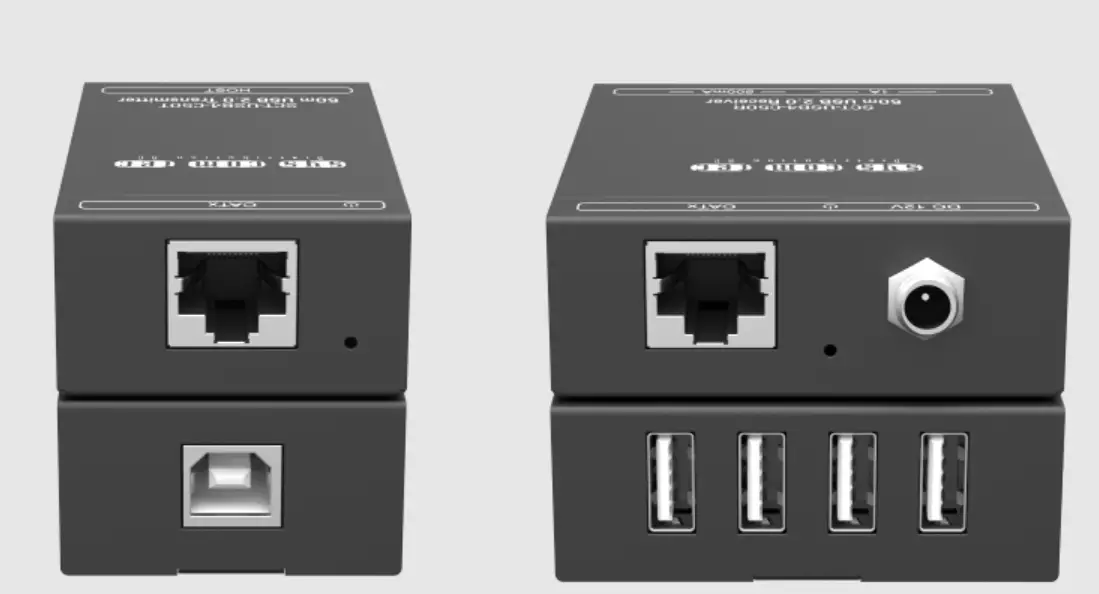
SD-USB50 USB 2.0 Extender
Product Information
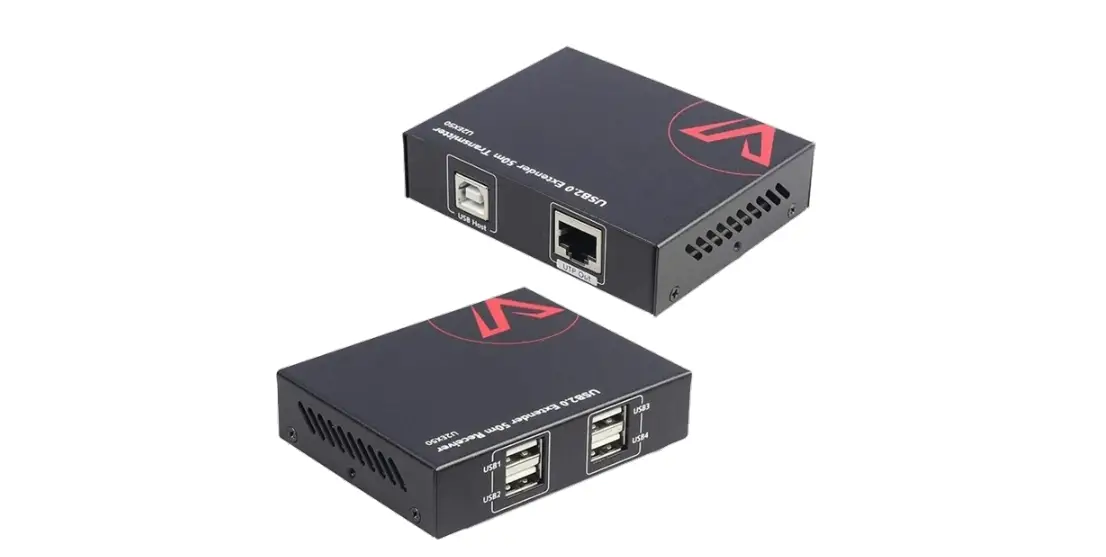
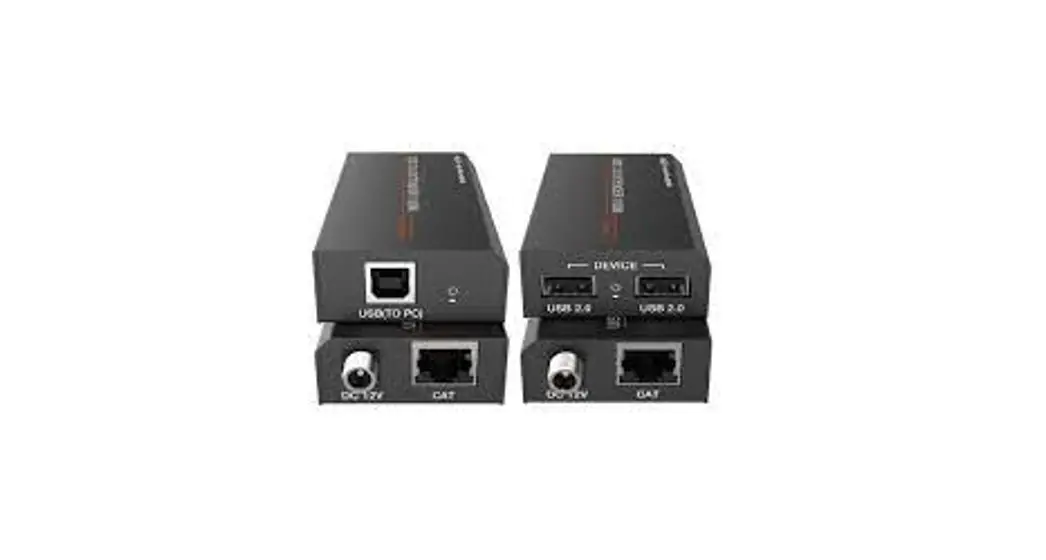
Product Name: SD-USB50 USB 2.0 Extender
(50M)
Brand: SEADA
Version: 1.0
Thank you for purchasing this product. For optimum performance
and safety, please read these instructions carefully before
connecting, operating, or adjusting this product. Please keep this
manual for future reference.
Surge Protection Device Recommended: This
product contains sensitive electrical components that may be
damaged by electrical spikes, surges, electric shock, lightning
strikes, etc. Use of surge protection systems is highly recommended
in order to protect and extend the life of your equipment.
Features
- Supports USB 2.0 protocol, transmission rate up to 480Mbps
- Supports extend distance up to 50m/164ft via CAT 5e/6 cable
(Note: The transmission distance can only up to 40m/131.2ft for
some USB 2.0 Hub) - Supports one USB-B port input on the transmitter
- Supports two USB 2.0 ports output on the receiver
- The transmitter is powered by the connected device via a USB
cable, and the receiver is powered by connecting DC 5V/1A power
supply - Simple plug and play, no driver and setting installation
required - Compact design for easy and flexible installation
Package Contents
- SD-USB50 USB 2.0 Extender (50M)
Specifications
| Technical | Specification |
|---|---|
| USB Protocol | USB 2.0 |
| Transmission Rate | Up to 480Mbps |
| Transmission Distance | Up to 50m/164ft via CAT 5e/6 cable (Note: The transmission distance can only up to 40m/131.2ft for some USB 2.0 Hub) |
| ESD Protection | N/A |
| Connection | – Transmitter: USB-B port input – Receiver: Two USB 2.0 ports output |
| Mechanical | – Housing Color: N/A – Dimensions: N/A – Weight: N/A |
| Power Supply | – Transmitter: Powered by the connected device via a USB cable – Receiver: DC 5V/1A power supply |
| Power Consumption | N/A |
| Operating Temperature | N/A |
| Storage Temperature | N/A |
| Relative Humidity | N/A |
Operation Controls and Functions
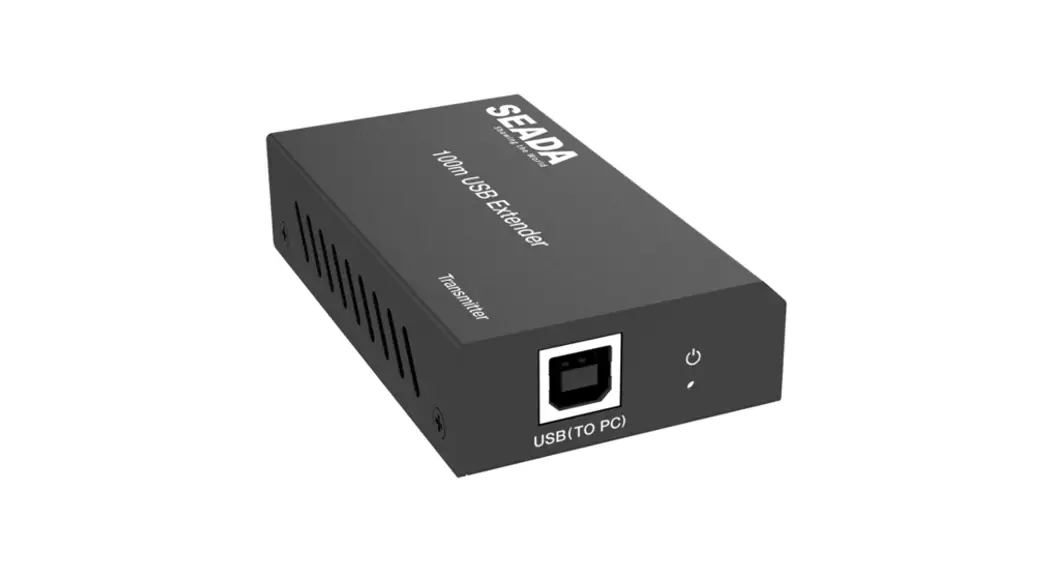
Transmitter Panel
| No. | Name | Function Description |
|---|---|---|
| 1 | USB(TO PC) | Connect the transmitter to PC via USB cable (USB-B male head to USB-A male head). Note: The PC powers the transmitter via USB cable. |
| 2 | POWER LED | The green LED will be on when the transmitter is provided power supply by the connected USB device. |
| 3 | CAT port | The CAT port is connected to the receiver’s CAT port by a CAT5e/6 cable. |
Receiver Panel
| No. | Name | Function Description |
|---|---|---|
| 1 | USB 2.0 DEVICE | Connect two USB 2.0 DEVICE ports to USB devices, such as USB flash disk or printer. |
| 2 | POWER LED | The green LED will be on when the receiver is powered by connecting DC 5V/1A power supply. |
| 3 | DC 5V | Plug DC 5V/1A power supply into the unit and connect the adapter to an AC outlet. |
| 4 | CAT port | The CAT port is connected to the transmitter’s CAT port by a CAT5e/6 cable. |
Application Example
To use the extender, follow the setup below:
Transmitter:
- Connect the transmitter to a PC using a USB cable (USB-B male
head to USB-A male head). The PC powers the transmitter via the USB
cable. - Connect the CAT port on the transmitter to the CAT port on the
receiver using a CAT5e/6 cable.
Receiver:
- Connect two USB devices (such as a USB flash disk or printer)
to the USB 2.0 DEVICE ports on the receiver. - Plug a DC 5V/1A power supply into the unit and connect the
adapter to an AC outlet to power the receiver. - Connect the CAT port on the receiver to the CAT port on the
transmitter using a CAT5e/6 cable.
For more information, please visit the SEADA website or contact [email protected].
SD-USB50 USB 2.0 Extender (50M)
SEADA
VER 1.0
Thank you for purchasing this product
For optimum performance and safety, please read these instructions carefully before connecting, operating or adjusting this product. Please keep this manual for future reference.
Surge protection device recommended
This product contains sensitive electrical components that may be damaged by electrical spikes, surges, electric shock, lighting strikes, etc. Use of surge protection systems is highly recommended in order to protect and extend the life of your equipment.
Table of Contents
1. Introduction……………………………………………………………………………… 1 2. Features…………………………………………………………………………………… 1 3. Package Contents…………………………………………………………………….. 1 4. Specifications…………………………………………………………………………… 2 5. Operation Controls and Functions…………………………………………….. 3
5.1 Transmitter Panel…………………………………………………………………. 3 5.2 Receiver Panel……………………………………………………………………… 4 6. Application Example…………………………………………………………………. 5
Website: www.seada.co.uk
E-mail: [email protected]
1. Introduction
The USB 2.0 Extender can extend USB signal up to 50m/164ft via Cat 5e/6 cable (The transmission distance can only up to 40m/131.2ft for some USB 2.0 Hub). On the transmitter, the USB-B port is connected to a PC. On the receiver, you can connect with USB devices (such as USB flash disk or Printer) through the two USB ports. In addition, you need to connect 5V/1A power supply to the receiver. The product can be widely used for long distance signal transmission between a PC and USB device. Simple plug and play, no drive and setting installation required.
2. Features
Supports USB 2.0 protocol, transmission rate up to 480Mbps Supports extend distance up to 50m/164ft via CAT 5e/6 cable
(Note: The transmission distance can only up to 40m/131.2ft for some USB 2.0 Hub) Supports one USB-B port input on the transmitter Supports two USB 2.0 ports output on the receiver The transmitter is powered by the connected device via a USB cable, and the receiver is powered by connecting DC 5V/1A power supply. Simple plug and play, no drive and setting installation required Compact design for easy and flexible installation
3. Package Contents
1 × USB 2.0 Extender (Transmitter) 1 × USB 2.0 Extender (Receiver) 1 × USB cable (USB-B male head to USB-A male head, 1m) 1 × 5V/1A Power Adapter 1 × User Manual
Website: www.seada.co.uk
1
E-mail: [email protected]
4. Specifications
Technical USB Protocol Transmission Rate
Transmission Distance
ESD Protection
Connection
Transmitter
Receiver
Mechanical Housing Color Dimensions Weight Power Supply Power Consumption Operating Temperature Storage Temperature Relative Humidity
USB 2.0 Up to 480Mbps 50m (Note: The transmission distance can only up to 40m for some USB 2.0 Hub) Human-body Model: ±8kV (Air-gap discharge), ±4kV (Contact discharge)
Input port: 1×USB [USB-B, female] Output port: 1×CAT [RJ45, female] Input port: 1×CAT [RJ45, female] Output port: 2×USB [USB-A, female]
Metal Enclosure Black Transmitter/Receiver: 82mm(W)×49mm(D)×20mm(H) Transmitter/Receiver: 100g Input: AC 100~240V 50/60Hz Output: DC 5V/1A Transmitter: 0.7W, Receiver: 1W 0°C~40°C/32°F~104°F -20°C~60°C/-4°F~140°F 20%~90% RH (non-condensing)
Website: www.seada.co.uk
2
E-mail: [email protected]
5. Operation Controls and Functions
5.1 Transmitter Panel
CAT
1
2
3
No.
Name
Function Description
Connect the transmitter to PC via USB cable (USB-B male 1 USB(TO PC) head to USB-A male head).
Note: The PC power the transmitter via USB cable.
Power LED indicator. The green LED will be on, when the 2 POWER LED transmitter is provided power supply by the connected
USB device.
3 CAT port
The CAT port is connected to the receiver’s CAT port by a CAT5e/6 cable.
Website: www.seada.co.uk
3
E-mail: [email protected]
5.2 Receiver Panel
1
DEVICE
USB 2.0
USB 2.0
2
DC 5V
CAT
3
4
No.
Name
Function Description
1
USB 2.0
Connect two USB 2.0 DEVICE ports to USB devices,
DEVICE ports such as USB flash disk or Printer.
Power LED indicator. The green LED will be on, when 2 POWER LED the receiver is powered by connecting DC 5V/1A power
supply.
3 DC 5V
Plug DC 5V/1A power supply into the unit and connect the adapter to an AC outlet.
4 CAT port
The CAT port is connected to the transmitter’s CAT port by a CAT5e/6 cable.
Website: www.seada.co.uk
4
E-mail: [email protected]
5. Application Example
CAT
Transmitter
Cat 5e/6 PC
DEVICE
USB 2.0
USB Flash Disk
USB 2.0
DC 5V
CAT
Receiver
Printer
Power Supply
Website: www.seada.co.uk
5
E-mail: [email protected]
 Video and HDMI Video Wall Controller | Seada